Blog
Tutorials
Can You Make iOS Apps on Windows? 6 Ways (2026)
Can you make iOS apps on Windows? Yes. See which steps need a Mac, compare 6 ways around Xcode, and test and publish to the App Store from your Windows PC.

Nafis Amiri
Co-Founder of CatDoes

Yes, you can make iOS apps on Windows, but not with Xcode, which only runs on macOS. Apple requires App Store builds to come from Xcode. So you write and test on your PC and let a Mac elsewhere do the build: a rented cloud Mac, a build service like Expo's EAS, or an AI builder like CatDoes.
This guide covers iOS development on Windows for anyone who wants an iPhone app without buying a Mac, whether you code or not. It starts with the steps that need macOS, then compares six ways around them.
TL;DR: Writing the code and managing your App Store listing both work on Windows. Compiling and signing the app need macOS, and since April 28, 2026, Apple only accepts uploads built with Xcode 26 or later. A cloud build service handles that step for React Native, Flutter and .NET MAUI projects. A rented cloud Mac gives you the full Xcode desktop. CatDoes builds the app in the cloud and can submit it to the App Store, so you never touch a Mac. Skip macOS virtual machines on a PC: Apple's license only allows macOS on Apple hardware.
Table of Contents
Why You Can't Make iOS Apps on Windows With Xcode
6 Ways to Develop iOS Apps on Windows
How to Test an iOS App Without a Mac
How to Publish an iOS App From Windows
How to Make an iOS App on Windows With CatDoes
Which Way Should You Pick?
Frequently Asked Questions
Start Making iOS Apps on Your Windows PC
Why You Can't Make iOS Apps on Windows With Xcode
Xcode is the only tool Apple accepts App Store builds from, and it only runs on macOS. It compiles your code against the iOS SDK, signs the app with your certificate, runs the iPhone simulators and uploads the result. There is no Windows version.
The rule got stricter this year. Since April 28, 2026, Apple only accepts uploads built with Xcode 26 or later using the iOS 26 SDK. An old Mac that can't run a current macOS can't make a valid upload either.
Most of the work doesn't need a Mac, though. Here's where macOS comes in:
Step | Needs macOS? | How Windows users handle it |
|---|---|---|
Write the code | No | VS Code or any editor on your PC |
Preview on an iPhone | No | Expo Go, a development build or xtool over USB |
Run an iPhone simulator | Yes | Simulators come with Xcode. Test on a real iPhone instead |
Compile and sign the app | Yes | A cloud Mac, or a build service that runs Xcode for you |
Upload to App Store Connect | No, with the right tool | EAS Submit or the App Store Connect API work from Windows. Apple's Transporter app is Mac-only |
Manage the listing and release | No | App Store Connect runs in a browser |
So one step always runs on a Mac. What you choose is whose Mac it is, and how much of it you manage yourself.
6 Ways to Develop iOS Apps on Windows
Each way below handles the Mac steps differently. Pick by what you already know: no code, JavaScript, Dart or C#, or Swift.
Way | Best for | What you write | Who runs the Mac | Starting cost (plus Apple's 99 USD a year) | Ships to the App Store from Windows |
|---|---|---|---|---|---|
AI app builder (CatDoes) | Non-coders and founders | Plain English | CatDoes, in the cloud | Starter plan, $50 a month | Yes, the agent submits it |
React Native + Expo EAS | JavaScript developers | JavaScript or TypeScript | Expo's build servers | Free for 15 iOS builds a month | Yes, with EAS Submit |
Flutter or .NET MAUI + cloud build | Dart or C# developers | Dart or C# | A CI service such as Codemagic | Free for 500 macOS minutes a month (Codemagic) | Yes, through the CI service |
Rent a cloud Mac | Swift developers who want real Xcode | Swift | You, over remote desktop | From $26 a month for a Mac that runs Xcode 26 (MacinCloud) | Yes, from Xcode on the cloud Mac |
xtool | Swift developers who like the command line | Swift | No Mac. Builds on Linux or WSL | Free, with an Apple ID | Not yet |
macOS virtual machine | Nobody (see below) | Swift | Your PC, against Apple's license | Free, but it breaks Apple's license | Not a safe bet |
1. Use an AI App Builder That Builds in the Cloud
An AI app builder writes the app from your description and runs the Mac steps on its own servers. You work in a browser on your PC, so nothing needs installing.
CatDoes builds iPhone apps with React Native and Expo. You preview the app in your browser as you go, then ask the agent to build and submit it to the App Store.
It's the shortest route if you don't code, and the walkthrough is further down. For the full process from idea to launch, see our guide on how to build an iPhone app.
2. Write React Native and Build With Expo EAS
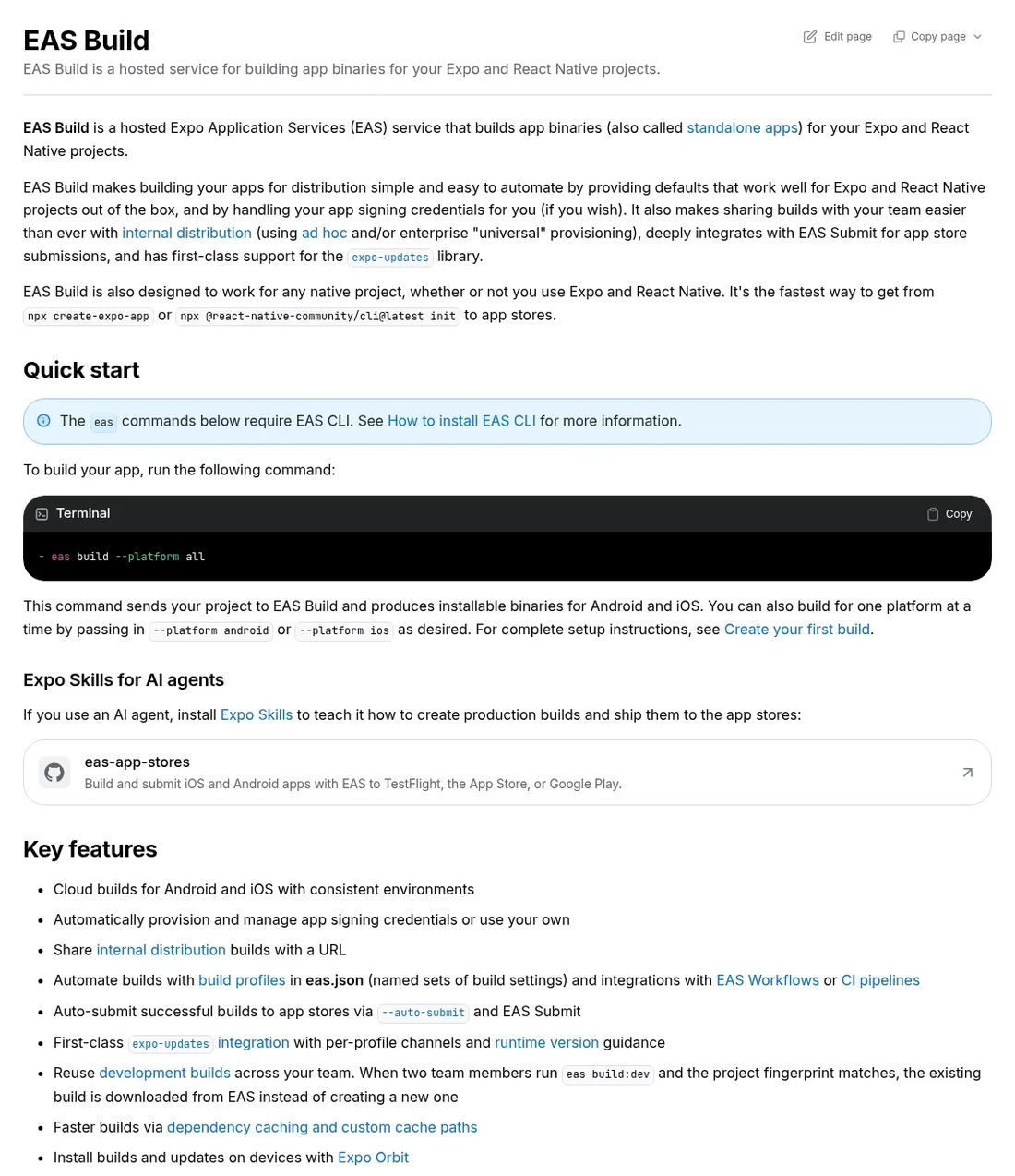
If you write JavaScript or TypeScript, React Native with Expo is the best-documented no-Mac setup. You code on Windows, preview on your iPhone, and let EAS Build compile the iOS app on macOS machines in Expo's cloud.
EAS can also generate and manage your distribution certificate and provisioning profile when you sign in with your Apple Developer account. Expo's free plan includes 15 iOS builds a month in a low-priority queue, and the Starter plan is $19 a month with $45 of build credit.
One catch: Expo's docs say Expo Go on the App Store stops at SDK 54, while new projects from create-expo-app start on SDK 57. For a newer project, make a development build with EAS and install it on your registered iPhone instead.
When the build is done, EAS Submit uploads it to App Store Connect. Expo says it works on macOS, Linux and Windows. You still need a paid Apple Developer account to ship.
3. Use Flutter or .NET MAUI With a Cloud Build
Flutter and .NET MAUI both run on Windows, but neither can build the iOS version there. Flutter's iOS guide says Xcode is required to build and release your app. Microsoft says .NET MAUI iOS builds need Apple's build tools, "which only run on a Mac", so Visual Studio on Windows pairs with a Mac over the network.
Hot Restart, the old way to debug on a USB-connected iPhone from Windows, isn't supported in Visual Studio 2026. Microsoft now points to Pair to Mac instead.
A cloud CI service fills the gap. Codemagic, GitHub Actions and similar services run your build on a hosted Mac with Xcode, sign it and upload it to App Store Connect.
Codemagic's free plan includes 500 macOS build minutes a month. GitHub Actions is free for public repositories, and its macOS runners cost $0.062 a minute for private ones once the plan's included usage runs out.
Old guides still recommend Xamarin for this. Skip it: Microsoft ended Xamarin support on May 1, 2024, and .NET MAUI is its replacement.
4. Rent a Mac in the Cloud
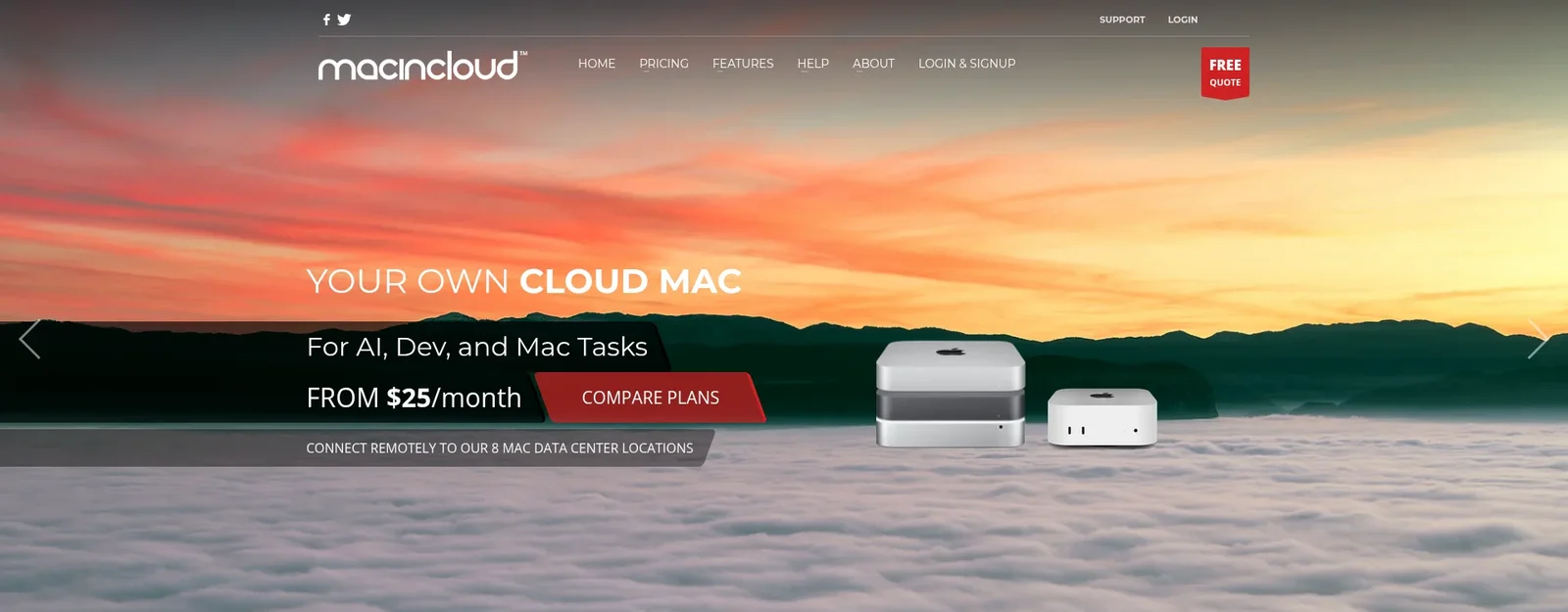
A cloud Mac is a real Mac in a data center that you control from your PC over remote desktop. You get the full Xcode, its simulators and Swift, so it's the closest thing to owning a Mac.
Check the macOS version before you pay. MacinCloud's managed plans start at $25 a month for an M1 Mac mini, but that plan lists macOS Sonoma 14.8.1, and Xcode 26 needs macOS Sequoia 15.6 or later. Its M2 plan runs macOS Sequoia 15.7.1 and starts at $26 a month.
For a single build, rent by the hour. AWS EC2 Mac instances cost $0.65 an hour for an M1 in US East, with a 24-hour minimum, so the shortest rental is $15.60.
Scaleway rents M1 Mac minis from €0.11 an hour. The 24-hour minimum comes from Apple's license, which requires every Mac lease to last at least 24 hours.
The trade-off is lag. You're working on a remote screen, so Xcode and the simulator feel slower than on a Mac at your desk. It suits learning Swift or a final build better than daily development.
5. Build Swift Apps With xtool
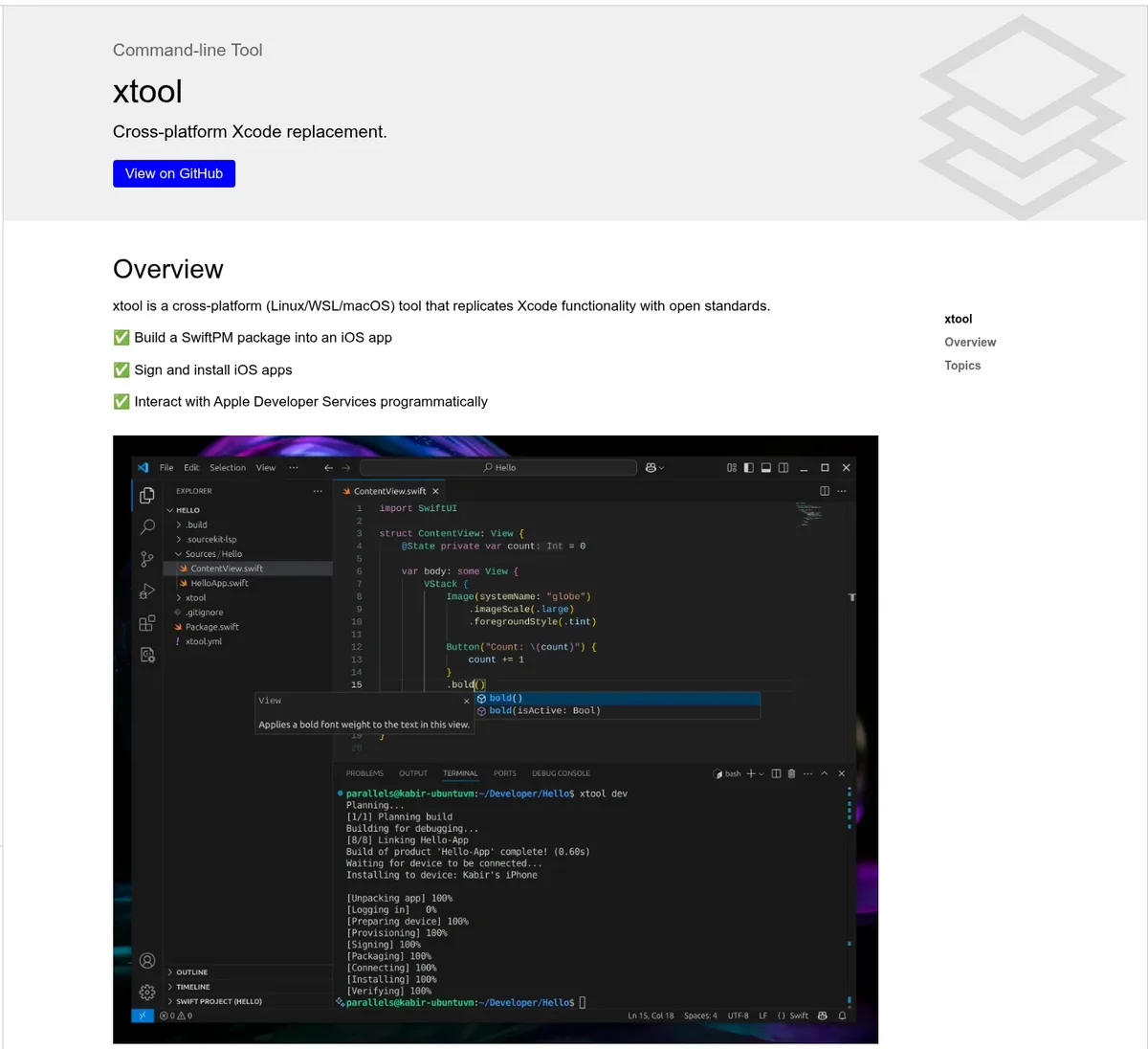
xtool is an open-source, command-line replacement for Xcode. It builds SwiftUI apps on Linux, or on Windows through WSL, and installs them on an iPhone plugged in over USB.
You still download Xcode from Apple once, and xtool extracts the iOS SDK from it. To sign the app you log in with a paid developer account's API key, or with any Apple ID and a password. The password route uses private Apple APIs, so xtool's docs suggest a throwaway Apple ID for it.
It can't ship to the App Store yet. Upload support is an open request on the project's GitHub, so treat xtool as a way to learn and test Swift on a PC, not a release pipeline.
6. Run macOS in a Virtual Machine (Skip It)
Many older guides tell you to install macOS in VMware or VirtualBox on your PC. We don't recommend it, for two reasons.
First, it breaks Apple's license. In the macOS software license, you agree not to "install, use or run the Apple Software on any non-Apple-branded computer." Virtual copies are only allowed on an Apple-branded computer that already runs macOS.
Second, it's a dead end. A VM on a Windows PC runs the Intel version of macOS, and the current Xcode 27.1 requires a Mac with an Apple M1 chip or later.
Apple still accepts Xcode 26 builds today, but a PC-based VM falls further behind with each release. A cloud Mac costs a little money and gives you a real, legal Mac instead.
How to Test an iOS App Without a Mac

There's no iPhone simulator on Windows, so you test on a real iPhone. That's better practice anyway, because a simulator can't show you how the app feels in your hand.
Expo Go opens your app when you scan a QR code with your iPhone. The App Store version only runs projects up to Expo SDK 54, so check your project's SDK first.
A development or preview build from a service like EAS installs on iPhones you register. It handles newer SDKs and native features that Expo Go can't run. In CatDoes, you ask the agent for one and open the registration link it sends in Safari on your iPhone.
TestFlight lets you invite testers once a build is in App Store Connect.
xtool installs your Swift app straight to an iPhone over USB.
How to Publish an iOS App From Windows
Publishing works from a PC because most of it happens in a browser. You need an Apple Developer Program membership, which costs 99 USD a year. You can enroll on Apple's website, and our Apple Developer account setup guide walks through it.
Then the build has to reach App Store Connect. Transporter, Apple's upload app, is Mac-only.
From Windows, you upload with EAS Submit, a CI service or the App Store Connect API, or let a builder like CatDoes submit it for you. After that, the listing, screenshots, TestFlight and review all run in App Store Connect in your browser.
For the full checklist, see how to publish an app to the App Store and Google Play, or our step-by-step guide to submitting an app to the App Store.
How to Make an iOS App on Windows With CatDoes
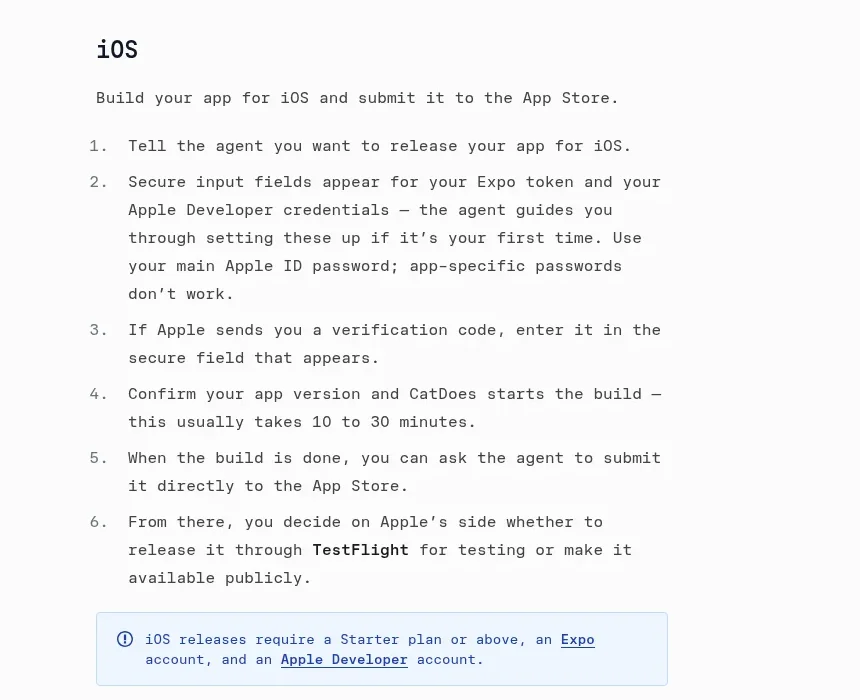
CatDoes runs in your browser, builds the app in the cloud and submits it to the App Store. No step needs a Mac. Here's the process from the CatDoes deployment docs:
Describe your app in the chat. The agent plans it and writes the code.
Preview it in the browser. To try it on your iPhone, ask for a development or preview build and install the profile from the link the agent sends.
When you're ready, tell the agent you want to release it on iOS.
Enter your Expo token and Apple Developer credentials in the secure fields. The AI never sees the values, only whether they're filled in.
Confirm the version. CatDoes starts the build, which usually takes 10 to 30 minutes.
Ask the agent to submit the build to the App Store, then choose TestFlight or public release in App Store Connect.
Before a production build, the agent can also check your app against Apple's review guidelines. You get a readiness report with blocking issues to fix before you submit.
iOS releases need the Starter plan or above, which is $50 a month, plus an Expo account and an Apple Developer account. The Free and Core plans can build and preview the app and publish it to the web.
Which Way Should You Pick?
If you don't code, use an AI app builder like CatDoes. It's the only route here where you never set up a build.
If you know JavaScript, use React Native with Expo, and build and submit with EAS.
If you know Dart or C#, use Flutter or .NET MAUI, and add a cloud CI service for the iOS build.
If you want to learn Swift and Xcode, rent a cloud Mac. Try xtool if you'd rather stay on your PC and only need your own phone.
If you plan to build iOS apps for years, a used Mac mini may work out cheaper than years of cloud fees. Get an Apple silicon model, since Xcode 27.1 needs an M1 chip or later.
If you code and can't decide, start with Expo. Its free plan covers every step from your Windows PC to App Store Connect, and you can move to a cloud Mac later if you need Swift.
Frequently Asked Questions
Is it possible to develop an iOS app without a Mac?
Yes. You can write, preview and test an iOS app on Windows or Linux, and use a cloud build service or a rented cloud Mac for the build and signing. React Native with Expo EAS, Flutter or .NET MAUI with a cloud CI service, and AI builders like CatDoes all work this way.
Can I install Xcode on Windows?
No. Xcode only runs on macOS, and Apple doesn't make a Windows version. You can get Xcode features through a cloud Mac, or use a tool like xtool that builds Swift apps on Linux or WSL from the iOS SDK inside Xcode's download.
Can I write Swift on Windows?
Yes, but not for iPhone apps. Swift has an official Windows toolchain, and swift.org lists it as building Windows programs. Building for iOS is listed only for the tools on macOS.
To write an iOS app in Swift from a PC, use xtool through WSL or a cloud Mac.
Is it legal to run macOS in a virtual machine on Windows?
No. Apple's macOS license only allows macOS, including virtual copies, on Apple-branded hardware. Running it on a Windows PC breaks the license.
A rented cloud Mac is the legal alternative, since cloud providers run macOS on real Apple hardware.
Can I use iOS apps on my PC?
Not on Windows. Apple doesn't make a way to run iPhone apps on a Windows PC. Macs with Apple silicon can run many iPhone and iPad apps, which show up in the Mac App Store as Designed for iPhone or Designed for iPad.
To try your own app, install it on a real iPhone.
How much does it cost to make an iOS app on Windows?
The fixed cost is the Apple Developer Program at 99 USD a year, which you need to publish on the App Store. Then you pay for the build.
Expo's free plan covers 15 iOS builds a month, and Codemagic's free plan covers 500 macOS minutes. A MacinCloud Mac that runs Xcode 26 starts at $26 a month. CatDoes Starter is $50 a month and also writes the app for you.
Start Making iOS Apps on Your Windows PC
You don't need to buy a Mac to make iOS apps on Windows. Only the build needs one, and a build service, a rented Mac or a builder can run it for you. The code, the testing on your iPhone and the App Store listing all stay on your PC.
If you'd rather skip builds and certificates, build your iPhone app with CatDoes. Describe the app, test it in your browser and on your iPhone, and let the agent submit it to the App Store.
Nafis Amiri
Co-Founder of CatDoes