Blog
Tutorials
How to Create a Delivery App (2026 Guide)
How to create a delivery app in 2026 with CatDoes: build the customer, courier, and store sides from one prompt, take payments, and launch in your neighborhood.

Nafis Amiri
Co-Founder of CatDoes
The fastest way to create a delivery app in 2026 is to describe it to CatDoes. You say who orders, who delivers, and what gets delivered. CatDoes builds a native iOS and Android app with a customer side, a courier side, and a store dashboard, on a backend it sets up for you.
You don't need a developer or an agency quote. Start on the free plan with no credit card, and watch the app come together on your own phone as it's built.
This guide goes from first order to local launch. It covers which delivery model to pick, the exact prompt to start with, and what belongs in version one. Then it gets into payments, courier tracking, cost, and launching in one neighborhood before you go wider.
TL;DR: To create a delivery app, write down your order loop (customer orders, store prepares, courier delivers) and describe it to CatDoes. It builds the customer app, courier screens, and store dashboard from one codebase, with the database, logins, and live order updates running on CatDoes Cloud. Take card payments through Stripe, not Apple in-app purchase, and launch with manual dispatch in a single delivery zone. Budget $50 a month for CatDoes Starter plus app store fees, against the $90,780 average app project Clutch reports.
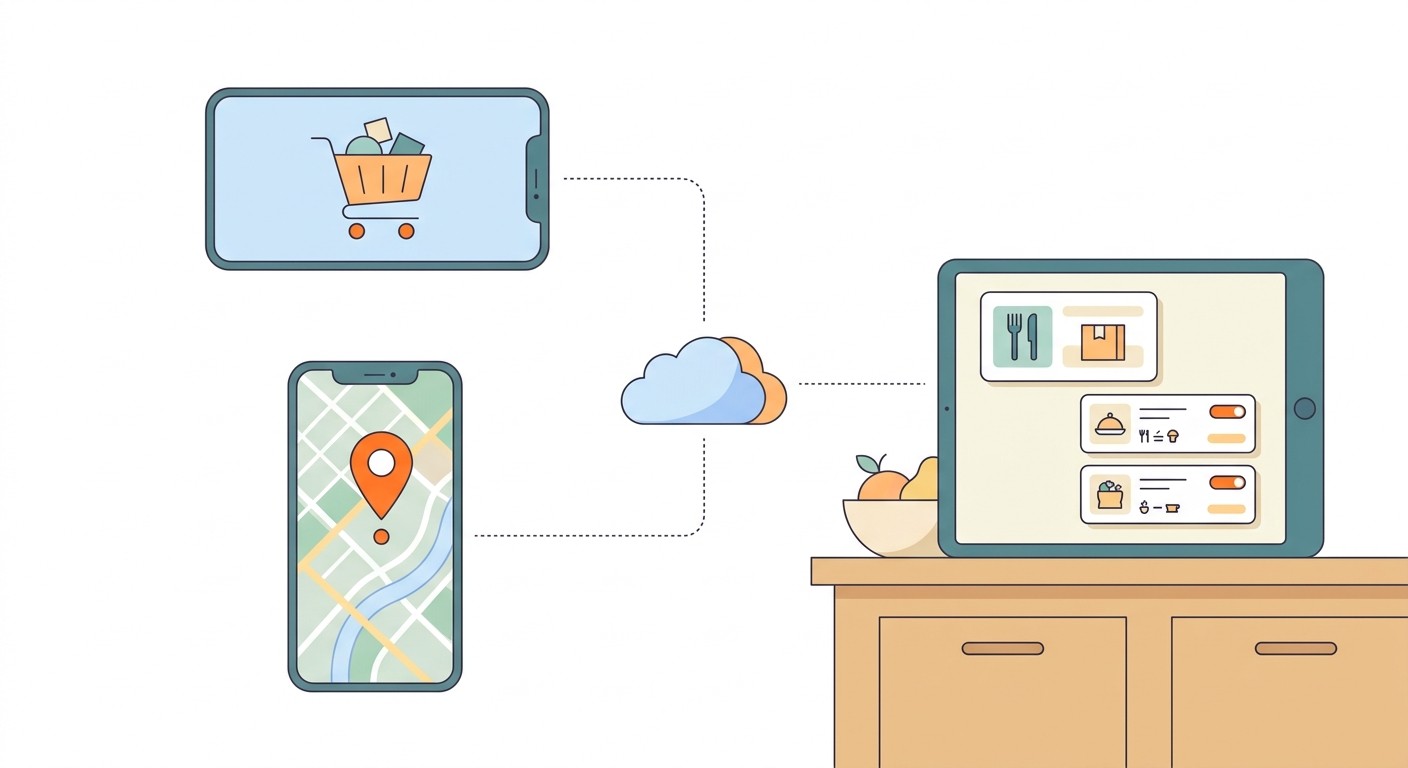
Table of Contents
What a Delivery App Actually Is
Pick Your Delivery Model Before You Build
Why Businesses Create Their Own Delivery App
How to Create a Delivery App With CatDoes in 7 Steps
Delivery App Features: What to Build First
How Payments Work in a Delivery App
Live Tracking, Dispatch, and Notifications
How Much Does It Cost to Create a Delivery App?
How to Launch Your Delivery App in One Neighborhood
Five Mistakes That Sink Delivery App Launches
Frequently Asked Questions
Start With One Order
What a Delivery App Actually Is
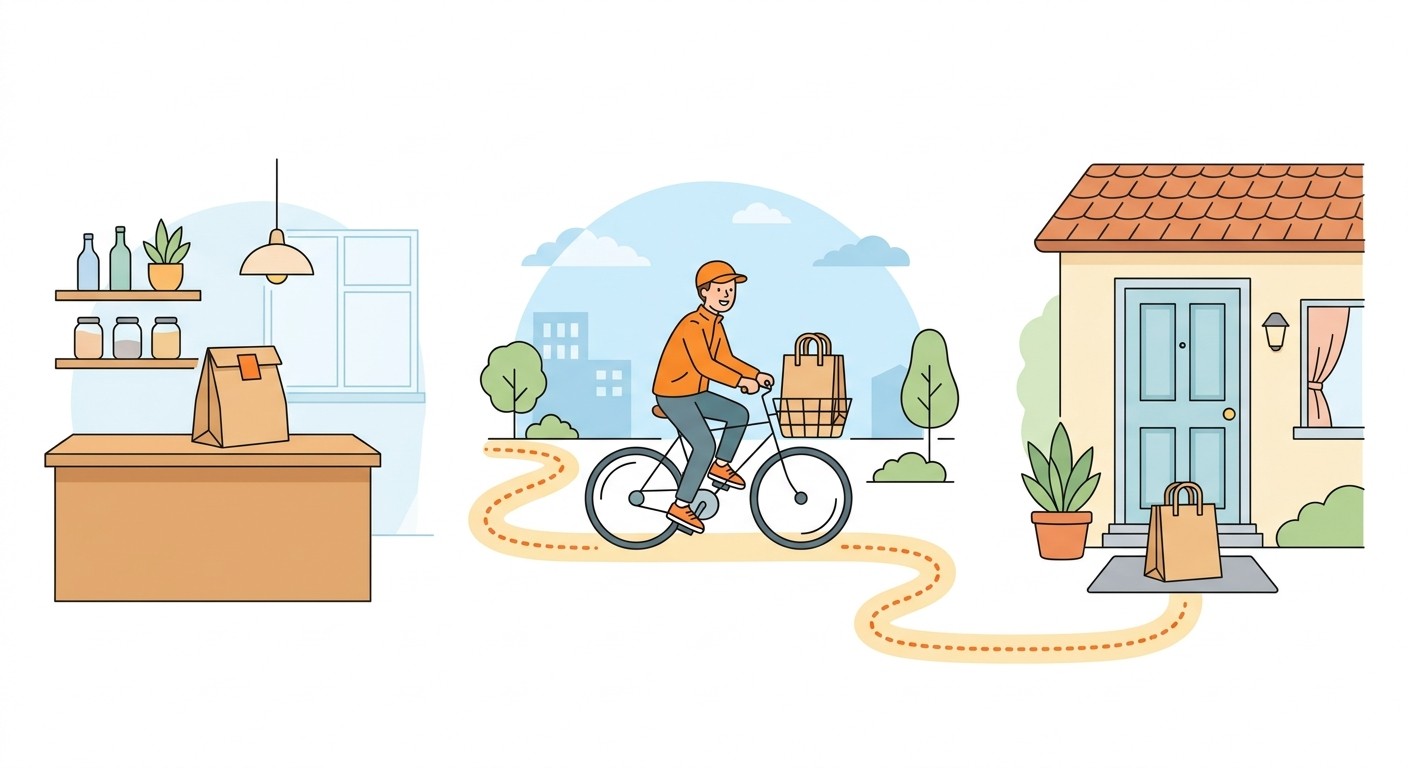
A delivery app is three apps sharing one order. The customer places it, the store prepares it, and the courier carries it. All three need to see that order change status in real time.
Most first-time founders picture only the customer app, because it's the one they use themselves. That's the easy part. The hard parts are the store screen that has to go off the moment an order lands, and the courier screen that has to work one-handed on a bike.
Side | Who uses it | What it has to do | Where it runs |
|---|---|---|---|
Customer app | People ordering | Browse, add to cart, enter an address, pay, follow the order | iPhone and Android |
Courier app | Your drivers or riders | Accept jobs, get directions, share location while delivering, confirm drop-off | iPhone and Android |
Store dashboard | Kitchen or shop staff | Accept orders, set prep time, mark orders ready | Tablet or laptop browser |
Admin view | You | Delivery zones, fees, refunds, stuck orders | Browser |
In CatDoes, all four live in one project and one codebase, and everyone signs in to the same app to see the screens for their role. The project targets iOS, Android, and the web at once. So the store dashboard can run in a browser on the kitchen tablet while customers and couriers install the native app.
Pick Your Delivery Model Before You Build
Decide who employs the couriers and how many stores sell through the app before you write a single prompt. That choice decides how payments work, how orders reach couriers, and how hard your launch will be.
One business delivering its own orders
A restaurant, grocery store, bakery, pharmacy, or florist with its own drivers. One store, one menu, one bank account. This is the simplest model, and the right one if you already have customers.
A local multi-store delivery app
Several shops in one town on one app, with you running the couriers. Now you need store onboarding, split payments, and a rule for which courier takes which order. Our guide on how to build a marketplace app covers onboarding sellers, commissions, and reviews, so this one sticks to the delivery-specific parts.
On-demand courier or parcel delivery
No menu and no store. A customer books a pickup and a drop-off, and a courier moves a package across town. Pricing depends on distance and parcel size instead of a cart total, and proof of delivery matters more than prep time.
My advice if you're unsure: start with the first model. Adding stores to an app that already has repeat customers is straightforward. Filling a ten-store app that has no customers is the hard way in.
Why Businesses Create Their Own Delivery App
Mostly to stop paying commission. DoorDash's published Marketplace plans for restaurants charge 15%, 25%, or 30% of every delivery order. On the 25% plan, a restaurant doing $20,000 a month in delivery at a $40 average order pays $5,000 a month, or $10 on every order.
On your own app, that same $40 order costs $1.46 in card fees at Stripe's standard US rate of 2.9% + 30¢. Across 500 orders that's $730 a month. Add $50 for CatDoes Starter and you're at $780, before driver pay.
500 orders a month at $40 | Marketplace (25% plan) | Your own app on CatDoes |
|---|---|---|
Fee per order | $10.00 commission | $1.46 card fee |
Monthly cost | $5,000 | $780 plus driver pay |
Drivers | Included | Yours |
Customer list | Stays with the marketplace | Yours |
To be fair, the commission pays for DoorDash's drivers and its customer reach. If you have neither, the marketplace is earning its cut. If your regulars already know your name and you already run drivers, most of that commission is margin you're giving away.
That's why local businesses build their own mobile apps instead of renting space in someone else's. Plenty of restaurants do both: the marketplace for new customers, and their own app, with free delivery or loyalty points, for the regulars.
How to Create a Delivery App With CatDoes in 7 Steps
You describe the order loop, CatDoes writes a plan, and you build and test one side at a time. CatDoes is an AI agent that builds, deploys, and maintains mobile apps and websites from a plain-English description. Every step below is a message in a chat.
Write the order loop in one paragraph. Say who orders, who prepares, who delivers, what gets delivered, and inside what area. If it doesn't fit in a paragraph, the idea isn't ready to build yet.
Ask CatDoes to plan before it builds. Start with "Don't build anything yet" and ask for the screens for each role, the order statuses, and the database tables. Changing a plan is free. Changing built screens costs credits.
Build the customer side first. Menu or catalog, cart, an address check against your delivery zone, checkout, and an order status screen. This is what you'll show your first stores.
Add the store dashboard. An incoming-orders screen with a sound alert, accept and reject buttons, a prep-time picker, and a "ready for pickup" button. Publish it to the web so it runs on any tablet.
Add the courier side. A list of ready orders, an accept button, a button that opens directions in the phone's maps app, "picked up" and "delivered" buttons, and a photo at the door as proof of delivery.
Connect payments. Ask CatDoes to add Stripe card payments through a CatDoes Cloud edge function, so your secret keys stay on the server and never ship inside the app.
Run the whole loop on three phones. Scan the preview QR code on three devices, sign in as customer, store, and courier, and move one order from "placed" to "delivered." Then do it again with a rejected order and a cancelled one.
The first prompt to paste into CatDoes
Copy this, fill in the brackets, and send it as your first message:
"Plan a delivery app for [business name], a [restaurant / grocery store / pharmacy] in [neighborhood, city]. Don't build anything yet. There are three roles: customers, couriers, and store staff. Customers browse the menu, add items to a cart, enter an address inside a [3 km] delivery zone, pay by card, and follow the order from placed to delivered. Store staff get an alert for each new order, accept or reject it, set a prep time, and mark it ready. Couriers see ready orders, accept one, open directions, share their location only while delivering, and finish with a photo at the door. Write the plan down: the screens for each role, the order statuses, and the database tables."
CatDoes replies with a written plan. Fix anything that's wrong, agree on the build order, then tell it to build the customer side. The docs recommend planning on a higher agent tier and building on a cheaper one, which saves credits on a three-sided app.
What CatDoes sets up for you
Every delivery app needs a database, user accounts, file storage, and server-side logic, and CatDoes Cloud configures all four from your prompts. Say "couriers upload a photo at drop-off" and it creates the storage bucket. Say "store staff and couriers log in separately" and it sets up the logins and roles.
The app runs on React Native Expo, so it's built from native components rather than a web page in an app shell. It can use the phone's camera, location, and notifications, which matters more for delivery than for most apps because the courier side needs all three.
Ready to try it? Start building my delivery app on CatDoes. The free plan needs no credit card.
Delivery App Features: What to Build First
Version one needs just enough to complete a real order, take payment, and recover when something goes wrong. Everything else can wait until you have orders to learn from.
Feature | Version one | Add later |
|---|---|---|
Ordering | Menu or catalog, cart, checkout, order history | Reorder button, favorites, scheduled orders |
Delivery area | One zone by radius or postcode, flat delivery fee | Distance-based fees, multiple zones, peak pricing |
Dispatch | Store or admin assigns the courier by hand | Auto-assign the nearest courier, two orders per trip |
Tracking | Status updates and a push notification at each step | Live courier position on a map |
Payments | Card and Apple Pay through Stripe | Tips, promo codes, delivery subscriptions |
Proof of delivery | Photo at the door | PIN code, signature, ID check for age-restricted goods |
Support | Admin can cancel, refund, or reassign any order | In-app chat, ratings, automatic refunds |
The order statuses your app needs
Under the screens, every delivery app is a list of statuses that each order moves through. Define them on day one and have every screen read from them:
Placed: paid and waiting for the store.
Accepted: the store confirmed it and started the prep timer.
Ready for pickup: now visible to couriers.
Picked up: the courier has it, and location sharing starts.
Delivered: the photo is saved, and location sharing stops.
Cancelled or refunded: always with a reason, so you can see why orders fail.
Add one rule that most first builds miss: if an order sits in "ready for pickup" for 10 minutes with no courier, alert the admin. Stuck orders are how local delivery apps lose their regulars.
How Payments Work in a Delivery App
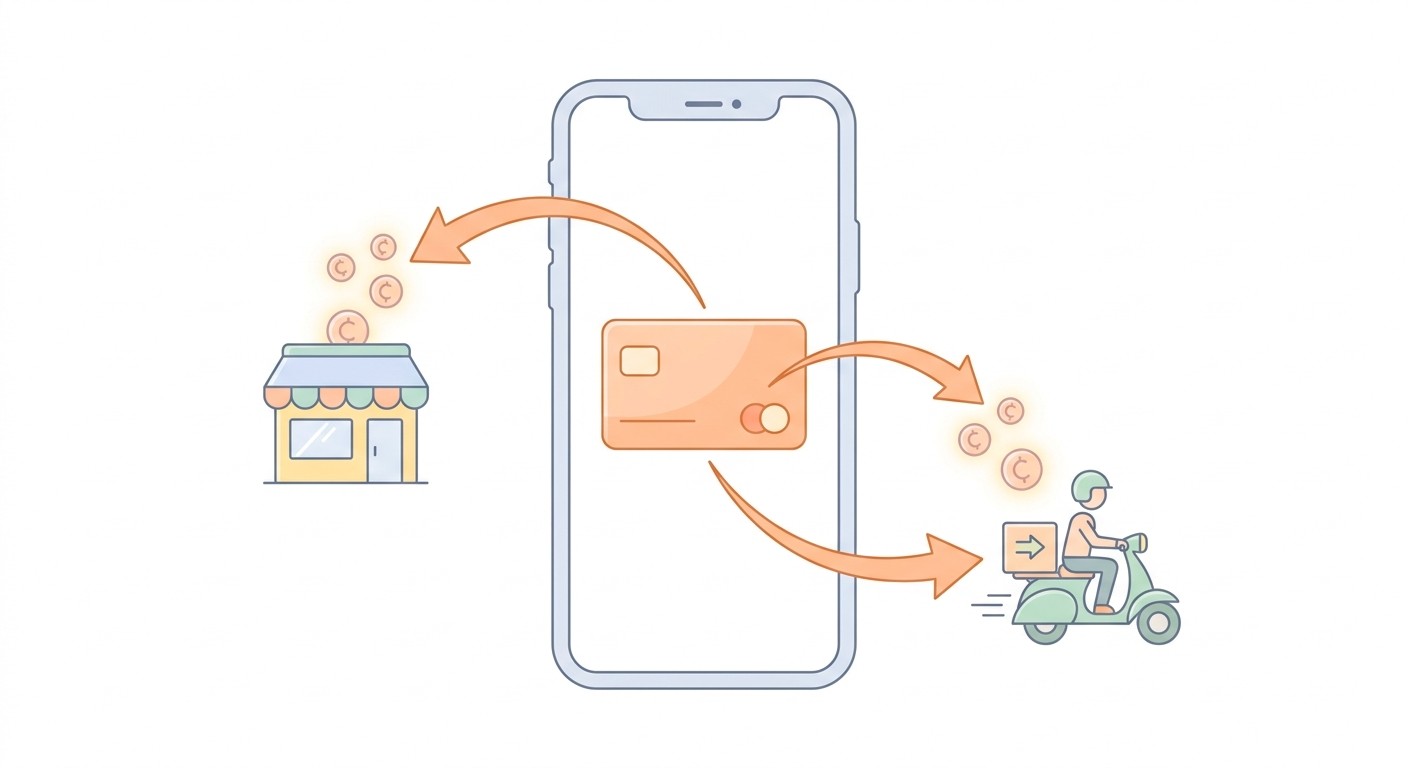
Delivery apps take payment by card, not through Apple's in-app purchase, and Apple takes no cut. App Store Review Guideline 3.1.3(e) covers apps that sell physical goods or services used outside the app. They have to collect payment through other methods, "such as Apple Pay or traditional credit card entry."
That's good news for your margins. It also means selling a burrito through in-app purchase gets you rejected, so tell CatDoes at the start that payments go through Stripe.
Payments for a single store
If you're one business delivering your own orders, every payment lands in one Stripe account at 2.9% + 30¢ per US card charge. Ask CatDoes for a checkout screen in the app and an edge function in CatDoes Cloud that talks to Stripe. That way the secret key never leaves the server.
Split payments with Stripe Connect
Once several stores share the app, each order gets split between the store, the courier, and your platform fee, and Stripe Connect handles that split. If your platform sets its own fees, Stripe's Connect pricing is $2 a month for each store that receives a payout, plus 0.25% + 25¢ per payout. For a pilot with 10 stores paid weekly and $16,000 a month in total payouts, that comes to $70 a month.
Start with a single store if you can, and add Connect when the second store signs up. It's the fiddliest part of a multi-store build, so give it its own planning session.
Live Tracking, Dispatch, and Notifications
Customers mostly want to know two things: that the store has their order, and roughly when it will arrive. A push notification at each status change covers most of that. A live map is a nice upgrade, but you don't need one to launch.

Share courier location only during a delivery
Have the courier's phone share its location from "picked up" to "delivered," and stop there. It saves battery, and it's an easier thing to ask of couriers. It also fits Apple's rules: Guideline 2.5.4 limits background services, location included, to their intended purpose, so an app that keeps tracking couriers after their shift invites questions in review.
In the EU, a courier's location counts as personal data under GDPR, so collect only what the delivery needs. If you operate there, keep the data in CatDoes Cloud's EU region.
Start with manual dispatch
Auto-assigning the nearest courier sounds like the core feature, and it's the one to skip at launch. With three couriers and 20 orders a day, a person tapping "assign" beats any algorithm and never sends a rider across town by mistake. Build auto-dispatch once manual assignment starts eating someone's whole shift.
Plan your realtime headroom
Live order status runs over realtime connections in CatDoes Cloud. Each plan includes a set number per cloud instance: 10 on Starter, 25 on Plus, 50 on Pro, and 100 on Team.
That's enough for a small pilot. When you outgrow it, the Cloud+ add-on at $15 a month raises one instance to 50 connections, and Cloud Pro at $30 raises it to 200, with no plan change.
User accounts work the same way. Starter includes 250 signed-up users per instance, and Cloud+ raises that to 2,500. Check both limits before any launch push, because a delivery app that works signs up customers fast.
How Much Does It Cost to Create a Delivery App?
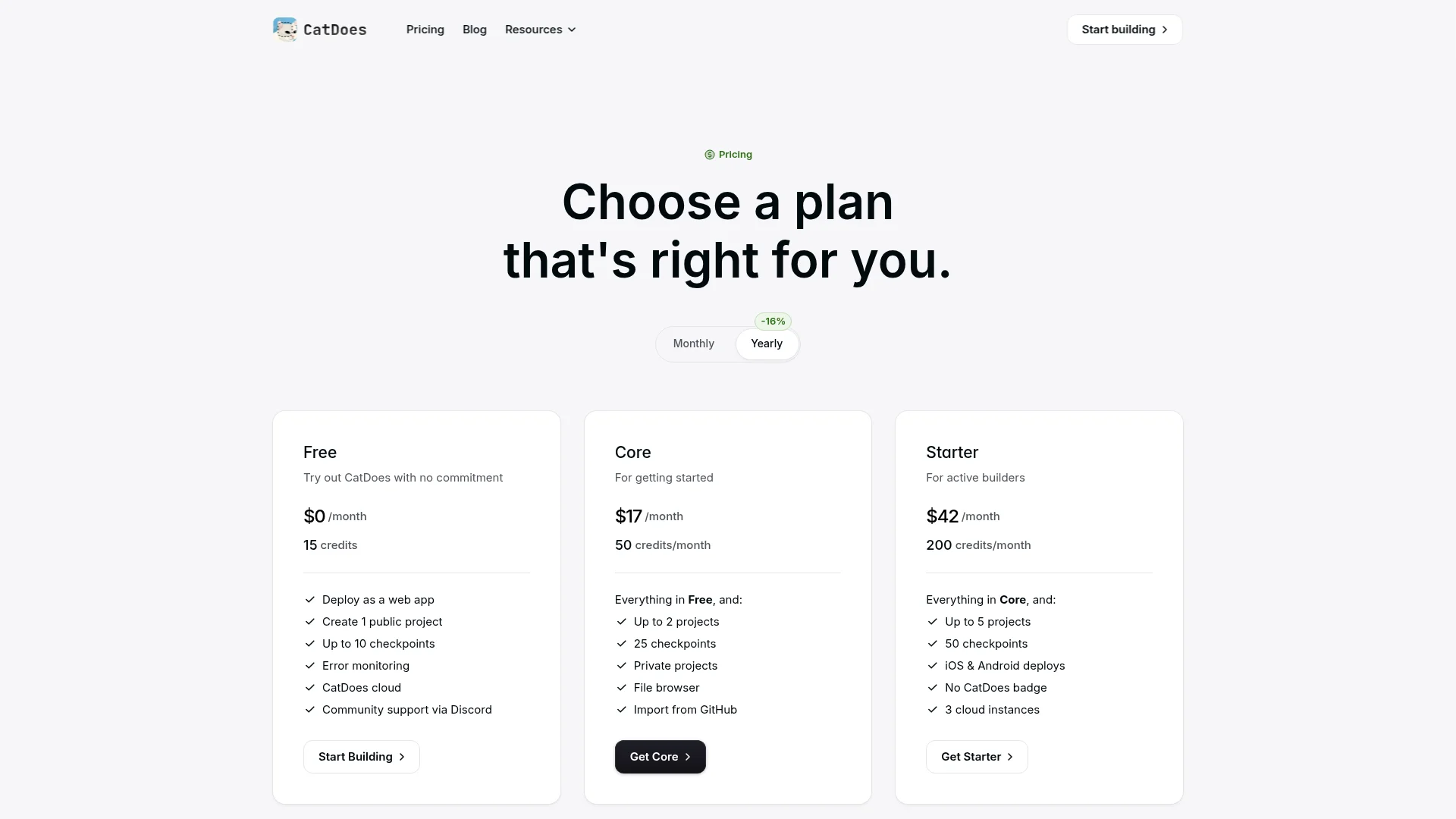
With CatDoes, a delivery app costs $50 a month on the Starter plan ($42 a month billed yearly), plus Apple's $99 yearly developer fee and Google Play's one-time $25 fee. An agency build averages $90,780 and takes about 11 months, according to Clutch's 2026 pricing data for mobile app projects.
Cost | With CatDoes | With an agency |
|---|---|---|
Building the app | Free to start; Starter at $50 a month ($42 billed yearly) to publish to the App Store and Google Play | $90,780 on average (Clutch) |
Time to a first version | First screens in your first session; the rest moves at your pace | About 11 months on average (Clutch) |
Backend | CatDoes Cloud included; add-ons from $15 a month per instance | Quoted separately |
Owning the code | Code export and GitHub on Plus ($100 a month) and above | Only if the contract assigns it to you |
App store fees | Apple $99 a year, Google Play $25 once | Same |
Card payments | Stripe, 2.9% + 30¢ per US card charge | Same |
After launch, most of your money goes to courier pay and to getting the word out in your first neighborhood. Budget for both before you spend on extra features.
How to Launch Your Delivery App in One Neighborhood
Launch in one small zone, not a whole city. Delivery gets cheaper and faster as orders cluster. Fifty orders a day in one neighborhood beat fifty spread across a city, where couriers spend most of the shift riding between drop-offs.

Draw one zone. Pick a radius your couriers can cover in about 15 minutes and set it in the app. Addresses outside it get a clear "not yet" message and a waitlist signup.
Line up supply before demand. That means your own store, or 5 to 10 shops that commit to a two-week pilot, plus two or three couriers you know.
Turn pilot customers into your Android testers. Google Play requires personal developer accounts created after November 13, 2023 to run a closed test with at least 12 testers for 14 days in a row before going public. Recruit those 12 from your regulars and the requirement becomes your pilot. CatDoes builds the Android app, and you upload it to Google Play's closed test yourself.
Test on iPhone with TestFlight. Tell CatDoes you want to release on iOS, and it walks you through connecting your Expo and Apple Developer accounts. The build usually takes 10 to 30 minutes, then the agent can submit it to Apple so you can share it with the same group through TestFlight.
Simulate App Store review before you submit. CatDoes can run an App Store review simulation on your app, so likely rejection reasons show up in your chat instead of in an email from Apple.
Publish and watch the first week closely. CatDoes Watch reports crashes and errors across iOS, Android, and web. Every new chat also saves a checkpoint you can roll back to if a change breaks checkout.
For the store listings themselves, including screenshots, privacy details, and review times, follow our guide to publishing an app to the App Store and Google Play.
Five Mistakes That Sink Delivery App Launches
Once the app works, the risk moves from the build to day-to-day operations. Watch for these five:
Launching citywide on day one. Orders spread thin and couriers spend the shift riding between them, so delivery times creep up.
Building auto-dispatch before there are orders. Weeks go into routing logic that a person with a tablet could handle at your volume.
Charging for food or goods through in-app purchase. Guideline 3.1.3(e) rules it out, and the app gets rejected.
Tracking couriers off shift. It drains batteries and draws attention from both Apple's reviewers and privacy regulators.
No manual override. If the admin can't cancel, refund, or reassign an order in two taps, one stuck order turns into a one-star review.
Frequently Asked Questions
How much does it cost to create a delivery app?
With CatDoes, you pay $50 a month on the Starter plan to publish to the App Store and Google Play. Add Apple's $99 yearly fee, Google Play's $25 one-time fee, and Stripe's card fees on each order. A custom agency build averages $90,780, according to Clutch.
Can I make a delivery app for free?
You can start for free. The CatDoes free plan includes 15 one-time credits, CatDoes Cloud, and web publishing, so you can plan the app and start on the ordering flow in a browser. How far the credits go depends on your scope, and native iOS and Android releases need a paid plan plus Apple and Google developer accounts.
How long does it take to build a delivery app?
With CatDoes, you see working screens in your first session, and each app store build usually takes 10 to 30 minutes once you're ready to publish. The longest wait is often outside the build. New personal Google Play accounts need a 14-day closed test with 12 testers before a public release.
Can I build a delivery app without coding?
Yes. In CatDoes you describe each screen and rule in plain English, and the agent writes the code, sets up the backend, and runs the builds. You never have to touch the code, but you own it: it's a standard React Native Expo project you can export on the Plus plan and above.
What's the difference between a food delivery app and a grocery or courier app?
A food delivery app needs menus, item options, and prep times. A grocery delivery app needs a big catalog, substitutions, and delivery slots, while a courier app needs pickup and drop-off addresses, distance pricing, and proof of delivery. All three run on the same order-status loop, so the same kind of first prompt works in CatDoes for any of them.
Does a restaurant need its own delivery app if it's already on DoorDash?
Not always, but many run both. The marketplace brings in new customers, and the restaurant's own app keeps repeat orders away from the 15% to 30% commission. Free delivery or loyalty points on your own app give regulars a reason to switch.
How do delivery apps make money?
Through delivery fees, service fees or menu markups, commission from partner stores on multi-store apps, delivery subscriptions, and paid placement for stores that want to rank higher. A single business delivering its own orders mostly earns by keeping the commission it would otherwise pay a marketplace.
What's the best app builder for a delivery app?
Look for three things: a native courier app that can use location in the background, realtime order status, and payments handled on the server. CatDoes covers all three. It builds native iOS and Android apps with React Native Expo, runs live updates on CatDoes Cloud, and keeps Stripe keys in server-side edge functions.
Start With One Order
You don't need a citywide platform to find out whether your delivery app works. You need one store, one zone, two couriers, and a first order that goes from "placed" to "delivered" without anyone picking up the phone.
Write your order loop in a paragraph today and paste it into CatDoes with "Don't build anything yet." You'll have a plan to react to within minutes, and working screens on your phone soon after. Start building my delivery app with CatDoes. The free plan needs no credit card.
Nafis Amiri
Co-Founder of CatDoes


