Blog
Tutorials
How to Build Inventory Management Software (2026)
Learn how to build inventory management software: features, data model, reorder points, barcode scanning and real costs. Build your own app with CatDoes.

Nafis Amiri
Co-Founder of CatDoes

Most inventory systems start life as a spreadsheet, and most of them break the same way. Two people edit the same row, a sale never gets subtracted, and you learn you're out of stock when a customer asks for the item you thought you had.
This guide shows you how to build inventory management software that matches the way stock actually moves through your business. You'll get the features to launch with, the data model that keeps counts right, the reorder math, barcode scanning and real costs. We use CatDoes, the AI app builder we make, because it builds the mobile app, the web dashboard and the database behind both from a plain-English description.
TL;DR: To build inventory management software, list every event that changes a count, then log each one as a row in a stock movements table. Launch with products, locations, barcode scanning, low-stock alerts and user roles. Describe that to CatDoes and it builds the iPhone, Android and web app plus the database. Start free; private projects begin on Core ($20/month) and app store publishing on Starter ($50/month).
Table of Contents
What Is Inventory Management Software?
Should You Build or Buy Inventory Management Software?
Features Every Inventory Management App Needs
Design the Data Model Before You Build
How to Calculate Reorder Points and Safety Stock
How to Build Inventory Management Software in 6 Steps
Barcode Scanning: Phone Camera or Hardware Scanner?
Inventory Software Ideas by Industry
How Much Does It Cost to Build Inventory Management Software?
Common Mistakes When Building Inventory Software
Frequently Asked Questions
Start Building Your Inventory Management Software
What Is Inventory Management Software?
Inventory management software is a system that records what stock you have, where it is, and every movement in or out, so you always know what to sell, reorder or count. It replaces manual tallies and spreadsheets with one shared, real-time record that staff update by scanning or tapping, usually on a phone.
Almost every inventory tool, from a $0 app to an enterprise ERP, does the same five jobs:
Keep a catalog of products, SKUs, variants, units and barcodes.
Count stock per location, whether that's a shelf, a store or a van.
Log every movement: receiving, sales, transfers, returns and adjustments.
Warn you before you run out, with reorder points and purchase orders.
Report on stock value, slow movers and count discrepancies.
People use "inventory management software" and "inventory management system" for the same thing. "System" sometimes also covers the process around the software, such as label printers, scanners and counting routines.
Getting the counts right is worth real money. IHL Group puts the global cost of inventory distortion, meaning out-of-stocks plus overstocks, at more than $1.7 trillion, and about two-thirds of it comes from out-of-stocks. The records themselves are often wrong, too: when researchers DeHoratius and Raman examined nearly 370,000 inventory records from 37 stores of one retailer, they found 65% were inaccurate (Management Science, 2008).
Should You Build or Buy Inventory Management Software?
Buy when your process looks like everyone else's. Build when it doesn't, or when per-user pricing charges you for every person who only needs to scan a box.
These are the US prices on each vendor's own pricing page:
Tool | Starting price | What to watch |
|---|---|---|
Free for 100 items and 1 user; Advanced is $49/month | Item caps: Advanced covers 500 items and 2 users | |
Free for 50 orders a month; Standard is $29/month billed yearly | Order caps: Standard covers 500 orders a month, 3 users and 2 locations | |
Lite is $129/month, or $99/month billed yearly | Lite covers 2 team members and 1 location | |
Standard is $349/month | 5 users and 6,000 sales orders a year | |
Free up to 30 SKUs; Core starts at $299/month | 1 location included; manufacturing and warehouse add-ons cost extra | |
Free when Inventory is your only app; Standard is $31.10 per user/month billed yearly | Per-user pricing grows with your team once you add other apps |
Off-the-shelf is the right call if you run a standard retail or e-commerce operation and want accounting and sales-channel integrations on day one. It's also the safer pick if you have hundreds of thousands of SKUs across many warehouses, where an ERP is the realistic answer.
Custom inventory management software makes sense when:
Your items don't fit a product catalog. Rental gear, lab supplies with lot numbers and laptops assigned to employees all need fields generic tools don't have.
Per-user fees add up. If ten people only ever scan deliveries, paying for ten full seats stings.
Stock is one part of a bigger app, like a booking, ordering or field service app, and you don't want to sync two systems.
You want to own the app and the data, so no vendor can change your workflow or your price later.

For a deeper look at the trade-offs, read our guide on custom software vs off-the-shelf.
Features Every Inventory Management App Needs
Start small. A first version with seven features that staff actually use beats a twenty-feature plan that never ships.
Must-Haves for Launch
Feature | Why it matters |
|---|---|
Product catalog | SKU, name, barcode, unit, cost and photo for every item. |
Stock by location | On-hand counts per shelf, store or warehouse, not one global number. |
Movement history | Every change is logged with who, what, when and why. |
Barcode scanning | Staff scan with the phone camera instead of typing SKUs. |
Low-stock alerts | Each product has a reorder point that triggers a warning. |
Roles and permissions | Staff record movements, managers edit products, owners manage users. |
CSV import and export | Bring in your current spreadsheet and get your data back out. |
Features to Add Later
Purchase orders and supplier records
Lot, batch and expiry tracking (first expired, first out)
Serial numbers for high-value items
Integrations with your store, POS or accounting software
Demand forecasting, once you have a few months of movement history

Design the Data Model Before You Build
If I could change one thing in most homemade inventory systems, it would be this. They store stock as a single number that people edit, and that number drifts. Store every change as a row in a movements table instead, and calculate on-hand stock from those rows.
A ledger gives you a full audit trail, so you can see exactly where a discrepancy came from. It also stops lost updates when two people scan at the same moment, and it lets you rebuild stock levels for any past date.
Table | What it stores | Key fields |
|---|---|---|
products | One row per SKU | sku, name, barcode, unit, cost, reorder_point |
locations | Shelves, stores, warehouses | name, type |
stock_movements | Every change in quantity | product, location, quantity (+ or -), type, user, time, note |
suppliers | Who you buy from | name, contact, lead_time_days |
purchase_orders | What you've ordered | supplier, status, expected_date, lines |
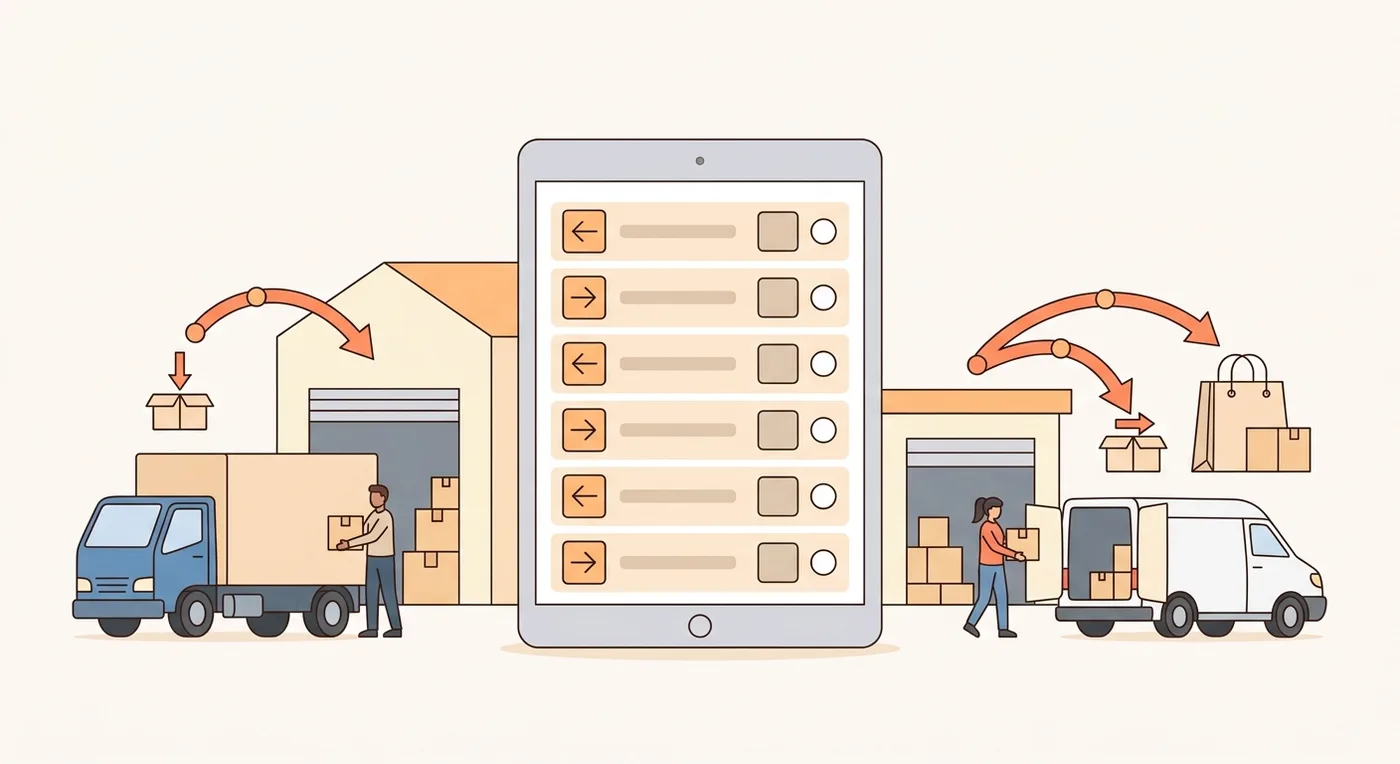
On-hand stock for a product at a location is the sum of its movements. A transfer is two rows: minus 5 at the storeroom and plus 5 on the shop floor. A stock count adds an adjustment row for the difference, so the history stays intact.
If you want to compare SQL and NoSQL options or see a fuller schema, we cover that in the best database for inventory management.
How to Calculate Reorder Points and Safety Stock
A reorder point is the stock level that tells you to order more now, so new stock arrives before you run out. The standard formula is reorder point = lead-time demand + safety stock, where lead-time demand is your average daily sales multiplied by the supplier's lead time in days.
Safety stock is the buffer for days when sales run high. The textbook version, from Peter King's APICS article on safety stock, is safety stock = Z × σ × √(lead time). Here σ is the standard deviation of daily sales, and Z sets your service level: 1.65 means you expect to avoid a stockout in 95% of reorder cycles.
Say a shop sells an average of 10 units of a product a day, with a standard deviation of 3 units, and the supplier delivers in 5 days.
Lead-time demand: 10 × 5 = 50 units
Safety stock at 95%: 1.65 × 3 × √5 = 11.07, rounded up to 12 units
Reorder point: 50 + 12 = 62 units
No sales history yet? A common rule of thumb is (highest daily sales × longest lead time) − (average daily sales × average lead time). If the worst case for this product is 14 a day with a 7-day delivery, that gives a much more cautious buffer of 48 units. Switch to the formula once you have a few months of data.
Store the reorder point on each product (or per location if they differ). The app should flag any product that drops to its reorder point, either every time a movement is saved or in a scheduled check each morning.
How to Build Inventory Management Software in 6 Steps
This is the full process with CatDoes, from a blank page to an app your staff can install. You do each step in plain English, and the agent writes the code.
1. Map How Stock Moves Through Your Business
Before you open any tool, list every event that changes a count: deliveries, sales, returns, transfers between locations, breakage and stock counts. Next to each one, write who does it and on which device.
This list becomes your movement types and your user roles. Ten minutes here saves days of rework later.
2. Describe the App to CatDoes
Open CatDoes and describe the app the way you'd brief a developer. Copy this starter prompt and edit it to fit:
"Build an inventory management app for my hardware store with two locations: the shop floor and the back storeroom. Staff sign in and scan product barcodes with the phone camera to receive stock, record sales and move items between locations. Store every change as a stock movement and calculate on-hand stock per location from those movements. Each product has a SKU, barcode, unit, cost and reorder point. Managers get a dashboard of low-stock items and stock value, plus a web version for the office. Owners can invite users and set roles: owner, manager and staff."
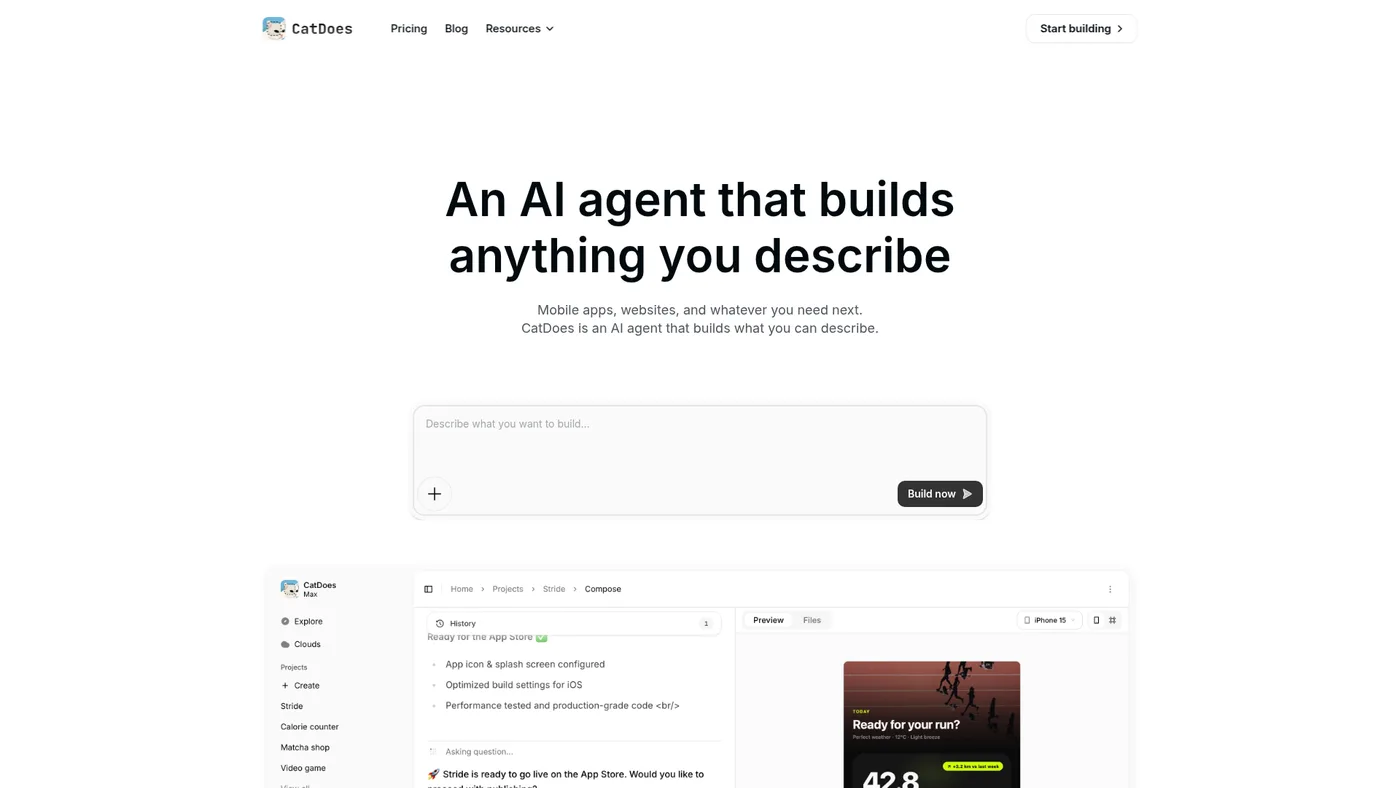
The agent plans the work, writes the mobile app and the web dashboard, and sets up CatDoes Cloud behind them: the database, sign-in, file storage and realtime updates. CatDoes Cloud is included on every plan, so there's no separate backend to buy.
3. Check the Data Model and Roles
Ask the agent to walk you through the tables it created. Check that stock is calculated from movements and that nothing lets a user overwrite a quantity directly.
Then tighten access in plain English, for example: "Staff can record movements but can't edit products or delete history." The agent writes those rules into the database, so they hold even if someone finds a way around a button.
4. Add Barcode Scanning and Low-Stock Alerts
CatDoes builds mobile apps with Expo, and new apps start on Expo SDK 57. Expo's camera module reads barcodes straight from the camera preview, including EAN-13, UPC-A, Code 128 and QR codes. Ask for a scan button on the main screen that looks up the product and opens a quantity stepper.
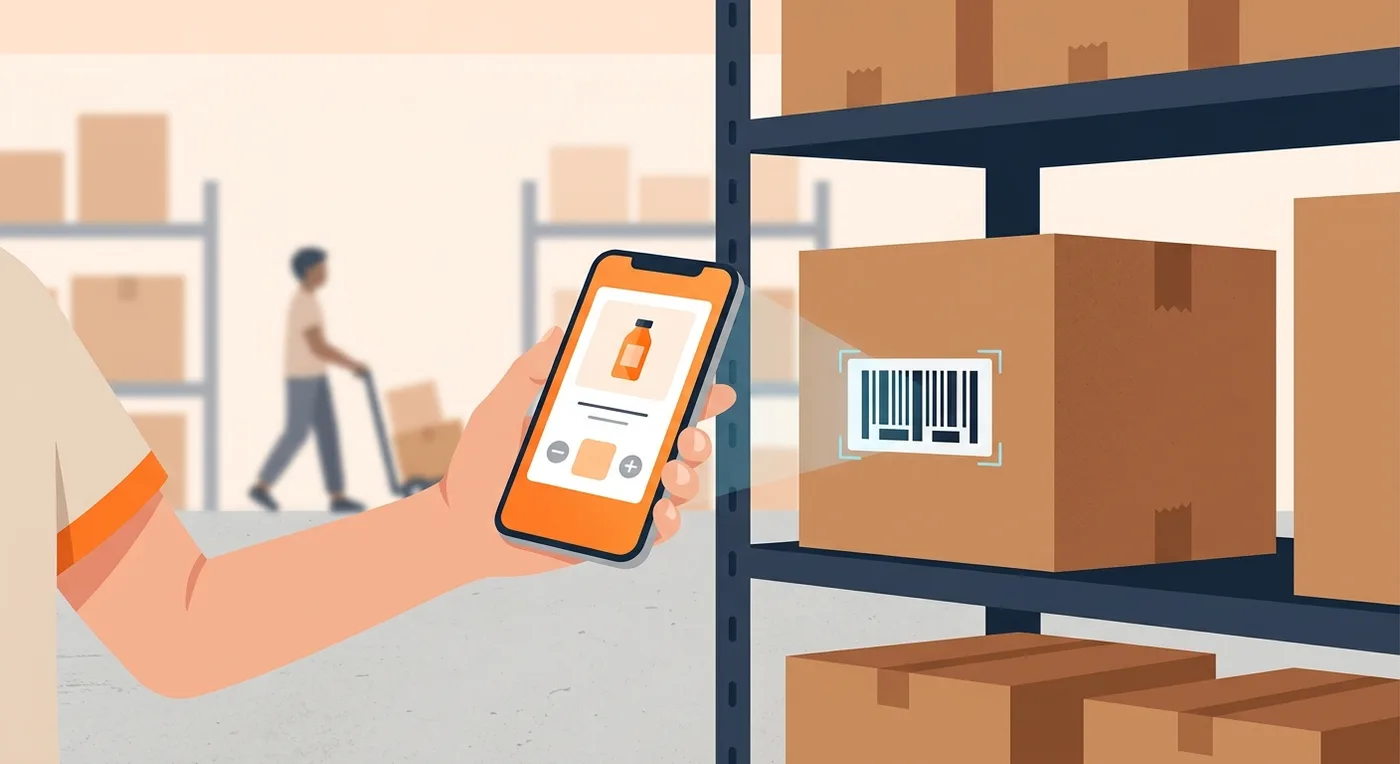
For alerts, ask for a scheduled job that checks every product against its reorder point each morning and sends the manager a low-stock list. CatDoes backends support scheduled jobs and triggers, so this runs even when nobody has the app open.
5. Import Your Stock and Run a Test Count
Ask the agent to add a CSV import screen to the app. Export your current spreadsheet as a CSV file, import it, and spot-check twenty products.
Then count one real shelf with the app and compare the result with your spreadsheet. If the numbers disagree, fix the process before you roll it out. Create a checkpoint before each big change so you can roll back if you don't like the result.
6. Launch on the Web, iPhone and Android
The free plan deploys to the web, but free projects are public. For a business app with real stock data, Core ($20/month, or $17/month billed yearly) adds private projects. The Starter plan ($50/month, or $42/month billed yearly) adds App Store and Google Play releases, a custom domain and no CatDoes badge.
You'll also need an Apple Developer account ($99/year) and a Google Play developer account ($25 one-time). Before you submit to Apple, CatDoes can simulate an App Store review so you catch rejection risks early. Want to try it on your own iPhone first? Ask for a development build, and the agent sends a link to register your device for testing.
Barcode Scanning: Phone Camera or Hardware Scanner?
A phone camera is enough for most small teams. Switch to dedicated hardware when someone scans all day.
Option | Best for | Trade-offs |
|---|---|---|
Phone camera in your app | Small teams, receiving, spot checks | No extra hardware. Slower for high volume and needs decent light. |
Bluetooth scanner paired to a phone or tablet | Checkout counters, busy receiving docks | Much faster for long scanning sessions. Most act like a keyboard, so the app needs a field that accepts typed input. |
Rugged Android handheld | Warehouses, all-day scanning | Built-in scanner and drop-proof case. Runs your Android app, but costs far more than a phone. |
Retail products usually carry UPC-A barcodes in North America and EAN-13 elsewhere, while internal labels tend to use Code 128 or QR codes. For items without a barcode, have the app generate QR labels from your SKUs and print them.
Most no-code inventory tools ship as web apps. CatDoes builds native iOS and Android apps from the same project, and Starter plans can export an .apk file to install directly on Android handhelds. On a warehouse floor, I'd rather have the native app.
Inventory Software Ideas by Industry
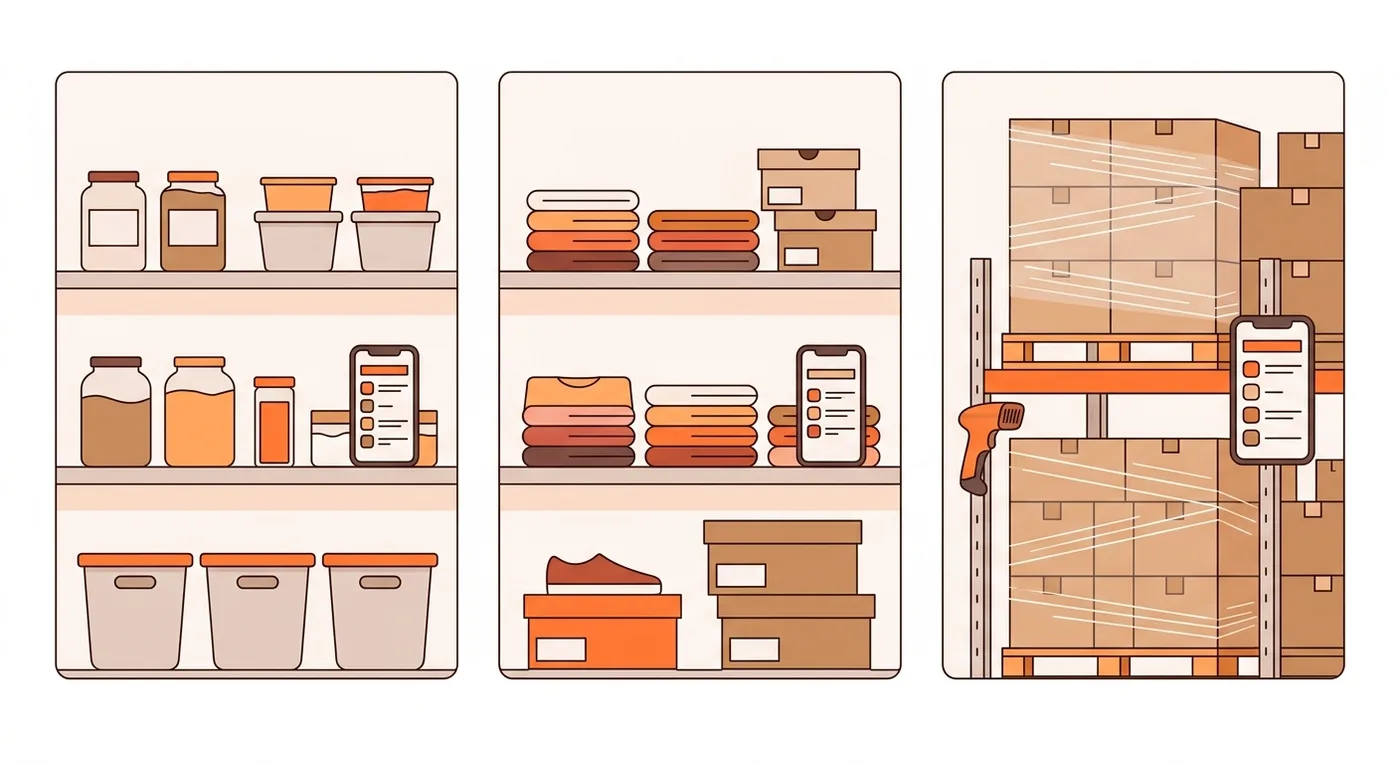
The core stays the same across industries: products, locations and movements. What changes is the extra fields and one or two features. Use this table to adapt the starter prompt.
Industry | What you track | Feature to ask for |
|---|---|---|
Retail store | SKUs with size and color variants | Barcode lookup at the counter and stock per store |
E-commerce | Stock shared across sales channels | Sync with your store's API and reserve stock for unpaid orders |
Restaurant | Ingredients by weight or volume, expiry dates | Par levels, a waste log and first expired, first out |
Warehouse | Bins, pallets and transfers | Putaway and pick lists by bin location |
Manufacturing | Raw materials and finished goods | A bill of materials that deducts components when you build a product |
Parts and repair | Part numbers and compatible models | Search by model and reserve parts for a job |
IT equipment | Laptops and monitors by serial number | Check-out to employees and warranty dates |
Looking for other tools to build for your business? See our list of web app ideas for small businesses.
How Much Does It Cost to Build Inventory Management Software?
It depends on the route. Spreadsheets are free and subscriptions cost tens to hundreds of dollars a month. Agency builds run to six figures. An AI app builder lands near the subscription end.
Approach | Upfront cost | Ongoing cost | Time to first version |
|---|---|---|---|
Spreadsheet | $0 | $0 | An afternoon |
Off-the-shelf software | $0 (some vendors sell onboarding packages) | $29 to $349+ a month for the plans above | Same day |
Agency custom build | $90,000 to $400,000 for moderate complexity (ScienceSoft estimate) | Maintenance and hosting | 9 to 13 months |
AI app builder (CatDoes) | $0 to start | $50/month on Starter ($42 billed yearly), plus $99/year to Apple and $25 once to Google | Hours to days |
Take a team of five that wants mobile scanning. In the first year, CatDoes Starter billed yearly plus both store fees comes to $628 ($504 + $99 + $25).
Off-the-shelf plans that cover five users cost more, though not always by much. Zoho Inventory Premium is $948 a year ($79/month billed yearly). inFlow Core is $3,588 a year ($299/month billed yearly). Cin7 Core Standard is $4,188 a year ($349/month).
If one of those tools already fits your process, buy it. You get support and ready-made integrations without building anything.
Common Mistakes When Building Inventory Software
Storing stock as one editable number. You lose the history, and you can't explain a discrepancy. Use a movements ledger.
Ignoring units of measure. If you buy by the case and sell by the unit, store the conversion, or your counts drift by a factor of 12.
Letting everyone edit everything. Staff should record movements, not change products or delete history.
Skipping the opening count. Importing a spreadsheet you don't trust just moves bad numbers into a new tool. Count first.
Building forecasting before the basics work. Forecasts need months of clean movement data. Launch the core, then add them.
Frequently Asked Questions
Can I build an inventory management system in Excel or Google Sheets?
Yes, for one person and a few hundred items. Spreadsheets break down when several people edit at once, when you need a scan-to-update workflow, or when you need a history of who changed what. Our guide on database or spreadsheet covers when to switch.
How long does it take to build inventory management software?
With an AI app builder, a working first version takes an afternoon to a few days, depending on how many features you start with. Plan another week or two for testing with staff and app store review. Agencies that build from scratch quote much longer: ScienceSoft estimates 9 to 13 months.
Is there free inventory management software?
Yes, with limits. Sortly's free plan covers 100 items and 1 user, Zoho Inventory's covers 50 orders a month, Katana's covers 30 SKUs, and Odoo is free if Inventory is the only app you use. You can also start building your own on the CatDoes free plan and deploy it to the web.
Can I build inventory software without coding?
Yes. With CatDoes you describe the app in plain English, and the agent writes the code, sets up the database and deploys it. You review the result and ask for changes the same way.
Can my inventory app connect to Shopify or QuickBooks?
If the service has an API, yes. Ask the agent to connect it, and paste your API keys into the secure input when it asks for them. Start with one direction, such as pulling orders in to deduct stock, and add more once that works.
Who owns the app and the data?
You do. CatDoes can move your Cloud database into your own Supabase account, and the app keeps working. Code export is available on higher plans if you want the full source.
Start Building Your Inventory Management Software
Strip away the feature lists and inventory software is a product list, a ledger of every movement, a scanner and a reorder point per item. Get the ledger right and the rest is easy to add. Get it wrong and no dashboard will save you.
Write down how stock moves through your business, paste the starter prompt into CatDoes and change it to match. Start building my inventory app for free.
Nafis Amiri
Co-Founder of CatDoes


