Blog
Insights
10 Best AI Website Builders in 2026 (Tested)
We built the same site in 10 AI website builders and ranked them by output, speed, and price. See which one actually ships a real site with a custom domain.

Nafis Amiri
Co-Founder of CatDoes

TL;DR: The best AI website builder depends on what you want at the end: a quick brochure site, a design-led marketing page, or a real site you own on a custom domain. We built the same test site in 10 AI website builders and ranked them on output, speed, and price. CatDoes tops the list because it ships a real website on your own domain with a backend included, and can turn that same project into a native mobile app. Wix, Framer, Hostinger, Durable, Squarespace, Lovable, Bolt, GoDaddy Airo, and 10Web each win a specific use case. Here is how all 10 compare.
Table of Contents
What Is an AI Website Generator?
How We Tested the AI Website Builders
AI Website Builders Compared at a Glance
The 10 Best AI Website Builders in 2026
How to Choose the Right AI Website Builder
Frequently Asked Questions
The Bottom Line
Building a website used to mean hiring a designer or losing a weekend to a template. AI website builders promise to skip all of that: you describe the site you want, and the tool generates the pages, copy, and images for you. The catch is that most of them stop at a pretty draft on a subdomain you do not actually own.
So we ran a simple test. We gave 10 AI website builders the same brief and judged what actually shipped: the quality of the output, how fast we got to a live draft, what it costs, and whether we could publish a real site on our own custom domain. This guide ranks all 10, tells you what each is best for, and shows where each one falls short, so you can pick the right one on the first try instead of the third.
What Is an AI Website Generator?
An AI website generator is a tool that builds a complete website from a short description or a few questions about your business. Instead of choosing a template and filling in every section by hand, you type a prompt like "a one-page site for a coffee shop with a menu, hours, and a contact form," and the AI produces the layout, writes the copy, and adds images in seconds.
In practice, "AI website generator" and "AI website builder" mean the same thing, and most tools use the labels interchangeably. The generator is the part that creates the first draft; the builder is the editor you use to refine it. Every tool on this list does both. What separates them is how good that first draft is, how much you can change afterward, and whether you can publish the result on a domain you own.
How We Tested the AI Website Builders
We gave every tool the same brief: a one-page site for a small local business, with a hero section, a short about blurb, a services or menu list, and a contact form. Then we scored each one on four things that decide whether you actually launch.
Output quality. How close the first draft came to something you could publish without a full redesign.
Speed. How long it took to get from prompt to a live, editable draft.
Price. The cheapest realistic path to a published site, plus what the free tier includes.
A real site on a custom domain. Whether you can point your own domain at it and own the result, or you are stuck on a branded subdomain.
A good prompt shapes the output as much as the tool does: a vague request gets a generic site, while a specific brief gets you closer to launch-ready. Our guide on how to write a business website prompt covers the details. Pricing below reflects publicly listed plans in 2026; tools change tiers often, so confirm the current numbers before you buy.
AI Website Builders Compared at a Glance
Here is the short version before the details. "Starts at" is the lowest paid tier, listed the way each tool advertises it (most assume annual billing).
Tool | Best for | Free plan | Starts at | Custom domain |
|---|---|---|---|---|
CatDoes | A real site you own (and a mobile app) | Yes | $20/mo | Yes |
Wix | All-in-one for non-technical users | Yes | $17/mo | Yes (paid) |
Framer | Design-led marketing sites | Yes | $10/mo | Yes |
Hostinger | The tightest budgets | No (trial) | ~$3/mo | Yes (1st yr free) |
Durable | The fastest possible launch | Yes | ~$22/mo | Yes (paid) |
Squarespace | Templates and polish | No (trial) | $16/mo | Yes (1st yr free) |
Lovable | Turning a site into a web app | Yes | $25/mo | Yes (paid) |
Bolt | Developers who want the code | Yes | $25/mo | Yes (paid) |
GoDaddy Airo | Domain, email, and site in one bundle | Yes | ~$10/mo | Yes |
10Web | WordPress under the hood | No (trial) | ~$10/mo | Yes |
The 10 Best AI Website Builders in 2026
Here are the 10 tools worth your time this year, starting with our top pick and moving through the ones that each own a specific job.
1. CatDoes: Best AI Website Builder Overall
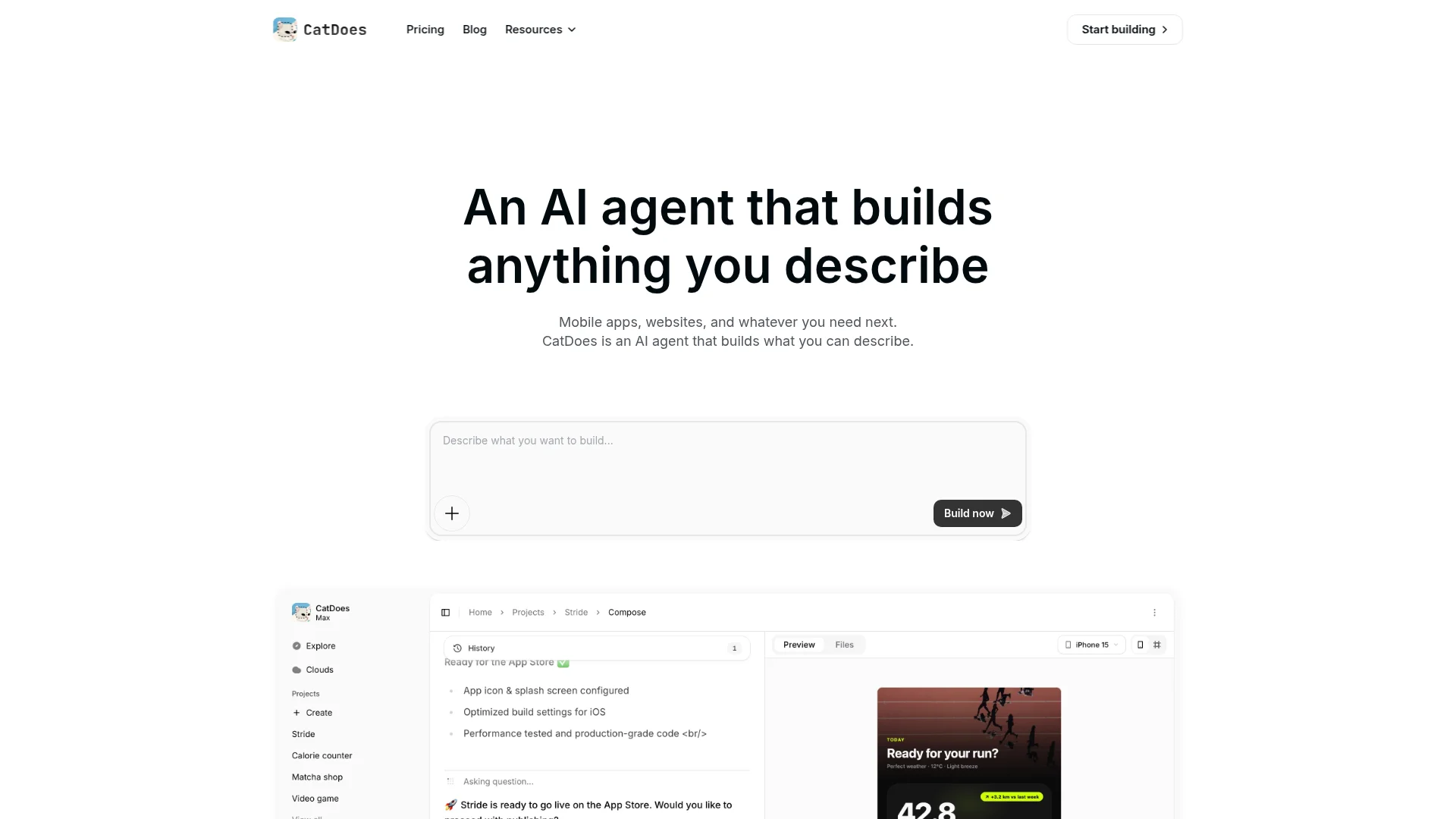
Best for: Anyone who wants a real website they own, on a custom domain, with the option to ship a mobile app from the same project.
CatDoes is an AI agent that builds websites and mobile apps from natural language. You describe the site you want, and the agent plans it, writes the code, sets up the backend, and deploys it to the web on a custom domain. Because it generates real code instead of locking you into a page editor, you are not boxed in by a template's limits when you need something custom.
In our test, CatDoes produced a working, editable site rather than a static mockup, and it was the only tool that could take the same project and also ship a native app to the App Store and Google Play. CatDoes Cloud is included on every plan and handles the backend: database, authentication, storage, edge functions, and realtime, so a contact form or a user login actually works instead of just looking the part. If your site needs to grow into a product later, that head start matters. To see two live small business sites built this way, a boutique hotel and a Pilates studio, read our guide on how to create a small business website.
Key features:
Generates a real website from a plain-language prompt, with code and backend included
Publishes to the web on your own custom domain, with up to 20 domains per project on higher tiers
CatDoes Cloud backend (database, auth, storage, edge functions, realtime) on every plan
Turns the same project into a native iOS and Android app, no rebuild
GitHub import and code export on higher tiers, so you own what you ship
Pricing: Free to start with one-time credits. Paid plans from $20 per month (Core), scaling with credits and projects.
If you also want native apps from the same prompt, our roundup of the best AI builders for web and native apps goes deeper on that category.
2. Wix: Best All-in-One Builder for Non-Technical Users
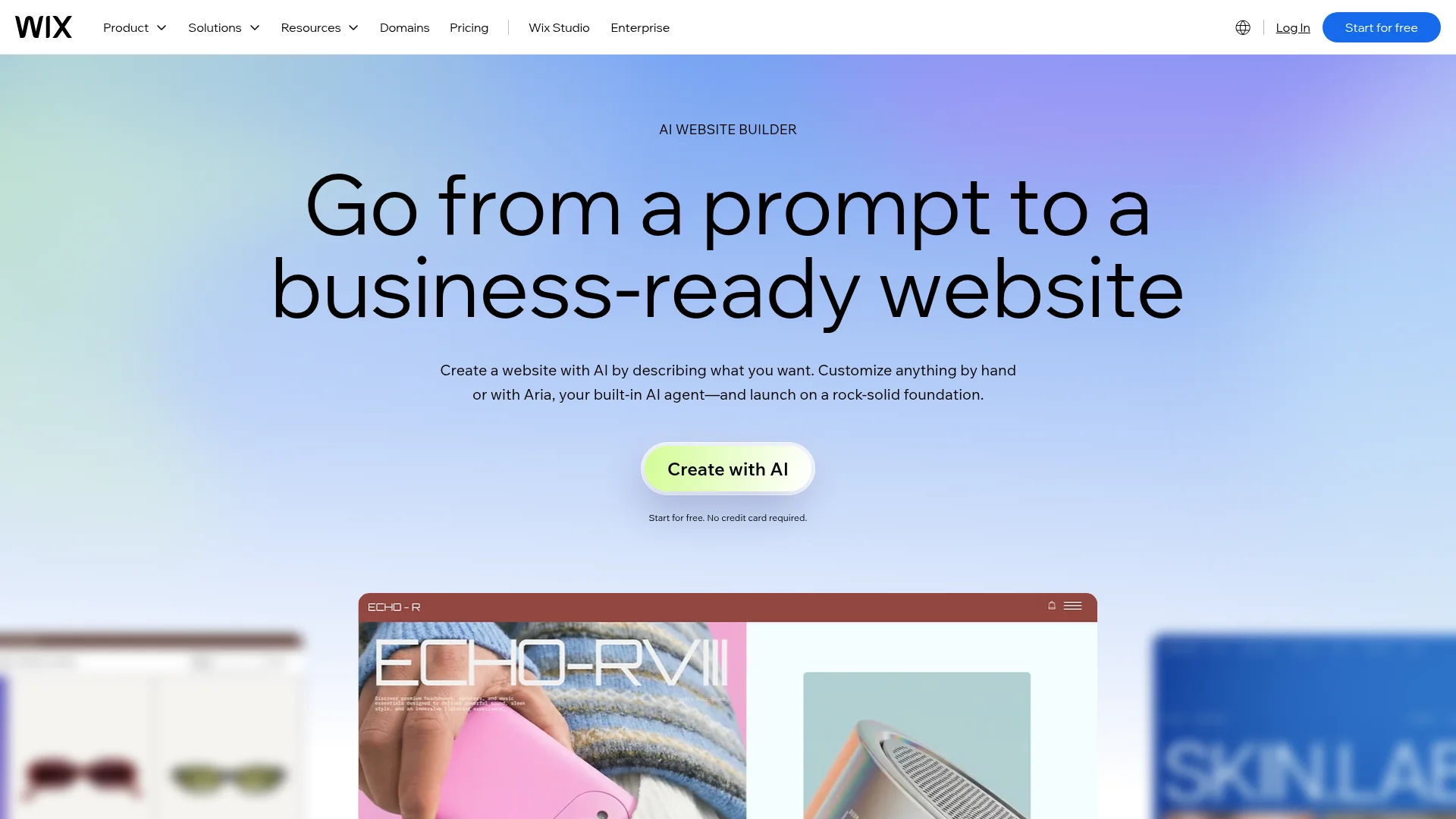
Best for: Small businesses that want one platform for the site, store, bookings, and marketing without touching code.
Wix's AI website builder asks you a few questions about your business, then generates a full multi-page site with copy and images. The AI builder is available on every plan, including the free tier. The output leans a little generic, but it is genuinely usable, and Wix's real strength is the ecosystem around it: a large app market, built-in ecommerce, bookings, and email marketing all live in one dashboard.
In our test it was fast to a complete draft and the easiest platform for a non-technical user to keep editing. The free plan runs ads and a Wix subdomain; a custom domain requires a paid plan and is free for the first year.
Pricing: Free plan with ads. Paid from $17/mo (Light); the $29/mo Core plan is the value pick since it unlocks ecommerce and analytics.
3. Framer: Best for Design-Led Marketing Sites
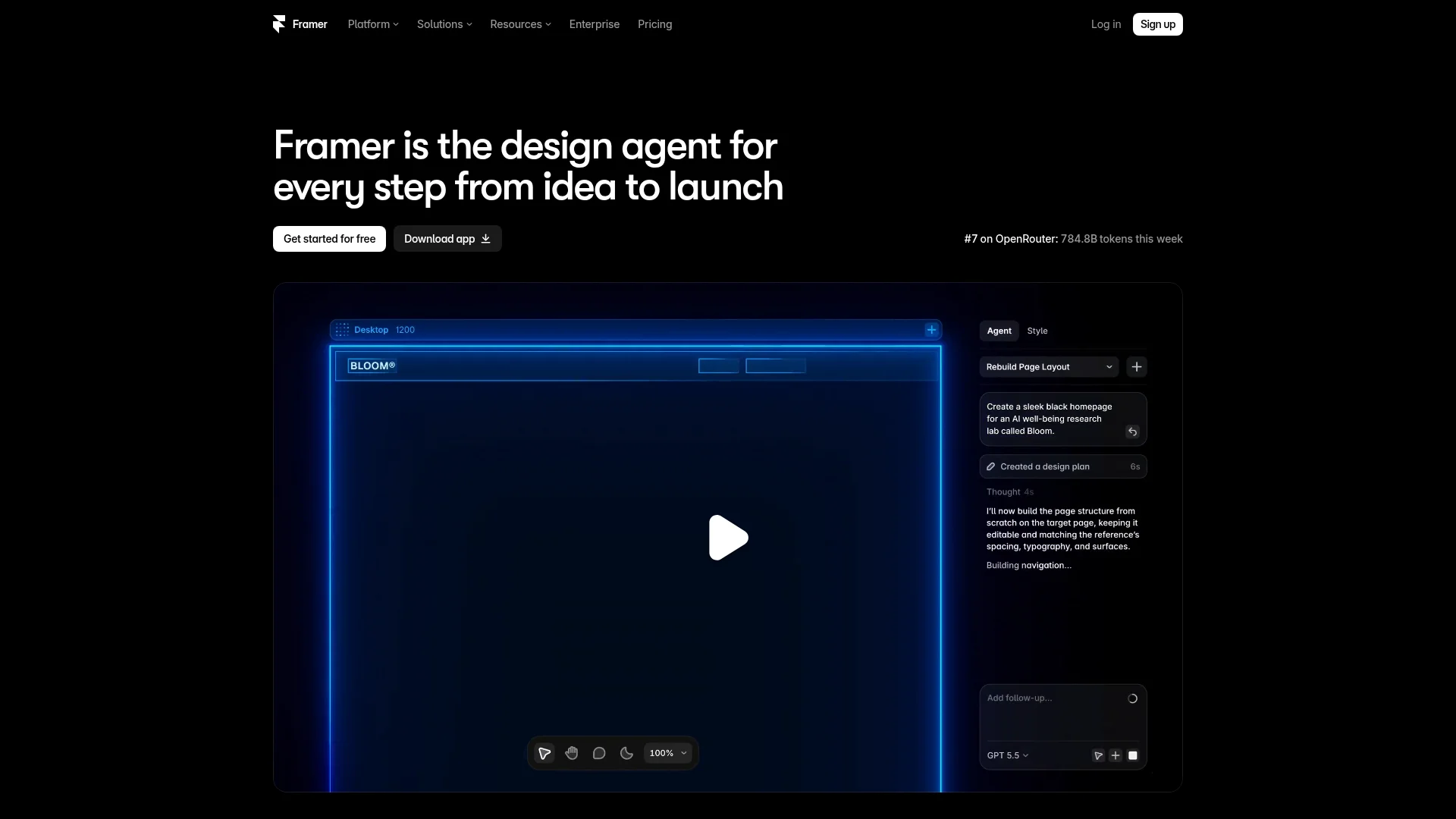
Best for: Founders and designers who want a polished, animated marketing site that looks custom.
Framer started life as a design tool, and it shows. Its AI generates good-looking, on-brand layouts, and the editor gives you real control over typography, spacing, and animation. For visual polish, Framer's output was among the best in our test, though the trade-off is a steeper learning curve than a guided builder like Wix.
The free plan publishes to a framer.website subdomain. A custom domain starts on the Basic plan, and Framer now includes a free custom domain on annual plans, which most builders still charge extra for.
Pricing: Free plan (subdomain). Paid from $10/mo (Basic) with a free custom domain on annual billing.
4. Hostinger: Best AI Website Builder on a Budget
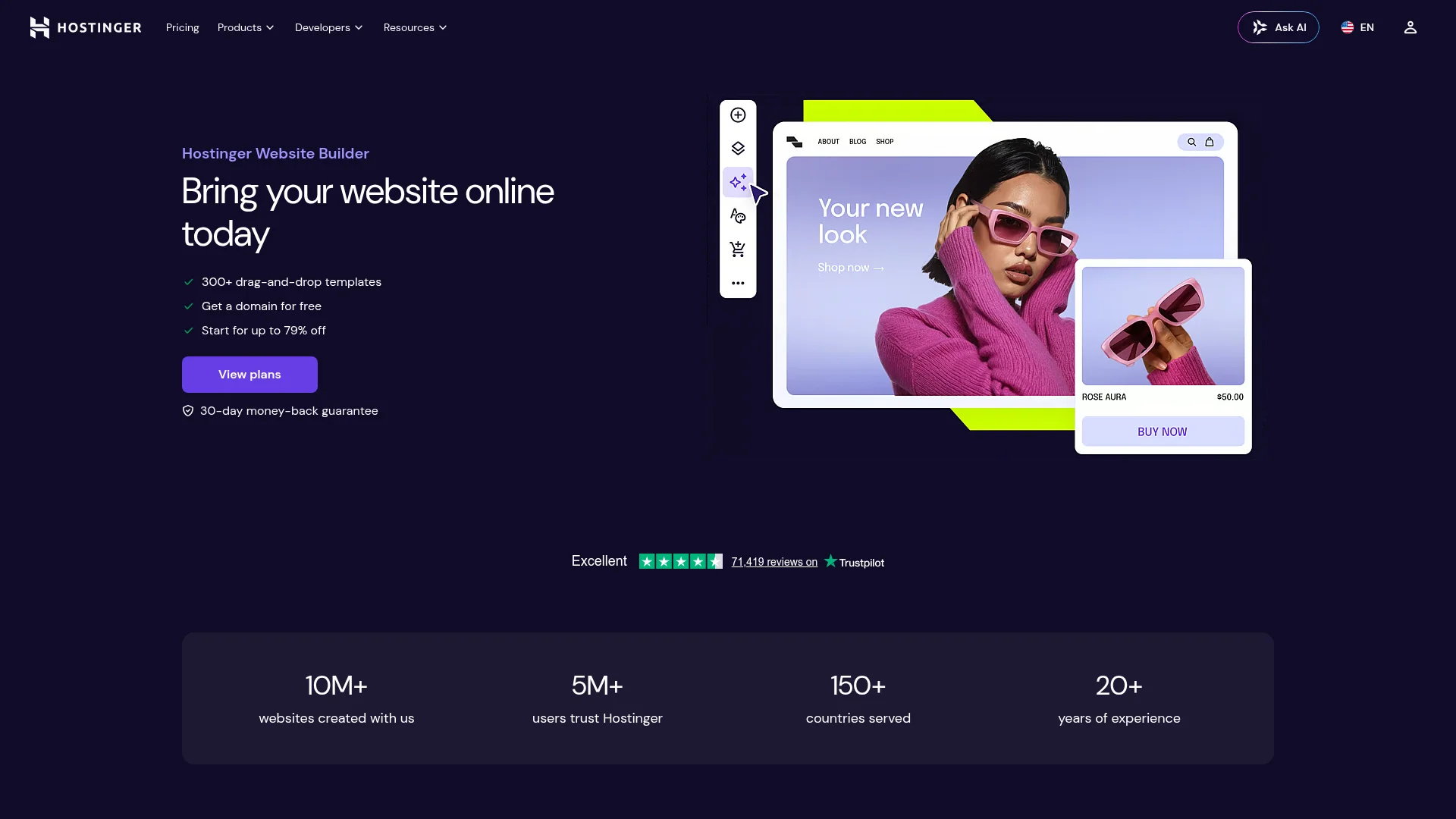
Hostinger's AI builder generates a site from a short prompt and bundles hosting, a free first-year domain, and an SSL certificate into one cheap plan. The output is simpler than Framer or Wix, but for a straightforward brochure site it is more than enough, and nothing else on this list gets you online this cheaply.
The one thing to watch is billing: Hostinger charges the full term upfront and the price jumps at renewal (around $10.99 per month), so the headline rate only applies for the first cycle.
Pricing: From about $2.99/mo (Premium, on a long term billed upfront); $3.99/mo (Business) adds a lightweight store.
5. Durable: Fastest Site From a Prompt
Best for: Solopreneurs and service businesses that need a site online today, not this weekend.
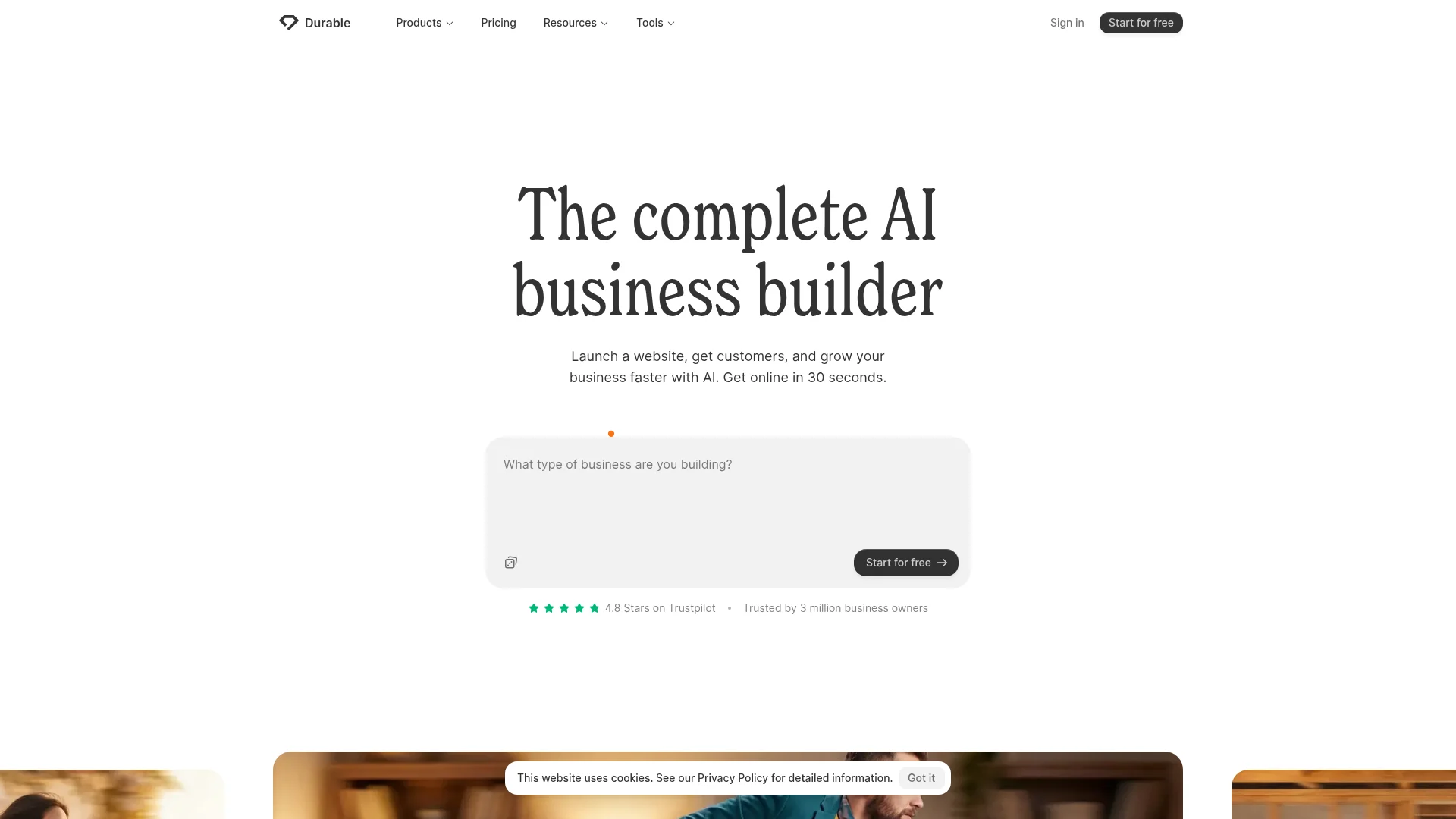
Durable's whole pitch is speed. Durable generates a full site in about 30 seconds and bundles a CRM, invoicing, and basic marketing tools alongside it. In our test it was the quickest from prompt to a live draft by a wide margin. The trade-off is control: the templates are rigid, and there is no real blog or ecommerce, so it suits businesses that just need to get online rather than run everything from their site.
Pricing: Free plan (subdomain, limited pages). Paid from about $22/mo on annual billing for a custom domain and the full business tools.
6. Squarespace: Best Templates and Polish
Best for: Creatives and brands that want award-winning templates with a light layer of AI on top.
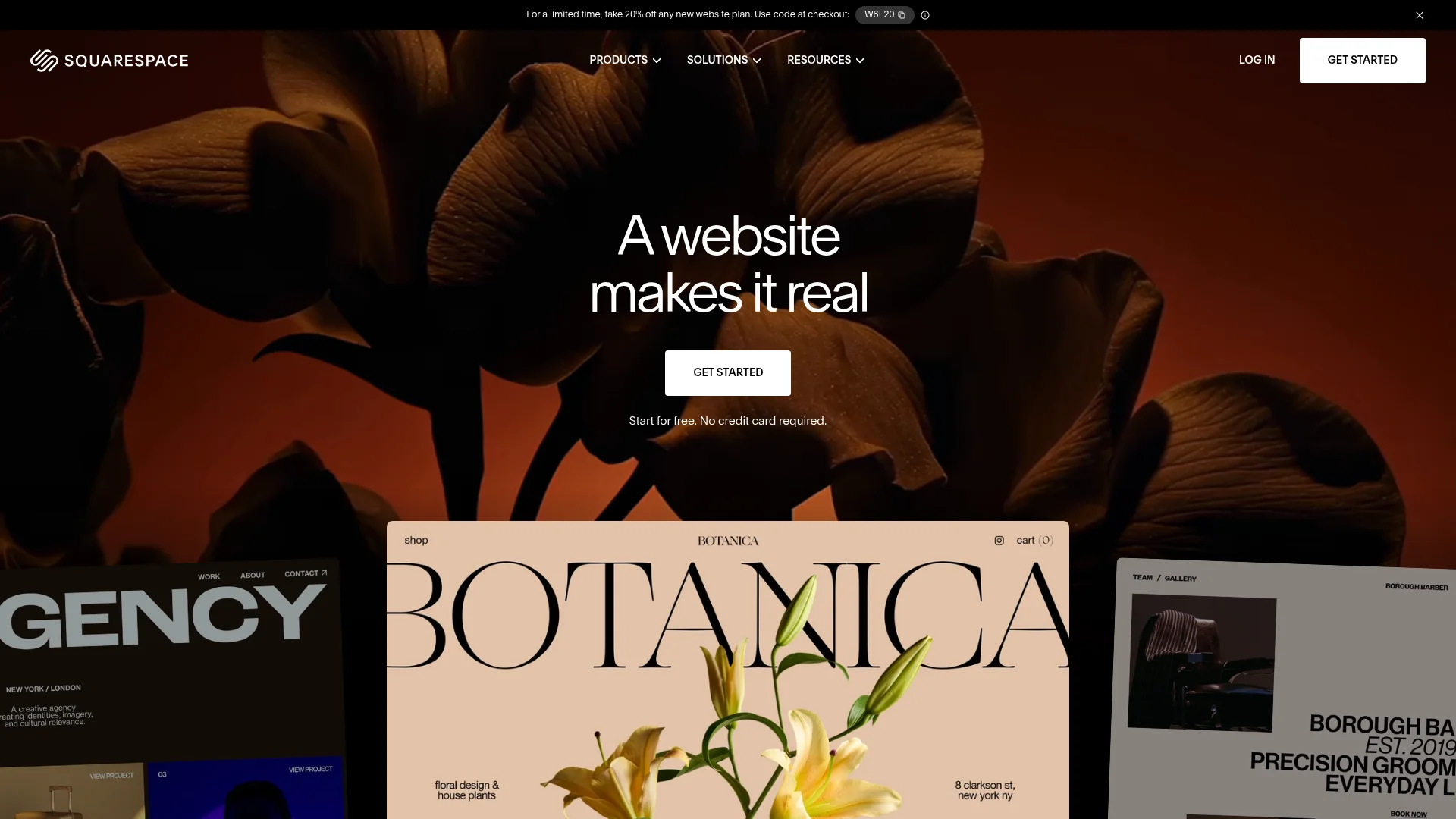
Squarespace is not a pure AI generator; it is a polished drag-and-drop builder with AI tools bolted on. Blueprint AI walks you through a guided setup, and Design Intelligence helps generate copy and layouts. The templates are the best-looking in the category, so if your priority is a site that looks designed, Squarespace delivers, just with more manual work than a prompt-first tool.
Pricing: From $16/mo (Basic) on annual billing, with a free custom domain for the first year. No free plan, but there is a 14-day trial.
7. Lovable: Best for Turning a Site Into a Web App
Best for: Founders whose "website" is really a product with logins, data, and interactive features.
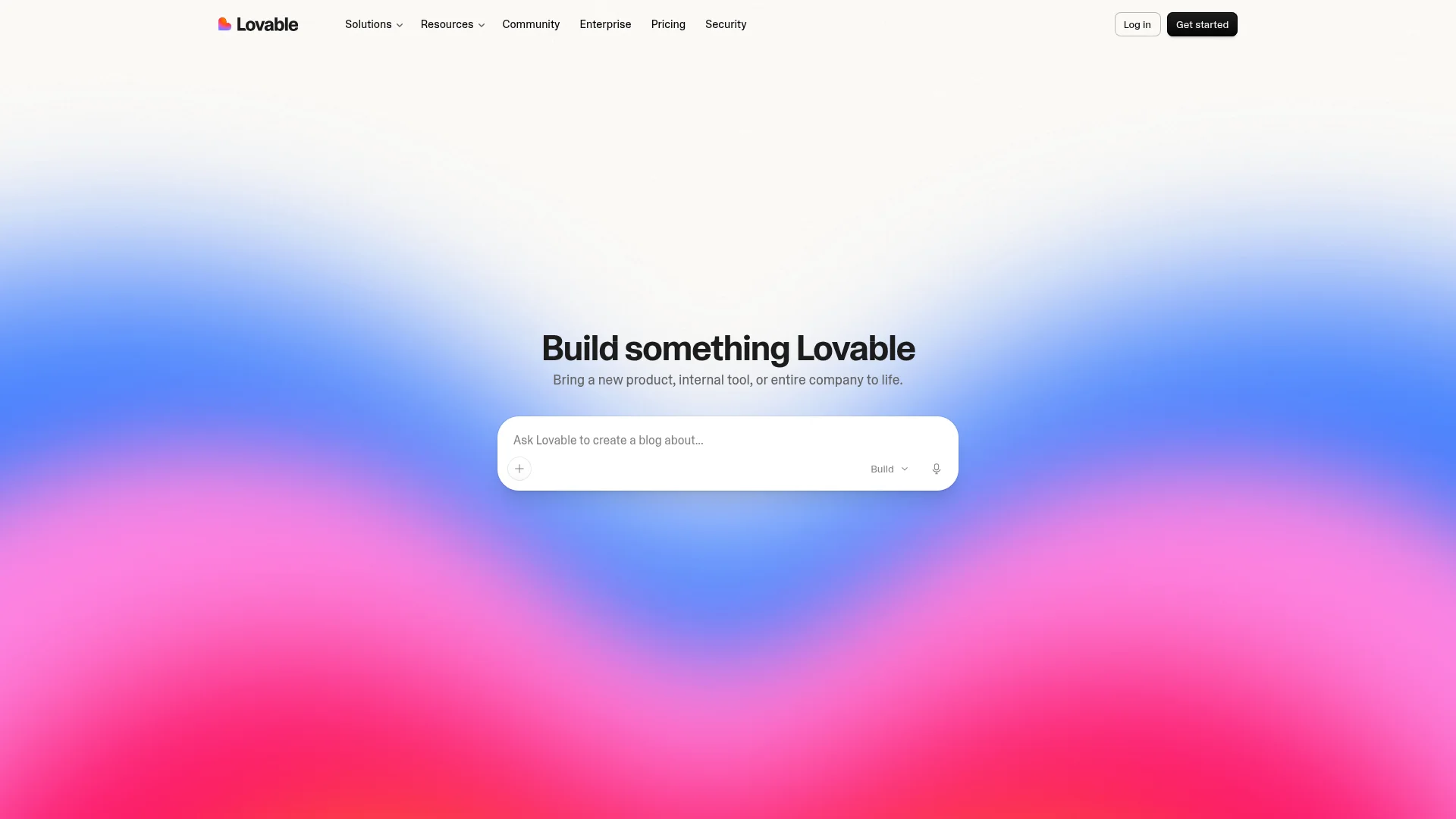
Lovable generates web apps and sites from a prompt, and it shines when a plain marketing page is not enough. The output is code-based and flexible, though it leans more technical than Wix or Squarespace. Custom domains, private projects, and badge removal arrive with the Pro plan. If you build a web app in Lovable and later want it on the App Store, you would need a separate tool to package it natively.
Deciding between the two? Our CatDoes vs Lovable comparison breaks down where each one fits.
Pricing: Free plan (around 30 credits per month). Pro from $25/mo adds custom domains and private projects.
8. Bolt: Best for Developers Who Want the Code
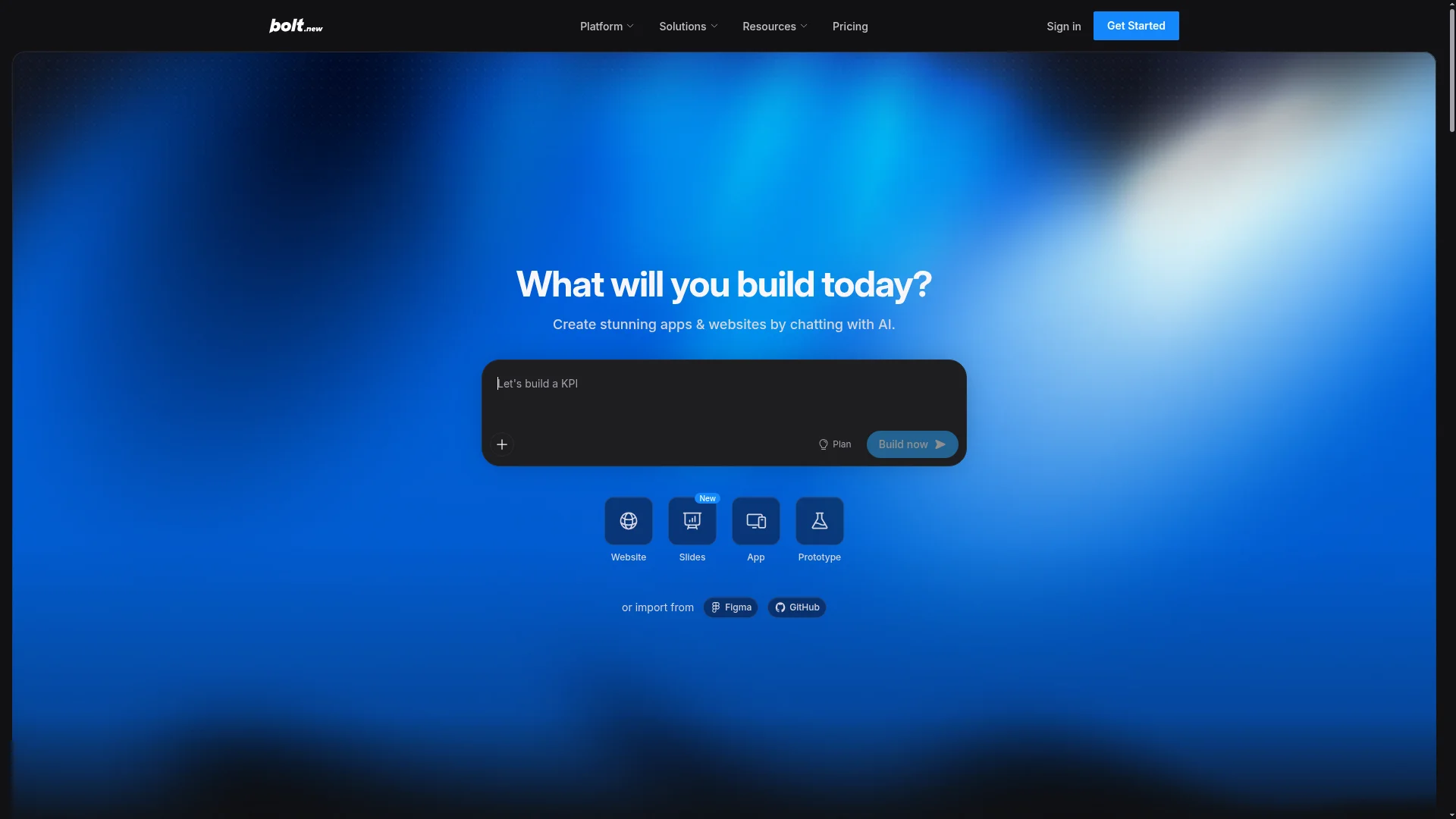
Best for: Technical builders who want AI speed but full access to the underlying code.
Bolt.new generates a working app or site in the browser and lets you edit the code directly, with deployment built in. It is the most flexible option here for developers, but that flexibility assumes you are comfortable reading and tweaking code when the AI gets something wrong. The free tier includes 1 million tokens a month but adds Bolt branding and no custom domain; Pro removes both and raises the token ceiling.
Pricing: Free (1M tokens per month). Pro from $25/mo for custom domains, more tokens, and no branding.
9. GoDaddy Airo: Best Domain, Email, and Site Bundle
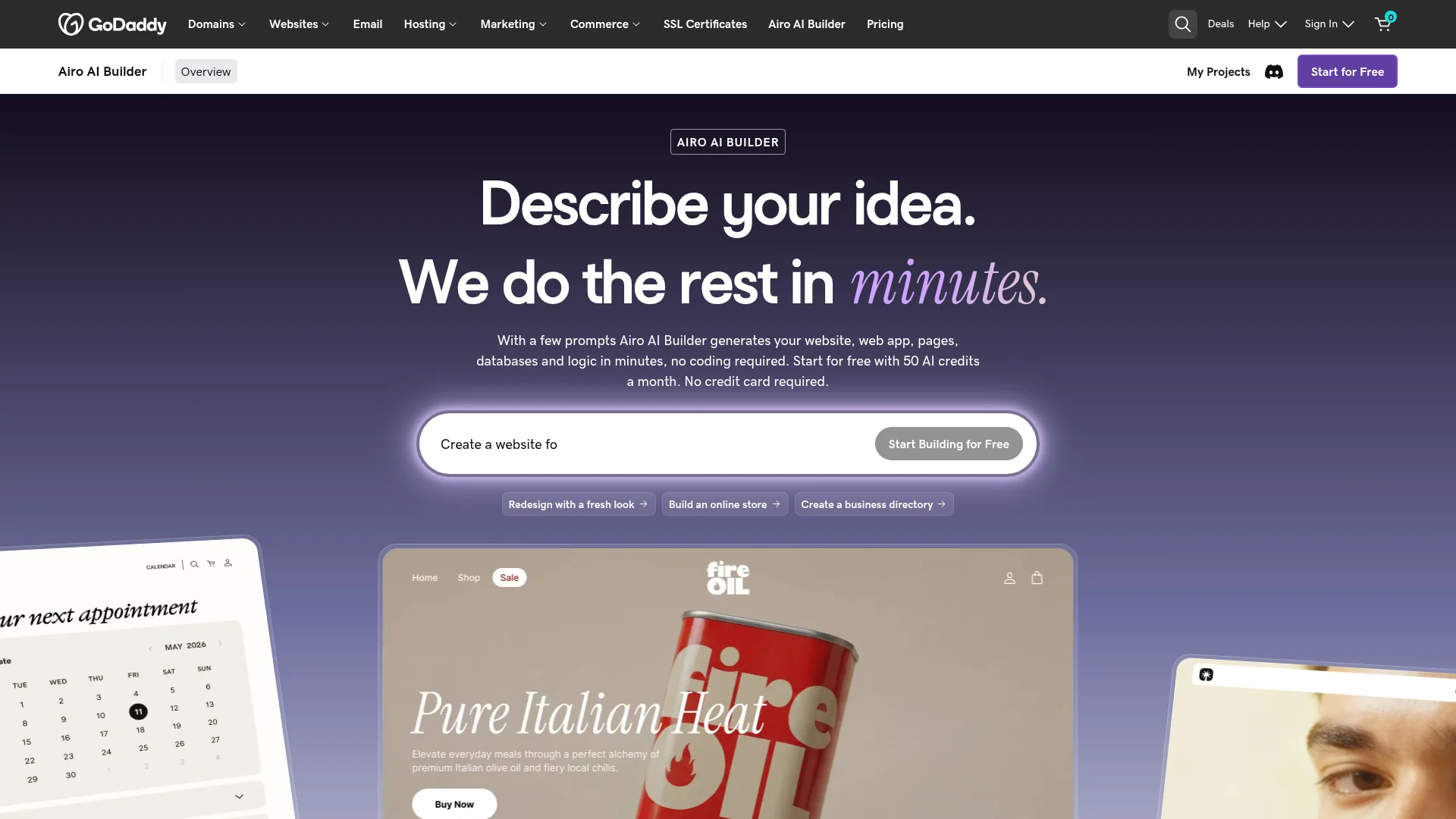
Best for: US and Canada users who want a domain, business email, and a site set up together in one flow.
GoDaddy Airo builds a site from your business details and bundles it with a domain and email, which is convenient if you are already registering a domain with GoDaddy. The free plan gives you 50 AI credits a month, which get used up quickly on a single project. The bigger caveat: the Airo AI builder is available only in the US and Canada in 2026, and everyone else falls back to GoDaddy's older, less capable website builder.
Pricing: Free plan (50 AI credits per month). Paid plans start around $10/mo in year one and renew higher.
10. 10Web: Best AI Builder on WordPress
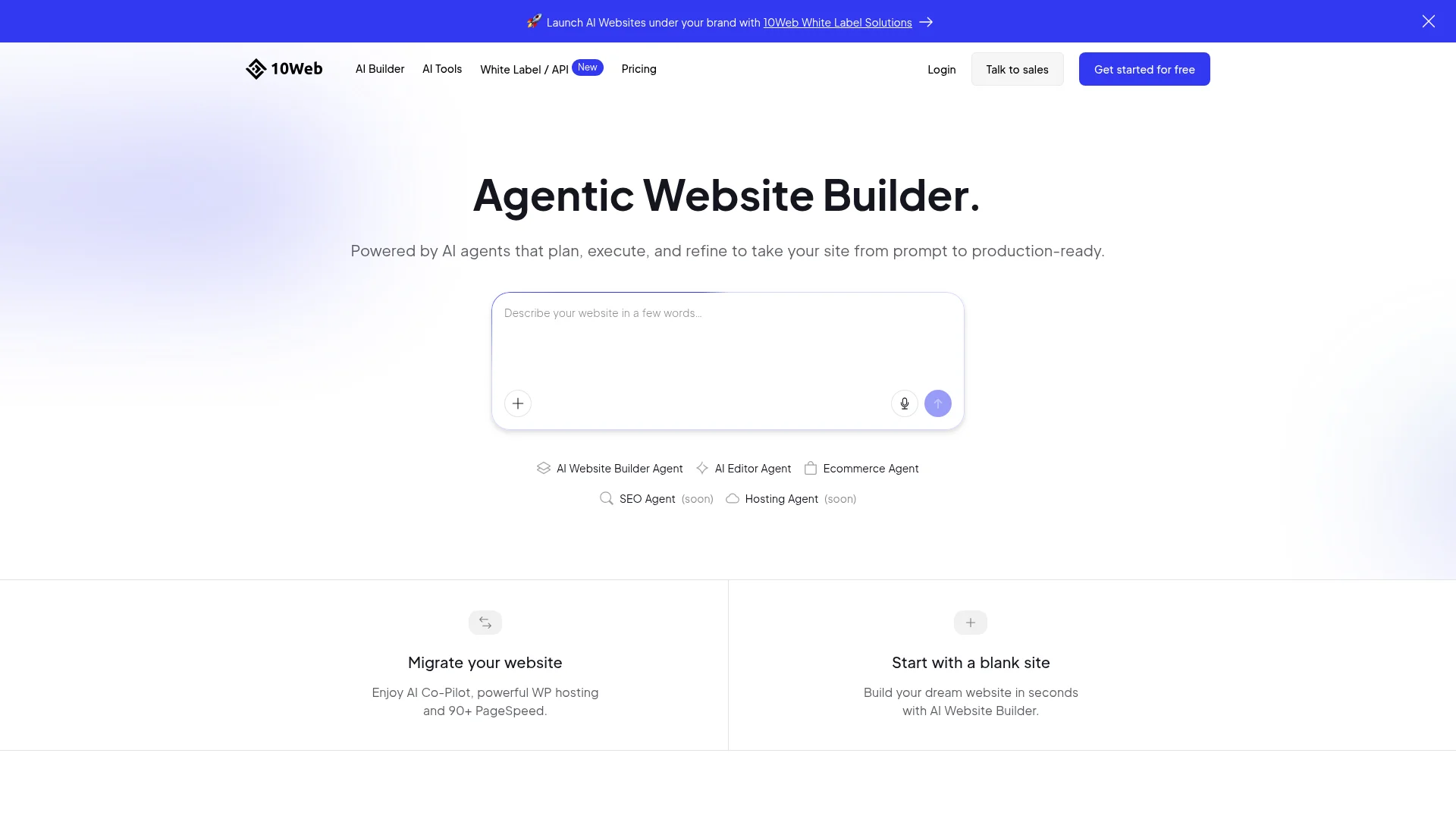
Best for: People who want AI speed but WordPress ownership and portability underneath.
10Web generates a WordPress site with AI, then hosts it on Google Cloud with a built-in speed optimizer. You get the flexibility of WordPress, including plugins, real ownership, and export, with an AI head start that skips the blank-page setup. There is no permanent free plan, only a trial, so it is best once you know you want WordPress specifically.
Pricing: From about $10/mo (AI Starter, annual) for one site; the $15/mo Premium tier adds more capacity and sites.
How to Choose the Right AI Website Builder
The right AI website builder comes down to three questions. Answer them and the shortlist gets obvious.
What are you actually building? For a simple brochure or local-business site, Wix, Hostinger, and Durable get you live fastest. For a design-led marketing site, Framer and Squarespace look the most polished. For a site that becomes a real product, CatDoes, Lovable, and Bolt handle logic and data.
Do you need to own the result? If you want real code, export, and a domain you fully control, CatDoes, Bolt, and 10Web are built for that. If a hosted subscription is fine and you never plan to move, Wix, Squarespace, and Durable keep things simple.
Will it grow into an app? If there is any chance you will want a mobile app later, CatDoes ships the same project to the App Store and Google Play from one prompt, which nothing else on this list does natively. If that is even a maybe, it pays to start with a builder that can do both from day one rather than rebuild later.
Frequently Asked Questions
What is the best AI website builder in 2026?
For most people, CatDoes is the best overall because it ships a real site on your own domain with a backend included, and can turn the same project into a mobile app. Framer wins on design, Wix on all-in-one convenience, and Hostinger on price. The best choice depends on whether you value ownership, looks, speed, or cost most.
Are AI website builders any good?
Yes, in 2026 the first drafts are genuinely usable rather than throwaway. The AI handles layout, copy, and images, and you refine from there. The quality gap now comes down to how much you can customize afterward and whether you can publish on a domain you own, not whether the tool can produce a real page.
Can I build a website with AI for free?
Several builders have real free plans, including CatDoes, Wix, Framer, Durable, Lovable, Bolt, and GoDaddy Airo. The common limit is that a custom domain usually requires a paid plan; free tiers publish to a branded subdomain and often add the tool's badge to your site. For a breakdown of which ones let you launch completely free, see our guide to the best free AI website builders.
What is the difference between an AI website builder and an AI website generator?
There is no real difference; the terms are used interchangeably. The generator is the part that creates your first draft from a prompt, and the builder is the editor you use to adjust it afterward. Every tool on this list does both.
Which AI website builder lets me own the code?
CatDoes offers code export on higher tiers, Bolt gives you direct access to the underlying code, and 10Web builds on WordPress, which you can export and host anywhere. Hosted builders like Wix, Squarespace, and Durable do not let you take the code with you.
The Bottom Line
There is no single best AI website builder for everyone, but there is a best fit for what you are trying to ship. If you want to describe a site and get back a real one you own, on your own domain, with the option to turn it into a mobile app, CatDoes is the clearest choice in 2026. If you want the prettiest templates, Squarespace and Framer lead; if you want the cheapest live site, Hostinger wins; and if you need something online in the next minute, Durable is hard to beat.
The fastest way to know which one fits is to try the workflow, not just read about it. Build your first site with CatDoes and see how far a single prompt gets you.
Nafis Amiri
Co-Founder of CatDoes