Blog
Tutorials
8 Best Free AI Website Builders (2026)
We tested 8 free AI website builders in 2026. Compare free tiers and publishing limits, and see which lets you build and launch a site 100% free.

Nafis Amiri
Co-Founder of CatDoes

Free AI website builders make a big promise: describe your idea, wait a minute, and a full site appears. The catch is that "free" often means free to build, then $15 to $25 a month the moment you hit publish. To find the tools that keep their promise, we tested 8 free AI website builders in 2026 and checked the one thing that matters most: can you actually build and launch a real site without paying a cent? Six of them let you do it. The other two are a harder sell: one makes you pay before your site goes live, and the other is really a coding tool in disguise.
Key Takeaways
6 of 8 publish 100% free on a builder subdomain: CatDoes, Wix, Framer, Webflow, Lovable, and v0.
2 come with a catch: Durable lets you build for free but charges to publish, and Replit is a developer tool where reliable hosting needs a paid plan.
Top pick: CatDoes, because it builds a real site you own and can ship a matching mobile app. Best all-rounder: Wix. Best design: Framer.
Every free plan has the same trade-off: your site sits on a subdomain with the builder's branding. Removing ads and connecting a custom domain always requires an upgrade.

Table of Contents
How We Tested These Free AI Website Builders
The 8 Best Free AI Website Builders at a Glance
1. CatDoes: Best Free AI Website Builder Overall
2. Wix: Best All-in-One Free Builder
3. Framer: Best for Design Quality
4. Webflow: Best for Design Control
5. Lovable: Best for a Prompt-Built Web App
6. v0 by Vercel: Best for Polished Front-End UI
7. Durable: Fastest to Generate, But You Pay to Publish
8. Replit: Best for Developers, Not Beginners
Free vs Free to Publish: The Catch to Watch For
How to Choose a Free AI Website Builder
Frequently Asked Questions
The Bottom Line
How We Tested These Free AI Website Builders
We signed up for each builder's free tier the same way a first-time user would: no credit card, no annual discount, no special deal. Then we generated a site from a plain-English prompt and tried to take it all the way to a public URL.
We scored each tool on four things that decide whether a free plan is genuinely useful:
Can you publish for free? Some builders generate a beautiful draft, then ask for money before it goes live.
What are the real limits? Storage, bandwidth, monthly visitors, page counts, and credit caps all limit what a free site can do.
How much branding gets attached? Free sites carry the builder's badge, banner, or ads. We noted how intrusive each one is.
What does upgrading actually cost? Because "free" is only useful if the paid path is fair when you outgrow it.
Pricing and limits change often, so we cite each builder's current terms and recommend confirming the numbers on the official site before you commit.
The 8 Best Free AI Website Builders at a Glance
Here is how the eight tools compare on the questions that matter most. "Publish free?" is the deciding column: it tells you whether you can get a live site without ever paying.
Builder | Best for | Publish free? | Free URL | Custom domain on free? | Branding on free plan |
|---|---|---|---|---|---|
CatDoes | A real site you own | Yes (web) | CatDoes subdomain | No | CatDoes badge |
Wix | All-around use | Yes | wixsite.com subdomain | No | Wix ad banner |
Framer | Design quality | Yes | framer.website subdomain | No | "Made in Framer" badge |
Webflow | Design control | Yes (2 sites) | webflow.io subdomain | No | "Made in Webflow" badge |
Lovable | Prompt-built web app | Yes | lovable.app subdomain | No | "Edit with Lovable" badge |
v0 by Vercel | Front-end UI | Yes | vercel.app subdomain | Via Vercel | Vercel branding |
Durable | Fast generation | No (build only) | Paid to publish | No | N/A on free |
Replit | Developers | Limited (1 basic app) | replit.app subdomain | No | Replit branding |
1. CatDoes: Best Free AI Website Builder Overall
Most free AI website builders lock you inside their editor: your site is a template on their platform, and it lives on their subdomain forever. CatDoes works differently. It is an AI agent that builds a real, custom website from your prompt, and the same agent can ship a matching mobile app to the App Store and Google Play, which template builders cannot do. That combination is why it is our top pick.
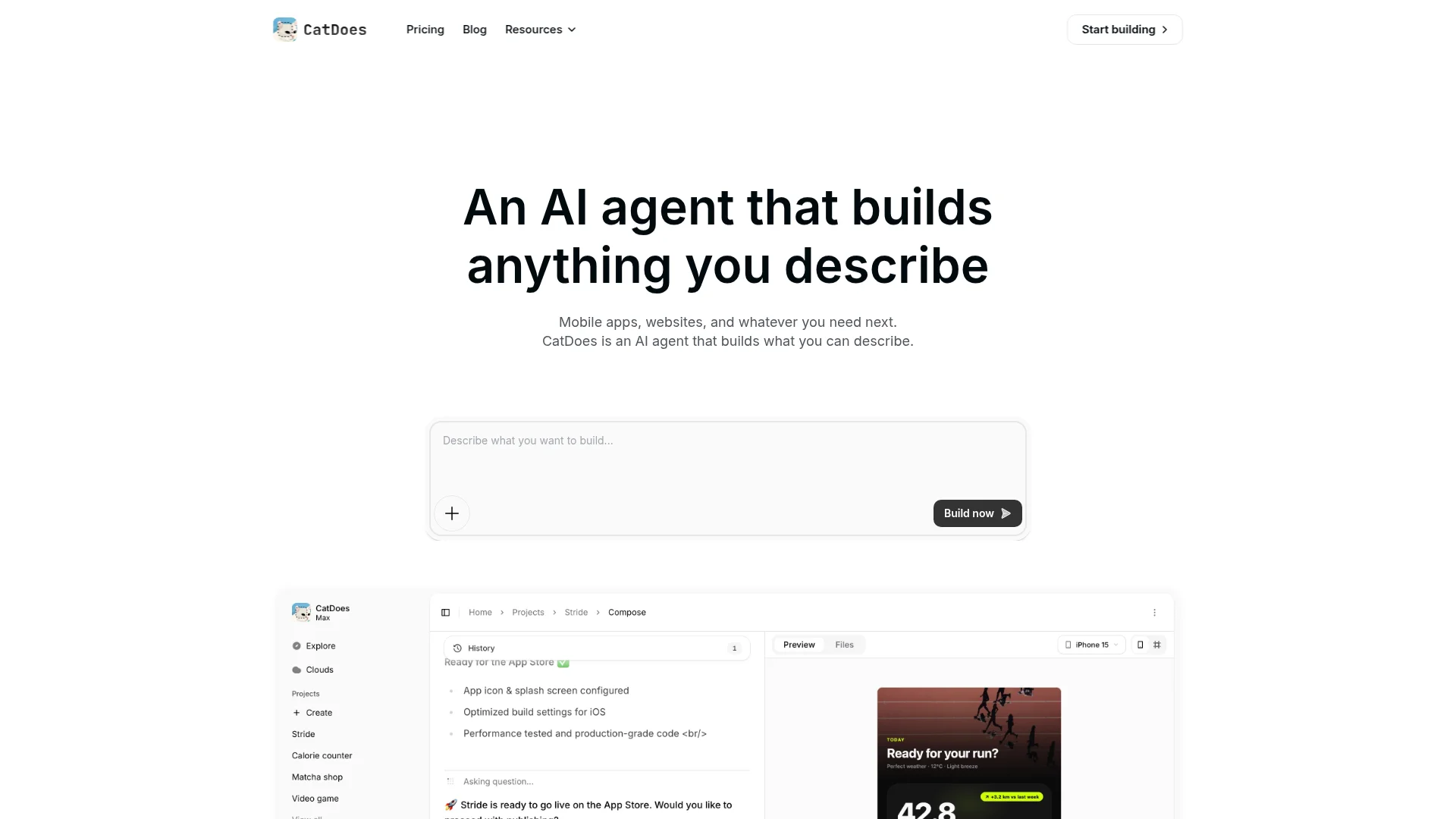
The free plan publishes to the web at no cost with a CatDoes badge, and it includes starter credits and one project so you can build and launch something real before deciding to upgrade. Because the agent writes an actual codebase rather than filling a template, you own what you make and you are not boxed in as your idea grows. A full backend (database, auth, and storage through CatDoes Cloud) comes built in, so a contact form or login works without extra tools.
Free plan includes:
An AI agent that builds and deploys a real website from natural language
Free web publishing with CatDoes Cloud (database, auth, and storage) built in
A clear path to add native iOS and Android apps from the same project
Watch-outs: The free plan is web-only with a badge and a single project. Custom domains, code export, and native app deployment live on paid plans. If you might want a phone app down the road, CatDoes saves you from rebuilding, and you can even turn your website into an app from the same project.
Best for: Founders and small teams who want a real website they control, not a rented template, with mobile apps in reach.
2. Wix: Best All-in-One Free Builder
Wix is a familiar all-in-one builder with a free tier. Its AI Site Generator builds a site from a few questions about your business, and you can host and publish the result at no cost with no credit card.
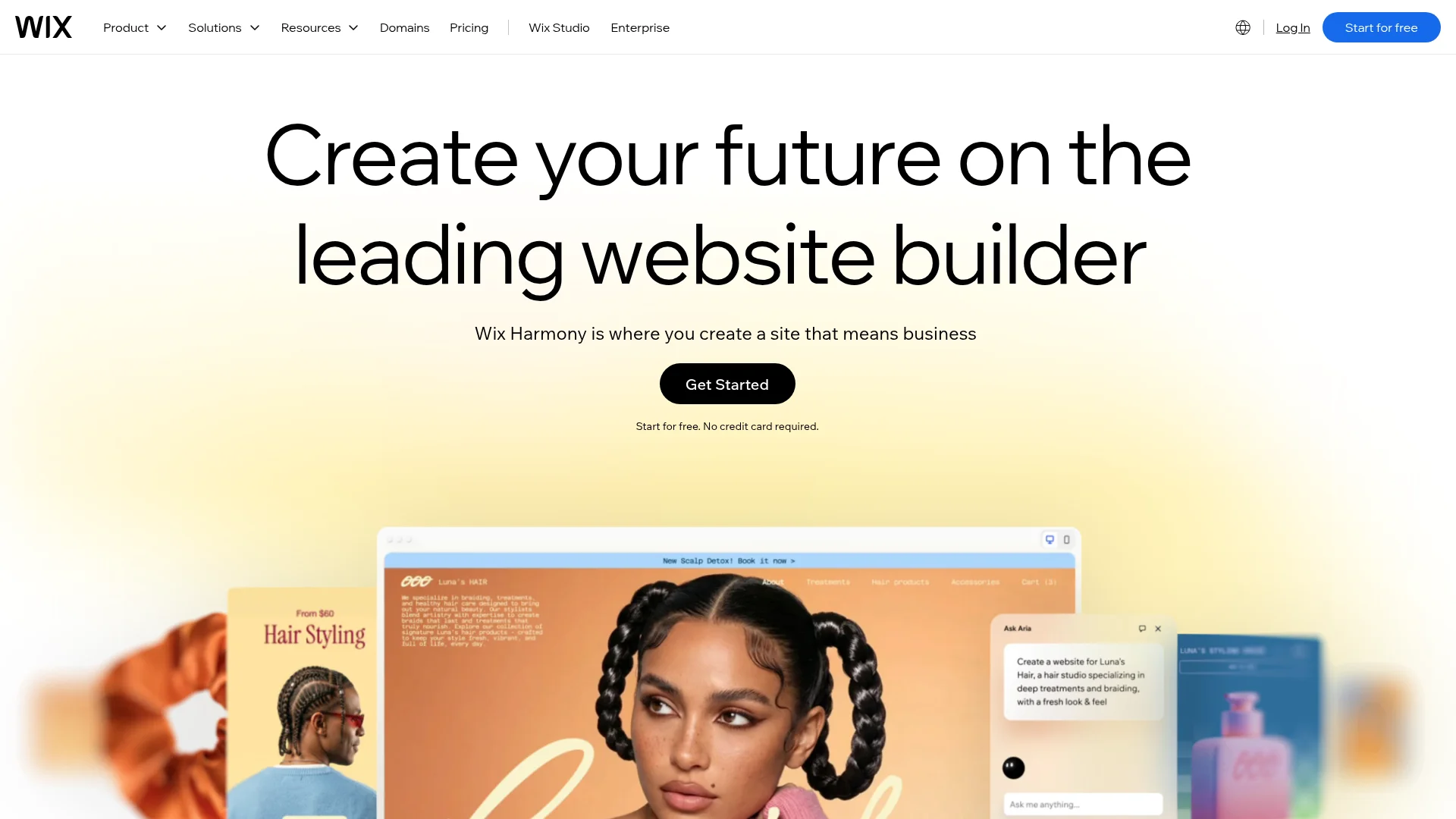
The free plan stays live with no time limit, but every free Wix site carries two things: a username.wixsite.com/sitename address and a Wix ad banner on every page. Storage sits around 500MB, which is tight for anything media-heavy.
Free plan includes:
Full AI site generation, plus AI text and image tools
Free hosting and publishing on a wixsite.com subdomain
Mobile-optimized templates and basic SEO controls
Watch-outs: You cannot remove the Wix ad or connect a custom domain without a paid plan (roughly $17/month and up), and e-commerce is paid only.
Best for: Anyone who wants one tool that covers a bit of everything and a free site that stays online.
3. Framer: Best for Design Quality
Framer is built around design, and it generates animated pages from a prompt. The free plan lets you publish real sites with no expiry.
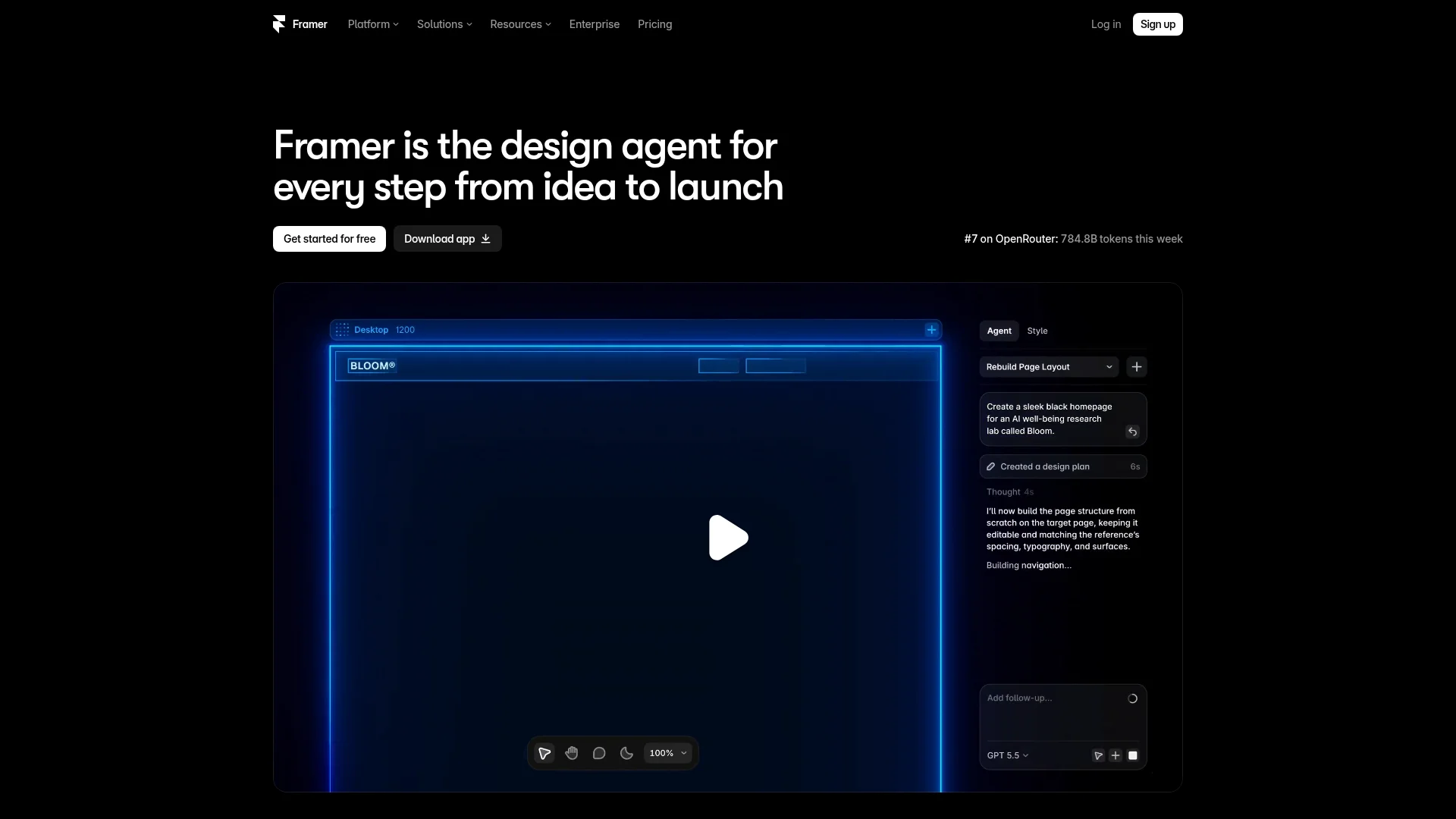
The free workspace covers a lot of structure (up to 1,000 pages, 10 CMS collections, and 500 AI credits a month), but the limits that bite are traffic and bandwidth. Free sites support around 1,000 visitors a month and 100MB of bandwidth, so a busy day can push you into an upgrade.
Free plan includes:
Unlimited AI site generations from a text prompt
Publishing on a yoursite.framer.website subdomain
CMS, AI text rewriting, and AI image generation
Watch-outs: The "Made in Framer" badge stays on free sites and cannot be hidden with custom code. Custom domains, more bandwidth, and badge removal start at $5/month.
Best for: Portfolios, landing pages, and anyone who cares about design more than dashboards.
4. Webflow: Best for Design Control
Webflow is aimed at hands-on designers who want fine control over layout, and its free Starter plan lets you publish staging sites. After a May 2026 pricing update, the free workspace includes some AI credits, so you can try Webflow's AI tools without paying.
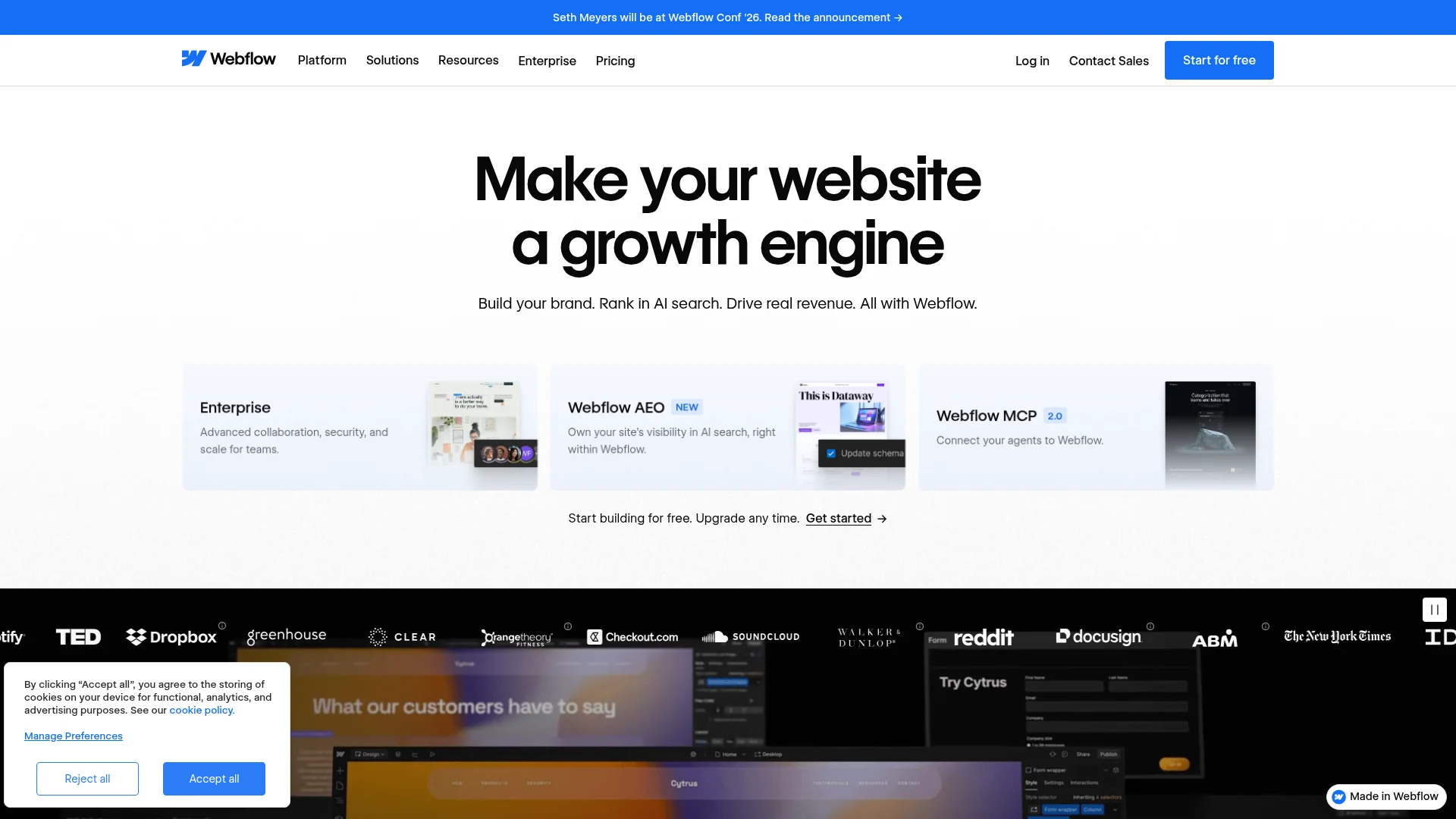
The catch is that the free Starter workspace is meant for learning, not launching a business. You get two free sites on webflow.io subdomains, but each is capped at two static pages, 50 CMS items, and around 1,000 monthly visits.
Free plan includes:
Two staging sites published to webflow.io subdomains
Webflow AI credits (added in the 2026 update) for AI-assisted building
The full visual designer with real HTML and CSS control
Watch-outs: Two pages per free site is restrictive, and the full AI Site Builder may require a paid workspace depending on your account.
Best for: Designers and developers who want pixel-level control and don't mind a two-page limit while they learn.
5. Lovable: Best for a Prompt-Built Web App
Lovable turns a chat prompt into a working web app, not just a static page. Describe what you want, and it writes a real React front end with a database and logins wired in, then publishes it to a lovable.app address for free.
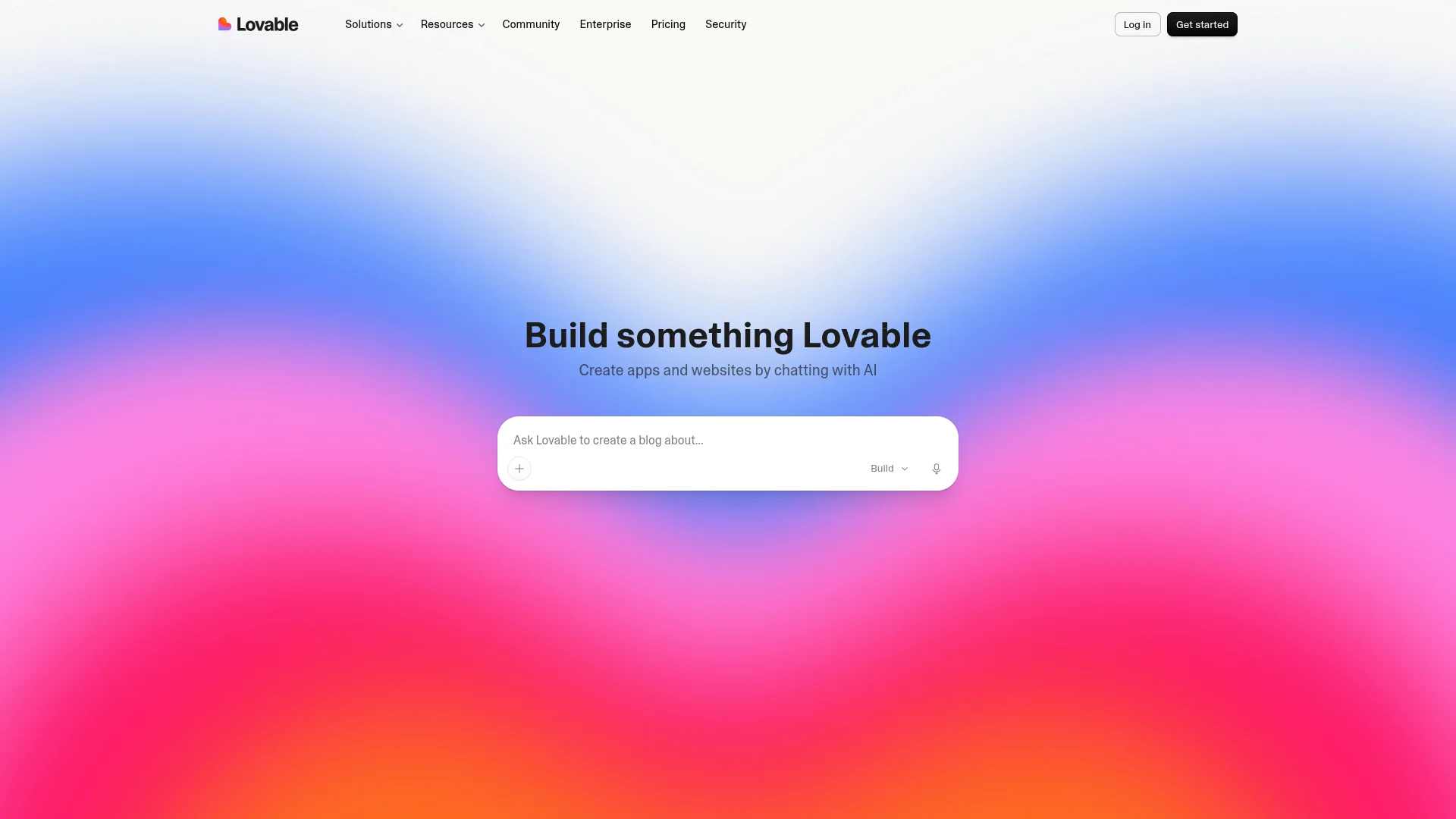
The free plan is where the limits bite. You get a small pool of build credits (around five a day), and they burn fast because each edit and rebuild draws from the same pool. A simple demo is fine; a real app with a few rounds of changes can empty your credits before the project is done.
Free plan includes:
A prompt-to-app builder that writes a real React app with a database and auth
Free publishing on a lovable.app subdomain
GitHub sync so you can export the code
Watch-outs: Free credits are tight and reset daily without rolling over, so they run out quickly on a real build. A custom domain and badge removal need the Pro plan (around $25/month), and because Lovable writes real code, fixing what the AI gets wrong can get technical.
Best for: Makers who want a working web app from a prompt and are fine testing within a small daily credit budget.
6. v0 by Vercel: Best for Polished Front-End UI
v0 is Vercel's AI builder, and it is aimed squarely at front-end work. You prompt it, and it generates clean React and Next.js interfaces you can deploy to Vercel. The output looks sharp, but this is a tool built for developers first.
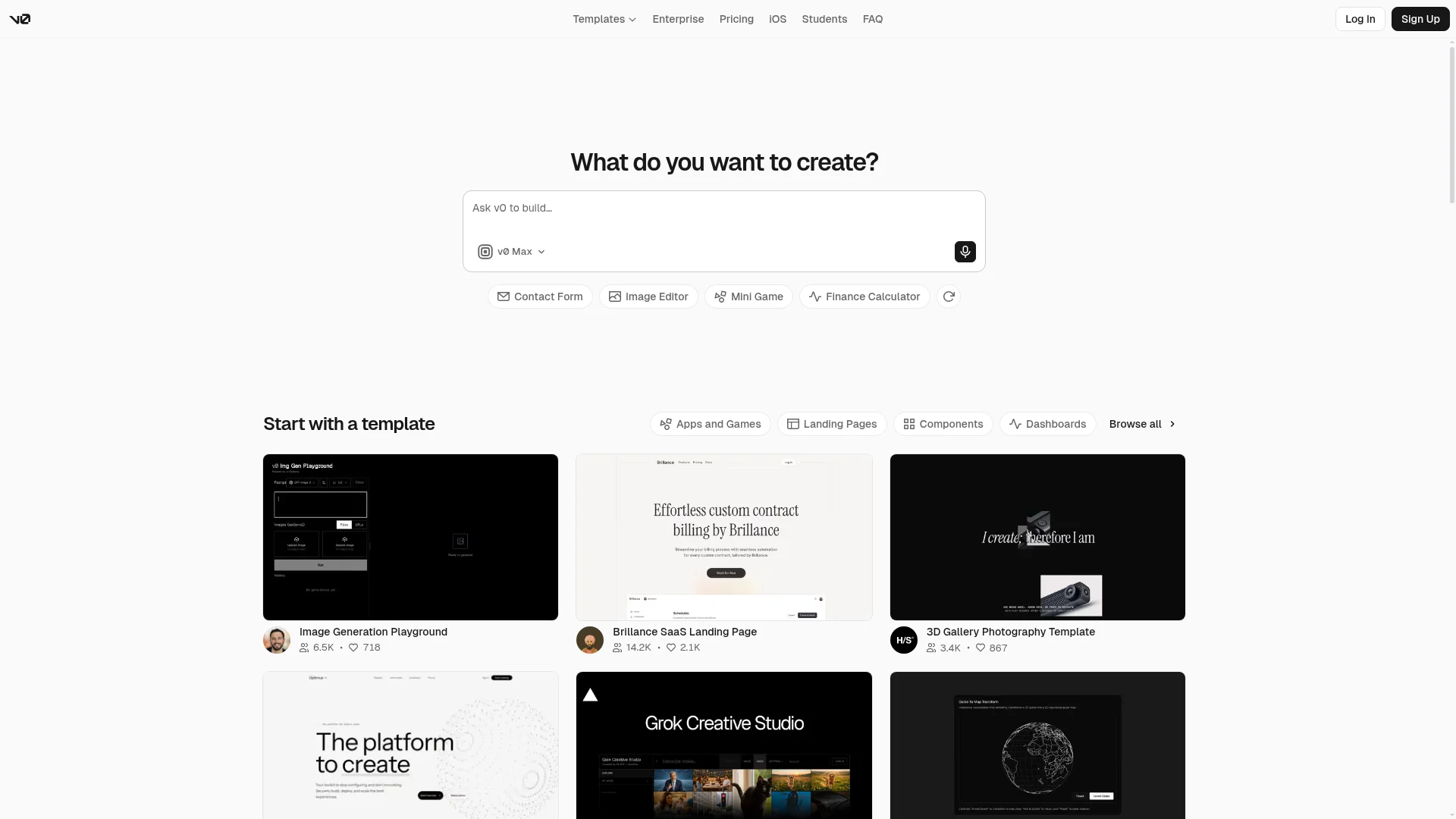
The free plan gives you $5 in monthly credits on a token-based system, so complex prompts eat through them faster than simple ones. You can deploy to a vercel.app URL at no cost, though a serious production site can push you toward a paid Vercel plan.
Free plan includes:
AI generation of React and Next.js UI from a prompt
$5 in monthly credits and one-click deploy to Vercel
GitHub sync and a visual design mode
Watch-outs: The $5 credit cap is small and token pricing makes it unpredictable. v0 leans toward components and front-end UI rather than a full, content-managed site, and getting the most out of it assumes you are comfortable with React.
Best for: Developers and designers who want clean React UI fast and already live in the Vercel ecosystem.
7. Durable: Fastest to Generate, But You Pay to Publish
Durable is fast. It generates a small-business site in about 30 seconds, and the AI-written copy is a decent starting point. The problem is what happens next.
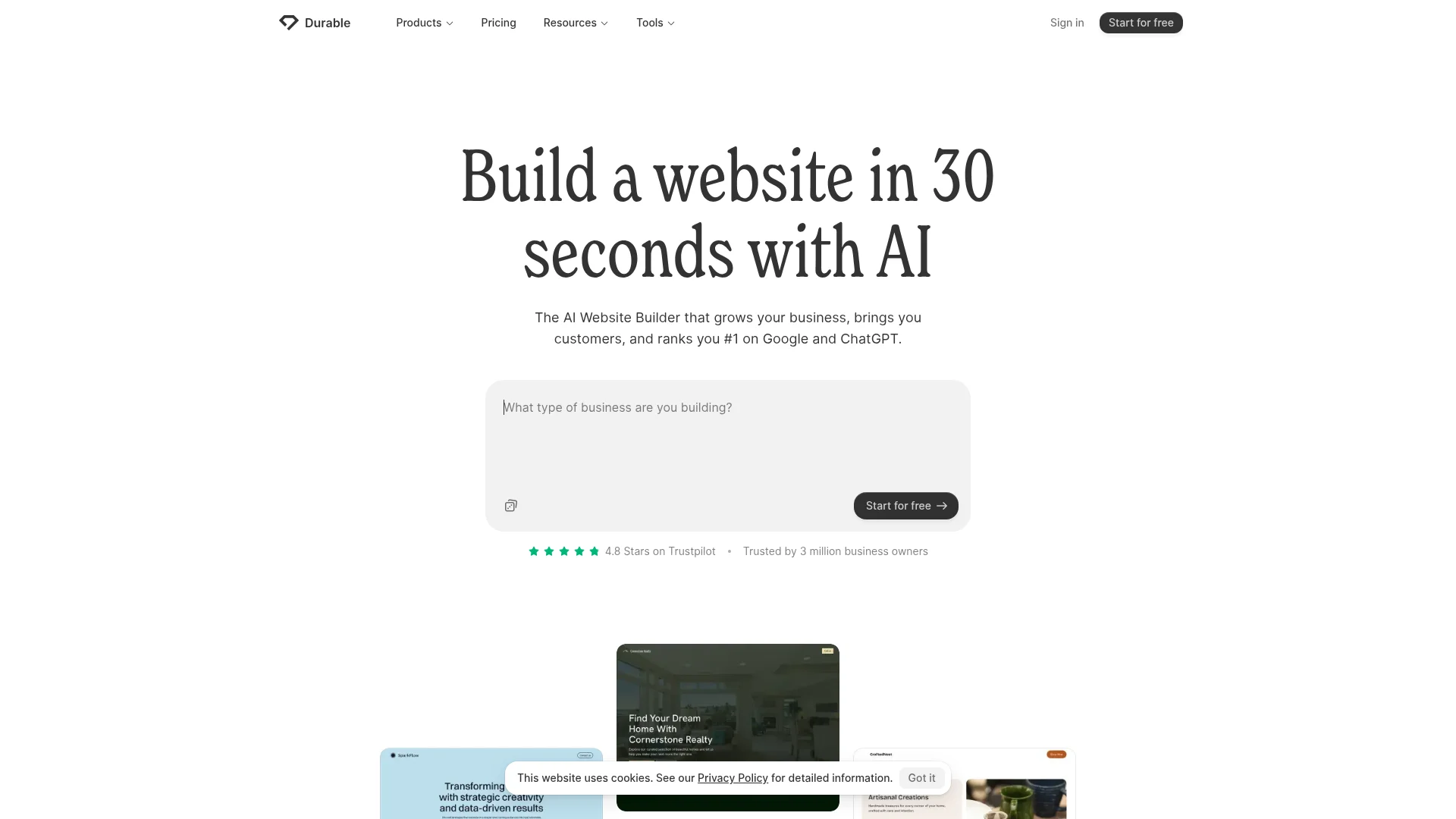
You can build and edit a site for free and use the AI assistant, but you cannot take it live without a paid subscription. That puts Durable in the "free to try, paid to launch" camp rather than the truly-free group.
Free plan includes:
30-second AI site generation and editing
The AI business assistant and a subdomain preview
A limited draft (around three pages and five CRM contacts)
Watch-outs: Publishing requires the Launch plan at roughly $15 to $22/month. Fine for evaluating output quality, not for a free live site.
Best for: Service businesses that want an instant first draft and are ready to pay to go live.
8. Replit: Best for Developers, Not Beginners
Replit is a full cloud coding platform with an AI agent bolted on. It can build an app from a prompt, but the moment you land in the workspace you are looking at a file tree, a code editor, and a shell. That power is the point for developers, and the friction for everyone else.
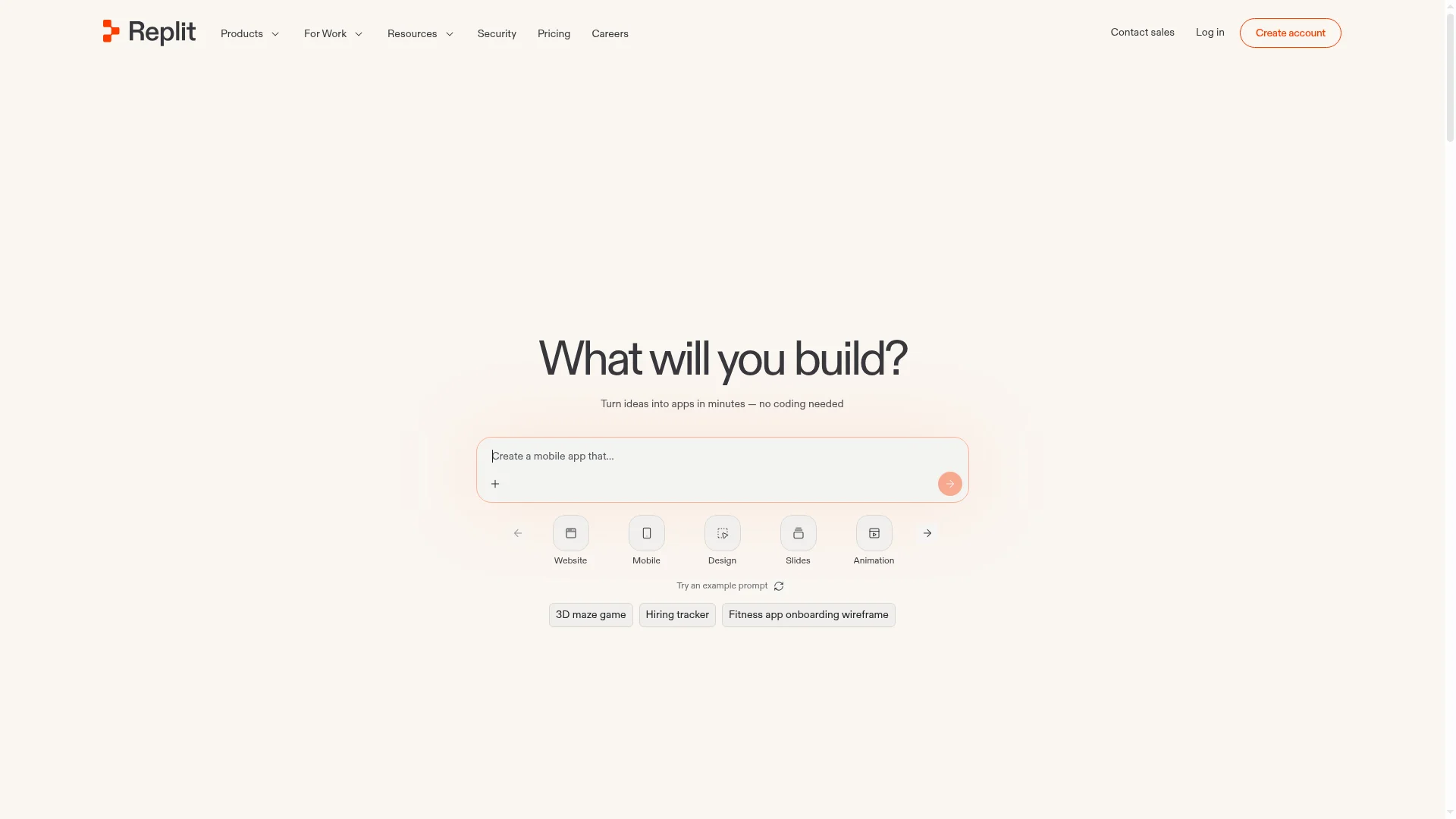
The free Starter plan lets you build with limited daily agent credits and publish one basic app, but reliable hosting, a custom domain, and private projects need the Core plan (around $20 to $25/month), plus usage-based charges for heavier deployments.
Free plan includes:
A cloud IDE with an AI agent and limited daily credits
One published app on a replit.app subdomain
Roughly 1,200 development minutes a month
Watch-outs: This is a developer tool, so the learning curve is steeper than any prompt-only builder here. When the AI gets something wrong, fixing it usually means reading code, and proper hosting is effectively a paid plan.
Best for: Developers who want an AI agent inside a real coding environment, not first-timers who just want a site online.
Free vs Free to Publish: The Catch to Watch For
The single most important distinction in this category is the gap between "free to build" and "free to publish." Almost every AI builder will generate a great-looking draft for nothing, because the draft is the hook. The question is whether the publish button costs money.
In our testing, the split was clear. CatDoes, Wix, Framer, Webflow, Lovable, and v0 all put a live site on a subdomain for free. Durable holds publishing back for paying customers, and Replit is really a developer environment where reliable hosting means paying for a plan.
Three things are paid on essentially every builder, so plan for them if the project gets serious:
A custom domain. Free plans give you a subdomain like yoursite.framer.website. Your own .com requires an upgrade.
Branding removal. The builder's badge, banner, or ads stay until you pay.
Room to grow. Storage, bandwidth, and visitor caps are what eventually force the upgrade, not the features.
When you are ready to go live properly, our guide on how to publish a website walks through domains, DNS, and launch step by step.
How to Choose a Free AI Website Builder
The best free AI website builder is the one that gets you from idea to a live URL with the least friction for your specific use case. Match the tool to the job:
A real site you own, with a mobile app in the future: Choose CatDoes so you build once instead of rebuilding later.
Simple business or portfolio site: Wix or Framer both publish free and stay live.
A web app with logins and data: Lovable builds a working app from a prompt, if you can live with tight free credits.
A polished front-end or landing page: v0 by Vercel generates clean React UI, though it leans technical.
Design control for a designer: Webflow, if you can live with two pages while you learn.
Whatever you pick, the quality of your result depends heavily on the prompt you feed the AI. A vague request gets a generic template; a specific one gets something close to finished. Our post on how to write a business website prompt shows exactly what to include.
Frequently Asked Questions
Are AI website builders really free?
Yes, but with limits. CatDoes, Wix, Framer, Webflow, Lovable, and v0 all let you build and publish a live site for free on a subdomain. The free plan always includes the builder's branding, and custom domains plus ad removal usually require a paid upgrade. A couple of tools are stingier: Durable only lets you build for free and charges to publish, and Replit is a coding environment where real hosting needs a paid plan.
Can I use a free AI website builder without a credit card?
Yes. None of the truly free plans on this list ask for a card to sign up, generate a site, or publish to a subdomain. You only enter payment details when you upgrade for a custom domain, more bandwidth, or branding removal.
What is the catch with free AI website builders?
The catch is the subdomain and the branding. Your free site lives at an address like yoursite.wixsite.com and shows the builder's badge or ads. You also hit storage, bandwidth, or credit caps as the site grows, which is the point where most people upgrade.
Which free AI website builder is best for a small business?
CatDoes is the strongest long-term pick because you get a real site you fully control and a path to add a mobile app later, without rebuilding. If you want the simplest all-in-one option, Wix is a safe choice that publishes free and covers most business needs in one place. If you also want to build apps for free, see our roundup of the best free app builders.
Can a free AI website builder use my own domain name?
Usually not. Most builders here reserve custom domain connection for paid tiers, so on the free plan you get a builder subdomain and connecting yourbusiness.com is the first reason people upgrade. A few developer tools, like v0 through Vercel, let you attach a domain on their free tier, but the mainstream site builders make it a paid step.
The Bottom Line
Every tool here can turn a prompt into a website, but only six let you launch that website for free. CatDoes is our top pick when you want a real site you own with a path to native apps, Wix is the safe all-rounder, and Framer covers design. Durable and Replit are worth knowing about, but Durable makes you pay to publish and Replit expects you to be comfortable with code.
If you want more than a template on someone else's platform, CatDoes builds you a real website from a single prompt, publishes it free, and can ship the matching iOS and Android app when you are ready.
Start building your site free with CatDoes
Written by the CatDoes team. We build AI tools for shipping websites and mobile apps, and we test the tools we write about firsthand.
Nafis Amiri
Co-Founder of CatDoes