Blog
Tutorials
Most Common App Store Rejection Reasons and Fixes (2026)
The most common App Store rejection reasons in 2026 and how to fix each one, across Apple and Google Play, plus how to catch them before you submit.

Nafis Amiri
Co-Founder of CatDoes

You built the app, you polished the icon, you hit Submit for Review, and two days later a rejection notice lands in App Store Connect. It is one of the most deflating moments in shipping software, and it is far more common than most first-time developers expect.
The good news: the vast majority of rejections come from the same short list of causes, and almost all of them are avoidable. This guide breaks down the most common App Store rejection reasons in 2026, for both Apple and Google Play, with a concrete fix for each. It is current as of the latest Apple App Store Review Guidelines and Google Play policy updates.
TL;DR
Most app rejections trace back to a handful of issues: crashes and incomplete builds (Apple Guideline 2.1), metadata that does not match the app (2.3), thin "repackaged website" apps (4.2), spam or duplicate apps (4.3), and privacy problems like a missing account-deletion option (5.1.1). On Google Play, the biggest trap is a Data Safety declaration that does not match your privacy policy, followed by unjustified permissions and the target API level requirement (Android 16 / API 36 by August 31, 2026).
The fastest way to avoid all of them is to review your app against the guidelines before you submit, not after. CatDoes includes an App Store Review agent that simulates both Apple and Google Play review and tells you what to fix first.
Table of Contents
How Often Do Apps Actually Get Rejected?
The Most Common Apple App Store Rejection Reasons
The Most Common Google Play Rejection Reasons
How Long Does App Review Take in 2026?
Catch Rejections Before You Submit
How to Appeal an App Store Rejection
Pre-Submission Checklist
Frequently Asked Questions
How Often Do Apps Actually Get Rejected?
Rejections are not rare. In its 2025 App Store transparency report, Apple said it reviewed more than 9.1 million app submissions and rejected over 2 million of them, including more than 1.2 million new apps and nearly 800,000 updates. That is about 23%, or nearly one in four submissions turned away.
The report also breaks down why. Apple rejected more than 443,000 submissions for privacy violations, over 371,000 for being spam, copycats, or otherwise misleading, and more than 22,000 for hiding undocumented features. Those three buckets alone account for the largest share of rejections, which tells you exactly where to focus.
Google does not publish a comparable rejection breakdown, but its enforcement leans heavily on policy declarations, especially the Data Safety form and app permissions. The pattern on both stores is the same: most rejections are policy and completeness problems, not deep technical failures. Storefront apps are especially exposed here, which is why we wrote how to turn your Shopify store into an app.
The Most Common Apple App Store Rejection Reasons
Apple organizes its rules into the App Store Review Guidelines, and reviewers cite a specific guideline number when they reject you. Here are the ones you are most likely to hit, and how to fix each.
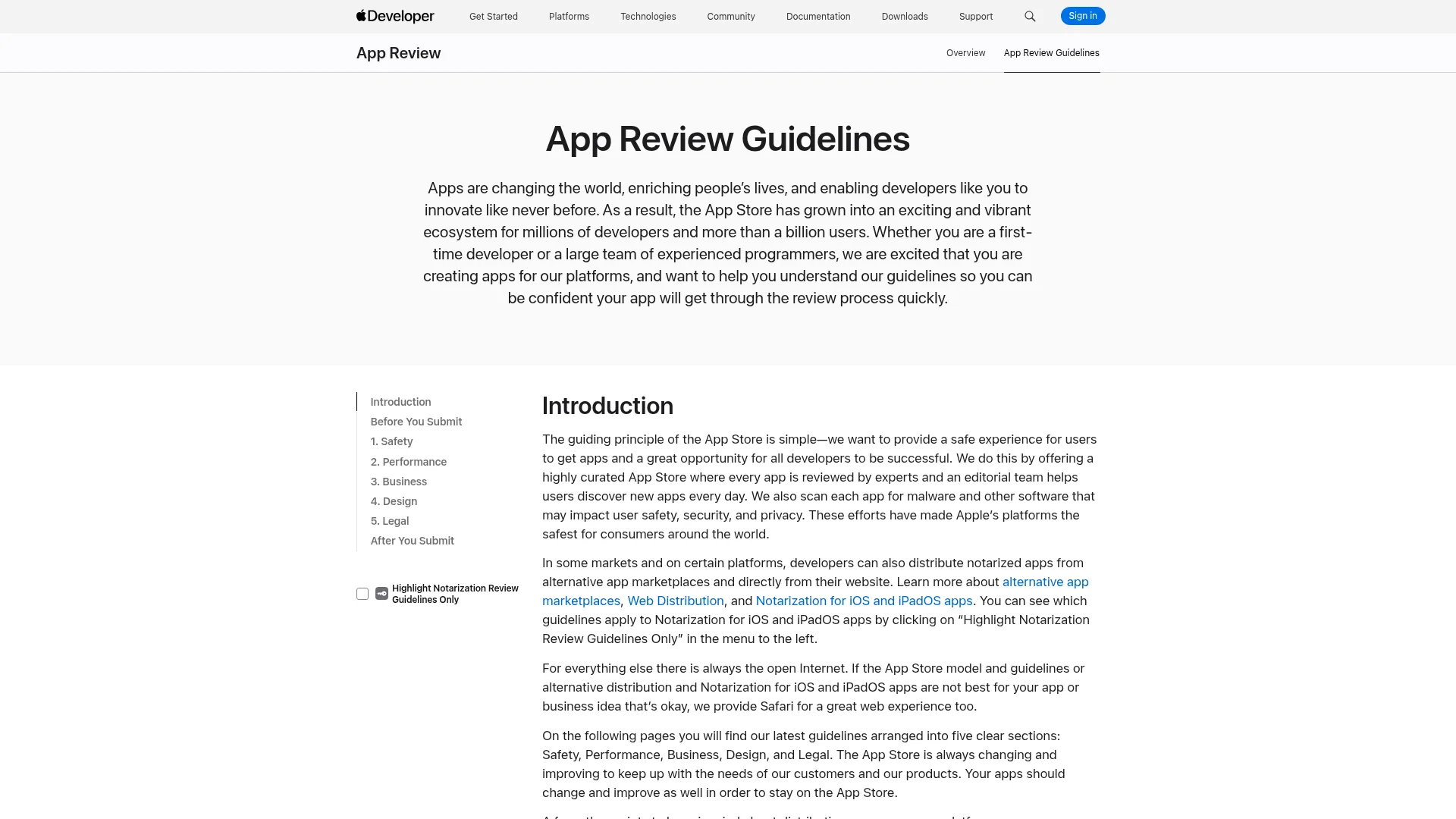
Guideline | Rejection reason | Quick fix |
|---|---|---|
2.1 | Crashes, bugs, broken links, placeholder content, missing demo login | Test the release build on real devices; add working demo credentials; remove placeholder content |
2.3 | Screenshots or description do not match the app | Show real in-app screens; keep the description accurate; remove Android references |
4.2 | Thin app that is "just a repackaged website" | Add native features: push notifications, biometrics, offline support, native navigation |
4.3 | Spam or a duplicate of an existing app | Offer a meaningfully different experience; merge duplicate bundle IDs |
5.1.1 | Privacy: no account deletion, weak permission strings, no policy | Add in-app account deletion; write clear purpose strings; link a real privacy policy |
3.1.1 | Using outside payment for digital goods | Use Apple in-app purchase for digital content and subscriptions |
4.8 | Social login without a private alternative | Add Sign in with Apple or an equivalent private option |
Guideline 2.1: Crashes, Bugs, and "Information Needed"
Guideline 2.1 (App Completeness) is the catch-all reviewers use when an app crashes, contains obvious bugs, has broken links, shows placeholder text, or cannot be fully tested. If your app has a login and you forgot to include working demo credentials, or your backend was switched off during review, you will often get a "we need more information" hold under this rule.
The fix: test the actual release build on real devices, not just a simulator. Provide a working demo account (or a built-in demo mode) in App Review notes, make sure your backend is live, and scrub every piece of placeholder text and dead URL before you submit.
Guideline 2.3: Inaccurate Metadata and Screenshots
Guideline 2.3 requires that your metadata accurately reflects the app. The most common trip-ups: screenshots that show a splash screen or login instead of the app in use, a description that promises features the app does not have, keyword stuffing in the app name, or leftover references to Android or Google Play.
The fix: use screenshots that show real in-app screens, keep the description honest, hold the app name to 30 characters or fewer, and remove any mention of other platforms. If you are unsure of the exact image requirements, our guide to App Store screenshot sizes covers the current specs.
Guideline 4.2: Minimum Functionality (the "Repackaged Website" Rejection)
Guideline 4.2 is one of the most feared rejections, especially for apps built quickly or wrapped from a website. Apple wants apps that go "beyond a repackaged website." If your app is essentially a browser pointed at your site, reviewers will reject it. A common test: they put the device in Airplane Mode, and if your app shows a blank screen or a browser error, it fails.
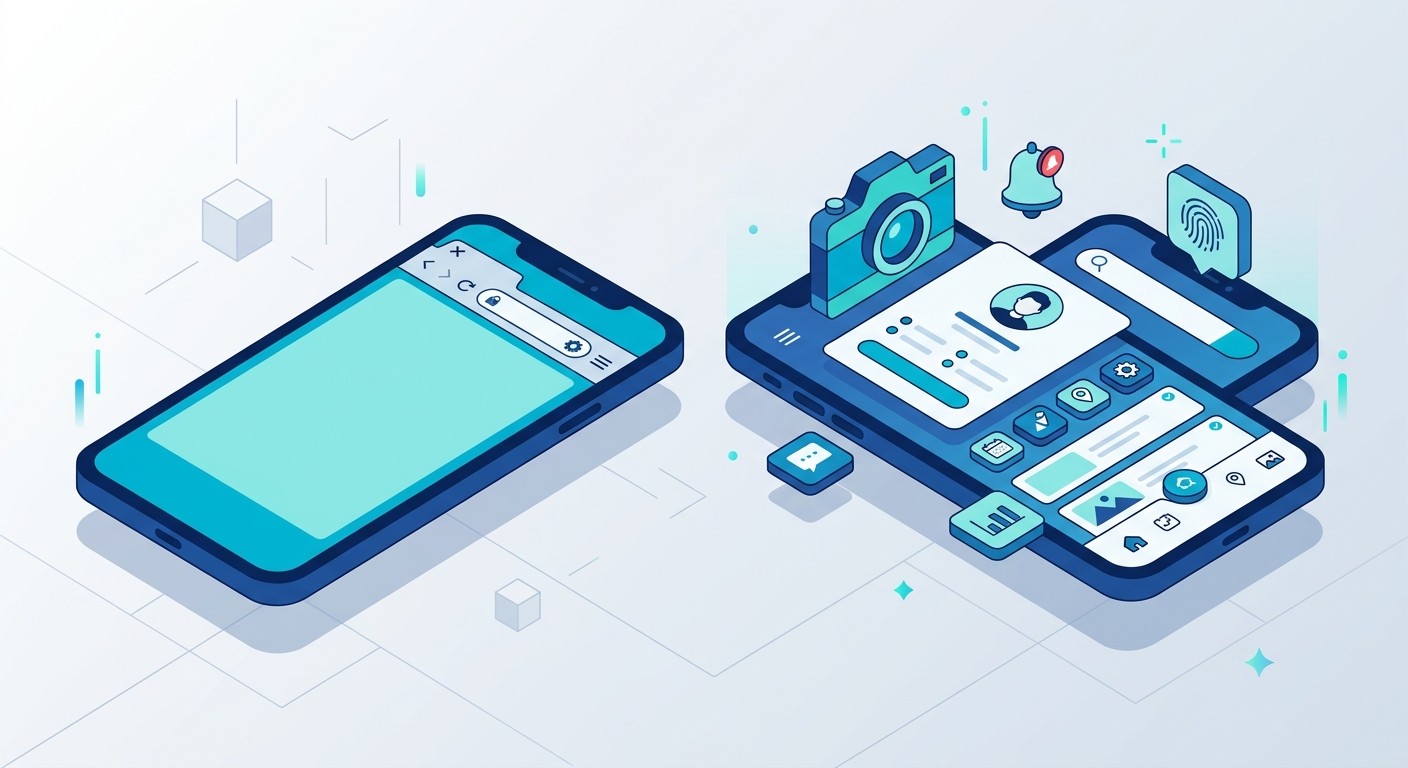
The fix: add genuine native capability a browser cannot provide, such as push notifications, Face ID or Touch ID, offline support, native navigation, or camera access. Explain those native features in your App Review notes. Avoid the risky trick of bolting on a fake login or store screen just to pass review, since Apple notices resubmissions. This is one area where building native from the start pays off. CatDoes ships real native iOS and Android apps rather than wrapped web views, which sidesteps 4.2 entirely.
Guideline 4.3: Spam and Duplicate Apps
Guideline 4.3 covers spam and copycats. You cannot ship multiple bundle IDs of the same app, and you cannot submit something "indistinguishable from what is already widely available." A June 2026 update expanded this rule, naming categories like dating, flashlight, wallpaper, simple timers, and fortune telling as areas where Apple will reject new apps unless they are meaningfully different, and may even remove existing ones.
The fix: make sure your app offers a genuinely different or improved experience. If you have several near-identical apps, consolidate them into one app with in-app variations instead of separate submissions.
Guideline 5.1.1: Privacy, Permissions, and Account Deletion
Privacy was the single largest rejection category in Apple's 2025 report. Under Guideline 5.1.1, the most common failures are: no in-app account deletion (required since 2022 for any app that lets users create an account), permission purpose strings that are vague, a missing or broken privacy policy link, and requesting data your app does not need.
The fix: if users can create an account in your app, you must let them delete it in the app. Write purpose strings that clearly describe why you need each permission, link a working and specific privacy policy in both App Store Connect and the app, and request only the data your core features actually use. If you use Sign in with Apple, revoke tokens through the Sign in with Apple REST API when a user deletes their account.
Guideline 3.1.1: In-App Purchase and Payment Rules
Guideline 3.1.1 requires you to use Apple's in-app purchase system to sell digital goods and subscriptions. Unlocking content with license keys, QR codes, or crypto will get you rejected. One notable 2026 change: on the United States storefront, apps may now include external links and buttons to web checkout, a result of the Epic v. Apple ruling. Outside the US, the standard in-app purchase rule still applies.
The fix: use Apple in-app purchase for digital content. Physical goods and services (ride-sharing, food delivery, ecommerce) can and should use other payment methods, which is a common point of confusion.
Guideline 4.8: Missing Sign in with Apple
If your app offers a third-party social login (Google, Facebook, X) to set up the primary account, Guideline 4.8 requires you to also offer a privacy-focused alternative, and Sign in with Apple satisfies it. Apps that use only their own account system are exempt.
The fix: add Sign in with Apple (or an equivalent option that limits data collection to name and email and lets users keep their email private) alongside any social login.
The Most Common Google Play Rejection Reasons
Google Play enforcement is different in character. Apple tests what your app does at runtime; Google puts heavy weight on what you declare. Most Play rejections come from a mismatch between your declarations and your app's actual behavior.
Data Safety form mismatch. The top Play rejection is a Data Safety declaration that does not match your privacy policy or your app's real data collection, including data pulled in by third-party SDKs like Firebase, AdMob, or Meta. Fix: audit every SDK, declare all data collection even if you did not write the code, and keep the Data Safety form, your privacy policy, and actual behavior perfectly aligned.
Unjustified permissions. Requesting permissions in your manifest that are not tied to a visible feature is a frequent rejection. Fix: remove any permission that is not connected to something the user can actually do.
Missing account or data deletion. Like Apple, Google requires in-app account deletion plus a data deletion URL in the Data Safety section for apps that support account creation. Fix: add both.
Broken functionality, crashes, or a low-quality store listing. Fix: test on real devices and write an accurate, non-misleading listing.
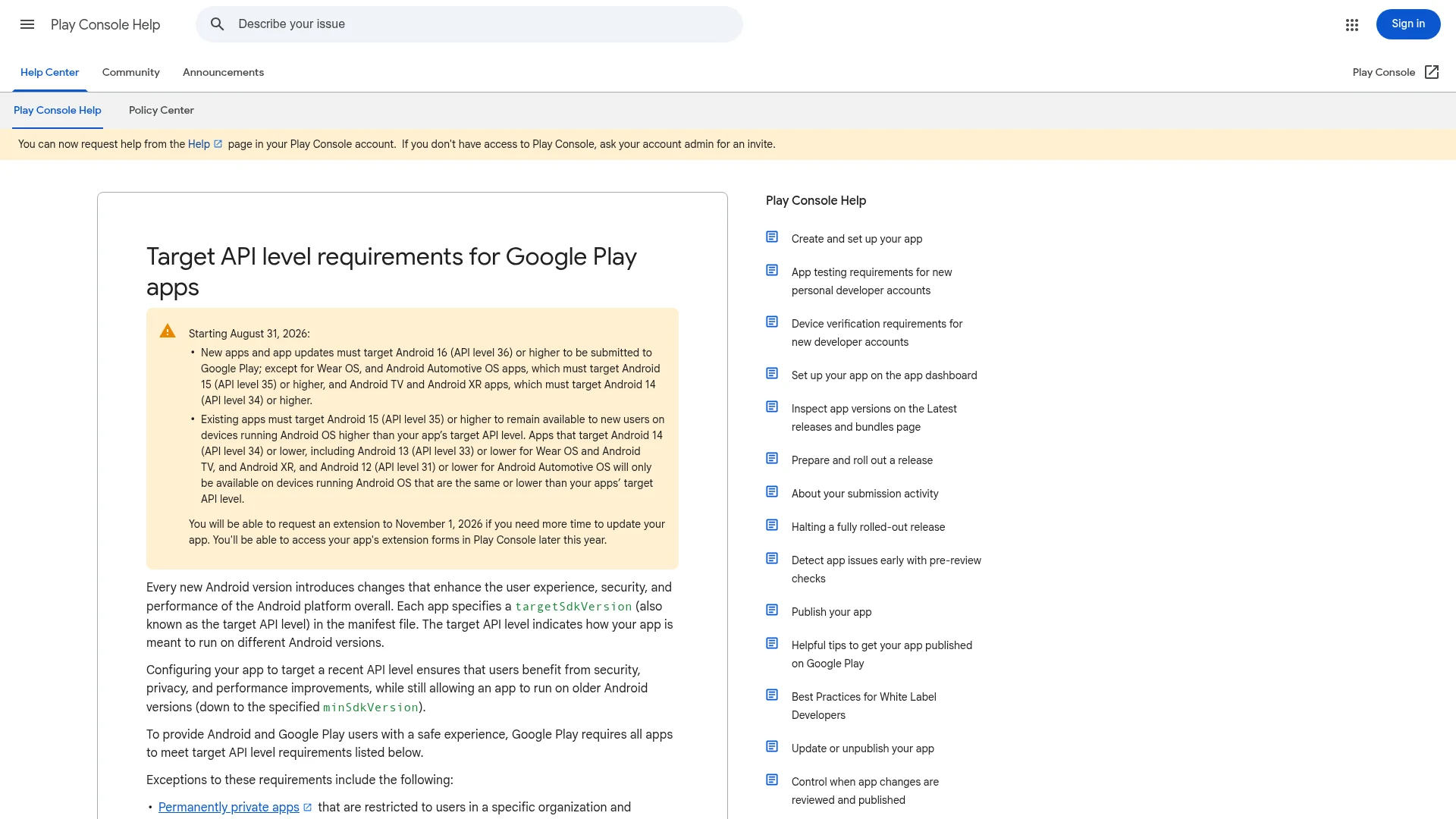
Target API level. Starting August 31, 2026, new apps and updates must target Android 16 (API level 36) or higher, and existing apps must target at least Android 15 (API level 35) to stay discoverable to new users. Fix: update your target SDK before you submit, or request an extension to November 1, 2026 if you need more time.
One more thing worth knowing: new personal Play Console accounts must run a closed test with at least 12 testers for 14 continuous days before they can request production access, and Google is rolling out developer identity verification to all Android apps through 2027. Plan for that extra lead time on your first launch. Our guide to publishing an app to the App Store and Google Play walks through the full submission flow.
How Long Does App Review Take in 2026?
Apple says it typically reviews at least 50% of submissions in less than 24 hours and 90% in less than 48 hours. In practice, updates from established accounts often clear within a few hours, while a brand-new app's first submission can take two to five days, and regulated categories or busy launch seasons run longer. Every rejection restarts the clock, which is the real cost of a preventable mistake.
Google Play is slower than it used to be. Updates from established developers usually take one to three days, but a first app on a new personal account can take one to two weeks on top of the mandatory 14-day closed test. Regulated categories can take two to three weeks. The lesson on both stores is the same: getting it right on the first try matters more than it used to.
Catch Rejections Before You Submit
Every rejection reason above is knowable in advance. The problem is that few builders read all of Apple's guidelines and Google's policies line by line before submitting, so they find out what is wrong only after a reviewer tells them, days later.
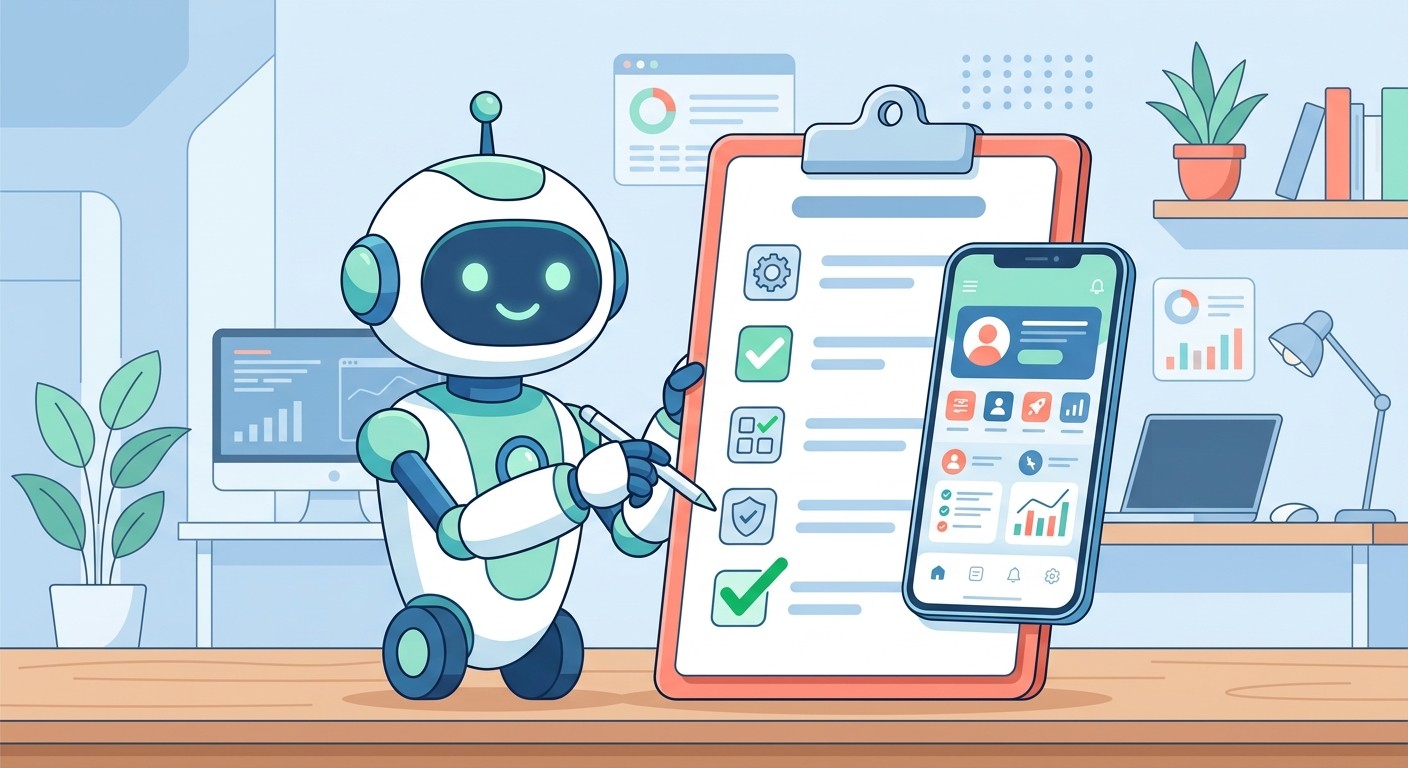
This is exactly what the CatDoes App Store Review agent is built for. It simulates both Apple App Store and Google Play review on your project and tells you whether your app would be approved, along with a prioritized list of what to fix first. It runs the same passes a human reviewer would: a functionality pass for crashes and broken flows, a policy pass for privacy, payments, and sign-in, and a metadata pass for your listing. Because CatDoes builds real native apps, the common Guideline 4.2 "repackaged website" rejection is off the table from the start.
Instead of guessing, you get a read on your submission before Apple or Google ever sees it. You can read more about how it works in our deep dive on whether your app will pass App Store review.
How to Appeal an App Store Rejection
If you believe a rejection was a misunderstanding, you can respond. On Apple, correspond with App Review inside App Store Connect to clarify the issue, and if you still disagree, submit an appeal to the App Review Board with specific reasons your app complies. On Google Play, check your Policy status in the Play Console, fix the cited violation first, then use the Appeal option with evidence of your fix.
Keep appeals factual, reference the exact guideline or policy, and submit only one appeal per rejection. For a full walkthrough, see our guide on how to appeal an App Store rejection.
Pre-Submission Checklist
Run through this before you hit Submit on either store:
The release build has been tested on a real device with no crashes or broken links
Working demo credentials (or a demo mode) are included in review notes
Screenshots show the app in use and the description matches reality
The app has native features that go beyond a web view
In-app account deletion is available if users can create an account
Permission purpose strings are specific and a working privacy policy is linked
Digital goods use in-app purchase (Apple) or Play Billing (Google)
Sign in with Apple is offered alongside any social login
Your Google Play Data Safety form matches your privacy policy and SDKs
Your app targets the required API level (Android 16 / API 36 by August 31, 2026)
Frequently Asked Questions
What is the most common reason apps get rejected from the App Store?
Privacy violations were the single largest category in Apple's 2025 report, with more than 443,000 submissions rejected. Close behind are spam and copycat apps (over 371,000) and completeness issues like crashes and bugs under Guideline 2.1. Missing in-app account deletion is a specific, very common privacy failure.
How do I fix a Guideline 4.2 "minimum functionality" rejection?
Add native features a browser cannot provide, such as push notifications, biometric login, offline support, or camera access, and describe them in your App Review notes. If your app is genuinely just a website with no native value, Apple recommends a web clip or PWA instead. Building a real native app from the start avoids the rejection entirely.
How long does App Store review take in 2026?
Apple reviews at least half of submissions in under 24 hours and about 90% in under 48 hours. New apps often take two to five days for their first review, and every rejection restarts the process. Google Play updates typically take one to three days, but a first app on a new account can take one to two weeks plus a required 14-day closed test.
Can I really predict whether my app will be approved?
You cannot guarantee a human reviewer's decision, but the majority of rejections come from a known, finite list of guideline violations. Checking your app against those rules before submitting, either manually or with a tool like the CatDoes App Store Review agent, catches most issues in advance.
What are the Google Play app submission requirements in 2026?
Your app must target Android 16 (API level 36) by August 31, 2026, include a matching Data Safety declaration and privacy policy, request only justified permissions, and offer account and data deletion if it supports accounts. New personal accounts also need a 14-day closed test with 12+ testers before production access.
Ship With Confidence, Not Guesswork
App store rejections feel random when you are on the receiving end, but they almost never are. Nearly every one comes from the same short list of guideline violations, and every item on that list can be checked before you submit. Test on real devices, keep your metadata honest, respect the privacy rules, and make sure your app does something a browser cannot.
If you would rather not memorize Apple's and Google's rulebooks, let the agent do it. CatDoes builds native iOS and Android apps and runs an App Store Review simulation before you submit, so you find out what to fix while you can still fix it, not after a reviewer sends it back.
Nafis Amiri
Co-Founder of CatDoes


