Blog
Insights
10 Best Free Mobile App Builders & Makers (2026)
We tested 10 free mobile app builders in 2026. Compare free plans, publishing limits, and app store prices, and see which let you publish an app for free.

Nafis Amiri
Co-Founder of CatDoes

TL;DR: The best free app builder depends on what you want to ship. Here is what each top pick gives you for free:
CatDoes: AI app builder for native iOS and Android apps and websites. Free plan: 15 credits to start and free web publishing. App Store and Google Play from $50/month.
MIT App Inventor: completely free, with free Android APK builds.
FlutterFlow: 2 free projects with web publishing. Store deployment from $39/month.
Thunkable: 3 free public projects. Publishing from $37/month, billed yearly.
Adalo: free test apps with 500 records each. Publishing from $36/month, billed annually.
Glide: free to build from spreadsheets. Publishing from $25/month.
Building a mobile app once meant a big budget and a team of developers. Today a free app builder can take you from idea to working prototype in an afternoon. The catch is that "free" means something different on every platform. Some give you a generous tier you can actually launch on, while others are really a trial that pushes you to pay before you publish. We dig into that tradeoff in free trial vs pay upfront.
Free app maker vs free app builder: the two terms are used interchangeably, and you will also see the same tools called a free app creator or free app making software. A free app maker or free app builder lets you create a mobile app or web app without writing code, using templates, drag-and-drop, or AI prompts. The difference that actually matters is what each free tier lets you build and publish, so that is what we focused on.
We signed up for 10 free app builder and app maker platforms in 2026 and tested what you can build without paying. For each one you get its free tier limits, the price of the first plan that publishes, pros and cons, and who it suits.
Table of Contents
Best Free App Builders and App Makers at a Glance
How We Tested These Free App Makers and Builders
1. CatDoes: Best for Native Apps From a Prompt
2. FlutterFlow: Best for Exporting Flutter Code
3. Glide: Best for Apps Built From Spreadsheets
4. Thunkable: Best for Native Prototypes With Block Logic
5. Adalo: Best for Simple Native MVPs
6. Draftbit: Best for React Native Code You Can Edit
7. Bravo Studio: Best for Turning Figma Designs Into Apps
8. Google AppSheet: Best for Internal Tools
9. MIT App Inventor: Best Completely Free Option
10. Appy Pie: Best for a Quick Native App
Top 10 Free App Builders and App Makers Compared
Which App Makers Are Actually Free?
Free AI App Builders: Lovable, Bolt.new, Base44 and Replit
How to Choose the Right Free App Builder
Frequently Asked Questions
Best Free App Builders and App Makers at a Glance
Short on time? Here are our top free app builder picks by use case, all usable with no coding, based on hands-on testing in 2026:
Best free app builder overall: CatDoes, an AI app builder that turns a text prompt into native iOS and Android apps and websites. Free plan: 15 credits to start and free web publishing.
Best free app builder for Android and iOS from one project: CatDoes or FlutterFlow, which both build for iPhone and Android from a single project. Publishing to the stores needs a paid plan on both.
Best completely free app builder: MIT App Inventor, which is block-based, free with no paid plans, and exports Android APKs.
Best free app builder for developers: FlutterFlow, which generates real Flutter code.
Best free app maker for business tools: Glide, which turns spreadsheets into working web apps. Free to build, with publishing from $25/month.
Best free app maker for designers: Bravo Studio, which converts Figma designs into native apps.
Best free app maker for internal tools: Google AppSheet, free while you build and test with up to 10 test users.
How We Tested These Free App Makers and Builders
We signed up for each free tier in 2026 and scored it on five things:
Free tier generosity: what you can build and ship without paying, including user caps, project limits, branding, and feature restrictions.
Ease of use: how fast a non-technical user gets from sign-up to a working prototype.
AI capabilities: whether the platform offers AI app generation, and how well it works in practice.
Output type: native iOS/Android apps, Progressive Web Apps (PWAs), or both. This affects app store publishing and performance.
Path to production: how clear and affordable the jump is from free prototype to a published app.
Want only the AI-powered tools? See our guide to the best AI mobile app builders.
1. CatDoes: Best for Native Apps From a Prompt
CatDoes is an AI app builder for native iOS and Android apps and websites. You describe the app in plain English in a chat, and an AI agent plans it, designs the screens, writes the code (React Native with Expo), and sets up the backend. Unlike Lovable, which builds web apps only, CatDoes builds native mobile apps that you can publish to the App Store and Google Play.
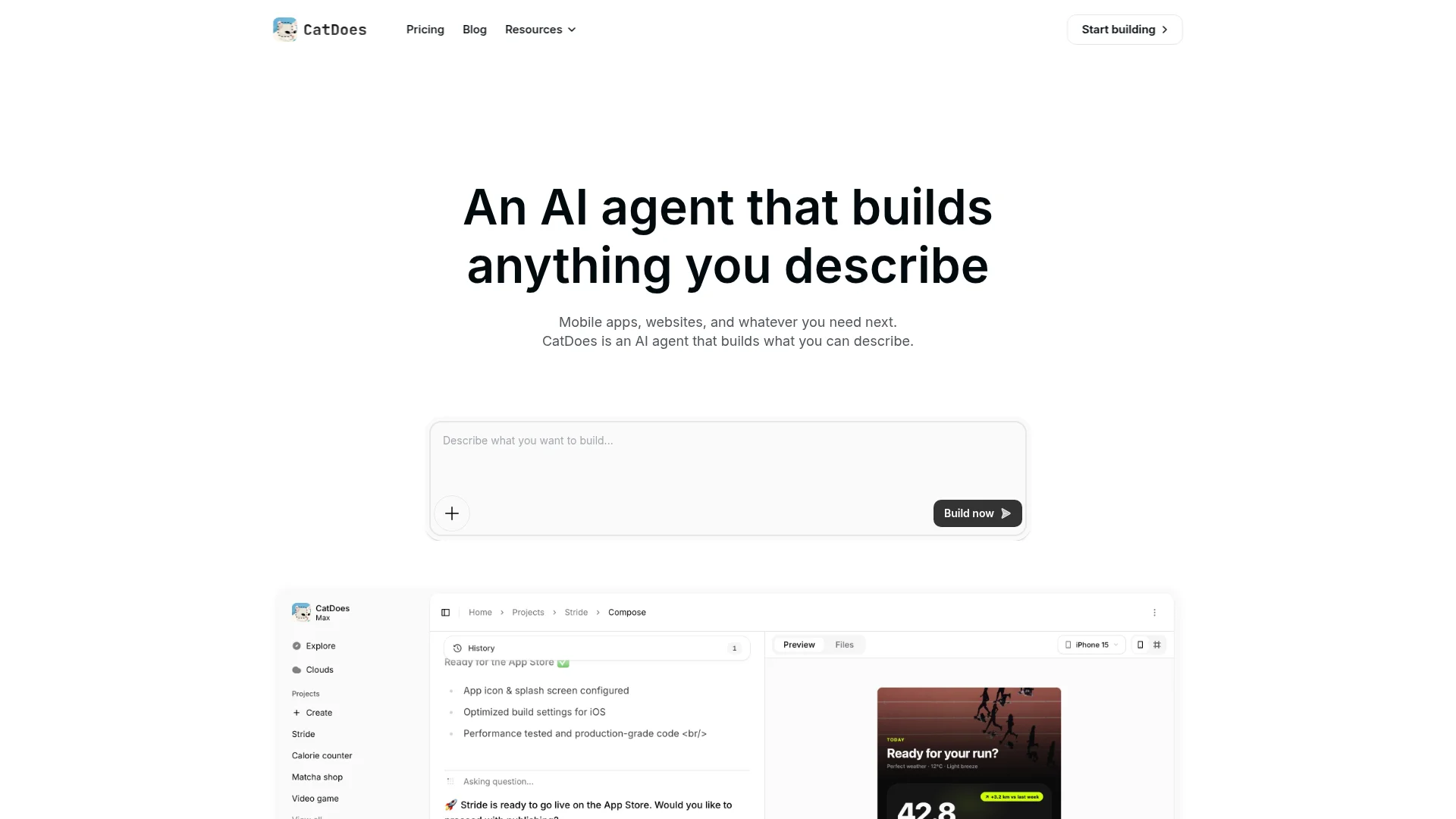
Every plan, including Free, comes with CatDoes Cloud: a built-in backend with a database, user authentication, file storage, edge functions, and realtime, hosted in US or EU regions. You can preview the app in your browser or scan a QR code to test it on a real iPhone or Android phone. Before you submit, the agent can check your app against App Store and Google Play review guidelines.
Publishing works differently on each store. On iOS, CatDoes builds the app and the agent can submit it to the App Store for you. On Android, CatDoes builds the app and you upload it to Google Play yourself. Both need the Starter plan or higher, a free Expo account, and for iOS an Apple Developer account.
Pricing: the free plan includes 15 credits to start (a one-time allowance, not monthly) and 1 project, and you can publish a web app for free to a yourapp.catdoes.app address with a small "Made with CatDoes" badge. Core costs $20/month for 50 credits a month and web publishing. App Store and Google Play publishing, custom domains, and badge removal start on Starter at $50/month with 200 credits a month.
Free tier: 15 credits to start (one-time), 1 project, a built-in backend, and free web publishing with a CatDoes badge. Best for: non-technical founders who want a native iOS and Android app, with a backend, built from a text prompt.
Pros:
Builds native iOS and Android apps and websites from one chat prompt.
Backend (database, auth, storage, realtime) included on every plan, including Free.
Test on a real iPhone or Android phone by scanning a QR code.
Cons:
The 15 free credits are one-time, so bigger builds need a paid plan.
App Store and Google Play publishing start on Starter ($50/month).
Less manual pixel-level control than a drag-and-drop editor.
2. FlutterFlow: Best for Exporting Flutter Code
FlutterFlow is a visual builder for native mobile, web, and desktop apps on Google's Flutter framework. Unlike tools that lock you into a closed ecosystem, it generates clean, production-ready Flutter code, which makes it a strong pick for teams that want to start visual and later hand real code to developers.
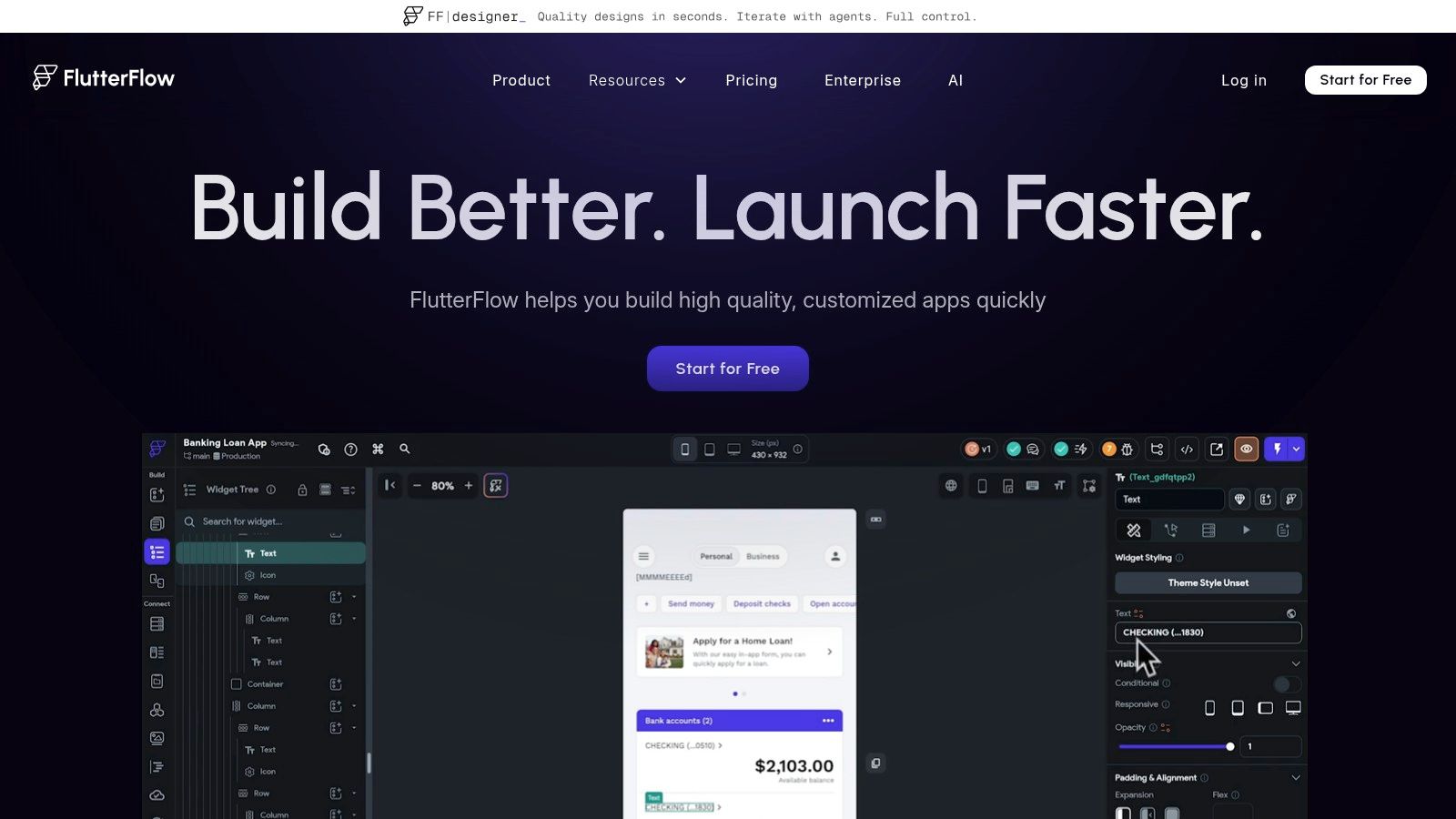
The free plan covers up to two projects with the visual builder, 1,000+ templates, API and data integrations, web publishing on up to two free subdomains, and 5 lifetime AI generation requests. Code download, APK download, custom domains, and one-click App Store deployment start on Basic at $39/month.
Free tier: two projects, free web publishing, and 5 lifetime AI generation requests, but no code export or app store deployment. Best for: startups building an MVP, designers making functional prototypes, and developers who want to export real Flutter code later.
Pros:
Generates clean, production-ready Flutter code.
Free plan includes web publishing for up to two projects.
Scales from visual prototype to a developer-owned codebase.
Cons:
Code export and one-click store deployment start at $39/month.
No built-in database; bring your own Firebase or Supabase.
Steeper learning curve than simple drag-and-drop tools.
3. Glide: Best for Apps Built From Spreadsheets
Glide turns spreadsheet and table data into AI-enhanced web apps. Its apps run in the browser and can be added to a phone's home screen as Progressive Web Apps, pulling data from sources like Google Sheets, Excel, Airtable, or Glide's own tables. For data-driven internal tools, client portals, and inventory trackers, it is one of the best free app makers.
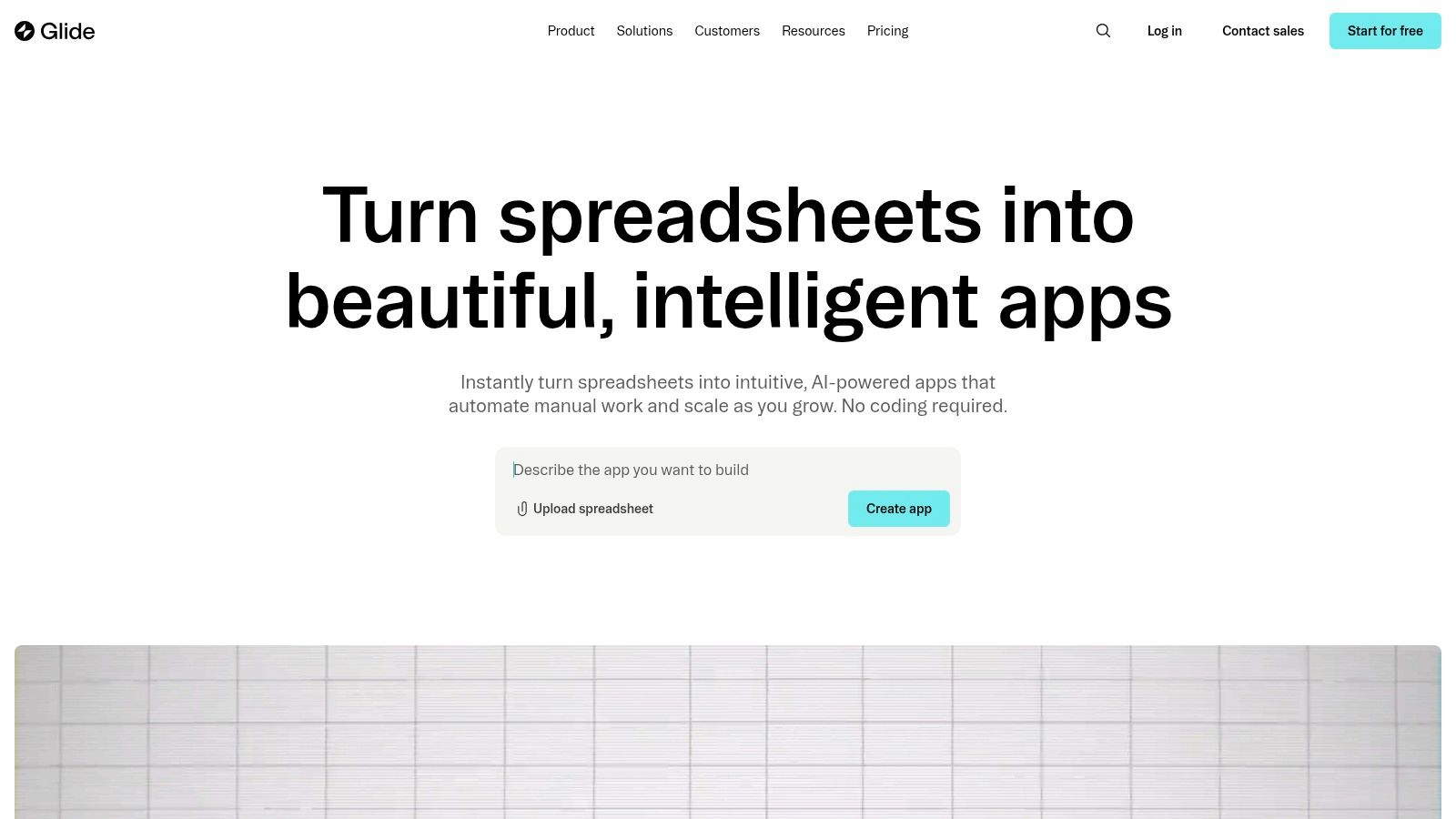
Glide's current plans run on credits. The free plan gives you limited credits, 2 team members, and up to 10 projects to build in, but publishing an app starts on Basic at $25/month (2 published personal or team apps). Apps you share publicly need Plus at $50/month. Glide Classic, the older version, still offers a free plan with up to 25,000 rows.
Free tier: limited credits and up to 10 projects to build in, with publishing from $25/month. Best for: business analysts, small business owners, and anyone building a functional app from existing data.
Pros:
Turns existing spreadsheets into working apps in minutes.
AI features and integrations are available on the free plan.
Clear upgrade path from personal apps to team tools.
Cons:
Builds web apps; App Store and Google Play publishing isn't listed on its pricing page.
The free plan can't publish apps.
Credit-based billing makes costs harder to predict.
4. Thunkable: Best for Native Prototypes With Block Logic
Thunkable is a no-code path to truly native iOS and Android apps. Its AI Builder generates working apps from text prompts, adding a "vibe coding" layer on top of the visual editor, while the block-based logic system keeps it accessible for beginners, educators, and students.
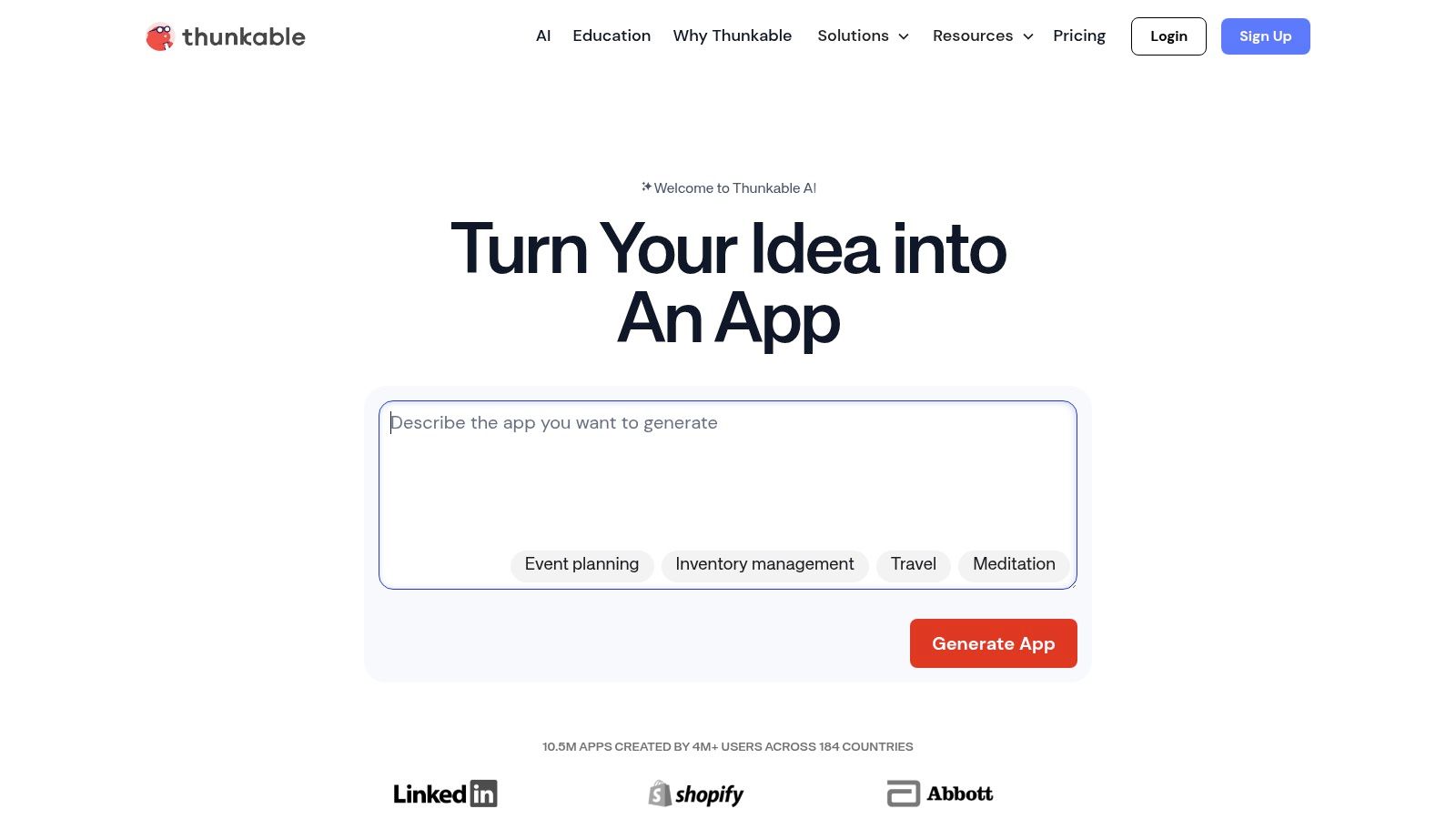
The free plan is built for learning and testing, with 2,000 AI tokens, 3 public projects, and 5 screens per project. You can build your app and test it on your own phone, which is a real advantage for seeing how it behaves. Publishing a live app starts on the Builder plan at $37/month billed yearly ($59 billed monthly), which includes 1 live published app and custom branding.
Free tier: 2,000 AI tokens, three public projects, and five screens per project, with testing on your own phone. Best for: students, hobbyists, and founders building a basic native prototype.
Pros:
Produces truly native iOS and Android apps.
AI Builder generates working apps from text prompts.
Beginner-friendly block logic with on-device testing.
Cons:
Publishing a live app starts at $37/month (billed yearly).
Free projects are public and limited to five screens each.
AI features use tokens that are limited on lower tiers.
5. Adalo: Best for Simple Native MVPs
Adalo is a popular no-code platform for building native mobile and web apps with a simple drag-and-drop interface. Its Ada AI assistant builds and edits app screens from prompts (in beta), and it is included on every plan, including Free. That makes it a solid app creator for entrepreneurs validating a consumer-facing app fast.
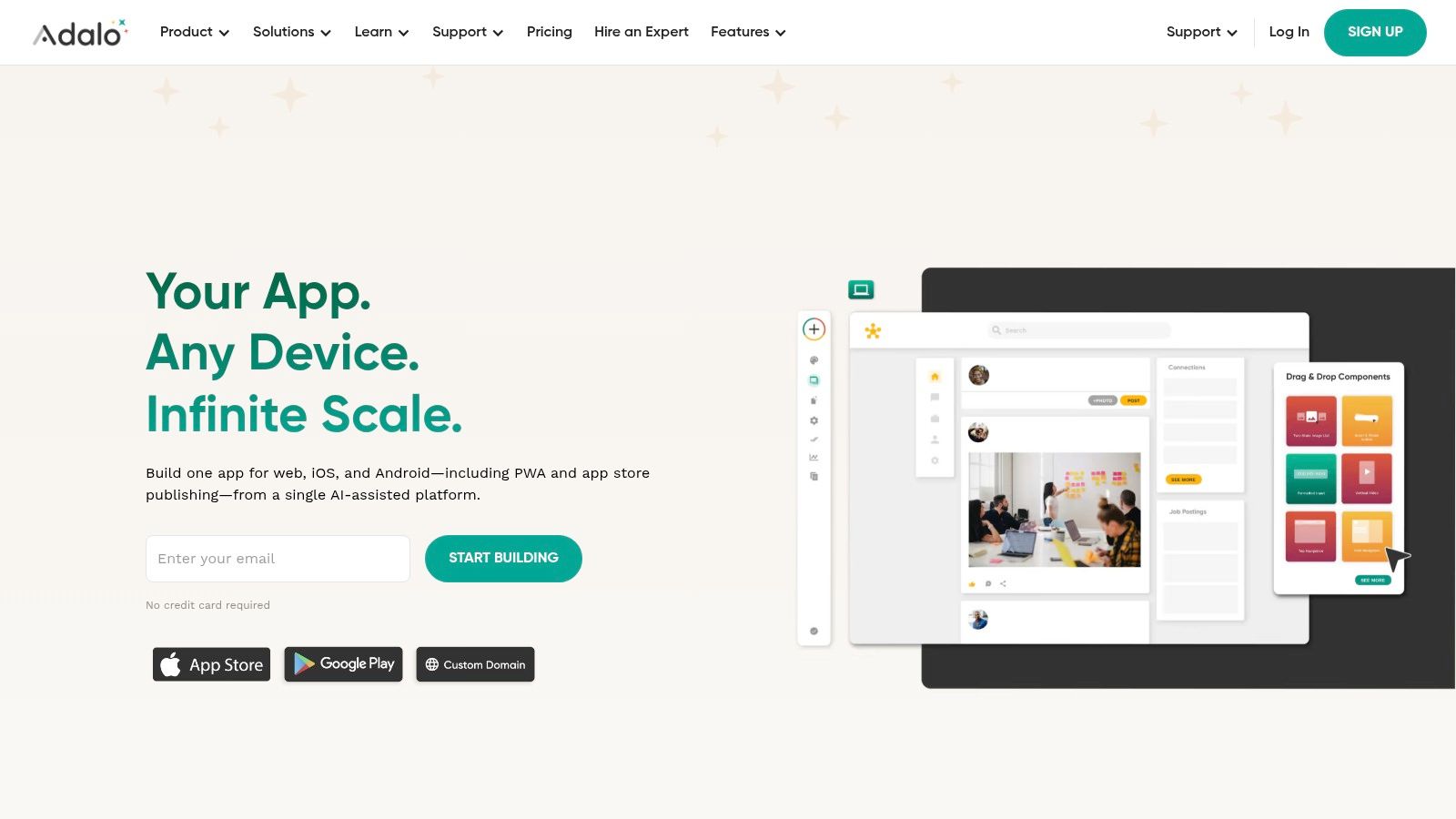
The free plan lets you design, build, and test with unlimited screens, unlimited test apps, a hosted Postgres database, and preview on your phone, capped at 500 records per app. It can't publish. Publishing to the web, the App Store, and Google Play starts on Starter at $36/month billed annually, which includes 1 published app, a custom domain, and no Adalo branding.
Free tier: unlimited screens and test apps, capped at 500 records per app, with no publishing. Best for: startups building a first MVP, small business owners, and hobbyists validating a consumer app.
Pros:
Simple drag-and-drop editor with a built-in database.
"Build free, pay to publish" lets you finish before paying.
Ada AI assistant is included on the free plan.
Cons:
Publishing to the web or the stores starts at $36/month (billed annually).
The free plan caps data at 500 records per app.
Performance can slow on complex or high-traffic apps.
6. Draftbit: Best for React Native Code You Can Edit
Draftbit started as a visual React Native builder and now pairs its visual editor with AI agents, including Claude Code and OpenAI Codex. You can prompt changes, adjust the result visually, and still edit the code, which makes it a strong pick for developers who want AI speed with code they control.
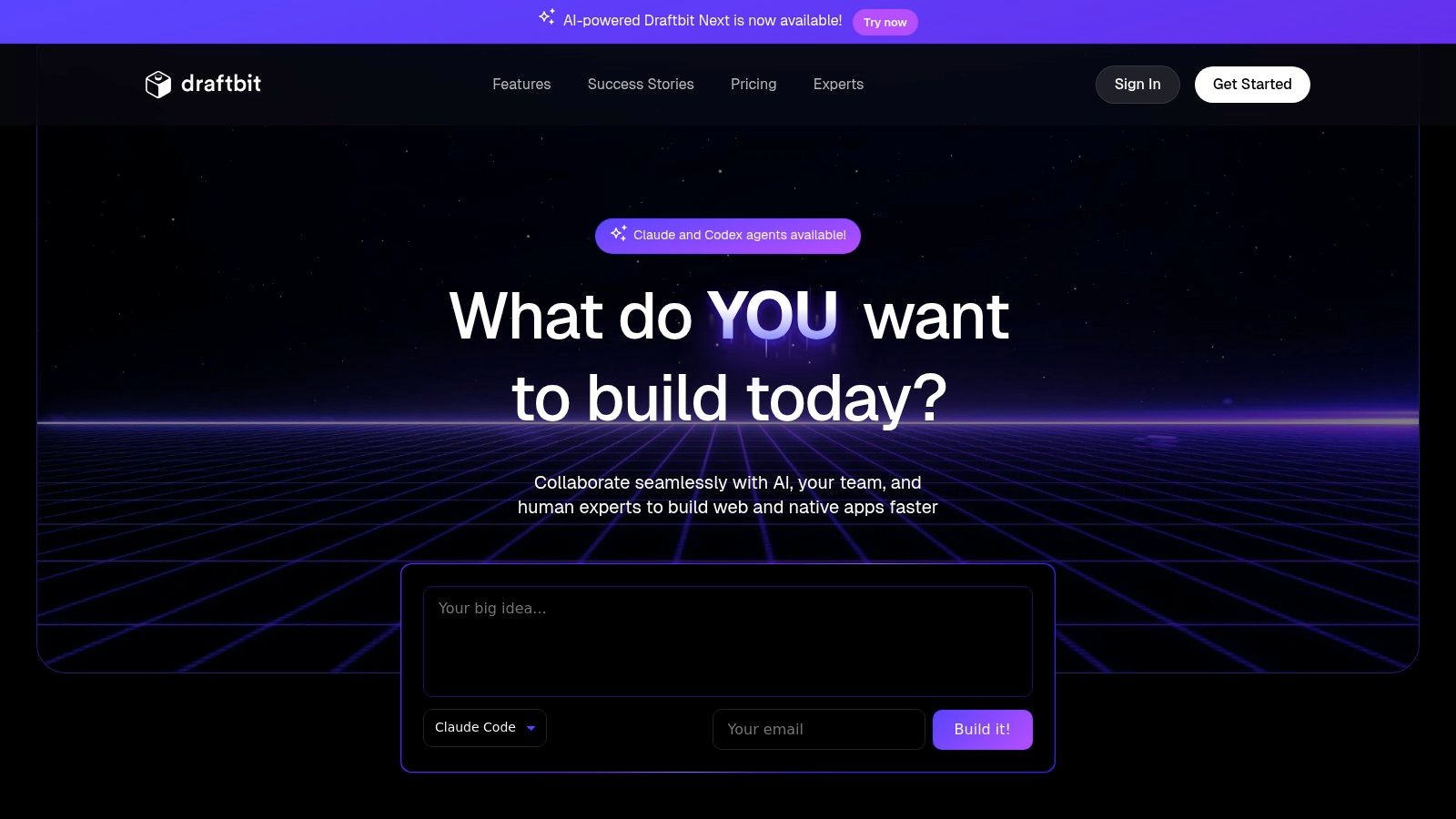
The free plan includes 3 projects (2 apps per project), the AI agent chat, visual editing, a built-in Supabase backend (in beta), 3,000 one-time credits, and 1-click publishing to the web on a draftbit.dev address. Standard at $12/month adds full code editing and export, 1-click publishing for iOS, Android, and web, custom domains, and branding removal.
Free tier: three projects, 3,000 one-time credits, and free web publishing on draftbit.dev. Best for: React Native developers, startups building a native MVP, and designers making code-backed prototypes.
Pros:
AI agents plus visual editing on clean React Native code.
Free web publishing and a built-in Supabase backend (beta).
Low-cost paid plan for store publishing ($12/month).
Cons:
Free credits are a one-time allowance.
App Store and Google Play publishing need a paid plan.
Deeper customizations still require coding knowledge.
7. Bravo Studio: Best for Turning Figma Designs Into Apps
Bravo Studio takes a design-first approach, converting Figma designs directly into native iOS and Android apps. Designers who want pixel-perfect control will like keeping Figma as the primary design surface instead of rebuilding layouts in a separate tool. It also offers Bravo MCP (in beta), which builds the app from your AI tool, on every plan.
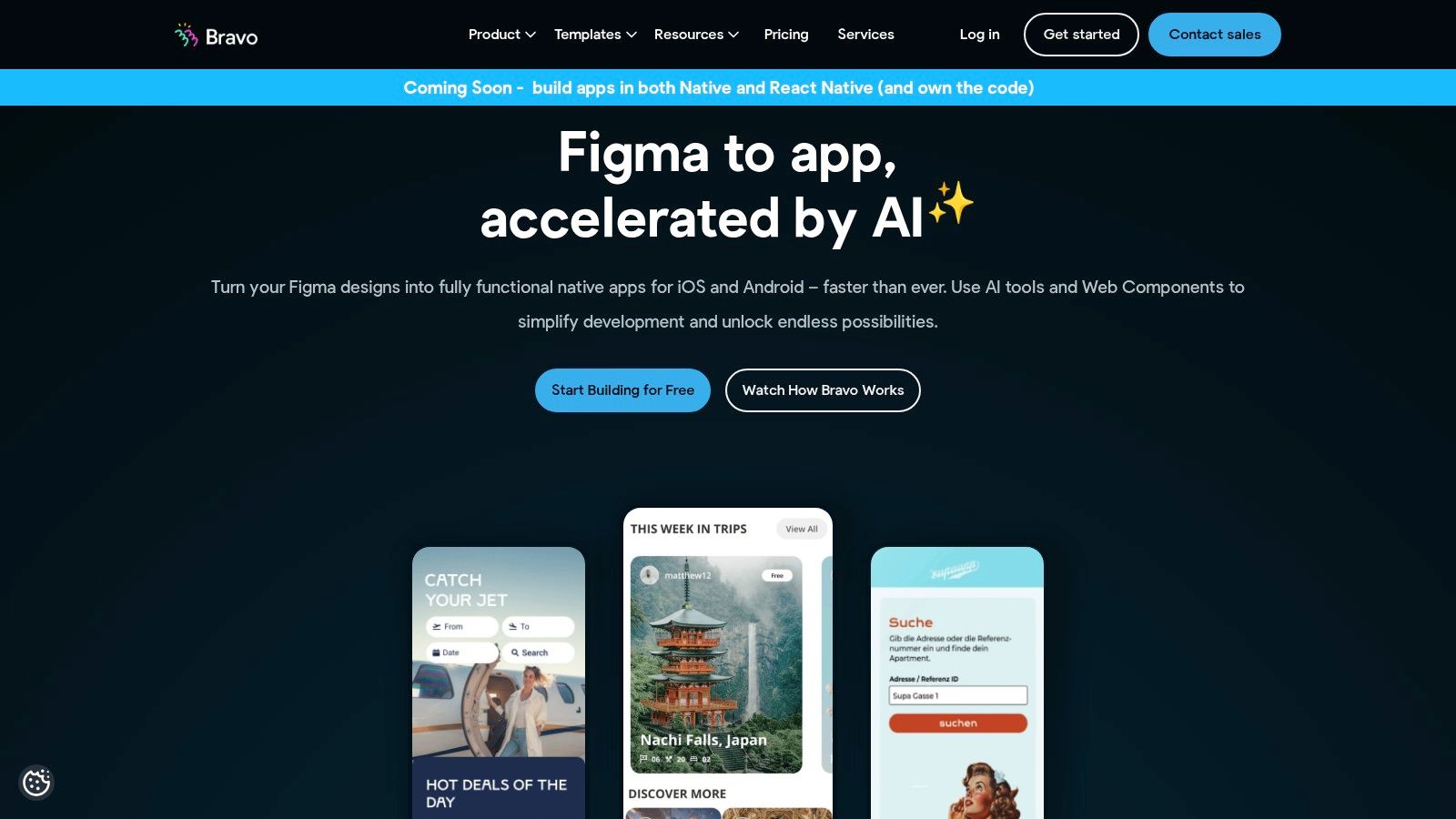
You connect Figma files using "Bravo Tags," labels that define native behaviors like navigation, API calls, and animations. The free Starter plan lets you preview on your phone with basic API connections and up to 15 screens per app, but it can't make App Store builds. Solo at $22/month (billed monthly) adds up to 30 screens per app, unlimited native app builds, and integrations such as Stripe, OAuth, and Firebase.
Free tier: preview on your phone with up to 15 screens per app, with no App Store builds. Best for: design-led teams and Figma-first founders.
Pros:
Converts Figma designs directly into native apps.
Pixel-perfect control for design-led teams.
AI building through Bravo MCP (beta) on every plan.
Cons:
Native app builds for the stores start at $22/month.
The free plan caps apps at 15 screens.
Requires proficiency in Figma.
8. Google AppSheet: Best for Internal Tools
Google AppSheet is a no-code platform for data-driven apps that connect with Google Workspace and other sources. It turns Google Sheets, Excel, or database data into functional internal tools, which makes it a great free app maker for teams already in the Google ecosystem.
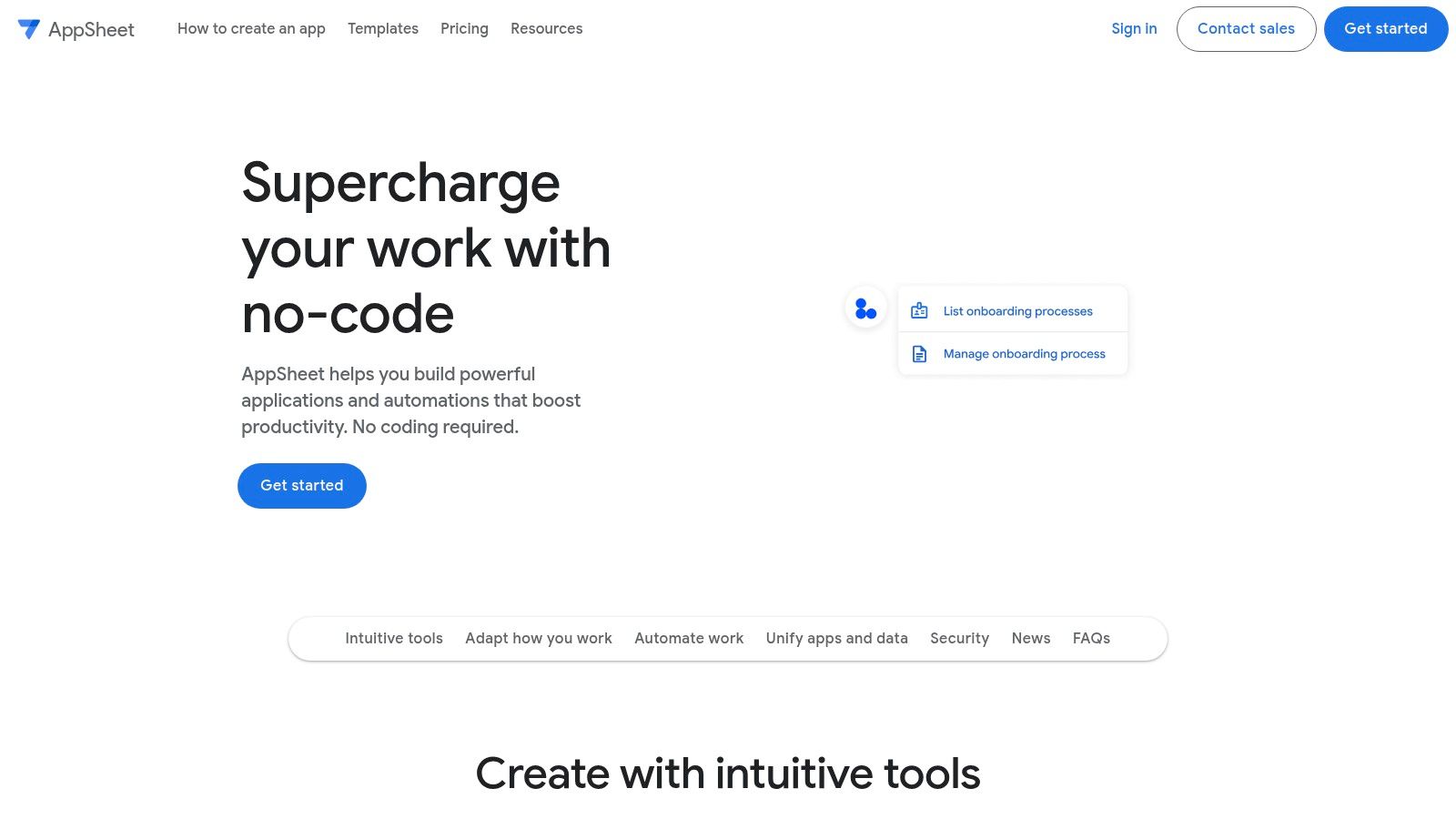
You can build and test apps at no cost and invite up to 10 test users to try them, which is perfect for gathering feedback before a wider rollout. Deploying to your team needs a per-user plan: Starter at $5, Core at $10, or Enterprise Plus at $20 per user per month. Public apps that don't need a sign-in use Publisher Pro at $50/month per app.
Free tier: build and test data-driven apps with up to 10 test users. Best for: business analysts, operations managers, and IT teams building internal tools in Google Workspace.
Pros:
Turns Google Sheets and Excel data into working tools.
Free for up to 10 test users while you prototype.
Tight integration with Google Workspace.
Cons:
Mainly built for internal, data-centric apps.
Team rollouts and public apps require paid plans.
UI customization is more limited than some rivals.
9. MIT App Inventor: Best Completely Free Option
MIT App Inventor is a foundational visual programming tool, started at Google and now maintained by MIT. It is a completely free, web-based environment that uses block-based coding to make app development accessible to anyone, which makes it a great pick for education, first-time creators, and quick Android prototyping.
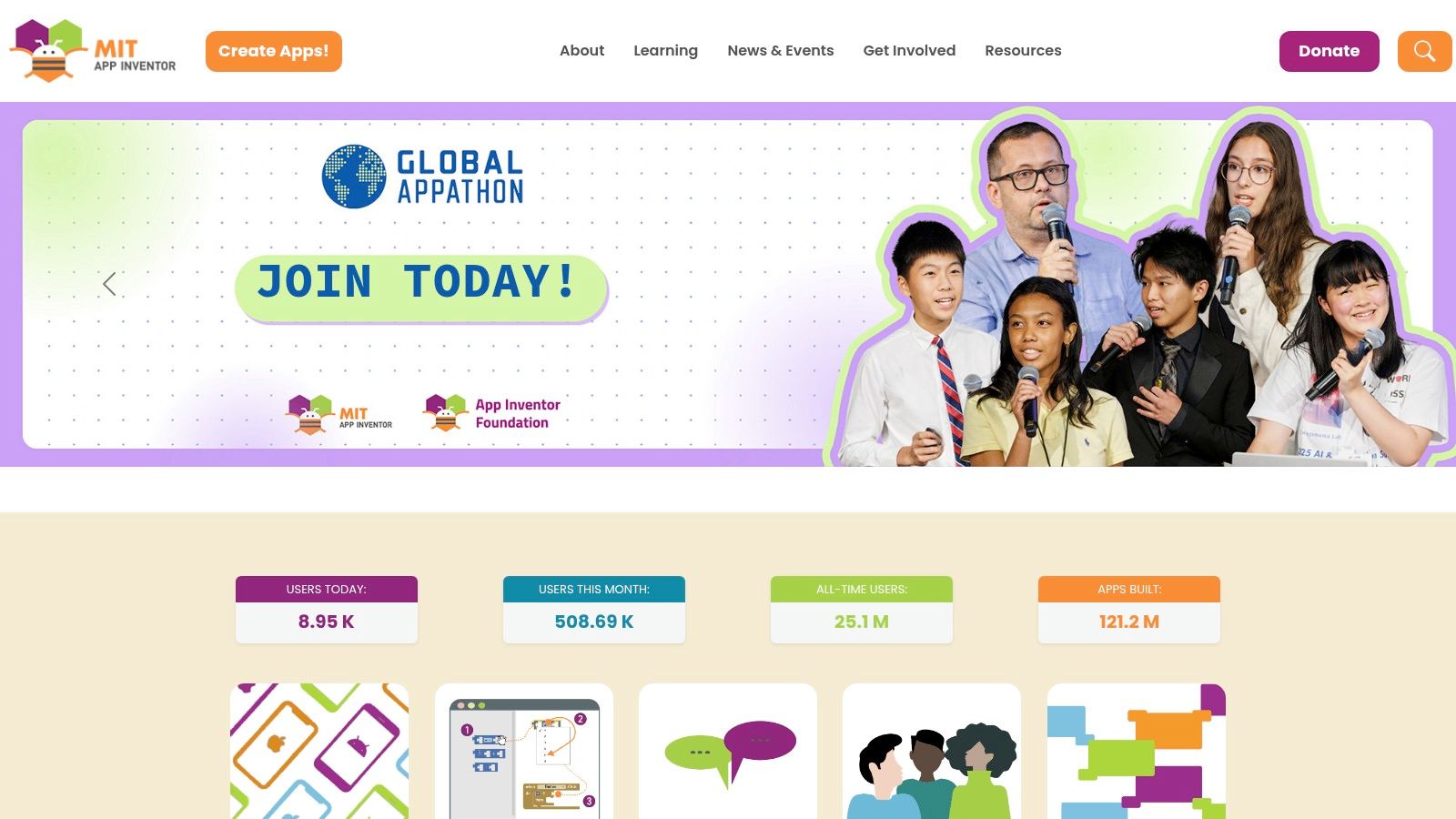
Its focus is learning and experimentation, yet you can build surprisingly capable apps that use device sensors, maps, and media. Android is its strong suit, where you build and share APK files easily. Building iOS apps for permanent install or App Store distribution is currently in a closed beta. The whole platform is free with no paid plans, though it is not meant for commercial-grade, scalable apps.
Free tier: completely free, with no paid plans and free Android APK builds. Best for: students, educators, and hobbyists learning to build apps at no cost.
Pros:
Completely free, with no paid tier.
Free Android APK exports with no paywall.
Block-based coding backed by MIT, great for learning.
Cons:
Not designed for complex, commercial-grade apps.
iOS builds for the App Store are still in closed beta.
Interface and final app design feel dated.
10. Appy Pie: Best for a Quick Native App
Appy Pie is one of the most recognized names in no-code app building, with a drag-and-drop platform for native Android and iOS apps. It pairs visual editing with AI-powered generation, so you can describe an app and get a functional starting point in minutes, with support for push notifications, in-app purchases, and GPS.
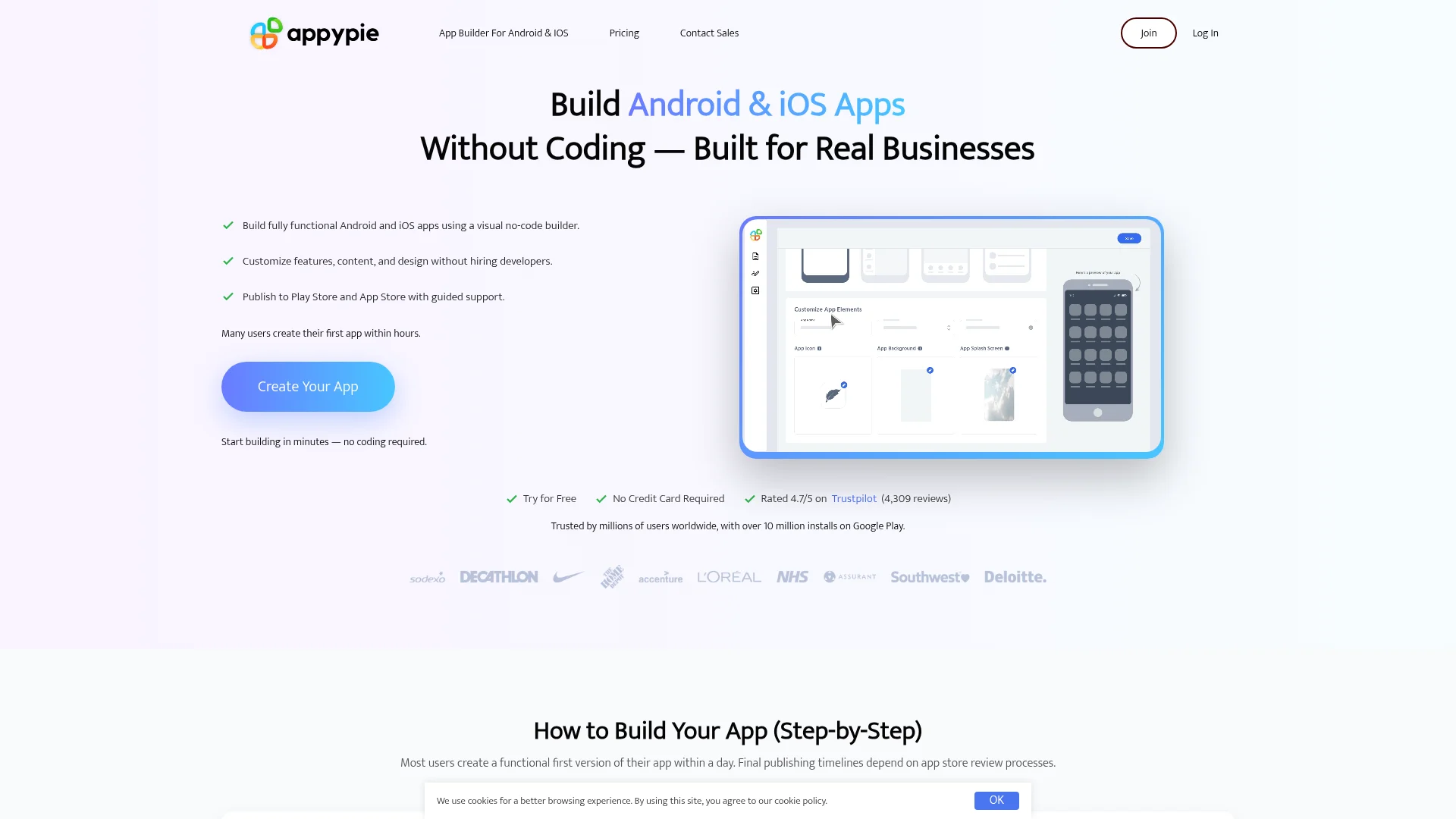
One caveat: Appy Pie has no permanent free plan, only a 7-day free trial to build and test for personal, non-commercial use. Publishing needs a paid plan for each app: Basic at $16/month per app covers Android, and iOS needs Platinum at $60/month per app. We include it for its market presence, since the trial is enough to judge whether it fits before you commit.
Free tier: a 7-day trial only, with no permanent free plan. Best for: non-technical small business owners who want a native app published quickly.
Pros:
Recognizable, established no-code platform.
Drag-and-drop native builder with 200+ ready-made modules, such as push, payments, and GPS.
AI app generation for a fast starting point.
Cons:
No permanent free plan, only a 7-day trial.
Per-app pricing adds up for multiple projects.
iOS publishing requires the Platinum plan ($60/month per app).
Top 10 Free App Builders and App Makers Compared
Here is what each free plan includes and what it costs to get into the app stores. Apple's $99/year and Google's one-time $25 developer fees are extra on every builder.
Platform | Best for | Free plan limit | Publish free? | Store publishing from | Native or PWA |
|---|---|---|---|---|---|
CatDoes | Native apps from a prompt | 15 credits to start (one-time), 1 project | Yes, to the web (with badge) | Starter $50/mo | Native iOS and Android, plus web |
FlutterFlow | Exporting Flutter code | 2 projects, 5 lifetime AI requests | Yes, web on up to 2 free subdomains | Basic $39/mo | Native iOS and Android, plus web and desktop |
Glide | Apps from spreadsheets | Limited credits, 10 projects | No | Not listed | Web app (PWA) |
Thunkable | Native prototypes with block logic | 3 public projects, 5 screens each | No | Builder $37/mo (billed yearly) | Native iOS and Android |
Adalo | Simple native MVPs | 500 records per app, unlimited test apps | No | Starter $36/mo (billed annually) | Native iOS and Android, plus web |
Draftbit | Editable React Native code | 3 projects, 3,000 one-time credits | Yes, web on draftbit.dev | Standard $12/mo | Native iOS and Android, plus web |
Bravo Studio | Figma designs to apps | Up to 15 screens per app | No | Solo $22/mo | Native iOS and Android |
Google AppSheet | Internal tools | Up to 10 test users | No (team plans from $5/user/mo) | Not listed | Web and mobile, for internal use |
MIT App Inventor | Completely free option | No paid tier | Yes, Android APK | Free (iOS in closed beta) | Native Android; iOS in closed beta |
Appy Pie | A quick native app | 7-day trial only | No | $16/mo per app (Android), $60/mo (iOS) | Native iOS and Android |
Prices checked October 2026. Plans change often, so confirm the current price on each vendor's pricing page before you pay.
Which App Makers Are Actually Free?
Most free app makers follow a "build free, pay to publish" model: you can design and test at no cost, but launching on the App Store or Google Play needs a paid plan. Only MIT App Inventor is completely free with no paid tier. Here is how the free plans actually break down:
Completely free: MIT App Inventor, with free Android APK builds and no paid plans. Its iOS builds are in closed beta.
Free plan that publishes to the web: CatDoes (15 credits to start and 1 project, with a free yourapp.catdoes.app address and a small "Made with CatDoes" badge), FlutterFlow (web publishing on up to 2 free subdomains), and Draftbit (1-click web publishing on draftbit.dev).
Free to build, pay to publish: Adalo, Thunkable, Glide, and Bravo Studio let you build and test for free, then charge to publish.
Free for testing only: Google AppSheet, with up to 10 test users before you pay for a team plan.
Trial only: Appy Pie, with a 7-day trial rather than a lasting free tier.
In short, "free app maker" rarely means free forever. For a free app builder and publisher in one, MIT App Inventor covers Android, and CatDoes, FlutterFlow, and Draftbit cover the web. For the App Store and Google Play, every builder here needs a paid plan.
Free AI App Builders: Lovable, Bolt.new, Base44 and Replit
Lovable, Bolt.new, Base44, and Replit all have free plans and build apps from a chat prompt. They are not in our top 10 because they mostly build web apps, and getting a native app into the App Store or Google Play takes extra steps on each. Here is what their free plans give you:
Builder | Free plan | What it builds | Getting into the app stores |
|---|---|---|---|
Lovable | 5 credits a day, up to 30 a month; publish to a lovable.app address | Websites and web apps | Not as native apps. Lovable suggests a PWA, or wrapping your site with a tool like Capacitor outside Lovable |
Bolt.new | 300K tokens a day, 1M a month; website hosting with Bolt branding | Web apps, plus mobile apps through Expo | Download the code, then build and submit with Expo's command-line tools in a terminal |
Base44 | 25 message credits and 100 integration credits a month | Web apps and websites with a built-in backend | A web-view wrapper around your web app; store files need the Builder plan ($40/mo, billed annually) |
Replit | Daily Agent credits up to a monthly cap; one published app that goes offline after 30 days, with a "Made with Replit" badge | Web apps, websites, and native iOS and Android apps through Expo | Uploads iOS builds to App Store Connect (Apple Developer account needed); no Google Play publishing yet |
Lovable's own help center says it builds web applications and does not generate native apps, and Base44's store app is a native wrapper that opens your web app's URL. The native builders in our list, including CatDoes, Thunkable, Adalo, and FlutterFlow, prepare the store build for you on paid plans, with no terminal commands. CatDoes works like these AI tools, since you build by chat, but it produces a native iOS and Android app from the start, and it can turn an existing Lovable or Base44 site into one. Started on Replit and need Google Play too? Our roundup of Replit alternatives for mobile apps compares eight tools, including how each one handles the App Store and Google Play.
How to Choose the Right Free App Builder
After testing all 10, the lesson is simple: the best free app builder depends on your project, your skills, and where you want to end up. Each tool has a different sweet spot, so match it to what you actually need.
Which Free App Builder Fits Your Project?
Start with your main goal. That alone narrows the list fast.
Absolute beginners and educators: to learn app logic at no cost, MIT App Inventor is a fantastic starting point. Its block-based system is built for education.
Designers prioritizing UI: designers who live in Figma will like Bravo Studio for its pixel-perfect translation into a native app.
Entrepreneurs building an MVP: Glide and Adalo offer fast cycles around databases and user flows. To get a native app and backend from a prompt, CatDoes builds both, and you can try it on the free plan.
Developers seeking acceleration: FlutterFlow and Draftbit give you a visual environment plus custom code and full export.
A quick native app, fast: Appy Pie lets you build, customize, and publish a native app after a 7-day trial.
What to Check Before You Commit
The free tier is a starting line, not the finish line. Before you pick one, ask yourself:
Scalability: what happens when your app gets traction? Check the paid tiers of your top picks and make sure they fit your budget.
Data and backend: where will your data live? Google AppSheet connects to your spreadsheets, while CatDoes generates and manages the backend for you. Know the ownership and export rules first.
Learning curve: how much time can you spend? Thunkable is fast to learn, while FlutterFlow takes longer but offers more flexibility.
Frequently Asked Questions
What is the best free app builder?
It depends on what you want to ship. For an AI-built native app or website, CatDoes is the strongest free option: its free plan includes 15 credits to start and free web publishing. MIT App Inventor is the best completely free choice for Android, FlutterFlow is best if you want Flutter code (2 free projects), and Glide or Google AppSheet suit business tools built from a spreadsheet.
Can I make my own app for free?
Yes, but with limits. Most free app makers let you build and test at no cost, while publishing to the App Store or Google Play needs a paid plan. MIT App Inventor allows free Android APK exports, and CatDoes lets you build an app with a backend and publish it to the web on its free plan (15 credits to start).
Is there a completely free app builder?
Yes. MIT App Inventor is completely free with no paid plans and supports free Android APK exports. CatDoes has a free plan with 15 credits to start for building an app with a backend and publishing it to the web, while App Store and Google Play publishing starts on Starter ($50/month).
What is the best free app builder for beginners?
For absolute beginners, MIT App Inventor offers the gentlest learning curve with block-based visual programming. If you want AI to do the heavy lifting, CatDoes generates the entire app from a text description, and Thunkable's AI Builder creates native apps from prompts.
What is the best free app development software?
MIT App Inventor is the best free app development software with no paywall, since it is completely free and exports Android APKs. For AI that builds the app for you, CatDoes generates a full app and backend from a text prompt on its free plan. Glide and Google AppSheet suit data-driven internal tools, and FlutterFlow suits developers who want real code.
What is the best free app builder for business?
For internal business tools, Glide and Google AppSheet turn a spreadsheet into an app. Glide is free to build, with publishing from $25/month, and AppSheet is free while you build and test with up to 10 users. For a customer-facing business app on the App Store and Google Play, CatDoes builds it from a prompt, free to start, with store publishing from Starter at $50/month.
Does Google have a free app builder?
Yes. Google AppSheet is Google's no-code app builder, and it is free while you build and test with up to 10 users. MIT App Inventor was originally built by Google and is now run by MIT, and it is completely free for Android apps.
Can I build and publish an app for free?
You can build for free everywhere, but free publishing depends on the tool. MIT App Inventor publishes Android APKs for free, and CatDoes, FlutterFlow, and Draftbit publish to the web for free. The App Store and Google Play add Apple's $99/year and Google's one-time $25 fees, and every builder here needs a paid plan to deploy to the stores.
What is the best free app maker for Android?
MIT App Inventor is the best fully free option, since it exports APK files with no paywall. For AI-generated native Android apps, CatDoes builds the app from a prompt and you upload it to Google Play yourself (Starter plan, $50/month), and Thunkable publishes from its Builder plan ($37/month billed yearly).
Are there free AI app builders?
Yes. CatDoes builds native apps and websites from a prompt on its free plan, Thunkable's AI Builder creates native apps from prompts, and Adalo includes its Ada AI assistant for free. Lovable, Bolt.new, Base44, and Replit also have free plans, mostly for web apps. AI usage is metered on every free tier.
What's the cheapest way to get an app on the App Store without coding?
Add the builder's plan to Apple's $99/year fee. The lowest builder prices here are Draftbit Standard ($12/month) and Bravo Studio Solo ($22/month), then Adalo Starter ($36/month billed annually) and Thunkable Builder ($37/month billed yearly). CatDoes starts at $50/month on Starter, where the AI agent builds the app from a prompt and can submit it to the App Store for you.
Can I publish an iPhone app to the App Store for free?
Generally no. Apple charges a $99/year developer fee regardless of the builder, and most platforms also require a paid plan for App Store publishing. Google Play charges a one-time $25 registration fee instead. MIT App Inventor's iOS builds are in closed beta.
What is the difference between a PWA and a native app?
A Progressive Web App (PWA) runs in a mobile browser and can be added to a home screen, but it is not listed in the App Store or Play Store and has limited access to device hardware. A native app installs from an app store and has full access to device features. Glide builds PWAs, while CatDoes, FlutterFlow, Thunkable, and Adalo produce native apps.
Do free app makers add branding to my app?
Most do. CatDoes shows a small "Made with CatDoes" badge on web apps published on its Free and Core plans, and Bolt.new and Replit add their own branding to free sites. Removing it takes a paid plan, such as Starter ($50/month) on CatDoes. MIT App Inventor is a notable exception, with no branding requirements.
Ready to build your app from a text prompt? The CatDoes free plan includes 15 credits to start, a built-in backend, and free web publishing, so you can try it before you pay. If you are new to this, start with our app development for beginners guide.
Nafis Amiri
Co-Founder of CatDoes


