Blog
Tutorials
How to Appeal an App Store Rejection in 2026
App Store rejection? Learn how to reply in the Resolution Center, appeal to the App Review Board, and fix the most common 2026 rejection reasons.

Nafis Amiri
Co-Founder of CatDoes

TL;DR: When Apple rejects your app, you have three options: reply to App Review in the Resolution Center, appeal to the App Review Board if you think a guideline was misapplied, or suggest a guideline change. For most rejections, replying with a fix or a clear explanation is faster than a formal appeal. Reserve the App Review Board for cases where you genuinely believe the reviewer misunderstood your app. This guide walks through how to appeal an App Store rejection, what to write, and how to handle the most common 2026 rejection reasons.
You submitted your app, waited for review, and got the dreaded message: "Your app cannot be approved." It happens to nearly everyone. In 2025 alone, Apple's App Review team evaluated more than 9.1 million submissions and rejected over 1.2 million new apps. A rejection is not the end of the road. It is a normal, fixable step, and in many cases the reviewer is simply asking for a change you can make in an afternoon.
The mistake most developers make is panicking and firing off an angry appeal. That usually slows things down. Knowing exactly which path to take, and what to say, is the difference between a one-day turnaround and a three-week standoff. Here is how to appeal an App Store rejection the right way.
Table of Contents
First, Read the Rejection Carefully
The Three Paths Apple Gives You
Path 1: Reply in the Resolution Center
Path 2: Appeal to the App Review Board
How to Write an Appeal That Works
The Most Common Rejection Reasons in 2026
Guideline 4.3: The Spam Rejection
When to Request an Expedited Review
How to Avoid Rejections in the First Place
Frequently Asked Questions
First, Read the Rejection Carefully
Every rejection lives in the Resolution Center, inside App Store Connect. Open your app's page, find the App Review section, and read the message in full. Apple cites a specific guideline by number and title, such as "Guideline 2.1 - App Completeness," followed by a "Next Steps" note describing what they found.
Do not skim it. The guideline number tells you whether this is a quick metadata fix, a functional bug, or a deeper policy disagreement. A 2.1 crash report and a 4.3 spam flag call for completely different responses. If the message is vague, you are allowed to reply and ask for specifics before you change anything.
The Three Paths Apple Gives You
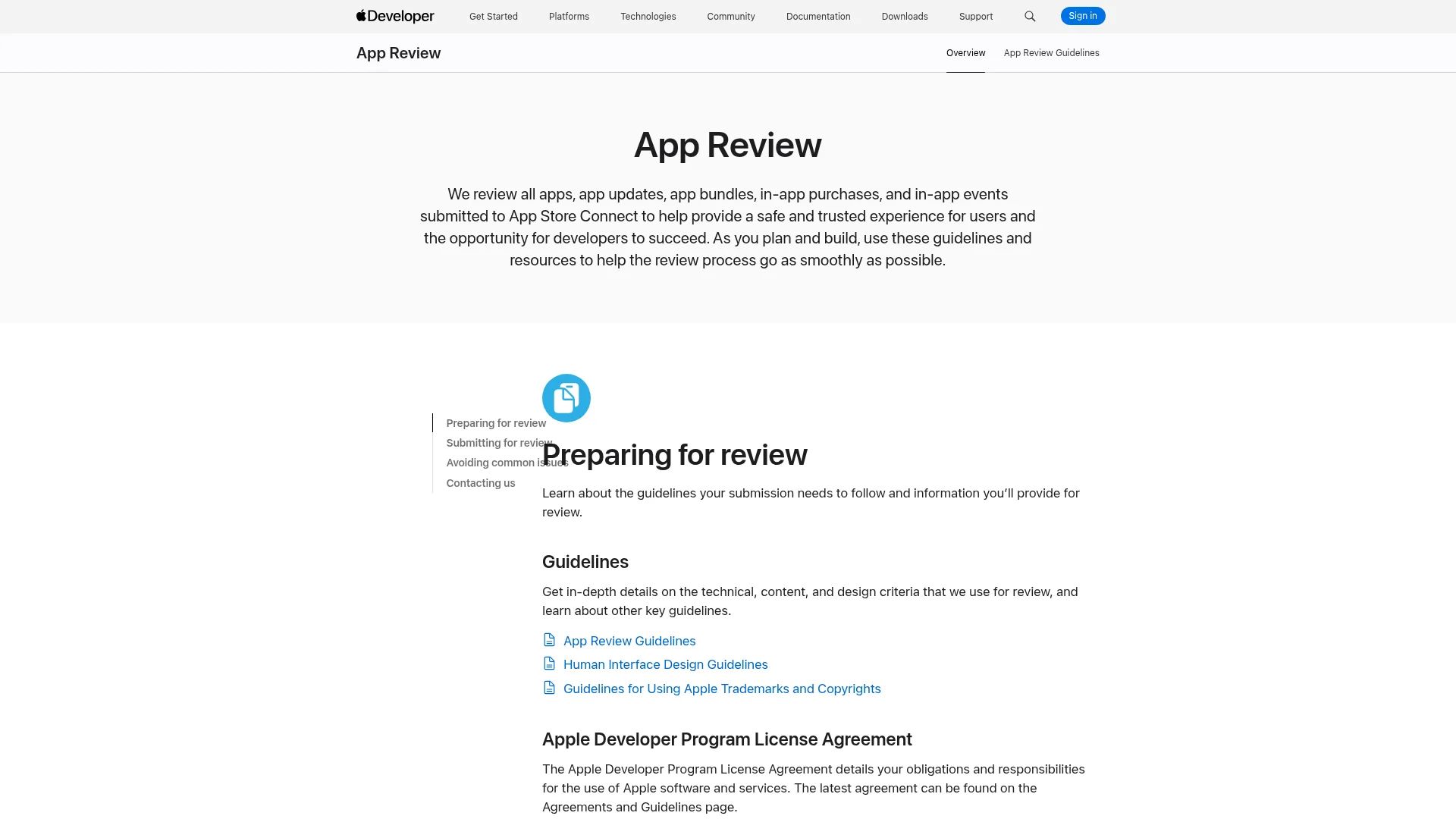
After a rejection, Apple offers three separate routes. Most developers only know about the first two, and many confuse them. Picking the right one saves days.
Path | Use it when | Where |
|---|---|---|
Reply to App Review | You can fix the issue, or you need to explain why your app already complies | Resolution Center in App Store Connect |
Appeal to the App Review Board | You believe the reviewer misunderstood your app or applied a guideline incorrectly | The appeal form on developer.apple.com |
Suggest a guideline change | You think the rule itself is unclear or outdated | The guideline suggestion form on developer.apple.com |
The third path is the least known. It does not reverse your rejection, but Apple says suggestions are "taken into consideration by App Review," and it is the right channel when your real objection is with the policy rather than the decision.
Path 1: Reply in the Resolution Center
This is your default move. For the large majority of rejections, replying in the Resolution Center is faster and friendlier than a formal appeal. You have two ways to respond:
Fix and resubmit. If the reviewer is right, make the change, upload a new build, and reply explaining what you fixed.
Explain in place. If you believe your current build already complies, reply with a clear explanation and evidence. Sometimes the reviewer missed a feature behind a login, and a working demo account solves it instantly.
Keep the tone calm and factual. App Review reads thousands of these. A concise message that points to the exact guideline, explains your compliance, and offers a demo account or screen recording gets resolved much faster than a defensive wall of text. If a feature is hard to describe, you can also request a phone call with App Review through the same thread.
Path 2: Appeal to the App Review Board
The App Review Board is for disputes, not fixes. In Apple's words, you appeal "if you feel we misunderstood your app's concept and functionality, or that you were treated unfairly." The Board is staffed by senior reviewers who were not involved in your original decision, so it is a genuine second opinion, not the same person doubling down.
Submit your appeal through the App Review Board appeal form, signed in with the Apple Account tied to the app. Apple sets three rules:
Give specific reasons your app complies with the guidelines.
Submit only one appeal per rejected submission.
Respond to any requests for more information before you appeal.
A realistic expectation on timing: Apple does not publish a turnaround for Board appeals, and they often take longer than a standard review, sometimes a week or more. Appeals also do not show a live status in the Resolution Center, so there is no progress bar to watch. If your issue is fixable, fixing and resubmitting is usually the faster bet.

How to Write an Appeal That Works
Whether you reply in the Resolution Center or escalate to the Board, the structure of a winning message is the same. Make it short, specific, and evidence-led.
Name the guideline. Quote the exact text you are addressing so it is clear you read it.
State your compliance plainly. Explain, point by point, why your app meets the rule. Avoid emotion and avoid accusing the reviewer.
Show evidence. Attach screenshots, a short screen recording, or a working demo account with the backend switched on.
Cite comparable approved apps. If similar apps with the same feature are already live, name them. This is one of the strongest arguments at the Board.
Never hide functionality. Do not disable a feature to sneak past review and re-enable it later. Apple's tooling detects this, and it can get your developer account terminated.
The Most Common Rejection Reasons in 2026
Knowing which guideline you hit tells you how to respond. Apple states that over 40% of unresolved issues relate to a single guideline, 2.1 App Completeness. Here are the rejections you are most likely to see, with the practical fix for each.
Guideline | What it means | How to respond |
|---|---|---|
2.1 App Completeness | Crashes, bugs, placeholder text, broken links, or a missing demo account | Test on-device, scrub placeholders, add a working demo login in review notes |
4.3 Spam | App is too similar to others, or looks like a reskinned template | Show meaningful differentiation and original content (see next section) |
2.3 Accurate Metadata | Screenshots, description, or preview do not match the real app | Update your store listing so it reflects the actual core experience |
5.1.1 Data Collection | Missing privacy policy, or no in-app account deletion when you allow signups | Add a privacy policy and an in-app "delete account" option |
3.1.1 In-App Purchase | Unlocking features without using Apple's in-app purchase | Route digital unlocks through Apple IAP |
4.2 Minimum Functionality | App is little more than a repackaged website | Add native features and lasting utility beyond a web wrapper |
If you are turning a web project into an app, 4.2 is the one to watch. A thin wrapper around a website gets rejected, so make sure the app delivers something native. Our guide on how to convert a website to a mobile app covers what "real app" means to Apple.
Guideline 4.3: The Spam Rejection
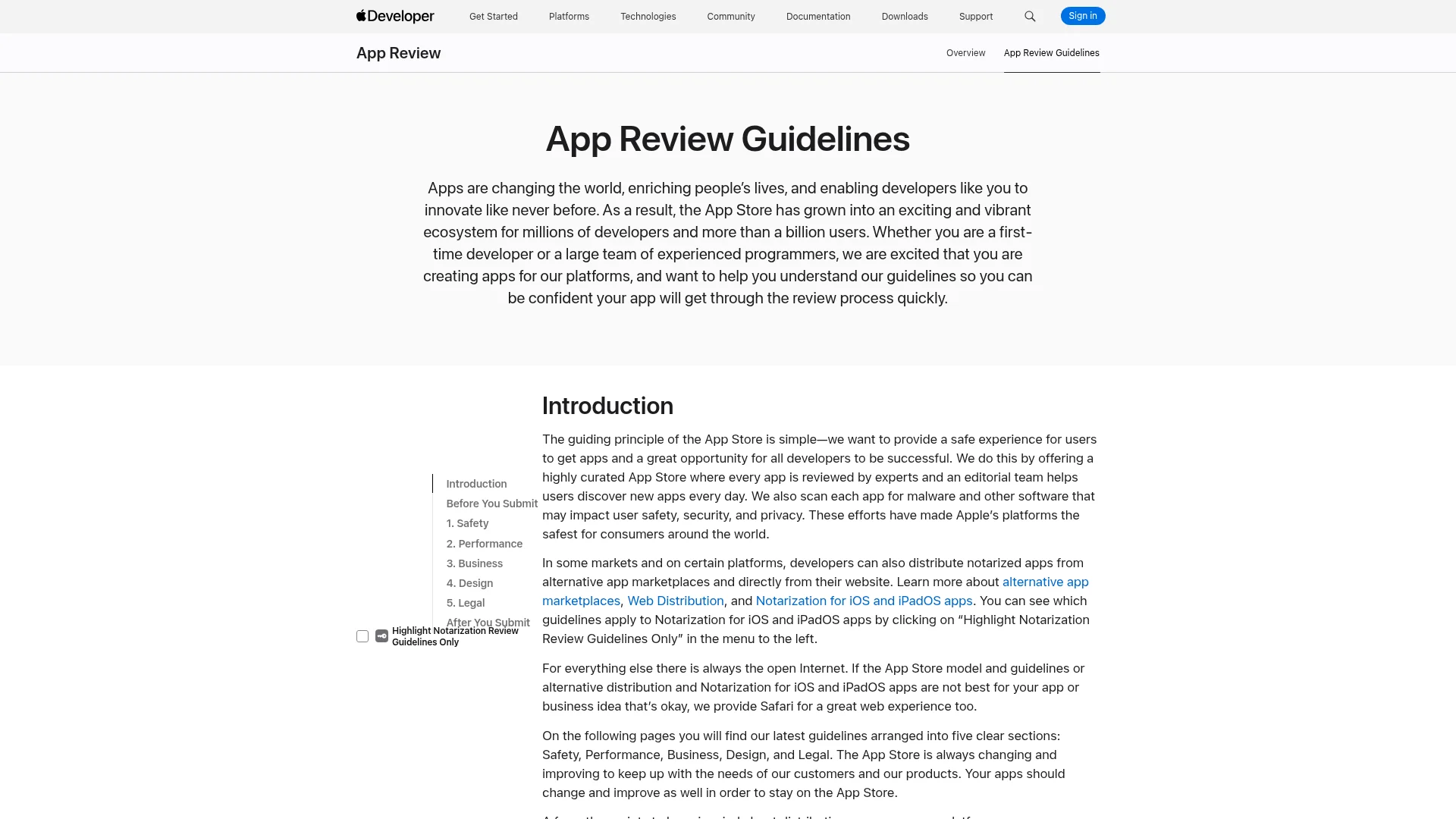
Guideline 4.3 deserves its own section because it is the rejection that hits no-code and AI-built apps hardest. Apple tightened the language in its June 2026 App Review Guidelines update. The rule now reads, in part: "Don't submit apps that are indistinguishable from what's already widely available. Opportunistically creating variants of existing app categories or popular apps degrades App Store discovery."
There are two flavors. Guideline 4.3(a) targets developers who ship many near-identical apps under separate Bundle IDs, like one app per city. Guideline 4.3(b), the part expanded in 2026, targets apps in saturated categories such as flashlights, wallpapers, simple timers, and fortune telling, where Apple will not accept a new entry "unless they offer a meaningfully different or improved experience." A related rule, 4.2.6, rejects apps built from a commercialized template service and submitted on the client's behalf.
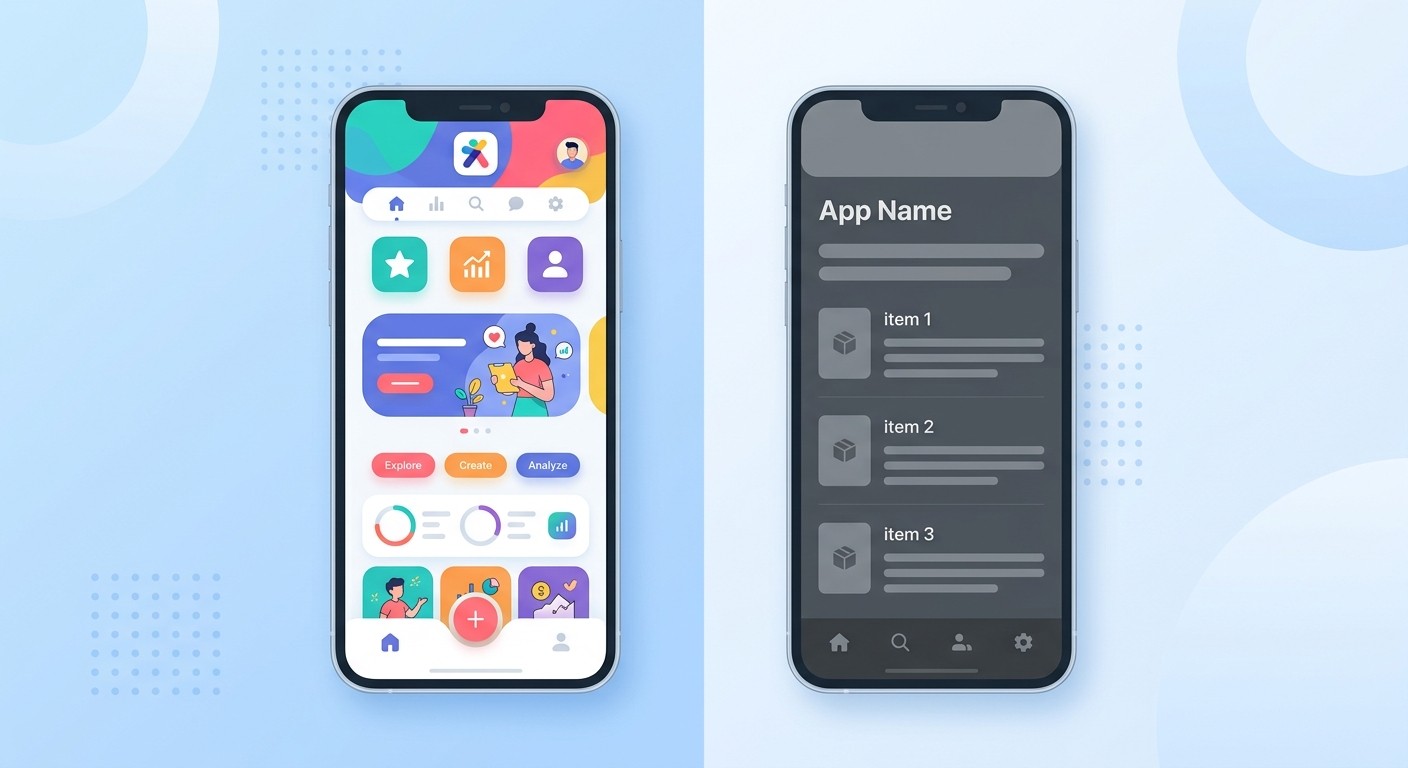
Here is the key distinction: using an AI or no-code tool to build a genuinely original app is fine. Shipping a thinly reskinned template is not. If you get a 4.3 flag, your appeal should prove differentiation:
Original branding, copy, and visual design, not stock template assets.
Real, working features with actual content rather than placeholder screens.
A clear reason the app exists that a generic clone does not serve.
A working demo account so the reviewer sees the live experience, not an empty shell.
When to Request an Expedited Review
Separate from appeals, Apple lets you request an expedited review for "extenuating circumstances." There are two accepted reasons:
A critical bug fix. Include exact steps to reproduce the bug on the current version.
An event-related release. Include the event, its date, and how your app is associated with it.
Use expedited review sparingly and honestly. It is not a way to jump the queue for an ordinary update, and abusing it can cost you the privilege. It is also not an appeal path, so it will not overturn a rejection on its own.
How to Avoid Rejections in the First Place
The best appeal is the one you never have to file. Before you submit, run this short checklist:
Test on a real device and fix every crash. 2.1 completeness is Apple's number one rejection bucket.
Remove all placeholder text, dummy data, and broken links.
Add a demo account and turn on the backend, and write clear review notes.
Match your screenshots and description to the real app experience.
Include a privacy policy and, if you support signups, an in-app account deletion option.
If you want a complete walkthrough of preparing a clean submission, see our guide on how to submit an app to the App Store, and tighten your listing with these App Store product page tips. A polished, complete first submission is the single best way to avoid the Resolution Center entirely.
Frequently Asked Questions
How long does an App Store appeal take?
Apple reviews about 90% of standard submissions in under 24 hours, but it does not publish a timeline for App Review Board appeals. In practice, appeals often take longer than a normal review, sometimes a week or more, and they do not show a live status. If your issue is fixable, resubmitting a corrected build is usually faster.
Should I reply in the Resolution Center or appeal to the Board?
Reply in the Resolution Center first. It is the right move whenever you can fix the issue or clarify a misunderstanding. Only escalate to the App Review Board when you genuinely believe the reviewer applied a guideline incorrectly and you cannot resolve it by replying.
Can I appeal an App Store rejection more than once?
Apple allows only one appeal to the App Review Board per rejected submission. You can, however, keep corresponding in the Resolution Center, and you can submit a new build that addresses the feedback. Make your single appeal count by including specific evidence and comparable approved apps.
Why do AI and no-code apps get rejected under Guideline 4.3?
Guideline 4.3 targets apps that look like reskinned templates or duplicates of what already exists. Using an AI builder is allowed, but the resulting app must be genuinely distinct, with original branding, real features, and a clear purpose. Thin clones with placeholder content get flagged as spam.
What happens if my appeal is denied?
If the Board upholds the rejection, your best path is to address the underlying issue and resubmit. You can also use the separate "suggest a guideline change" form if you believe the rule itself is unclear. Avoid hiding functionality to slip past review, as that risks losing your developer account.
Ship Your App Without the Back-and-Forth
An App Store rejection is a routine speed bump, not a verdict. Read the guideline, pick the right path, reply in the Resolution Center first, and reserve the App Review Board for genuine misunderstandings. When you do appeal, keep it short, specific, and backed by evidence, and lean on a working demo account to show the reviewer exactly what your app does.
CatDoes builds, tests, and ships real native apps from a simple description, so your first submission arrives complete, functional, and ready for review, with native features that clear the 4.2 and 4.3 bars instead of tripping them. Start building for free and get to "Ready for Sale" faster.
Nafis Amiri
Co-Founder of CatDoes


