Blog
Tutorials
App Store Screenshot Sizes (2026 Guide)
App Store and Google Play screenshot sizes for 2026: every required dimension, format, and count for iPhone, iPad, and Android, from the official specs.

Nafis Amiri
Co-Founder of CatDoes

App store screenshots are the single biggest lever on your conversion rate before someone ever taps "Get." They also have the strictest, least forgiving upload rules of any asset you submit. Get a dimension wrong by one pixel and App Store Connect rejects the file outright.
The good news for 2026: the list of sizes you actually need has gotten much shorter. Apple now leans on automatic scaling, and Google Play uses flexible ranges instead of fixed device sizes. This guide gives you every current dimension, format rule, and count requirement for both stores, pulled straight from Apple and Google's official specs.
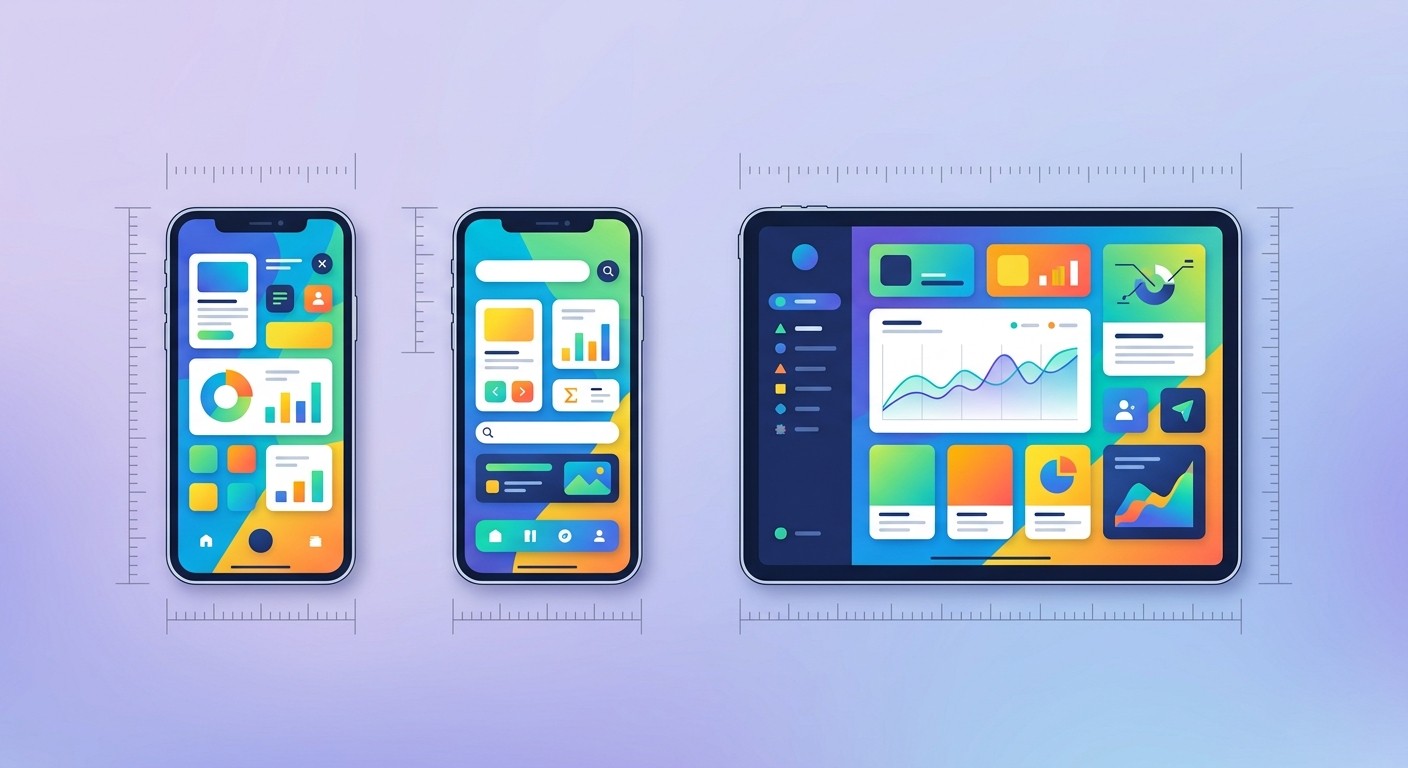
The Quick Answer: Required Sizes for 2026
If you only remember two numbers, remember these. For the Apple App Store you need a 6.9-inch iPhone screenshot at 1320 × 2868 px, and (if your app runs on iPad) a 13-inch iPad screenshot at 2064 × 2752 px. For Google Play you need at least two phone screenshots, ideally 1080 × 1920 px.
Everything else either scales automatically or is optional. Here is the at-a-glance version:
Store | Asset | Recommended size (portrait) | Required? |
|---|---|---|---|
App Store | iPhone 6.9" | 1320 × 2868 px | Yes (if iPhone app) |
App Store | iPad 13" | 2064 × 2752 px | Yes (if iPad app) |
Google Play | Phone | 1080 × 1920 px | Yes (min. 2) |
Google Play | 7" / 10" tablet | 1200 × 1920 / 1600 × 2560 px | Optional |
Google Play | Feature graphic | 1024 × 500 px | Yes |
Table of Contents
The Quick Answer: Required Sizes for 2026
What Changed: Apple's Simplified Screenshot Rules
iPhone Screenshot Sizes (App Store)
iPad Screenshot Sizes (App Store)
Apple File Format and Upload Rules
Google Play Screenshot Sizes
Google Play Format Rules and Other Assets
App Store vs Google Play: Side by Side
Why App Store Screenshots Get Rejected
How to Design Screenshots That Convert
Where CatDoes Fits In
Frequently Asked Questions
What Changed: Apple's Simplified Screenshot Rules
For years, the App Store made you upload a separate screenshot set for nearly every device class: 5.5-inch, 6.1-inch, 6.5-inch, 6.7-inch iPhones, plus multiple iPad sizes. It was tedious and error-prone.
Apple has since consolidated this. In 2026 you only need to supply screenshots for the largest display in each family: the 6.9-inch iPhone and the 13-inch iPad. Apple then automatically scales those source images down to populate listings on smaller and older devices. You no longer create 6.7-inch or 11-inch sets unless you specifically want device-tailored artwork.
The practical takeaway: design once at the largest size, upload it, and let Apple handle the rest. The only time you touch a smaller size is if you skip the 6.9-inch set entirely, in which case Apple falls back to requiring the 6.5-inch set.
iPhone Screenshot Sizes (App Store)
iPhone screenshots are required for every app that runs on iPhone. You must provide between 1 and 10 screenshots per device size, and the dimensions have to match Apple's spec exactly.
6.9-inch display (required)
This is the size you should build first. It covers the iPhone Air, iPhone 17 Pro Max, 16 Pro Max, 16 Plus, 15 Pro Max, 15 Plus, and 14 Pro Max. Apple accepts three resolutions here, and any one of them is valid:
Orientation | Accepted dimensions |
|---|---|
Portrait | 1320 × 2868 px |
Portrait | 1290 × 2796 px |
Portrait | 1260 × 2736 px |
Landscape | 2868 × 1320 px |
Landscape | 2796 × 1290 px |
Landscape | 2736 × 1260 px |
6.5-inch display (fallback)
You only need this set if you do not supply 6.9-inch screenshots. It covers the iPhone 14 Plus, 13 Pro Max, 12 Pro Max, 11 Pro Max, 11, XS Max, and XR.
Orientation | Accepted dimensions |
|---|---|
Portrait | 1284 × 2778 px |
Portrait | 1242 × 2688 px |
Landscape | 2778 × 1284 px |
Landscape | 2688 × 1242 px |
iPad Screenshot Sizes (App Store)
If your app runs on iPad, you need iPad screenshots too. As with iPhone, you design for the largest size and let Apple scale down.
13-inch display (required)
This single size replaced the old 12.9-inch and 11-inch requirements. It works across the iPad Pro (M5, M4, and 3rd–6th gen) and iPad Air (M4, M3, M2) through automatic scaling.
Orientation | Accepted dimensions |
|---|---|
Portrait | 2064 × 2752 px |
Portrait | 2048 × 2732 px |
Landscape | 2752 × 2064 px |
Landscape | 2732 × 2048 px |
12.9-inch display (optional)
The 12.9-inch iPad Pro (2nd generation) takes 2048 × 2732 px (portrait) or 2732 × 2048 px (landscape). If you don't provide it, Apple uses your scaled 13-inch screenshots, so most teams skip it.
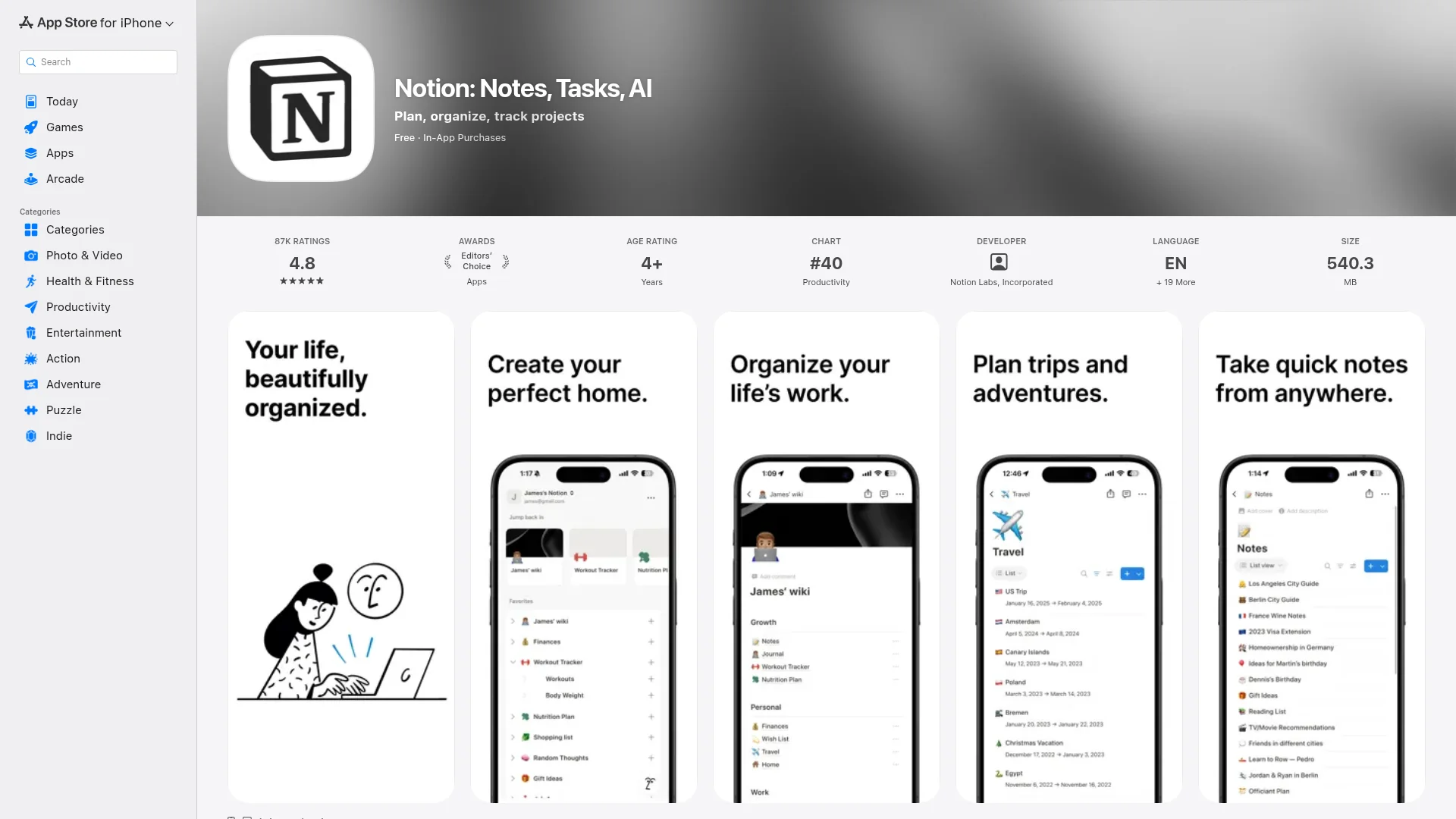
Apple File Format and Upload Rules
Apple is strict about more than just dimensions. Miss any of these and the upload fails before you can submit for review:
Format: PNG or JPEG only. No GIF, HEIC, or WebP.
Color: RGB color space. Flatten the image and remove any alpha channel (no transparency).
Exact pixels: Dimensions must match the spec precisely. There is no off-by-one tolerance.
Count: Minimum 1, maximum 10 screenshots per device size.
App previews: If you add a preview video, its resolution must match the screenshot resolution for that same device class.
One subtle rule that trips people up: the first one to three screenshots are what users see in search results without tapping through. Lead with your strongest frames, because most people never scroll the full gallery.
Google Play Screenshot Sizes
Google Play works differently from Apple. Instead of fixed per-device dimensions, it accepts a flexible range and handles display sizing itself. You provide artwork within the allowed bounds and Google does the rest.
Phone (required)
Phone screenshots are mandatory. You need a minimum of two to publish, and Google recommends at least four (each at least 1080px on the shortest side) to qualify your app for promotional placement. The standard size is 1080 × 1920 px (9:16 portrait), or 1920 × 1080 px if your app is landscape-only.
Tablet and large screens (optional but recommended)
If your app supports tablets or Chromebooks, add large-screen screenshots. Google recommends a minimum of four, sized between 1,080 and 7,680px, at a 16:9 or 9:16 aspect ratio. Common targets are 1200 × 1920 px for 7-inch tablets and 1600 × 2560 px for 10-inch tablets. These help your app rank and convert on tablet searches.
Other device types
Google Play supports several form factors, each with its own rule:
Device | Requirement |
|---|---|
Wear OS | 1:1 aspect ratio, min. 384 × 384 px |
Android TV | At least 1 screenshot |
Android Automotive | 2 portrait (800 × 1280) + 2 landscape (1024 × 768) |
Android XR | 4–8 screenshots, 8:5 ratio, up to 8 MB each |
Google Play Format Rules and Other Assets
The universal limits for every Google Play screenshot are simple to remember:
Format: JPEG or 24-bit PNG (no alpha channel).
Dimensions: Each side between 320px and 3840px.
Aspect ratio: The longest side can't be more than twice the shortest side (max 2:1). Square images are rejected.
Color: RGB only. CMYK files get rejected.
Count: Up to 8 screenshots per device type.
Beyond screenshots, every Play Store listing also needs a feature graphic at 1024 × 500 px (JPEG or 24-bit PNG, no alpha). This banner sits above your screenshots and is required to publish. Your app icon is a separate 512 × 512 px 32-bit PNG with alpha.
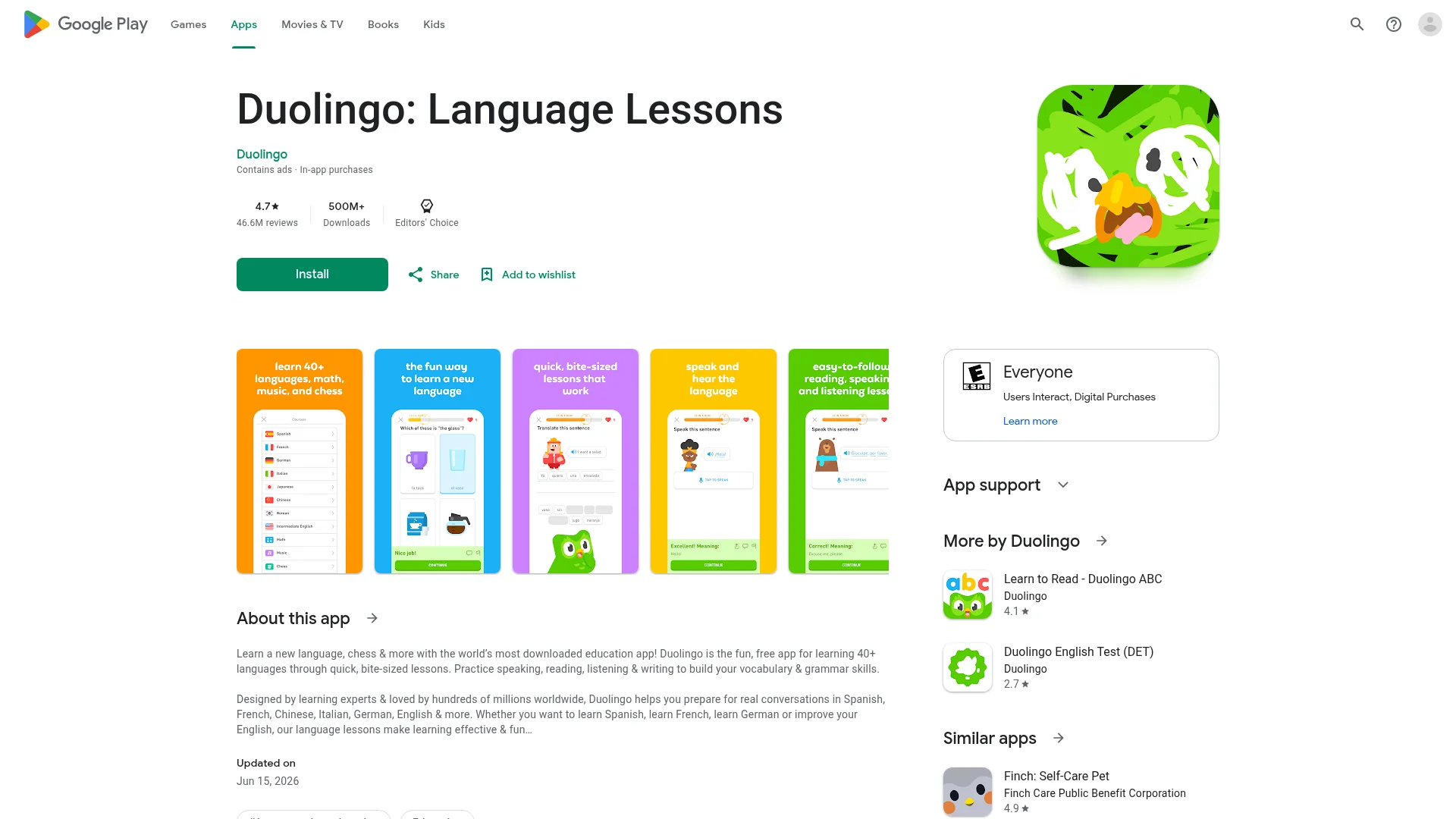
App Store vs Google Play: Side by Side
The two stores share a goal but almost nothing in their rules. The most important thing to know: you cannot reuse the same screenshot files across both stores. Apple's required iPhone dimensions fall outside Google Play's accepted aspect ratio, so you always export two separate sets.
Rule | Apple App Store | Google Play |
|---|---|---|
Sizing model | Fixed, exact pixels | Flexible range |
Primary size | 1320 × 2868 (6.9" iPhone) | 1080 × 1920 (phone) |
Minimum count | 1 per device size | 2 phone screenshots |
Maximum count | 10 per device size | 8 per device type |
Formats | PNG, JPEG | JPEG, 24-bit PNG |
Alpha channel | Not allowed | Not allowed |
Extra banner asset | None | Feature graphic 1024 × 500 |
Why App Store Screenshots Get Rejected
Most rejections aren't about taste, they're about specs. These are the issues that bounce an upload before a human ever reviews it:
Wrong dimensions: Even one pixel off triggers a mismatch error on the App Store. Export at the exact spec.
Alpha channel left in: A transparent PNG fails on both stores. Flatten the image first.
Wrong color space: CMYK exports (common from print-focused design tools) get rejected. Convert to RGB.
Unsupported format: HEIC and WebP are not accepted for App Store or Play screenshots.
Too few screenshots: Google blocks publishing with fewer than two phone screenshots.
Apple may also reject screenshots during human review for content reasons: showing a different device frame than the one being submitted, using placeholder or lorem-ipsum text, or depicting features the app doesn't actually have. Keep your screenshots honest and on-device.
How to Design Screenshots That Convert
Hitting the spec gets you listed. Good design gets you installs. A few principles consistently outperform:
Front-load value: Your first two or three screenshots appear in search results. Show your single best feature first, not a login screen.
Add caption text: Short benefit-led headlines on each frame ("Track every habit in one tap") convert better than raw UI shots.
Tell a sequence: Treat the gallery as a story, walking from the core problem to the result.
Stay readable on mobile: Most viewers see a thumbnail. Big text, high contrast, one idea per frame.
Localize: If you target multiple regions, translate the caption text. Localized screenshots lift conversion in non-English markets.

Where CatDoes Fits In
Screenshots are the last mile of shipping an app, and the part most builders dread because it sits between "the app works" and "the app is live." It helps to have the build-and-deploy side handled so you can focus your energy on the store listing.
That's what CatDoes does: you describe the app you want, and the AI agent builds it, sets up the backend, and deploys it to the App Store, Google Play, or the web. When your build is ready and you're packaging your listing, the dimensions in this guide are exactly what you'll export your screenshots at. You can see how the plans and deployment options work on the CatDoes pricing page.
Frequently Asked Questions
What is the required App Store screenshot size in 2026?
A 6.9-inch iPhone screenshot at 1320 × 2868 px (portrait) is the primary required size. If your app supports iPad, you also need a 13-inch iPad screenshot at 2064 × 2752 px. Apple scales these down to smaller devices automatically.
Do I still need 6.7-inch or 5.5-inch screenshots?
No. Apple removed those as standalone requirements. You design for the 6.9-inch iPhone and 13-inch iPad, and Apple's automatic scaling fills in every smaller device.
What size are Google Play screenshots?
The standard phone screenshot is 1080 × 1920 px (9:16 portrait). Google accepts any size from 320px to 3840px per side as long as the longest side is no more than twice the shortest. You need at least two phone screenshots to publish.
Can I use the same screenshots for the App Store and Google Play?
No. Apple's required iPhone dimensions fall outside Google Play's accepted aspect ratio, and Google requires a feature graphic that Apple doesn't use. Always export a separate set for each store.
How many screenshots can I upload?
The App Store allows 1–10 per device size. Google Play allows up to 8 per device type, with a minimum of 2 phone screenshots required to publish.
What file format should app store screenshots be?
Use PNG or JPEG with an RGB color space and no alpha channel for both stores. PNG keeps text and UI edges sharp; JPEG compresses photo-heavy frames better. Avoid HEIC and WebP entirely.
The Bottom Line
App store screenshot requirements got simpler in 2026, but the penalty for getting them wrong is still a hard rejection. Design your Apple set at 6.9-inch iPhone (1320 × 2868 px) and 13-inch iPad (2064 × 2752 px), export your Google Play set at 1080 × 1920 px with a 1024 × 500 feature graphic, keep everything RGB with no transparency, and you'll clear upload every time.
Always sanity-check against the official sources before you submit, since Apple and Google add new device classes over time: Apple's screenshot specifications and Google Play's graphic asset guidelines. And if you want the building and shipping handled for you, start with CatDoes and spend your time on the listing instead of the build.
Nafis Amiri
Co-Founder of CatDoes


