Blog
Tutorials
How to Turn Your Shopify Store Into an App 2026
Want to turn your Shopify store into a mobile app? Here's how to build it, sync your catalog, and publish a native iOS and Android app with CatDoes.

Nafis Amiri
Co-Founder of CatDoes
TL;DR: You can turn your Shopify store into a native iOS and Android app with CatDoes in a few steps: paste your store URL (or drop a screenshot, or import code), connect your Shopify product catalog, let the CatDoes agent build and style the app, preview it on your phone, then publish to the App Store and Google Play. No code, no separate dev agency, and your products, prices, and inventory stay in sync with Shopify.
Table of Contents
Why turn your Shopify store into an app?
What you need before you start
How to turn your Shopify store into an app with CatDoes
What CatDoes builds into your Shopify app
Keeping your app and store in sync
How much does it cost to turn a Shopify store into an app?
Frequently asked questions
Why turn your Shopify store into an app?
Your Shopify storefront already works in a browser, so why bother with an app? Because the browser is where shoppers compare you to everyone else, and the home screen is where they remember you. A mobile app gives your best customers a faster, dedicated place to buy from you, and it gives you tools the mobile web simply does not have.
Here is what a dedicated app changes for a Shopify merchant:
Push notifications. Send a restock alert or a flash-sale reminder straight to a phone, no email open rate to fight.
Higher repeat-purchase rates. An icon on the home screen removes the friction of searching for your URL every time.
A faster checkout. Saved logins, saved carts, and native payment sheets shorten the path to buy.
Brand presence. Your logo sits next to Instagram and your customer's banking app, not buried in 40 open tabs.
The catch has always been cost. Building a native app the traditional way means hiring developers, maintaining two codebases, and paying for changes every time you tweak a collection. That is the part CatDoes removes.
What you need before you start
Turning your store into an app with CatDoes is intentionally light on prerequisites. Here is the short checklist:
A live Shopify store with at least a few products and a logo.
Access to your Shopify admin so you can generate Storefront API credentials when prompted.
An idea of what you want the app to do, even a rough one. "Browse products, add to cart, check out, and send a notification when something restocks" is enough to start.
Developer accounts for the stores you want to publish to: an Apple Developer account for iOS and a Google Play Console account for Android. You only need these when you are ready to publish, not to build.
You do not need to know React Native, Swift, Kotlin, or any backend. You do not need to write API code to pull products from Shopify. CatDoes handles the build; you handle the decisions.
How to turn your Shopify store into an app with CatDoes
CatDoes is an AI agent that builds, deploys, and maintains mobile apps from natural language. Instead of you wiring up screens and API calls, you describe what you want and the agent builds it in the cloud, the same approach that lets you turn any website into an app. Here is the full flow from empty project to published app.
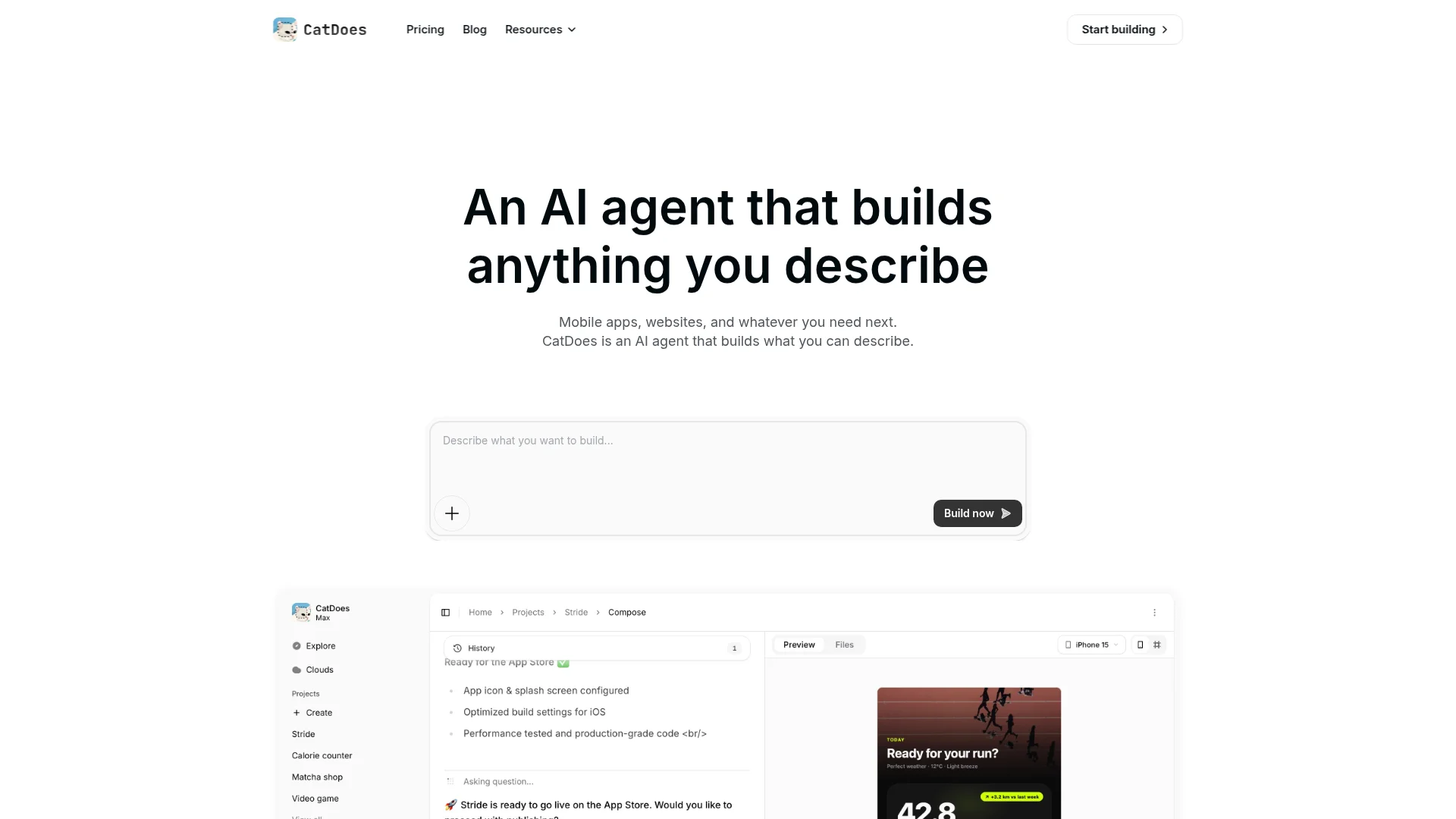
Step 1: Show CatDoes your store
Start a new project and give the agent something to work from. You have a few options, and you can mix them:
Paste your store URL. Drop in your Shopify storefront link and CatDoes reads your branding, layout, and product feel to base the app on what you already have.
Drop a screenshot. Have a design, a competitor's app, or a mockup you like? Upload a screenshot and CatDoes builds toward that look.
Import code. Already have a repo or components? Bring your existing code in and CatDoes builds on top of it.
Just describe it. Or simply tell the agent in plain English what you want.
A starting prompt as simple as this works: "Build a shopping app for my Shopify store at mystore.com. Customers should browse products by collection, view product details with photos and variants, add items to a cart, and check out. Match my brand colors and logo, and add push notifications for restocks and sales."
The more you give it, a URL, a screenshot, and a clear description, the closer the first build lands. You can refine everything afterward, so do not overthink the first prompt.
Step 2: Connect your Shopify catalog
An app is only useful if it shows your real products. CatDoes pulls your catalog through Shopify's Storefront API, the same official interface that powers headless Shopify storefronts. In your Shopify admin you create a Storefront API access token, paste it into CatDoes when the agent asks, and your products, collections, variants, prices, and images flow into the app.
Because it reads from Shopify directly, the app is never a stale copy. Update a price or add a product in Shopify and the app reflects it. Shopify remains your single source of truth for catalog and orders.
Step 3: Let CatDoes build and customize
Once the agent understands your goal and has your catalog, it builds the app: home screen, collection and product pages, cart, and checkout flow. Then you iterate by chatting with it. Want a different layout, a featured-products carousel, a wishlist, or a dark theme? Ask for it, and the agent rebuilds that part.
Every project includes CatDoes Cloud, a built-in backend with database, authentication, storage, and edge functions. So features that go beyond Shopify, like saved wishlists, app accounts, or loyalty points, have somewhere to live without you provisioning a server.
Step 4: Preview on your phone
Before you publish anything, you can run the app on a real device to make sure it feels right. Tap through collections, add to cart, run a test checkout, and trigger a notification. Anything that feels off goes back into the chat as a change request. This loop, build then preview then refine, is where the app actually becomes yours.
Step 5: Publish to the App Store and Google Play
When the app is ready, CatDoes ships it to the Apple App Store and Google Play. The agent handles the build artifacts and submission steps; you provide your developer account details, store listing copy, and screenshots. CatDoes even includes an App Store review simulation to catch common rejection reasons before you submit, which is where most first-time app launches stall.
If you would rather start on the web, you can deploy to a custom domain first and add the native apps later. The same project powers all three.
What CatDoes builds into your Shopify app
A store-to-app conversion is more than a product list in a wrapper. Here is what you can include, all by asking the agent:
Feature | What it does for your store |
|---|---|
Product & collection browsing | Native, fast screens pulled live from your Shopify catalog |
Cart & checkout | Add to cart and complete purchase backed by Shopify checkout |
Restock alerts, drops, and sale reminders sent to the home screen | |
Customer accounts | Login, order history, and saved details via CatDoes Cloud auth |
Wishlists & favorites | App-only features stored in your CatDoes Cloud database |
Search & filtering | Help shoppers find products faster than the mobile web |
Custom branding | Your colors, logo, fonts, and layout, not a generic template |
Because the agent writes real React Native code under the hood, you are not locked into a fixed feature set. If you can describe it, CatDoes can usually build it.
Keeping your app and store in sync
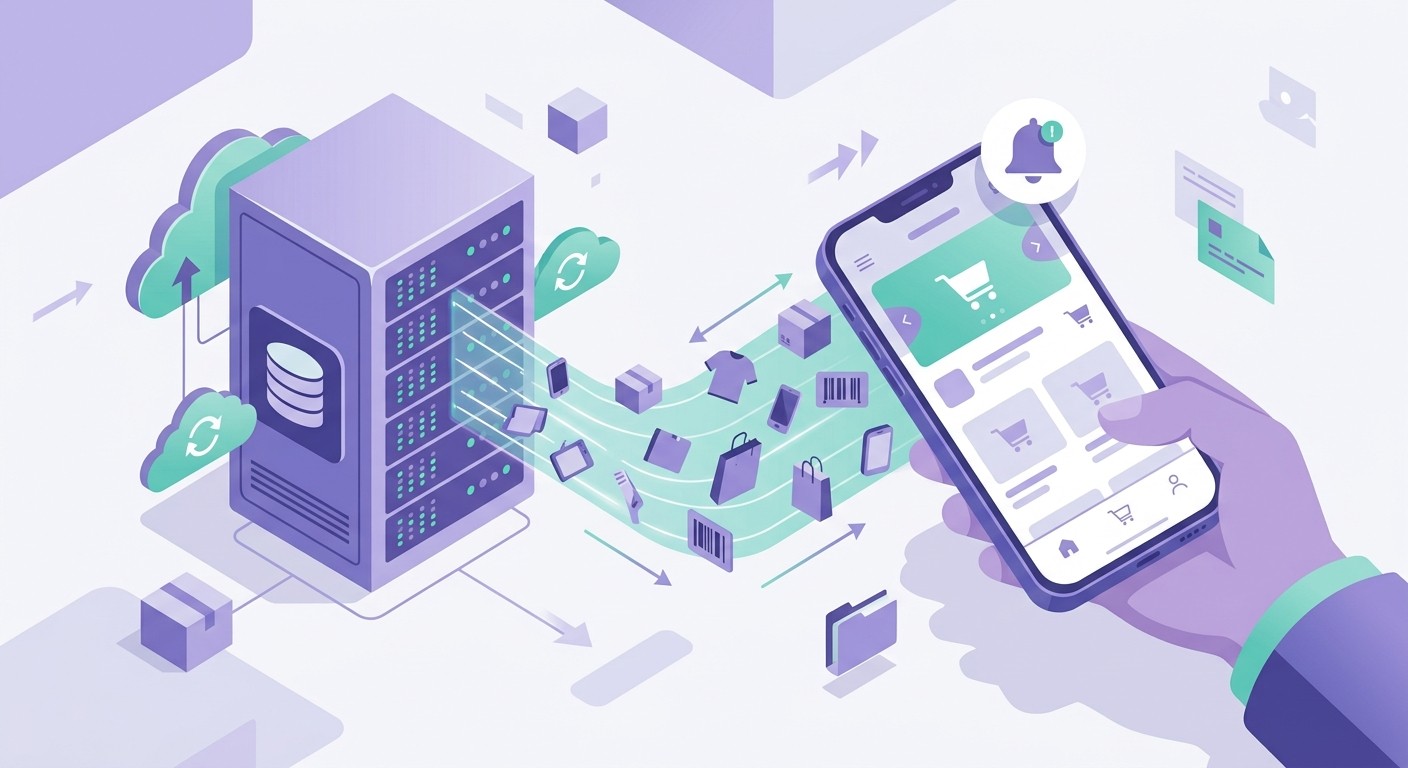
The biggest worry merchants have is maintenance: "If I change my store, do I have to rebuild the app?" In most cases, no.
Catalog changes, new products, edited prices, updated photos, fresh collections, flow through the Storefront API automatically because the app reads from Shopify in real time. You only return to CatDoes when you want to change the app itself: a new screen, a redesign, or a new feature. And when you do, you change it the same way you built it, by asking the agent. There is no separate dev ticket and no waiting on a contractor.
CatDoes also maintains the app over time, keeping dependencies and platform requirements current so your app keeps passing App Store and Play Store reviews as their rules evolve.
How much does it cost to turn a Shopify store into an app?
Traditionally, a custom shopping app meant five figures up front and an ongoing retainer for changes. With CatDoes the model is a simple subscription. You can start on the free plan to build and preview an app, and paid plans (which add native deployment to the App Store and Google Play, more projects, and GitHub export) start at $20/month. You will also need the standard developer accounts to publish: a one-time fee for Apple and Google's developer programs, paid directly to them.
Compared with hiring an agency, the difference is not just price, it is iteration speed. Changes cost a sentence, not a statement of work. See current plans on the CatDoes pricing page.
Frequently asked questions
Can CatDoes build from my store URL or a screenshot?
Yes. You can paste your Shopify store URL, upload a screenshot of a design or app you like, import existing code, or just describe what you want, in any combination. CatDoes uses whatever you give it as the starting point.
Do I need to know how to code to turn my Shopify store into an app?
No. You describe what you want in plain English and the CatDoes agent builds it. Coding knowledge is optional; if you do want to export and edit the code, you can.
Will my products and prices stay up to date in the app?
Yes. The app reads your catalog live through Shopify's Storefront API, so product, price, inventory, and image changes you make in Shopify show up in the app without a rebuild.
Does the app use Shopify checkout?
Yes. Orders and payments run through Shopify, so your existing payment, tax, and fulfillment setup keeps working. Shopify stays your source of truth for catalog and orders.
Can I publish to both the App Store and Google Play?
Yes. CatDoes builds native iOS and Android apps from one project and helps you submit to both stores, including a review simulation to catch common rejection reasons first.
How long does it take?
The first working version can come together in a single session. The time you spend afterward is mostly polishing the design and shopping flow to match your brand, plus the app stores' own review windows.
What if I want app-only features Shopify doesn't offer?
That's what CatDoes Cloud is for. Wishlists, loyalty points, in-app accounts, and other custom features live in the included backend, while Shopify continues to handle commerce.
Turn your store into an app today
A mobile app used to be the thing Shopify merchants put off because it was expensive and slow to build. It is now something you can describe and ship in an afternoon. Connect your catalog, shape the experience by chatting with the agent, and publish to both app stores from one project. Start building your Shopify app with CatDoes and give your best customers a home for your brand on their phone.
Nafis Amiri
Co-Founder of CatDoes


