Blog
Tutorials
Will Your App Pass App Store Review? (2026)
The CatDoes App Store Review agent simulates Apple and Google Play review before you submit; it tells you if your app will be approved and what to fix first.

Nafis Amiri
Co-Founder of CatDoes

You built the app. You tested it. You hit "Submit for Review," and then you wait, with no idea whether Apple or Google will wave it through or bounce it back with a rejection notice. That waiting game is the worst part of shipping, and a single rejection can cost you a week.
That's the problem the CatDoes App Store Review agent solves. Before you submit, it simulates Apple App Store and Google Play review on your project and tells you whether your app would be approved, and exactly what to fix if it wouldn't. This guide walks through how the agent works, what it checks, and how Apple and Google review differ, so you can submit once and get approved.
TL;DR
The CatDoes App Store Review agent runs a full pre-submission simulation of Apple and Google Play review on your project. You ask it to run before submitting, and it reads your app's code, configuration, and store metadata, checks everything against Apple's and Google's published review data, and returns a verdict: approved, or here's what's missing. Most rejections come from a predictable short list: broken functionality, missing privacy disclosures, misleading metadata, and account or payment issues, and the agent flags them so you fix them first instead of losing a week to a rejection.
Table of Contents
Meet the CatDoes App Store Review Agent
What the Agent Checks: The Usual Rejection Reasons
Apple App Store vs Google Play Review
What Happens When You Run a Simulation
Your Pre-Submission Checklist
Frequently Asked Questions
Ship Without the Guesswork
Meet the CatDoes App Store Review Agent
App review is a gatekeeping step. Before your app reaches users, a human reviewer (Apple) or an automated system plus occasional human (Google) checks it against a published set of rules. Pass, and you go live. Fail, and you get a rejection notice with a guideline number and a week-long detour. The App Store Review agent lets you run that check yourself, on demand, before you ever submit.
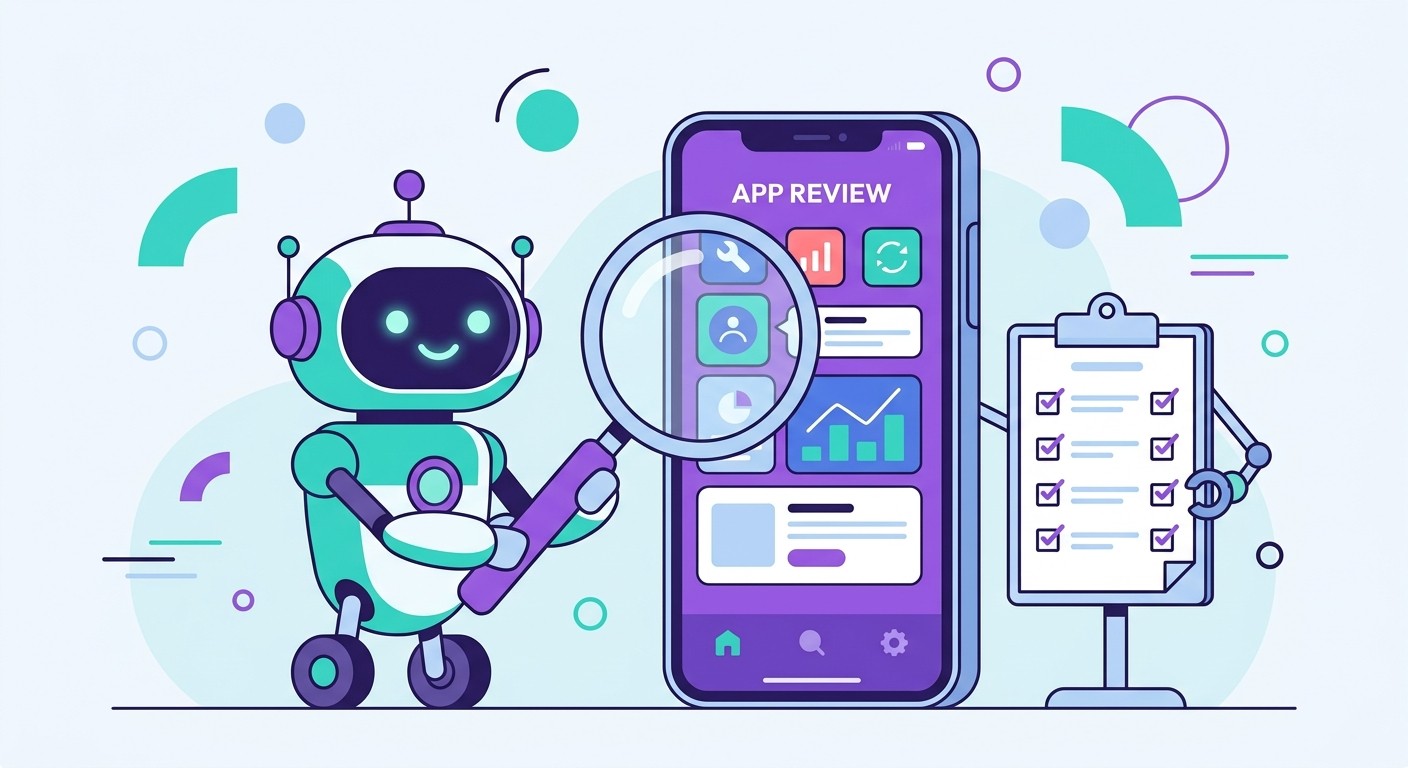
Here's how it works: when your app is ready, you ask the agent to run a simulation. It reads your app's code, configuration, and store metadata, then reviews it the way Apple and Google actually would, checking everything against their published review data and guidelines. Seconds later you get a verdict: would this app be approved, and if not, what exactly is missing or broken.
Instead of a generic checklist, you get specific, actionable findings: "your app collects location data but the privacy declaration doesn't mention it," or "this screen has a non-functional button that will fail Guideline 2.1." You fix the flagged items, ask the agent to re-run, and submit with confidence instead of crossed fingers.
Because CatDoes builds the app and deploys it to the App Store and Google Play, the review simulation is part of the same workflow: no exporting, no separate tool, no guesswork about what the reviewer will see. It's the difference between submitting blind and submitting with a dry run already behind you.
What the Agent Checks: The Usual Rejection Reasons
The agent's whole job is catching the issues reviewers reject for, before they reject you. You don't need to memorize hundreds of guidelines, because a handful of problems account for the vast majority of rejections. These are the ones the agent flags most often.
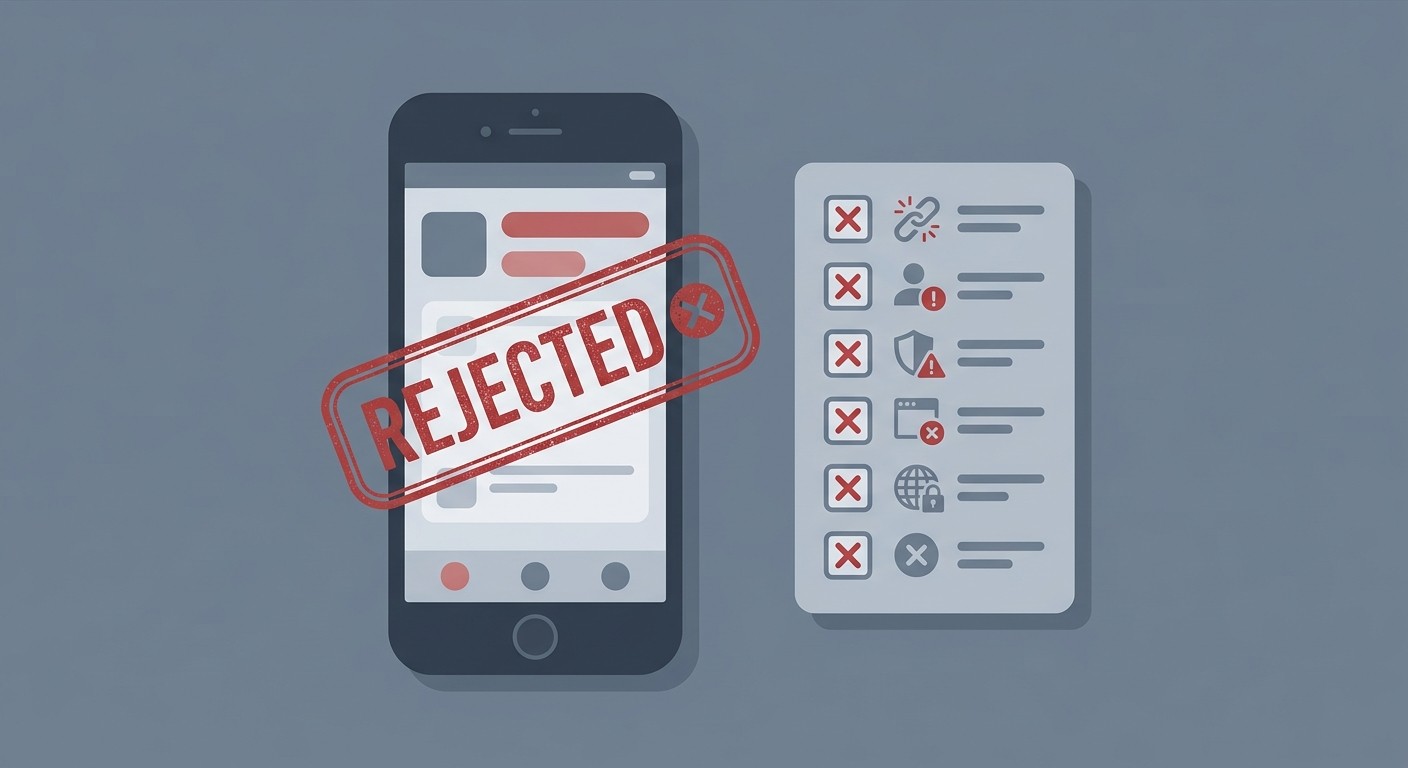
Broken functionality and crashes
This is the number one reason apps bounce. If a button does nothing, a screen crashes, or a feature is a placeholder, the reviewer stops there. Apple's Guideline 2.1 covers "app completeness": your app has to be finished, not a demo. The agent surfaces dead ends and incomplete flows so you catch them first.
Missing or wrong privacy disclosures
Both stores require you to declare what data you collect and why. Apple needs a privacy policy URL and accurate App Privacy "nutrition labels." Google requires a completed Data Safety form. Mismatches between what you declare and what your app actually does are an easy, common rejection, and one the agent is built to spot by comparing your code to your declarations.
Misleading or incomplete metadata
Your screenshots, description, and keywords have to match the real app. Screenshots that show features you don't have, or that are the wrong size, get flagged. If you're unsure about dimensions, our guide to App Store screenshot sizes covers the exact specs.
Sign-in and account problems
If your app supports account creation, Apple requires an account deletion option inside the app (Guideline 5.1.1). Apps that offer third-party login often also need Sign in with Apple. Reviewers need working test credentials, too. Leave them in App Store Connect notes.
Payment rule violations
Selling digital goods or subscriptions? You generally have to use the platform's in-app purchase system, not an outside payment link. Steering users to pay elsewhere is one of the most-enforced rules on both stores.
The "Guideline 4.3" spam rejection
Apple rejects apps that feel like clones or thin templates under Guideline 4.3. If your app looks like a hundred others, add real, differentiated value. This one hits low-effort and copycat apps hardest.
The rules aren't secret. Apple publishes its App Store Review Guidelines and Google maintains its Developer Policy Center, but the agent reads them so you don't have to. And if you've already been rejected, our walkthrough on how to appeal an App Store rejection covers your options in the Resolution Center and beyond.
Apple App Store vs Google Play Review
The agent simulates both stores, because they review differently and knowing how changes what you prioritize. Apple is stricter up front; Google is faster but harsher when it flags you.

Factor | Apple App Store | Google Play |
|---|---|---|
Review method | Manual, human reviewer | Mostly automated scans, some human |
Typical review time | ~24-48 hours | A few hours to several days |
Rejection rate | Higher, more granular feedback | Lower, but stricter enforcement |
Biggest risk | Functionality, metadata, 4.3 spam | Policy violations, suspensions, bans |
Common flashpoint | In-app purchase rules | Data Safety form accuracy |
The practical takeaway: for Apple, the agent leans on whether every feature works and whether your listing is honest. For Google, it weights policy compliance and Data Safety accuracy heavily, because a violation there can mean a suspension rather than a polite "please fix this."
What Happens When You Run a Simulation
When you trigger a simulation, the agent reviews your app in three passes, the same three a careful human reviewer would run. You can do these by hand too, but the agent does them in seconds and doesn't miss the boring parts.
1. The functionality pass
The agent traces your app's flows the way a reviewer taps through them: sign up, log in, log out, delete account, make a test purchase, looking for anything that dead-ends, crashes, or sits unfinished. Anything broken is a rejection waiting to happen, so it gets flagged first.
2. The policy pass
Next it checks the sections of Apple's and Google's rules that apply to your specific app: privacy, accounts, payments, and category rules. It confirms your privacy policy is live, your Data Safety and App Privacy declarations match your actual code, and nothing steers users off-platform for payment.
3. The metadata pass
Finally it reviews your store listing as a stranger would. Do the screenshots show the real app at the correct sizes? Does the description over-promise? Are your keywords honest and your age rating right? Metadata mismatches are quick fixes if you catch them and slow rejections if you don't.
Your Pre-Submission Checklist
The agent covers all of this for you automatically, but here's the same list if you'd rather verify by hand before you hit submit. If you can check every box, your odds of a first-try approval go way up.
Functionality: Every feature works on a real device; no crashes, dead ends, or placeholders.
Test access: Working demo credentials provided in the review notes.
Privacy: Live privacy policy URL; accurate App Privacy labels (Apple) and Data Safety form (Google).
Accounts: In-app account deletion available; Sign in with Apple added where required.
Payments: Digital goods use in-app purchase; no off-platform payment steering.
Metadata: Screenshots match the app and use correct sizes; description and keywords are honest.
Differentiation: The app offers real value, not a thin template (avoids Guideline 4.3).
Permissions: Every permission request has a clear, user-facing reason string.
Frequently Asked Questions
How does the App Store Review agent work?
You ask it to run a simulation before submitting. It reads your app's code, configuration, and store metadata, checks them against Apple's and Google's published review guidelines, and returns a verdict, approved or not, along with a specific list of what to fix. You correct the flagged items and re-run until it's clean.
Can you really predict if an app will be approved?
Not with total certainty. Reviewers apply judgment, especially on subjective rules like the 4.3 spam guideline. But because most rejections come from a predictable set of technical and policy issues, the agent catches the large majority before submission, which is where the time savings come from.
How long does App Store review take in 2026?
Apple typically reviews apps within 24 to 48 hours. Google Play ranges from a few hours to several days, and new developer accounts often take longer for their first submissions. A rejection resets the clock, which is why catching problems early matters.
Does the agent check Google Play as well as Apple?
Yes. It simulates both. Google relies more on automated policy scanning and often acts after an app is live, sometimes with suspensions rather than pre-launch rejections, so the agent weights Data Safety and policy compliance heavily for Android alongside Apple's functionality and metadata rules.
Do I need a separate tool to simulate app review?
No. CatDoes runs the App Store Review simulation on your project as part of the build-and-deploy workflow, so the check happens where your app already lives instead of in a separate tool you have to wire up.
Ship Without the Guesswork
App store rejection feels random when you're on the receiving end, but from the reviewer's side it's routine: the same issues, over and over. Broken features, privacy gaps, dishonest metadata, and payment shortcuts account for most of it, and every one of them is catchable before you submit.
That's exactly what the App Store Review agent is for: ask it to run a simulation, fix what it flags, and submit knowing you've already passed a dry run. If you want to try it, you can build and ship your app with CatDoes, and when you're ready our guide to publishing to the App Store and Google Play walks you through the rest. Submit once, get approved, and get back to building.
Nafis Amiri
Co-Founder of CatDoes


