Blog
Insights
What Is CatDoes? Complete AI App Builder Guide
CatDoes is an AI app builder that turns a plain-English prompt into a real mobile app or website, then ships it to the App Store, Google Play, or web.

Nafis Amiri
Co-Founder of CatDoes
You have an idea for an app or a website, but building it usually means hiring developers, learning to code, or stitching together a pile of tools that don't quite fit. CatDoes closes that gap. You describe what you want in plain English, and an AI agent builds it, wires up a backend, and ships it to the App Store, Google Play, or the web.
So what is CatDoes, exactly? This guide walks through what the CatDoes AI app builder is, how it works, what you can build with it, who it's for, and what it costs. By the end you'll understand the full workflow, from your first prompt to a published app, and how CatDoes differs from other AI builders.
TL;DR: CatDoes is an AI app builder, an AI agent that turns a plain-English description into a working mobile app or website with a backend already connected, then ships it to the App Store, Google Play, or the web. You describe what you want, the agent builds a first version in the cloud, you refine it with follow-up messages, and you publish. It works for people who have never written code and for developers who just want to move faster.
Table of Contents
What Is CatDoes?
How CatDoes Works
What You Can Build With CatDoes
Key Features of CatDoes
CatDoes Cloud: The Built-In Backend
Shipping to the App Store, Google Play, and Web
Who CatDoes Is For
How CatDoes Compares to Other AI App Builders
CatDoes Pricing and Plans
How to Get Started With CatDoes
Frequently Asked Questions
What Is CatDoes?
CatDoes is an AI app builder: an AI agent that builds mobile apps and websites from a natural-language description. You tell it what you want in plain English, and it writes the code, sets up a backend, and deploys the result to the App Store, Google Play, or the web, with no coding required.
That last part is what sets it apart. CatDoes doesn't hand you a template to fill in. It behaves like a teammate: you give it a goal, it does the work, and you steer it with feedback. Under the hood it produces real code, native React Native apps for mobile and standard web code for sites, so what you build is a genuine app you can own, not a locked-in prototype.
Because CatDoes builds websites as well as apps, it doubles as an AI website builder. The same prompt-driven workflow that produces a mobile app can generate a multi-page website you publish to your own domain, one tool and one workflow, whether you're shipping to an app store or a browser.
How CatDoes Works
CatDoes runs as a cloud agent. When you send a request, it spins up its own machine in the cloud, plans the work, and can launch subagents to handle different parts in parallel. You don't manage any of that; you just describe and review.
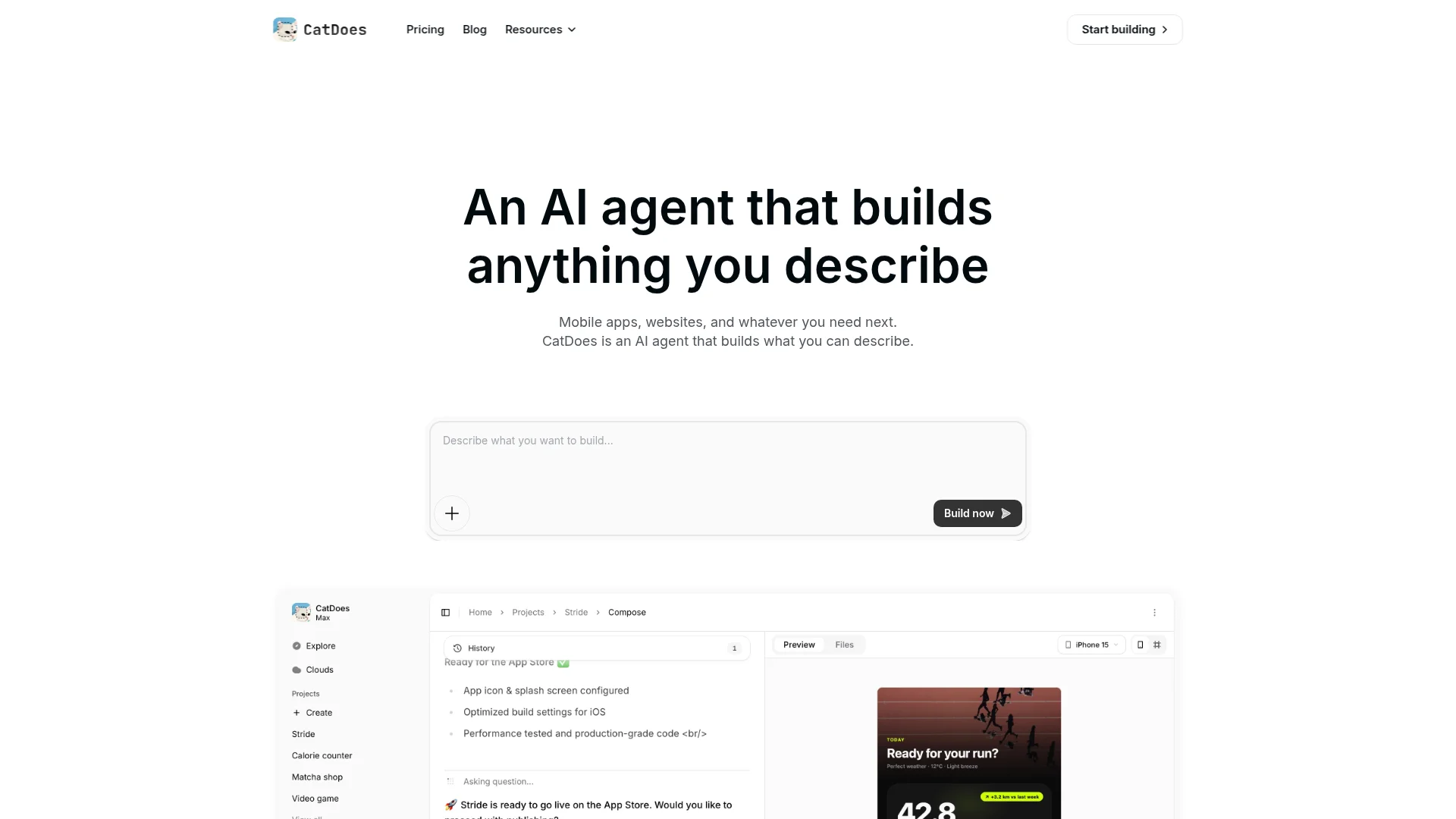
Here's the loop from idea to live app:
Describe it. Write what you want in plain English, for example "a habit tracker with reminders and a weekly progress chart."
The agent builds. CatDoes generates a working first version, screens, logic, and a connected backend.
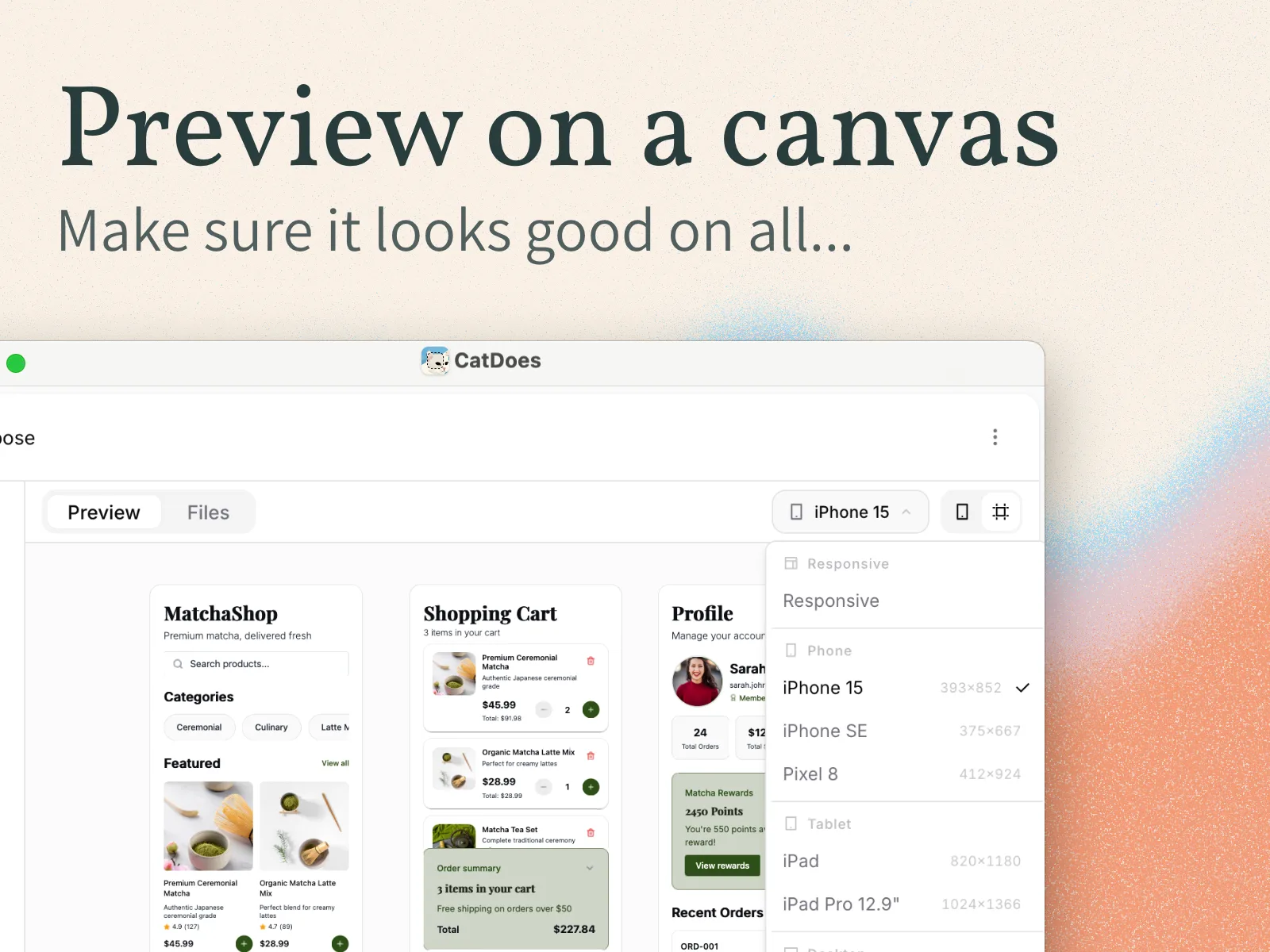
Preview it. See your app or site live in the browser, with a multi-device preview so you can check phone and desktop.
Refine it. Ask for changes in plain language: "make the header dark," "add a login screen," "store entries per user."
Ship it. Publish to the web, or submit to the App Store and Google Play.
Every meaningful change is saved as a checkpoint, so you can roll back if an edit goes the wrong way. It's closer to briefing a fast, reliable developer than operating a design tool.
What You Can Build With CatDoes
CatDoes is general-purpose, so the honest answer is "most things a small team would build." In practice, people use it for a few common categories:
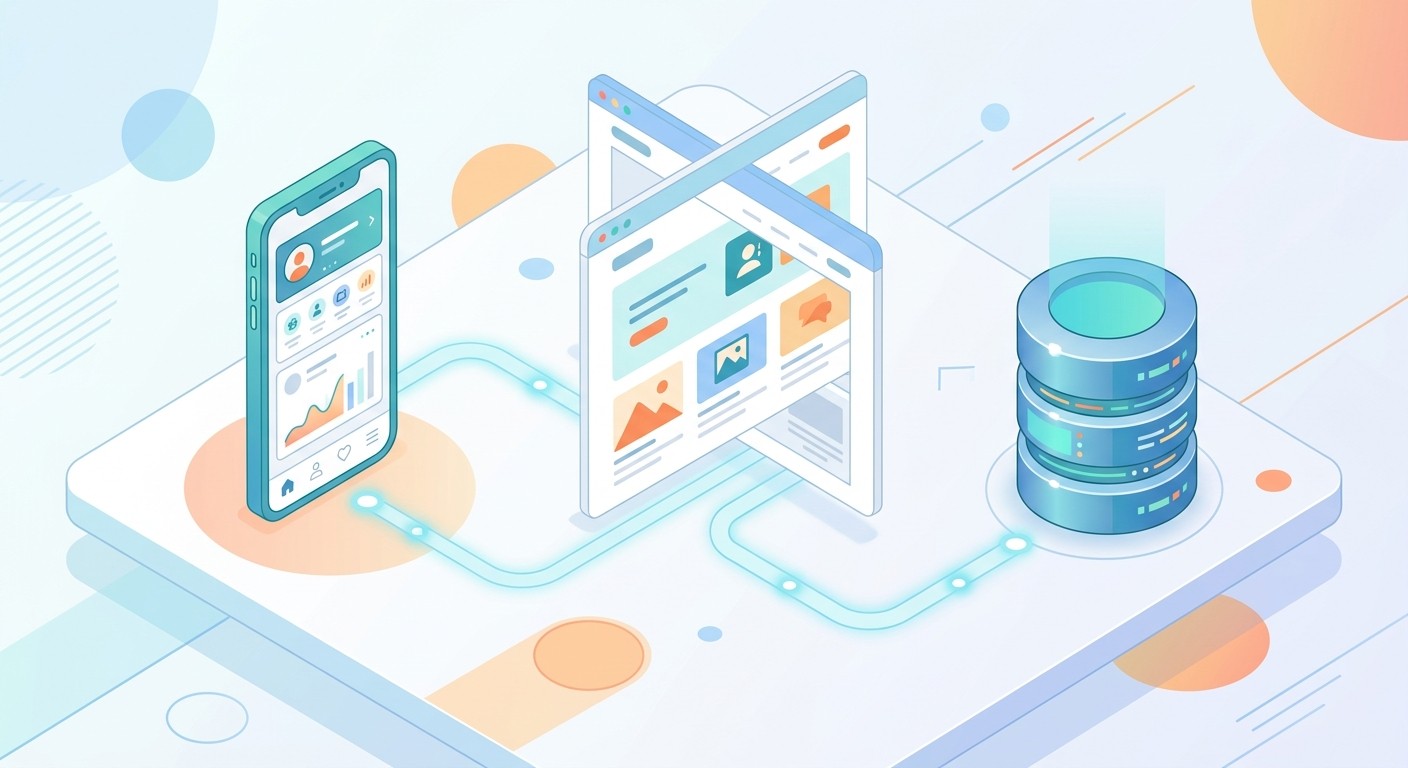
Native mobile apps for iOS and Android, from habit trackers and fitness apps to internal tools.
Websites and landing pages, including multi-page marketing sites on a custom domain.
Web apps like dashboards, CRMs, booking systems, and marketplaces.
Backends and data, every project can store data, sign users in, and handle files without extra setup.
It also works in reverse. With website-to-app, you can paste the URL of an existing site, from Lovable, WordPress, Shopify, or anywhere else, and CatDoes turns it into a native mobile app. Because it covers both app and web output, you rarely outgrow it as an idea gets bigger.
Key Features of CatDoes
A handful of features do most of the heavy lifting. Here's what you get out of the box:
Feature | What it does |
|---|---|
Cloud agent | Builds in the cloud on its own machine and runs subagents in parallel, so large changes don't tie up your computer. |
CatDoes Cloud | A built-in backend, database, auth, storage, edge functions, and realtime, included on every plan. |
Multi-page canvas & preview | Design multi-screen apps and sites with a live, multi-device preview. |
Website-to-app | Turn an existing website into a native mobile app by pasting its URL. |
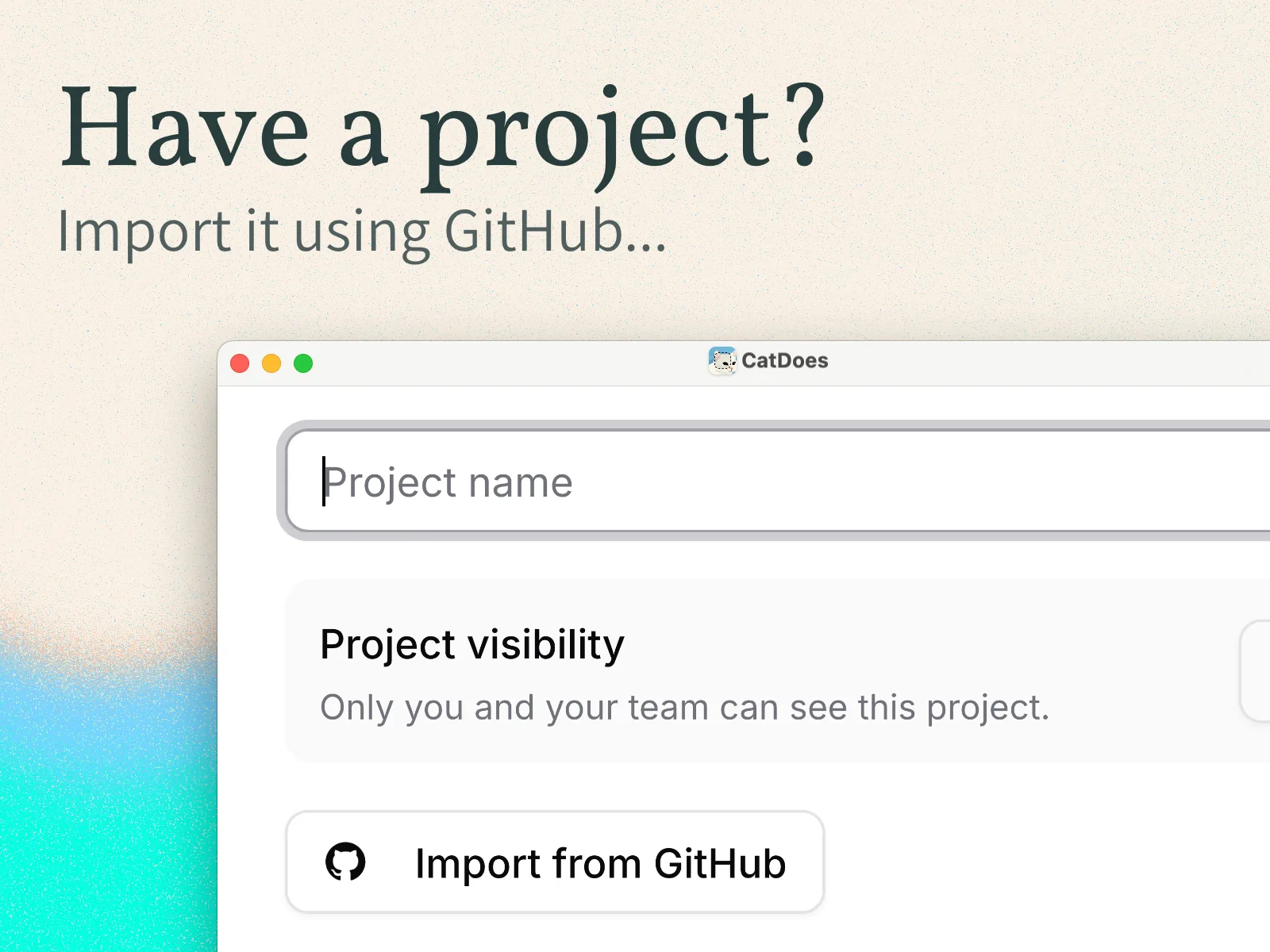
GitHub import & pull requests | Bring in an existing repo and let the agent open pull requests you can review. |
Code export & ownership | Export your codebase and keep full ownership of what you build. |
CatDoes Watch | Built-in error monitoring that surfaces issues in your live app. |
Custom domains | Publish websites to your own domain, with SSL handled for you. |
CatDoes Cloud: The Built-In Backend
Most app builders stop at the front end and leave you to wire up a database and login system yourself. CatDoes includes the backend. CatDoes Cloud provides a database, authentication, file storage, edge functions, and realtime updates, and it's included on every plan, including the free one. Agencies weigh that bundling differently, and we rank the options in the best app builder for agencies.
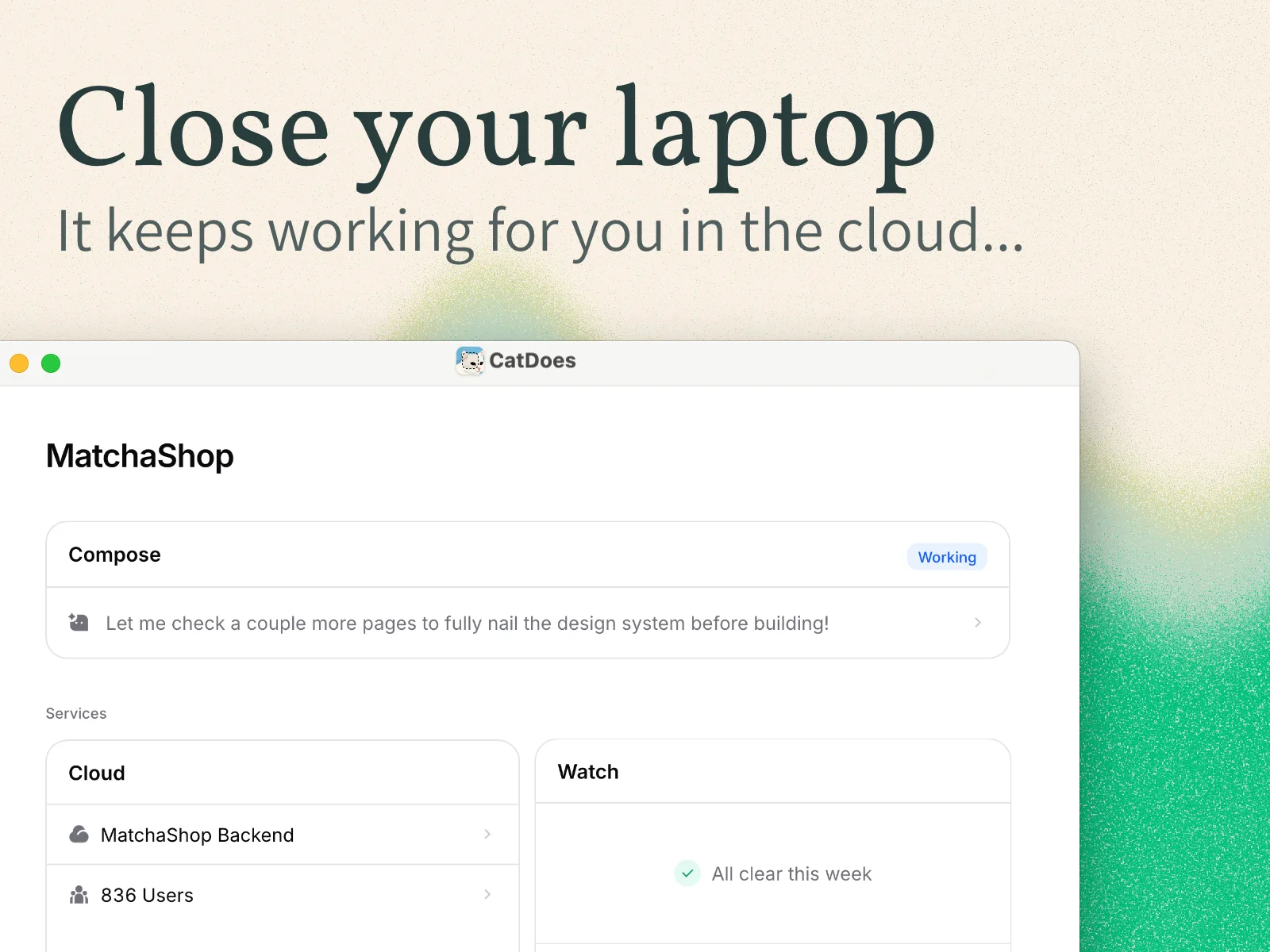
So when you ask for a feature like "let users sign in and save their profile," CatDoes provisions the data and auth behind it automatically. Instances run in US and EU regions, so you can keep data close to your users. If you've ever stalled a project because the backend felt like a second job, this is the part that removes it.
Choosing a backend is one of the biggest early decisions for any app. If you want to weigh the trade-offs, see our guide on how to choose a mobile app backend.
Shipping to the App Store, Google Play, and Web
Building is only half the job; getting live is the other half, and it's where CatDoes goes further than most AI builders. It publishes native apps to both the Apple App Store and Google Play, and websites to the open web on your own domain.
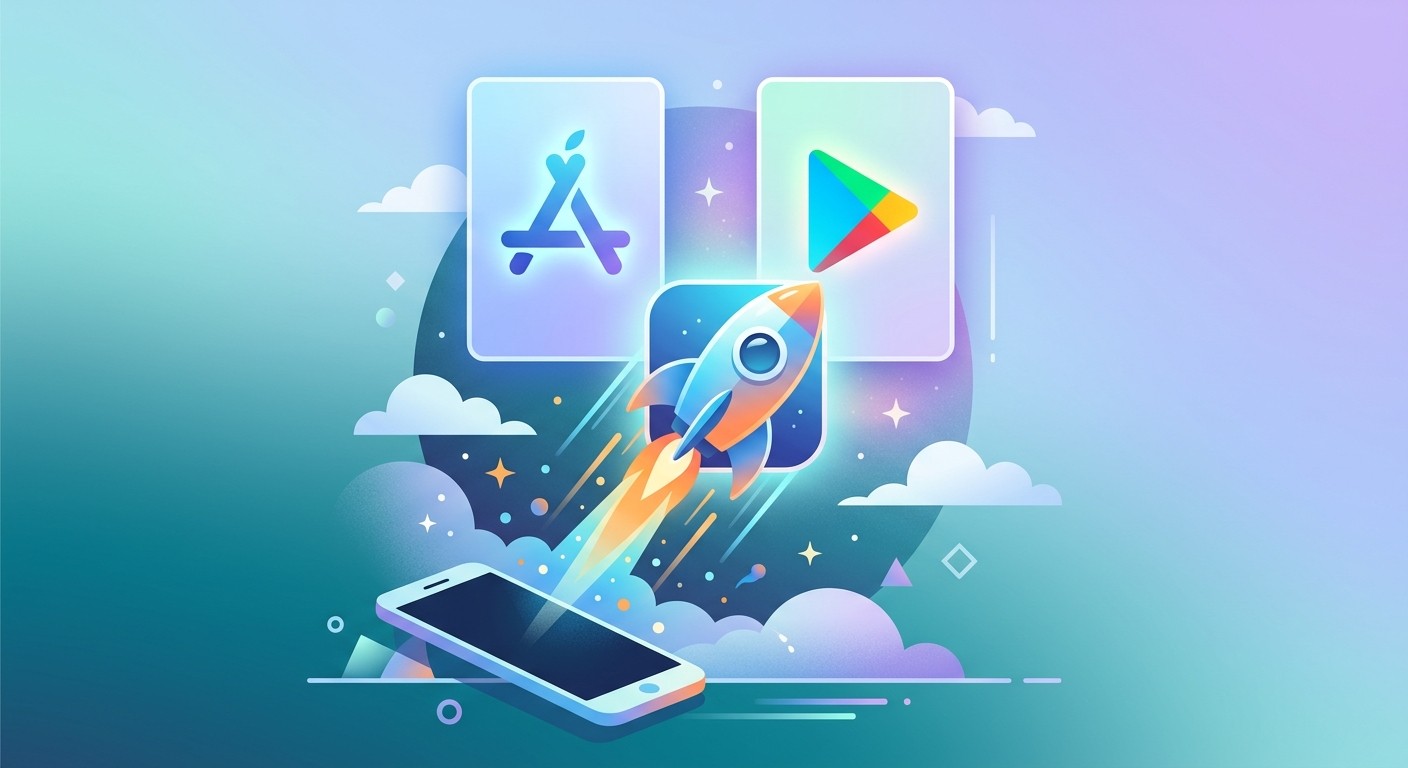
The agent handles the production details that usually trip people up: app icons, splash screens, build settings, and a review-ready build. There's even an App Store review simulation that flags likely rejection reasons before you submit, checked against Apple's App Store Review Guidelines.
For the full walkthrough, see our guide on how to publish an app to the App Store and Google Play. Being one of the few AI builders that ships to both stores, not just the web, is the main reason founders pick CatDoes when they need a real mobile app.
Who CatDoes Is For
CatDoes is built for people who want to ship, not tinker with infrastructure. It fits a few groups especially well:
Non-technical founders who need a real product, not a mockup, to test an idea or raise money.
Small business owners who want an app or site without hiring an agency.
Freelancers and agencies who want to deliver client apps faster and take on more work.
Product teams who want to prototype and ship without waiting in a full engineering queue.
Developers who can code but would rather describe the boring parts and review the output.
If you can clearly describe what you want, you're the target user. Coding experience helps you go deeper, but it isn't required to get to a published app.
How CatDoes Compares to Other AI App Builders
The AI builder space is crowded. Tools like Lovable, Bolt, v0, and Base44 have made it easy to generate web apps from a prompt. The main difference is scope: most of them focus on the web, while CatDoes targets native mobile apps, websites, and the backend together.
Capability | CatDoes | Typical web-only AI builder |
|---|---|---|
Native iOS & Android apps | Yes | Rarely |
Publishes to App Store & Google Play | Yes | No |
Builds websites | Yes | Yes |
Built-in backend (database, auth, storage) | Yes | Sometimes |
Code export & ownership | Yes | Varies |
None of this makes the web-first tools bad, they're excellent at what they do. It just means the right choice depends on whether you need a native app at the end. For a head-to-head example, see our CatDoes vs Lovable comparison.
CatDoes Pricing and Plans
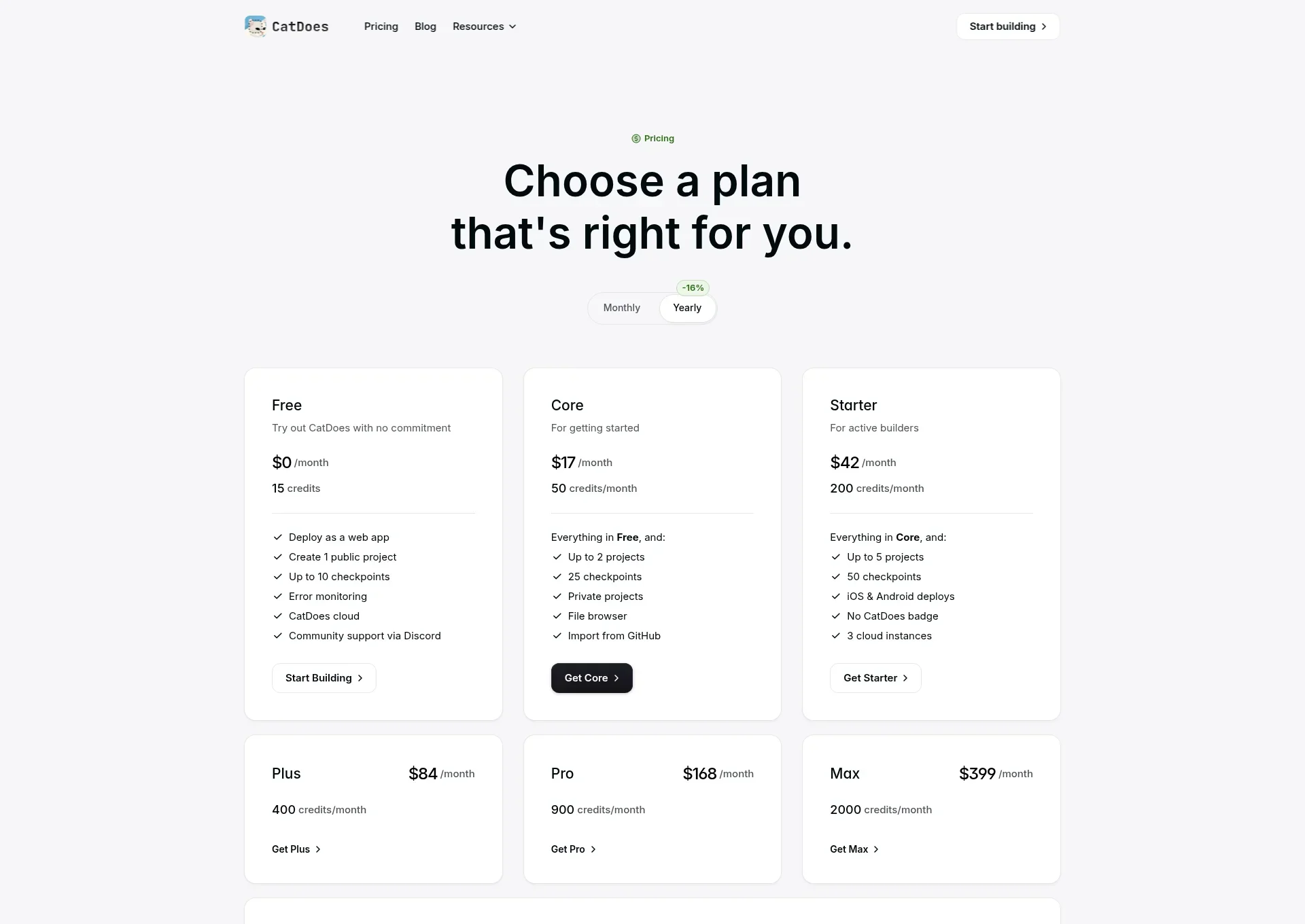
CatDoes is free to start, and paid plans are billed monthly, with annual billing saving around 16%. Usage is measured in credits, each action the agent takes spends credits, and every plan includes CatDoes Cloud. Here's the shape of the lineup:
Plan | Price (monthly) | Credits / month | Best for |
|---|---|---|---|
Free | $0 | 15 (one-time) | Trying CatDoes and building a first project |
Core | $20 | 50 | Hobby projects and small apps |
Starter | $50 | 200 | Regular building with full app-store deployment |
Plus | $100 | 400 | GitHub sync and code export |
Pro | $200 | 900 | Power users who want more credits and priority support |
Max | $399 | 2,000 | Heavy, professional usage |
The Free and Core plans deploy to the web; Starter and up unlock deployment to the App Store and Google Play. Team and custom Enterprise plans are also available, and you can top up any plan with one-time credit bundles. Because pricing changes as the product grows, check the CatDoes pricing page for the current numbers.
How to Get Started With CatDoes
Getting started takes minutes, not a setup weekend.
Sign up for free. Create an account and use your starter credits, no card required.
Describe what you want. Write a clear prompt: name the app, its main screens, and what users should be able to do. The more specific the brief, the better the first draft.
Review and refine. Preview the result and steer it with follow-up requests until it matches what you had in mind.
Add data and accounts. Ask for logins, saved data, or file uploads, and CatDoes Cloud handles the backend automatically.
Publish. Ship your site to the web, or submit your app to the App Store and Google Play.
A sharper prompt gets you a better starting point, so it's worth describing your idea in a sentence or two of real detail before you hit build.
Frequently Asked Questions
What is CatDoes used for?
CatDoes is used to build and ship mobile apps and websites without writing code. People use it to launch iOS and Android apps, create marketing sites and web apps, and turn existing websites into native apps, all from plain-language prompts.
Is CatDoes free to use?
Yes, CatDoes has a free plan that lets you build a project and deploy it to the web. Paid plans start at $20 per month and add more credits, projects, and deployment to the App Store and Google Play.
Does CatDoes build native mobile apps?
Yes. CatDoes builds real native apps with React Native and can publish them to both the Apple App Store and Google Play. They're genuine mobile apps, not web pages wrapped in an app shell.
Do I own the code CatDoes writes?
Yes. CatDoes generates real code, and on the plans that include code export you can download your full codebase. You can also import an existing GitHub repo and have the agent work on it.
Do I need coding skills to use CatDoes?
No. The whole workflow runs on plain-language prompts and visual previews, and CatDoes handles the code, backend, and deployment. Coding knowledge lets you go deeper, but it isn't required to publish an app.
Does CatDoes include a backend and database?
Yes. Every plan includes CatDoes Cloud, which provides a database, authentication, file storage, edge functions, and realtime updates, so you don't need to set up a separate backend.
The Bottom Line
CatDoes is an AI app builder that takes you from a plain-English idea to a published product, mobile app, website, and backend included, without writing code. You describe what you want, an AI agent builds and refines it in the cloud, and you ship it to the App Store, Google Play, or the web. For non-coders it removes the technical barrier entirely; for developers it removes the busywork.
Ready to see it for yourself? Describe your idea to CatDoes and watch it build a working app or website you can publish, no code required.
Nafis Amiri
Co-Founder of CatDoes


