Blog
Tutorials
How to Choose a Mobile App Backend 2026
Learn how to choose the right mobile app backend. Compare BaaS platforms, custom servers, and built-in solutions like CatDoes Cloud to find your best fit.

Nafis Amiri
Co-Founder of CatDoes
TL;DR: Your mobile app backend handles data storage, user authentication, file hosting, and server logic. You can build one from scratch, use a Backend-as-a-Service (BaaS) like Firebase or Supabase, or go with an app builder that has a backend baked in, like CatDoes. For most people shipping in 2026, a BaaS or built-in backend saves months of work. CatDoes Cloud is the only option where the backend comes bundled inside the app builder itself, so there's nothing to configure or connect.
Table of Contents
What is a mobile app backend?
Three approaches to mobile app backends
Key features every mobile app backend needs
Popular mobile app backend platforms compared
How to pick the right backend for your project
Why CatDoes Cloud is different
Frequently asked questions
What is a mobile app backend?
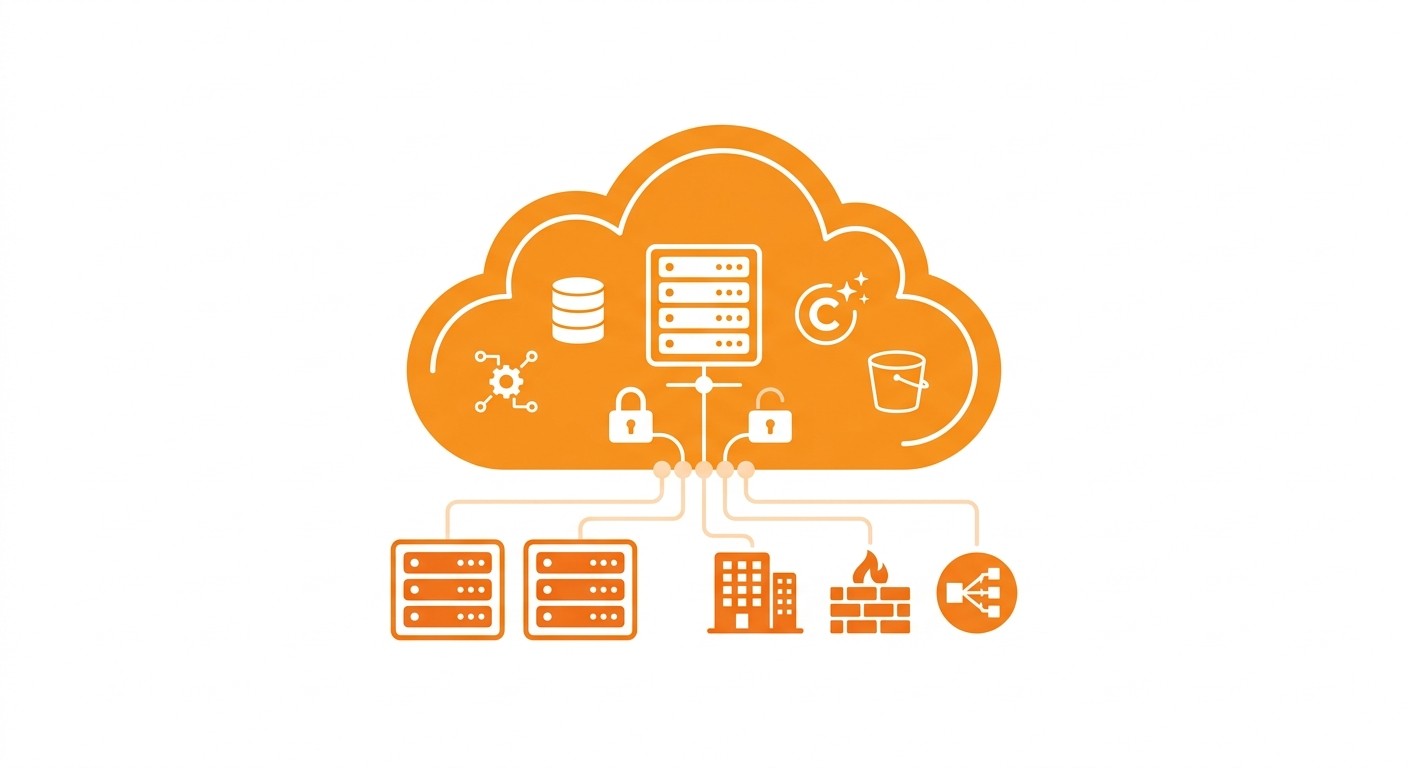
Every mobile app has two halves. The frontend is what you see and tap. The backend is everything else: the database storing your data, the auth system handling logins, the file storage holding your images, the server logic processing requests.
Without a backend, your app is a static shell. It can't save anything, it can't remember who you are, and it can't update in real time.
Here's the thing most people don't realize until they're deep into a project: backend development is where apps stall. Servers, databases, API endpoints, auth flows, deployment. All of that takes weeks or months before you ship a single user-facing feature. A 2025 Statista survey puts backend infrastructure at roughly 40% of total app development time.

Three approaches to mobile app backends
You have three options when it comes to getting a backend for your app. Each involves real trade-offs.
1. Custom backend (build from scratch)
You set up your own servers, write API endpoints, configure databases, and handle deployment. Common stacks: Node.js + PostgreSQL, Django + MySQL, Go + MongoDB.
You get full control over the architecture. You also get full responsibility for security patches, scaling, backups, and uptime. A solo developer can burn 3-6 months on backend work alone before writing any actual app logic.
This only makes sense if you have dedicated backend engineers and requirements that off-the-shelf tools genuinely can't handle.
2. Backend-as-a-Service (BaaS)
A BaaS gives you managed infrastructure: database, auth, storage, and usually serverless functions. You plug it into your app via SDKs and APIs. Firebase, Supabase, and AWS Amplify are the big names here.
It's much faster than building from scratch, and somebody else handles scaling and security. But you still need to learn the platform's API, write security rules, and wire it up to your frontend yourself. Pricing can also spike unexpectedly once you get real traffic. Vendor lock-in varies.
Good fit if you want managed infrastructure but plan to write your own app code.
3. Built-in backend (app builder with integrated BaaS)
A few app builders ship with backend services already included. You don't set up a separate BaaS and connect it. The backend is just there when you start building. CatDoes Cloud works this way: database, auth, storage, edge functions, and realtime are all included on every plan. Nothing to configure.
The AI agent sets up the backend for you automatically. You get less raw control than a custom build, but you can go from idea to working app in a fraction of the time.
Built for founders, creators, and small teams who want to ship a real app without doing backend engineering.
Key features every mobile app backend needs
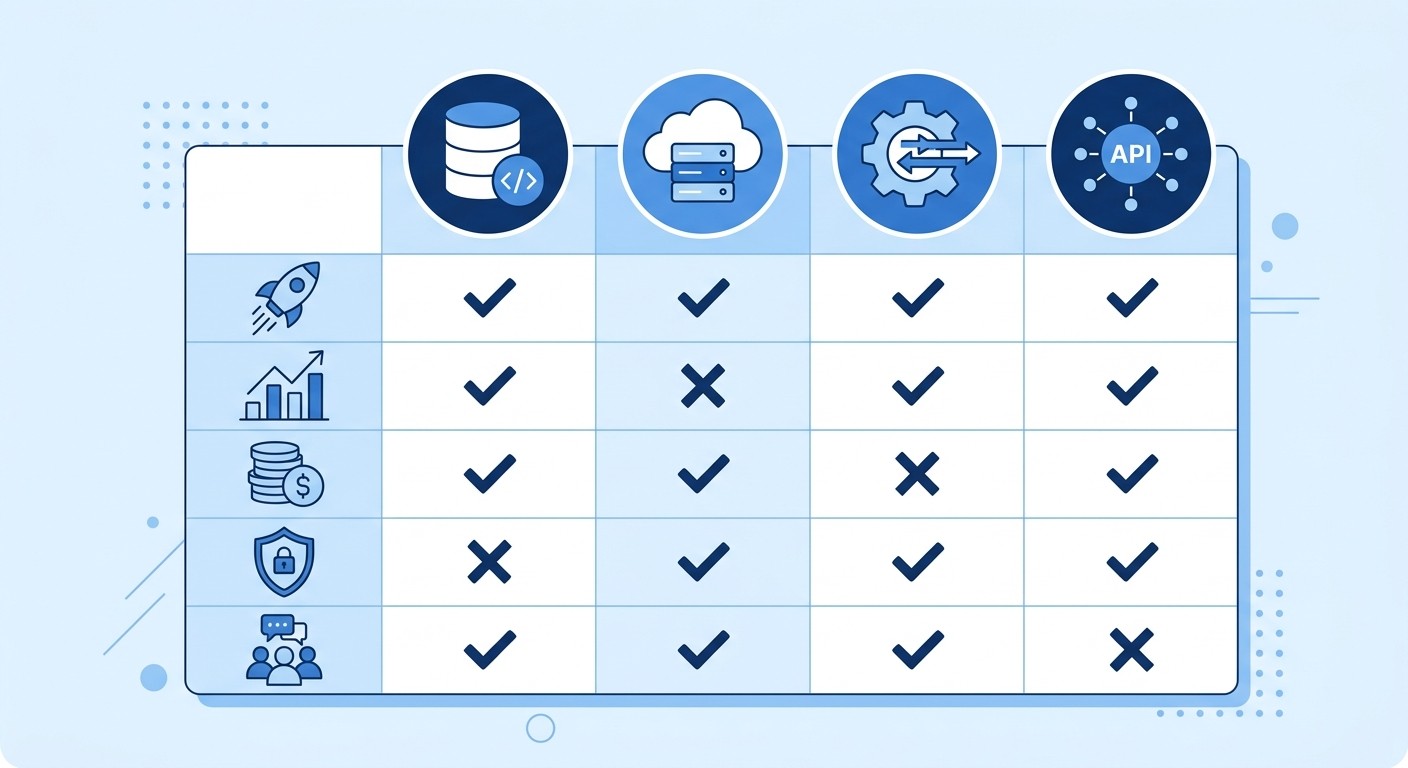
Whichever approach you go with, your backend needs these capabilities. Skip one and you'll end up bolting on a third-party service later or rewriting plumbing mid-project.
Feature | Why it matters |
|---|---|
Database | Stores user data, app content, and settings. Without one, your app resets every time it closes. |
Authentication | Sign-up, login, password reset, sessions. Most apps need email/password at minimum, plus Google or Apple sign-in. |
File storage | Images, videos, documents, user uploads. A 2025 Cloudinary report found the average app handles 2.4 GB of user-uploaded media per month. |
Edge functions / server logic | Server-side code for payment processing, email notifications, or data validation that shouldn't run on the client. |
Realtime | Live updates pushed to connected clients. If your app has chat, collaboration, dashboards, or emergency alerts, you need this. |
API layer | REST or GraphQL endpoints that connect your frontend to your data. Every interaction flows through here. |
Some app categories need every row in that table at once. A social app leans on all six, which is why our guide to social media app development spends most of its time on the data model and the feed before it touches a single screen.
Popular mobile app backend platforms compared
How do the most popular options compare? Here's a side-by-side look at what each platform actually gives you.
Platform | Type | Database | Auth | Storage | Edge functions | Realtime | Free tier |
|---|---|---|---|---|---|---|---|
Firebase | BaaS | Firestore (NoSQL) | Yes | Yes | Yes (Cloud Functions) | Yes | Generous |
Supabase | BaaS | PostgreSQL | Yes | Yes | Yes (Deno) | Yes | Generous |
AWS Amplify | BaaS | DynamoDB | Cognito | S3 | Lambda | AppSync | 12 months free |
Back4App | BaaS | PostgreSQL/MongoDB | Yes | Yes | Yes | Yes | Limited |
CatDoes Cloud | Built-in | PostgreSQL | Yes | Yes | Yes | Yes | Included on all plans |
Firebase is the most widely used BaaS and it's backed by Google. Firestore uses a NoSQL document model, which is fine for simple data structures but gets awkward when you need relational queries. Pricing is usage-based, so costs can jump with traffic spikes. Where Firebase really shines is the surrounding ecosystem: analytics, crash reporting, A/B testing, and push notifications all come built in.
Supabase is the open-source alternative, built on PostgreSQL. If you want SQL and relational data, it's the obvious pick. Row Level Security gives you fine-grained access control out of the box. Downside: it takes more setup than Firebase before you're productive.
AWS Amplify connects you to the full AWS ecosystem. On paper, it's the most capable option. In practice, expect to spend days reading documentation before you deploy anything. It makes sense for teams already invested in AWS who need enterprise-grade infrastructure.
CatDoes Cloud is different because it isn't a separate service you integrate. It's built directly into the CatDoes app builder. When you create a project, the backend is already there: PostgreSQL database, auth, file storage, edge functions, realtime. The AI agent configures everything based on what you describe. Tell it you want a restaurant ordering app, and it creates the database tables, sets up authentication, and wires up realtime order tracking. You don't write a database schema or copy API keys.
How to pick the right backend for your project
It comes down to three things: what you know, how fast you need to ship, and how complex your app is.
Five questions to ask yourself
Do you have backend experience? If not, skip custom backends entirely. You'll spend more time learning infrastructure than building your product.
How fast do you need to launch? Weeks, not months? Go with CatDoes (built-in backend) or a well-documented BaaS like Firebase or Supabase.
Does your app have complex relational data? Users have orders, orders have items, items have reviews? Pick something PostgreSQL-based: Supabase or CatDoes Cloud. Firestore makes relational queries painful.
What's your budget? Usage-based pricing (Firebase, AWS) can surprise you. CatDoes includes backend resources on every plan with a flat monthly price. Supabase has a generous free tier but caps at 500 MB of database storage.
Do you need app store deployment? If you're building a native mobile app, CatDoes handles both the app and the backend, plus submission to the App Store and Google Play. With other BaaS options, deployment is your problem.
Quick decision matrix
If you are... | Choose |
|---|---|
A solo founder with no backend experience | CatDoes Cloud (zero config, AI handles setup) |
A developer who wants SQL and open-source | Supabase (PostgreSQL, self-hostable) |
Prototyping fast in the Google ecosystem | Firebase (fastest BaaS setup, good docs) |
An enterprise team already on AWS | AWS Amplify (full AWS integration) |
A backend engineer with specific architecture needs | Custom backend (full control) |
Why CatDoes Cloud is different
BaaS platforms solved the "I don't want to manage servers" problem. But they created a new one: you still have to integrate, configure, and maintain the connection between your app and your backend. That integration layer is where projects bleed time.
CatDoes Cloud skips that layer entirely.
When you create a project, the backend is already provisioned. Database, auth, storage, edge functions, realtime. It's all there. You don't copy API keys, install SDKs, or write security rules.
The AI agent does the setup work. Describe a restaurant ordering app, and it creates tables for menus, orders, and users, configures authentication, and wires up realtime order tracking. You never touch a database schema.
Most app builders hand you a frontend and say "connect your own backend." CatDoes is the only platform where the app builder and the backend are the same product. Your frontend and backend stay in sync because they were never separate to begin with.
Pricing is flat and predictable. Backend resources are included on every CatDoes plan. You know what you get each month. No metered database reads, no surprise function invocation charges.
And when your app is ready, CatDoes handles submission to the Apple App Store and Google Play, plus web deployment with custom domains. The backend goes live with the app.
If you've ever spent a week wrestling with Firebase security rules, debugging Amplify CLI errors, or trying to stitch a Supabase backend onto a no-code frontend, you know why this matters. CatDoes Cloud is the option where the backend just works from day one.
Frequently asked questions
What is the best backend for a mobile app in 2026?
Depends on your situation. Developers who want full control tend to go with Supabase (open-source, PostgreSQL) or Firebase (Google ecosystem, big community). If you're a founder or small team and want the fastest route to a complete app, CatDoes Cloud bundles the backend into the builder so there's nothing to set up separately.
Can I build a mobile app without backend knowledge?
Yes. CatDoes lets you build apps with a database, auth, and storage without writing backend code. You describe what the app should do, and the AI agent configures the backend for you.
Is Firebase or Supabase better for mobile apps?
Firebase is faster to set up and has a bigger ecosystem (analytics, crash reporting, A/B testing). Supabase is better if you need relational data, open-source flexibility, or Row Level Security. Both work well if you're comfortable integrating a BaaS yourself.
How much does a mobile app backend cost?
Custom backends run $5,000-$50,000+ in development time. BaaS platforms like Firebase and Supabase have free tiers but scale to $25-$300+/month with usage. CatDoes includes backend infrastructure on all plans starting at $20/month, with no separate backend bill.
What is Backend-as-a-Service (BaaS)?
BaaS is a cloud model where a provider gives you managed backend infrastructure (database, auth, storage, server functions) through APIs and SDKs. You use their services instead of building and running your own servers. Firebase, Supabase, and CatDoes Cloud are all BaaS platforms.
Nafis Amiri
Co-Founder of CatDoes


