Blog
Tutorials
Vibe Code a Mobile App Without Security Holes
Vibe code a mobile app in 2026 without shipping security holes: a 6-step workflow, OWASP Mobile Top 10 red flags, and the review checks indie builders skip.

Nafis Amiri
Co-Founder of CatDoes
Vibe coding means describing your mobile app in plain English and letting an AI write the code. It is the fastest way to get from idea to TestFlight in 2026. It is also how indie builders keep shipping apps with hardcoded API keys, plaintext token storage, and backend calls no server ever validates.
TL;DR
Vibe coding is AI-assisted development where you describe the app and the model generates the code. It is fast, and it is risky if you skip review.
Roughly 40% of AI-generated code contains at least one security weakness, according to a NYU Tandon study. Mobile-specific failures cluster around five common patterns.
Use the 6-step workflow below to keep vibe coding fast while catching the OWASP Mobile Top 10 failures before you ship.
AI-native builders like CatDoes enforce many of these invariants for you, so non-engineers can ship secure apps without becoming security experts.
Table of Contents
What Is Vibe Coding, Really?
Why AI-Built Mobile Apps Ship With Security Holes
The 6-Step Vibe Coding Workflow for Mobile Apps
Mobile Security Red Flags to Watch For
How CatDoes Bakes Security Into Vibe Coding
Vibe Coding Mobile Apps: FAQ
What Is Vibe Coding, Really?
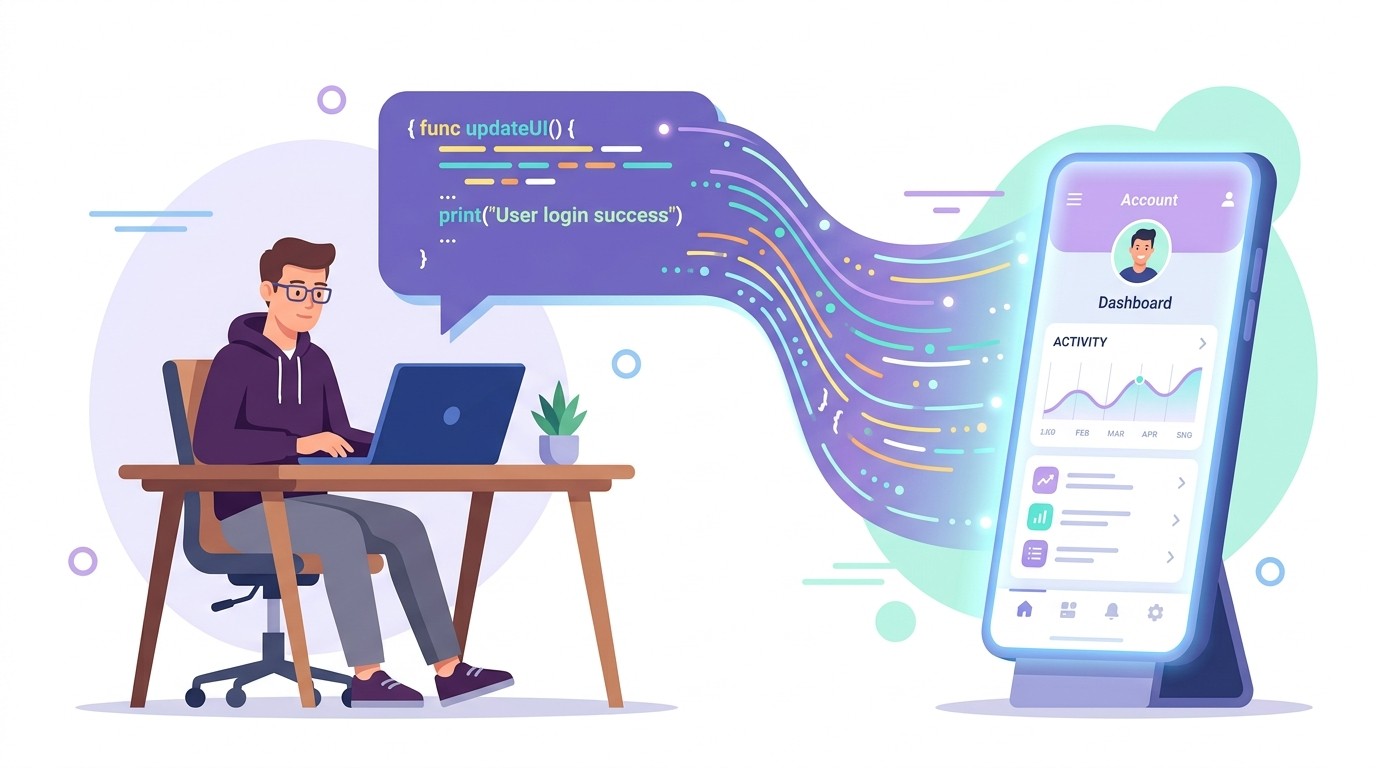
Vibe coding is the practice of building software by describing what you want in natural language and letting an AI model generate the code. The term was popularized by Andrej Karpathy in early 2025, who described it as "fully giving in to the vibes" and barely reading the diffs.
For a mobile app, vibe coding usually looks like this. You describe a screen, a flow, or a feature in a chat box, and the AI outputs React Native, SwiftUI, or Flutter code. Modern tools scaffold an entire app from a single prompt and keep iterating through conversation.
The reason this matters in 2026 is speed. An indie builder can go from idea to working prototype in an afternoon, then to TestFlight in a weekend. The problem is exactly that speed, because the generated output usually contains security bugs the builder cannot see.
Why AI-Built Mobile Apps Ship With Security Holes
AI models are trained on public code, and public code is full of shortcuts. When you ask for a login screen, the model reaches for the simplest pattern it has seen in its training data, which is rarely the right one for production.
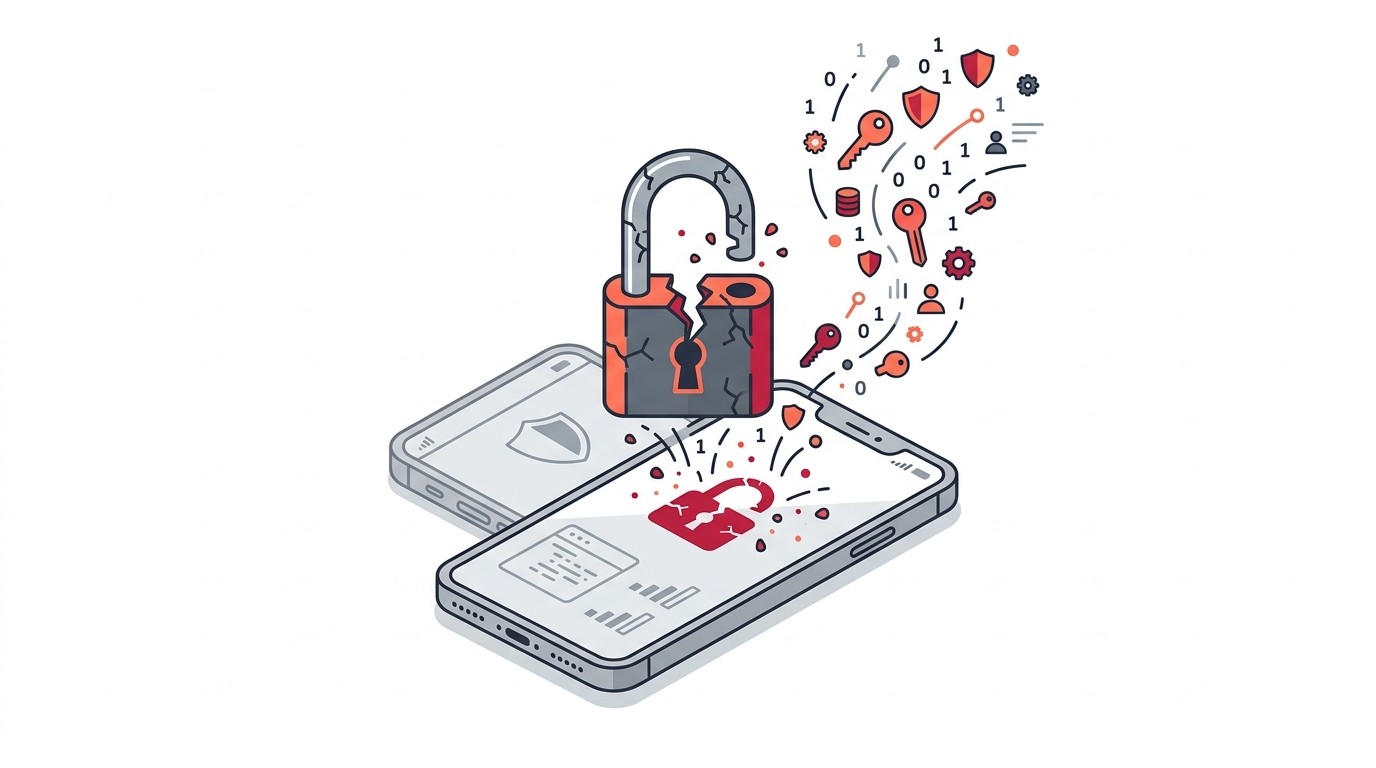
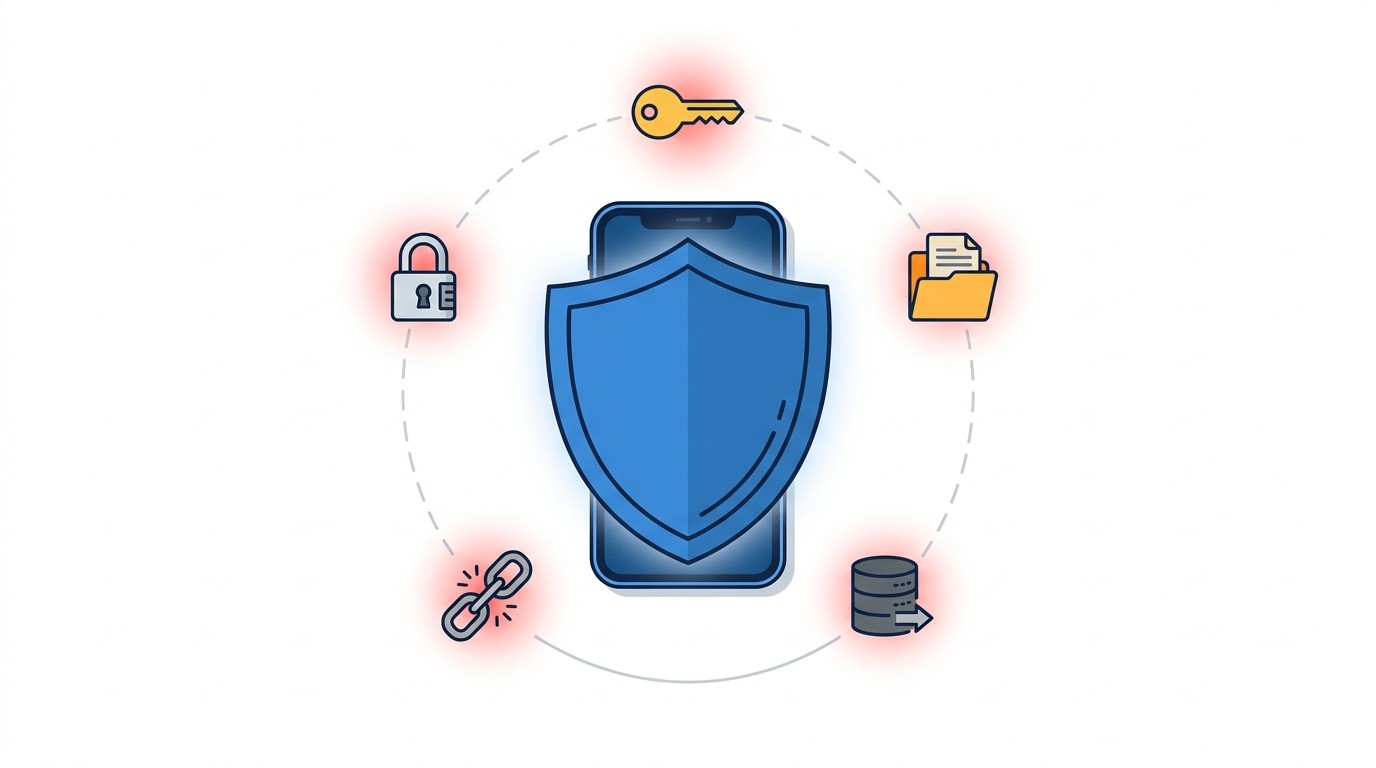
A NYU Tandon study of AI code completions found approximately 40% of the 1,692 generated programs contained a security weakness. The most common failures in mobile specifically fall into five buckets:
Hardcoded API keys in client-side code, visible to anyone who decompiles the APK or IPA file
User tokens stored in AsyncStorage, UserDefaults, or SharedPreferences with no encryption
Database calls made directly from the client with no server-side validation or row-level security
Deep links that accept arbitrary input without an allowlist of hosts and paths
Push notification tokens logged to analytics or shared across tenants without scoping
None of these show up during happy-path testing. The app works. The login works. The data saves. You ship. A week later a security researcher posts a thread showing your production API key in plaintext.
The 6-Step Vibe Coding Workflow for Mobile Apps
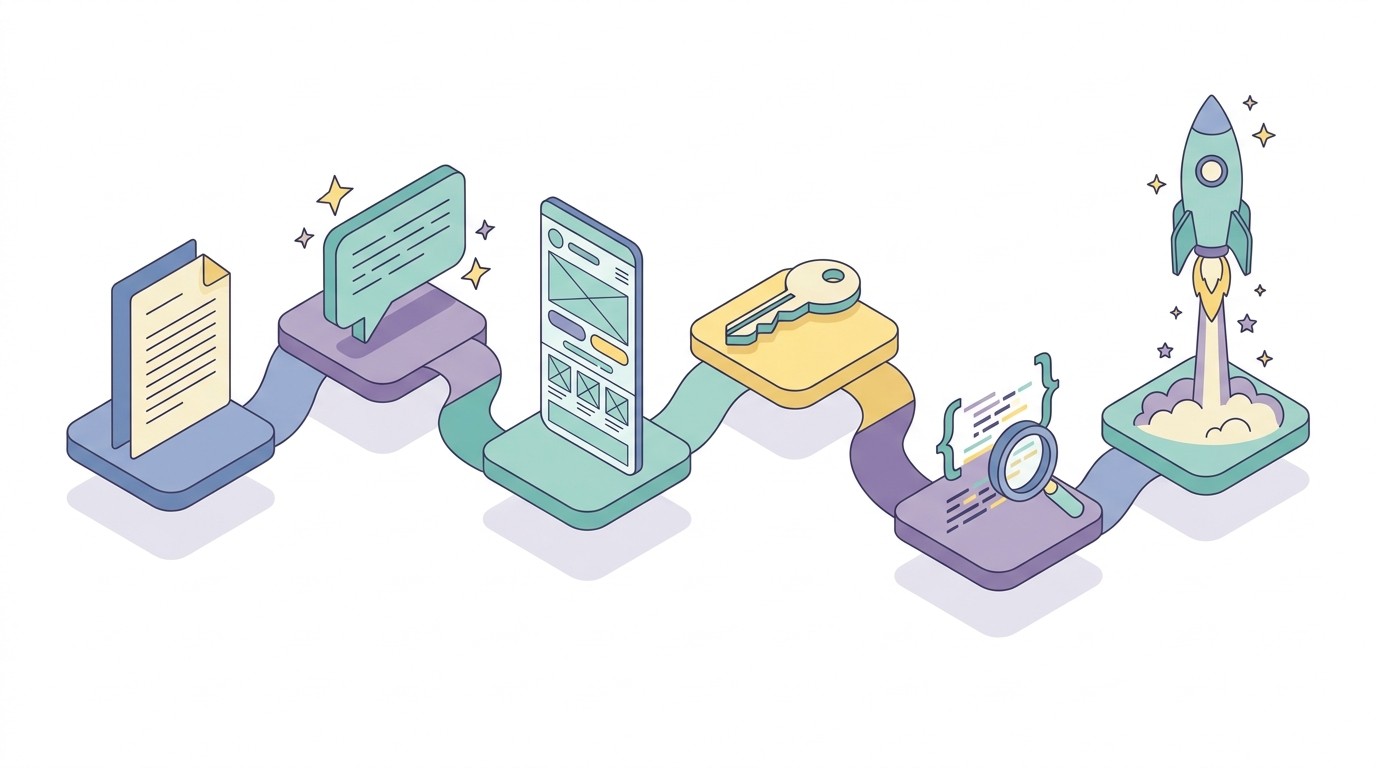
The workflow below swaps "prompt and pray" for a loop that keeps the speed of vibe coding while adding checkpoints that catch the common mobile failures. Use this for any AI-assisted build, whether you are using a no-code AI tool or pairing a human engineer with an LLM inside the IDE.
1. Define the scope in plain English
Write a one-paragraph spec before any prompt hits a model. Name the platforms (iOS, Android, or both), the core screens, the auth method, and where data actually lives.
A workable spec looks like this: "A habit tracker for iOS and Android. Users sign in with email and a magic link. Habits, check-ins, and streaks live in a Postgres database. No payments in v1." That alone prevents half the common failures, because it forces you to decide that user data lives on a server, not in client storage.
2. Choose an AI-native builder, not a bolt-on
A 2026 AI-native builder treats the AI as the primary interface and generates architecture, not just snippets. A bolt-on is a traditional no-code tool with a chat box glued to the side. The difference matters because AI-native builders enforce invariants (auth is mandatory, data lives in a managed backend) that bolt-ons leave entirely to the builder.
If you want a primer on the current landscape, our AI app builder guide compares the major AI-native options and what each does well.
3. Prompt for the UI first, data second
Have the AI build screens and navigation before any data model, authentication, or backend call. UI-first prompting forces you to see the app as users will, catch scope issues early, and keep the initial generation free of security-sensitive code.
Once the UI feels right, add a single prompt that introduces the data layer: the auth provider, the database, and the server-side rules. Treat this prompt as the most important one in the entire project, because everything that follows depends on it.
4. Wire up auth before any data
Every data-related prompt should assume an authenticated user exists. Ask the AI to generate code that calls a backend with a user token, not direct database calls from the client. For iOS, store tokens in Keychain. For Android, use EncryptedSharedPreferences. Never use AsyncStorage for anything a logged-out user should not see.
If you are building specifically for iPhone, our how to build an iPhone app guide covers the Apple-specific auth, Keychain, and TestFlight steps in more depth.
5. Review the generated code before you ship
This is the step most vibe coders skip. You do not need to read every line, but you do need to grep the codebase for the five red flags listed in the next section. Modern AI tools will happily review their own output if you ask: "Scan this file for hardcoded secrets, unencrypted storage, and unauthenticated API calls, and list every line that matches."
If your backend is generated too, apply the same rules on the server. Our guide to API design best practices covers the server-side invariants that make the mobile app's job much easier.
6. Harden the build for app store review
Apple and Google both reject apps for security issues that many vibe coders miss. The usual offenders are apps that request permissions they never use, apps with broken deep links, and apps with App Transport Security exemptions added by the AI "just in case."
Before submitting, run through a pre-flight pass: the permission manifest, Info.plist strings, the network security config, and the exact third-party SDKs you actually ship. Strip every test API key, every commented-out endpoint, every log line that writes user data. Then build a fresh release, install it on a clean device, and walk the full flow one last time. The App Store Review Guidelines are the source of truth for what Apple cares about.
Mobile Security Red Flags to Watch For
These five red flags map directly to the OWASP Mobile Top 10 and account for the majority of vibe coding failures we have seen in the wild. Search your generated code for each one before you ship.
Red flag | Search your code for | OWASP Mobile Top 10 |
|---|---|---|
Hardcoded secrets | sk_, api_key, Bearer, AWS_, process.env inline | M1: Improper Credential Usage |
Plaintext storage | AsyncStorage, UserDefaults, SharedPreferences (non-Encrypted) | M9: Insecure Data Storage |
Direct DB from client | Service-role key, admin SDK, anon key with full access | M4: Insufficient Input/Output Validation |
Unsafe deep links | getInitialURL, Linking.addEventListener, universal link handlers | M8: Security Misconfiguration |
Excessive permissions | NSLocationAlwaysUsage, ACCESS_BACKGROUND_LOCATION, READ_CONTACTS | M2: Inadequate Supply Chain Security |
The OWASP Mobile Top 10 is the best public reference for what your app needs to get right. Read it once, then keep this table as your working checklist during code review.
How CatDoes Bakes Security Into Vibe Coding
CatDoes is an AI-native mobile app builder, so we apply the 6-step workflow above on every project by default. The builder enforces a handful of invariants that remove entire categories of vibe coding mistakes before you ever see the code.
Data never lives in the app bundle. Every project gets a CatDoes Cloud instance with Postgres, auth, and storage baked in, so there is no reason for the AI to write client-side database credentials. Tokens are stored in Keychain on iOS and EncryptedSharedPreferences on Android. Deep links are allowlisted at the project level, and third-party SDKs pass a security scan before they can ship with an app.
If you are still deciding whether to vibe code inside a builder or hand-roll it, our no-code mobile app development guide walks through the tradeoffs in depth.
Vibe Coding Mobile Apps: FAQ
Can you vibe code a mobile app and publish to the App Store?
Yes. Apple does not care how the code was written, only that the app meets the App Store Review Guidelines. The common rejection reasons for vibe-coded apps are missing privacy strings, unused permissions, and broken sign-in flows, not the fact that AI wrote the code.
Is vibe coding safe for apps that handle payments?
Vibe coding is safe for the UI and client logic of a payments app, but the actual payment handling must run through a PCI-compliant provider like Stripe or the native In-App Purchase APIs. Never let an AI generate code that touches raw card data or stores payment tokens outside the provider's SDK.
Do I need to know how to code to vibe code a mobile app?
No, but you need to be able to read the spec, the red flags, and the review output. Vibe coding without any technical literacy is how apps end up with hardcoded keys in production. The workflow above is designed so a non-engineer can run every step inside an AI-native builder.
How long does it take to vibe code a production-ready mobile app?
A simple app with auth, one data model, and two screens takes a weekend for a technical user, or about a week for a non-technical user running through the full workflow including review. Apps with payments, social features, and real-time sync usually take 2 to 6 weeks.
What is the difference between vibe coding and no-code?
No-code means building without writing any code, usually by configuring blocks in a visual editor. Vibe coding means an AI writes real code based on your natural-language instructions. AI-native builders in 2026 blur the line by generating real code under a natural-language interface, so you get the speed of no-code with the flexibility of code you can export.
Ship Fast, Ship Secure
Vibe coding is the fastest way to get a mobile app from idea to TestFlight in 2026. The 6-step workflow above keeps that speed while catching the security bugs that make AI-generated mobile code dangerous in production.
If you want a builder that applies this workflow for you, try CatDoes free. Describe your app, and CatDoes generates the screens, the backend, and the auth, with every invariant from this guide enforced by default.
Nafis Amiri
Co-Founder of CatDoes


