Blog

Tutorials

Build Your Next App with an AI App Builder

Discover how an AI app builder turns your ideas into reality. Learn how they work, essential features to look for, and how to start building your app today.

Writer

Nafis Amiri

Co-Founder of CatDoes

Feb 10, 2026

Minimalist graphic with a light gray grid background and centered black text reading ‘Build Your Next App with an AI App Builder,’ with ‘App’ bolded and ‘AI App Builder’ underlined.

An AI app builder is a platform that turns your app idea, described in plain English, into a real, working mobile app. Forget about writing code. You simply explain what you want, and the AI generates the design, writes the code, and even sets up the backend infrastructure for you.

This whole approach makes building an app faster and more accessible than it has ever been before.

The New Way to Create Mobile Apps

Imagine describing your app idea in a conversation and then watching a working prototype pop up on your screen in minutes, not months. This isn't science fiction anymore; it's the new reality powered by AI app builders. They completely change who can build software by knocking down the old barriers, like needing to hire expensive developers or learn a complex programming language.

And this isn't some niche trend. The global market for AI apps is expected to rocket to USD 26,362.4 million by 2030. That signals a massive shift in how businesses get things done. With 9 out of 10 organizations already backing AI to gain a competitive edge, these builders are quickly becoming go-to tools for anyone looking to innovate. You can dig into the numbers in the full market analysis.

From Idea to App in an Instant

Think of an AI app builder as an entire development team packed into a single tool. It listens to your requests, generates the necessary code, designs the user interfaces, and configures all the backend systems automatically.

This empowers a whole new wave of creators, from startup founders testing a new idea to small business owners who need an app for their customers. Now, they can build professional-grade applications with incredible speed.

This new way of working is much simpler and more intuitive. Let's compare the old, manual process with the new, conversational one.

Traditional Development vs AI App Builder Workflow

The difference between the traditional path and the AI-powered one is night and day. One involves endless meetings, complex project plans, and a huge budget, while the other feels more like a creative conversation.

Development Stage

Traditional Process (Weeks/Months)

AI App Builder Process (Hours/Days)

Concept & Planning

Weeks of meetings, wireframing, and documentation.

A simple, plain-English description of your idea.

Design & Prototyping

A dedicated UI/UX designer creates mockups for review.

AI generates initial designs instantly for live feedback.

Frontend Development

Developers write thousands of lines of code for iOS & Android.

AI generates the native code automatically.

Backend Development

A backend engineer builds databases, APIs, and servers.

AI configures and integrates the backend for you.

Testing & QA

A QA team manually tests for bugs across devices.

Continuous, automated testing during the build process.

Launch & Deployment

Complex submission process for Apple & Google app stores.

Guided, often one-click, deployment to the stores.

The table makes it clear: AI app builders collapse a long, fragmented process into a single, streamlined workflow that puts your idea first. You're no longer just managing a project; you're actively creating.

The key benefits of this modern approach really stand out:

  • Launch in Days, Not Months: You can get your app out there in a fraction of the time, letting you test your idea and get feedback from real users almost immediately.

  • Slash Your Costs: Skip the sky-high expense of hiring specialized developers and designers for every little thing.

  • Focus on Your Vision: Spend your time thinking about what makes your app great and who it's for, leaving the technical heavy lifting to the AI.

  • Anyone Can Build: A great idea is now the only prerequisite. You don't need a technical background to bring your vision to life.

How an AI App Builder Turns Prompts into Products

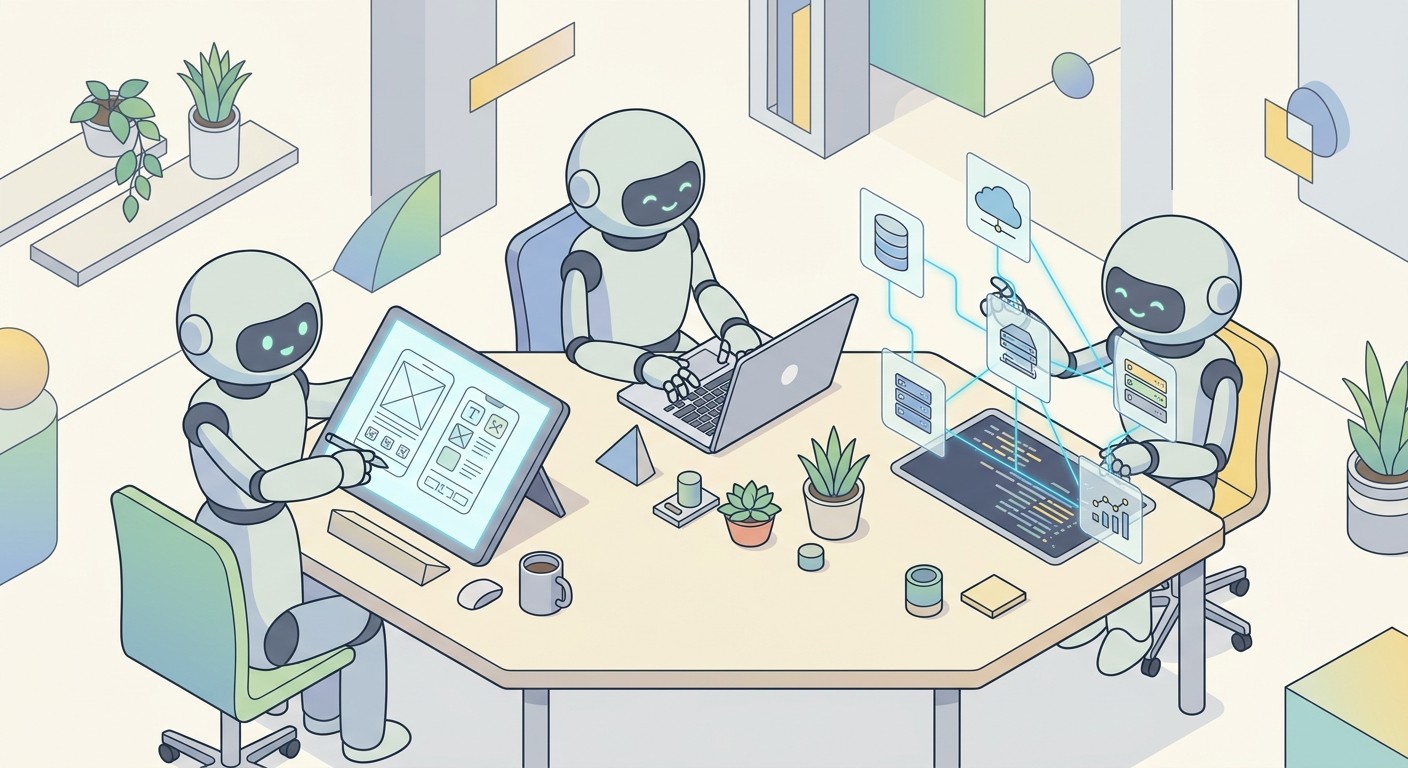
So, how does an AI app builder actually take a simple sentence and turn it into a real, working product? The best way to think about it is like having a perfectly coordinated team of elite specialists at your disposal. Except, instead of human experts, this team is made up of AI agents, each one trained for a specific role in the app creation process. This multi-agent system is the secret sauce that lets the platform handle everything automatically.

It all starts the moment you describe your idea. An AI agent acting as a Requirements Agent jumps in, playing the role of a project manager. It carefully analyzes your plain-English prompt, figures out what you're asking for, and might even ask a few questions to get more clarity. It then translates your vision into a structured technical brief that the other agents can execute on, making sure every feature you mentioned is accounted for.

Once that brief is ready, it's handed off to the next specialist on the team.

Designing the User Experience with AI

With the requirements locked in, a Designer Agent takes the lead. This agent is your dedicated UI/UX expert, responsible for crafting the app's entire look and feel. It generates color schemes, picks out fonts, and lays out each screen to be both beautiful and intuitive for your users.

But the Designer Agent doesn't just spit out a static mockup. It builds a complete, interactive user interface. This means all the buttons, forms, and navigation menus are logically placed and fully functional, creating the app’s digital blueprint for the next phase.

The flowchart below shows just how different this AI-driven workflow is compared to the old way of doing things.

A flowchart comparing traditional versus AI builder app creation process flows, showing simplified steps.

As you can see, the AI builder collapses several long, expensive stages into one fluid, automated motion. You get from an idea to a working app in a fraction of the time.

Generating Code and Configuring the Backend

Once the design is set, a team of Software Agents gets to work. Think of these as the developers on your AI team. They take the technical brief and the UI designs and write all the code needed to bring the app to life. They build out features, implement business logic, and make sure the application is fast and responsive.

At the same time, other specialized agents are tackling the tricky backend tasks. They can set up user authentication systems, configure databases to store your app's data, and connect to file storage solutions. This automated setup completely removes one of the most technical and error-prone parts of building an app. You can learn more about how an AI-powered app development platform handles these pieces behind the scenes.

At its core, an AI app builder is a sophisticated system that automates the entire development lifecycle. It intelligently coordinates multiple specialized agents to manage everything from initial concept to final deployment, making app creation faster and more accessible.

This new approach is fueling massive market growth. Gartner predicts the low-code and no-code market, the foundation for these AI tools, will explode to $30 billion by 2026. This boom is driven by multi-agent systems that finally give non-coders the power to build real software, reflecting a larger trend where 63% of organizations plan to adopt AI within the next three years. This seamless, collaborative process truly turns a simple idea into a fully realized product.

Choosing The Right AI App Builder For Your Project

Not all AI app builders are created equal. While many can spit out a basic user interface from a prompt, a tool that’s actually useful for a real-world product needs to do so much more. You have to look past the initial "wow" factor and really dig into the platform's core features to see if it can build, test, and actually launch something people will use.

Think of it like picking a car. A flashy two-seater might look cool, but if you're planning a cross-country road trip with family, you need something reliable with good mileage and space for luggage. In the same way, the features you absolutely need in an AI app builder depend entirely on how serious your project is.

Speed And Live Iteration

The first thing to look for is raw iteration speed. A great AI app builder lets you see your changes happen in real time. Can you adjust a prompt and see the design update instantly in a live preview? This immediate feedback is what separates a frustrating slog from a creative flow.

You should be able to play with different layouts, features, and user journeys on the fly. Some of the best platforms even let you scan a QR code and pull up the live app right on your phone, giving you a genuine feel for the user experience as you build it.

Platform Portability And Native Code

This next point is a big one: does the builder create a simple web app, or does it generate true native code for both iOS and Android? For a professional mobile app, this is a dealbreaker. You want a tool that builds native applications.

Why? Because native apps deliver far better performance, a smoother feel, and can tap into device-specific hardware like the camera, GPS, or push notifications.

A platform that outputs native code is the difference between a fun toy and a serious development tool. It ensures your app feels polished and professional on any device, avoiding that clunky, slow experience of a cheap web wrapper.

Look for builders that use a cross-platform framework like React Native under the hood. This means a single project can be deployed to both the Apple App Store and Google Play Store, which will save you an incredible amount of time and money. You can dive deeper into this in our full guide on the best AI app builder platforms available today.

Essential Integrations And Backend Support

An app is just a pretty shell without a powerful backend to handle data, user accounts, and all the important logic. A top-tier AI app builder absolutely must provide solid, built-in backend services.

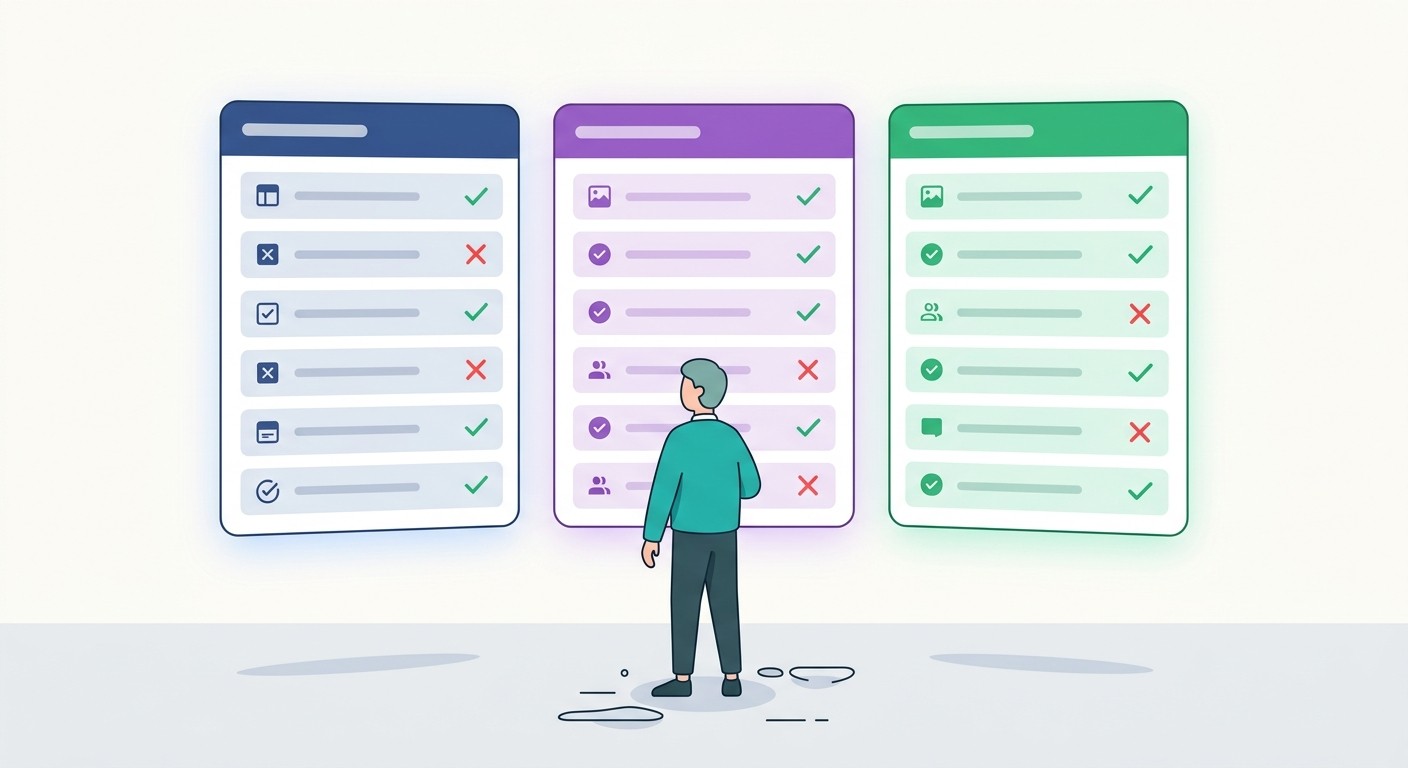
When you're evaluating options, this checklist is a great place to start. A platform needs to have a clear, easy way to handle these core functions, or you'll be left with a front-end that can't actually do anything.

Feature Checklist for Evaluating AI App Builders

Feature

Why It Matters

Example (e.g., CatDoes)

User Authentication

You need a simple way to manage user sign-ups, logins, and profiles without building it from scratch.

Provides pre-built, secure authentication flows out of the box.

Database and Storage

Your app needs a brain, a place to store and retrieve application data and user-generated content like photos.

Automatically provisions a backend database (e.g., Supabase) and storage.

Native Code Generation

Ensures your app has the best performance, a smooth UX, and access to all device features.

Generates true native code using frameworks like React Native.

GitHub Integration

Gives you full ownership and control of your code, allowing you to export it, customize it, and manage versions.

Allows you to sync your project to a GitHub repository with one click.

Automated Deployment

Simplifies the complex and often frustrating process of submitting your app to the Apple and Google app stores.

Includes guided, automated tools for building and deploying to the stores.

Without these pieces, you're left with a beautiful car that has no engine. A truly comprehensive platform handles these backend complexities for you, letting you focus on what really matters: creating an amazing user experience.

Real World Use Cases for AI App Builders

The true power of an AI app builder really clicks when you see how it solves actual problems for real people. This isn't just a toy for developers; it’s a practical tool for founders, designers, and business owners who need to get their ideas out of their heads and into the world, fast. By turning simple prompts into working software, these platforms are blowing the doors open on what’s possible.

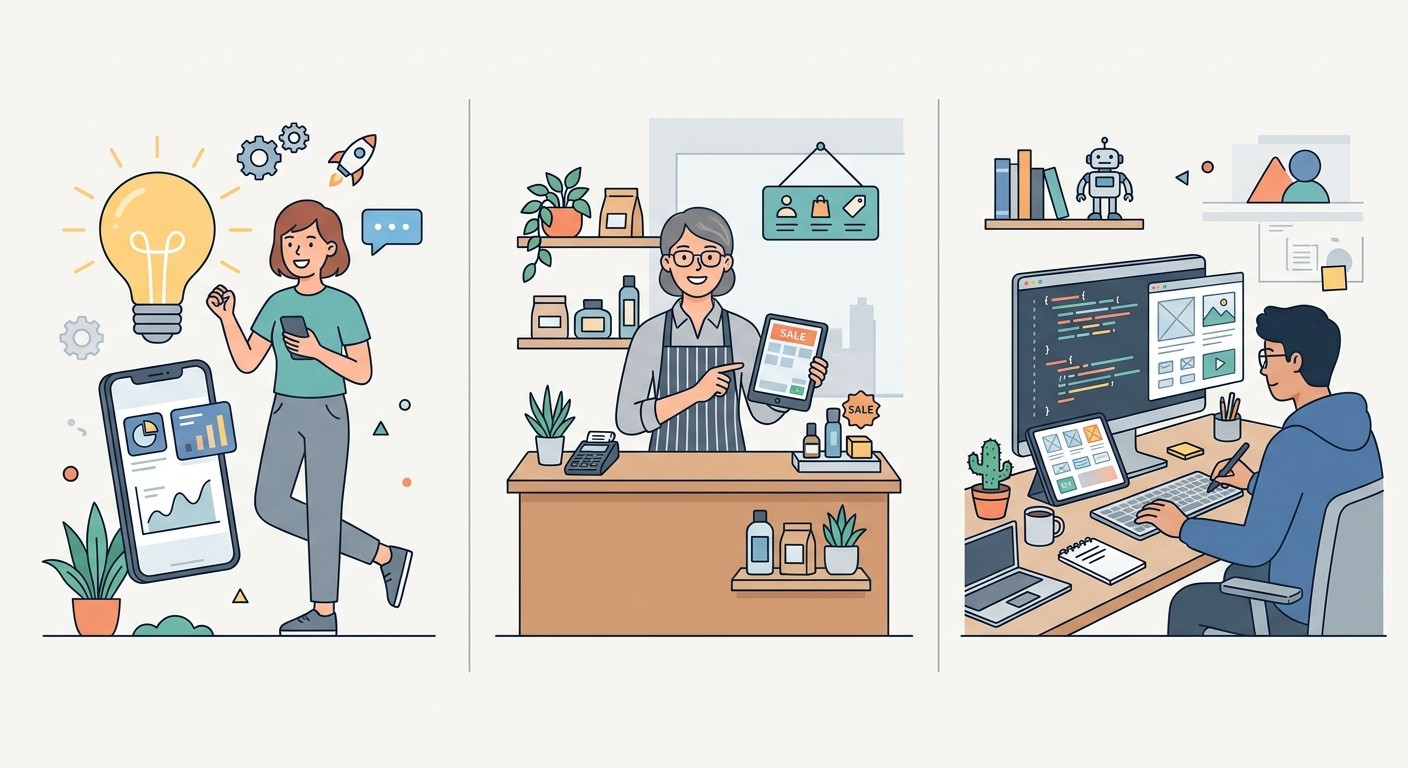
A three-step diagram illustrates the journey from a startup founder's idea to a UX designer's app concept.

For the Startup Founder

Picture this: you've got a killer app idea but no technical co-founder and a shoestring budget. The old playbook meant months of hunting for investors or a development partner. With an AI app builder, you can build a Minimum Viable Product (MVP) yourself. In a single weekend.

Just by describing your core features in plain English, you can spit out a functional prototype to see if your idea has legs. This speed lets you test the market, get feedback from real users, and pivot on your concept with almost zero financial risk. Suddenly, you’re not just pitching a slide deck, you're demoing a working product.

For the Small Business Owner

Small business owners are always looking for an edge, ways to connect with customers and make things run smoother without breaking the bank. An AI app builder is the perfect answer for creating custom tools that solve specific, everyday problems.

  • Customer Loyalty App: A local coffee shop owner could whip up an app for customers to collect points, get special deals, and order ahead of the morning rush.

  • Internal Inventory Tool: A boutique clothing store could create a simple app for staff to track stock levels right from their phones.

  • Booking System: A personal trainer could build a dedicated app for clients to see class schedules and book sessions, cutting down on endless back-and-forth emails.

These are the kinds of tools that once required hiring an expensive agency. Now, they can be built right in-house, giving small businesses the digital footprint they need to compete.

By the end of 2026, it's expected that 40% of enterprise applications will incorporate task-specific AI agents, and 23% of firms are already scaling them. This trend perfectly aligns with the use cases for an AI app builder, which enables rapid development of everything from B2C apps to internal tools by turning natural language into software. Discover more insights about generative AI trends.

For Designers and Developers

Even the pros can get a massive boost from an AI app builder. UI/UX designers can take their beautiful, static mockups from tools like Figma and describe them to the AI, which then spits out a fully interactive, working application. It’s the ultimate bridge between design and development, making user testing far more realistic.

For developers, these platforms are like rocket fuel. They can automate all the tedious, boilerplate setup for a new project, like configuring authentication or setting up databases. This frees them up to focus on what really matters: writing the complex, custom logic that makes an app special. The result is a dramatic speed-up in getting projects delivered.

What You Really Gain from Building with AI

Sure, the speed of an AI app builder is impressive, but the real story is much bigger than just getting to launch faster. The core advantages completely change the economics of creating software and who gets to participate. For any business or founder, this shift creates a massive competitive advantage.

The most obvious win is a dramatic reduction in your time-to-market. A traditional development cycle can easily stretch for months, even for a relatively simple app. With an AI builder, you can shrink that timeline down to just days or weeks. This means you can launch, start gathering real feedback from actual users, and begin iterating while your competitors are still stuck in their first sprint planning meeting.

A New Model for Cost and Innovation

Beyond speed, the financial impact is huge. Building an app the old way means hiring frontend and backend developers, UI/UX designers, and a project manager. That’s a team that can easily cost tens or even hundreds of thousands of dollars before you’ve made your first dollar.

An AI app builder gets rid of the need for a big, expensive development team. This smashes the financial barrier to entry, making it possible for startups and small businesses to launch sophisticated apps on a budget that was once pure fantasy.

This cost-efficiency is what really opens the door to innovation. It democratizes technology, making a great idea the only prerequisite. All of a sudden, non-technical founders, designers, and small business owners aren't held back by the need to find a technical co-founder or raise a huge seed round. They can just build it themselves, which leads to a much more diverse and creative app ecosystem for everyone.

Strategic Advantages for Businesses and Developers

For established businesses, an AI app builder introduces a level of agility that was previously out of reach. Markets can pivot on a dime, and the ability to spin up a new tool or customer-facing app lets companies respond instantly. This kind of adaptability is essential for staying relevant and meeting customer expectations as they evolve.

Developers get a major leg up, too. Instead of getting bogged down in repetitive, boilerplate work like setting up user authentication or coding basic UI elements, they can hand all that off to the AI. This frees them up to pour their expertise into the complex, strategic challenges that actually move the needle.

Here’s a simple breakdown of who wins and how:

  • For Founders: You can finally validate your ideas and launch an MVP with minimal capital.

  • For Small Businesses: Create the custom tools and customer apps you need without hiring a pricey agency.

  • For Developers: Automate all the routine setup and coding to crush project timelines and focus on high-impact work.

Ultimately, these platforms empower anyone to become a creator. The focus shifts from the technical skill of execution to the quality and merit of the idea itself.

Building Your First App in Three Simple Steps

Ready to turn your idea into a real app? Getting started with an AI app builder is a lot more intuitive than you might think. We'll break the whole thing down into three clear steps, giving you a straightforward path to jump in and start creating right away.

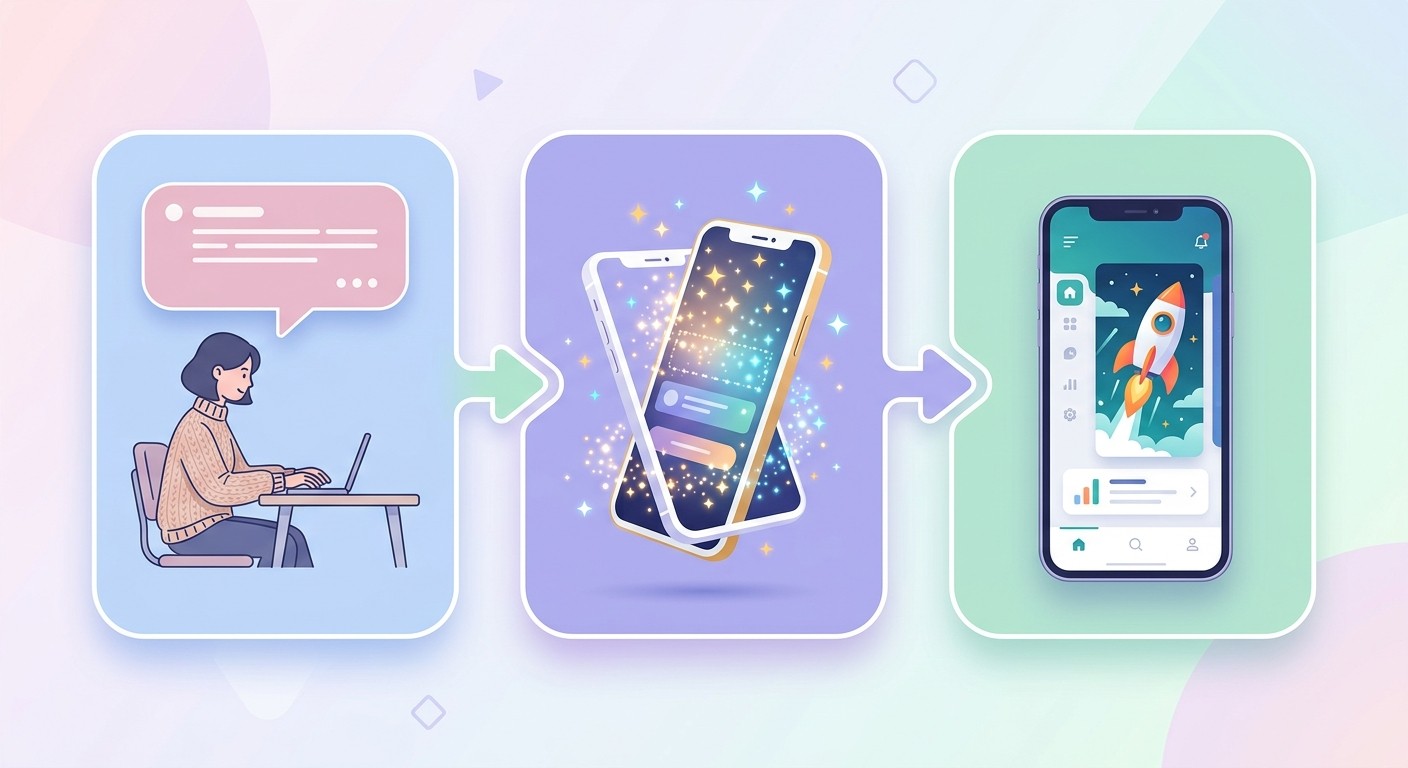
Illustrates the process of AI app creation: prompt, prototype, and launch of a mobile application.

It all starts with describing your app idea in plain English. Think of it less like coding and more like a conversation. You just write a prompt explaining what you want to build and who it's for.

Step 1: Describe Your Vision

Let's say you want to build a simple event registration app for a local book club. A good first prompt is direct and simple: "Create an app for my local book club event."

From there, you can add more detail to flesh it out. For example: "The app needs a screen to show event details like date, time, and location. It also needs a registration form for members to sign up and a page that lists all the attendees." The more specific you are, the better the first draft will be.

Step 2: Watch the AI Build and Refine

Once you've sent your prompt, the AI gets to work. It takes your request and immediately starts generating the initial screens, user interface, and even the backend connections. You get to see it all happen in a live preview as your app takes shape.

If something doesn’t look quite right, you just keep the conversation going. You might say, "Change the color scheme to be more professional," or "Add a field in the registration form for dietary restrictions." The AI makes the changes instantly. This rapid feedback loop is a huge advantage, especially for MVP development where getting to a working version fast is everything.

Step 3: Test and Launch

As the AI builds, you can test the app directly on your phone, usually just by scanning a QR code. This gives you a real feel for the user experience. You can tap through the different screens, fill out forms, and make sure everything works the way you expect.

Building your first app is an iterative dialogue between your vision and the AI's capabilities. Start with a clear idea, provide specific feedback, and let the platform handle the technical heavy lifting.

Once you’re happy with how everything looks and feels, the platform will guide you through the final steps to prepare your app for launch. This practical workflow transforms what used to be a complex, technical process into a simple, three-step journey.

For a more in-depth look, check out our guide on how to build an app with AI.

Common Questions, Answered

New technology always sparks a few questions. Let's clear up some of the most common ones about AI app builders so you can move forward with a clear picture.

Do I Actually Need to Code?

Nope, not at all. The entire point of a modern AI app builder is that it works with plain English. You just describe what you want the app to do, and the platform takes care of writing the code, designing the screens, and hooking up the backend.

It’s designed to open up app creation to anyone with a great idea, completely removing the technical barriers.

Can I Make a Real, Professional App with This?

Absolutely. Today's AI app builders aren't for making toys; they create high-quality, production-ready applications. They generate clean, native code for both iOS and Android, which means your app will be fast, responsive, and feel right at home on a user's phone.

They also handle the serious stuff, like managing databases, setting up user logins, and deploying your app directly to the app stores. You end up with a professional-grade product that’s ready for real customers from day one.

What's This Going to Cost Me?

Pricing can vary, but almost every platform gives you a free plan or a long trial period. This is perfect for building out your app and testing your idea without spending a dime.

Once you're ready to launch, you'll typically move to a subscription plan. Even then, it’s a fraction of the cost of hiring a traditional development agency, which can easily set you back tens of thousands of dollars.

What Kinds of Apps Can I Build?

The sky's the limit, really. People are building all sorts of things. Some of the most common examples include:

  • Tools for Your Business: Think internal apps for tracking inventory or scheduling staff.

  • Apps for Your Customers: This could be anything from a loyalty program to a booking system or a small e-commerce shop.

  • Startup MVPs: Build a functional first version of your app to test your idea with actual users before raising money.

  • Personal Projects: Simple apps for your local community group, a special event, or even a personal hobby.

The great thing about an AI app builder is its flexibility. You can create a custom solution for just about any problem, whether it's a simple utility or a more complex, data-heavy platform.

Ready to stop dreaming and start building? With CatDoes, you can turn your app idea into a reality in minutes. Describe your vision in plain English and watch our AI agents build a production-ready mobile app for you. Start building for free today.

Writer

Nafis Amiri

Co-Founder of CatDoes