Blog
Tutorials
Build Your App Without Code: A Guide To No Code Mobile App Development
Discover no code mobile app development. A step-by-step guide to building and launching your app idea without writing a single line of code. Start today.

Nafis Amiri
Co-Founder of CatDoes
No-code mobile app development means creating a real, working application for a phone or tablet without writing a single line of code. The best way to think about it is like building with digital LEGOs. You snap together pre-built components inside a visual, drag-and-drop editor to bring your app idea to life.
This whole approach is designed to open up app creation to everyone, no matter their technical skills.
The New Way to Build Mobile Apps
Ever had a brilliant app idea but hit a wall because you couldn't code or afford to hire a team of developers? For a long time, that was a dealbreaker for most entrepreneurs, designers, and small business owners. Traditional app development is a notoriously complex, slow, and expensive maze requiring deep expertise in languages like Swift for iOS or Kotlin for Android.
No-code completely flips that script. It tears down the coding barrier, letting you focus on what actually matters: the user's experience and the problem your app is solving. Instead of wrestling with syntax, you work in a visual playground. You design screens, add buttons, set up user logins, and connect to databases, all through an intuitive interface.
A Visual Approach to Creation
The secret sauce behind this movement is abstraction. The platform does all the heavy technical lifting in the background, giving you a simplified set of tools to work with. The workflow usually looks something like this:
Drag-and-Drop Editors: You can literally grab elements like text boxes, images, and forms and place them right on the app screen.
Pre-Built Components: Need user login, payment processing, or maps? These common features are available as ready-to-go modules you can just plug in.
Workflow Automation: You define how your app behaves by creating simple "if this, then that" rules that respond to what a user does.
This method truly democratizes app creation, empowering a new wave of builders to turn their ideas into reality. You can dive deeper into the broader concept in our guide to no code application development. If you're just starting out, a good beginner's guide to building apps without code can give you a solid footing.
At its heart, no code isn't about replacing developers. It's about empowering more people to create, test, and launch their ideas faster than ever before.
The Impact on Business and Innovation
The speed you gain with no-code is just staggering. Some studies show these platforms can slash development time by up to 90% compared to the old way. It’s no wonder Microsoft predicts that out of the 500 million new apps expected in the next five years, a massive 450 million of them will be built using no-code and low-code tools.
This incredible acceleration lets businesses innovate on the fly, respond instantly to market shifts, and drive real business growth.
How No-Code Platforms Turn Ideas Into Apps
At their core, no-code platforms are powerful translators. They take your instructions, delivered through clicks, drags, and simple logic, and convert them into the complex code that actually makes a mobile app work. This completely removes the need to learn a programming language, letting you focus on what your app should look and feel like.
Think of it like being an architect using advanced design software. You don't need to know how to mix concrete or weld steel beams. Instead, you use a visual interface to place walls, windows, and doors, and the software generates the technical blueprints for you. No-code works on the exact same principle, translating your visual designs into a fully functional application.
The Visual Design Canvas
The journey always starts with the user interface (UI), which is everything your user sees and interacts with. No-code platforms give you a visual canvas, often called a "What You See Is What You Get" (WYSIWYG) editor.
Here, you build your app screen by screen. Let's imagine you're creating a simple event registration app. You would literally drag and drop elements onto the screen:
Input fields for email and password on the login screen.
A list to display upcoming events on the main page.
Image containers and text blocks for an event details screen.
A button that says "Register."
Each element is completely customizable. You can change colors, fonts, and sizes to match your brand, all without writing a single line of code. It's a hands-on, visual approach that makes the design process incredibly intuitive.
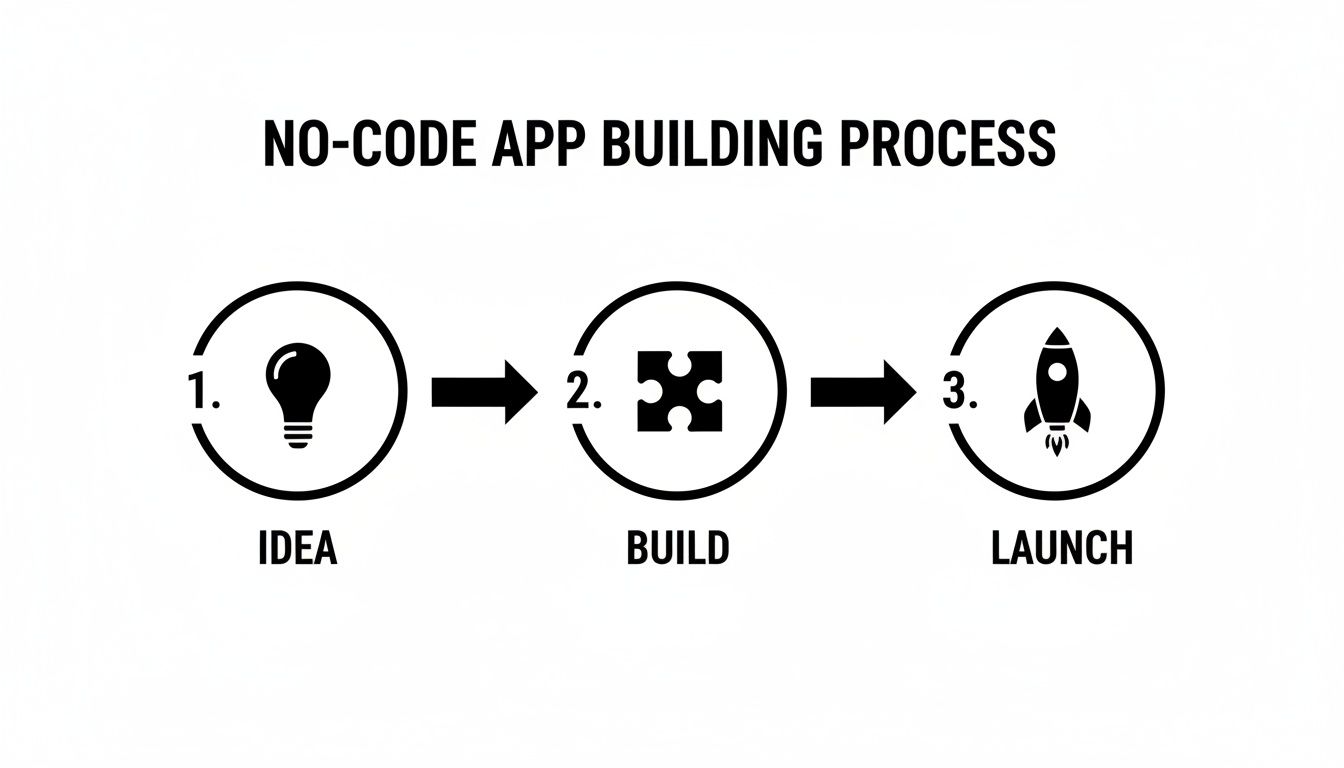
As you can see, the path from an initial idea to a launch-ready app is direct and simplified, sidestepping many of the traditional technical hurdles that stop people from building.
Connecting Logic and Data
Once your screens look right, you have to make them smart. This is where you define the app's logic: the rules that dictate how it behaves. Instead of writing code, you build "workflows" that connect user actions to specific outcomes.
For our event app, a workflow might be: "When a user clicks the 'Register' button, add that user's ID to the event's attendee list, then show a confirmation message." These rules are often built using simple, flowchart-style diagrams that are easy to understand and even easier to change.
Behind the scenes, your app needs a brain to store information like user profiles and event details. No-code platforms come with built-in databases that are simple to set up. You can create data tables, much like a spreadsheet, to hold all your app's information. Connecting your UI elements to this database is just a matter of pointing and clicking.
The real magic of no-code is how it abstracts away all the backend complexity. Things like user authentication, data storage, and server management are handled by the platform, letting you focus on the user experience while getting a powerful backend automatically.
When you're using no-code to quickly validate an app idea, it's essential to understand the concept of a Minimum Viable Product (MVP). To get up to speed, you can learn more about Minimum Viable Products (MVPs) and see how to build just the core features needed to test your concept. This approach, powered by no-code, lets you get feedback from real users before you invest heavily in a full-featured application.
Choosing Your Development Path
Deciding how to build your mobile app is one of the most critical choices you'll make. This decision ripples through everything, including your budget, your timeline, and what your final product can actually do. Today, you have three main paths: no-code, low-code, and traditional custom development. Each comes with its own trade-offs.
Think of it like choosing how to travel. No-code is like a high-speed train: it’s fast, efficient, and follows a set track to get you to your destination with zero fuss. Custom development is like building a car from the ground up; you control every single detail, but it demands specialized know-how, a ton of time, and a serious budget.
Low-code sits squarely in the middle. It’s the bridge between these two worlds, giving you a powerful foundation and pre-built parts while still letting a skilled mechanic (in this case, a developer) pop the hood and tweak the engine.
Decoding The Differences
Understanding what sets these approaches apart is key to picking the right one for you. No-code mobile app development is all about accessibility, built to empower founders, designers, and business experts to create apps visually. Low-code, on the other hand, is made for developers. It’s a force multiplier, automating repetitive coding so they can focus on complex, custom logic.
Traditional development is still the go-to for projects that need absolute, granular control or have unique requirements that no platform can handle out of the box. Your choice really boils down to balancing four things: speed, cost, skill, and flexibility.
The goal isn’t to find the "best" method, but the best method for your project. A simple internal tool for your team has completely different needs than a consumer app aiming for millions of users.
To make this crystal clear, let's put these three paths head-to-head. This direct comparison will help you see exactly where your project fits.
No Code vs Low Code vs Custom Development
Each development path offers a distinct set of benefits. Seeing them side-by-side makes it easy to spot which one aligns with your team’s skills, budget, and project goals.
Attribute | No Code | Low Code | Custom Development |
|---|---|---|---|
Required Skill | None. Designed for non-technical users with a visual drag-and-drop interface. | Basic to intermediate coding knowledge is needed to customize and extend functionality. | Deep expertise in programming languages, frameworks, and infrastructure is essential. |
Development Speed | Fastest. Apps can be built and launched in days or weeks, making it ideal for prototypes and MVPs. | Fast. Significantly accelerates development compared to custom coding, but requires configuration. | Slowest. The process is methodical and can take many months or even years to complete. |
Initial Cost | Lowest. Typically involves affordable monthly subscriptions, eliminating large upfront expenses. | Moderate. Subscription costs are often higher, and developer time adds to the total investment. | Highest. Involves significant investment in developer salaries, tools, and infrastructure. |
Flexibility | Defined. You work within the platform's capabilities and pre-built components. | Hybrid. Offers a mix of pre-built modules and the ability to write custom code for unique features. | Unlimited. Provides complete freedom to build any feature or integration exactly as you envision. |
Best For | MVPs, internal tools, small business apps, and validating ideas quickly. | Business process apps, accelerating developer workflows, and enterprise-grade tools. | Highly specialized apps, large-scale consumer products, and unique, complex systems. |
At the end of the day, no-code mobile app development has unlocked a massive new wave of creation. It's proof that a powerful idea, not a deep knowledge of programming, is the most important ingredient for building a successful app. It’s all about moving fast, testing your ideas, and solving real problems without getting stuck in the technical weeds. If you want the practical sequence rather than the context, start with how to build a mobile app without coding.
Real-World Use Cases For No Code Apps
The true power of no code mobile app development snaps into focus when you see it in the wild. This isn't just theory; it's a practical, boots-on-the-ground solution that businesses and founders are using right now to solve real problems, delight customers, and tighten up their operations.
We've moved way beyond simple prototypes. Today's no-code platforms are the launchpad for fully functional, polished apps that get the job done.
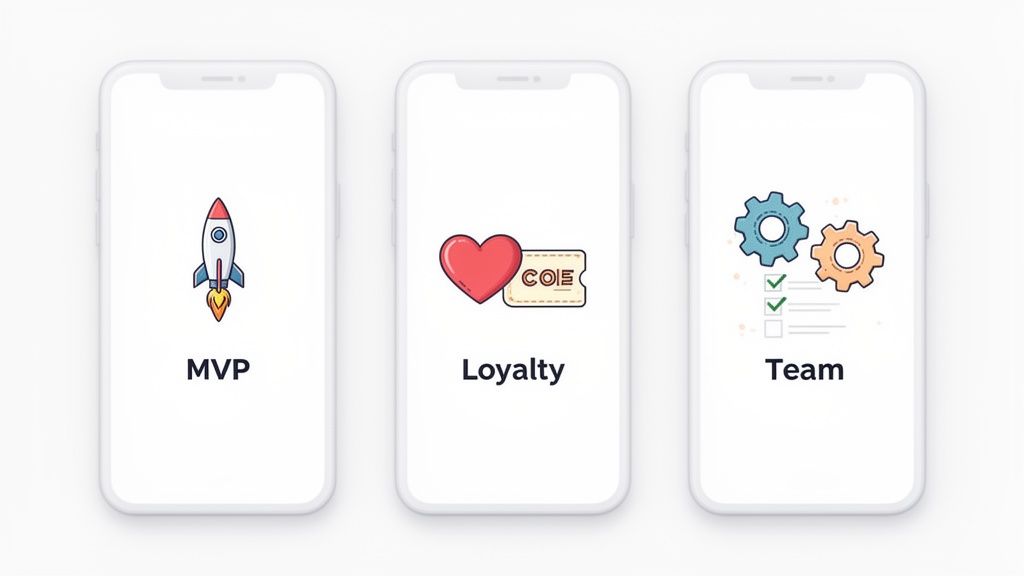
From scrappy startups to established small businesses, the use cases are as diverse as the ideas themselves. Let's look at some of the most common ways people are turning their vision into a real, working app without touching a line of code.
Launching Startups with MVPs
For any founder, speed is survival. The entire game is about getting a Minimum Viable Product (MVP) into the hands of real users as fast as possible to see if the idea has legs and start collecting feedback. No-code is the perfect tool for that sprint.
Instead of burning through months and tens of thousands of dollars on custom development, founders can build and launch a working MVP in a matter of weeks. This lets them test market demand, pivot based on actual user behavior, and show real traction to investors, all with minimal upfront risk.
Think about these classic MVP scenarios:
A niche social network for gardeners.
A marketplace connecting local dog walkers with pet owners.
A subscription app delivering daily mindfulness exercises.
Boosting Small Business Engagement
Small and medium-sized businesses (SMBs) often feel outmatched by the mobile presence of big corporations. No-code completely levels the playing field, making it affordable and straightforward to build apps that drive customer loyalty and simplify daily work.
A local coffee shop, for instance, could spin up a simple loyalty app for customers to collect digital stamps and unlock special offers. A yoga studio could build a scheduling app for members to book classes and manage their accounts right from their phones.
These apps forge a direct line to customers, encouraging repeat business and building a stronger community around the brand.
Creating Custom Internal Tools
Not all apps face the public. A huge number of organizations are using no-code platforms to build custom internal tools that fix specific, nagging operational bottlenecks. These apps are all about boosting team productivity and smoothing out workflows.
Imagine a construction firm building an app for its on-site managers to track progress, upload photos, and file daily reports. Or a sales team using a custom mobile CRM to manage leads and update client notes while they're on the go. That sales team example has its own walkthrough in how to build a CRM app.
Building these tools with no-code is often faster and far more cost-effective than buying and customizing clunky, off-the-shelf enterprise software. It puts the power to solve a problem directly into the hands of the team that actually has the problem.
The economic impact here is becoming impossible to ignore. The no-code market is on a trajectory to explode from $37.39 billion in 2025 to over $264 billion by 2032. Success stories are popping up everywhere, from Delivery Hero's product team achieving 66% faster feature validation to entrepreneurs like Sabrine Matos hitting $456,000 in annual recurring revenue without a technical background. You can dig into these and other exciting mobile app development trends to get the full picture.
Selecting The Right No-Code Platform
Choosing the right platform for your no-code mobile app development journey is a lot like picking the right engine for a car. Your choice will directly impact your speed, power, and how far you can ultimately go. The market is booming with options, so making an informed decision isn't just a nice-to-have; it's essential for your project's success.
Jumping into the first platform you find can lead to frustrating roadblocks later on. To avoid this, you need a clear framework for evaluating your options based on what you’re actually trying to build. It's not about finding the "best" platform in general, but the best one for your unique app idea.
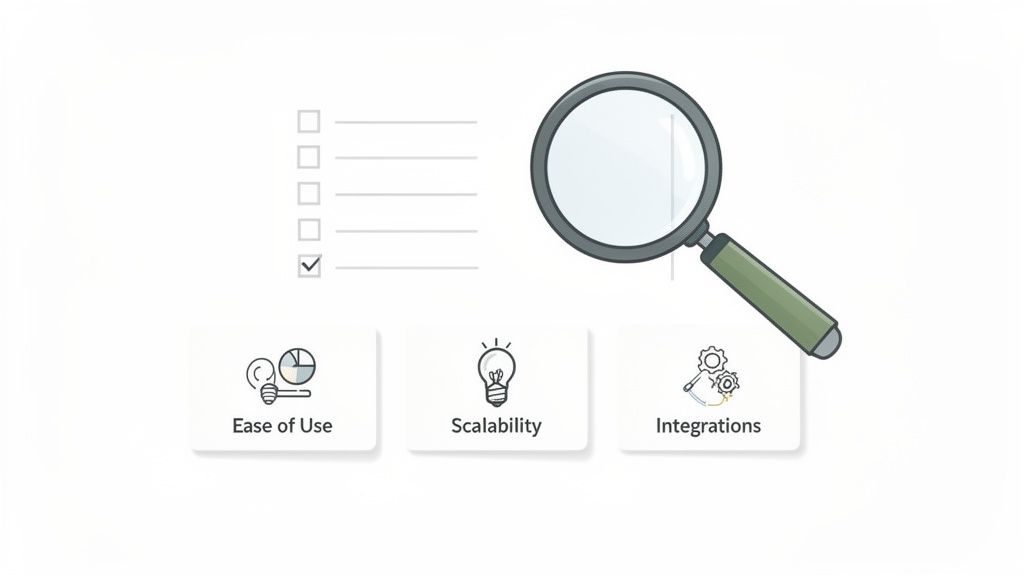
This process means looking past the flashy marketing and digging into the core features that will actually matter once you start building.
Key Evaluation Criteria
Before you commit to a platform, run it through a quick checklist of critical factors. A little due diligence upfront can save you hundreds of hours down the road.
Start by assessing these core areas:
Ease of Use: How intuitive is the interface? A great no-code tool should feel natural to someone who isn't a developer. The learning curve should be gentle, not a vertical cliff that requires weeks of tutorials.
Scalability: Can this thing grow with you? Think about whether it can handle a surge in users, data, and complexity as your app starts to take off.
Integration Options: Your app won't exist in a vacuum. Check if the platform can easily connect to other services you rely on, like payment gateways, analytics tools, or marketing automation software.
Pricing Structure: Understand the cost, not just for today, but for the future. You want clear, predictable pricing tiers that make sense as you grow.
Thinking through these points will help you narrow down the field to a few strong contenders that genuinely fit your project.
Avoiding Common Pitfalls
So many builders get excited to start that they overlook potential long-term headaches. One of the biggest dangers is vendor lock-in, where moving your app and its data to another service becomes nearly impossible. This can trap you in an ecosystem that no longer serves your needs or just gets too expensive.
Another common problem is hitting unexpected limitations. An app that works perfectly with 100 users might slow to a crawl with 10,000. It's crucial to understand a platform's technical constraints before you invest a ton of time and effort.
The ideal platform provides not just a starting point, but a clear path for growth. It should empower you to launch quickly while offering the flexibility to evolve without forcing you to start over from scratch.
New solutions are emerging to solve these very problems. For instance, CatDoes is an AI-native platform designed to sidestep many of these challenges from day one. It simplifies the entire workflow from idea to a production-ready app, complete with a managed backend that handles authentication and databases for you.
By offering optional GitHub integration, it provides an "escape hatch," giving you access to a real codebase and preventing you from ever being truly locked in. If you're interested in this approach, check out our guide on how to choose a great nocode mobile app builder. This ensures you have the freedom to grow without limits, combining the speed of no-code with the power of a real codebase.
Building Your First App With CatDoes
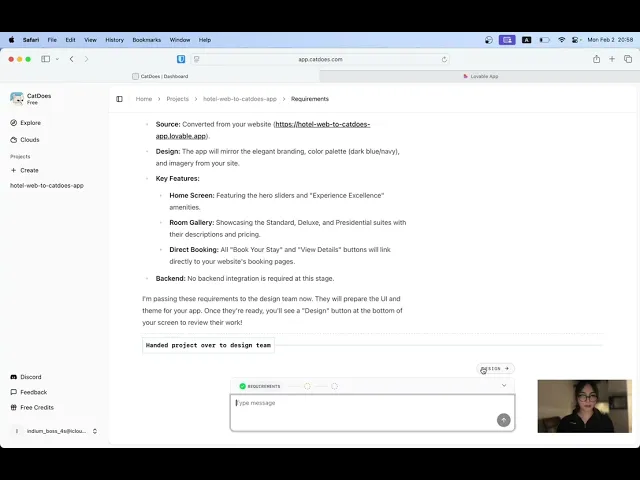
While most platforms give you a visual drag-and-drop canvas, CatDoes takes a completely different, AI-native path. You don't have to learn a new interface or hunt for the right widget. Instead, you build your app just by having a conversation.
It all starts with you describing your idea in plain English, exactly like you’d explain it to a human developer. Behind the scenes, a team of specialized AI agents gets to work. One captures your requirements, another designs the user interface, and software agents write the actual code. You just say what you need, and CatDoes brings it to life.
An Intuitive Creation Experience
The whole process is designed to feel direct and effortless. As the AI agents build, you see the changes happen in a live browser preview. This gives you instant visual feedback, letting you tweak your instructions on the fly until the app looks and feels just right.
Want to try it on a real device? Just scan a QR code. A live version of your app will instantly run on your iPhone or Android. This feature erases the gap between building and testing, making the cycle of trying out new ideas incredibly quick.
The core idea behind CatDoes is to remove every possible point of friction. From describing your idea to testing a real build, the process feels less like development and more like a guided conversation.
Once you’re happy with your app, the platform handles the final, often tricky, steps. A dedicated agent prepares and manages the entire build and release process for the Apple App Store and Google Play, taking care of the technical headaches that can slow down a launch.
A Complete Backend and Full Code Access
A mobile app is more than just what you see on the screen. It needs a solid backend to manage data, users, and files. That’s why CatDoes includes the CatDoes Cloud, an integrated solution that gives you a complete backend right out of the box.
This managed backend provides all the essentials:
Authentication: Set up user sign-up and login flows with ease.
Database: Store and manage all your app's data without any manual configuration.
Storage: Let your users upload and access files like photos or documents.
The AI agents can configure this backend for you, too. Just describe what kind of data you need to store, and the system sets it all up automatically.
Plus, CatDoes offers an optional GitHub integration, a critical feature for anyone thinking about long-term growth. It keeps your project synced with a real code repository, giving you total access to the underlying React Native codebase. This ensures you're never locked into the platform. If your needs outgrow no-code, you have the freedom to take your code and keep building in a traditional environment.
To see how it all works, you can learn more about how to build an app with CatDoes on our platform.
Common Questions About No-Code Development
Even as no-code goes mainstream, newcomers understandably have questions. The big ones usually revolve around security, power, and what happens when you get really successful.
Let's tackle these directly.
Can a No-Code App Actually Be Secure?
It's a fair question. If you’re not writing the code, how can you be sure it’s safe? The short answer is yes, a no-code app can be incredibly secure and often more secure than a custom-built one.
Think about it: reputable platforms like CatDoes build their entire business on trust. They handle security at a massive scale, building on top of hardened cloud infrastructure like Amazon Web Services or Google Cloud. This means your app benefits from enterprise-grade protections for things like user authentication and data encryption, all handled for you by experts. You're not reinventing the wheel; you're using a wheel that's already been battle-tested by thousands of other apps.
Can I Build Something Complex?
Another common worry is hitting a ceiling. No-code used to have a reputation for only building simple, brochure-like apps, but that’s ancient history now.
Modern no-code tools have pushed far past those early limits. Today, you can build surprisingly deep applications. We're talking about apps that manage complex databases, connect to other services through APIs, and support detailed user accounts. The new wave of AI-native tools is stretching these boundaries even further, letting you create sophisticated app logic just by describing it.
A common misconception is that "no-code" means "no power." In reality, modern platforms handle the heavy lifting of backend infrastructure and complex logic, allowing you to build surprisingly robust applications.
You can create far more than just a basic internal tool. You can build a real business.
What Happens If I Outgrow My Platform?
This is the big one. The fear of "outgrowing" a platform and getting trapped, a problem known as vendor lock-in, is a real concern for any ambitious founder. What if your user base explodes or your feature needs become hyper-specific?
Some platforms do make it hard to leave. But the best ones build an escape hatch right into their design. This is a critical feature to look for.
A platform like CatDoes, for example, solves this by offering an optional GitHub integration. This gives you access to the actual, human-readable codebase for your application. If you ever hit a wall or simply decide you want total control, you can take that code and move to a low-code or fully custom development path.
It’s the best of both worlds: you get the incredible speed of no-code to get started, with the long-term freedom of traditional code. You're never trapped.
Ready to bring your app idea to life without writing a single line of code? CatDoes uses an AI-native approach to turn your concepts into production-ready mobile apps through simple conversation. Start building for free at CatDoes.
Nafis Amiri
Co-Founder of CatDoes


