Blog
Tutorials
Internal App Distribution: iOS & Android 2026
Distribute an iOS or Android app to your team only, with no public App Store listing. Compare TestFlight, Apple private apps, and managed Google Play.

Nafis Amiri
Co-Founder of CatDoes

TL;DR: Internal app distribution means shipping an iOS or Android build to your own people without a public store listing. For most teams the answer is a private (custom) app through Apple Business on iOS and a private app through managed Google Play on Android. Neither costs anything beyond the standard developer fees, $99/year for Apple and $25 once for Google. Use TestFlight internal testing or Google Play's internal testing track if you only need a pilot, since both cap at 100 testers. Skip the Apple Developer Enterprise Program: it requires 100 or more employees and Apple rejects most applicants who have a cheaper option available.
Table of Contents
What Internal App Distribution Actually Means
Which Route Fits Your Team
iOS: Five Ways to Distribute Privately
How to Set Up an Apple Private App, Step by Step
Android: Four Ways to Distribute Privately
How to Publish a Private App to Managed Google Play
Do You Need an MDM?
What Each Route Costs and How Long It Takes
Five Mistakes That Stall Internal Rollouts
Frequently Asked Questions
Getting Your Team on the App
You built an app for your own team. Now you need it on 40 phones, and none of those phones belong to strangers. Putting it on the public App Store means public reviews, a feature list your competitors can read, and a rejection queue you do not control.
Internal app distribution is the fix. Apple and Google both run private channels that put a build on employee devices with no public listing at all. The problem is that each platform offers four or five of them, the limits are buried in help docs, and picking the wrong one means rebuilding your release process six months in.
This guide covers every route on both platforms, the real limits on each, what they cost, and the two-question test for choosing between them.
What Internal App Distribution Actually Means
Internal app distribution is any method of installing a mobile app on devices belonging to a defined group, usually employees or contractors, without listing the app publicly on the App Store or Google Play. The app still gets built and signed the normal way. What changes is who can find it and who can install it.
Every option on both platforms falls into one of three models.
Model | Who can install | Public listing | Best for |
|---|---|---|---|
Testing tracks | People you invite by email | No | Pilots, small teams, pre-launch |
Private / custom apps | Anyone in an organization you name | No | Permanent internal apps |
Direct install | Anyone with the file or link | No | Developer builds, quick shares |
Testing tracks are the fastest to set up and the easiest to outgrow. Private apps take longer to configure but run forever with no tester caps and no build expiry. Direct install is the least managed and, on Android, the option that changes most in the next 12 months.
Which Route Fits Your Team
Two questions settle it.
Is this permanent, or a pilot? A pilot ending in three months can live on a testing track. Anything your team relies on daily should be a private app, because testing tracks expire, cap at 100 people, and were never designed as a delivery channel.
Does your company manage the phones? If employees use company-owned devices enrolled in device management, private apps install silently with no action from the user. If everyone is on personal phones, you need a route that works with an invitation or a link.
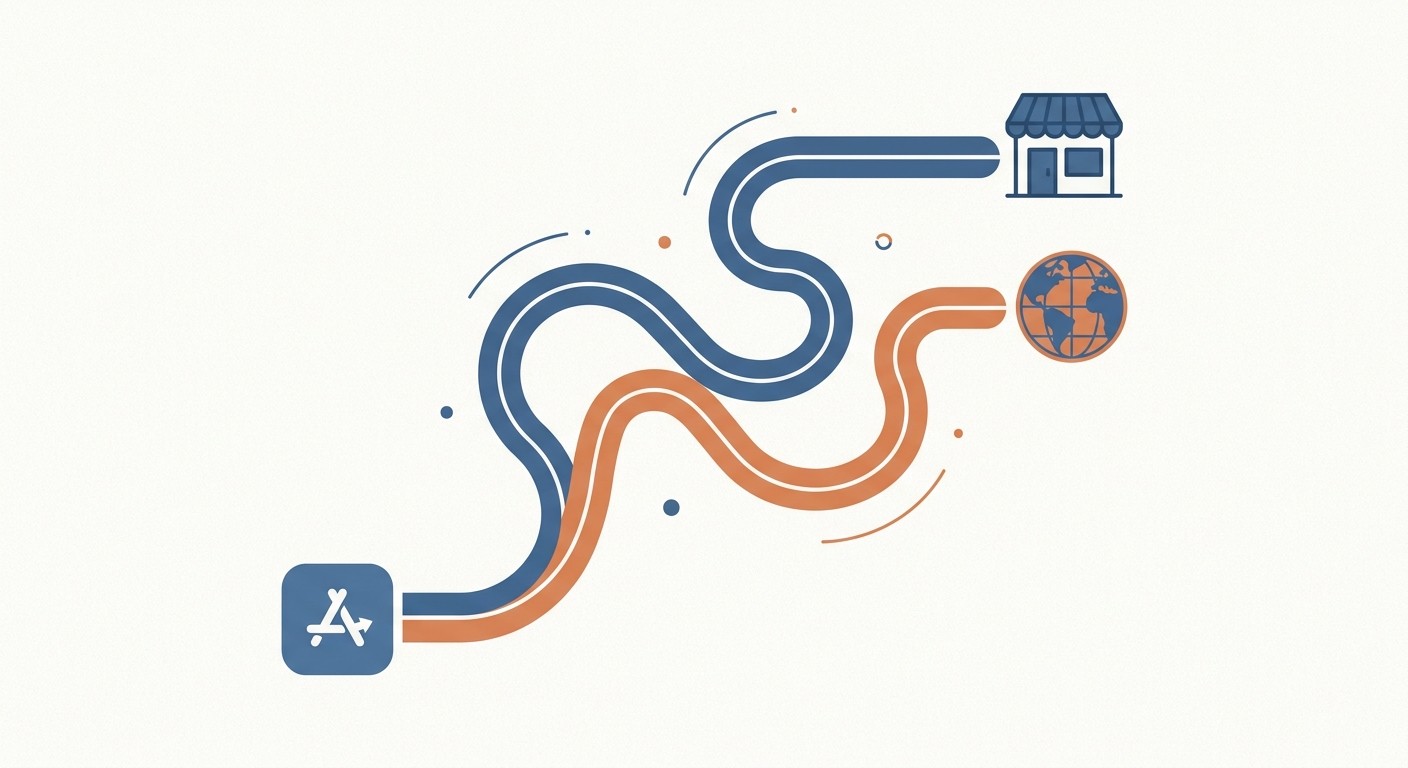
Match your answers against the table below, then read the section for the route it points you to.
Your situation | iOS | Android |
|---|---|---|
Pilot with 10 to 30 people | TestFlight internal testing | Internal testing track |
Permanent app, company-owned phones | Private app via Apple Business | Private app via managed Google Play |
Permanent app, personal phones | Unlisted App Distribution | Closed testing track or private app |
Contractors and partners outside your org | Unlisted App Distribution | Closed testing track |
One-off build for a developer | Ad Hoc | Internal app sharing |
None of these rows needs a different app. The binary is the same in every case. What changes is the app record it goes into and the distribution method you select at submission. Apps built with CatDoes ship as standard native iOS and Android binaries signed under your own developer account, so the row you land on stays a distribution decision rather than a rebuild.
iOS: Five Ways to Distribute Privately
Apple gives you five private routes under a standard $99/year Apple Developer Program membership, plus a sixth that almost nobody qualifies for.
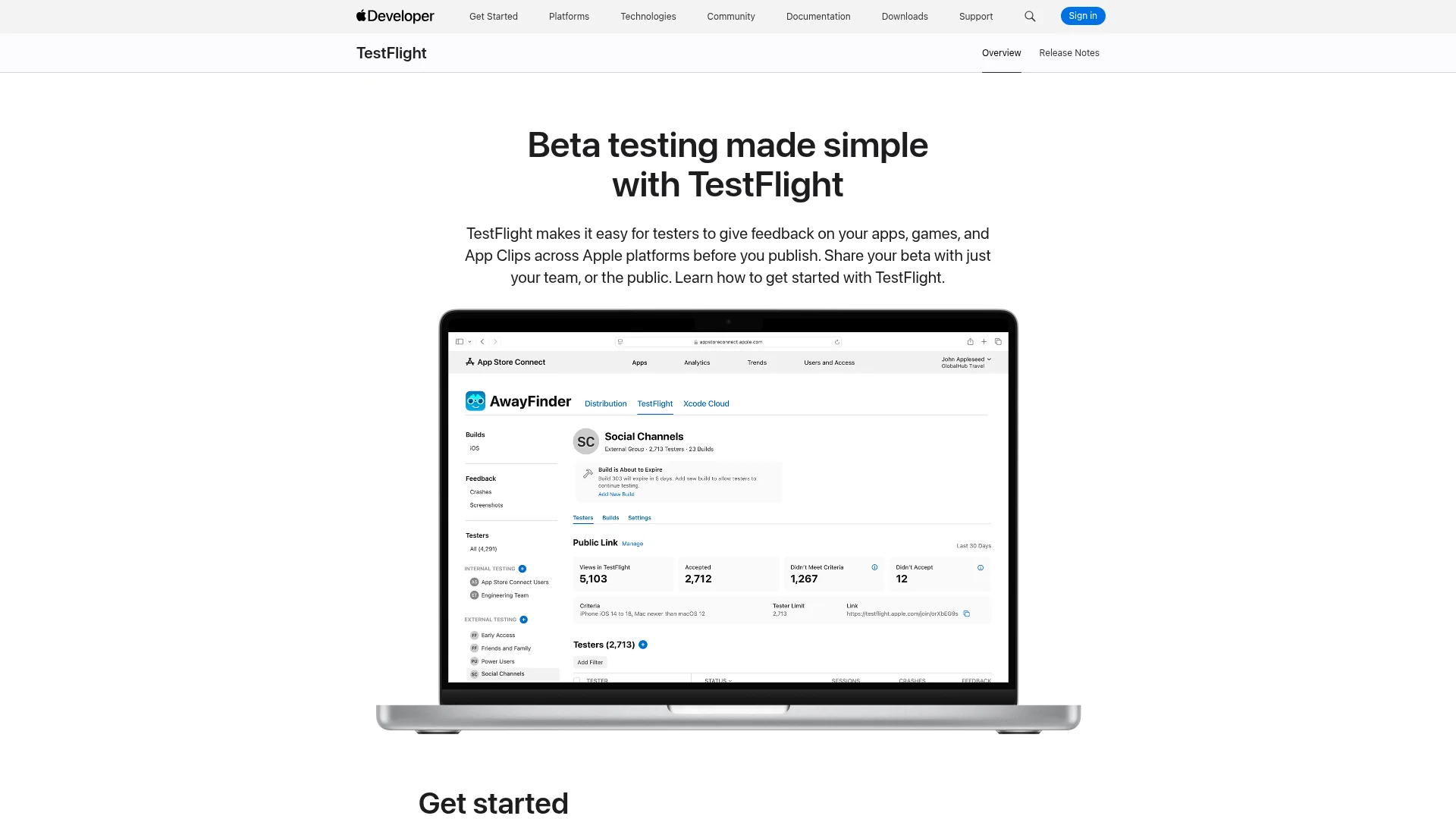
TestFlight Internal Testing
TestFlight internal testers are people you add as users in App Store Connect. You can have up to 100 of them, and they are the only group that skips Beta App Review, so a new build reaches their phones in minutes rather than a day.
The catch is build expiry. Apple's App Store Connect documentation confirms the 100-tester internal cap, and every TestFlight build stops working 90 days after upload. Expired builds cannot be extended, and when one expires testers lose the app along with any local data. You have to ship a fresh build every few weeks forever, which is fine during development and miserable as a permanent delivery channel.
Using TestFlight to dodge App Review for a production app also violates Apple's rules, and account termination is the stated penalty. If you want the mechanics of getting builds onto real hardware, our guide on how to test your app on iPhone covers the full Xcode and TestFlight workflow.
Ad Hoc Distribution
Ad Hoc signs a build against a list of specific device UDIDs. You get 100 devices per device type per membership year: 100 iPhones, 100 iPads, and so on.
Two details catch people out. Deleting a device does not free the slot, because the count only resets when you renew your membership. And you need each employee's UDID before you build, which is a genuinely awkward conversation to have with 40 non-technical colleagues. Ad Hoc is a developer tool, not a rollout plan.
Private Apps Through Apple Business
This is the right answer for most permanent internal apps. You submit the app to App Review as normal, but flag it as Private in App Store Connect and name the organizations allowed to see it. It never appears in search, charts, or categories. Approved, it shows up in the Custom Apps section of your organization's Apple Business account.
No tester cap. No 90-day expiry. No UDID collection. Included in the $99/year membership you already pay for.
One thing to know before you submit: the choice is permanent. Once Apple approves a private app, you cannot convert it to a public listing. Doing that later means a new app record and a new bundle identifier.
Unlisted App Distribution
An unlisted app lives on the public App Store but is invisible to search, charts, categories, and recommendations. The only way in is a direct link.
This is the route people miss, and it is the best option when your team is on personal phones or includes contractors outside your company. Apple names partner sales tools, employee resources, and apps for employee-owned devices as intended use cases. You request it through Apple's unlisted app form after the app has been submitted to App Review, and requests get declined if the app is still in beta.
The tradeoff is real: anyone with the link can install it. Apple's own recommendation is to build your own sign-in check inside the app rather than treating the link as a security boundary.
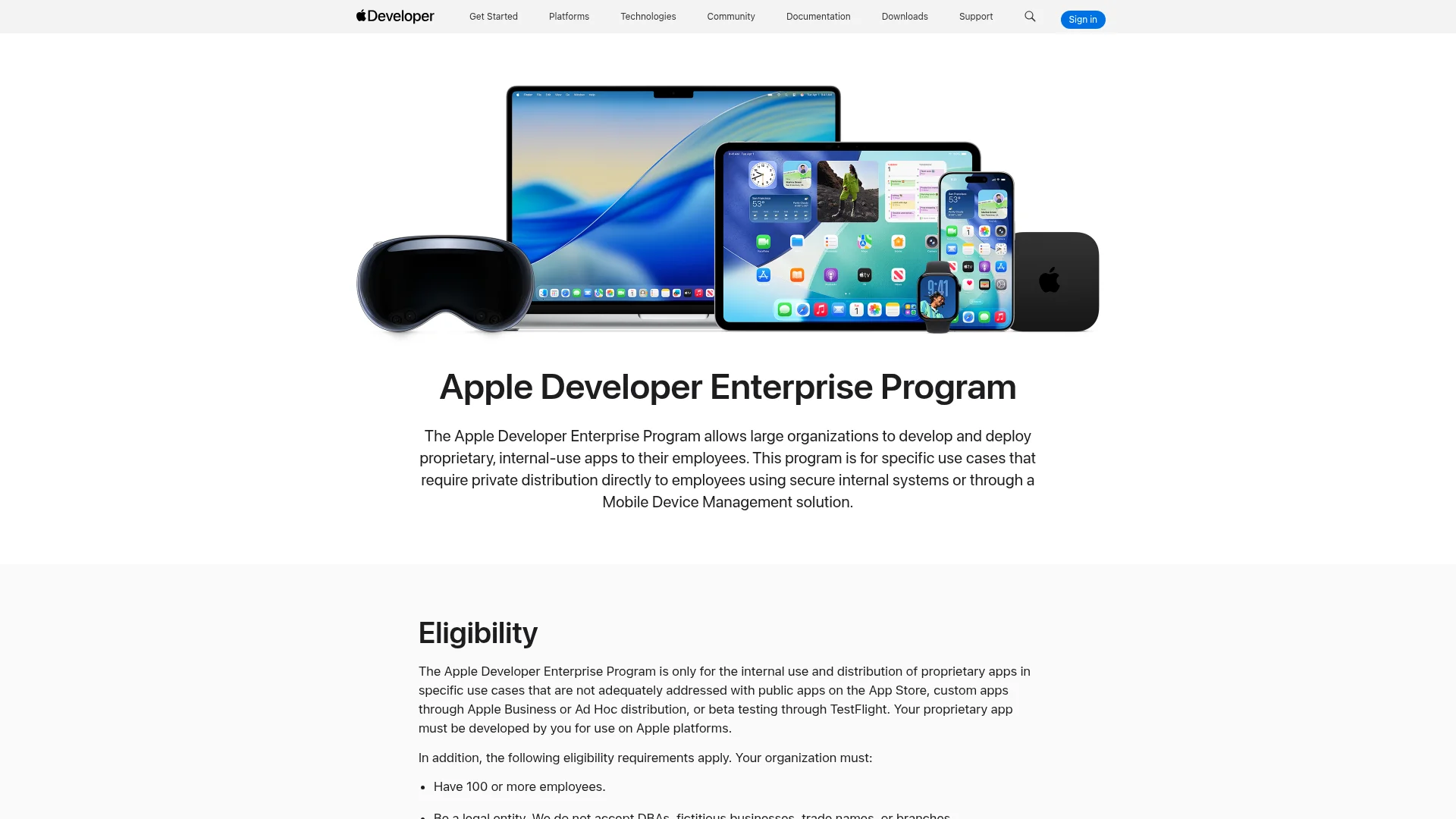
The Apple Developer Enterprise Program
The $299/year Enterprise Program lets you sign in-house apps and push them to unlimited employee devices with no App Review at all. It sounds ideal and you probably cannot have it.
Apple's stated eligibility rules require 100 or more employees, a legal entity rather than a trade name or branch, a D-U-N-S number, and a verification interview, with continuous evaluation afterwards. Apple explicitly limits the program to cases not adequately addressed by the App Store, custom apps through Apple Business, Ad Hoc, or TestFlight. That last clause is why most applications fail: a cheaper route existed.
Ongoing maintenance is its own tax. Provisioning profiles expire after 12 months, and an enterprise-signed app whose profile has lapsed refuses to launch until you ship a rebuilt version.
How to Set Up an Apple Private App, Step by Step
Budget one to three business days, most of which is waiting on Apple rather than working.
Step 1: Enroll in Apple Business
Apple Business is free. Note that the name changed recently: Apple announced the platform in March 2026 and launched it on 14 April 2026 in more than 200 countries, folding the old Apple Business Manager, Apple Business Essentials, and Apple Business Connect into one service. Existing accounts migrated automatically, and the portal still lives at business.apple.com, so older tutorials referencing Apple Business Manager still broadly apply.
Enrollment needs your legal entity details, a D-U-N-S number, a business email address (consumer Gmail and Yahoo addresses are rejected), and a verification contact senior enough to accept the terms for the company. Apple cross-checks what you submit against the Dun & Bradstreet database, so mismatched details are the most common reason enrollment is delayed.
Step 2: Collect the Organization ID
Every Apple Business account has an Organization ID, and you need the one belonging to whoever will run the app. An administrator finds it by signing in at business.apple.com, selecting the organization name, then opening Settings and Organization Information.
If you are a contractor building for a client, this is the number to ask for up front. It is also where most first attempts fail, since the ID has to match the organization name exactly.
Step 3: Switch the App to Private Distribution
In App Store Connect, open your app, go to Pricing and Availability, and find App Distribution Methods. Select Private, which is described as available as a custom app on Apple Business or Apple School Manager. Under Type, choose Organization ID and paste the value from Step 2, then save. You need Account Holder, Admin, or App Manager permissions to do this.
Step 4: Pass App Review
Private apps go through the same App Review as public ones, which surprises people. Guidelines still apply, so a login wall with no test credentials will get you rejected. Put a working demo account in the review notes, and if your app handles sensitive data, supply sample data for the reviewer.
Review timelines for private apps match the public queue. Our breakdown of how long app review takes has the current numbers.
Step 5: Get It Onto Phones
Once approved, the app appears under Custom Apps in Apple Business. You have two delivery options. On managed devices, assign licenses and let your device management service install it silently, with no action from the employee. On unmanaged devices, generate redemption codes in bulk from the Custom Apps screen and send them out. Each code is single-use, so a reinstall needs a fresh one, which is why codes work for 20 people and break down at 200.
Android: Four Ways to Distribute Privately
Google's routes are cheaper and faster than Apple's, and one of them is about to get materially harder.
Internal Testing Track
The internal testing track takes up to 100 testers and makes new builds available within minutes, with no full app review in the way. You can publish to it before your store listing is even finished, which makes it the fastest way to get a build in front of colleagues. It is also the closest Android equivalent of TestFlight, and our guide to TestFlight for Android compares the two side by side.
It does not count toward Google's production access requirement. Personal developer accounts created after 13 November 2023 need testers opted into a closed test continuously for 14 days before applying for production, and internal testing does not satisfy that. If you never plan to go public, this is irrelevant to you.
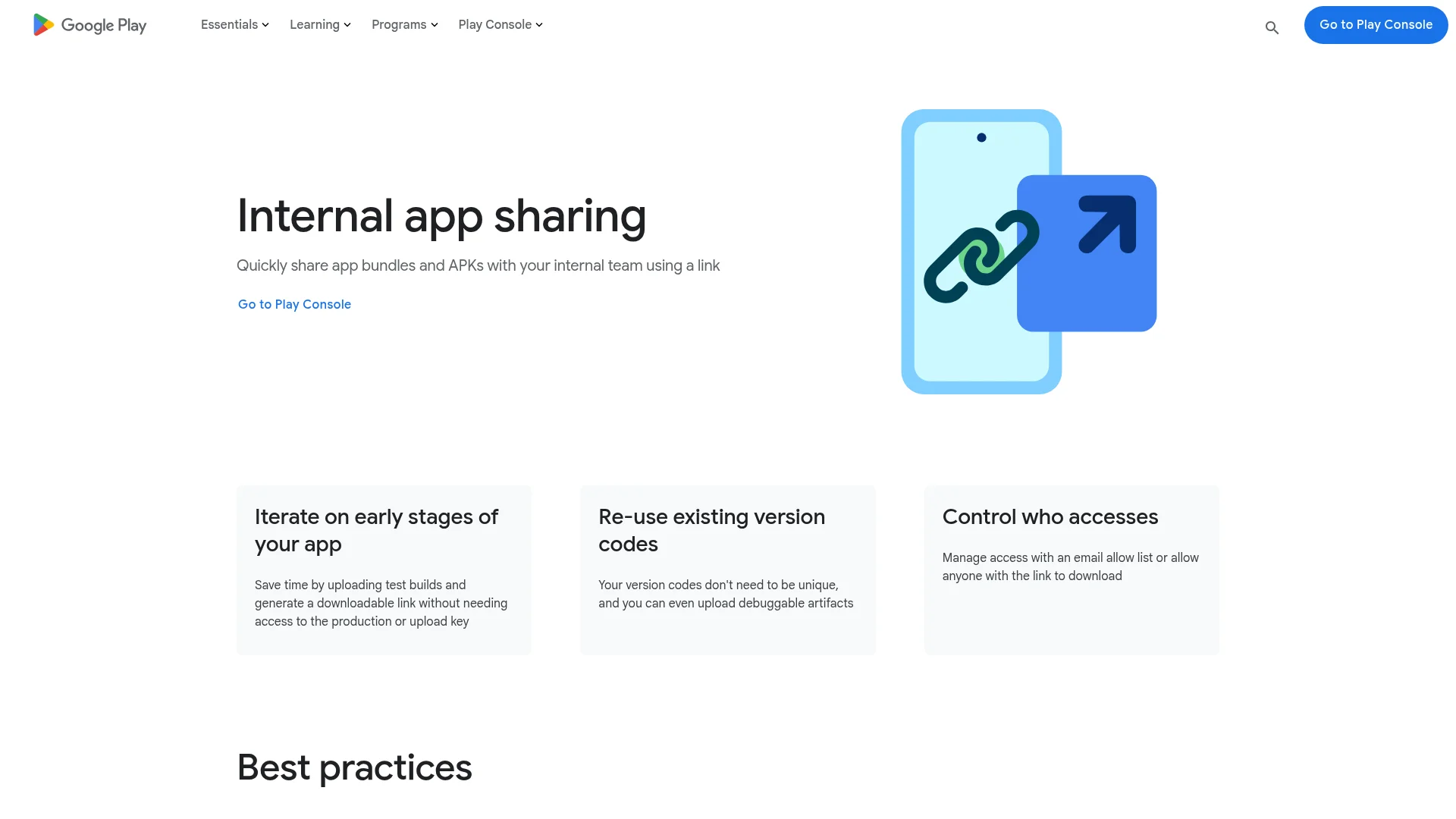
Internal App Sharing
Internal app sharing generates a download link from an uploaded APK or AAB with no version code requirements, which makes it ideal for sending a specific build to a colleague right now.
Per Google's Play Console documentation, each link caps at 100 downloads and expires after 60 days. Re-uploading the same file generates a fresh link. It is a sharing tool, not a distribution channel.
Private Apps in Managed Google Play
This is Android's equivalent of an Apple private app, and it is the cheapest permanent option on either platform. You publish an app that is visible only to organizations you name, and it never appears in the public Play store.
Two paths get you there. Through the Play Console you need a developer account at $25 one-time, an AAB or APK, and a title. Through the Google Admin console a Play Console account is created for you on first publish, apps are auto-approved, and they are typically ready in about 10 minutes, with a cap of 15 private apps per day. A single private app can be distributed to as many as 1,000 organizations, which is how agencies handle separate staging and production environments.
The constraint to plan around: an app cannot be private and public at the same time. Going public later means a new app with a different package name, the same one-way door Apple has.
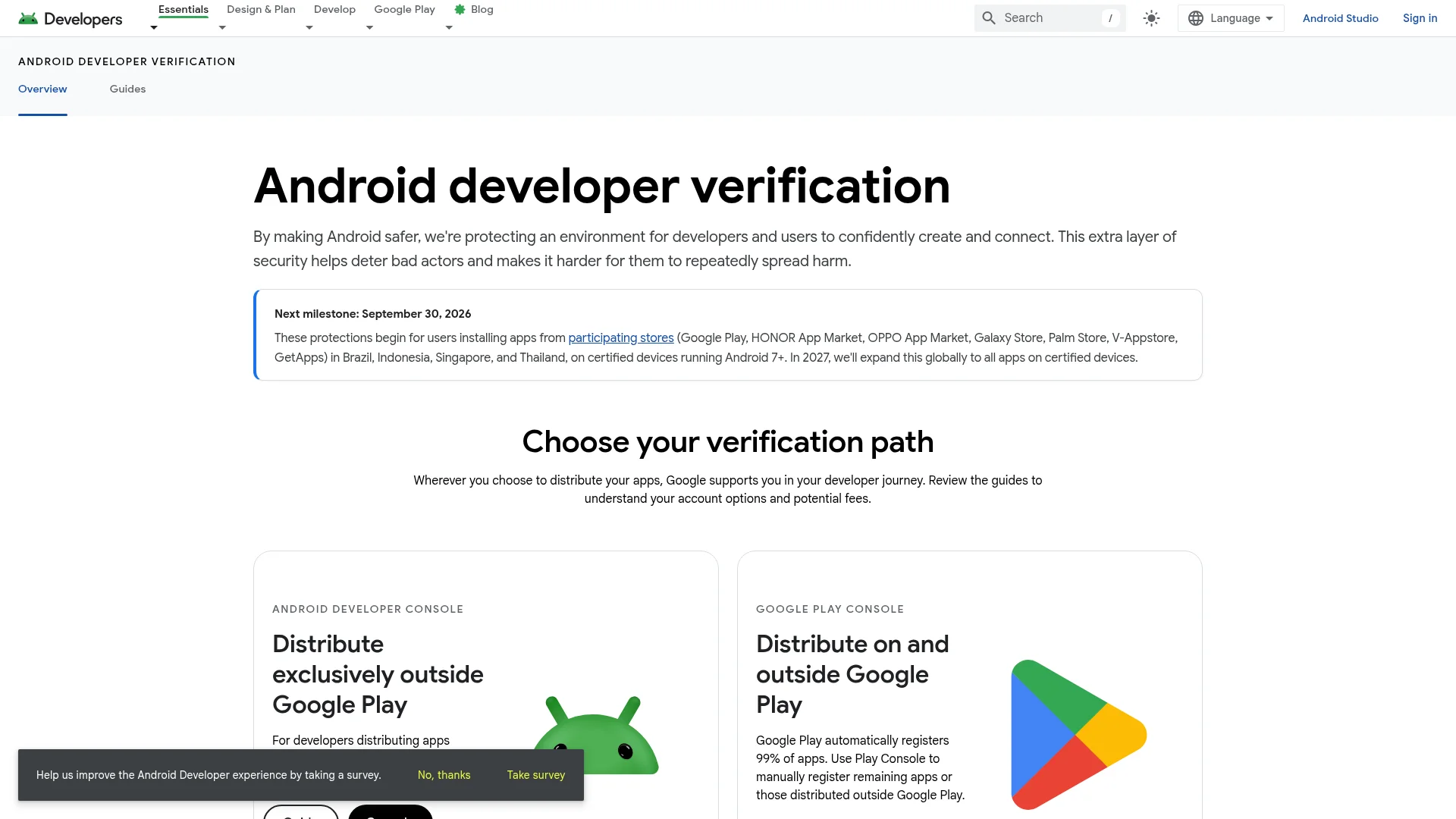
Direct APK Install, and the September 2026 Change
Emailing an APK or hosting it on your intranet has always been Android's escape hatch. That is changing.
Google's developer verification requirement takes effect on 30 September 2026 for users in Brazil, Indonesia, Singapore, and Thailand, with global rollout planned for 2027. On certified Android devices in those markets, an app whose developer has not registered an identity with Google will not install through the normal path. Sideloading is not banned, but the fallback requires the user to enable developer mode, restart, wait 24 hours, and reauthenticate.
If you distribute internal builds by raw APK, register now. Most commercial apps need a standard Android developer account at $25 one-time, and Google added a limited-distribution account type for non-commercial cases that covers up to 20 devices without a government ID or fee. If your internal app already ships through managed Google Play, you are covered automatically.
How to Publish a Private App to Managed Google Play
This takes about half an hour, and most of that is the Play Console asking for a title and an icon.
Step 1: Get the Organization ID
The IT admin for the target organization finds it in the managed Google Play iframe inside their admin console, under Organization details. As with Apple, ask for this before you start rather than halfway through the form.
Step 2: Create the App and Restrict It
In the Play Console, go to All apps and Create app, then set the default language and the title exactly as you want it to appear in managed Google Play. Upload your AAB or APK, then open Test and release, Setup, Advanced settings, and the Managed Google Play tab. Under Organizations, add the Organization ID from Step 1.
Step 3: Distribute It
Publishing through the Google Admin console instead gets you auto-approval in roughly 10 minutes, capped at 15 private apps per day, and works for devices under Google endpoint management. If you publish many private apps for client organizations, the Google Play Custom App Publishing API does the same job from your own tooling and clears verification in about five minutes instead of hours.
Do You Need an MDM?
Only if you own the phones. Mobile device management enrolls company-owned devices so IT can install apps silently, enforce passcodes, and wipe a lost handset. If your team uses personal phones, an MDM is the wrong tool and employees will resist it for good reason.
The economics changed in April 2026. Apple Business now ships free built-in device management, which covers enrollment, configuration, and app distribution for Apple devices with no third-party product at all. Former Apple Business Essentials subscribers stopped being billed. For an Apple-only team that just needs private apps to land on managed iPhones, the cost of the MDM layer is now zero.
You still need a paid product for mixed fleets, conditional access, compliance reporting, remote troubleshooting, or kiosk lockdown. Published rates sit in the low single digits per device per month for Apple-focused tools, and Microsoft Intune is bundled into Microsoft 365 E3 and E5, so organizations already on those licenses pay nothing extra.
The honest answer for a 40-person company with a single internal app: start without one. Redemption codes on iOS and managed Google Play on Android will carry you to a few hundred users.
What Each Route Costs and How Long It Takes
Route | Cost | Setup time | User limit | Expires |
|---|---|---|---|---|
TestFlight internal | $99/yr | Under an hour | 100 testers | Every build, 90 days |
iOS Ad Hoc | $99/yr | Hours, plus UDIDs | 100 per device type/yr | Signing cert, 1 year |
Apple private app | $99/yr | 1 to 3 days | No limit | No |
Unlisted App Distribution | $99/yr | Review plus request | No limit | No |
Apple Enterprise Program | $299/yr | Weeks, if approved | No limit | Profiles, 12 months |
Play internal testing | $25 once | Minutes | 100 testers | No |
Play internal app sharing | $25 once | Minutes | 100 per link | Link, 60 days |
Managed Google Play private | $25 once | About 10 minutes | No limit | No |
A company shipping one permanent internal app to both platforms pays $99 a year plus $25 once. That is the entire bill, assuming you already have the app. If you later decide the app should reach the public after all, our walkthrough on publishing an app to the App Store and Google Play covers that path, though on both platforms it means starting a new app record.
The build is the line item teams underestimate, because an internal tool still needs a real native app on both platforms before any of the pricing above applies. CatDoes builds that app from a written description and submits it under your own developer account, which keeps every route in the table available, including the ones that go through App Review.
Five Mistakes That Stall Internal Rollouts
1. Treating TestFlight as production. The 90-day expiry means your whole team loses the app on a date nobody has in the calendar, along with local data and login state. Move to a private app once the pilot is validated.
2. Missing the one-way door. Private on iOS and private on managed Google Play are both irreversible. If there is any chance the app goes public, use unlisted distribution on iOS and a closed track on Android instead.
3. Assuming private means no review. Apple private apps go through full App Review. Skipping the demo account in review notes is the single most common self-inflicted rejection.
4. Starting Apple Business enrollment the week of launch. D-U-N-S verification and the verification contact call take days, and they are outside your control. Start enrollment before the app is finished.
5. Building an APK pipeline in 2026. With developer verification arriving in four countries this month and going global in 2027, raw APK distribution is a shrinking path. Register as a verified developer now even if you never plan to publish on Play.
Frequently Asked Questions
Can I distribute an app without publishing it to the App Store?
Yes. On iOS you have four options under a standard $99/year membership: TestFlight internal testing, Ad Hoc builds, a private app through Apple Business, and unlisted distribution. None of them appear in App Store search, charts, or categories. Private apps and unlisted apps still go through App Review, but they are never publicly listed.
Do I need the $299 Apple Developer Enterprise Program for an internal app?
Almost certainly not. Apple restricts the Enterprise Program to organizations with 100 or more employees whose needs cannot be met by the App Store, private apps, Ad Hoc, or TestFlight. For a normal internal business app, a private app on the standard $99/year membership does the same job with less scrutiny and no verification interview.
How many people can install a TestFlight build?
Up to 100 internal testers, who must be App Store Connect users and who skip Beta App Review, plus up to 10,000 external testers, whose first build of each version needs review. The limit counts people, not devices, so one tester installing on an iPhone and an iPad uses one seat.
What is the Android equivalent of a private iOS app?
A private app in managed Google Play. You publish it from the Play Console or the Google Admin console and restrict visibility to named organizations, so it never appears in the public Play store. Apps published through the Admin console are auto-approved and usually available in about 10 minutes.
Can I distribute an internal app to contractors outside my company?
Yes, but not through the org-restricted routes, since contractors are not in your Apple Business or managed Google Play organization. Use unlisted App Store distribution on iOS and a closed testing track on Android. Both work on personal, unmanaged devices, and neither requires the contractor to be an employee.
Will sideloading an APK still work in 2026?
In most countries, yes, for now. Google's developer verification requirement starts on 30 September 2026 for users in Brazil, Indonesia, Singapore, and Thailand, with global rollout planned for 2027. After that, apps from unregistered developers will not install through the normal path on certified devices, though an advanced flow remains for users who enable developer mode.
Can I build an internal company app without hiring a mobile developer?
Yes. AI app builders now produce real native iOS and Android binaries rather than web wrappers, which matters here because private apps, unlisted distribution, and managed Google Play all expect a normal signed build. CatDoes builds the app from a written description and submits it under your own developer account, so every route in this guide stays open to you.
Can one project produce both the iOS and the Android internal build?
Yes, and that is the usual setup. One project compiles to both binaries, and you configure distribution separately on each side: a private app through Apple Business or unlisted distribution on iOS, managed Google Play or a closed track on Android. CatDoes builds both from a single description, though each platform still needs its own app record and its own review.
Getting Your Team on the App
Internal app distribution is less complicated than the documentation makes it look. Pilots go on a testing track. Permanent apps become private apps, through Apple Business on iOS and managed Google Play on Android. Teams on personal phones or with contractors in the mix use unlisted distribution on iOS and a closed track on Android. Everything else is a developer tool that happens to move builds around.
The two decisions worth getting right on day one are the one-way doors: private versus unlisted on iOS, and private versus closed track on Android. Both are irreversible after approval, and both are cheap to get right and expensive to undo.
What to do this week
Answer the two questions: permanent or pilot, company phones or personal phones. Those pick your route.
If the route is a private app, start Apple Business enrollment now. Verification is the part you cannot speed up.
Collect the Organization ID from whoever will receive the app, before you submit anything.
Create a fresh app record and set the distribution method on it. Do not reuse a record you already pointed at the public App Store.
Submit iOS for review and publish the Android side through managed Google Play, which clears in about ten minutes.
Install on two phones as a pilot, then roll out to the rest of the team.
If the app itself is still the blocker, that part has gotten easier too. CatDoes builds real native iOS and Android apps from a description and handles the store submission, so you can go from an idea for an internal tool to a signed build ready for private distribution without assembling a mobile team first.
Nafis Amiri
Co-Founder of CatDoes