Blog
Tutorials
How to Make a Website With AI (2026 Guide)
Build and launch a website with AI in under an hour. Step-by-step 2026 guide: describe your site, connect a domain, publish. No code, no templates needed.

Nafis Amiri
Co-Founder of CatDoes
Building a website used to mean choosing a template, fighting with a drag-and-drop editor, and still ending up with something that looked like everyone else's. In 2026, you can skip all of that. You describe the site you want in plain English, an AI builds a working first draft, and you refine it with follow-up requests until it's ready to publish.
This guide shows you exactly how to make a website with AI, from your first prompt to a live site on your own domain. It takes five steps, no code, and usually less than an hour. Visitors form an opinion about a website in about 50 milliseconds (Nielsen Norman Group), so we'll also cover how to make those first seconds count.
TL;DR: To make a website with AI, describe your business and the pages you want in plain English, let the AI generate a first draft, refine the design and copy with follow-up prompts, connect your own domain, and hit publish. The whole process takes 20 to 60 minutes and needs no code, no templates, and no design experience.
Table of Contents
What It Means to Make a Website With AI
Before You Start: What You Need
Step 1: Describe Your Website in Plain English
Step 2: Generate and Preview Your Site
Step 3: Refine the Design, Copy, and Pages
Step 4: Connect a Custom Domain
Step 5: Publish and Go Live
How to Write a Prompt That Gets Better Results
AI Website Mistakes to Avoid
Frequently Asked Questions
What It Means to Make a Website With AI
An AI website builder turns a written description into a real, functioning website: layout, pages, copy, images, and navigation. Instead of picking a template and filling in blanks, you tell the tool what your business does and who it's for, and it generates a custom site around that.
This is a real shift from the last generation of builders. Old tools handed you a blank template and left the design work to you. AI tools do the first draft themselves, then let you steer with plain-language edits like "make the header darker" or "add a pricing section with three plans." You stay in control, but you're editing instead of building from zero.
Two things AI does especially well here: writing first-draft copy so you're not staring at empty sections, and handling the technical plumbing (responsive layouts, hosting, SSL) so you never touch code.
Before You Start: What You Need
You don't need much. Most AI website builders run in the browser and handle hosting for you. Before you open one, get these three things clear:
A purpose. One sentence on what the site is for: a portfolio, a local business page, a product landing page, a booking site.
Your basics. Business name, a short description, your services or products, and how people should contact or buy from you.
Any content you already have. A logo, brand colors, photos, or existing copy. Optional, but it makes the result feel like yours instead of generic.
A custom domain is optional at the start. You can build and preview the whole site first, then buy or connect a domain right before you publish. If you already own one, keep the login handy for step four.
Step 1: Describe Your Website in Plain English
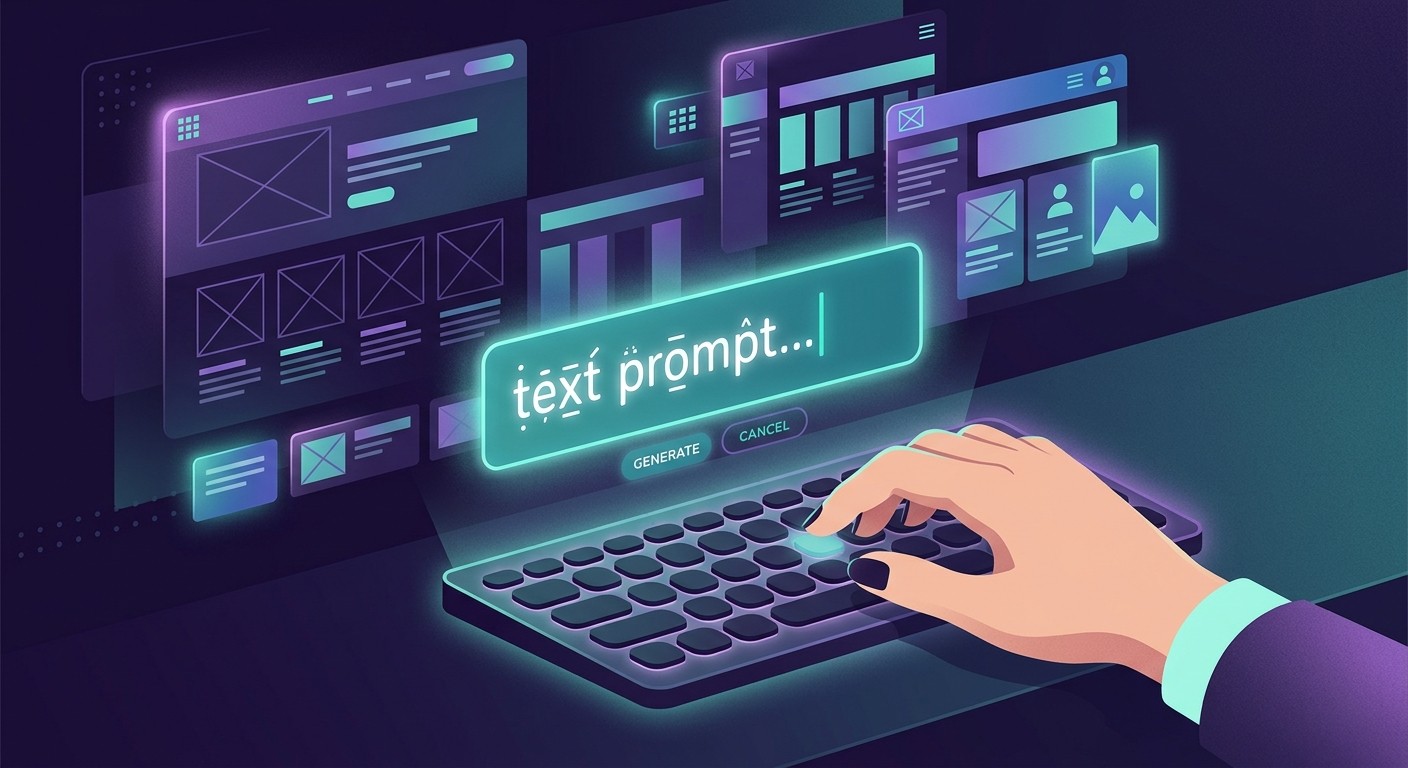
Open your AI builder and start with a single, specific prompt. The more context you give, the closer the first draft lands. A weak prompt like "make me a website" produces something generic. A strong one names the business, the audience, the pages, and the goal.
Here's an example that works well:
"Build a website for a Berlin coffee roastery called Nordlicht. Audience: local cafés and home brewers. Pages: Home, Our Beans, Wholesale, About, Contact. Goal: get wholesale inquiries and online bean orders. Tone: warm and craft-focused. Colors: cream, deep brown, forest green."
Notice what that includes: business name, audience, exact pages, a primary goal, tone, and colors. That's enough for the AI to make real decisions instead of guessing. If you want a deeper walkthrough of this step, see our guide on how to write a business website prompt.
Step 2: Generate and Preview Your Site
Hit generate. Within a minute or two, the AI assembles a full multi-page site: a hero section, your listed pages, working navigation, real copy, and images that fit the theme. You get a live preview you can scroll through, exactly as visitors would see it.
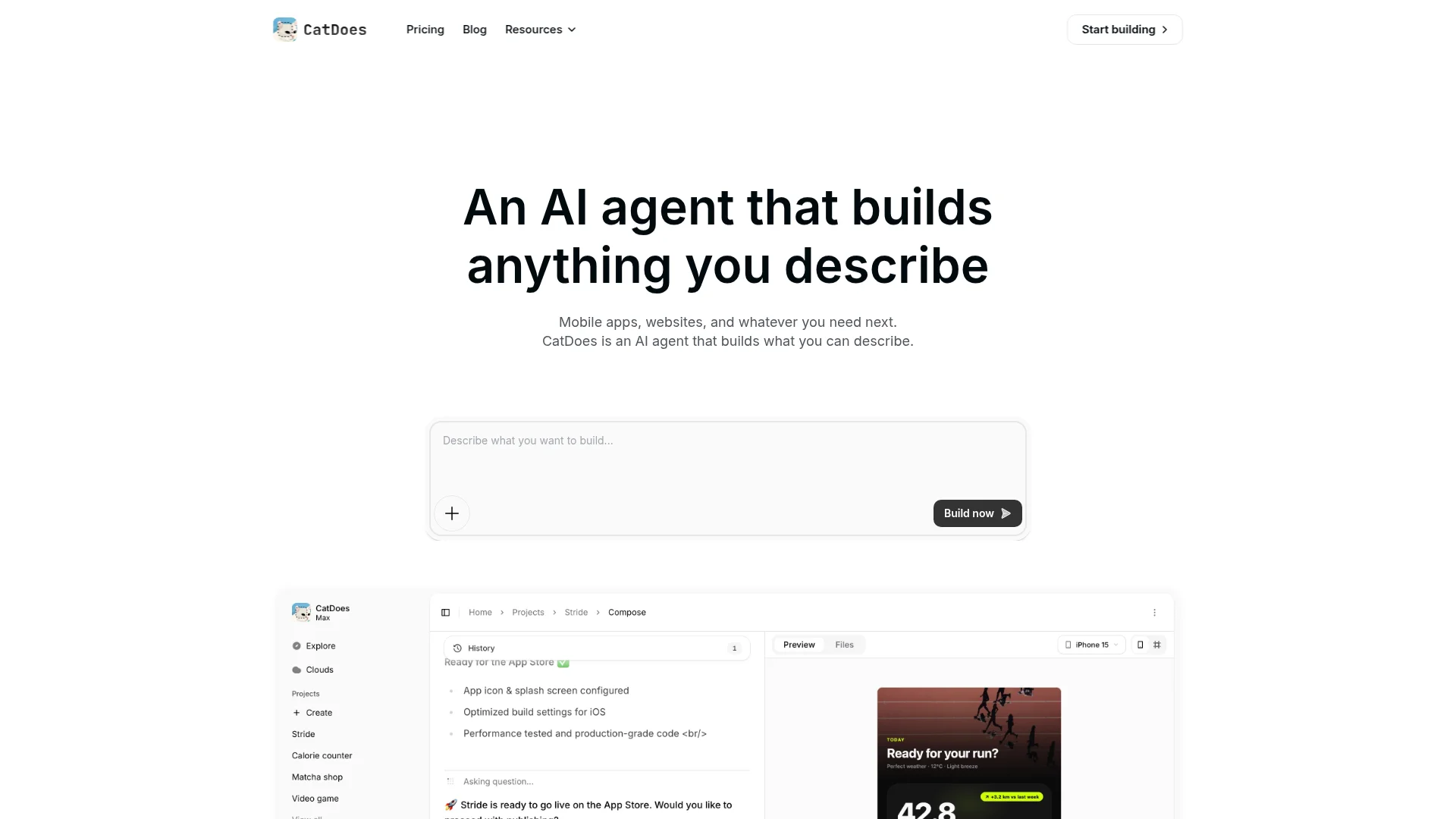
Review the whole thing before you change anything. Check that the pages you asked for exist, the navigation works, and the overall direction matches what you had in mind. Look at it on mobile too. More than 60% of web traffic comes from phones (Statista), so the phone view matters as much as the desktop one.
Don't expect perfection on the first pass. The first draft is a starting point, not the finished product. Its job is to get you 80% of the way there so you can spend your time refining instead of building.
Step 3: Refine the Design, Copy, and Pages
This is where the site becomes yours. Instead of editing code, you request changes in plain language and watch them apply. Common refinements fall into three buckets:
Design: "Use a lighter background," "make the buttons rounded," "swap the hero image for something brighter."
Copy: "Rewrite the About page in first person," "shorten the homepage headline," "add a testimonials section."
Structure: "Add an FAQ page," "put a contact form on every page," "remove the blog for now."
Work in small, specific requests rather than one giant instruction. "Make the pricing clearer" is vague; "show three pricing tiers side by side with a highlighted middle plan" gets a precise result.
While you refine, make sure the essentials are in place: a clear headline, an obvious call to action, contact details, and trust signals like reviews or client logos. Our checklist of things every small business website must have is a good gut-check before you move on.
Step 4: Connect a Custom Domain
A custom domain (yourbusiness.com) makes your site look professional and easier to remember than a builder subdomain. You have two paths:
Buy a new domain. Many AI builders sell domains directly, so you can search, buy, and connect in one place. Expect roughly $10 to $20 per year for a standard .com.
Connect one you already own. If you bought a domain elsewhere (Namecheap, GoDaddy, Google Domains), you point it to your site by updating a couple of DNS records. The builder shows you the exact values to paste.

DNS changes can take anywhere from a few minutes to a few hours to take effect, though it's usually fast. Pick a domain that's short, easy to spell, and matches your business name. Avoid hyphens and numbers, which are easy to mistype and hard to say out loud.
Step 5: Publish and Go Live
When the site looks right and the domain is connected, publish. One click pushes your site live, and a good AI builder handles the technical side automatically: global hosting, an SSL certificate so your address loads as HTTPS, and mobile-responsive delivery.

HTTPS isn't optional. Google treats it as a ranking signal and browsers flag non-secure sites with a warning (Google Search Central), so confirm the padlock shows up on your live URL. Then run a quick launch check:
Click every navigation link and button.
Submit your contact form and confirm the message arrives.
Open the site on your phone.
Read the copy once more for typos and accuracy.
That's it. Your website is live. Publishing isn't the end, though. Plan to revisit the content every few months so it stays accurate and fresh.
How to Write a Prompt That Gets Better Results
The quality of an AI website comes down to the quality of your instructions. A few habits consistently produce better sites:
Be specific about the audience. "A website for busy parents" leads to different choices than "a website for enterprise IT buyers."
Name the pages you want. Listing exact pages prevents missing sections and awkward guesses.
State one primary goal. Bookings, sales, sign-ups, or inquiries. The layout should push visitors toward it.
Give brand cues. Colors, tone, and a sentence about the vibe (playful, premium, minimal).
Iterate one change at a time. Small requests are easier for the AI to apply accurately and easier for you to review.
Think of it as briefing a fast, capable designer. The clearer the brief, the less back-and-forth you need.
AI Website Mistakes to Avoid
AI removes most of the work, but a few habits still trip people up:
Publishing the first draft as-is. The generated copy is a strong start, not a finished product. Edit it so it sounds like you and reflects real details.
Leaving placeholder content. Swap stock images and sample text for your own before going live. Generic content erodes trust fast.
Ignoring mobile. Always preview the phone view. That's where most visitors will land.
Skipping the call to action. Every page should make the next step obvious.
Picking the wrong tool. Some AI builders only make simple landing pages; others build full multi-page sites and even apps. If you're comparing options, our hands-on Wix AI review shows what to look for.
Frequently Asked Questions
How long does it take to make a website with AI?
A simple site can be live in 20 to 30 minutes. A more detailed multi-page site with custom copy and a connected domain usually takes under an hour. Most of that time is spent refining, not building.
Is making a website with AI free?
You can build and preview a site for free on most AI builders. Costs appear when you publish on a custom domain or need advanced features. Budget roughly $10 to $20 per year for a domain, plus a monthly plan if you want to remove builder branding or add more pages.
Do I need any coding or design skills?
No. The entire process happens through plain-language prompts and visual previews. The AI handles layout, responsive design, hosting, and security. If you can describe what you want, you can build it.
Can AI build more than a basic landing page?
Yes. Capable tools build full multi-page sites with contact forms, galleries, booking, and e-commerce. Some, like CatDoes, turn the same description into a mobile app too. For a niche example, see how to build a therapist website with AI.
Will an AI-built website be good for SEO?
It can be. AI builders produce clean, fast, mobile-friendly pages, which are the technical basics search engines reward. To rank, you still need clear, original content that answers what your audience is searching for. The AI gives you the foundation; the substance is up to you.
The Bottom Line
Making a website with AI comes down to five steps: describe it, generate it, refine it, connect a domain, and publish. What used to take days of template-wrangling now takes an afternoon, and the result is a custom site rather than a cookie-cutter one. The trick is a clear brief and a few rounds of specific edits.
Ready to try it? Describe your website to CatDoes and watch it build a working site you can publish to your own domain, no code required.
Nafis Amiri
Co-Founder of CatDoes


