Blog
Insights
Wix AI Website Builder Review (2026): Tested
We tested Wix's AI website builder in 2026. What it does well, where it falls short, and which AI builders ship a better site from one prompt.

Nafis Amiri
Co-Founder of CatDoes

We spent a week putting the Wix AI website builder through its paces in 2026: five test sites, a handful of business types, and a lot of prompts. The pitch is simple. Describe your site in plain language, answer a few questions, and Wix generates a full website in about a minute. The reality is more interesting than the pitch, and whether it is the right tool comes down to what you are actually trying to build.
Below is what the builder does well, where it quietly falls short, what it costs in 2026, and how it stacks up against prompt-to-code tools that hand you a site you own.
TL;DR
Wix's AI builder turns a short chat into a complete, editable site (pages, copy, images, navigation, basic SEO) in roughly 60 seconds.
It is genuinely fast and beginner-friendly, and the 2026 Harmony editor lets you keep refining by prompt or by hand.
The weak spots: generated SEO metadata needs manual cleanup, page speed still trails lighter platforms, and you are locked in (no code export, no switching templates after publishing).
Pricing runs from $0 (free, with Wix branding) to $159/mo, and you need at least the $29/mo Core plan to sell online.
If you want portable code, top-tier speed, or a mobile app next to your site, a prompt-to-code builder like CatDoes ships something you actually own.
Table of Contents
What Is the Wix AI Website Builder?
How Wix's AI Website Builder Works
What Wix AI Does Well
Where Wix AI Falls Short
Wix AI Website Builder Pricing in 2026
Wix AI vs. a Prompt-to-Code Builder
Who Should Use Wix AI (and Who Shouldn't)
Frequently Asked Questions
What Is the Wix AI Website Builder?
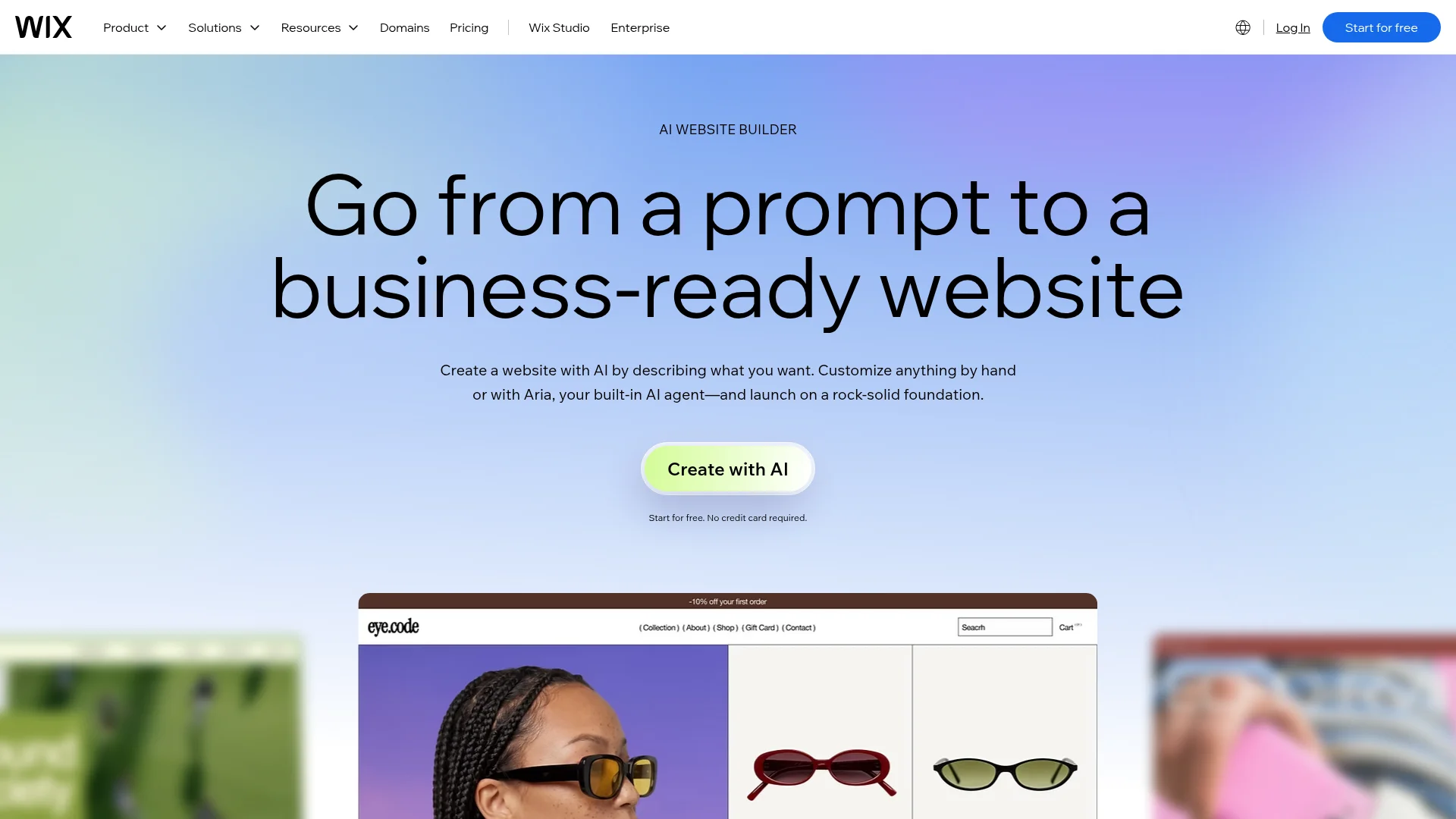
The Wix AI website builder is a conversational tool that turns a short description of your business into a complete, publishable website. Instead of picking a template and arranging every section by hand, you answer a few questions and Wix's AI generates the pages, copy, images, navigation, and starter SEO for you.
It is the successor to the old Wix ADI, but the 2026 version is a different animal. It is built around Aria, Wix's AI agent, and the Harmony editor, so the AI stays with you after the first build instead of generating a site and stepping away. Templates still exist, but they are now dynamically adjusted by the AI, and layouts auto-arrange for mobile without manual tweaking.
How Wix's AI Website Builder Works
The flow is conversational rather than template-first. You describe your business, the AI asks clarifying questions, and it assembles a full draft you can edit immediately. Here is what the process looked like across our test sites.
Chat intake. Wix asks what you do, who your customers are, and the style and structure you want. The more specific your answers, the better the first draft.
Generation. In about 60 seconds it produces a complete site: homepage, service or product pages, copy, images, and navigation.
Refine with Aria. You keep prompting ("make the hero darker," "add a testimonials section") or drag elements around manually in the Harmony editor.
Fill in content. The AI text generator writes and rewrites copy, and the AI image generator creates custom graphics so you are not stuck with stock photos.
SEO and publish. An AI SEO assistant suggests titles, descriptions, and keywords, then you publish to a Wix subdomain or a connected custom domain.
The key mental shift: the new builder rewards ongoing conversation more than a single perfect prompt. If you are used to writing one long spec, you can, but you get better results by treating it like a back-and-forth. For a walkthrough of writing a strong first prompt, see our guide on the business website prompt.
What Wix AI Does Well
Wix AI is one of the fastest paths from a loose idea to a live site that looks professional. Its strength is removing friction for people who do not want to design anything from scratch.
Speed and low friction. A publishable draft in about a minute is a real advantage when you just need something online.
Beginner-friendly. It feels less like "drag and pray" and more like "tell me what you want." Non-technical users get a coherent site without touching a layout grid.
Decent starter content. The generated copy and images are a usable first pass, not just lorem ipsum, which saves an afternoon of blank-page staring.
Everything under one roof. Ecommerce, bookings, email marketing (Ascend), blogging, and SEO tools all live in the same dashboard.
Multilingual reach. The AI text tools translate into 20+ languages, which doubles as a cheap way to spin up pages that can rank for non-English queries.
Where Wix AI Falls Short
Speed is not the same as being finished. Across our tests, the generated site was always a starting point that needed real work before it could compete, and a few limits are structural rather than fixable.
SEO metadata needs cleanup. The page looks fine in the browser, but search results often showed a vague title, a missing description, or duplicated page names. Each public route still needs its own title, description, canonical URL, and Open Graph fields set by hand. If SEO is your priority, review our list of small business website must-haves before you publish.
Page speed still trails. Wix has improved, but independent testing still puts it behind lighter platforms. One review measured Wix at roughly 6.8s LCP versus 3.6s for a comparable Squarespace build. A 2025 report found 52% of Wix sites pass Core Web Vitals, which is fourth among major platforms. Since speed is a Google ranking factor, that gap matters.
Template lock-in. You cannot switch templates after publishing. Changing the underlying design means rebuilding the site.
No export. You cannot take a Wix site with you. There is no code export, so everything you build stays inside Wix's ecosystem.
Ecommerce is thinner than it looks. "It builds a site" and "it builds a store that sells" are different promises. Selling requires at least the Core plan, there is a 50,000-product ceiling, and transaction fees apply on top of your subscription.
Operational setup is still manual. For a bookings business, the AI builds the public-facing pages, but you still configure availability, staff, pricing, reminders, and payments yourself.
Wix AI Website Builder Pricing in 2026
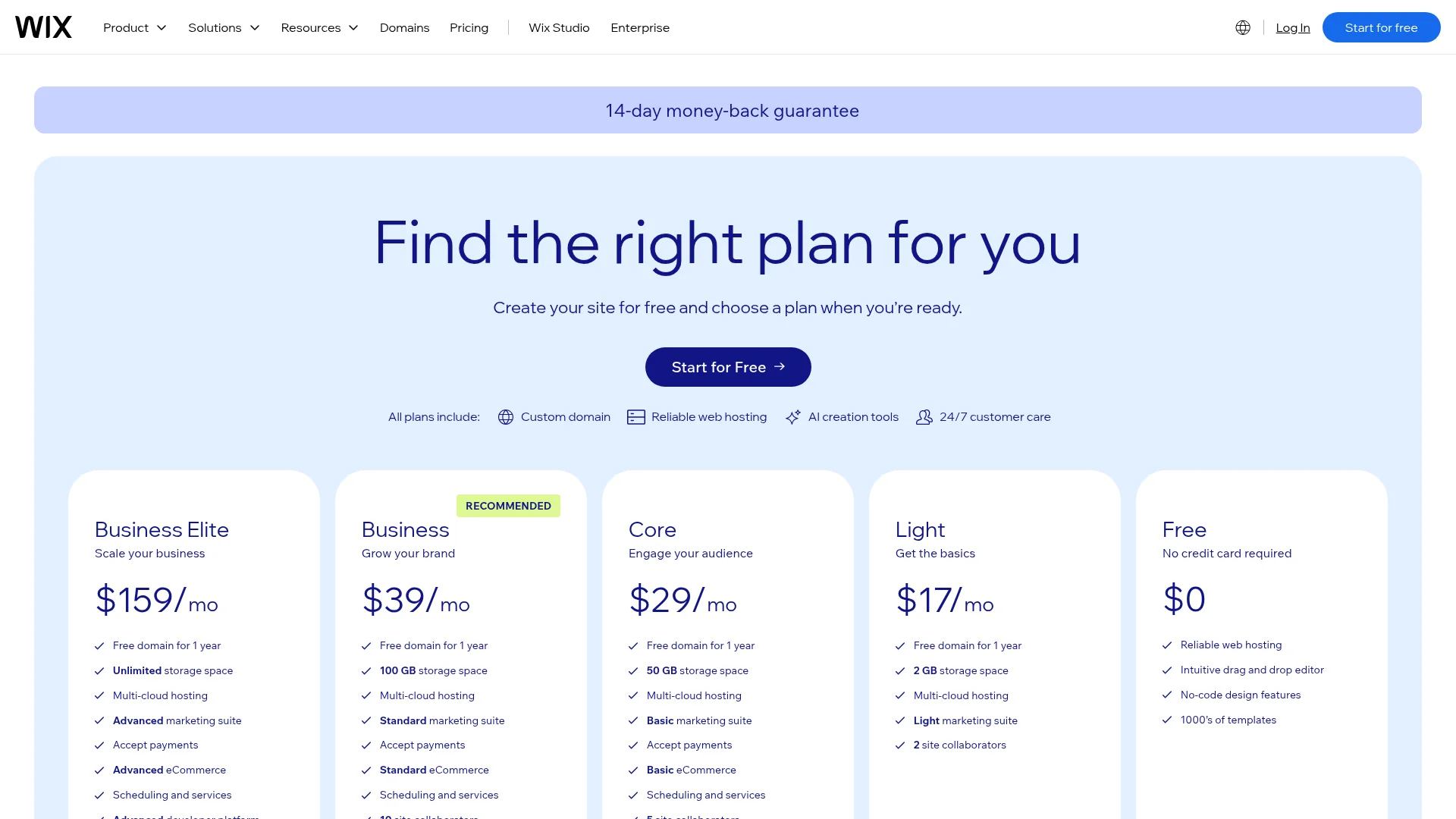
Wix moved to four paid tiers plus a free plan in 2026. The free plan lets you build and publish with the AI builder, but your site lives on a Wix subdomain with Wix branding and no custom domain. Here is how the plans compare (annual billing).
Plan | Price (annual) | Custom domain | Sell online | Best for |
|---|---|---|---|---|
Free | $0 | No (Wix subdomain + ads) | No | Testing the builder |
Light | $17/mo | Yes (free 1st year) | No | Portfolios, personal sites |
Core | $29/mo | Yes (free 1st year) | Yes | Small businesses starting ecommerce |
Business | $39/mo | Yes (free 1st year) | Yes | Growing ecommerce |
Business Elite | $159/mo | Yes (free 1st year) | Yes | Larger businesses, priority support |
A few things to budget for: month-to-month billing costs more than the annual rates above, the free custom domain only covers the first year, payment processing adds 2.9% + $0.30 per transaction, and first-year promo pricing can jump at renewal. Plans change often, so confirm the current numbers on Wix's site before you commit. There is a 14-day money-back guarantee on the paid plans.
Wix AI vs. a Prompt-to-Code Builder
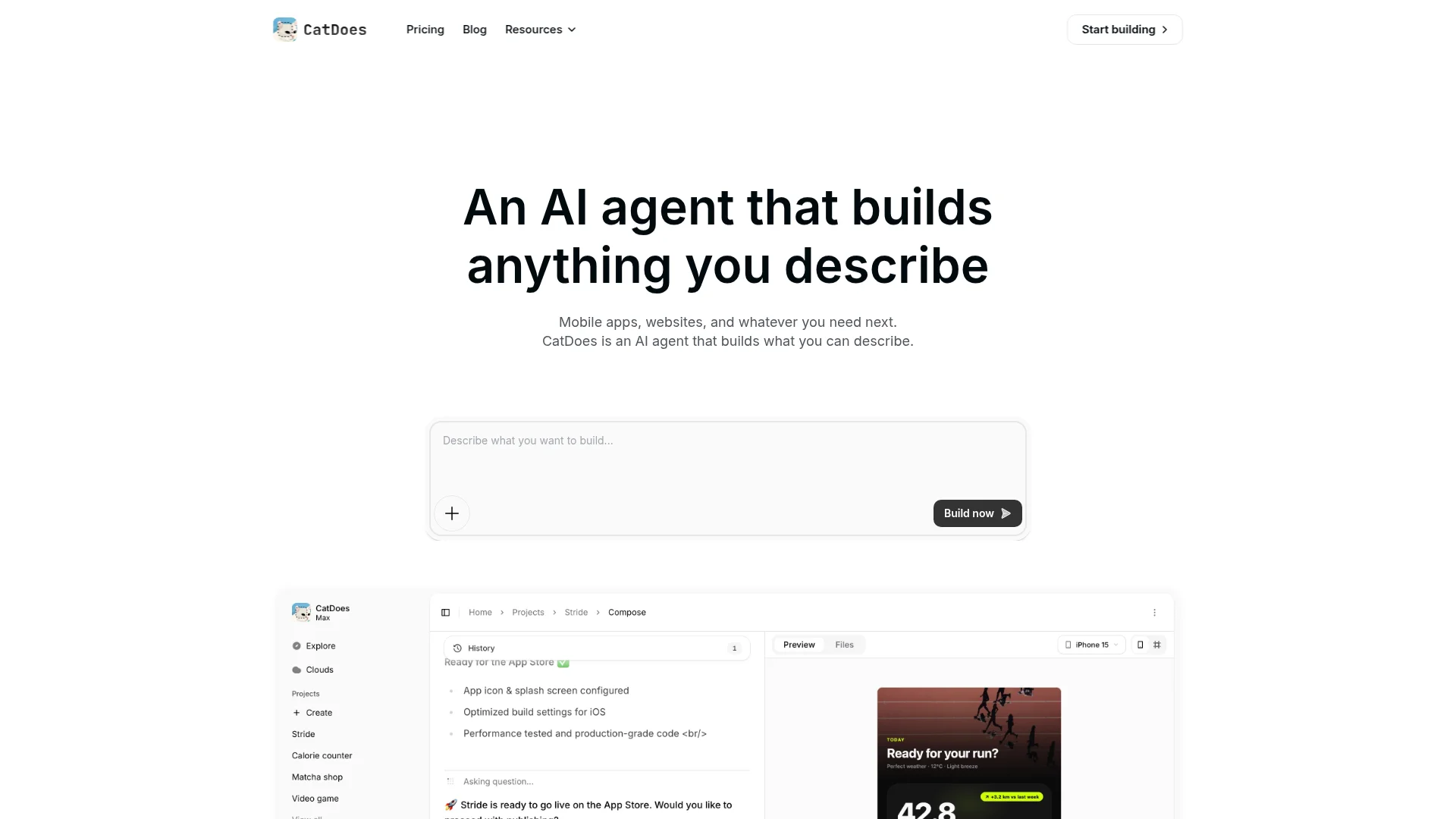
Wix AI is a hosted, all-in-one platform. Prompt-to-code builders like CatDoes take a different approach: you describe what you want, and instead of a locked Wix site you get a real, deployable project with a database, auth, and storage included. The trade-offs are clear once you line them up.
Feature | Wix AI | CatDoes |
|---|---|---|
Output | Hosted Wix site | Real, deployable web + mobile app |
Web and mobile | Web only | Web, iOS, and Android from one prompt |
Code ownership / export | No export | Code export on higher plans |
Custom domain | Paid plans (free 1st year) | Supported |
Backend included | Wix apps and settings | Database, auth, storage, functions |
Switch design later | Rebuild required | Prompt a new version |
Best for | Beginners, local businesses, bookings | Founders who want to own and extend the build |
To be fair to Wix, it wins for a non-technical owner who wants bookings, a storefront, and email marketing in one place and never plans to leave the platform. Where it loses is portability and reach: if you want to own the code, hit top-tier speed, or ship a companion app, a builder that outputs real software is the better bet. That is also true if you eventually want to convert your website into a mobile app, which Wix does not do natively.

Who Should Use Wix AI (and Who Shouldn't)
Wix AI is a strong fit if you want the fastest route to a professional-looking business site and you are happy staying inside one platform. It is a poor fit if ownership, performance, or a mobile app matter to you.
Good fit: beginners, local service businesses, portfolios, bloggers, and appointment-led companies that value speed over control.
Look elsewhere if: you need portable code, a companion mobile app, best-in-class page speed, or heavy custom design and you do not want to be locked into one vendor.
Frequently Asked Questions
Is the Wix AI website builder free? Yes, there is a genuinely free plan that lets you build and publish. The catch is a Wix subdomain, Wix branding, ads on your pages, and no custom domain or real ecommerce. To remove branding and connect a domain, you need a paid plan starting at $17/mo.
How long does Wix AI take to build a site? The initial generation takes about 60 seconds after you finish the chat intake. Getting it launch-ready (SEO metadata, real content, brand tweaks) takes longer, usually a few hours of editing.
Is Wix AI good for SEO? It gives you a workable baseline and an AI SEO assistant, but generated metadata frequently needs manual cleanup, and page speed lags lighter platforms. It can rank, but not on autopilot.
Can I move my Wix AI site to another platform? Not easily. Wix does not offer code export, so migrating means rebuilding your site elsewhere. Plan for that if long-term portability matters.
Can Wix AI build a mobile app? No. Wix AI builds websites, not native iOS or Android apps. If you want both a site and a mobile app from one prompt, use a builder that outputs real apps.
The Verdict
Wix AI in 2026 does exactly what it sets out to do: it removes the intimidating part of getting started and hands you a complete, editable site in about a minute. For beginners, small businesses, and booking-led companies, that is a strong deal, as long as you accept the lock-in and put in the SEO and speed work afterward.
If you want a site you truly own, one that can grow into a mobile app with a real backend, a prompt-to-code builder is the better foundation. CatDoes builds web and mobile apps from a single prompt, deploys to custom domains, and includes a database, auth, and storage on every plan, so you are not renting your product from anyone. Our step-by-step guide to creating a small business website shows what that looks like for a hotel and a Pilates studio.
Nafis Amiri
Co-Founder of CatDoes


