Blog
Insights
6 Things Your Small Business Website Must Have (2026)
The 6 things your small business website must have in 202; mobile speed, clear CTAs, trust signals and more, so it converts visitors into customers.

Nafis Amiri
Co-Founder of CatDoes
A customer hears about your business, pulls out their phone, and types your name into Google. They tap your website. Three seconds later, they're gone, back to the search results, on their way to a competitor whose site actually loaded.
That moment happens thousands of times a day to small businesses, and most owners never see it. Your website is the first impression for the vast majority of people who will ever consider buying from you. The average website converts just 2.35% of its visitors into customers, and a lot of small business sites sit well below that. It's rarely because the business is bad. It's because the site is missing a few specific things.
This is a checklist of the six things your small business website absolutely must have in 2026. Not "nice to haves." The elements that decide whether a visitor becomes a customer or a bounce. We build websites and apps for small businesses every day at CatDoes, so we'll also show you how to get all six without hiring an agency.
Table of Contents
Why Most Small Business Websites Quietly Lose Customers
1. A Mobile-First Design That Loads Fast
2. A Homepage That Explains What You Do in Five Seconds
3. One Clear Call to Action on Every Page
4. Contact Info People Can Find in Seconds
5. Trust Signals That Prove You're Legit
6. Built-In Findability (SEO and AI Search)
How to Get All Six Without Hiring an Agency
Your Small Business Website Checklist
Frequently Asked Questions
Why Most Small Business Websites Quietly Lose Customers
Here's the uncomfortable truth: most small business websites were built to look good, not to convert. That's the single biggest reason they underperform. A site can be beautiful and still leak customers on every page because it's missing structure: clear next steps, fast loading, proof that you're trustworthy.
The stakes have gone up too. Around 83% of small businesses now have a website, up from 64% in 2018, so "having a site" no longer sets you apart. What sets you apart is a site that does its job. And a new factor is squeezing everyone: AI search. Google's AI Overviews, ChatGPT, and Perplexity now answer questions before users ever click, and studies show the top organic result can lose up to 58% of its clicks when an AI Overview appears. The visitors who do reach your site matter more than ever, and you can't afford to waste them.
The good news: the fixes are concrete and repeatable. Nail these six and you'll convert more of the traffic you already have.
1. A Mobile-First Design That Loads Fast
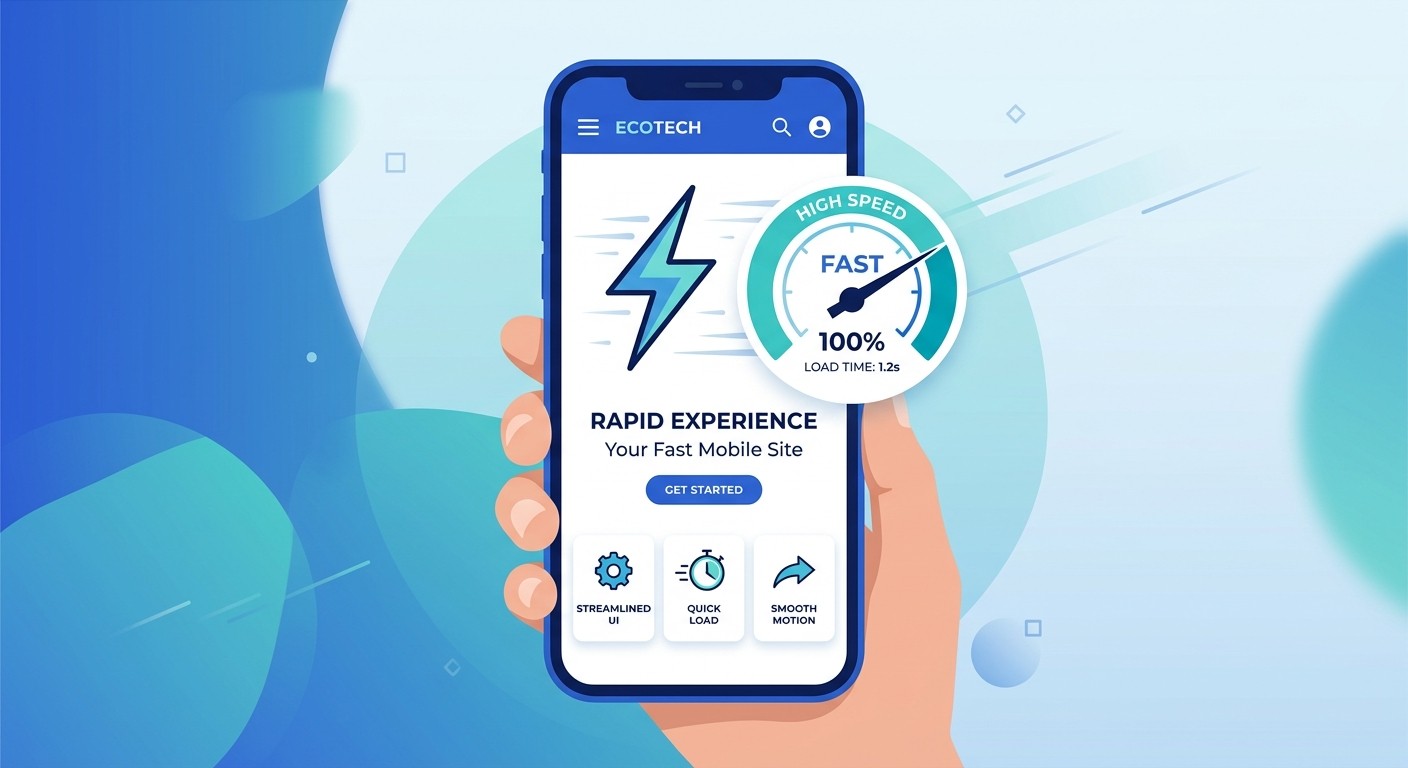
Over 60% of web traffic now comes from mobile devices, yet mobile converts at roughly half the rate of desktop. That gap is almost entirely down to bad mobile experiences: tiny text, buttons that are hard to tap, forms that break on a phone, and pages that crawl on a cellular connection. When someone lands on a site that makes them pinch and zoom, 88% won't come back.
Speed is the other half of this. 53% of mobile visitors abandon a page that takes longer than three seconds to load, and a site that loads in one second converts up to three times better than one that takes five. Speed is also a Google ranking signal, so a slow site loses twice: fewer visitors arrive, and fewer of those who arrive stick around.
What "mobile-first, fast" actually means in practice:
Design for the phone screen first, then scale up to desktop, not the other way around.
Tap targets (buttons, links) large enough to hit with a thumb.
Compressed images and lean code so pages load in under two seconds.
No auto-playing videos or heavy pop-ups that stall the first load.
2. A Homepage That Explains What You Do in Five Seconds
A visitor decides whether to stay or leave almost instantly. In fact, 94% of first impressions are design-related, and they form in under a tenth of a second. Your homepage has one job in those first few seconds: make it obvious what you do, who it's for, and why it's worth their time.
The most common mistake is a hero section that describes what the business is instead of what it does for the customer. "Acme Solutions: Excellence Since 2009" tells a visitor nothing. "Same-day plumbing repairs in Austin, book online in 60 seconds" tells them everything.
A homepage that converts has four parts above the fold:
A clear headline that says what you do and for whom.
A one-line subheadline covering your main benefit or differentiator.
A prominent call-to-action button (more on that next).
A supporting visual: a real photo of your work, product, or team, not a generic stock image.
3. One Clear Call to Action on Every Page
Every page on your site should point to one primary next step. Not five competing buttons, a sidebar form, and a footer sign-up all fighting for attention. Just one clear action, repeated logically down the page. Confused visitors don't convert; they leave.
The data is clear: websites with effective CTAs see conversion rates rise by over 3%, and CTAs placed above the fold are 73% more visible than those below it. The wording matters too. Vague buttons like "Submit" or "Learn More" underperform specific, action-oriented ones.
Strong CTAs tell the visitor exactly what happens next:
"Get a Free Quote"
"Book a Discovery Call"
"See Our Pricing"
"Order for Pickup"
Pick the one action that matters most for your business, make the button impossible to miss, and put it near the top of every important page.
4. Contact Info People Can Find in Seconds
This one sounds obvious, and it's the one small businesses get wrong most often. If a ready-to-buy visitor can't find how to reach you within a few seconds, you've lost them. 44% of B2B buyers leave a small business website when contact information isn't easy to find. Fixing gaps like that is getting easier, as we cover in AI for small business.
Make it effortless:
Put your phone number in the header on every page, as a clickable tap-to-call link on mobile.
Keep your contact form short: name, email, and a brief message is enough to start a conversation. Every extra field costs you enquiries.
Include your address and hours if you have a physical location (this also helps local search).
Consider live chat or a WhatsApp link for instant questions.
5. Trust Signals That Prove You're Legit
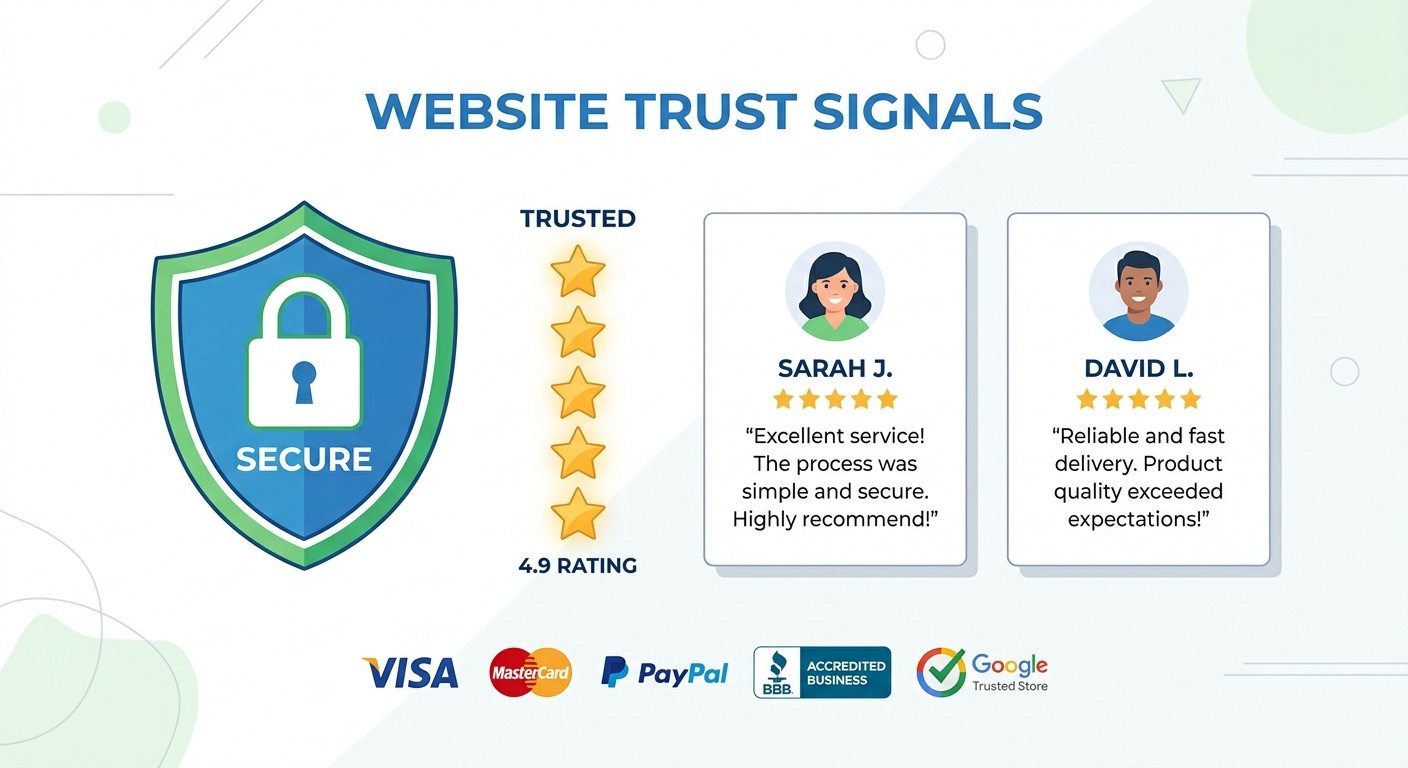
People buy from businesses they trust, and online they decide fast. 75% of customers judge a company's credibility by its website design, and 84% see a business's website as more credible than its social media. When your site looks polished and shows proof, skeptical visitors relax.
Reviews do the heaviest lifting: 97% of consumers read reviews for local businesses before buying. So put your proof where people can see it, and make it real:
Testimonials with real names, roles, and photos (a quote from "J.S." convinces no one).
Screenshots or embeds of Google and Trustpilot reviews.
Logos of clients you've worked with or press you've earned.
An SSL certificate (the padlock in the address bar) and visible security on any checkout.
Case studies or before-and-after examples of your work.
6. Built-In Findability (SEO and AI Search)

A website nobody finds might as well not exist. The sixth must-have is findability: being discoverable when someone searches for what you offer, whether that's in Google or in an AI assistant.
For most small businesses, the highest-return moves are local and content-driven:
Claim and fill out your Google Business Profile. It's the backbone of local search.
Use clear page titles and descriptions with the words your customers actually search for.
Add schema markup so search engines (and AI) understand your business, hours, and reviews.
Publish genuinely useful content. One well-researched blog post a month is one of the highest-ROI things a small business can do, and it's increasingly what AI assistants cite.
With AI Overviews now sitting between users and your site, structured, answer-first content is how you stay visible. If you're just getting started, our guide on how to publish a website walks through getting live and indexed, and these AI tools for small business owners can speed up the content side.
How to Get All Six Without Hiring an Agency
Here's the catch every small business owner runs into: knowing the six things is easy, building them is not. A traditional agency site can run $3,000–$10,000 and take weeks. DIY website builders are cheaper, but you still have to wire up mobile layouts, speed, forms, SEO, and trust sections yourself, and most owners don't have the time.
This is where an AI builder changes the math. Take Maria, who runs a small coffee roastery. She described her business to CatDoes in plain English ("a website for my coffee roastery with our story, a shop, customer reviews, and a wholesale contact form"), and the agent built a mobile-first, fast-loading site with a clear headline, a single strong CTA ("Shop Our Beans"), a short contact form, and a reviews section already in place. The six must-haves, handled by default.
Because CatDoes builds real websites (not locked-in templates) and can also turn that same website into a native mobile app, Maria could later ship an iOS and Android app for repeat customers without rebuilding anything. That's the advantage of describing what you want and letting an AI agent handle the structure: you get a site that's built to convert from day one, and it grows with you.
Whether you use an AI builder, an agency, or a website platform, the standard is the same: your site has to nail these six. The tool just decides how fast and how affordably you get there.
Your Small Business Website Checklist
Use this as a quick audit. Open your site on your phone and check each one honestly.
Must-Have | The Test |
|---|---|
Mobile-first & fast | Loads in under 3 seconds on your phone, no pinching or zooming |
Clear homepage | A stranger knows what you do within 5 seconds |
One clear CTA | Every page has one obvious next step, above the fold |
Findable contact | Phone/contact reachable in one tap from any page |
Trust signals | Real reviews, testimonials, and a security padlock visible |
Findability | Google Business Profile claimed, titles and content targeting real searches |
If you can't tick all six, you've found exactly where your website is leaking customers, and exactly what to fix first.
Frequently Asked Questions
How many pages does a small business website need?
Most small businesses do well with 5–15 pages: home, services (one per main service), about, portfolio or work, pricing, FAQ, a blog landing page, and contact. Simple service or trade businesses can run on 5–8 pages. More pages aren't better; clarity and relevance are.
How much should a small business website cost?
It ranges widely. A custom agency site typically runs $3,000–$10,000+, DIY builders cost $10–$50 a month, and AI builders sit in between on price while doing far more of the work for you. What matters more than price is whether the finished site nails the six must-haves above.
What's the most important element on a small business website?
If you have to pick one, it's a fast, mobile-first experience. It's the single biggest conversion killer when it's missing, and it affects your Google ranking too. A close second is a clear call to action, since even great traffic converts poorly without an obvious next step.
Do I still need a website if I have social media?
Yes. 84% of consumers view a business's website as more credible than its social media, and you own your website; you don't own your reach on any social platform. Social media brings people in; your website turns them into customers.
Can I turn my small business website into an app?
You can. Modern AI builders like CatDoes can take an existing website and ship it as a native iOS and Android app, which is worth doing once you have repeat customers who'd benefit from faster access and notifications.
The Bottom Line
Your small business website doesn't need to be fancy. It needs to work. A fast, mobile-first site with a clear message, one obvious call to action, findable contact info, real trust signals, and solid findability will out-convert a beautiful site that's missing them every single time.
Run your site through the six-point checklist today. Fix the gaps in order of impact: speed and mobile first, then your homepage message and CTA. If you'd rather skip the manual work, describe your business to CatDoes and get a site built to convert from the first visit.
Nafis Amiri
Co-Founder of CatDoes


