Blog
Tutorials
How to Build an Event App With an App Builder (2026)
Build an event app with an app builder in 8 steps: schedule, tickets, QR check-in and push alerts, then publish to the App Store and Google Play with CatDoes.

Nafis Amiri
Co-Founder of CatDoes

The worst hour of any event is the one before the doors open. A room changes, a speaker is stuck in traffic, and 300 people are still reading the PDF agenda you emailed last week. An event app fixes that by putting the schedule, tickets and live updates on every attendee's phone, and you no longer need a development team to build one.
This guide shows you how to build an event app with an app builder, step by step. We use CatDoes, the AI app builder we make, because it builds the native iPhone and Android app, the registration website and the backend in one project. You'll also see which features matter, what it costs and how to clear app store review in time.
TL;DR: To build an event app, list who uses it (attendees, speakers, check-in staff, organizers) and pick five or six launch features: schedule, personal agenda, tickets, QR check-in, push alerts and venue info. Describe that to an AI app builder like CatDoes in plain English, and it builds the native app, the registration website and the database behind both. Test with real people and submit to the App Store and Google Play three to four weeks before the event, on the Starter plan ($50/month) or higher.
Table of Contents
What Is an Event App?
What Is an Event App Builder?
Event App Features: What to Build First
How to Build an Event App With CatDoes in 8 Steps
Event App Launch Timeline
How Much Does It Cost to Build an Event App?
Frequently Asked Questions
Build Your Event App Before the Doors Open
What Is an Event App?
An event app is a mobile app that puts everything about one event on the attendee's phone: the schedule, their ticket, speaker profiles, the venue map and live announcements. Organizers use the same app from the other side, to check people in, push updates and see who actually showed up.
Attendees notice when the app is missing or bad. In Bizzabo's 2025 State of Events survey of 1,558 attendees and organizers, 65% of attendees said the mobile event app can make or break their event experience, up from 56% in 2023.
Big events treat the app as part of the product: SXSW, Web Summit and Coachella each publish their own app under their own name.
Event apps come in a few common shapes:
Conference companion: a multi-track agenda, speaker bios, a personal schedule and sponsor listings.
Meetup and RSVP app: recurring community events with RSVPs, waitlists and reminders.
Festival or concert app: set times, stage maps, digital tickets and "your act starts in 15 minutes" alerts.
Workshop or class series: sessions spread over weeks, with materials and attendance tracking.
Internal company event: offsites, kickoffs and all-hands meetings, shared privately with employees.
Wedding or private event: the itinerary, RSVPs and a shared photo feed.
Event management software is the organizer's back office, and ticketing platforms such as Eventbrite and Luma sell tickets. The event app is the part attendees carry around, and when you build your own, it can handle registration and tickets too.
What Is an Event App Builder?
An event app builder is software that lets you create an event app without writing the code yourself. There are three kinds, and the biggest difference between them is whose app your attendees end up downloading.
Event app platforms such as Whova, Cvent, Sched, Swapcard and EventMobi come with event features ready to fill in. On standard plans, attendees download the vendor's app and find your event inside it. As Whova's help center puts it, "Your event lives inside the main Whova app." Cvent, Sched, Swapcard and EventMobi sell an app under your own name as a quote-priced add-on.
No-code builders such as Glide and Adalo let you assemble screens from drag-and-drop blocks. You design every screen and data table yourself, and not all of them reach the stores: Glide's help center says publishing directly to the App Store or Google Play "is not supported."
AI app builders let you describe the app in plain English while the AI writes the code. Most of them target the web. Lovable's docs say it has no built-in flow to submit to the App Store or Google Play, and Base44's store apps run your web app "inside a secure web view." CatDoes builds native React Native apps for iPhone and Android, plus the website and backend that go with them.
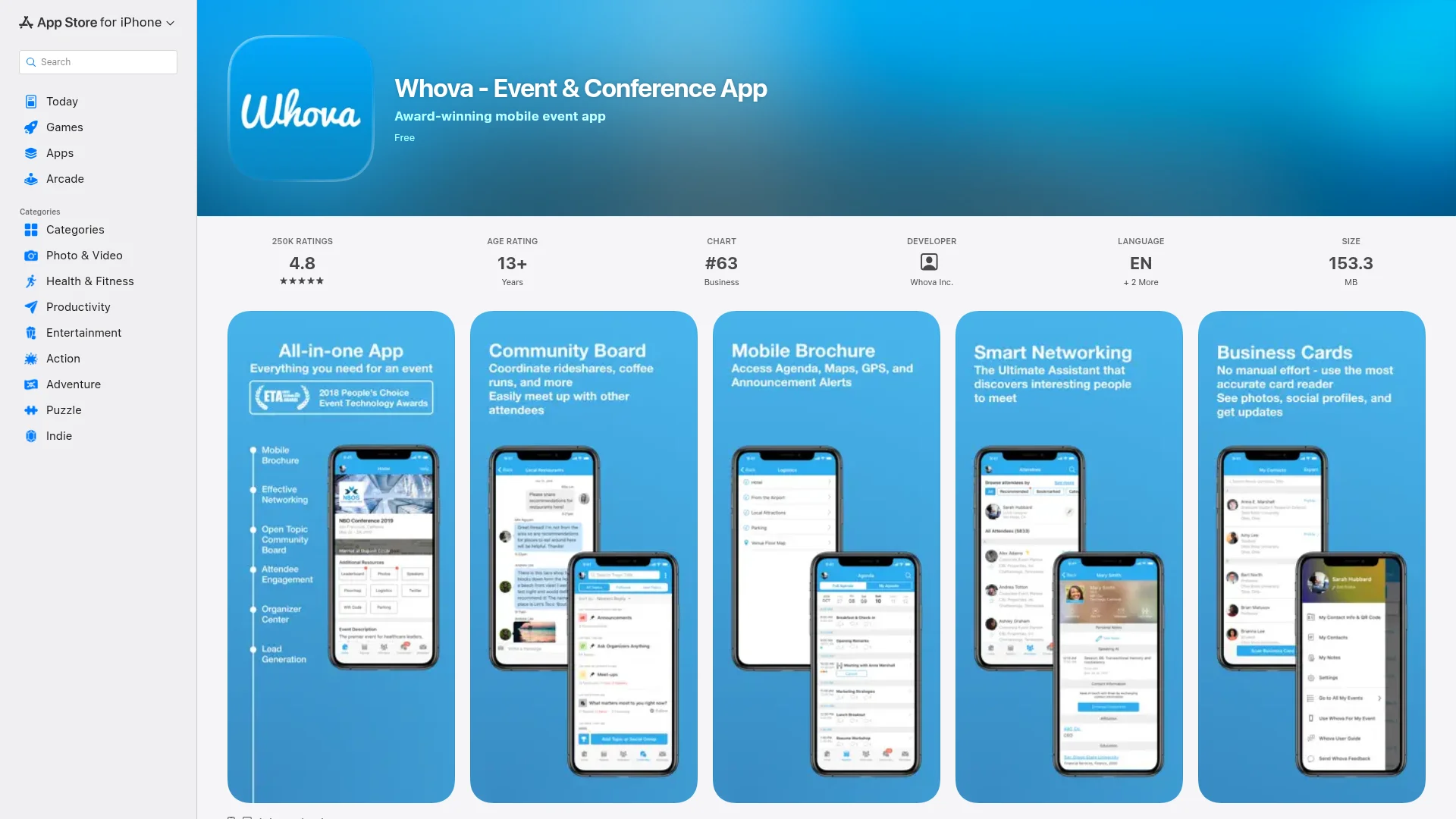
Apple's rules spell out both models. App Store Review Guideline 4.2.6 rejects apps made from a commercial template or app generation service unless the content owner submits them, but it lets one app host many clients "as an event app with separate entries for each client event." When you build with CatDoes, you are the content owner, and the app ships under your own developer account.
Event app platform | No-code builder | AI app builder (CatDoes) | |
|---|---|---|---|
How you build it | Fill in the vendor's template | Drag and drop screens and tables | Describe it in plain English |
What attendees download | Usually the vendor's app, with your event inside | A web app, or a store app on some tools | Your own app, under your name |
Your own App Store and Google Play listing | Paid add-on, priced by quote | Depends on the tool | Included from Starter ($50/month) |
Custom features | Whatever the vendor offers | Whatever the blocks allow | Anything you can describe |
Next year's event | Pay again, or sign an annual contract | Rebuild or reuse | Update the same app |
An event platform is still the right call for a huge trade show that needs badge printing and exhibitor lead scanning on day one. For most conferences, meetups, festivals and company events, an AI app builder gets you your own app under your own name, and you keep it for next year.
Event App Features: What to Build First
Build the core features for launch and add the rest once people use the app. Every extra feature is one more thing to test before doors open.
Feature | When to build it | Why it matters |
|---|---|---|
Schedule by day, track and room | Launch | Everything else in the app hangs off it |
Personal agenda | Launch | Turns a 60-session program into one person's day |
Speaker and session pages | Launch | Answers "who is this and why should I go?" |
Tickets or RSVP | Launch | One place for proof of entry |
QR code check-in | Launch | Shorter lines and a real headcount |
Push notifications | Launch | Room changes reach everyone at once |
Venue map and directions | Launch | Fewer "where is Room B?" questions |
Offline schedule | Launch, if venue Wi-Fi is weak | The agenda still opens when the network doesn't |
Attendee networking and chat | Later | Useful once enough people are active |
Personalized session picks | Later | 40% of 601 planners in Amex GBT's 2026 forecast plan to use AI-powered event apps |
Apple Wallet and Google Wallet passes | Later | Needs a Pass Type ID certificate from your Apple Developer account |
How to Build an Event App With CatDoes in 8 Steps
Here's the whole build, from a blank page to an app in both stores. Each step includes what to tell the CatDoes agent, because you build by describing what you want.
Step 1: Define the Event, the Roles and Your Deadline
Write one paragraph before you open any tool. Name the event, the dates, the expected headcount and the venue. Then list who uses the app, because each role sees different screens:
Attendees browse the schedule, save sessions, show their ticket and get alerts.
Speakers see their own sessions, rooms and call times.
Check-in staff scan tickets at the door.
Organizers edit the schedule, send announcements and watch check-ins.
Last, write down your event date. App store review takes time (see Step 8), so your real deadline is weeks before the doors open.
Step 2: Describe Your Event App to CatDoes
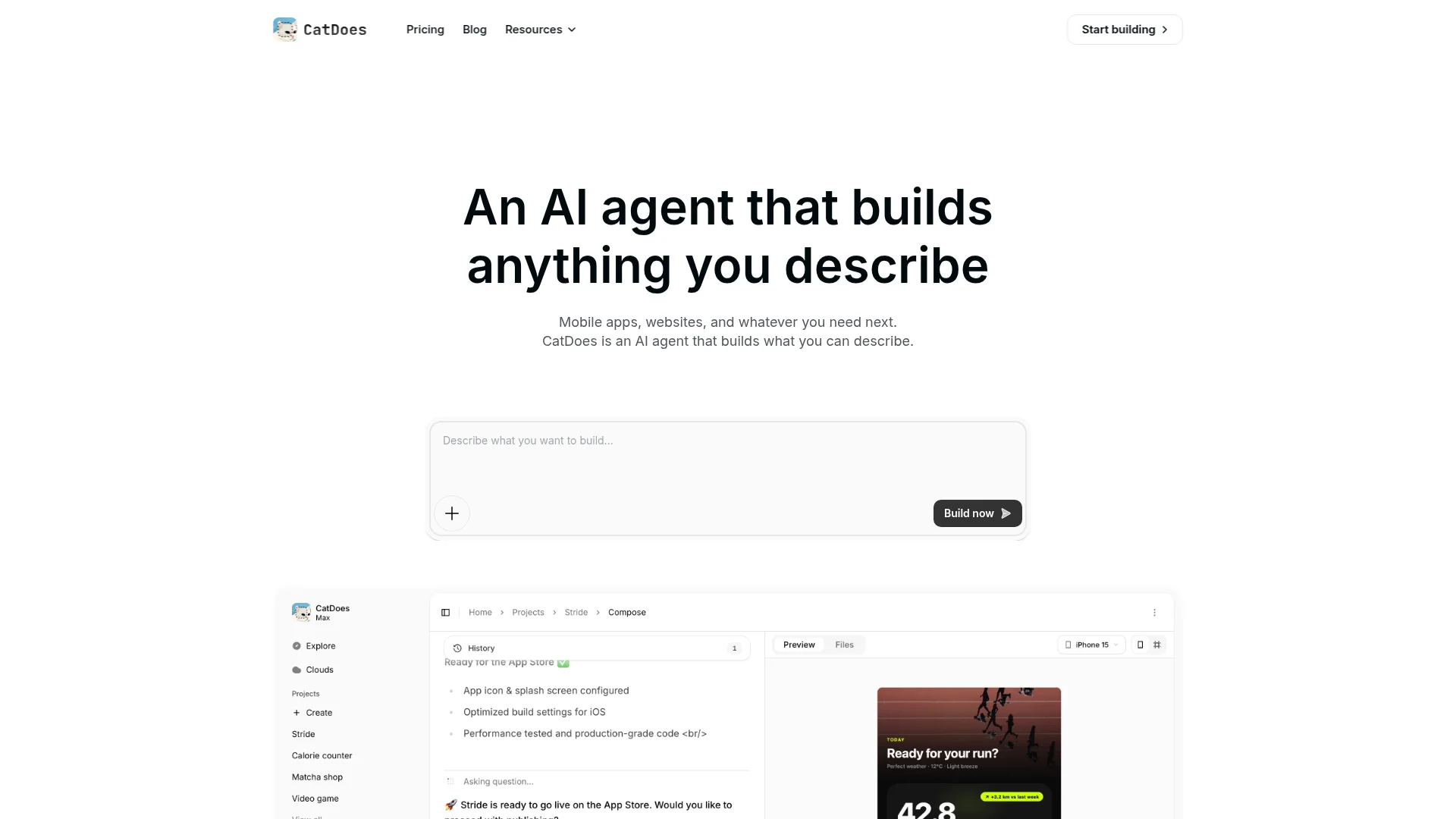
Open CatDoes and paste your brief into the prompt box. Be specific about roles, screens and data, because a vague prompt gets a vague app. Here's a starter prompt you can copy and edit:
"Build an event app for DevDays Berlin, a two-day tech conference on 12 and 13 November 2026 with about 400 attendees and three session tracks. Attendees sign in with email, browse the schedule by day and track, star sessions to build a personal agenda, read speaker bios and show a QR ticket. Check-in staff get a scanner screen that marks tickets as used. Organizers can edit sessions and send announcements as push notifications. Use a dark blue and orange theme."
CatDoes plans the screens, creates database tables for sessions, speakers, tickets and check-ins, and builds a first version in the cloud while you watch it in the live preview. For more on briefs that land the first time, read our guide on how to prompt an AI app builder.
Step 3: Build the Schedule, Sessions and Speakers
The schedule is the backbone of your event app. Every session needs a title, time, room, track and speaker, stored in a database instead of typed into screens, so you can move a talk at 7am on event day without shipping an app update.
CatDoes Cloud, the backend included on every plan, gives you the database, sign-in, file storage and realtime updates. Ask for the details that make a schedule usable:
"Show all times in the venue's time zone, even if an attendee's phone is set to another one."
"Let attendees filter by day, track and room, and warn them when two saved sessions overlap."
"Keep a copy of the schedule on the phone so it opens without Wi-Fi."
If your program already lives in a spreadsheet, paste the rows into the chat and ask the agent to load them into the database.
Step 4: Add Registration, Tickets and Payments
For a free event, ask for an RSVP button with a capacity limit and a waitlist. For a paid event, you need a checkout, a ticket record and a unique QR code per ticket, much like the flow in our guide to building a booking app: pick a ticket type, pay, get a confirmation.
For card payments, connect Stripe, which charges 2.9% + 30¢ per successful domestic card charge in the US. The CatDoes agent asks for your Stripe keys through Secure Input, an encrypted field, so the AI never sees the actual key.
For in-person events, Apple's App Store Review Guideline 3.1.3(e) says services "consumed outside of the app" must use a payment method other than In-App Purchase, and Google Play exempts "tickets for live events" from Play Billing. So in-person tickets run through Stripe, with no store commission.
Virtual events are different. Guideline 3.1.3(d) says one-to-many real-time services must use In-App Purchase, though US App Store apps may link out to a web checkout. Apple currently takes no commission on those link-outs while a court case over the fee continues, so check the rules again before you sell livestream tickets.
Step 5: Add QR Code Check-In
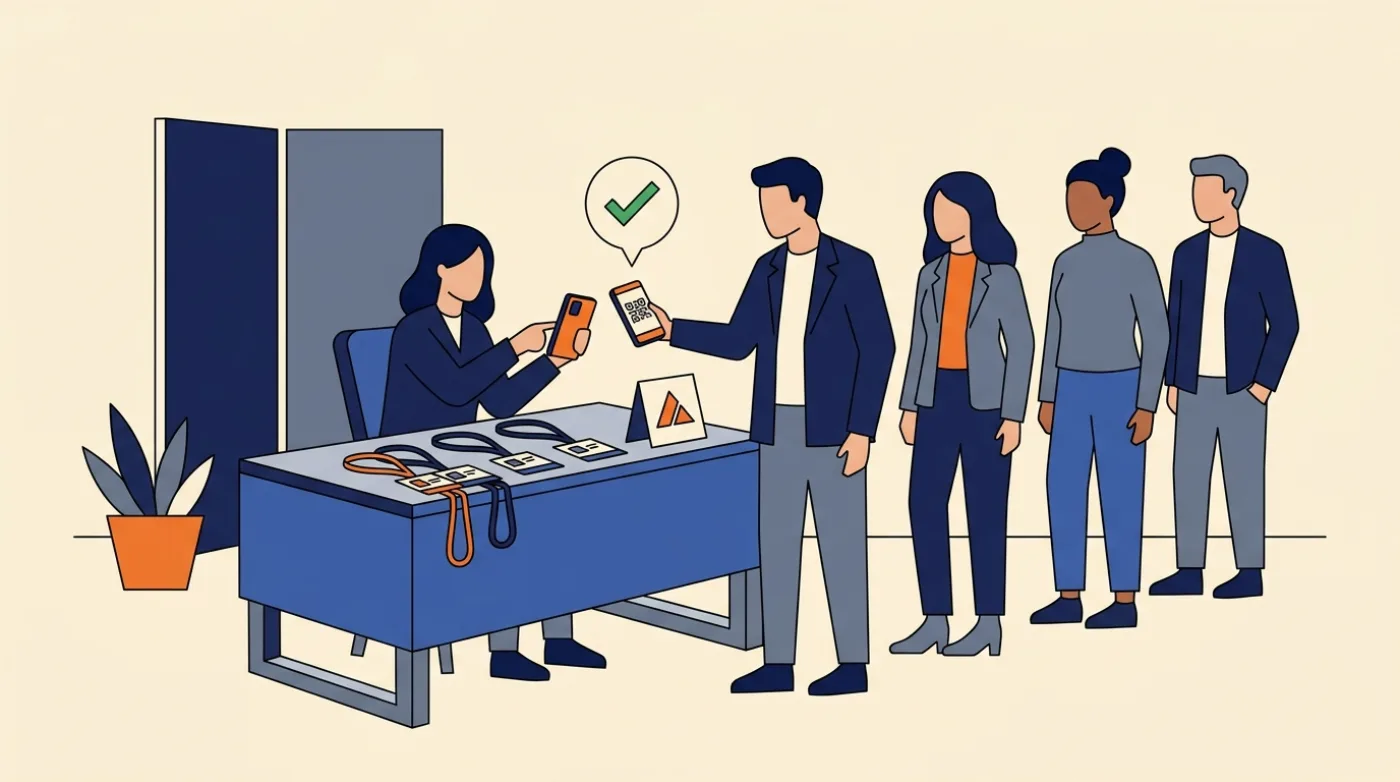
QR check-in keeps the line moving. A staff member scans the code on the attendee's phone and the screen turns green. Each code is tied to one ticket record in the database, so the same ticket can't get in twice.
Tell CatDoes: "Add a staff-only scanner screen that uses the phone camera to read ticket QR codes, marks the ticket as checked in, and shows a red warning if it was already used. Make sure two scanners can't check in the same ticket at the same moment." Check-ins sync in real time, so every door sees the same list, and a live counter in the organizer view shows how many people are inside.
Step 6: Add Push Notifications and Live Updates
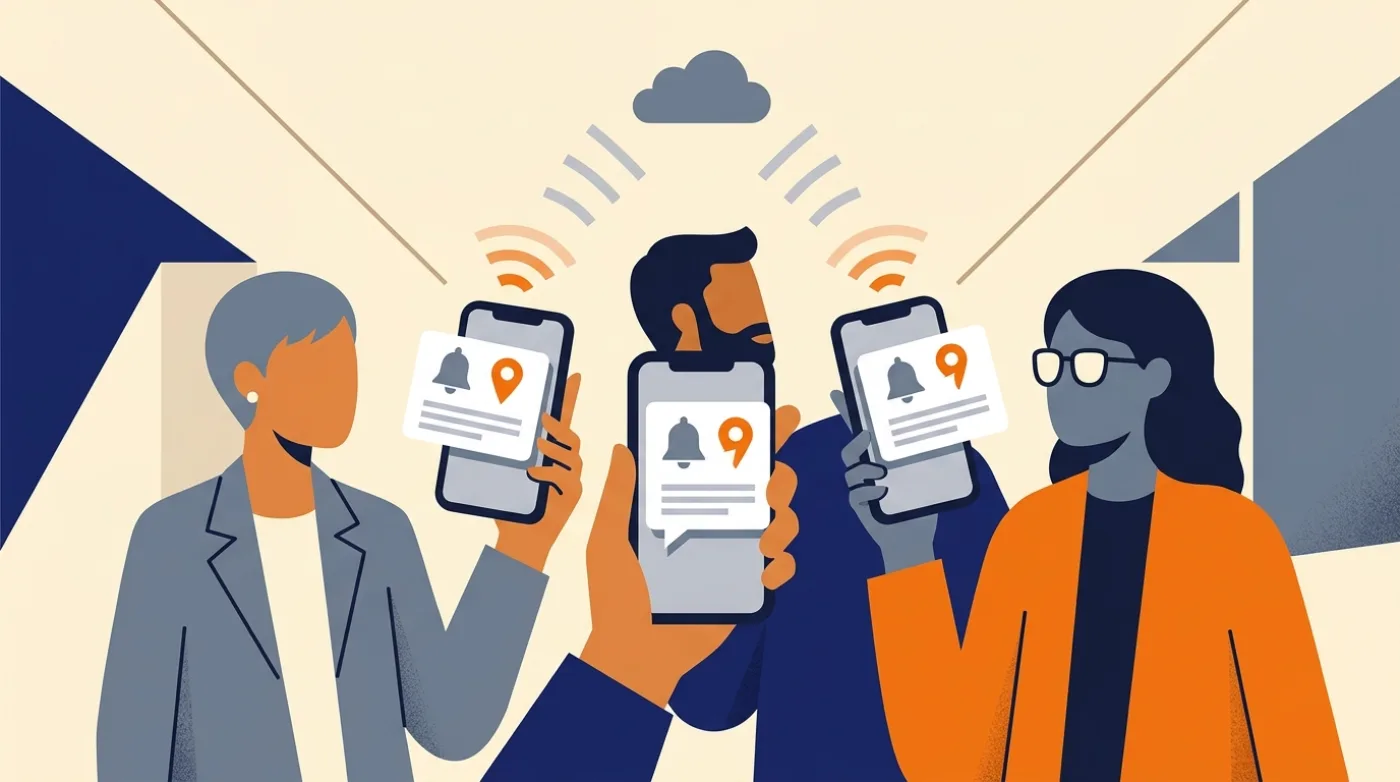
Push notifications are the main reason an event app beats a PDF. They travel through Apple Push Notification service (APNs) on iPhone and Firebase Cloud Messaging (FCM) on Android. Our guide to push notifications in React Native covers how delivery works.
Ask for three kinds: reminders ("15 minutes before any session I starred"), targeted alerts ("tell everyone who saved this session when its room changes") and organizer announcements. CatDoes Cloud's realtime updates change the schedule on every open phone the moment you edit it.
Keep the volume low. A few useful alerts a day beats a phone that buzzes until people mute it.
Step 7: Add the Registration Website and Organizer Dashboard
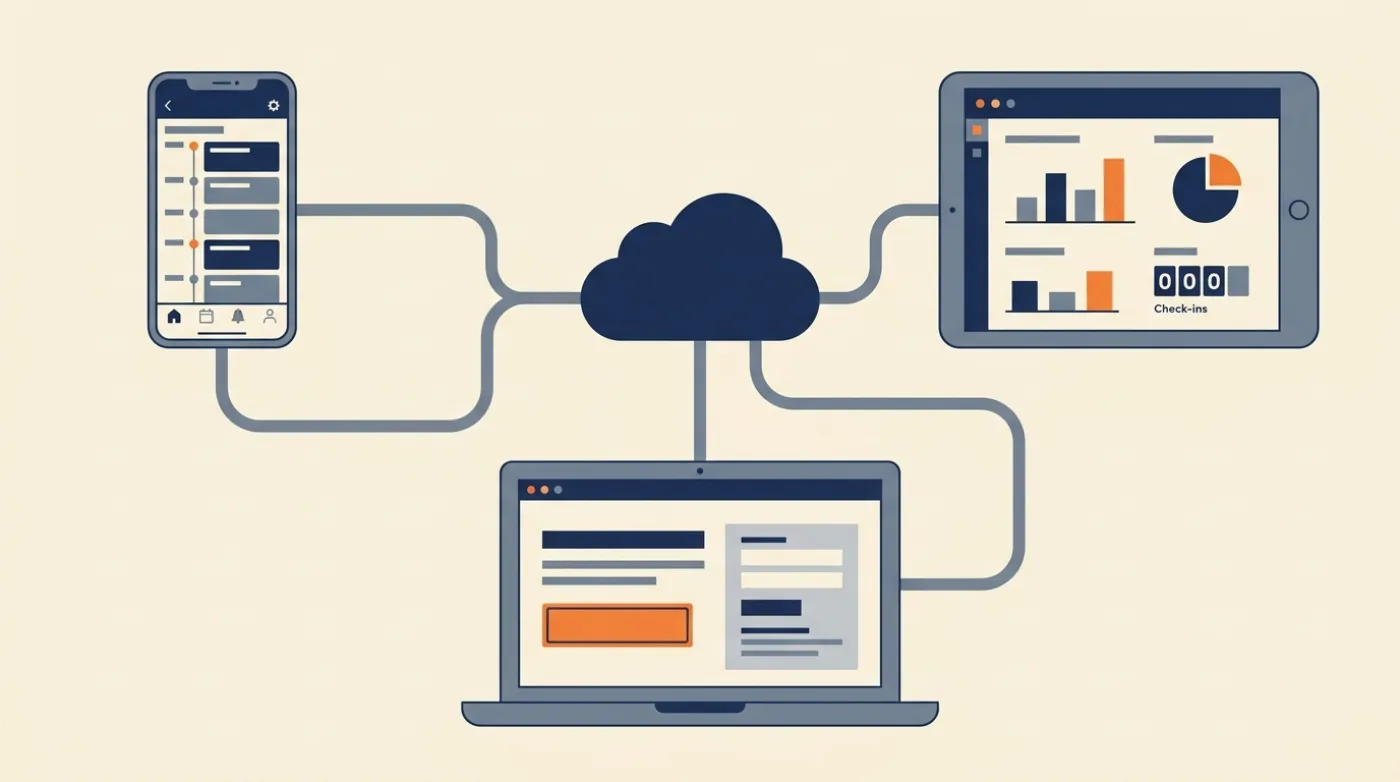
Most people meet your event on the web first, through a link in an email or a post, and they register before they install anything. In CatDoes, the website and the app live in one project and share one database, so a ticket bought on the website is waiting in the app when the attendee signs in.
Ask the agent for a public event page with checkout, plus a sign-in-protected organizer dashboard. Each can run on its own domain, like yourevent.com and admin.yourevent.com, with up to 20 domains per project depending on your plan.
Already have an event website? Paste its URL and CatDoes can turn it into a mobile app instead of starting from zero.
Step 8: Test With Real People, Then Publish
Give the app to five or ten people who didn't help build it. Ask them to get a ticket, build an agenda and check in, and watch where they hesitate. Then test airplane mode, a double scan and a last-minute room change yourself.
Before you submit, run CatDoes's App Store review simulation. It checks your project against Apple and Google Play review rules and tells you what to fix first. Then publish:
Apple App Store: the Apple Developer Program costs $99 per year, and eligible nonprofits, schools and government entities can ask for a fee waiver. Apple says that on average, 90% of submissions are reviewed in less than 24 hours, and if review runs close to your event date, you can request an expedited review for an event-related app.
Google Play: registration is a one-time $25 fee. Personal developer accounts created after 13 November 2023 must run a closed test with at least 12 testers opted in for 14 days before they can publish, so start that test a month out.
Web: publish right away on any CatDoes plan, including Free.
For a company offsite, you may not want the app in public search at all. Our guide to internal app distribution covers the private options Apple and Google offer.
Event App Launch Timeline
Work backward from your event date. This plan leaves room for store review and a round of fixes, assuming a new Google Play account.
When | What to do |
|---|---|
6 weeks before | Write the brief, build the core app in CatDoes, load the schedule |
5 weeks before | Add tickets, check-in and push notifications; test with your team |
4 weeks before | Open registration on the website; start Google Play closed testing |
3 weeks before | Run the review simulation and submit to the App Store and Google Play |
1 week before | Email every registered attendee the download links; send a test announcement |
Event day | Scan tickets at the door, push room changes, watch the check-in counter |
Week after | Send a feedback survey through the app and keep the project for next year |
How Much Does It Cost to Build an Event App?
Building an event app with CatDoes costs $0 for a web version and $50 a month once you want it in the App Store and Google Play. Event platforms charge per event or per year, and the app attendees download is often theirs, not yours.
Option | Price | Your own app in the stores? |
|---|---|---|
CatDoes Free | $0 | No, web app only (with a CatDoes badge) |
CatDoes Starter | $50/month ($42/month billed yearly), plus $99/year for Apple and $25 once for Google Play | Yes, iPhone and Android |
EventMobi | From $3,000 per event, or from $8,900 per year | Branded app is an add-on, price on request |
Eventee | $1,499 to $3,499 per event | White label is a $2,000 add-on on single-event plans |
Whova | Quote only, plus 3.0% + $0.99 per paid ticket on top of Stripe's fee | No, your event lives inside the Whova app |
Luma | Free with a 5% fee on paid tickets, or $59/month billed yearly with no platform fee | No |
Take one conference a year, with the app live for three months around it. On CatDoes Starter that's 3 × $50 = $150, plus $99 for Apple and $25 for Google Play, for $274 in total. Even a full year of Starter ($600 plus the same $124 in store fees) costs less than one event at EventMobi's $3,000 starting price.
Ticket fees matter too. Sell 300 tickets at $50 and Stripe's standard fees come to $525. On the same sales, Whova's ticketing fee adds $747 on top of Stripe and Luma's free plan adds $750.
Eventbrite's US service fee (3.7% + $1.79 per ticket) comes to $1,092 before its 2.9% payment processing fee. EventMobi is the exception, with no ticket fees beyond your payment processor.
Frequently Asked Questions
How much does it cost to build an event app?
With an AI app builder, a native event app can cost under $300 for its first season: three months of CatDoes Starter at $50, plus $99 for Apple and $25 for Google Play. Event platforms charge per event or per year, such as EventMobi from $3,000 per event.
Can I build an event app for free?
Yes, as a web app. The CatDoes Free plan includes 15 one-time credits and publishes to the web with a CatDoes badge, so attendees open your schedule from a link. Publishing to the App Store and Google Play starts on the Starter plan at $50 a month.
Do I need to know how to code to build an event app?
No. With CatDoes you describe the app in plain English, and the agent writes the code, sets up the database, sign-in and storage, and prepares the store builds. Knowing some code helps if you want to read the project, but you don't need it to publish.
How long does it take to build an event app?
A first working version can come together in a day or two of describing and testing. Plan three to six weeks in total, because testing and store review need time. Apple reviews 90% of submissions in under 24 hours, but new personal Google Play accounts need a 14-day closed test before they can publish.
Should my event app be a web app or in the app stores?
A web app is enough for a small or one-off event, since attendees just open a link. Choose the app stores when you need dependable push notifications, offline access or a camera scanner staff use all day. With CatDoes, both versions come from the same project.
Can I sell event tickets in my app without paying Apple a commission?
For in-person events, yes. Apple's Guideline 3.1.3(e) requires a payment method other than In-App Purchase for services used outside the app, so tickets go through Stripe with no Apple commission. Livestream tickets generally need In-App Purchase, though US apps may link out to web checkout.
Build Your Event App Before the Doors Open
A good event app needs a schedule people trust, tickets that scan, alerts that arrive on time and a launch that clears store review before the event. With an AI app builder, that's days of describing and testing instead of months of development, and the app is still yours next year.
Write your one-paragraph brief, paste it into CatDoes and watch the first version of your event app come together. Start building my event app for free.
Nafis Amiri
Co-Founder of CatDoes


