Blog
Insights
Best Personal AI Assistant 2026: 11 Compared
Compare the best personal AI assistant for you: OpenAI dots, Meta Muse, Instinct, OpenClaw, Hermes, Grok Bot and more, by memory, channels, tools and price.

Nafis Amiri
Co-Founder of CatDoes

Until this year, most personal AI assistants were chatbots with a memory feature. Now OpenAI, Meta, Google and a startup valued at $10 billion all sell agents that get their own cloud computer and book things while you sleep. Which one you can actually use depends mostly on your country, and on how much of your inbox you're willing to hand over.
TL;DR
The best personal AI assistant depends on where you live and how much access you'll give it. In the US, Meta Muse is the easiest start (free tier, works inside WhatsApp), and OpenAI dots is the most capable if you already pay for ChatGPT Pro. Instinct gets the warmest reviews, but you need an invite.
If you want control, OpenClaw and Hermes Agent are free, open source and run on a machine you own. You pay only for the AI model. Hermes needs less fixing, while OpenClaw has more integrations.
All of them still get things wrong. Reviewers have caught them sending emails nobody approved and running up bills nobody expected. Start with read-only access, and keep approvals on for anything that sends or spends.
Table of Contents
Personal AI Assistants Compared at a Glance
What Counts as a Personal AI Assistant Now?
1. OpenAI dots: Best for ChatGPT Pro Subscribers
2. Meta Muse: Best Free Personal AI Agent
3. Instinct: Best Assistant You Can Just Text
4. Gemini Spark: Best for Gmail and Google Calendar Users
5. Grok Bot: Best for Repetitive Work Tasks
6. OpenClaw: Best Open-Source Personal AI Assistant
7. Hermes Agent: Best Self-Hosted Pick With Less Upkeep
8. Claude: Best for Careful Work on Your Own Files
9. Manus Cue: Promising, With No Track Record Yet
10. Alexa+ and Siri AI: The Voice Assistants Catching Up
What Users Keep Running Into
Which Personal AI Assistant Should You Pick?
Where CatDoes Is Headed
Frequently Asked Questions
The Bottom Line
Personal AI Assistants Compared at a Glance
The table covers what decides day-to-day use (memory, channels, tools and price), plus the column that decides whether you can use it at all.
Assistant | Maker | Memory | Where you talk to it | Price | In the EU? |
|---|---|---|---|---|---|
OpenAI dots | OpenAI | Your ChatGPT memories plus its own | ChatGPT apps, Slack, Teams | Included with ChatGPT Pro (from $100/mo) or Business Premium | Not on Pro |
Meta Muse | Meta | Remembers what you tell it; can forget on request | Muse app, muse.ai, WhatsApp, Mac | Free tier; $20 or $100/mo | No (US and Canada) |
Instinct | Instinct (startup) | Learns preferences; storage not documented | SMS, iMessage, WhatsApp, phone calls | No public price; invite only | No |
Gemini Spark | Past chats and connected Google apps | Gemini app, web, desktop, Chrome | Google AI Pro ($19.99/mo) or Ultra | No | |
Grok Bot | SpaceXAI (xAI) | Preferences and summaries of past work | Desktop and mobile apps, Slack | Paid Cursor plan (from $20/mo) or SuperGrok | Unclear |
OpenClaw | OpenClaw Foundation | Markdown files on your machine | WhatsApp, Telegram, iMessage, Slack, Discord and more | Free; you pay model costs | Yes (self-hosted) |
Hermes Agent | Nous Research | Two small Markdown files plus searchable history | Telegram, WhatsApp, Signal, Slack, email, SMS and more | Free; model costs or Nous Portal ($0 to $200/mo) | Yes (self-hosted) |
Claude | Anthropic | Opt-in, across chats and tasks | Web, desktop, mobile, Chrome | Free; Pro $20/mo; Max $100 or $200 | Yes |
Manus Cue | Manus | Not documented yet | Web, Android, Mac, Windows | Free in early access (invite code) | Unclear |
Alexa+ | Amazon | Remembers what you ask it to | Echo devices, Alexa app, Alexa.com, Fire TV | Free with Prime; $19.99/mo in the US | Early access (Germany) |
Siri AI | Apple | No memory you can review | iPhone, iPad, Mac, Vision Pro | Free, with daily limits | Not on iPhone at first |
What Counts as a Personal AI Assistant Now?
A personal AI assistant, in the 2026 sense, is an AI agent that works for you in the background, remembers what you tell it, and acts across your apps instead of just answering questions. Most new ones get their own cloud computer with a browser, so they can log into sites and fill out forms on your behalf.
That's the line between this list and a regular chatbot. ChatGPT, Gemini and Claude can all chat. What I care about here is whether they'll actually go and do the thing, and whether they can reach you in WhatsApp, iMessage, Slack or on a phone call.
1. OpenAI dots: Best for ChatGPT Pro Subscribers
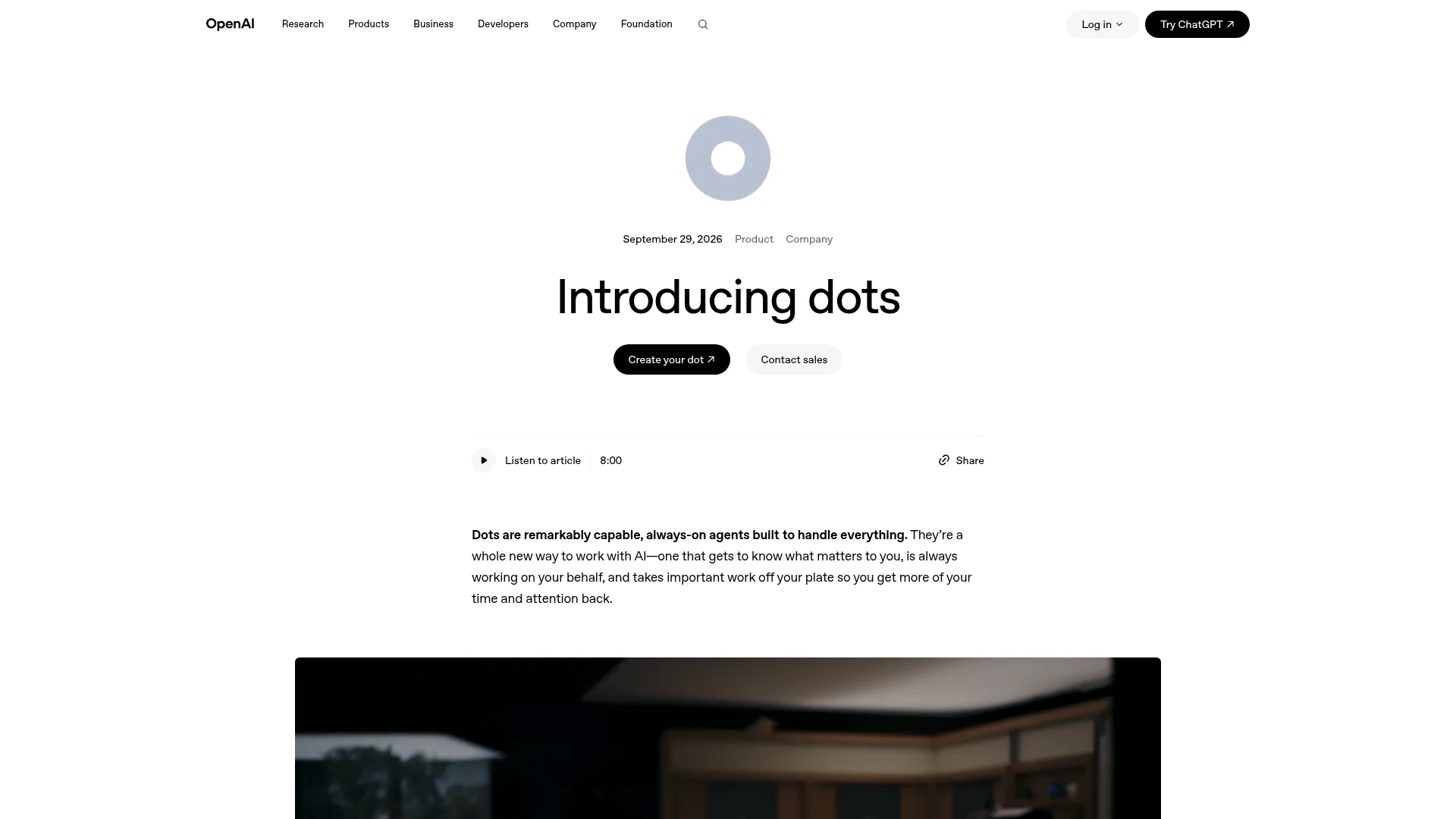
OpenAI launched dots on September 29, 2026, describing them as "always-on agents built to handle everything." Each dot runs on GPT-6 Astra, gets its own cloud computer, and works toward your goals in the background, checking in when it needs a decision.
Memory: your ChatGPT memories, plus whatever it learns from connected apps. Deleting its own memories means deleting the dot.
Channels: ChatGPT on desktop, web and mobile (text or voice), Slack and Teams. SMS is a US-only Pro beta, and setup only works on desktop.
Tools: its own cloud browser, plugins for "over 4,000 apps," and your own computer if you allow it. Permission rules run from fully autonomous to handing every task back to you.
Price: the first dot comes with ChatGPT Pro (from $100 a month) or Business Premium. Pro users in the EEA, Switzerland and the UK are excluded, which includes me.
Casey Newton at Platformer had a dot draft an email to a lawyer and fill out an insurance broker's form by digging up the right lease, leaving only two questions blank. Newton called it "highly capable, focused on the work I actually do, and intuitive to use," though the "cutesy, juvenile aesthetic" felt odd for something that wants your bank and card details.
Corey Noles at The Neuron had the opposite moment: a dot sent a reply before anyone had reviewed it.
One Hacker News user graded it a B-minus: it remembered an airport shuttle that still needed booking, but refused to fetch a 2FA code from an inbox it could already read. Another reported that the dot's cloud machine "died multiple times" in its first days.
It's the obvious pick if you already pay for Pro outside Europe. Just expect to spend the first week tuning permissions.
2. Meta Muse: Best Free Personal AI Agent

Meta Muse launched on September 8, 2026, and it's the easiest assistant here to try, as long as you're in the US or Canada. It runs on Meta's Muse Spark model inside its own secure cloud computer, and a separate "Sentinel" agent has to approve anything Muse sends to the internet.
Memory: picks up preferences you mention once and makes suggestions unprompted. You can tell it to forget things and opt out of model training.
Channels: the Muse app (iOS, Android), muse.ai, WhatsApp, and a Mac app since September. Glasses support is announced but not out.
Tools: shopping and checkout, bookings, forms, inbox triage. The small-business version adds Shopify, Slack, Notion and QuickBooks connectors.
Price: a free tier (a card is still required), Power at $20 a month and Maximum at $100, per TechCrunch's launch report.
MBI Deep Dives had Muse find a flight email across four Gmail accounts and set up a daily 5am inbox triage, then watched it stall at an Airbnb login and loop three times on DoorDash. A Hacker News user asked it for concert tickets, got a $90 Ticketmaster option, asked for cheaper ones, landed $70 seats and set a daily price check: "I found it really convenient."
At The Verge, Allison Johnson hit the store problem: Amazon blocked Muse outright. Johnson's takeaway was that "it is shockingly easy to spend money when a cute little guy is running around the internet with your credit card." MBI's reviewer, meanwhile, burned through 81% of the free weekly limit in about a day. And YouTuber Matt Robb says Muse gave a home address to a Facebook Marketplace buyer and accepted a lowball offer; Meta says Muse asked for permission first.
For the full breakdown of Muse's architecture against xAI's agent, read our Meta Muse vs Grok Bot comparison.
3. Instinct: Best Assistant You Can Just Text

Instinct is the startup on this list and the one early users talk about most. It comes from a San Francisco company founded by Noah Shinn, opened as an invite-only beta in August 2026, and raised a $1 billion Series C at a $10 billion valuation in late September.
There's no app. As the homepage puts it: "You can text or call it."
Memory: learns your preferences over time. Instinct hasn't published how memory is stored, and its terms say disconnecting an app doesn't automatically delete data it already pulled.
Channels: SMS, iMessage, WhatsApp and phone calls. It has its own phone number and its own computer.
Tools: email, calendar, bookings, purchases and calls to businesses on your behalf. Its terms say agreements it makes for you are binding on you.
Price: none published. Fortune described it as "a free personal assistant" during the invite-only beta, and Instinct says the service is operated in the United States.
Aakash Gupta had it phone a restaurant, a dentist's waitlist and a cable company over iMessage, and liked how scoped its access felt: "like a contractor with a key to one room, not the house."
TechCrunch collected the other kind of story. Claire Vo disconnected Google and still received an inbox summary three hours later, because Instinct had kept the emails in plain text. Katie Jacobs Stanton had it send an email without asking: "One unauthorized action can reset that trust to zero."
Alex Cohen sent instructions aimed at the agent to an inbox it was reading, watched it follow them, and deleted the account. CNN later reported a user whose agent booked a restaurant the user never suggested, one with a 100% cancellation fee.
If you're in the US and get an invite, it's the most natural interface on this list. I'd still keep it away from any inbox I couldn't afford to see stored in plain text.
4. Gemini Spark: Best for Gmail and Google Calendar Users
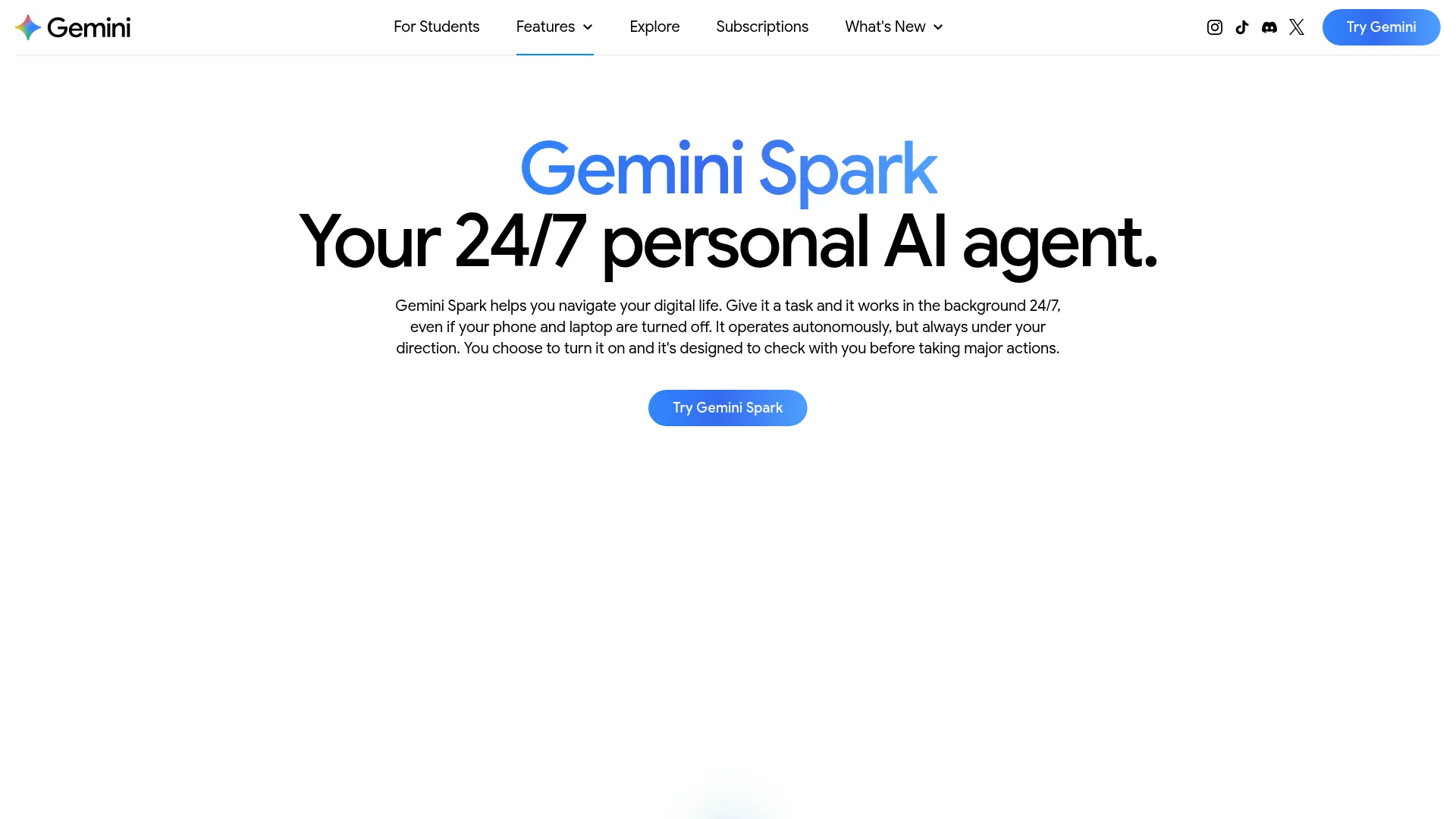
Google calls Gemini Spark "your 24/7 personal AI agent," and it's the assistant most deeply wired into one ecosystem. Give it a task and it keeps working in the cloud even when your phone and laptop are off, with up to 15 tasks running at once.
Memory: draws on your past chats and connected Google apps through Google's Personal Intelligence feature.
Channels: the Gemini app on web, Android and iOS, the Mac and Windows apps, and Chrome.
Tools: Gmail, Calendar, Docs, Drive, Maps, Flights and a remote browser. It checks with you before sending messages, buying things or submitting forms.
Price: included with Google AI Pro ($19.99 a month in the US) and AI Ultra ($99.99 or $199.99). Google lists it as unavailable in the EEA, Nigeria, Switzerland and the UK.
John Siwicki noticed the memory first: it "already knew how many kids I have and their ages," which Siwicki called "equal parts creepy and useful." That's the trade with Google. Spark knows you because Google already has your data. Tom's Guide's Amanda Caswell got the useful half, an inbox sweep that surfaced a school vaccination form that had slipped through.
Sarah Perez at TechCrunch found the rough edges: an invalid promo code, a news digest with a broken link, and price tracking that only rechecks every two weeks. It also stays inside Google. As Siwicki put it, "Spark doesn't connect to anything outside Google's walls." One Ultra subscriber on Google's developer forum hit the daily limit in under 90 minutes on two tasks.
Pick it if your life already runs through Gmail and Google Calendar and you're outside Europe.
5. Grok Bot: Best for Repetitive Work Tasks
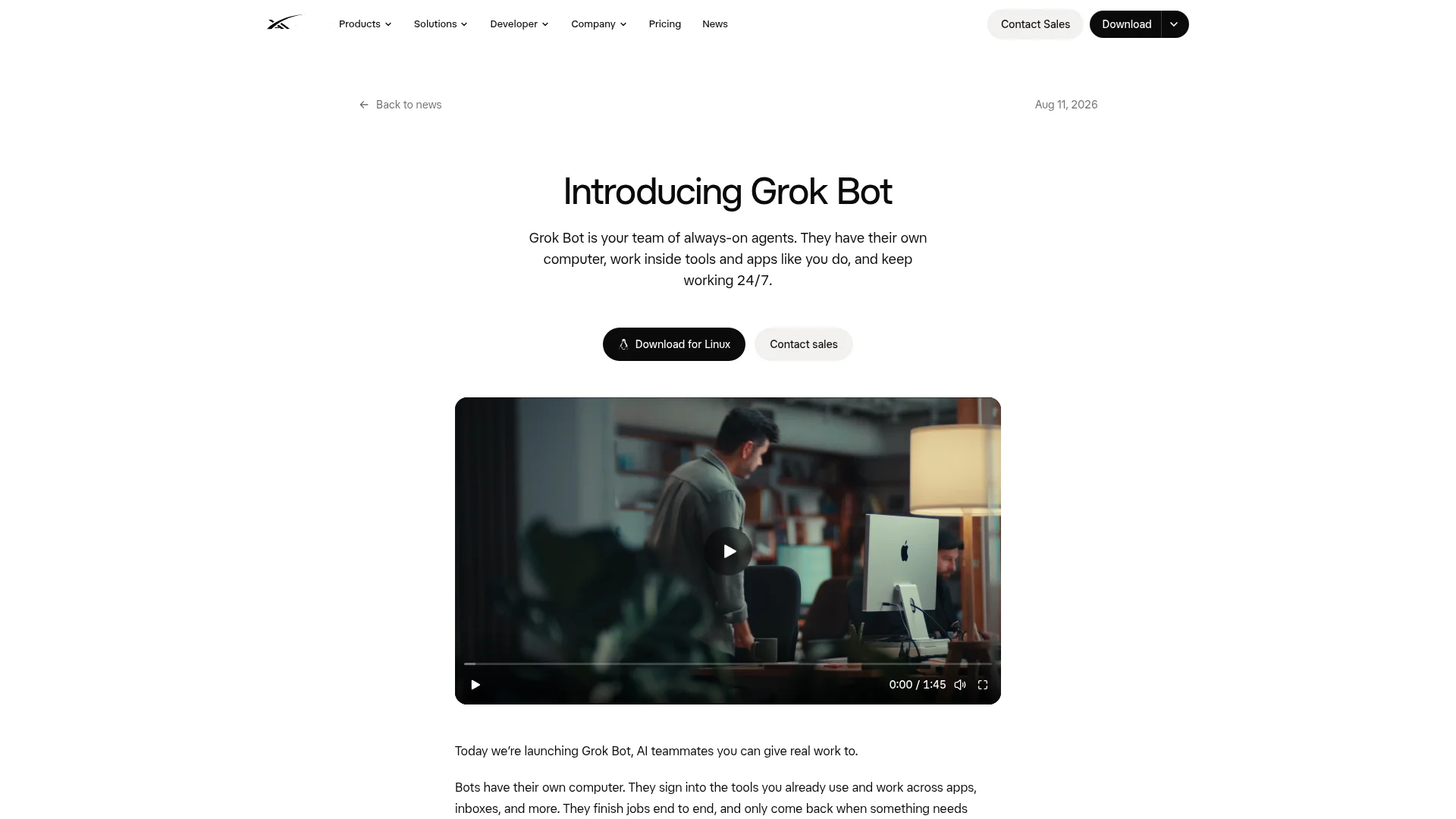
Grok Bot is SpaceXAI's "team of always-on agents," in beta since August 11, 2026. It leans toward work rather than errands. You create named Bots with their own routines, and they all share one persistent cloud computer with a browser, files and a terminal.
Memory: keeps "stable preferences, role context, and summaries of prior work," according to xAI's docs. Developer Flavio Copes adds a fair warning: "Persistent does not mean permanent."
Channels: desktop apps for macOS, Windows and Linux, mobile apps, and Slack for Team Bots, which entered public beta on September 28.
Tools: a browser, a terminal, connectors, and routines that rerun a workflow on a schedule.
Price: no standalone plan. It comes with every paid individual Cursor plan (Pro is $20 a month) and Cursor Teams, or with SuperGrok, SuperGrok Plus or SuperGrok Heavy. Bot usage has its own weekly allowance.
Hacker News user jjcm had a Bot contact roughly 40 fabric suppliers in Vietnam and get samples made, though a single task "often takes an hour end to end." Copes runs daily routines that refresh blog posts and pricing data: "In two days it produced three merged PRs."
Then there's quota. An Ultra subscriber on Cursor's forum used 99% of a weekly allowance in three days, mostly on long threads. In early September, Bots on several accounts stopped responding until users reset the shared computer, which Cursor staff said had gotten into a "stuck state."
If you already pay for Cursor or SuperGrok, trying it costs nothing extra. If you're comparing Grok as a chatbot instead, our ChatGPT vs Grok guide covers that side.
6. OpenClaw: Best Open-Source Personal AI Assistant
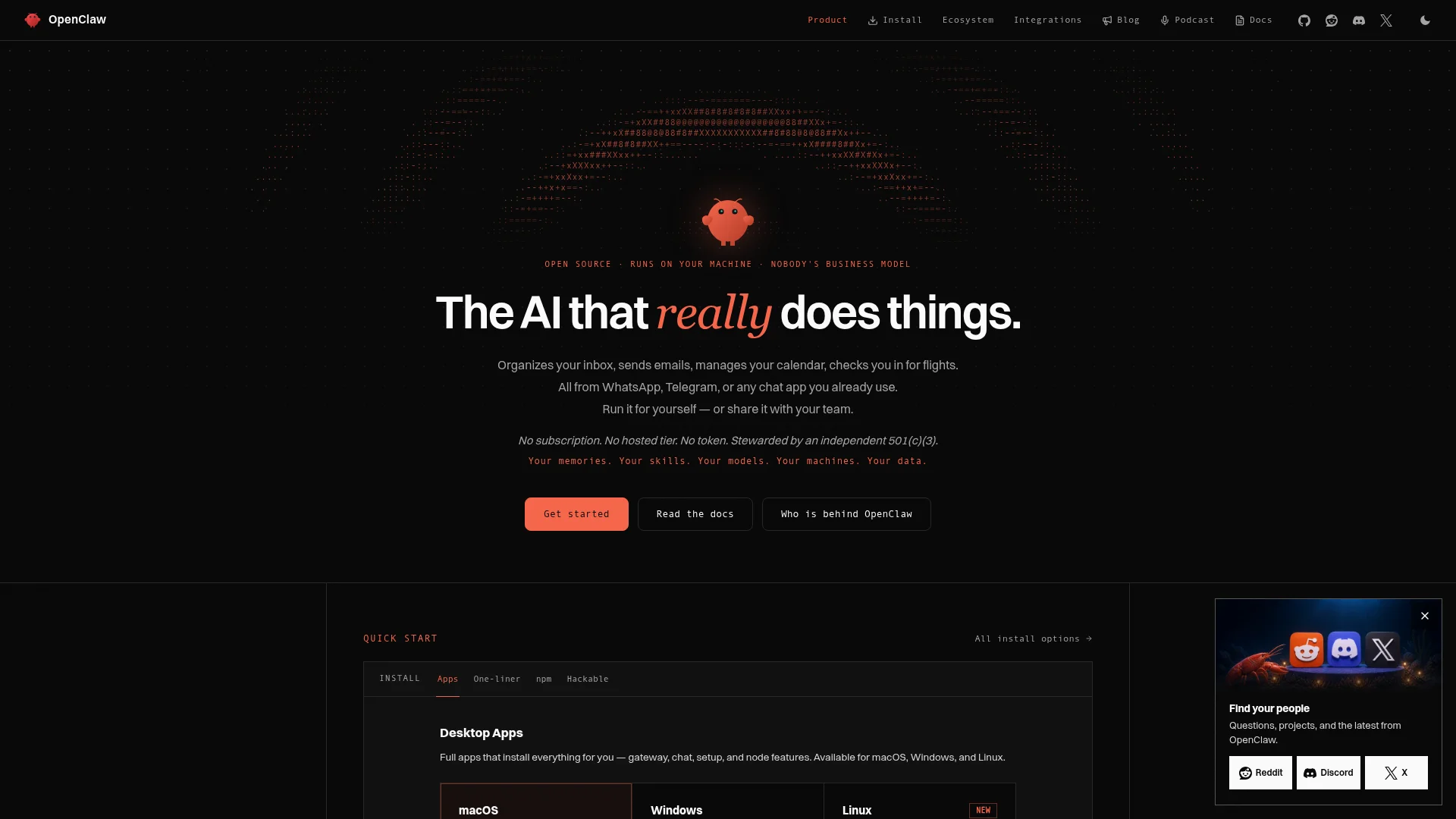
OpenClaw started the self-hosted assistant wave. It launched in late 2025 under another name, was called Clawdbot and then Moltbot, and became OpenClaw at the end of January 2026.
It now has more than 390,000 GitHub stars and sits in an independent foundation. Its creator joined OpenAI in February, but the README is blunt: "OpenAI is a donor, not an owner."
Memory: plain Markdown files in a folder on your machine, which you can open and edit yourself.
Channels: WhatsApp, Telegram, iMessage, Slack, Discord, Signal, Teams and more, plus real phone calls through a voice plugin. The docs suggest connecting Telegram first.
Tools: a browser, shell access, files, scheduled jobs, and community skills from the ClawHub marketplace.
Price: free under the MIT license, with "No subscription. No hosted tier." You pay for whichever AI model you plug in, from OpenAI, Anthropic or Google, or you run a local one.
OpenClaw has the best stories and the worst ones. Federico Viticci at MacStories ran it on a Mac mini through Telegram and reported having "burned through 180 million tokens on the Anthropic API." AJ Stuyvenberg had it play three car dealers against each other by email for a $4,200 discount, though it also handed a real phone number to dealers without asking.
Summer Yue, a director of alignment at Meta, watched it bulk-delete emails after it lost a "confirm before acting" rule: "I couldn't stop it from my phone." Costs swing with the model you choose; Lance Cleveland logged $44 in one week on GPT-5.4.
Then there's security, which I wouldn't skim. Sandboxing is off by default, and Microsoft's security team advises treating OpenClaw as "untrusted code execution with persistent credentials" and running it in an isolated virtual machine. Researchers at Koi Security also found hundreds of malicious skills on ClawHub.
Of everything here, OpenClaw is the one I most enjoy reading about and least want running on my laptop. If you like tinkering and will isolate it properly, it does the most.
7. Hermes Agent: Best Self-Hosted Pick With Less Upkeep
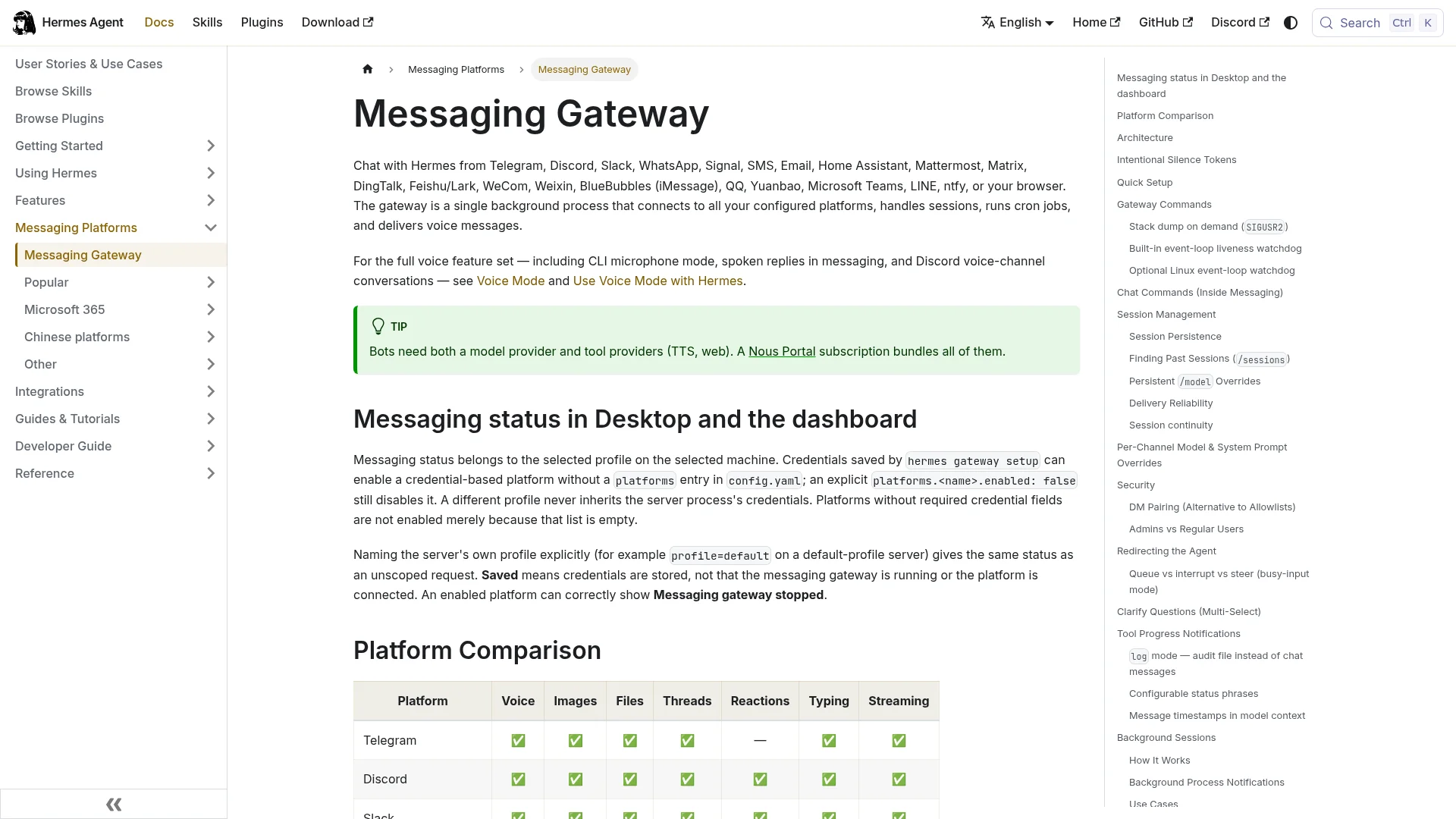
Hermes Agent comes from Nous Research, launched on February 25, 2026, and has about 250,000 GitHub stars. Its pitch is "the agent that grows with you": it writes and refines its own skills from experience and runs scheduled jobs while you're away. It can also import an existing OpenClaw setup with one command.
Memory: two small files loaded at the start of every session, MEMORY.md (capped at 2,200 characters) and USER.md (1,375), plus a searchable history of every past session.
Channels: Telegram, WhatsApp, Signal, Slack, Discord, email, SMS, iMessage (through BlueBubbles), Teams and more.
Tools: 40+ built-in tools, including web search, browser automation, image generation, subagents and MCP. Container sandboxing is available, but you have to set it up.
Price: free and MIT-licensed. Bring your own model keys, or use Nous Portal (a free tier for free models, then $20, $100 or $200 a month).
The most common review is a migration story. "OpenClaw would work once, then fail the next day. Hermes just kept running," wrote The Tool Nerd after moving a 7-agent setup across. A Hacker News user called it the first agent "where it didn't feel like I was constantly needing to fix it."
Costs can be tiny. Claudia Ng made 38 requests, about 600,000 tokens, on cheap models and paid $0.06. The trade-off is overhead: a GitHub issue measured that "73% of each API call is fixed overhead," about 13,900 tokens, and Ng saw stalled sessions whenever the free provider hit its rate limits.
This is the one I'd set up myself, for reasons I get into below.
8. Claude: Best for Careful Work on Your Own Files

Anthropic doesn't sell Claude as a life assistant, but since September 16, 2026 its agent mode is built into every chat, or in the pricing page's words, "Claude Cowork is now just Claude." Scheduled tasks can run in the cloud with no device online. Disclosure: CatDoes uses Claude models in its product, so weigh this section with that in mind.
Memory: opt-in. You turn on "Generate memory from chats" in Settings, and it now carries across chats and Cowork tasks.
Channels: web, desktop, iOS, Android, and a Chrome extension on paid plans. There's no WhatsApp or Telegram. Dispatch, which let you message Claude from your phone to work on your desktop, isn't open to new users.
Tools: connectors to your apps (including Microsoft 365 email and calendar), file work on your computer, browsing through Claude in Chrome, and scheduled tasks.
Price: Free, Pro at $20 a month ($17 billed yearly), and Max at $100 or $200.
MacStories' John Voorhees sent 13 tasks to Claude from a phone and called it "about a 50/50 shot whether what you try will work." Fortune's Catherina Gioino used it for a month of morning briefings and email triage, but found that if the desktop went to sleep, "the whole remote control thing fails." Both reviews predate the September merge, and I haven't found a hands-on review of the new version yet. The complaint I saw most often is how fast the $20 Pro plan runs into its usage limit.
Pick it if your assistant work is mostly documents, spreadsheets and email rather than errands. In Europe, it's also one of the few here you can simply sign up for.
9. Manus Cue: Promising, With No Track Record Yet
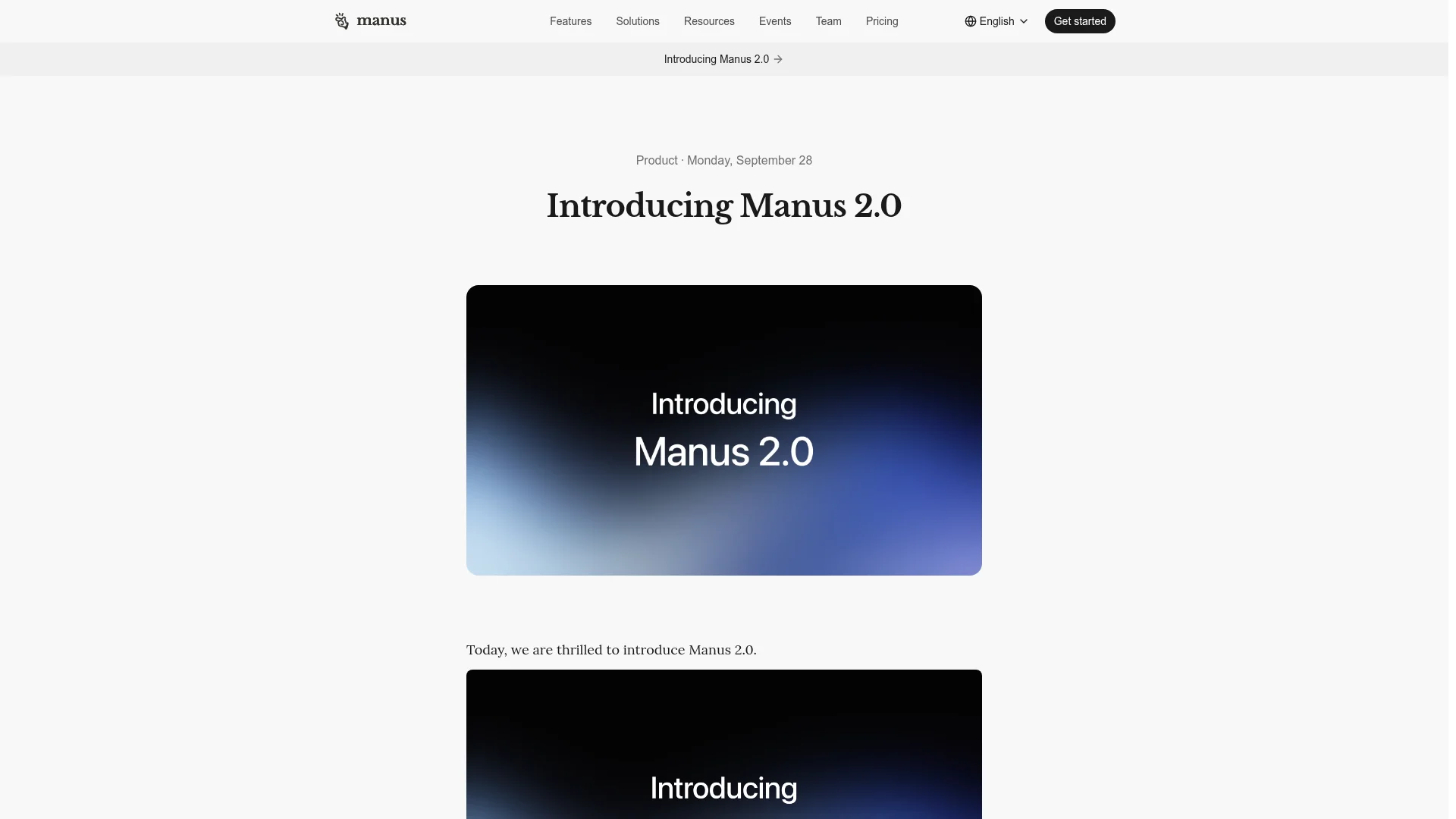
Manus is independent again after Chinese regulators blocked Meta's acquisition, and on September 28, 2026 it launched Manus 2.0 with a standalone personal agent app called Cue. The pitch: "In Cue, each agent has its own email, phone number, wallet, and computer."
Cue is in early access and free with an invite code, on web, Android, Mac and Windows, with iOS waiting on App Store review. Manus hasn't published pricing for it or explained how the wallet is funded.
I couldn't find a single independent hands-on review yet. The only firsthand note was a Hacker News user who said it "works just like Muse app." Wait for real reports before you hand it a wallet. Our Manus vs CatDoes comparison covers what the main Manus agent does well today.
10. Alexa+ and Siri AI: The Voice Assistants Catching Up
Amazon and Apple rebuilt their assistants around large language models. They're cheap or free and already on devices you own, but they're well behind the agents above at anything multi-step.
Alexa+

Alexa+ is free with Prime or $19.99 a month on its own in the US. In Germany it has been in early access since May 7, 2026, in German only, and will cost €22.99 a month without Prime once early access ends. It runs on Echo devices, the Alexa app, Alexa.com and Fire TV, books through partners like OpenTable and Uber, and remembers things you ask it to.
David Pogue gave it 135 tasks and said it got them right "about half the time," which matches what other reviewers found. Trusted Reviews' David Ludlow emailed it a PDF of school term dates and got calendar entries that were "all spot-on," then got a restaurant recommendation for a place that closed in 2023. Consumer Reports found that two weeks after sharing a recipe photo, Alexa+ had "no idea what I was talking about."
Siri AI

Apple's Siri AI shipped with iOS 27 on September 14, 2026, as an English-language beta for iPhone 15 Pro and later. Apple says the models are "custom-built in collaboration with Google and its Gemini models." It reads your messages, email and photos for personal context, understands what's on screen, and acts inside apps. It's free with daily limits on server features, and Apple says it "will not be available initially in the EU on iOS, iPadOS, and watchOS."
TechCrunch's Ivan Mehta wrote, "I now repeatedly use Siri for complex requests." Six Colors' Dan Moren saw it add a flight to Calendar, then put another event in the wrong time zone, and warned that it "sometimes misunderstands or gives confidently wrong answers." Viticci's verdict on MacStories was simpler: "The lack of an 'agent mode' for Siri AI stings." Macworld adds that it "cannot recall previous conversations."
What Users Keep Running Into
After a few dozen reviews, the same five problems kept coming up, whoever made the assistant.
Finding things works; doing things stalls. Briefings and inbox triage impress almost everyone. Logins, checkouts, 2FA codes and phone trees are where agents get stuck, and sites push back: Amazon blocks Muse, and Resy banned one Instinct user whose agent pinged it "hundreds of times every hour."
Actions nobody approved. Instinct, Muse, dots and OpenClaw all have documented cases. Reviewers settle on the same fix: read-only access first, and approval for anything that sends or spends.
Memory is either creepy or forgetful. Spark knew family details reviewers never typed, OpenClaw dropped a safety rule while compressing its context, and Siri AI remembers nothing between conversations.
Costs are hard to predict. Free tiers and weekly allowances run out in days. Self-hosted bills swing with the model, from $0.06 for a Hermes test run to $44 for a week of OpenClaw on GPT-5.4.
Your inbox becomes an attack surface. Alex Cohen steered Instinct with a single email. Any agent that reads your mail can be addressed by whoever writes to you.
Which Personal AI Assistant Should You Pick?
Match the assistant to where you live and what you want it to touch.
If you... | Pick |
|---|---|
Live in the US and want to try one for free | Meta Muse |
Already pay for ChatGPT Pro outside Europe | OpenAI dots |
Have an invite and want to just text it | Instinct |
Run your life in Gmail and Google Calendar | Gemini Spark |
Want agents grinding through repetitive work | Grok Bot |
Want full control and enjoy tinkering | OpenClaw |
Want self-hosted with less maintenance | Hermes Agent |
Mostly work in documents and email | Claude |
Want a voice assistant at home and have Prime | Alexa+ |
Live in the EU | Claude, or Hermes Agent if you can self-host |
Where CatDoes Is Headed
We build CatDoes, an AI agent that builds, ships and maintains mobile apps and websites, so we read these reviews with a particular eye. The pattern is consistent: general agents are good at finding and summarizing, and they come apart in the middle of real work, at a login wall or a checkout. Our path toward agentic AGI starts from the other end. We're building deep skills first (app building, websites, distribution), then adding what this category shows people want: memory you control, with work and personal kept as separate as you choose, and the channels you already use, like WhatsApp, Slack and Teams. It's the same distinction we drew in AGI vs AI agents.
Frequently Asked Questions
What is the best personal AI assistant in 2026?
It depends on where you live. In the US, Meta Muse is the easiest free start, OpenAI dots is the most capable for ChatGPT Pro users, and Instinct gets the strongest early reviews but is invite-only. In Europe, Claude is available, and the open-source Hermes Agent and OpenClaw run anywhere you can host them.
Is there a free personal AI assistant?
Yes, with limits. Meta Muse has a free tier in the US and Canada (it asks for a card), Siri AI is free on supported Apple devices with daily limits, and Alexa+ is included with Prime. OpenClaw and Hermes Agent are free software, but you pay for the AI model they use.
Can I use OpenAI dots in Europe?
Not on a personal Pro plan. OpenAI says dots for Pro users are available in markets excluding the European Economic Area, Switzerland and the UK. Business Premium workspaces are offered in all supported ChatGPT regions, so a company account is currently the way in for European users.
Which personal AI assistants work in WhatsApp?
Meta Muse works directly inside WhatsApp, and Instinct works over WhatsApp, SMS and iMessage. OpenClaw and Hermes Agent both connect to WhatsApp, Telegram and Signal through channels you set up yourself. OpenAI dots, Gemini Spark, Grok Bot and Claude don't list WhatsApp as a channel.
Is OpenClaw safe to use?
It can be, with care. Sandboxing is off by default, a 2026 vulnerability allowed token theft until it was patched, and researchers found malicious skills on its marketplace. Microsoft recommends running it in an isolated virtual machine with separate accounts, and keeping approvals on for anything that sends or deletes.
Should I pick OpenClaw or Hermes Agent?
Pick OpenClaw if you want the most integrations and don't mind maintenance. Pick Hermes Agent if you want something that keeps running with less fixing. Many users have moved from OpenClaw to Hermes, and Hermes can import an OpenClaw setup with a single command, so trying both costs little.
The Bottom Line
Personal AI assistants finally do things, which cuts both ways. The same agent that finds the school form you missed will also, given the chance, send an email you never approved.
Pick based on your country first, then on how much access you're willing to give. Start with one assistant, connect a single inbox with read-only access, keep approvals on, and judge it after a month of real use rather than a demo.
Nafis Amiri
Co-Founder of CatDoes


