Blog
Insights
Best AI App Builder for Startups (2026)
The best AI app builder for startups and non-technical founders in 2026, compared on native apps, backend, pricing, and lock-in. See who ships fastest.

Nafis Amiri
Co-Founder of CatDoes

TL;DR
The best AI app builder for startups and non-technical founders is the one that takes you from a plain-English idea to a live product, not just a demo. For most founders, CatDoes is the strongest all-around pick: you describe the app, an AI agent writes the code, and it ships native mobile apps and websites to the App Store, Google Play, and the web with a backend already included. If you only need a web app, Lovable and Bolt.new are fast. For logic-heavy web tools, Bubble is the veteran. For internal tools and client portals, Softr and Glide win. Below we compare all eight on what actually matters to a founder: shipping real apps, included backend, pricing, and lock-in.
Table of Contents
What Non-Technical Founders Actually Need
Quick Comparison of the Best AI App Builders
The 8 Best AI App Builders for Startups in 2026
How to Choose the Right App Builder for Your Startup
Mistakes Non-Technical Founders Make
Frequently Asked Questions
The Bottom Line
What Non-Technical Founders Actually Need
You have an app idea and no engineering team. Hiring a developer runs into the thousands, and learning to code from scratch is not the plan. Every month the idea sits in a Notion doc, someone else gets closer to shipping it. A new class of AI app builders fixes this by turning a plain-English description into a working app, so the question is no longer "can I build it" but "which tool actually gets me to launch."
Not every builder is built for a founder without a technical background. When you strip away the marketing, the same six things decide whether you ship or stall.
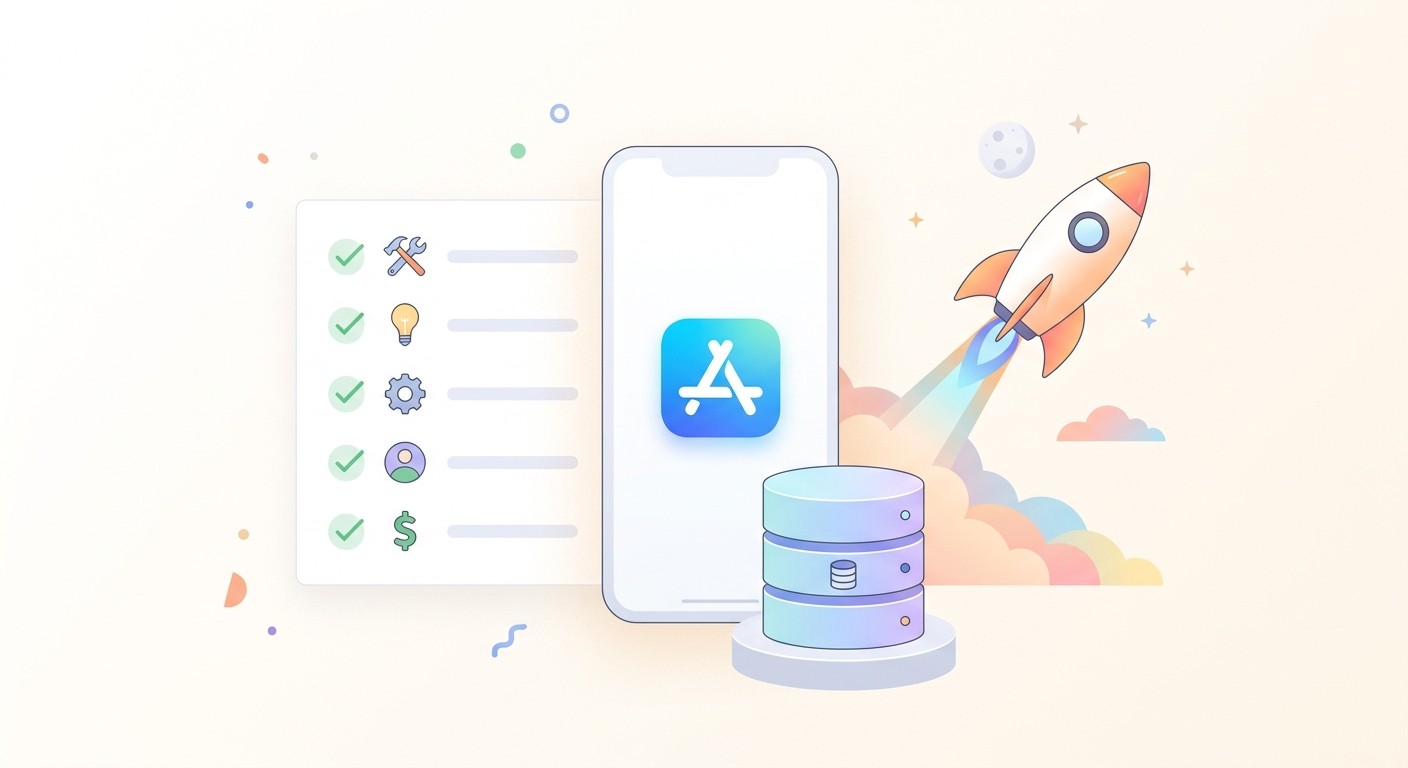
Truly no code. You want to type what you want in plain English, not learn a visual programming canvas with its own logic tab. AI-first tools describe-and-build; older no-code tools still make you assemble workflows by hand.
A real product, not a prototype. A pretty preview is not a business. Check whether the tool actually publishes to the App Store, Google Play, and the web with a custom domain, or whether you hit a wall the moment you try to launch.
A backend included. Almost every app needs a database, user accounts, and file storage. If the builder does not include one, you are wiring up Firebase or Supabase yourself, which is exactly the kind of technical work you were trying to avoid.
Predictable pricing. Several popular tools bill by usage (workload units, credits, or updates) and the bill jumps as your app grows. Know the pricing model before you commit, not after your launch goes well.
Speed to a working version. Momentum matters more than polish early on. The faster you get a real build in front of users, the faster you learn whether the idea works.
An exit from lock-in. If the app takes off, you may want to bring in a developer. Tools that give you the actual source code keep that door open. Most no-code platforms do not.
Quick Comparison of the Best AI App Builders
A fast side-by-side. Prices are starting points as of mid-2026 and should be verified on each vendor's site, since several restructured pricing in the last year. "Native" means real iOS and Android apps you can publish to the stores, not a web wrapper.
Tool | Use case | Real native apps | Backend included | Free plan | Starts at |
|---|---|---|---|---|---|
CatDoes | Founders who want mobile and web from a prompt | Yes | Yes, all plans | Yes | ~$20/mo |
Bubble | Complex, logic-heavy web apps | Wrapper | Yes | Yes (no publish) | ~$29/mo |
Lovable | Fast web app MVPs by chatting | No | Supabase | Yes | $25/mo |
Bolt.new | Full-stack web prototypes | No | Supabase | Yes | $25/mo |
FlutterFlow | Founders who want native and don't mind a design tool | Yes | No (bring your own) | Yes | $39/mo |
Adalo | Simple native mobile apps | Yes | Yes | Yes | ~$36/mo |
Softr | Client portals and internal tools | No | Airtable/Sheets | Yes | ~$49/mo |
Glide | Apps built from a spreadsheet | No (PWA) | Yes | Yes | ~$25/mo |
The 8 Best AI App Builders for Startups in 2026
Each tool below is a genuinely good choice for the right founder. The order reflects how well each one fits a non-technical founder who wants to ship a real product without hiring an engineer.
1. CatDoes: Best Overall for Non-Technical Founders
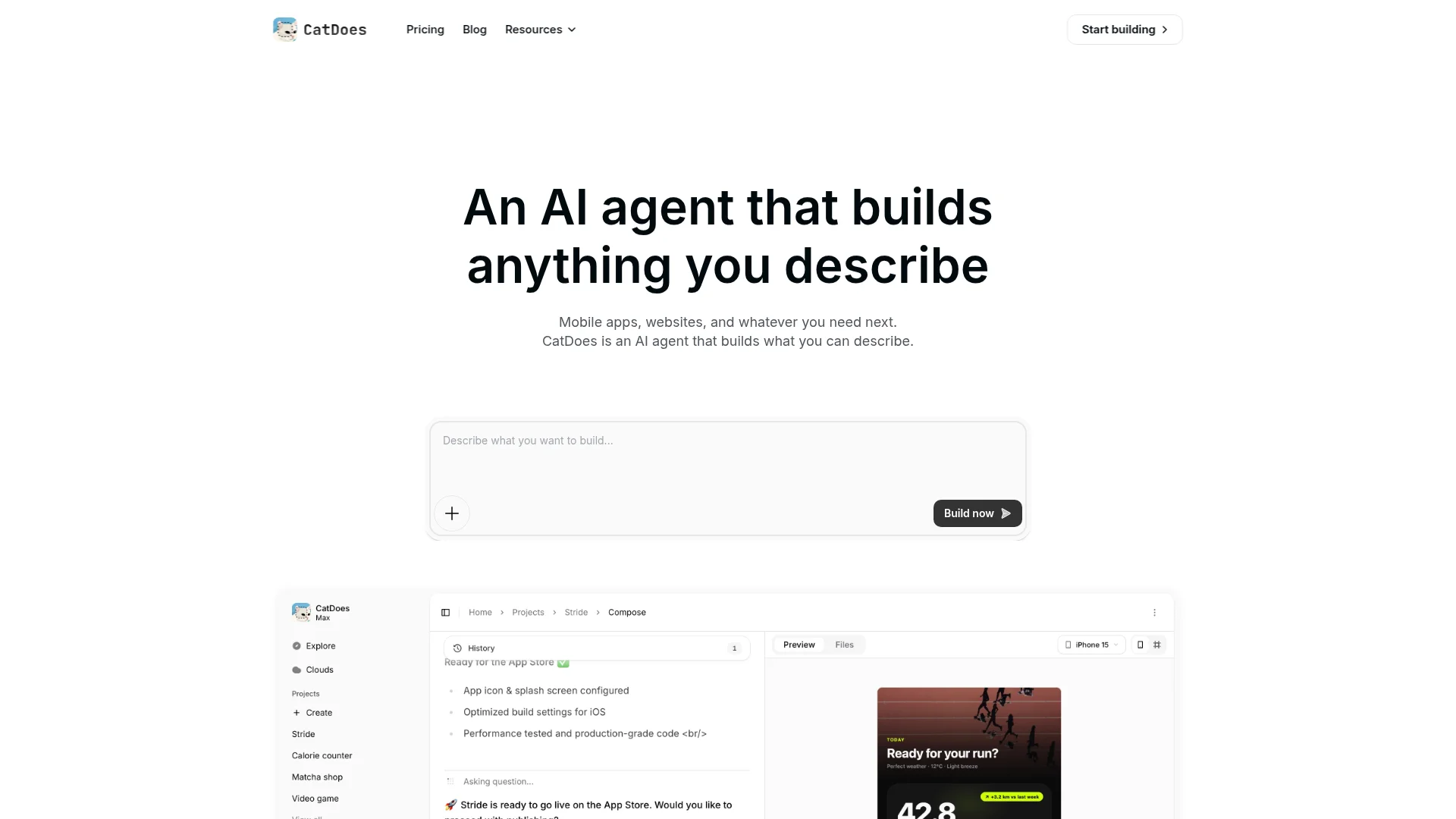
CatDoes is an AI agent that builds native mobile apps and websites from natural language, then deploys them to the App Store, Google Play, or the web with custom domains. You describe what you want, and a cloud agent writes the code, installs packages, runs tests, and fixes its own errors. It keeps working after you close the tab, so a full build runs while you do something else.
Three things make it the top pick for founders without a technical background. First, CatDoes Cloud is included on every plan, even the free one, so database, auth, storage, edge functions, and realtime are ready without touching Firebase or Supabase. Second, it builds both native mobile and web from the same prompt, which almost no other AI tool does. Third, it builds on standard frameworks (React Native and Next.js) and offers code export on higher plans, so you are not locked in if you later bring in a developer.
There is a free plan to test the idea, and paid plans start around $20 per month. For a founder who wants to go from a sentence to something in the App Store, it removes the most steps.
Best for: founders who want native mobile apps, websites, or both, with the backend handled. Watch out for: it is agent-driven rather than a drag-and-drop canvas, so if you want pixel-level manual control of every screen, expect to prompt for it.
2. Bubble: Complex Web Apps
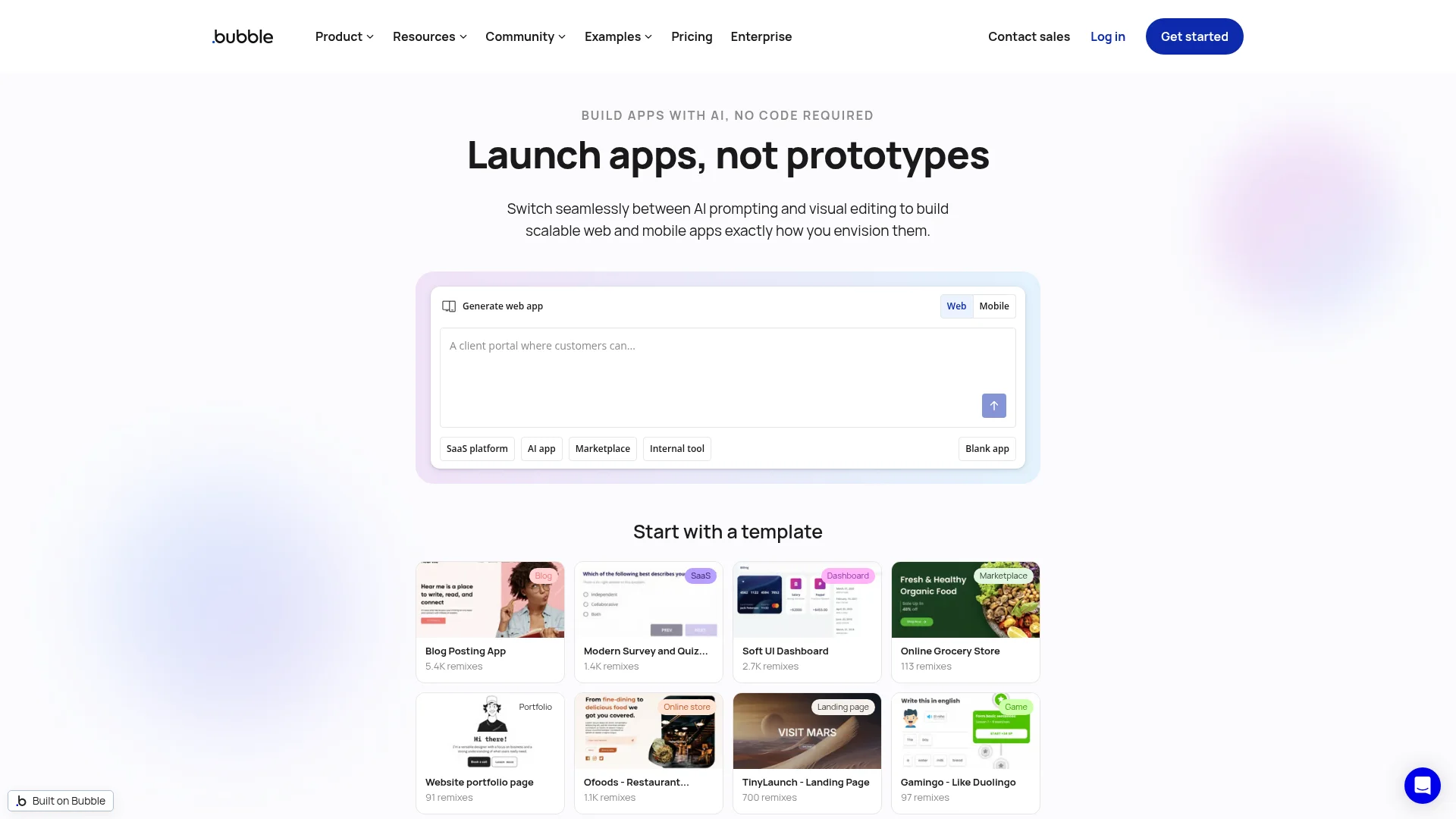
Bubble is the most established no-code platform for building web apps with real business logic: marketplaces, dashboards, multi-step workflows, and SaaS tools. It pairs a visual editor with a built-in database, and it has added AI assistance to scaffold pages from a prompt.
The trade-off is the learning curve. Bubble is powerful, but it is closer to visual programming than plain-English building, and non-technical founders often need a week or two to get comfortable. Pricing is workload-based: the Starter plan runs about $29 per month billed annually, but heavier apps consume more "workload units," and the bill climbs with traffic and complexity.
3. Lovable: Fast Web MVPs
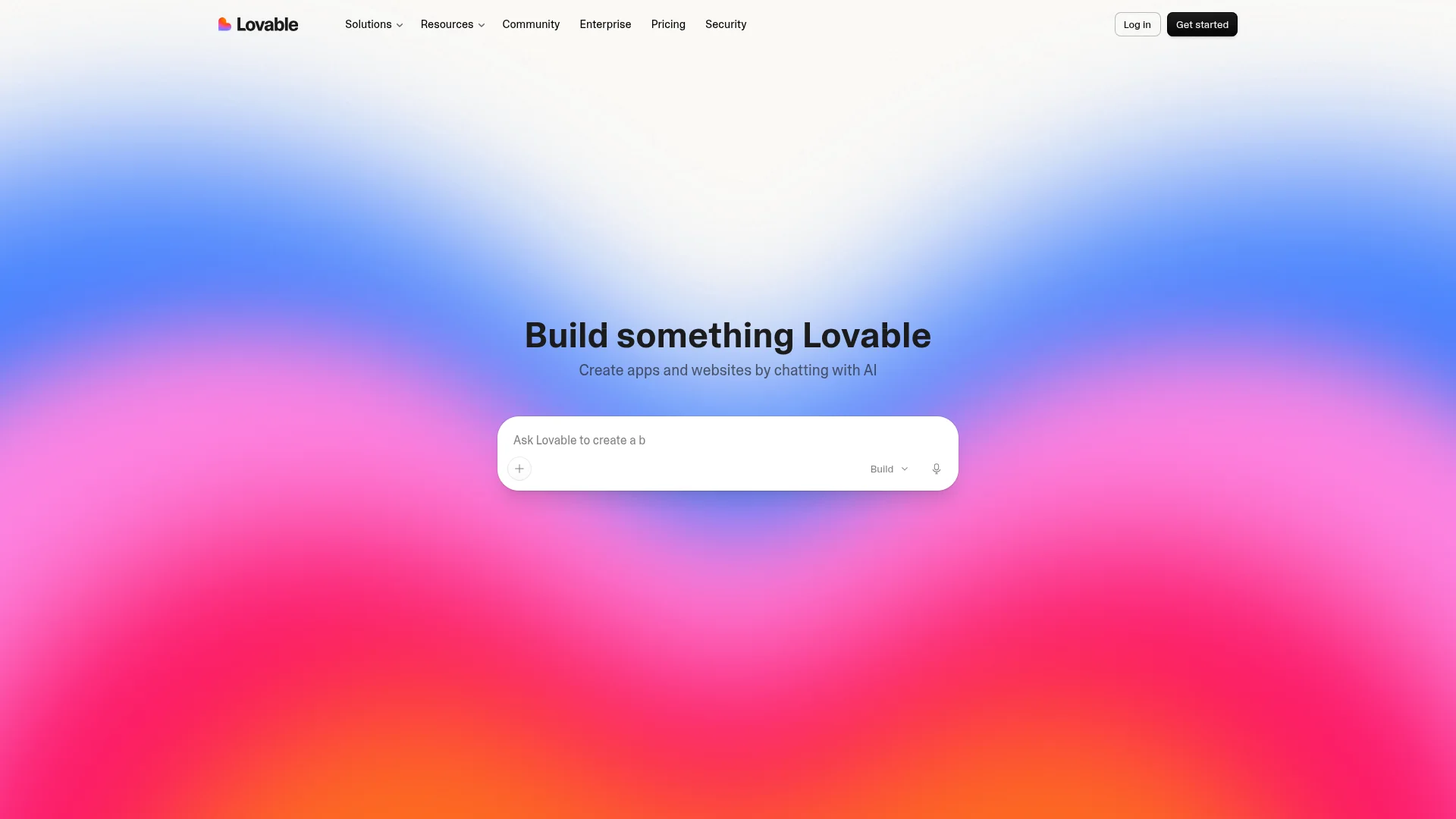
Lovable turns a chat conversation into a working web app. You describe the product, it generates the interface and wires up a Supabase backend, and you iterate by asking for changes in plain English. Its free plan is unusually generous, with five daily credits and unlimited public projects, which makes it a great place to test an idea for free.
Paid plans start at $25 per month for the Pro tier, which adds private projects, a custom domain, and more monthly credits. Like most AI builders, it charges by credits, so complex requests burn more than small tweaks. It is web-only, so there are no App Store or Google Play apps here.
4. Bolt.new: Full-Stack Web Builds
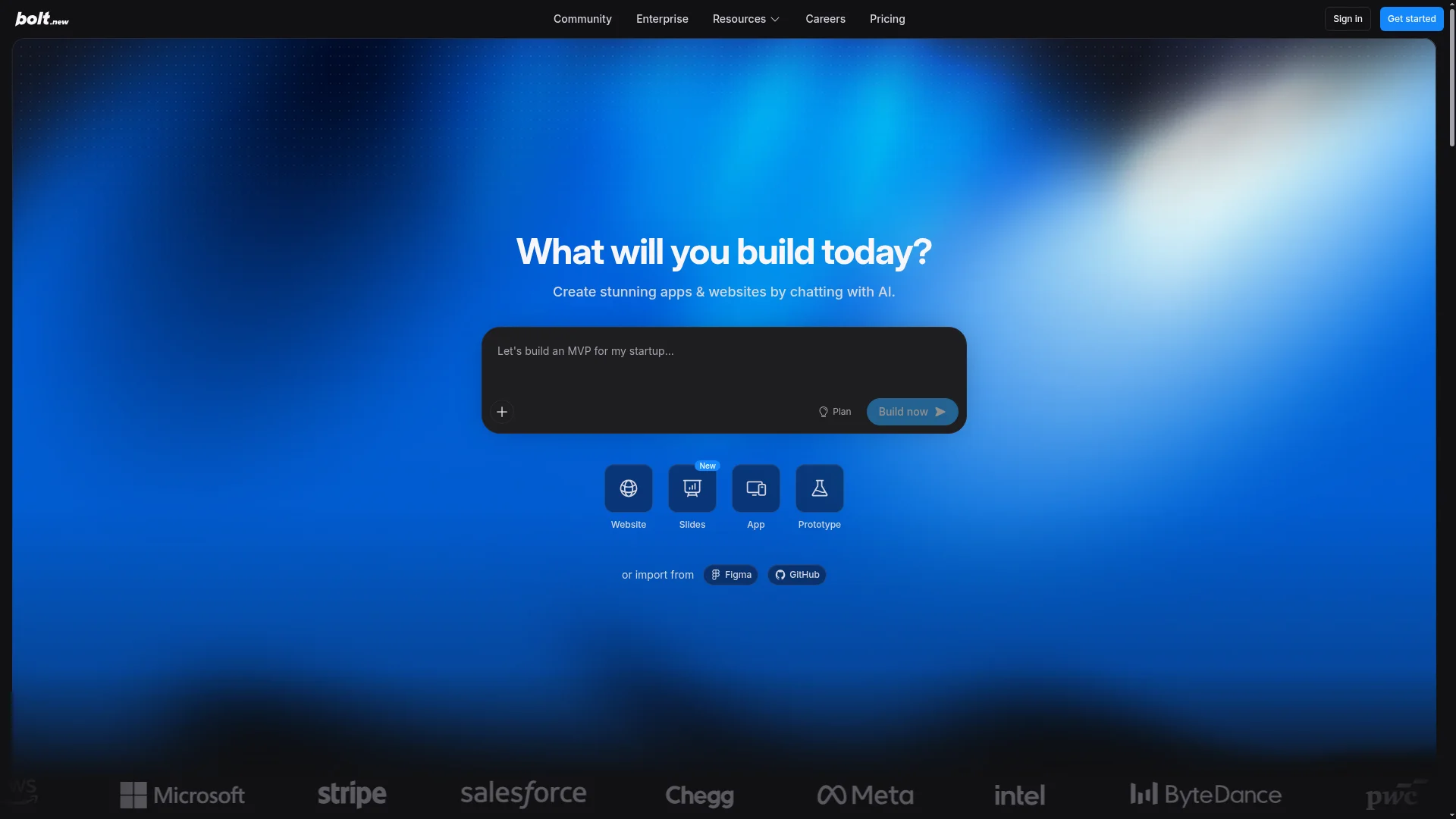
Bolt.new, from StackBlitz, is an in-browser AI agent that builds, runs, and deploys full-stack web apps from a prompt. It is genuinely capable and has a functional free tier of one million tokens per month, so you can build a real prototype without paying.
It leans slightly more technical than Lovable: you see and can edit the code, which is a plus if you want to peek under the hood and a distraction if you never will. The Pro plan is $25 per month with ten million tokens, and cost scales with token usage, so larger or heavier builds run through your allowance faster.
Watch out for: web-only, and token-based billing means power users pay more.
5. FlutterFlow: Native Apps With Visual Control
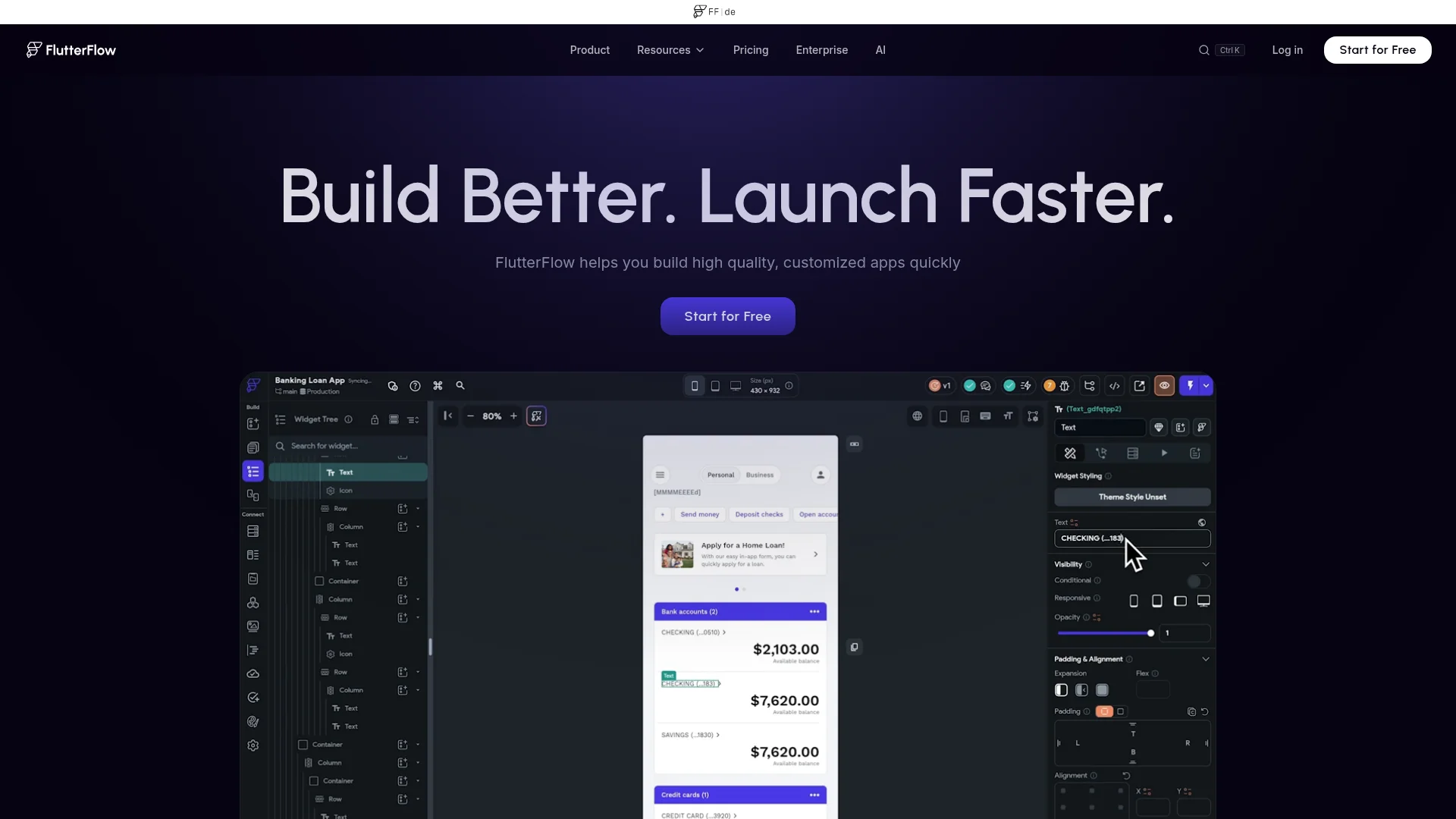
FlutterFlow is a visual builder that produces real native iOS and Android apps using Google's Flutter framework. You design screens on a canvas, connect a backend, and publish to both app stores. It sits between no-code and code: more hands-on than an AI agent, but it gives you fine visual control and clean Flutter output.
The Basic plan is $39 per month (about $29 billed annually) and lets you remove branding and publish to the stores. You bring your own backend, usually Firebase or Supabase, which is the part non-technical founders find fiddliest. Higher tiers add team seats and GitHub integration.
Watch out for: the backend is not included, so budget setup time for Firebase or Supabase.
6. Adalo: Simple Native Mobile Apps
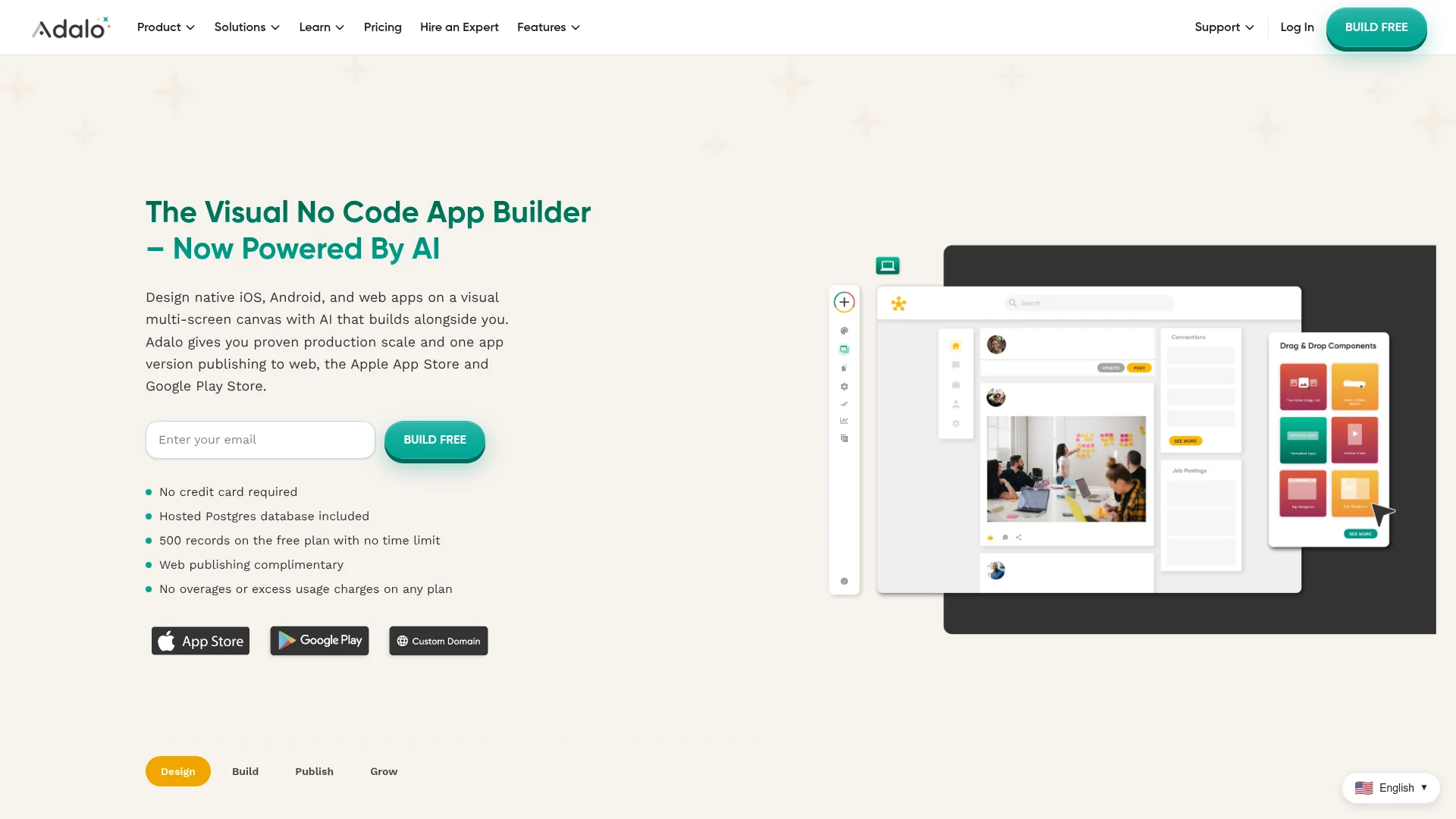
Adalo is a drag-and-drop builder focused on native mobile apps, with a built-in database and flat, predictable pricing (no usage metering). It is a friendly entry point if your app is a straightforward mobile product: a directory, a simple social app, a booking tool.
Paid plans start around $36 per month, but read the tiers carefully. App Store and Google Play publishing and payment processing sit on higher plans, so the real cost to launch a paid app is often more than the entry price. Still, the flat model means no surprise overage bills as you grow.
Watch out for: store publishing and Stripe payments require higher tiers, and complex apps hit performance limits.
7. Softr: Client Portals and Internal Tools
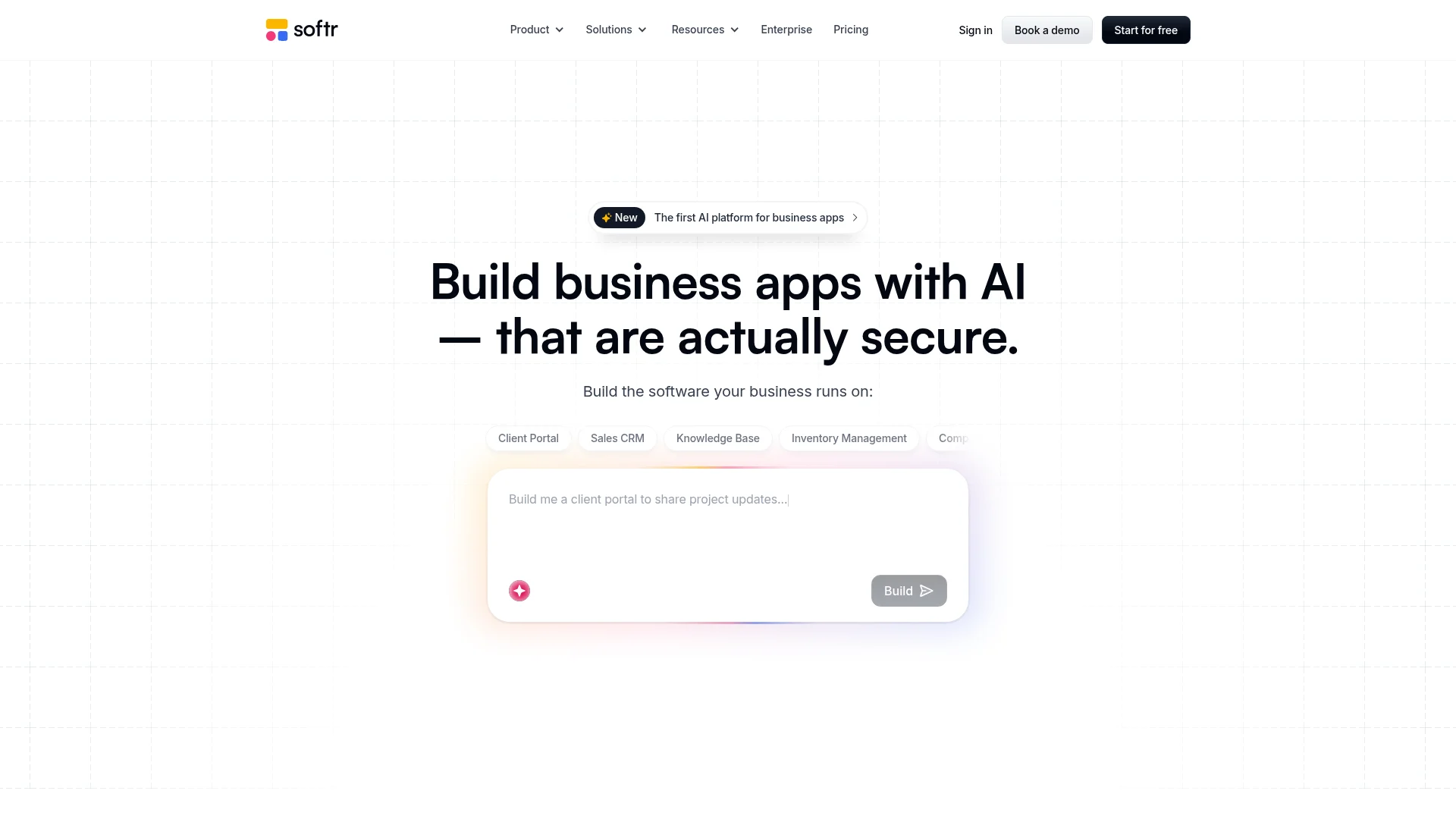
Softr builds web apps and portals on top of data you already have in Airtable or Google Sheets. It is one of the easiest tools on this list to learn, and it shines for internal tools, client portals, directories, and member sites where you need a clean interface over a database.
The free plan lets you publish an app for up to ten logged-in users, and the Basic plan is about $49 per month. The real cost lever is app users, not the number of apps: limits are 20 users on Basic and higher on Professional and Business. It is web and PWA only, so no app store presence.
Watch out for: per-user limits get expensive for large consumer audiences, and there are no native apps.
8. Glide: Spreadsheet-Powered Apps
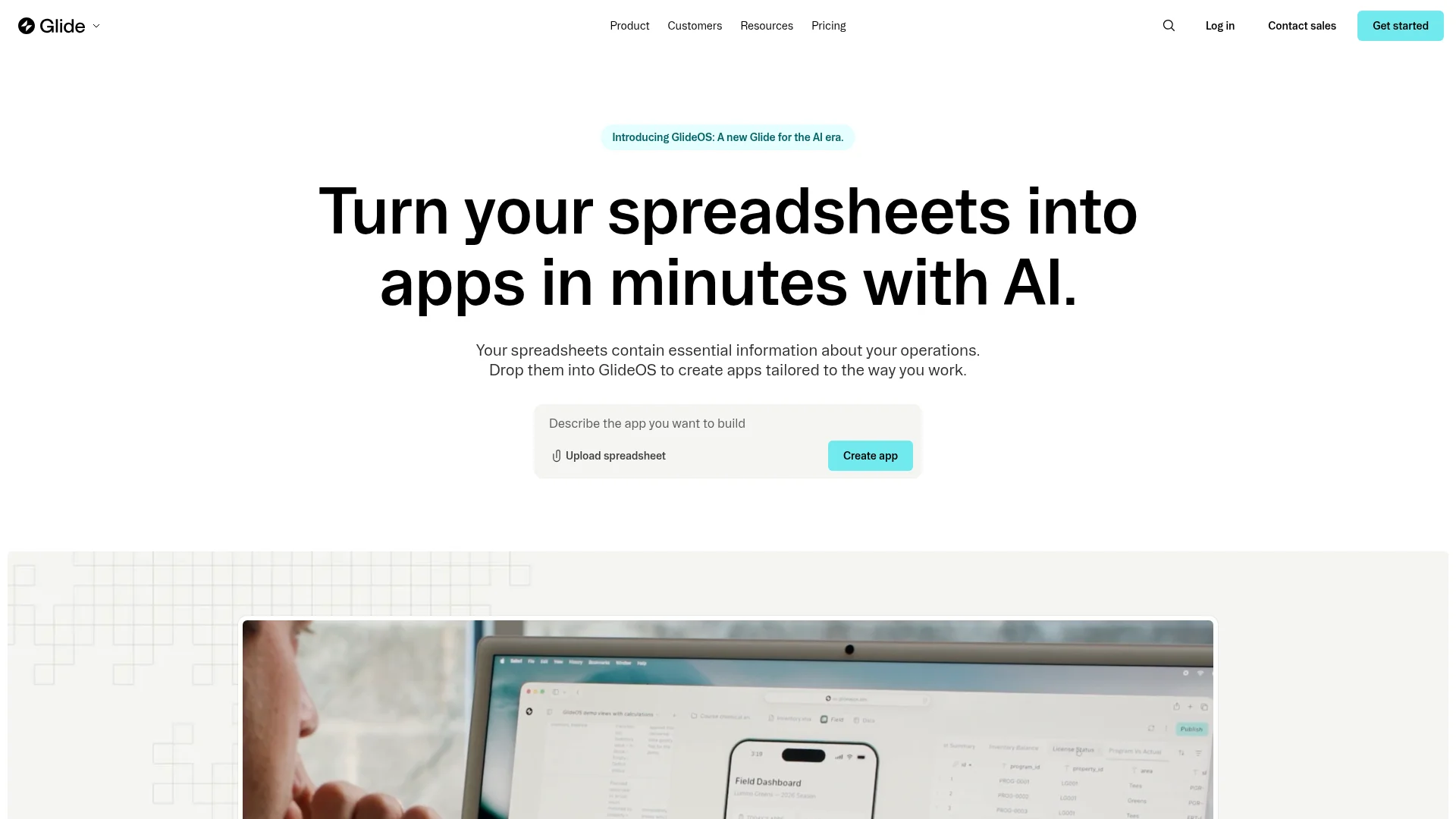
Glide turns a spreadsheet or database into a clean app in minutes. It is fast, approachable, and great for data-driven apps: inventory, CRMs, team directories, and simple internal tools. AI features can generate an app structure from a prompt or your data.
Paid plans start around $25 per month, with pricing driven by "updates" (data changes and syncs) and user counts, which can climb for larger apps. The important caveat: Glide apps are progressive web apps, not true native apps, so they install from a link but do not live in the App Store or Google Play by default.
Watch out for: PWA-only by default, and update-based billing adds up at scale.
How to Choose the Right App Builder for Your Startup
The best AI app builder depends on what you are shipping. Match your product to the shortlist below.
You need a native mobile app in the App Store. Start with CatDoes (prompt-to-native, backend included), then FlutterFlow or Adalo if you prefer a visual canvas.
You need a web app or SaaS MVP. CatDoes, Lovable, and Bolt.new get you a working build fastest; Bubble if the logic is complex and you have time to learn it.
You need mobile and web together. CatDoes builds both from one prompt, which saves you from stitching two tools together.
You need an internal tool or client portal. Softr or Glide over your existing Airtable or Google Sheets data.
You want to own the code later. CatDoes exports real source, and FlutterFlow outputs Flutter code. Most other no-code tools lock you in.
If you are early and budget-conscious, start on a free tier and validate before you pay. Our roundup of the best free app builders breaks down what you can ship without spending a cent.
Mistakes Non-Technical Founders Make
Picking a builder is easy to get wrong. These four mistakes cost founders the most time.
Choosing on the demo, not the finish line. Every tool looks magical in a 60-second demo. What matters is what it takes to actually publish to the App Store, connect payments, and handle real users. Test the last mile, not the first screen.
Ignoring the backend until it hurts. Founders build a beautiful front end, then discover accounts, data, and storage are a separate project. Favor tools with a backend included so this is never a surprise.
Underestimating usage-based pricing. Workload units, credits, and updates all mean your bill grows with success. Model your cost at ten times your current usage before you commit.
Over-building before validating. The goal of the first version is to learn, not to impress. Ship the smallest thing real users can react to, then expand. A good prompt helps; here is how to prompt an AI app builder for better results.
Frequently Asked Questions
What is the best AI app builder for non-technical founders?
For most non-technical founders, CatDoes is the strongest all-around choice because it turns a plain-English prompt into native mobile apps and websites, includes a backend on every plan, and can export the code so you are not locked in. If you only need a web app, Lovable and Bolt.new are faster to a first draft, and Bubble is best for complex, logic-heavy web tools.
Can you really build an app without any coding?
Yes. AI app builders write the code for you based on your description, and no-code builders let you assemble apps visually. The realistic caveat is that the more custom or complex your app, the more you will need to guide the tool, test the result, and handle app store steps like listings and approvals.
How much does an AI app builder cost for a startup?
Most tools have a free tier for testing and paid plans that start between $20 and $49 per month. Watch the pricing model: usage-based tools (workload units, credits, or updates) can cost far more than the sticker price once your app has real traffic, while flat-rate tools stay predictable as you grow.
Can I get my app on the App Store and Google Play without a developer?
Yes, if you pick a tool that builds real native apps, such as CatDoes, FlutterFlow, or Adalo. You will still need an Apple Developer Program membership ($99 per year) and a Google Play Console account ($25 one-time) to publish under your own name.
What happens if my app outgrows the builder?
This is where code ownership matters. Tools that export real source code (CatDoes, FlutterFlow) let you hand the project to a developer and keep going. Most no-code platforms lock you in, which can mean a costly rebuild if you scale, so factor exit options into your choice up front.
The Bottom Line
There is no single best AI app builder for every startup, but there is a clear best fit for each goal. For a web app MVP, Lovable and Bolt.new are quick, and Bubble handles complex logic. For portals and internal tools, Softr and Glide are the easy path. For simple native mobile apps, Adalo and FlutterFlow deliver.
For the widest range of founders, though, CatDoes is the standout: it builds native mobile apps and websites from a prompt, includes the backend on every plan, publishes straight to the App Store and Google Play, and hands you the code when you outgrow it. Once you have your first build, the next step is getting it live, and this guide on how to publish an app to the App Store and Google Play walks through it.
Try it free, describe your idea in a sentence, and watch a real app come together at CatDoes.
Nafis Amiri
Co-Founder of CatDoes


