Blog
Insights
Web App vs Native App: The 2026 Guide
Web app vs native app: compare cost, speed, UX, security, and offline support to choose the right path for your mobile project. Plus when hybrid wins.

Nafis Amiri
Co-Founder of CatDoes
TL;DR: A web app runs in a browser, is cheap to build, and works on any device, but it cannot match a native mobile app for speed or hardware features. A native mobile app is installed from the App Store or Google Play, runs faster, and taps into camera, GPS, and biometrics, but traditionally costs 3 to 10 times more to build and maintain. With AI app builders like CatDoes, you can now build a native mobile app and a web app from the same plain-English description, no Swift or Kotlin required.
You're weighing your options for an app, and you keep hitting the same fork in the road: web app or native mobile app. Both sound simple until you realize the choice shapes your budget, your timeline, your performance, and who can even find your product in the first place. This guide breaks down every meaningful difference between web apps and native mobile apps so you can pick the right path for your project without second-guessing it later. You'll get a quick comparison table, real cost and time ranges, a decision framework, a no-code build walkthrough, and answers to the questions founders ask before they commit.
Video: "Building A Web App VS Building A Mobile App: Which One Is Better?" by Your Average Tech Bro (8 minutes). A practical walkthrough of the same tradeoffs we cover below, from a working developer's perspective.
What the video covers:
How to decide between web and mobile when you're starting a new product
Real cost and time differences between the two paths
Why platform reach often beats platform polish for early-stage products
Which features genuinely need native (and which don't)
When to hybrid-deploy instead of picking one side
Table of Contents
What Is a Web App?
What Is a Native App?
Web App vs Native App at a Glance
Web App vs Native App: Key Statistics
Performance and Speed
Development Cost and Time
User Experience
Security and Data Privacy
Device Hardware and Offline Access
Distribution and Discoverability
Where Hybrid and Progressive Web Apps Fit
Which Should You Choose?
How to Build a Native Mobile App (and a Web App) Without Code
Frequently Asked Questions
What Is a Web App?
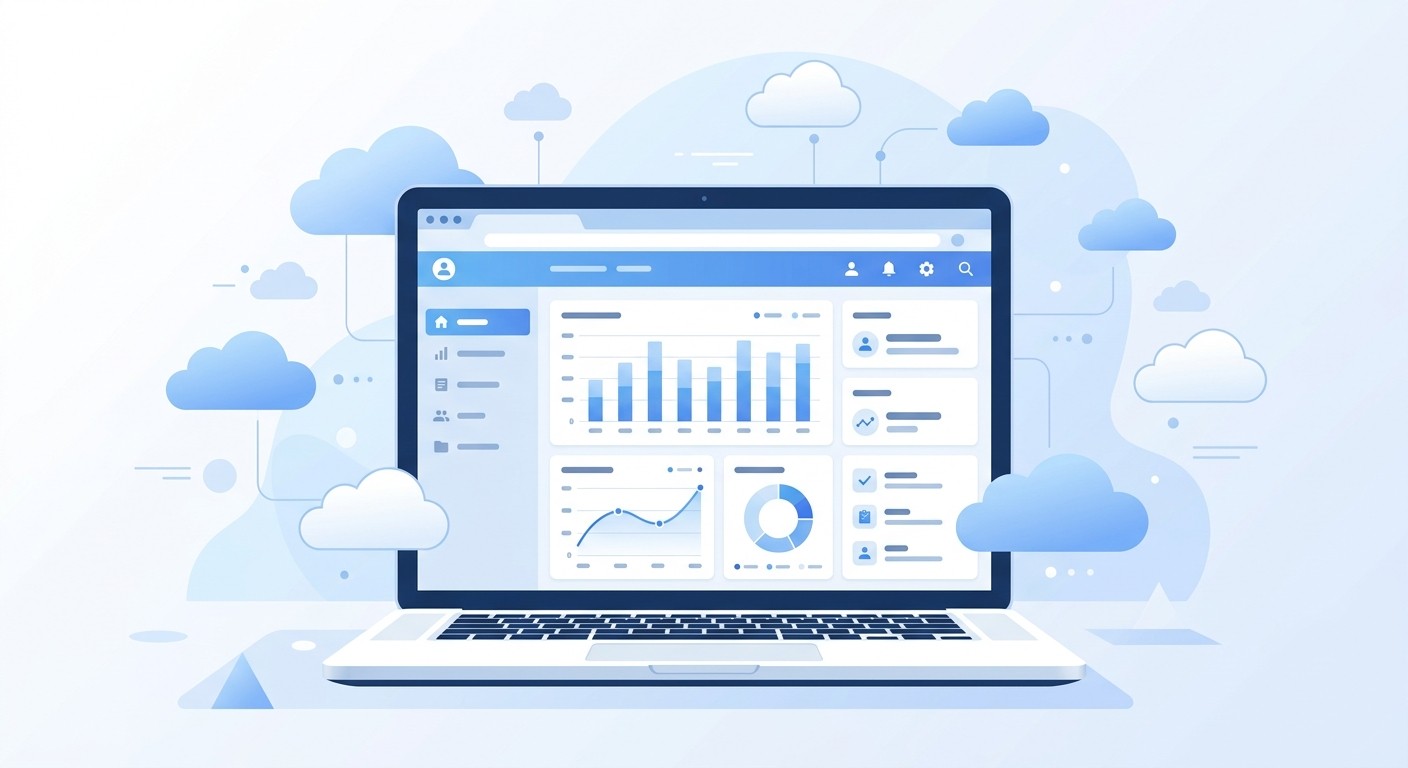
A web app (also called a mobile web application or web-based mobile app) is software you access through a web browser using a URL, with no installation required. It runs on any device that can load a modern browser, whether that's a phone, tablet, laptop, or desktop. Examples include Gmail, Google Docs, Canva, Figma, and Spotify's web player.
Because the code lives on a remote server, your device mostly renders the interface. That makes web apps fast to ship, trivial to update (you deploy once and every user sees the new version instantly), and platform-agnostic. The tradeoff is that web apps depend on a browser and a solid internet connection to work at full strength, and they cannot reach every corner of the device's hardware.
What Is a Native App?
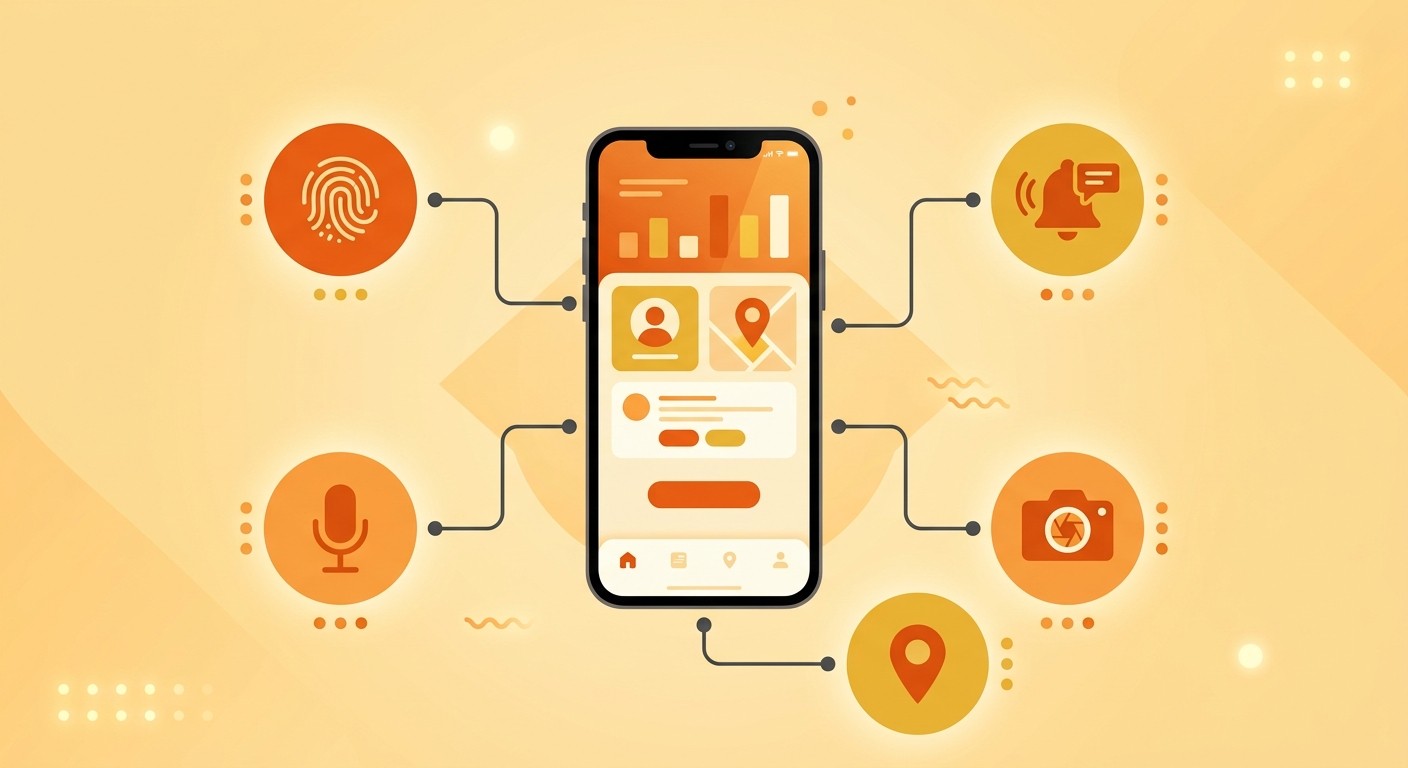
A native app is built specifically for one operating system, either iOS or Android, and installed directly on the device from the App Store or Google Play. Developers write in platform-specific languages, Swift for iOS and Kotlin for Android, which lets the app talk directly to the phone's hardware. Examples include Instagram, Uber, WhatsApp, and Apple Maps.
Native code runs directly on the device's processor and GPU, with no browser layer in the middle. That direct line produces faster animations, smoother scrolling, and richer features than a web browser can match. The tradeoff: you are essentially building two separate products (an iOS native app and an Android native app) if you want to cover both platforms, which multiplies the cost, team size, and release coordination.
Web App vs Native App at a Glance
Whether you call it a mobile web app, a browser app, or a mobile website, the core differences from a native mobile app show up across ten practical factors. Use this table as your quick reference before reading the detailed breakdown below.
Factor | Web App | Native App |
|---|---|---|
Installation | None, loads from a URL | Required from App Store or Play Store |
Platform | Any device with a browser | One platform per build (iOS or Android) |
Performance | Good, depends on browser and network | Fastest, runs on device hardware |
Development cost | Lowest, one codebase | Highest, separate builds per platform |
Time to market | 4 to 12 weeks | 6 to 12 months for iOS plus Android |
Hardware access | Limited (camera, location via browser APIs) | Full (sensors, Bluetooth, biometrics, NFC) |
Offline use | Limited, requires service workers | Strong, works without internet |
Updates | Instant for every user | Each user downloads an update |
Discovery | Search engines, SEO, direct links | App Store and Play Store rankings |
Monetization | No store fees, harder to charge | 15 to 30% store fee, higher conversion |
Each row represents a different tradeoff. No single factor decides the answer on its own, but together they usually make the best fit obvious.
Web App vs Native App: Key Statistics
If you want the web app versus native app tradeoff in numbers, these 2026 figures frame the split between reach, revenue, and cost:
Mobile drives about 60% of global website traffic (StatCounter data via Statista, 2024), so a web app or mobile website reaches most people on the device they already carry.
Global consumer spending in apps reached roughly $127 billion in 2024, up about 16% year over year across the App Store and Google Play, according to Appfigures data reported by TechCrunch. Almost all of it flows through native store billing.
Apple and Google take a 15% to 30% commission on in-app purchases and subscriptions, a native-only cost that web apps sidestep entirely.
Time to market splits sharply: a web MVP typically ships in 4 to 12 weeks, while a native iOS and Android build takes 6 to 12 months.
So does cost: a web MVP runs $10,000 to $50,000, versus $50,000 to $250,000 or more for a full native iOS and Android build.
Performance and Speed
Native apps are faster in almost every real-world scenario. Because native code runs straight on the device, apps launch quickly and respond to taps almost instantly. A web app adds browser startup time on top of network latency, and it can stutter during heavy scrolling or animation. Web apps can still earn a spot on the home screen, as we explain in our guide to the add to homescreen icon.
The reason native vs web app performance splits so cleanly is structural. Native code runs directly on the device's CPU and GPU. Web apps run inside a browser sandbox, which adds a rendering layer between your code and the hardware. For a static dashboard or a simple form, you will barely notice. For a camera filter, a real-time game, or an augmented reality feature, the difference is the gap between "this feels magical" and "this feels sluggish."
Development Cost and Time
Web apps are the cheapest and fastest to ship. One codebase, one team, one deployment pipeline. A solid MVP typically ships in 4 to 12 weeks and costs between $10,000 and $50,000 depending on complexity and team location.
Native apps cost more because you are building two products at once. Separate codebases, separate developers, separate release cycles. A native iOS and Android build usually takes 6 to 12 months and runs $50,000 to $250,000+, plus annual maintenance in the 15 to 20% range.
Here is a realistic range by path:
Web app MVP: 4 to 12 weeks, $10K to $50K
Native iOS or Android only: 3 to 6 months, $25K to $150K per platform
Native iOS and Android together: 6 to 12 months, $50K to $250K+
Ongoing maintenance: 15 to 20% of build cost per year (native), significantly less for web
If your budget is tight, a web app gets you into the market faster. If retention and quality matter more than speed, the extra native investment usually pays back within a year or two.
User Experience
Users can feel the difference, even if they cannot name it. Native apps follow Apple's Human Interface Guidelines and Google's Material Design, so buttons, gestures, and transitions behave exactly the way the phone owner expects. The app feels "at home" on the device.
Web apps live inside a browser. They can look gorgeous, but they sit inside a tab with a URL bar, a back button, and browser chrome. Animations can stutter. Pull-to-refresh may not trigger. The mobile keyboard might cover the input field. None of those are deal-breakers on their own, but together they create a subtle "web feel" that polished native apps avoid.
The engagement data reflects this. Users spend roughly 88% of their mobile time inside apps versus browsers, according to Statista. If sustained engagement and retention are core goals, that ratio is hard to ignore.
Security and Data Privacy
Neither model is automatically "more secure." It comes down to how you build and where your data lives. Still, the two paths hand you different protections out of the box.
Native apps store sensitive data in hardware-backed secure storage (the iOS Keychain and Android Keystore), lock actions behind biometrics like Face ID and Touch ID, and pass through App Store or Play Store review before they reach users. The tradeoff is patch speed: a security fix only protects people once they install the update.
Web apps run over HTTPS inside the browser sandbox and patch instantly. You deploy a fix once and every user gets it on the next load, with nothing to download. The tradeoff is a wider attack surface: cross-site scripting, third-party script risk, and session handling all sit with you, and most data lives on a server you have to secure.
Native strengths: hardware-backed key storage, biometric auth, store-level vetting, secure offline data
Web strengths: instant security patching, no outdated versions in the wild, smaller install-time footprint
Device Hardware and Offline Access
Native apps get full, unrestricted access to everything on the phone:
Camera and video: Real-time filters, AR effects, high-frame-rate video recording
GPS and sensors: Precise location, accelerometer, gyroscope, magnetometer, barometer
Biometrics: Face ID, Touch ID, and Android fingerprint scanners
Bluetooth and NFC: Pair with watches, earbuds, smart locks, and payment terminals
Push notifications: Rich, reliable alerts that work in the background
Secure storage: Keychain on iOS, Keystore on Android
Web apps can reach some of these through browser APIs, but the coverage is narrower and inconsistent across browsers. Push notifications on iOS web apps only work if the user adds the app to their home screen. Background location, health data, and advanced camera controls are off limits. Offline mode requires careful service-worker setup and caching strategy.
If your app needs to work in a subway tunnel, on an airplane, or in a remote hiking trail, native wins without question. If your users are always online and you don't need sensor data, a web app is usually enough.
Distribution and Discoverability
Web apps and mobile websites are discovered through Google Search, backlinks, and direct URLs. Anyone with a browser can reach them in one click. That makes SEO your primary growth channel, and link sharing is as simple as copying a URL.
Native apps are found mainly through the App Store and Google Play. Those stores drive over 230 billion app downloads per year globally, according to Statista mobile app store download data, but they are also gatekeepers. Apple and Google review every submission, enforce their guidelines, and charge a 15 to 30% commission on in-app purchases and subscriptions.
The two distribution models trade off like this:
Web app: Open reach, SEO-driven, no store fees, but harder to monetize and easier to ignore
Native app: Curated audience, store-driven discovery, higher willingness to pay, but a 15 to 30% fee and a review queue
If you already have a content engine that ranks, a web app amplifies what you have. If you want push notifications, subscriptions, or a premium feel, users expect to find you in the app store.
Where Hybrid and Progressive Web Apps Fit
You are not limited to the two extremes. Two middle paths are worth knowing:
Cross-platform frameworks like React Native and Flutter let you write one codebase that compiles to native iOS and Android. The output is genuinely native code, not a website in a wrapper, so performance stays close to native for most use cases while you maintain a single codebase. These have largely replaced the older "hybrid" apps that ran a web view inside a native shell.
Progressive Web Apps (PWAs) are web apps with extra powers: users can install them to the home screen, receive push notifications, and use the app offline through service workers. They blur the line between web and native without the app store gatekeeper. Twitter Lite, Starbucks, and Uber all ship PWAs, especially for emerging markets with limited bandwidth.
For a detailed head-to-head, see our guide on progressive web apps vs native apps. You can also read about how to turn your website into an app if you already have a working web presence and want to give it a home-screen icon.
Which Should You Choose?
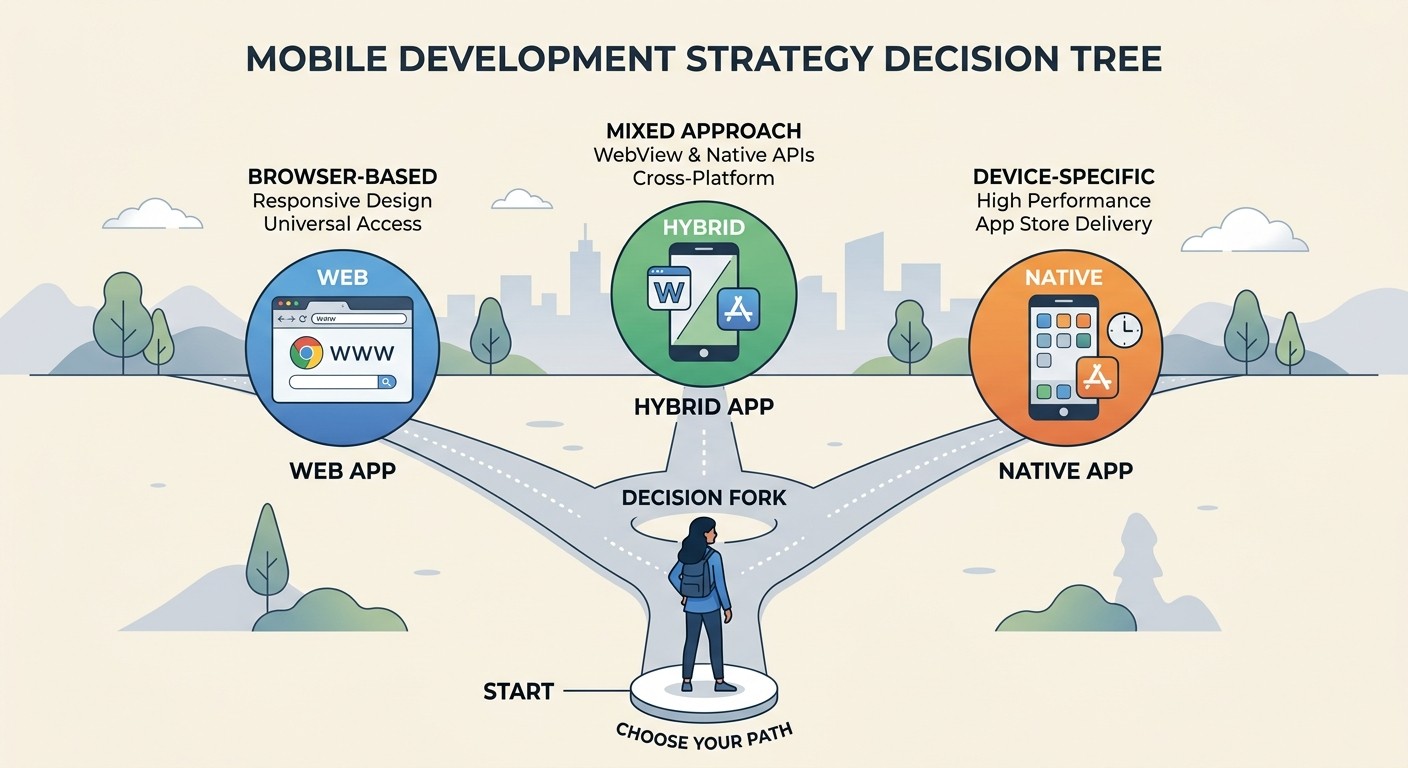
Match your path to your product's real center of gravity. Here is a quick decision framework:
Choose a Web App If:
Your audience is desktop-first or mixed across devices
You need to ship fast with a small budget
Content, search, or SEO is your main growth channel
Your product is read-heavy (articles, dashboards, documentation)
You plan to launch an MVP in under 3 months
Choose a Native App If:
Your product lives on mobile and competes with other mobile apps
You need deep hardware access (camera, sensors, biometrics, Bluetooth)
Performance is non-negotiable (games, AR, real-time video)
Push notifications drive retention for your use case
You plan to monetize with subscriptions or in-app purchases
Choose Cross-Platform or a PWA If:
You want both platforms without doubling the budget
You need some native features, but not all of them
You want to iterate quickly across iOS, Android, and web from one codebase
For a deeper look at the native side of the decision, read what is a native mobile application.
How to Build a Native Mobile App (and a Web App) Without Code
The old rule said you had to pick one path or spend a small fortune on two. That rule no longer holds. AI-powered app builders like CatDoes let you describe your product in plain English and generate a true native mobile app for both iOS and Android, with a web version included, without hiring a separate team for each platform.
That means a solo founder or a small team can ship a real native iOS and Android app in the time it used to take to build a basic web MVP. You get the performance, App Store presence, and hardware access of native at the speed and cost of a web project. The tradeoff between "fast and cheap" and "native and premium" is collapsing quickly.
Here is the practical workflow for building a native mobile app (and a web app from the same source) with CatDoes:
1. Describe your app in plain English. Type a one or two paragraph description of what your app should do, who it is for, and the core screens it needs.
2. AI agents build the project. CatDoes' AI agents generate a real React Native codebase that compiles to native iOS and Android, with a web version deployed alongside it.
3. Iterate visually. Refine screens, add features, and connect data with natural-language prompts. No Swift, no Kotlin, no Xcode setup.
4. Test on your phone. Scan a QR code to load the live native app on your iPhone or Android device for real-device testing.
5. Publish everywhere. Ship to the Apple App Store, Google Play, and the web from the same project. One source of truth, three distribution channels.
This is the part of the conversation that has changed the most in the last 18 months. If you would have told yourself in 2024 that you could ship a published native iOS app, a Google Play app, and a web app from the same plain-English brief, in a single weekend, you would have laughed. In 2026, it is the default for most new consumer products built solo or by small teams.
Frequently Asked Questions
Can a web app work offline?
Yes, to a point. A regular web app stops working the moment it loses connection. A Progressive Web App (PWA) caches pages, assets, and data through service workers, so it can keep working offline for content the user has already loaded. It still cannot fully replace a native app's offline capabilities, especially for heavy data writes, background sync, or sensor logging.
Are native apps always faster than web apps?
In almost every scenario, yes. Native apps run directly on the device's CPU and GPU, while web apps run inside a browser sandbox. That extra browser layer adds startup time and limits how much hardware the app can use. For static content the gap is tiny. For games, video, or animation-heavy interfaces, native is noticeably faster.
Do I need to know Swift and Kotlin to build a native app?
Not anymore. Cross-platform frameworks (React Native, Flutter) let you write a single codebase in JavaScript or Dart that compiles to native iOS and Android. AI app builders go further and generate the code from plain-language prompts. You can ship a real native app today without writing a single line of Swift or Kotlin.
How do I build a native mobile app without code?
The fastest path in 2026 is an AI app builder like CatDoes. You describe your app in plain English, the AI generates a real React Native codebase that compiles to native iOS and Android, and you publish to the App Store and Google Play from the same project. The whole flow (idea, build, test, publish) can fit inside a weekend for a solid MVP, without writing Swift, Kotlin, or React Native by hand.
Can I build a web app and a native mobile app at the same time?
Yes, and this is the biggest change in modern app development. With CatDoes, the same project produces a native iOS app, a native Android app, and a web version, all from one plain-English description. You maintain a single source of truth and distribute through three channels (App Store, Google Play, web URL) without rebuilding the product three times.
Are web apps cheaper than native apps?
Usually, yes. A solid web MVP costs between $10,000 and $50,000 and ships in 4 to 12 weeks. A full native iOS and Android build runs $50,000 to $250,000+ over 6 to 12 months. The gap reflects the double codebase, the specialized talent, and the longer release cycles native apps require. Cross-platform frameworks and AI-powered tools are closing that gap every year.
Will the App Store still matter if every site becomes a PWA?
For the foreseeable future, yes. The majority of mobile time is still spent inside native apps, and the app stores remain the dominant channel for app discovery, trust, and paid conversions. Even as browser APIs grow more capable, most consumer products still rely on the stores to be found and to get paid. PWAs are chipping away at that lead, but not replacing it.
You don't have to pick between a slick native experience and a fast, cheap web launch anymore. With CatDoes, you can build a native mobile app and a web app from the same plain-English description, ready for the App Store, Google Play, and the web. No Swift, no Kotlin, no design team, and no separate web build. Start free and see how fast your idea turns into a published native iOS, Android, and web app.
Nafis Amiri
Co-Founder of CatDoes