Blog
Insights
Progressive Web App (PWA) vs Native App Guide (2026)
Choose between a progressive web app vs native app. Our guide compares cost, performance, and user experience to help you make the right business decision.

Nafis Amiri
Co-Founder of CatDoes

TL;DR: A progressive web app (PWA) is a website that behaves like an app. It is cheaper, faster to ship, and easier to find through search. A native app is built for iOS or Android specifically, so it delivers the best performance and the deepest hardware access. Choose a PWA for reach, speed-to-market, and a lean budget. Choose native for graphics-heavy, hardware-intensive products. Modern tools let you start as a PWA and add a native version later without rebuilding.
Table of Contents
PWA vs Native App at a Glance
The Core Technology Differences
User Experience and Performance
Development Costs and Timelines
Getting Your App to Customers
How to Choose for Your Business
Frequently Asked Questions
PWA vs Native App at a Glance
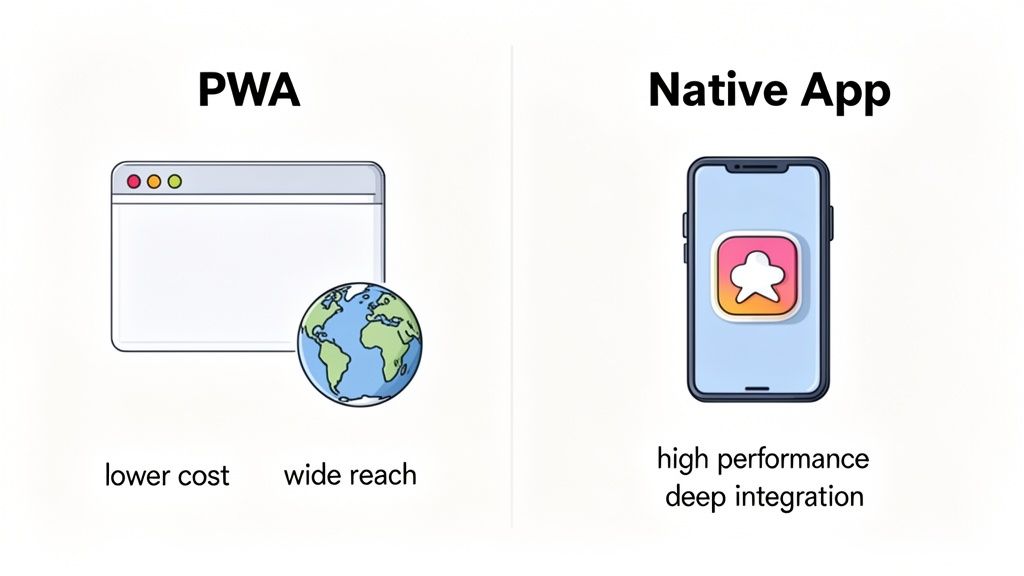
The progressive web app vs native app decision shapes your budget, your timeline, and how you find your first users. It is not about which technology is better in a vacuum. It is about which one fits your business goals.
A PWA is a website with extra capabilities. It runs in the browser, so a single codebase reaches laptops, Android phones, and iPhones at once. Because search engines can index it, a PWA is a strong fit for businesses that grow through organic search and content.
A native app is built for one platform at a time. That focus unlocks the best performance and full access to device hardware, but it means separate codebases and distribution through the Apple App Store and Google Play.
Key Decision Factors
Here is how the two approaches compare across the factors that usually drive the decision.
Attribute | Progressive Web App (PWA) | Native App |
|---|---|---|
Development cost | Lower (single codebase for all platforms) | Higher (separate iOS and Android codebases) |
Time-to-market | Faster (build once, deploy everywhere) | Slower (separate development cycles) |
Discoverability | High (indexable by search engines) | Medium (reliant on app store search) |
Performance | Good (fast load, works offline) | Excellent (direct hardware access) |
Installation | Frictionless (add to home screen) | Requires app store download |
The single-codebase model is the main reason PWAs cost less. Building one product instead of two cuts development effort, design work, and testing. That saved time can go straight into features and marketing instead.
The Core Technology Differences
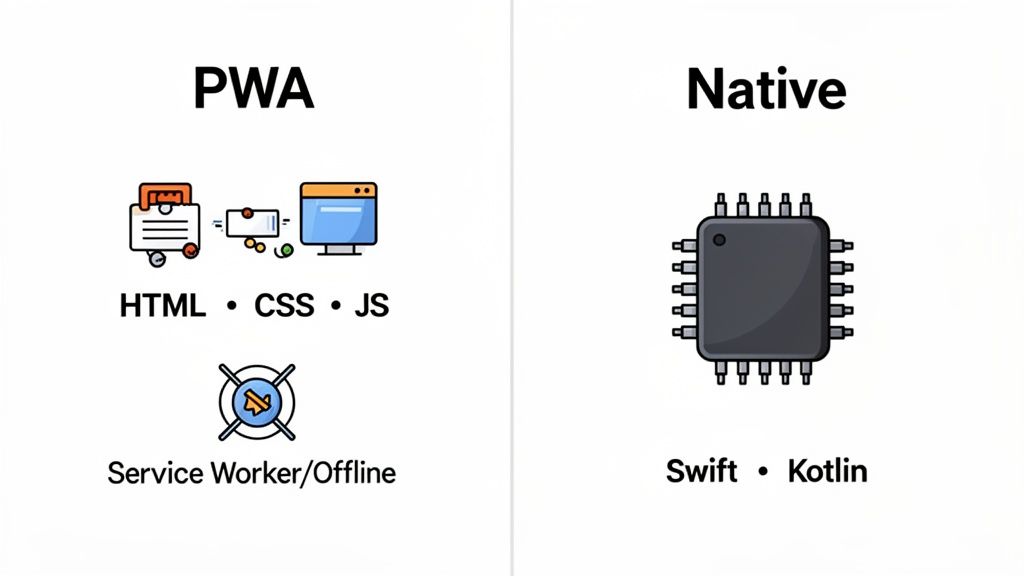
The two options are built on fundamentally different technology, and that difference drives everything else. A PWA is a website built with HTML, CSS, and JavaScript, the same languages developers have used for decades. That shared foundation is why one PWA codebase runs on almost any device with a modern browser.
How PWAs Create an App-Like Experience
Two web technologies turn an ordinary website into a PWA:
Service workers: a script the browser runs in the background, separate from the page. It intercepts network requests and manages responses, which is what enables offline access, push notifications, and background syncing. Google's web.dev guide to PWAs covers how these pieces fit together.
Web app manifest: a JSON file that tells the browser how the app should behave once installed. It defines the name, icons, and whether the app launches full-screen without the browser address bar.
The Foundation of Native Apps
Native apps are written in the language the operating system understands directly, which gives them full access to hardware and system features:
iOS: developers use Swift with Xcode and SwiftUI inside Apple's ecosystem.
Android: the official language is Kotlin, built with Android Studio and the Android SDK.
This specialization is a trade-off. It unlocks maximum performance and deep hardware integration, but it means building, testing, and maintaining two separate codebases. If you are weighing this path, our guide on how to turn your website into a mobile app walks through the practical options.
Bridging the Divide
The split between web and native used to force a one-way choice. Modern platforms blur that line. Tools like CatDoes generate code that deploys as a web-based PWA and as a native app for the stores. You can launch a PWA quickly for reach and validation, then ship a native version for power users without starting over.
User Experience and Performance
Performance and user experience often decide whether an app succeeds. The old belief that native is simply faster is now more nuanced. Native still wins for demanding workloads, but PWAs deliver a smooth experience for most business and consumer apps.
Where Native Apps Win
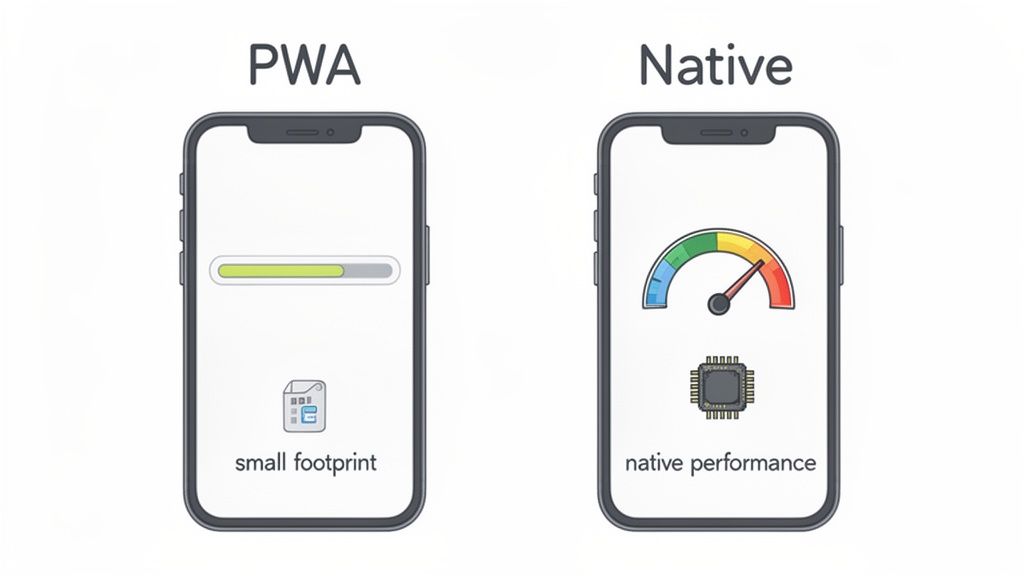
Native code runs directly on the device processor, skipping the browser's abstraction layer. That direct line to the hardware matters most for:
High-end gaming: graphically intense games that render 3D worlds at high frame rates.
Augmented reality: AR needs low-latency camera and sensor access to overlay digital content on the real world.
Intensive computation: on-device video editing or complex data modeling benefits from native speed.
Where PWAs Win
PWAs win on first impressions and efficiency. A native app's biggest hurdle is getting users to download it. A PWA is just a website, so it loads almost instantly. That lightweight nature matters in a few scenarios:
Emerging markets: on slow connections, a PWA under 1 MB beats a native app that can run hundreds of megabytes.
Storage-conscious users: people with older or full phones are more likely to use a PWA than install another large app.
Lower friction: letting someone use your app instantly, with no app store detour, lifts conversion.
Closing the Gap on Core Features
Offline access and push notifications were once native-only. PWAs have largely closed that gap. Here is where each technology stands on the features users expect.
Feature | PWA Support | Native App Support |
|---|---|---|
Offline functionality | Excellent: service workers cache content for offline use. | Excellent: designed to store data and run offline. |
Push notifications | Good: well supported on Android and desktop, with some iOS limits. | Excellent: deeply integrated on iOS and Android. |
Camera and GPS | Good: basic camera, mic, and location with permission. | Excellent: full camera controls, geofencing, and sensors. |
Storage and footprint | Excellent: tiny initial size, often under 1 MB. | Fair: larger downloads that consume device storage. |
PWAs now handle most core functions, but native still offers deeper, more reliable integration with the operating system, especially for push notifications on iOS and advanced hardware. If you are building for a dedicated group of power users, a native mobile application is easy to justify. If your goal is the widest reach at the lowest friction, a PWA is usually more than good enough.
Development Costs and Timelines
When you compare a PWA against a native app, the conversation comes down to money and time. Both are strategic: they decide how fast you launch and how much runway you have to do it.
The PWA's financial advantage is the single codebase. You build once with standard web technologies your team already knows, and it runs everywhere. A native strategy means building and maintaining two products: one iOS team in Swift and one Android team in Kotlin. That is double the code, the QA, and the project management.
The Upfront Investment
Industry estimates commonly put a PWA at roughly half the cost of building two separate native apps. The savings go beyond writing code:
Design: native apps need platform-specific designs that follow Apple's Human Interface Guidelines and Google's Material Design, which means more design cycles.
Teams: one web team can build a PWA, while native often requires specialized iOS and Android engineers who are more expensive to hire.
QA: testing a PWA across browsers is far simpler than testing two native apps across a matrix of physical devices.
The Hidden Costs of Native
Native apps carry time costs beyond dual development. The biggest is app store review. Apple and Google both apply strict guidelines, and a rejection for a minor policy issue can cost you days. There are ongoing fees too, like the $99 annual Apple Developer Program membership. For a fuller picture, see our guide on how long it takes to develop an app.
Maintenance and Updates
Maintenance is where the paths diverge most. A PWA update is just new code pushed to your web server, and the next visit loads the latest version instantly. A native update means submitting a new build to each store, waiting for review, and hoping users download it. That lag makes it harder to fix critical issues quickly or respond to feedback.
Getting Your App to Customers
Building the app is half the job. Getting it to users is the other half, and your choice between a progressive web app vs native app changes that path completely. One lives in the curated app stores; the other lives on the open, searchable web.
A native app reaches customers through the app stores. The upside is discoverability and built-in trust: millions of people browse the stores looking for new tools, and they are comfortable with the secure downloads and payments. The cost is that you play by store rules and give up a commission, typically 15 to 30 percent, on transactions through their payment systems.
PWAs and Web Discovery
A PWA sidesteps the stores. Because it is a website, it is found and shared the same way: through search, links, and QR codes. Google indexes a PWA like any page, which opens up SEO-driven organic growth. Someone can find your PWA, tap it, and start using it immediately, with no download to wait for.
Impact on Conversion
Every step in an install is a chance for someone to drop off. Installing a native app means searching the store, tapping install, authenticating, and waiting. A PWA prompts a simple "add to home screen" banner in the browser instead. For paid acquisition especially, sending a user to a PWA that loads in seconds usually converts better than sending them to a store listing. Cutting that friction comes down to the install prompt, which we cover in our guide to the add to homescreen icon.
How to Choose for Your Business
The final call is about strategy, not technology. After weighing performance, cost, and distribution, the right path depends on your goals, your audience, and the job your app needs to do.
Scenario-Based Recommendations
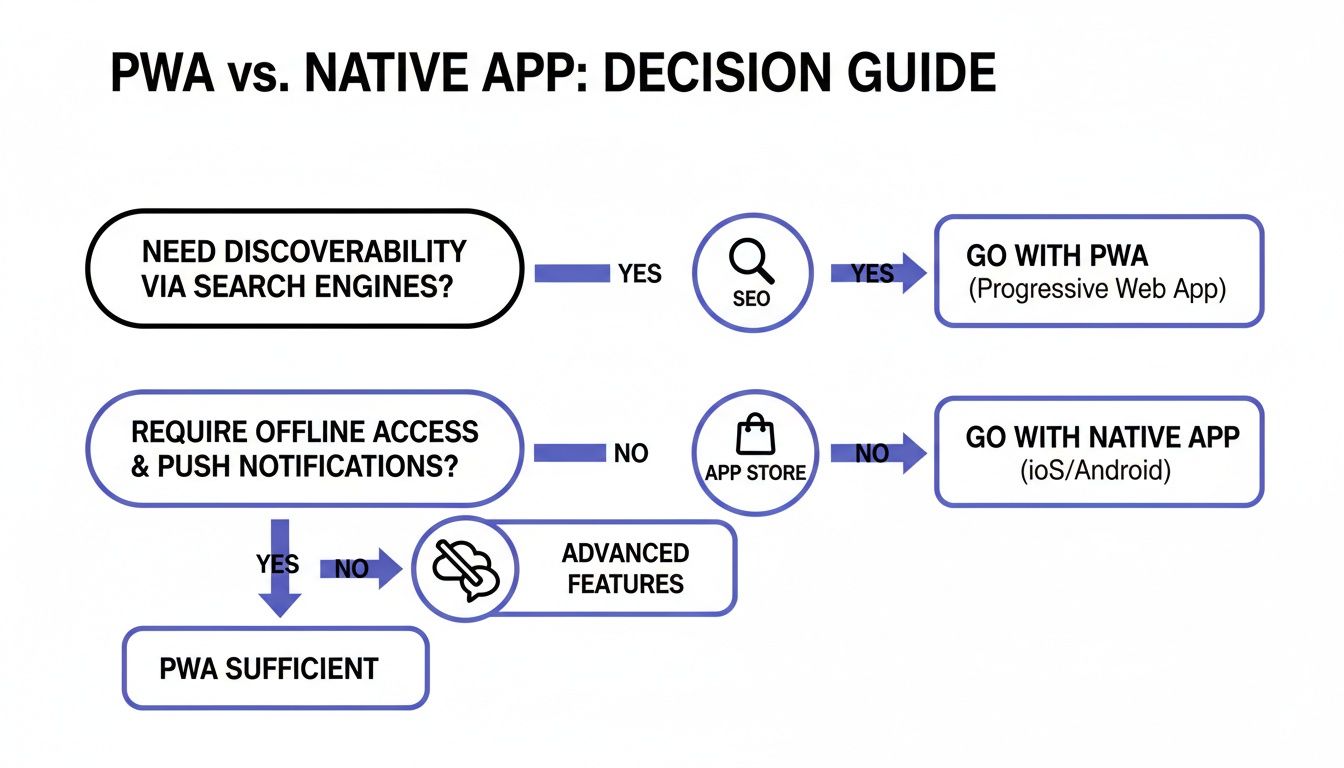
MVP for a lean startup: a PWA is usually the smarter choice. The single codebase lets you launch quickly and affordably across iOS and Android, with no app store approvals slowing you down.
High-performance or hardware-intensive apps: native is non-negotiable. A graphics-heavy game, an AR tool, or anything needing deep hardware access needs native to deliver the performance and stability.
E-commerce and content platforms: a PWA usually has the edge for acquiring new users. SEO brings customers in through search, and "add to home screen" lowers the barrier. You can add a native app later for loyal, repeat customers.
You Don't Have to Choose
This used to be a one-way street. Not anymore. The strongest strategy today is "both/and": start with the speed and reach of a PWA, then evolve into a native app without rebuilding. A platform like CatDoes builds your app so a single project can ship as a PWA for quick validation, then compile and submit to the stores as a native app once you have proven demand. That phased approach de-risks development and protects your budget.
Frequently Asked Questions
Can a PWA replace a native app?
For many businesses, yes. If you run an e-commerce store, a media site, or most internal tools, a PWA can handle push notifications, offline access, and home-screen install well enough to deliver a great experience. Native still owns the high-performance space: if your app needs heavy processing, advanced graphics, or deep hardware access like Bluetooth Low Energy, go native.
Which is better for making money?
Both monetize well. Native apps use the built-in store payment systems that users already trust, at the cost of a 15 to 30 percent commission. PWAs give you full control: any web payment processor, ads, or direct subscriptions, with no store fee. If you sell in-app digital goods, native is simpler. If you want more control and higher margins, a PWA wins.
Do modern tools make this decision easier?
Yes. Modern tools have made the all-or-nothing choice obsolete. A platform like CatDoes can build apps with flexible frameworks that deploy the same project as both a PWA and a full native app, so you can launch a PWA first to test cheaply, then ship a native version once people want it.
Ready to skip the progressive web app vs native app dilemma altogether? CatDoes uses AI to build your app and deploy it wherever you need, from the web to the app stores. Start building for free with CatDoes.
Nafis Amiri
Co-Founder of CatDoes


