Blog
Insights
10 AI Tools for Small Business Owners 2026
Discover the top 10 AI tools for small business owners in 2026. No tech skills needed, just practical software to save time, cut costs, and grow faster.

Nafis Amiri
Co-Founder of CatDoes
TL;DR
The best AI tools for small business owners in 2026 handle the work you never have time for: writing, design, bookkeeping, scheduling, and even building your own app. None of them require coding or a technical background. This guide covers 10 tools, what each one does best, and roughly what it costs, so you can pick the right one and start saving hours this week.
Running a small business means doing six jobs at once. You are the marketer, the bookkeeper, the customer support team, and the IT department, often before lunch. The good news is that AI tools for small business owners have gotten genuinely useful, and most of them are built for people who never want to touch a line of code.
In this guide, you will find 10 AI tools that real small business owners use every day in 2026. For each one, I will explain what it does, who it is best for, what it costs, and a concrete example of how it saves you time. No jargon, no hype, just practical software you can start using today.
Table of Contents
How I Picked These Tools
1. ChatGPT: Your All-Purpose AI Assistant
2. CatDoes: Build a Mobile App or Website Without Code
3. Canva Magic Studio: Design That Looks Professional
4. Jasper AI: Marketing Copy on Demand
5. Notion AI: Organize Everything in One Place
6. Zapier: Automate the Busywork
7. QuickBooks with Intuit Assist: Bookkeeping on Autopilot
8. HubSpot Breeze: Manage Customers and Sales
9. Otter.ai: Never Take Meeting Notes Again
10. Gamma: Polished Presentations in Minutes
Quick Comparison: The 10 Best AI Tools for Small Business
How to Start Without Getting Overwhelmed
Frequently Asked Questions
The Bottom Line
How I Picked These Tools
I focused on tools that pass three tests for a non-technical owner. First, you can sign up and get value the same day, with no setup help. Second, there is either a free plan or a low monthly price, so you are not betting the business on it. Third, the tool solves a job most small businesses actually have: getting customers, serving them well, and keeping the books straight. For a wider view of where these tools help, see our guide to AI for small business.
1. ChatGPT: Your All-Purpose AI Assistant
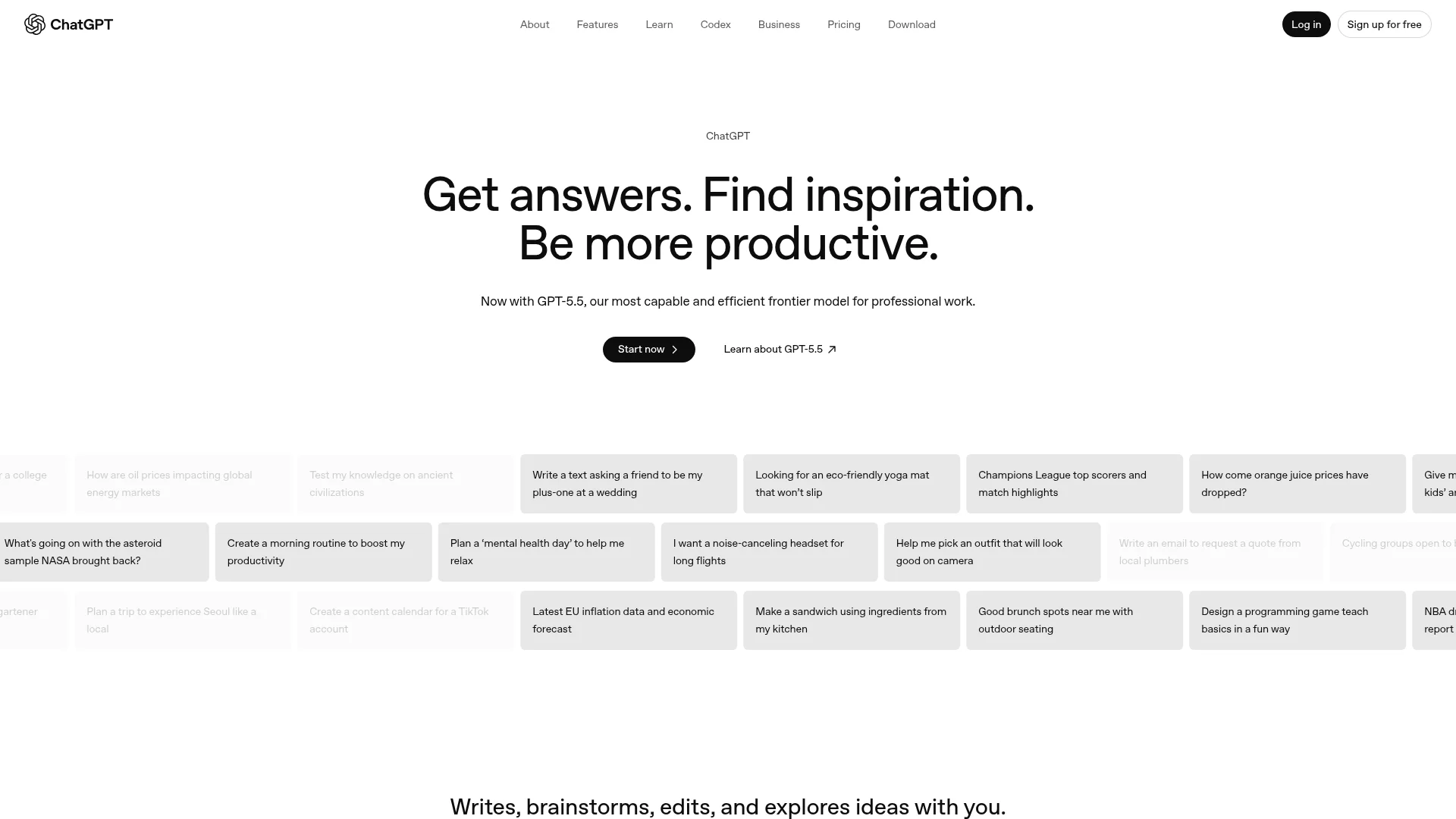
ChatGPT, made by OpenAI, is the closest thing to a digital employee you can hire for free. You type a request in plain English and it writes emails, drafts social posts, answers customer questions, summarizes long documents, and brainstorms ideas.
Best for: Writing, research, and answering "how do I..." questions.
Why owners love it: There is nothing to learn. If you can send a text message, you can use ChatGPT. Ask it to "write a friendly email reminding a customer their invoice is overdue" and you get a usable draft in seconds.
Pricing: A capable free plan covers most needs. ChatGPT Plus runs around $20 per month for faster responses and the newest models. Pricing changes often, so check the current plans before you commit.
2. CatDoes: Build a Mobile App or Website Without Code
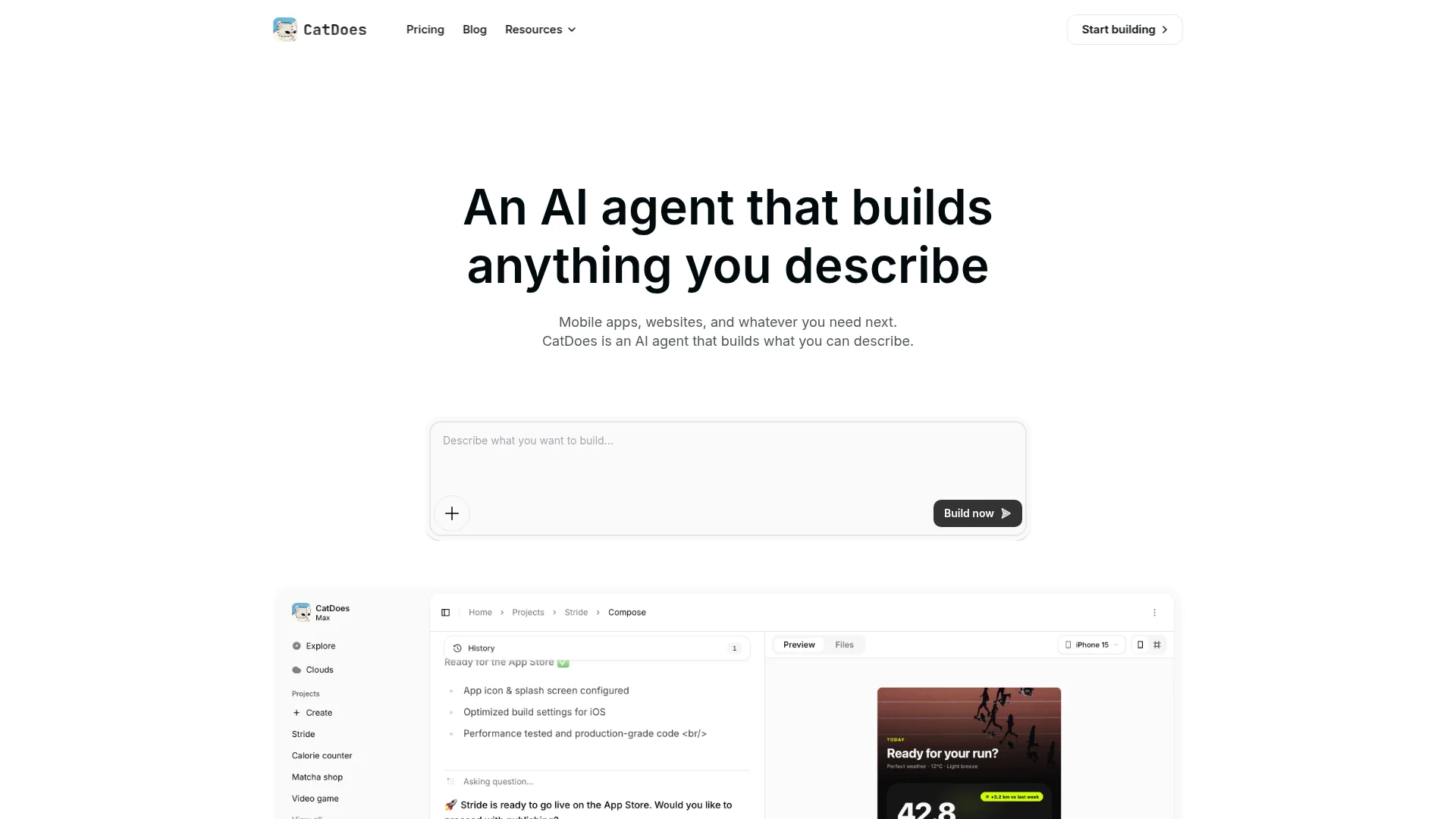
CatDoes is an AI agent that builds, deploys, and maintains mobile apps and websites from plain English. You describe what you want, like "a booking app for my hair salon with a loyalty rewards screen," and the agent builds it, sets up the database and login for you, and ships it to the App Store, Google Play, or the web.
Best for: Owners who want their own app or website but have no developer and no budget for an agency.
Why owners love it: Custom software used to cost thousands and take months. With CatDoes you can have a working app to test with customers in an afternoon, then keep changing it just by asking. For a deeper walkthrough, see our guide on how to create an app for your business.
Pricing: A free plan lets you start and deploy to the web. Paid plans begin at $20 per month when you are ready for the app stores and more projects.
3. Canva Magic Studio: Design That Looks Professional
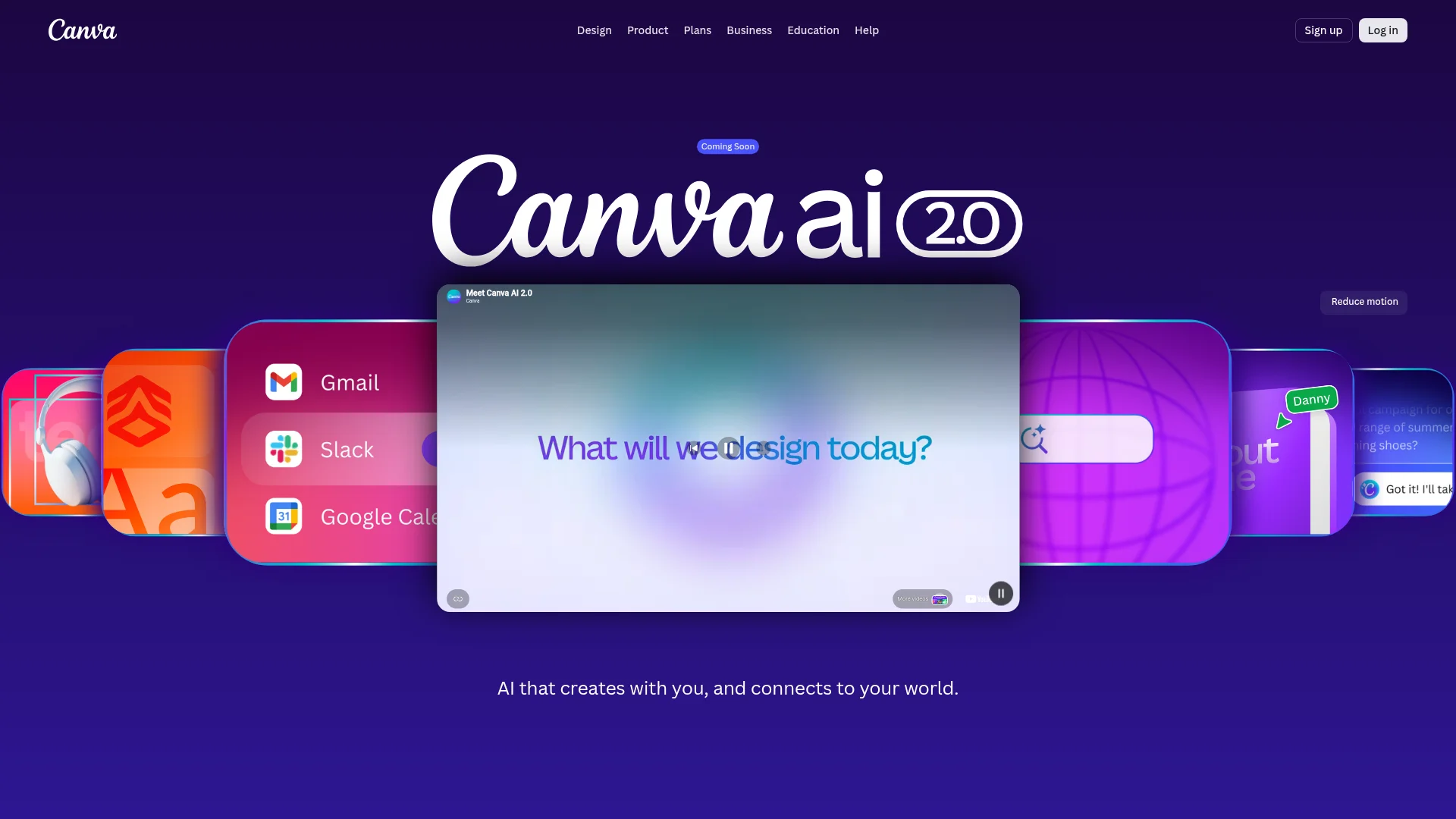
Canva is the design tool small business owners reach for, and its Magic Studio features add AI on top. Magic Design turns a rough idea into finished social posts, flyers, and presentations. Magic Write helps with the words, and background removal cleans up product photos in one click.
Best for: Social media graphics, menus, flyers, logos, and ads.
Why owners love it: You start from a template and the AI does the heavy lifting, so your marketing looks like you hired a designer. No Photoshop skills required.
Pricing: The free plan is generous. Canva Pro is around $15 per month and unlocks the full Magic Studio toolkit, brand kits, and premium stock images.
4. Jasper AI: Marketing Copy on Demand
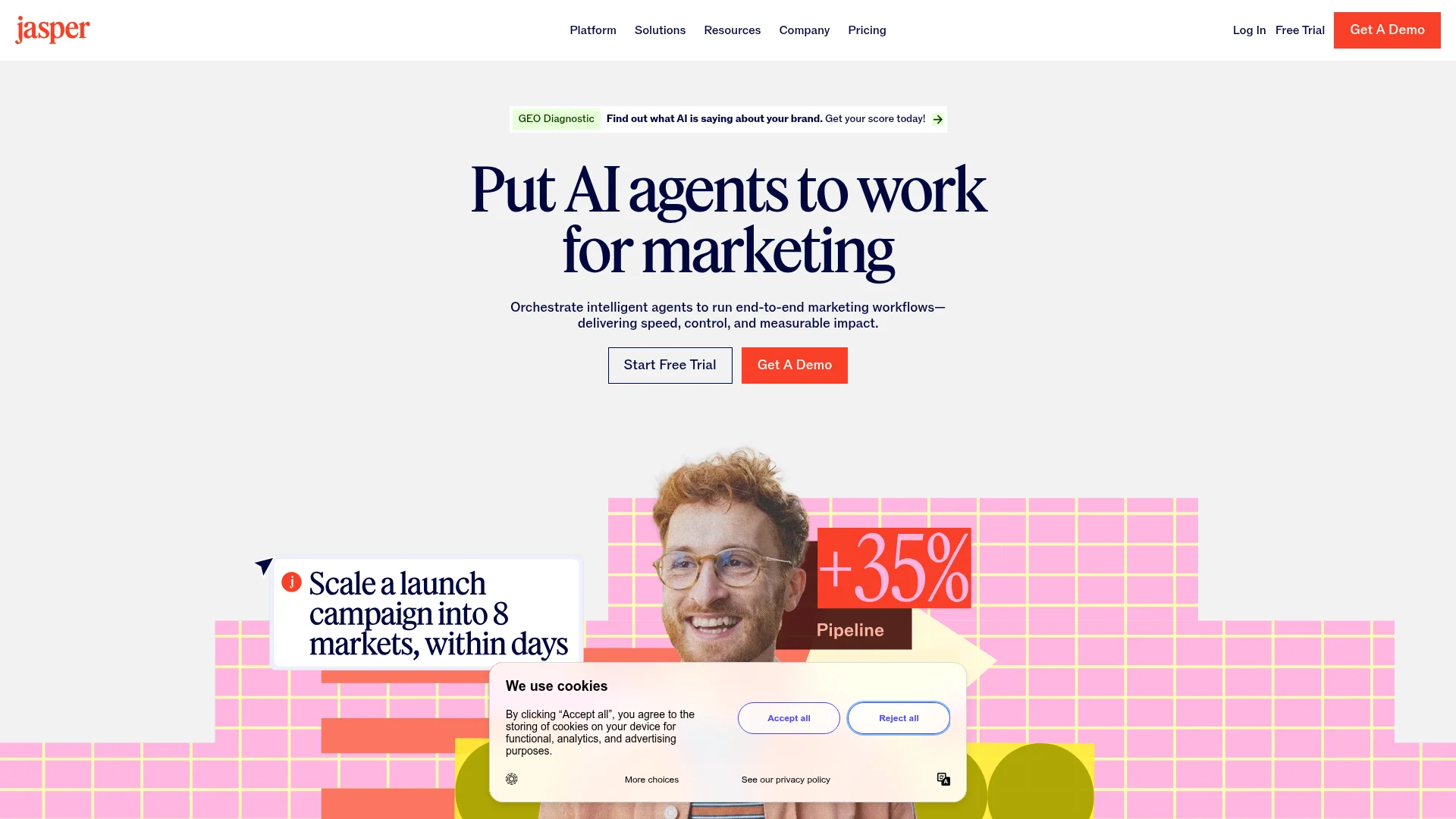
Jasper is built specifically for marketing writing. It learns your brand voice, then writes blog posts, ad copy, product descriptions, and email campaigns that sound like you instead of a robot.
Best for: Businesses that publish a lot of marketing content and want it on-brand.
Why owners love it: Once you train Jasper on your tone, it stops sounding generic. You can spin up a week of social captions or a product launch email in minutes.
Pricing: Jasper is a paid tool, starting around $39 per month per seat. It is worth it if writing is a regular bottleneck, but ChatGPT may be enough if your needs are lighter.
5. Notion AI: Organize Everything in One Place
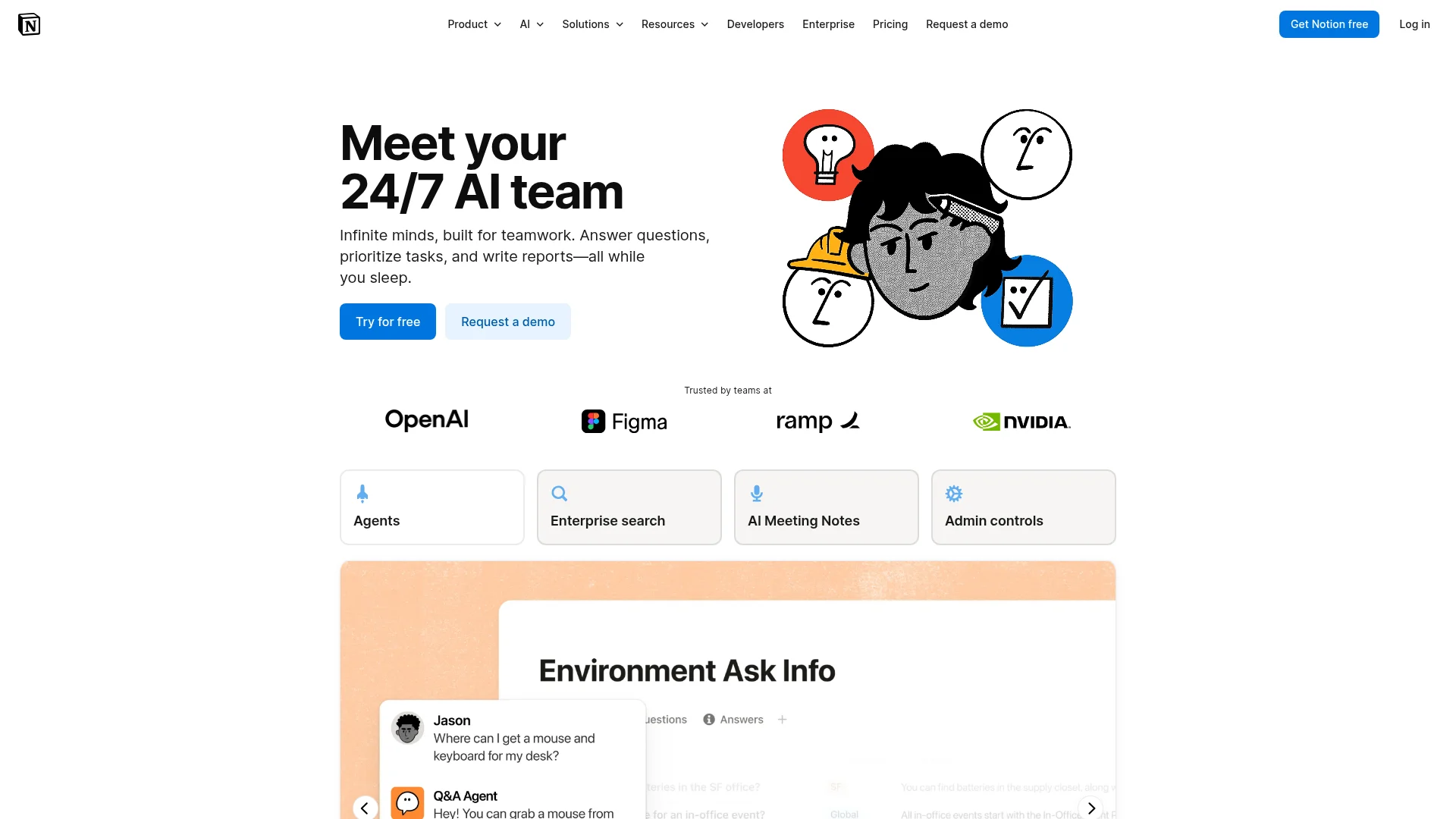
Notion is a flexible workspace for notes, documents, tasks, and wikis, and Notion AI lives inside it. It can summarize meeting notes, answer questions about your own documents, draft standard procedures, and turn messy bullet points into clean text.
Best for: Owners who want one home for their plans, processes, and team knowledge.
Why owners love it: Instead of digging through folders, you ask Notion AI "what did we decide about pricing last month?" and it finds the answer in your own notes.
Pricing: Notion has a free plan for individuals. The AI add-on is roughly $10 per member per month and works across everything in your workspace.
6. Zapier: Automate the Busywork
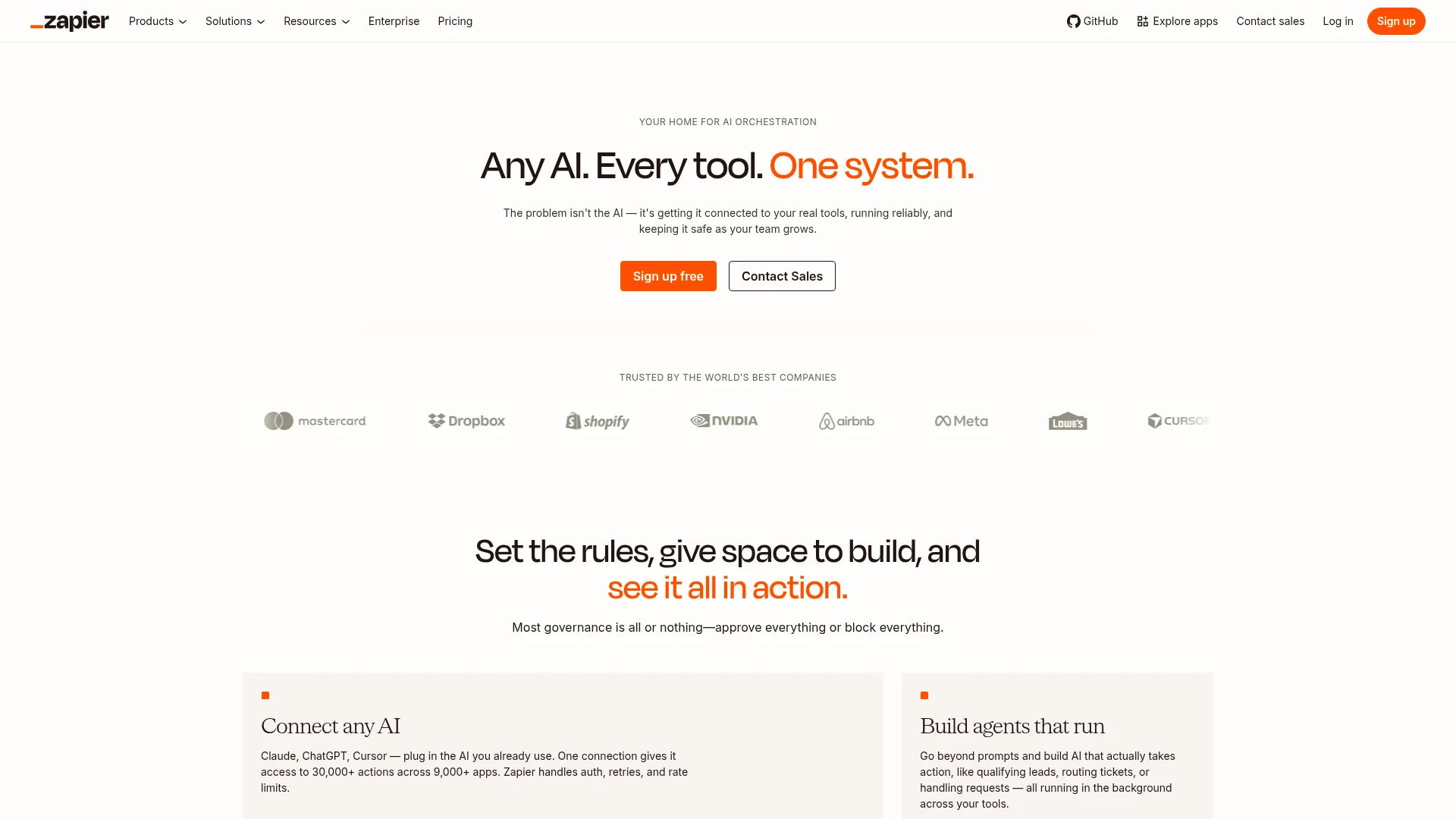
Zapier connects the apps you already use, more than 7,000 of them, so they talk to each other without you copying and pasting. Its newer AI features can build these automations for you from a plain-English description and even run simple AI agents.
Best for: Removing repetitive tasks, like "when someone fills out my form, add them to my email list and send a welcome message."
Why owners love it: Every automation you set up is time you never spend again. You describe the workflow and Zapier wires it together.
Pricing: A free plan covers basic automations. Paid plans start around $20 per month as your volume grows.
7. QuickBooks with Intuit Assist: Bookkeeping on Autopilot
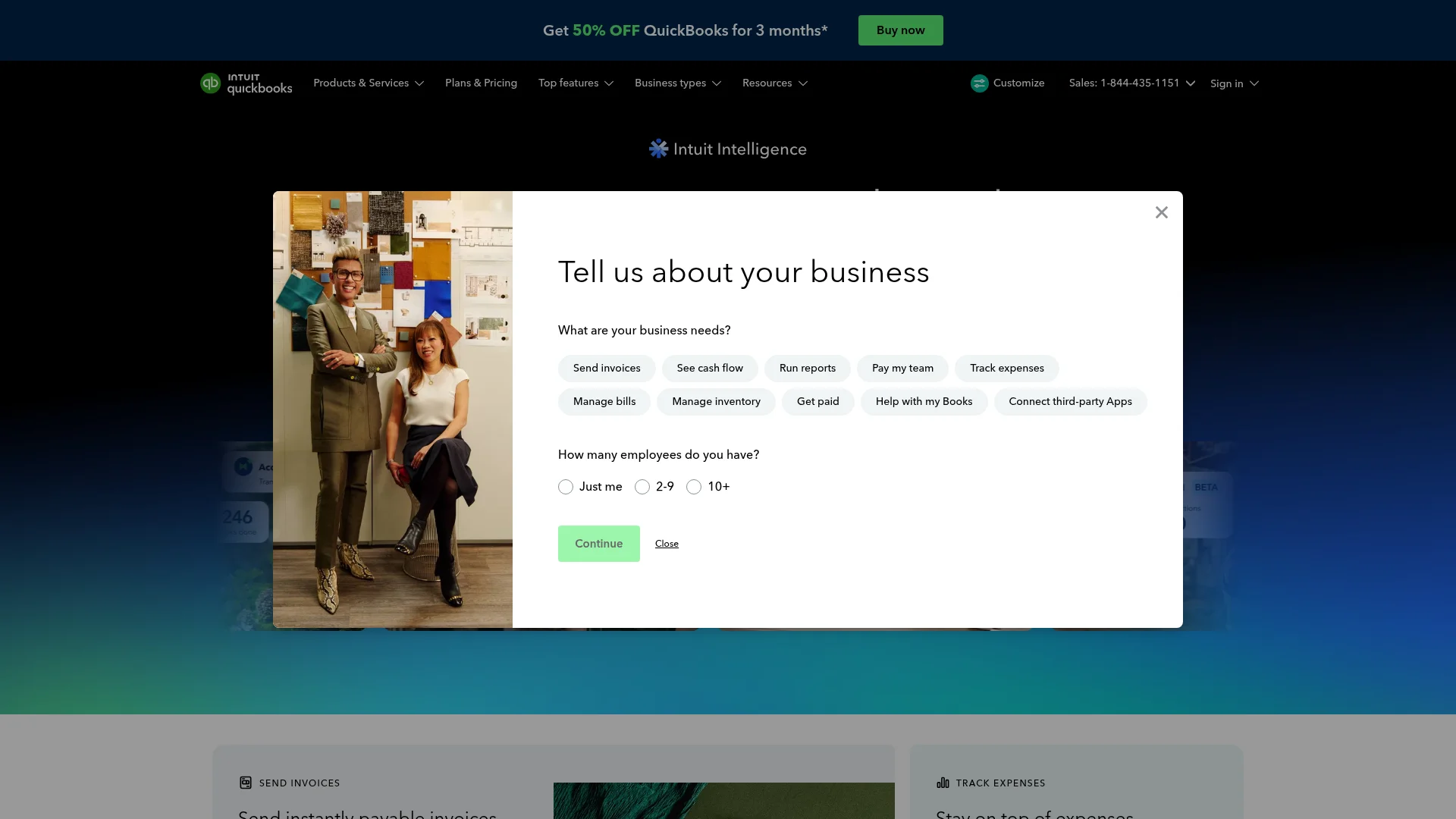
QuickBooks is the accounting standard for small businesses, and its built-in AI, Intuit Assist, now categorizes expenses, drafts invoices, chases late payments, and flags cash-flow problems before they hurt.
Best for: Invoicing, expense tracking, and getting ready for tax season without a full-time bookkeeper.
Why owners love it: The AI does the tedious sorting that used to eat a Sunday. It learns how you categorize transactions and starts doing it for you.
Pricing: Plans generally start around $35 per month. Look for introductory discounts, which QuickBooks runs often.
8. HubSpot Breeze: Manage Customers and Sales
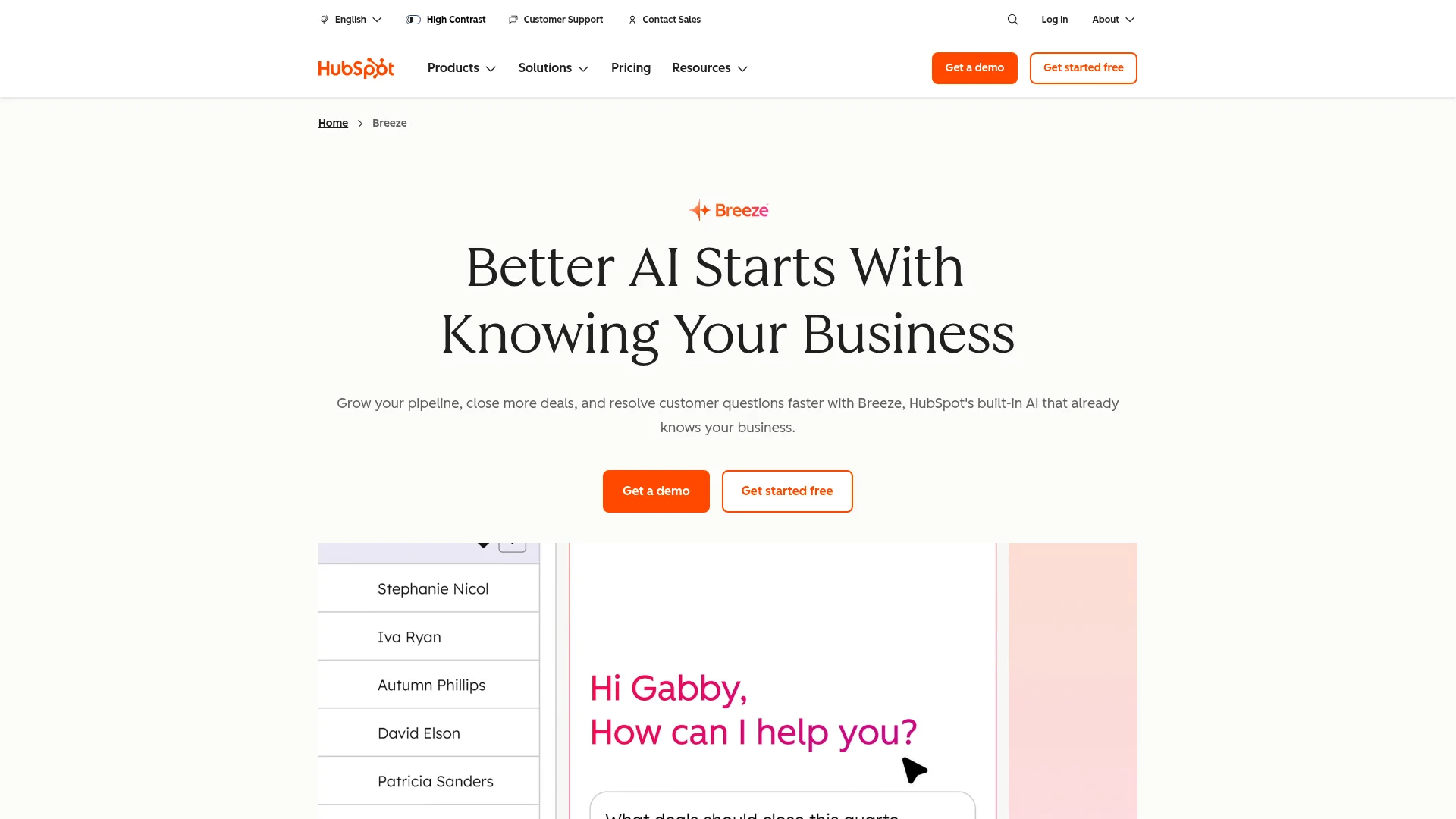
HubSpot is a customer relationship manager, or CRM, that keeps every lead, email, and deal in one place. Its AI layer, Breeze, drafts follow-up emails, scores your best leads, and can even staff a basic customer-support chat agent on your website.
Best for: Tracking leads and customers, and following up so none slip through the cracks.
Why owners love it: The free CRM alone replaces a messy spreadsheet, and Breeze writes the emails you keep meaning to send.
Pricing: The core CRM is free for unlimited users. Paid tiers with the full Breeze features scale up from there as your team grows.
9. Otter.ai: Never Take Meeting Notes Again
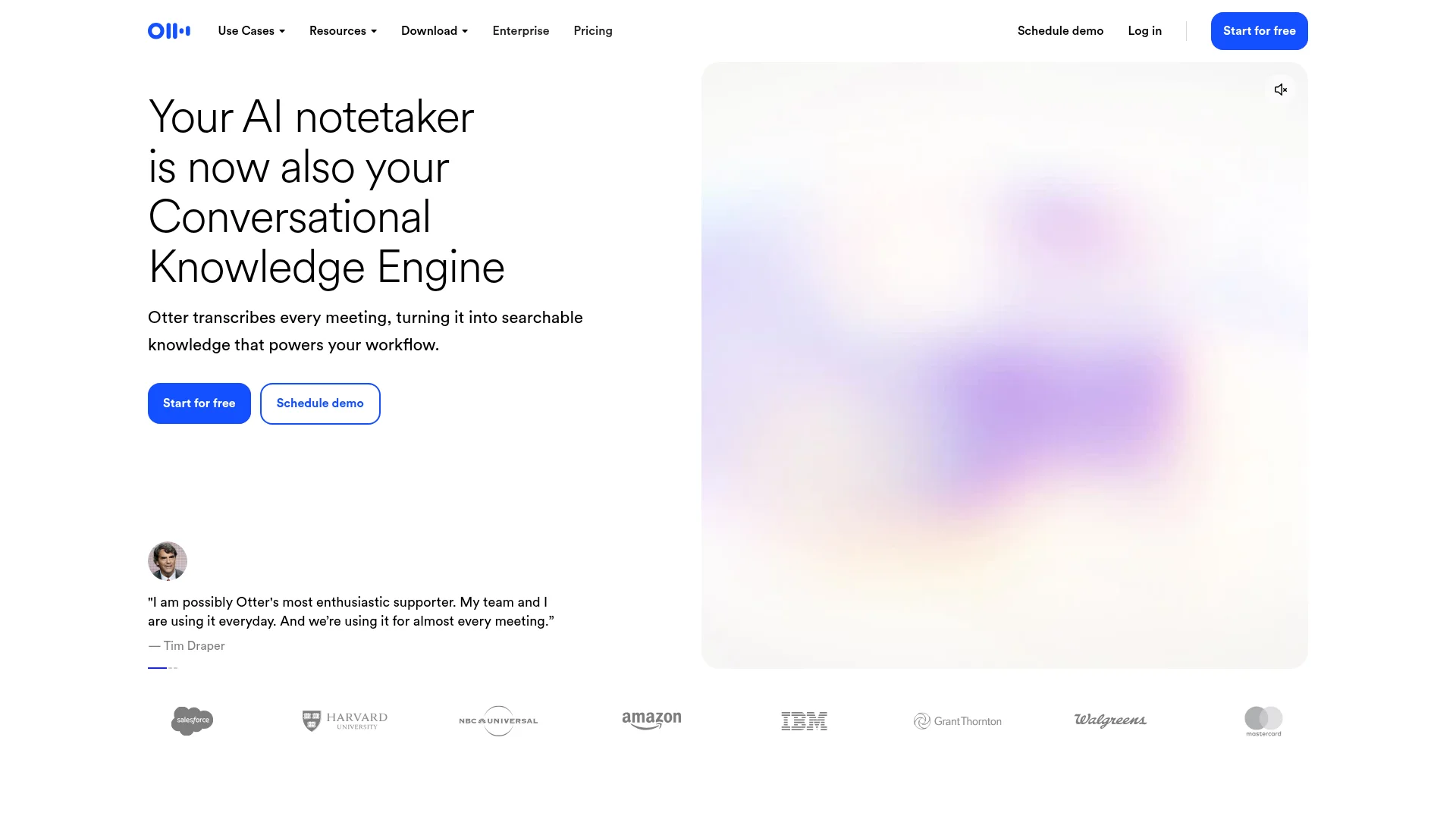
Otter.ai joins your calls, transcribes them in real time, and then hands you a clean summary with the action items pulled out. It works with Zoom, Google Meet, and Microsoft Teams.
Best for: Owners who spend their days in sales calls, client meetings, or interviews.
Why owners love it: You stay present in the conversation instead of scribbling notes, and you still leave with an accurate record and a to-do list.
Pricing: A free plan covers a set number of transcription minutes each month. Otter Pro is around $17 per month for more minutes and advanced summaries.
10. Gamma: Polished Presentations in Minutes
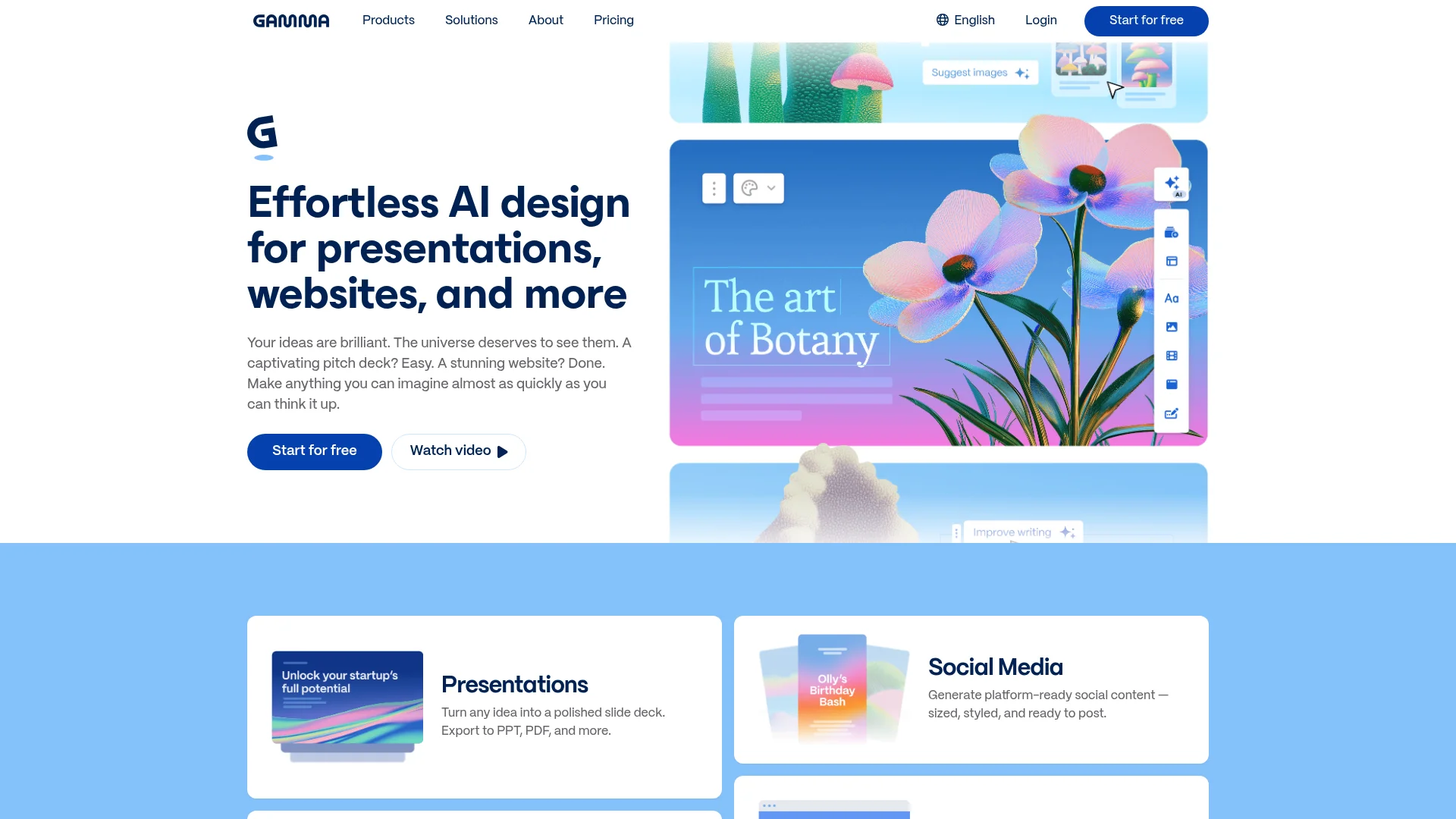
Gamma turns a few prompts into a finished presentation, one-page document, or simple website. You type what you want to say and it designs the slides for you, complete with layout, images, and formatting.
Best for: Pitch decks, client proposals, and internal updates.
Why owners love it: You skip the fiddly part of slide design. Describe your idea, pick a style, and Gamma builds a deck you would be proud to present.
Pricing: A free plan lets you create with a credit system. Paid plans start around $10 per month for more credits and custom branding.
Quick Comparison: The 10 Best AI Tools for Small Business
Tool | Best for | Free plan? | Paid starts around |
|---|---|---|---|
ChatGPT | Writing and research | Yes | $20/mo |
CatDoes | Building apps and websites | Yes | $20/mo |
Canva Magic Studio | Design and graphics | Yes | $15/mo |
Jasper AI | Marketing copy | No | $39/mo |
Notion AI | Organization and docs | Yes | $10/mo |
Zapier | Automating busywork | Yes | $20/mo |
QuickBooks | Bookkeeping | No | $35/mo |
HubSpot Breeze | CRM and sales | Yes | Scales up |
Otter.ai | Meeting notes | Yes | $17/mo |
Gamma | Presentations | Yes | $10/mo |
Prices are approximate for 2026 and change often. Always confirm current pricing on each tool's website.
How to Start Without Getting Overwhelmed
You do not need all 10 tools. Pick the one that fixes your biggest headache this month and learn it well before adding another. A simple starting order works for most owners: ChatGPT for writing, Canva for visuals, and QuickBooks for the money. Add a CRM like HubSpot once you have enough leads to track, and reach for CatDoes when you are ready for your own app or website.
The goal is not to use the most AI. It is to win back hours so you can spend them on the parts of the business only you can do. If you want the bigger picture on fitting these tools together, our guide on digital transformation for small business walks through where to begin.
Frequently Asked Questions
What are the best AI tools for small business owners in 2026?
The most useful AI tools for small business owners in 2026 are ChatGPT for writing, CatDoes for building apps and websites, Canva for design, QuickBooks for bookkeeping, and HubSpot for managing customers. Each one is built for non-technical users and offers a free plan or a low monthly price.
Do I need technical skills to use these AI tools?
No. Every tool on this list is designed for people with no coding or technical background. If you can use email and a web browser, you can use these tools. Most work by letting you type what you want in plain English.
How much do AI tools for small business cost?
Many offer free plans that are enough to start. Paid plans typically run from $10 to $40 per month per tool. A practical starting budget is one or two paid tools that solve your biggest time drains, then add more as they pay for themselves.
Can AI really build an app for my business?
Yes. Tools like CatDoes let you describe the app you want in plain English and build a working mobile app or website without code. You can test it with customers the same day and keep changing it just by asking. See our guide on building a mobile app for your business with AI.
Are free AI tools good enough for a small business?
For many owners, yes. Free plans from ChatGPT, Canva, Notion, and HubSpot cover a surprising amount. Upgrade only when you hit a real limit, like needing more transcription minutes or app-store deployment, rather than paying for features you are not using yet.
The Bottom Line
AI tools for small business owners in 2026 are not about replacing you. They are about handing the repetitive work to software so you can focus on customers and growth. Start with one tool that solves a real problem this week, get comfortable, then expand from there.
When you are ready to go beyond writing and design and actually build something your customers can use, try CatDoes and describe the app or website you want. The AI handles the technical part, so you can stay focused on running your business.
Nafis Amiri
Co-Founder of CatDoes


