Blog
Tutorials
How to Make an App for My Business in 2026 (No Code)
Learn how to make an app for my business with this complete guide. Discover modern, AI-powered tools to bring your business app idea to life.

Nafis Amiri
Co-Founder of CatDoes

So you're wondering how to make an app for my business — and not long ago, that meant hiring an expensive agency and bracing for a long, complicated development process. That has changed. A modern approach uses AI-native platforms that turn your ideas into a real, working app, often without you ever touching a line of code.
This guide walks through the whole journey: defining what your app should do, designing it, picking how to build it, launching to the app stores, and growing once you're live. Here's what we'll cover.
Table of Contents
Your Modern Path to a Business App
Defining Your App's Core Purpose
Designing an Experience Users Will Love
Choosing How to Build Your App
Building, Testing, and Preparing to Launch
Growing Your App After Launch
Frequently Asked Questions About Building a Business App
Your Modern Path to a Business App
In the past, getting a custom app built was a massive project, usually only possible for companies with deep pockets and dedicated tech teams. The whole ordeal was slow and inflexible. It wasn't uncommon for the journey from concept to launch to take months, or even a full year.
And if you wanted to change something? You had to go back to the developers, which meant more delays and more invoices. This old model was a huge roadblock for small and medium-sized businesses. A lot of great ideas never saw the light of day simply because building them was out of reach.
The Shift to AI-Powered Creation
Today, that's no longer how it works. AI-native platforms like CatDoes have made app development fast and accessible to anyone, regardless of their technical background. Instead of hiring a team of engineers, you can now just describe your app's features in plain English. AI agents take it from there, handling the complicated work of writing the code and setting up the backend.
This isn't a small improvement; it's a completely different way of creating software. It puts the power back into the hands of business owners, letting them build, test, and launch in a fraction of the time.
The flowchart below shows just how different the old and new methods are.
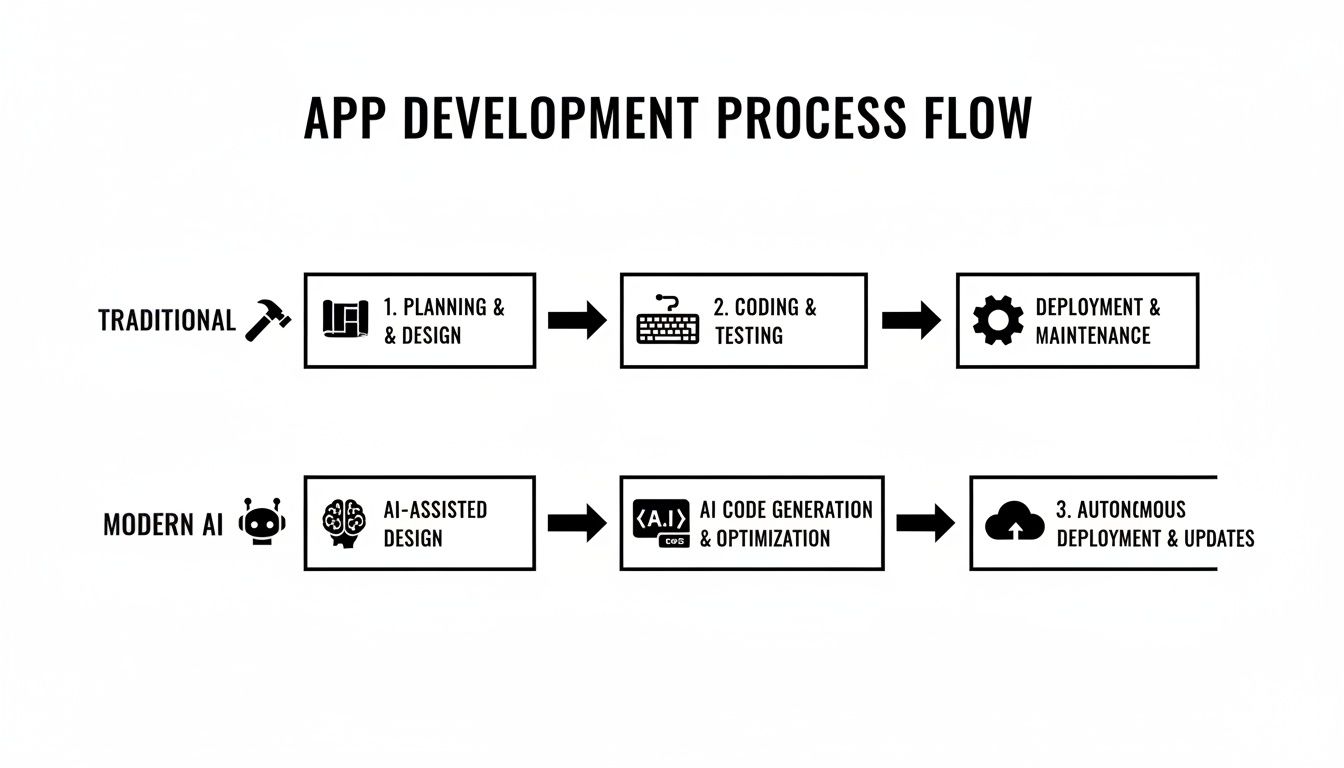
As you can see, AI-driven platforms cut out a lot of the slow, manual steps, creating a much more direct path from idea to reality. This new way of working is a huge part of what successful digital transformation for small business looks like today.
To get a clearer picture of these differences, let's break down the journey step by step.
Traditional App Development Versus Modern AI Creation
Stage | Traditional Approach | Modern AI Approach (e.g., CatDoes) |
|---|---|---|
Concept & Design | Weeks of meetings, wireframing, and mockups with a design team. | Describe your app's purpose in plain English; AI generates initial designs in minutes. |
Development | 3-6+ months of coding by a team of iOS, Android, and backend developers. | AI agents write native code and set up the backend automatically, providing a live preview. |
Testing & QA | A dedicated QA team spends weeks finding bugs and testing on different devices. | Automated testing is built-in, and you can test features on a live preview instantly. |
Iteration | Slow and costly. Changes require new development cycles and budget approvals. | Fast and simple. Refine your app by just updating your plain-language description. |
Deployment | A complex, manual process of submitting to the Apple and Google app stores. | A guided, one-click submission process handled by a release agent. |
Cost | $50,000 - $250,000+ upfront, plus ongoing maintenance fees. | A low, predictable monthly subscription. |
This table highlights the core value of the modern approach: it replaces slow, costly manual labor with fast and flexible automation.
Why This New Approach Matters
This isn't just our opinion; major industry analysts see the same shift. Gartner, for instance, has predicted that by 2026 around 70% of new applications developed by businesses will use no-code or low-code tools. The trend is happening because companies need to move faster and adapt more quickly.
Ultimately, building your app this way gives you several big advantages:
Drastically Lower Costs: You don't need to hire a big development team or pay for expensive ongoing retainers.
Get to Market Faster: You can launch your app in a matter of weeks, not months or years.
Stay Flexible: Need to make a change or add a new feature? It's easy to do as your business grows.
Empowers Everyone: You no longer need to be a programmer to bring your vision to life. If you have the idea, you can build the app.
Defining Your App's Core Purpose
Before you touch a line of code or sketch a single screen, you need to get brutally honest about why your app should exist. A great app isn't just a container for features; it's a sharp, focused solution to a real-world problem.

Jumping straight into development without this clarity is the number one reason projects fail. It's like building a house without a blueprint. You'll burn through time and money, only to end up with something nobody actually wants.
Everything starts with two questions:
What specific, painful problem does this app solve for my customers?
How does solving that problem directly benefit my business?
Every decision you make from here on out has to serve the answers to those questions.
Identifying the Core Problem
The best app ideas aren't born in brainstorming sessions. They come from real friction points you see every day, either for your customers or your own team. Where do things get clunky? What repetitive tasks are begging to be automated?
Let's take a real-world example: a local bakery that's a hit but struggles with massive lines during the morning rush. Customers get annoyed waiting, and some just give up and leave. The problem is clear: a slow ordering process is costing them sales and hurting the customer experience.
The app's core purpose becomes incredibly simple: let customers order and pay ahead to skip the line. That's it. This single idea solves a huge customer pain point while directly boosting the bakery's revenue.
Or consider an independent consultant juggling a dozen client projects. They waste hours every week manually tracking tasks and sending email updates. The problem is internal inefficiency. Their app's purpose? To create a central project hub that streamlines client communication and task management.
From Idea to Minimum Viable Product
Once you've nailed the core purpose, the temptation is to dream up a dozen cool features. Stop right there. The goal isn't to build your forever app on day one. It's to build a Minimum Viable Product (MVP).
An MVP is the most stripped-down version of your app that solves that one core problem and nothing else. It's about delivering immediate value, fast.
For our bakery, an MVP wouldn't have a loyalty program, social sharing, or a blog. It would do three things perfectly:
Show a simple, browsable menu with prices.
Offer a dead-simple checkout process.
Display an order confirmation with a clear pickup time.
This lean approach gets your app into the hands of real users quickly, so you can learn from their feedback before you invest in more complex features.
An MVP forces you to prioritize what truly matters. It's about launching with the one thing your app must do flawlessly, rather than trying to do ten things poorly. This strategy massively reduces your risk and upfront cost.
Using AI to Scope Your Project
In the past, defining your project scope meant endless meetings and dense technical documents. Today, AI-native platforms like CatDoes have made this far simpler. You can just describe your app's goals in plain English, and the platform's AI agents will help map out a structured project scope and feature list for you.
For instance, you could simply tell it: "I want to make an app for my business, a bakery, so customers can order ahead and pay. They need to see our menu, add items to a cart, and get a notification when their order is ready."
From that simple prompt, an AI agent can outline the exact screens, user flows, and backend services required. It turns what used to be a complicated planning phase into a straightforward conversation. This way, you have a rock-solid plan before a single piece of your app is built.
Designing an Experience Users Will Love
A great idea gets you to the starting line. But what makes users stick around is an app that feels good to use. That's the entire game right there, and it all comes down to user experience (UX) and user interface (UI) design.

Don't let the jargon intimidate you. UX is simply the overall feeling someone gets using your app. Is it intuitive or confusing? UI is what you see — the buttons, the colors, the layout. Nail both, and you create something people actually want to open again and again.
At the heart of any great app is a solid grasp of user experience design. Even if you're not a designer, learning to think like one is a massive advantage.
The Foundations of Good App Design
You really don't need a formal design background to know what works. It boils down to a few commonsense rules that put the user first. Your goal is to make using the app feel obvious and effortless.
Think about the apps you use daily. I bet navigation is clean, buttons do what you expect, and you never feel lost. That's the bar you should be aiming for.
Here's what to focus on:
Simple Navigation: People should find what they need in a couple of taps. A confusing menu is the fastest way to get your app deleted.
Clean Layouts: Less is almost always more. Good design uses empty space to make important things stand out instead of overwhelming the screen with clutter.
Brand Consistency: Your app should feel like a natural extension of your business. Stick to your brand's colors, fonts, and logo to build trust and look professional.
From Sketch to Visual Style
The design process rarely starts in a complex software tool. It begins with a pen and paper.
Sketching out the main screens of your app, a process called wireframing, is the best way to map out the user's journey. It lets you work through the flow without getting distracted by colors and fonts just yet.
Once the basic structure feels right, you can start layering in the visual style. Are you going for a sleek, professional vibe or something more fun and friendly? This decision will guide your choice of color palette, typography, and images.
Remember, the goal of design is not just to make something look pretty. It's to communicate your brand's personality and guide the user smoothly through the app to accomplish their goal.
For a deeper look at creating a user-friendly interface, you might find our guide on app design best practices helpful.
How AI Automates Professional Design
Traditionally, the design phase has been a huge bottleneck. It required specialized skills, a significant budget, and a lot of back-and-forth. For many small businesses, this is where the dream of building an app would just stop.
That's no longer the case.
Tools like CatDoes use AI to do the heavy lifting for you. Instead of hiring a designer, you can just describe your brand and the mood you want the app to convey. From there, the AI designer agent generates polished, professional interfaces automatically.
This AI-driven approach is part of a massive shift. The low-code market is on track to blow past $30 billion by 2026, a clear sign that business owners want faster, more accessible ways to build. This automation makes professional-grade design available to everyone, removing a major cost and letting you focus on what really matters: creating an app that solves a real problem for your customers.
Choosing How to Build Your App
You've got a clear vision and a sharp design. Now comes the decision that will shape everything that follows: how are you actually going to build this thing? This single choice has the biggest impact on your budget, timeline, and ultimately your app's success.
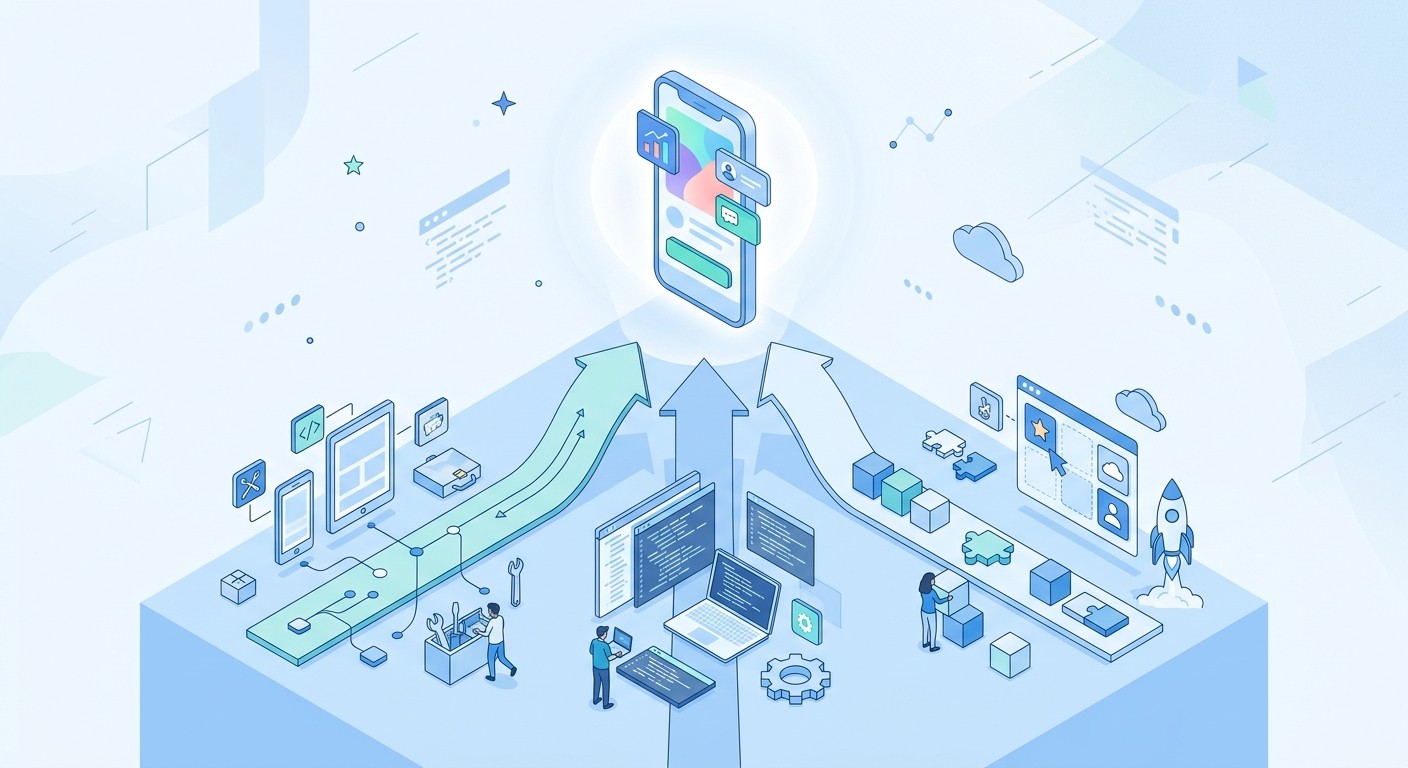
Not long ago, the roadmap was pretty limited. You could hire a development agency, track down a reliable freelancer, or try to build an in-house team from scratch. Each of those paths came with its own serious trade-offs in cost, control, and complexity.
Today there's a much more direct route, especially for entrepreneurs and small businesses who need to be smart with their resources. AI-native and no-code platforms have opened up a powerful alternative that doesn't force you to choose between power and simplicity.
The Three Main Development Options
When you strip it all down, you're looking at three core paths. Each one is a good fit for different kinds of projects, budgets, and comfort levels with the technical side of things. Getting a handle on the pros and cons is crucial before you commit any time or money.
Let's break them down:
Hiring an Agency or Freelancer: This is the traditional route. You bring in outside experts to build your app from the ground up. It gives you maximum customization but also comes with the highest price tag and the longest timeline. You're paying for a dedicated team to manage everything from coding to deployment.
Building It Yourself with Traditional Code: If you or a co-founder has a solid software engineering background, you could build it yourselves. This gives you absolute control, but it demands deep expertise in languages like Swift (for iOS) and Kotlin (for Android), plus backend development.
Using a No-Code or AI-Native Platform: This is the modern approach. It lets you build a powerful, production-ready app without ever writing a line of code. Platforms like CatDoes use specialized AI agents that take your plain-English instructions and turn them into a fully functional application, handling both the front-end and back-end work for you.
Comparing App Development Options for Your Business
The best choice for your business really just depends on your priorities. Is speed to market the most important thing? Is your budget the biggest constraint? Or do you need a super-specialized feature set that only custom engineering can deliver?
This table gives you a quick, head-to-head comparison to help you weigh the factors that matter most.
Development Method | Estimated Cost | Average Timeline | Technical Skill Required |
|---|---|---|---|
Agency / Freelancer | $50,000 - $250,000+ | 6-12 months | Low (for you), High (for them) |
DIY Traditional Coding | $5,000 - $50,000+ (mostly time/salary) | 4-9 months | Expert Level |
No-Code / AI-Native | $0 - $500 / month | 2-8 weeks | None |
As you can see, the differences are pretty stark. An agency offers a hands-off experience but at a premium, while a no-code platform puts the power in your hands to build fast and affordably.
Why AI-Driven Development Is a Strategic Choice
For founders who aren't developers, and for small business owners, the rise of AI-native platforms isn't just a minor convenience. It's a genuine shift. It opens up app creation to everyone by knocking down the old barriers of sky-high costs and technical complexity.
This approach gives you the simplicity of a no-code tool combined with the power of a professional development framework. You get a fast, intuitive building process that results in a high-quality, scalable app.
Instead of burning through months and a five-figure budget just to launch a first version, you can get a solid MVP into the market in a matter of weeks for a simple monthly fee. This gets your idea into the real world fast, so you can gather user feedback and iterate quickly without risking your entire budget.
If you want to see how this works in practice, it's worth exploring what a modern nocode mobile app builder can do. This kind of agility is a massive competitive advantage, letting you adapt and improve your app as your business finds its footing and starts to grow.
Building, Testing, and Preparing to Launch
This is where your idea finally takes shape. In the past, the building phase felt like a black box — a long, expensive slog managed by technical experts. You'd hand over your designs and hope for the best.
Today, it's a completely different story. It's an interactive, transparent experience where you watch your app come to life in real time.
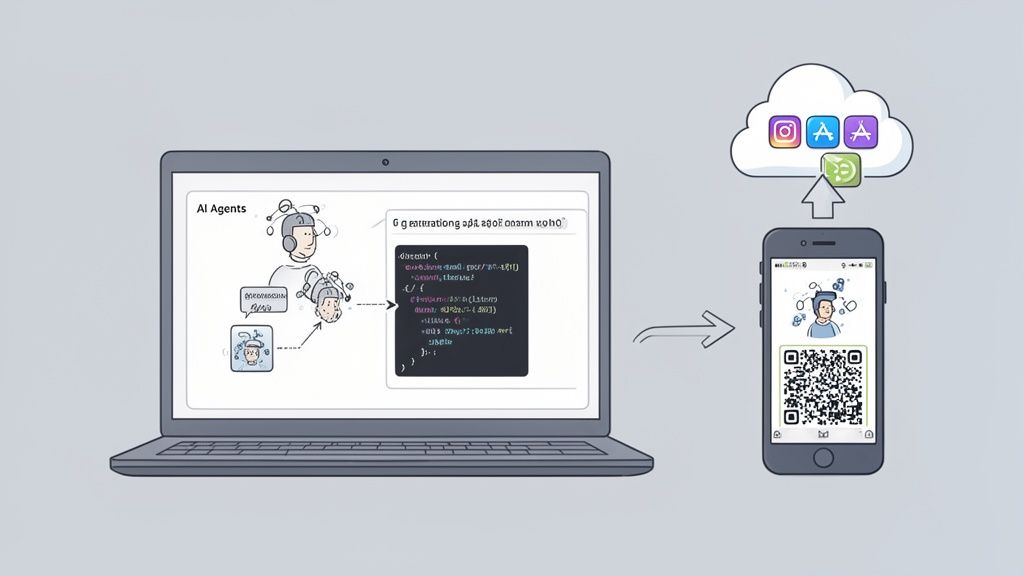
Modern AI-native platforms have changed the building phase entirely. Instead of waiting months for developers to build from static designs, you can literally watch AI agents construct your application based on your instructions. This shift puts you in the driver's seat, turning creation from a passive waiting game into an active, engaging process.
From Instructions to Live Code
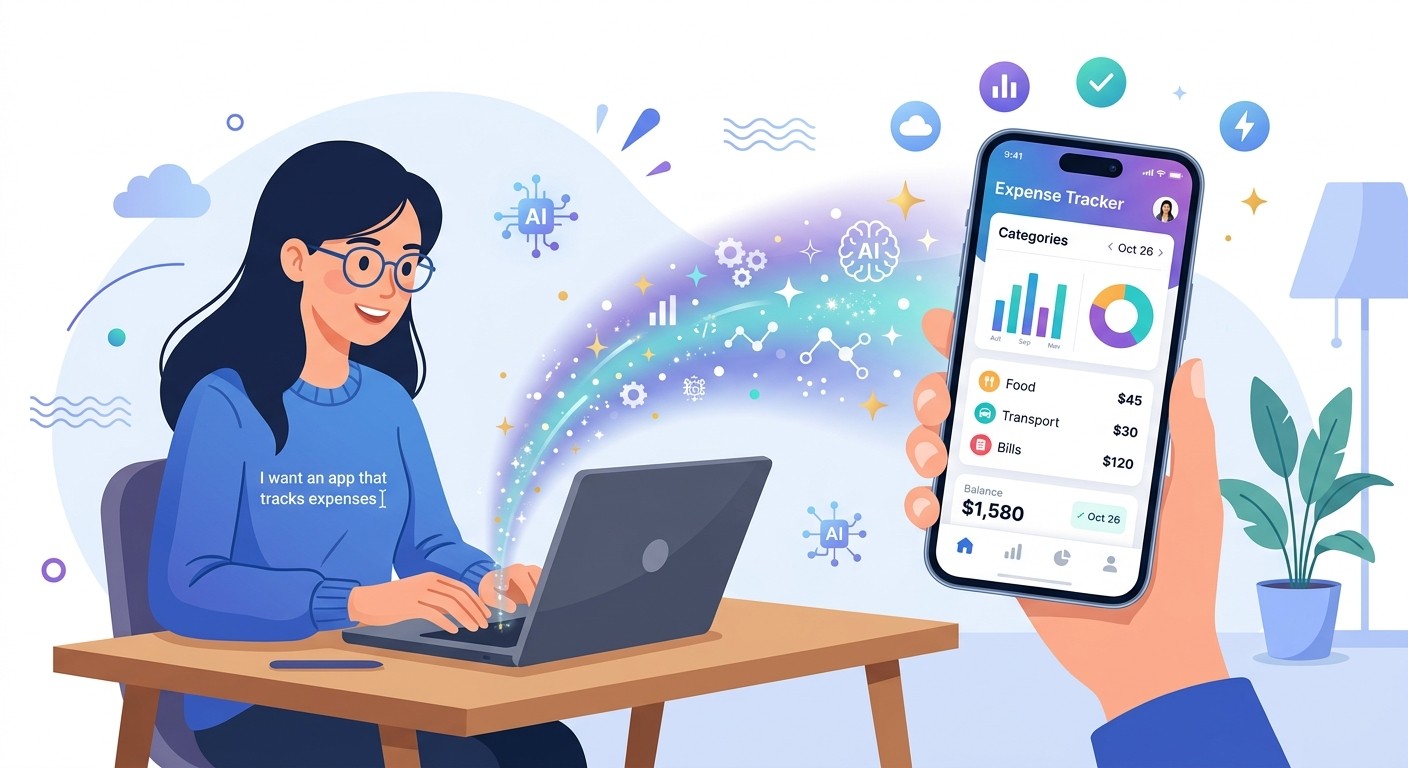
The magic starts the moment you give the platform your requirements and design ideas. An AI software agent takes that input and immediately starts writing the actual code for your app, handling both the user-facing interface and the complex backend logic that makes everything tick.
And just to be clear, this isn't some simplified drag-and-drop builder creating a clunky web wrapper. Platforms like CatDoes generate high-quality, production-ready code using professional frameworks like React Native. That means you get a true native application that delivers the speed and smooth performance users expect on both iOS and Android, all from a single codebase.
The system even sets up the necessary backend services automatically. If your app needs user accounts, a database, or cloud functions, the AI agent provisions all of it without you ever having to touch a server.
The Power of the Instant Feedback Loop
One of the biggest bottlenecks in traditional development is the painfully slow feedback cycle. You describe a feature, wait weeks for it to be built, and only then get to see if it actually matches your vision. If it's wrong? Back to the end of the line.
Modern platforms kill this delay with an instant feedback loop.
As the AI builds, you see a live preview of your app right in your browser, updating in real time. You can immediately see how a new screen looks or how a button feels.
But the part that really sells it is testing on an actual device. With a quick QR code scan, you can run a fully native version of your app on your own iPhone or Android. This matters because it lets you experience the app exactly as your users will.
This rapid feedback loop is probably the single most powerful feature of modern app creation. The ability to build, test, and refine in minutes, not months, dramatically cuts down your time to market and results in a much better final product.
This continuous cycle lets you spot issues early and make tweaks on the fly, so what you launch is polished and intuitive from day one.
A Look at the Testing Process
Good testing is more than just hunting for bugs. It's about making sure the app is reliable and genuinely feels good to use. A structured approach helps cover all your bases.
Here are the key areas to focus on during your testing:
Functional Testing: Does every button, form, and link work correctly? Can users sign up, log in, and use the main features without hitting a dead end?
User Experience (UX) Testing: Is the app easy to figure out? Does the navigation make sense? Hand your phone to a friend who's never seen the app and ask them to complete a key task. Watch where they get stuck.
Performance Testing: How fast does the app load? Are screen transitions smooth? A laggy app will frustrate users even if all the features technically work.
Device Compatibility: If you can, test on a few different devices. The experience on a big, new iPhone might feel totally different from an older, smaller Android phone.
Demystifying App Store Submission
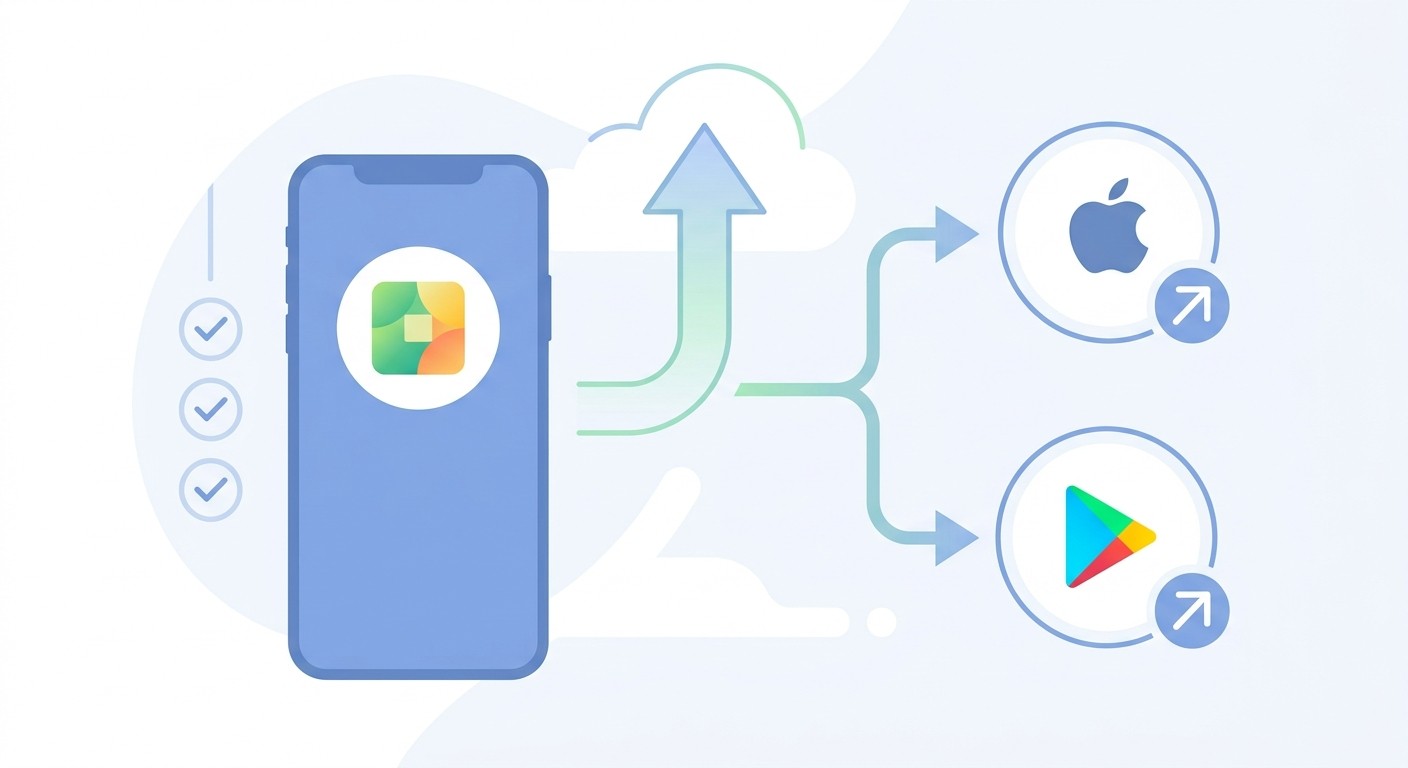
You did it. You have a beautiful, well-tested app. The last hurdle is getting it into the Apple App Store and Google Play Store so customers can actually download it. Historically, this has been a notoriously complex and technical process filled with confusing jargon and strict requirements, like Apple's App Store Review Guidelines and the publishing rules in the Google Play Console.
AI platforms now automate this final, critical step. A dedicated release agent handles the technical heavy lifting for you. It packages your app, generates the required screenshots, creates the necessary certificates, and prepares the final build for submission.
This automated system guides you through the process and helps make sure you meet all of Apple's and Google's guidelines. It turns what was once a major technical headache into a simple, streamlined workflow — the final step in your journey of how to make an app for your business.
Growing Your App After Launch
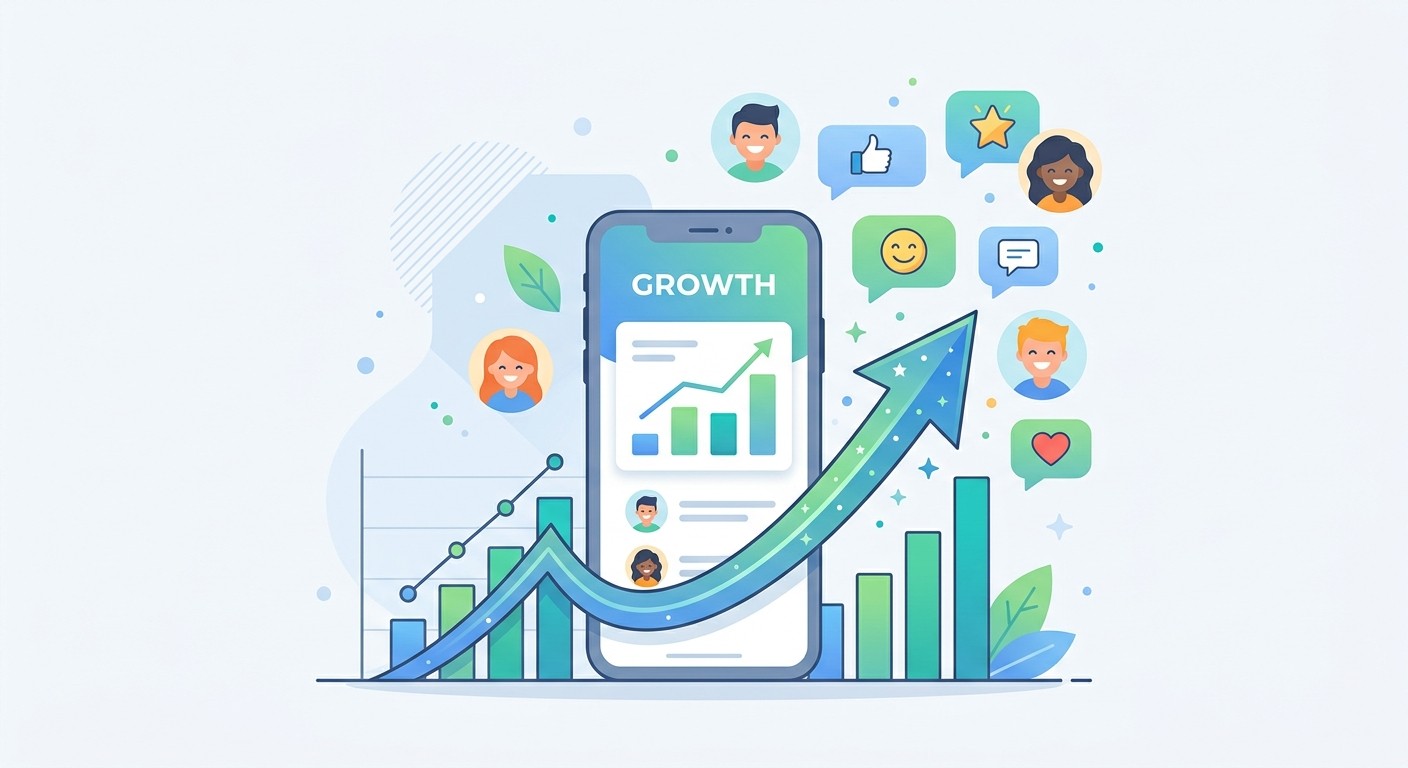
Getting your app into the App Store isn't the finish line. It's the starting gun for the real race. Your launch is the ultimate learning opportunity, giving you hard data on what people actually love, what trips them up, and where the opportunities are.
Success from here on out is all about creating a tight feedback loop. You have to listen closely to your first users, watch how they really use the app, and let that intelligence guide every decision you make next.
Listening to Your First Users
The most valuable insights you'll ever get won't come from a spreadsheet. They'll come directly from the people using your app every day. Your job is to make it dead simple for them to share their thoughts and flag problems.
Here are a few straightforward ways to open up those channels:
In-App Feedback Forms: Weave in a simple, non-annoying way for users to send comments or report bugs without ever leaving the app.
App Store Reviews: Make a daily habit of checking your reviews on both the Apple and Google Play stores. Respond to everyone, good and bad, to show you're listening.
Direct Outreach: Try sending a short, personal email survey to your first 100 users. You'd be surprised how much detail people will share when they feel heard.
Your first users are your most important focus group, period. They took a chance on your vision. Their feedback is pure gold for shaping your product roadmap and building something that lasts.
Iterating with Agility
Traditionally, making even a tiny change to an app meant firing up another expensive, slow-moving development project. For a small business trying to keep up with user feedback, this was a massive roadblock. This is exactly where AI-native platforms earn their keep.
Instead of hunting down a developer to add a new feature, you can just describe what you want in plain English. For example: "Add a five-star rating system to the order history screen." An AI agent can take that instruction, build the feature, test it, and get it ready for release.
This kind of agility means you can act on user feedback almost in real time. The ability to iterate this quickly is an incredible competitive edge, keeping your app constantly evolving to be exactly what your customers need.
Marketing and Growing Your User Base
Finally, you need a plan to get your app in front of more people. The good news? You don't need a massive marketing budget to get your first 1,000 users.
Focus on a few targeted, low-cost strategies to build that initial momentum:
Announce the launch to your existing email list and social media followers.
Encourage your early adopters to share the app with friends, maybe with a small incentive.
Create some simple content, like a blog post or a short video, showing how your app solves a very specific problem.
Managing your app's code and features as your business and team grow is the final piece of the puzzle. An AI-powered approach helps your app stay a flexible, valuable asset for years to come.
Frequently Asked Questions About Building a Business App
Jumping into app development for the first time brings up a ton of questions. That's completely normal. Getting straight answers helps cut through the noise and gives you the confidence to move forward. Here are the biggest concerns we hear from business owners.
How much does it cost to make an app for my business?
Cost is almost always the first thing on everyone's mind, and for good reason — traditional app development can easily run into the tens of thousands of dollars. But modern AI-native platforms have changed the financial equation. Instead of a huge upfront investment, you're looking at a low monthly subscription, turning a scary capital expense into a manageable operating cost.
How long does it take to build a business app?
"How long is this really going to take?" With an AI-powered approach, you can have a Minimum Viable Product (MVP) in your hands in weeks. That's a world away from the months, or even years, you'd spend waiting on an agency. This speed means you get to market faster and start getting feedback from real users right away.
What if I don't know how to code?
This is probably the most critical question for founders who aren't developers, and the answer today is refreshingly simple: you don't need to.
Platforms that use AI to turn plain-English instructions into actual code have torn down the technical wall. If you can clearly describe what you want your app to do, you have all the technical skill you need to get started. It's a fundamental shift that makes app creation a real possibility for any business owner.
The question "how to make an app for my business" is no longer about learning a programming language. It's about knowing your business goals inside and out and letting intelligent automation handle the technical side.
This approach lets you stick to what you do best: running your business. You guide the vision without ever having to become a programmer.
Ready to see how simple it can be to turn your idea into a working app? With CatDoes, you just describe your vision in plain English, and our AI agents build a production-ready application for you. You can start building for free and launch your app in a fraction of the time.
Nafis Amiri
Co-Founder of CatDoes


