Blog
Tutorials
How to Build a Real Estate Website With CatDoes
Learn how to build a real estate website with listings, search, and lead capture. A step-by-step no-code guide using an AI website builder. Start free.

Nafis Amiri
Co-Founder of CatDoes

TL;DR: To build a real estate website you need five things: property listings with photos, a search-and-filter tool, individual listing pages, a lead capture form, and a fast mobile layout. The quickest way to ship all five is an AI website builder. You describe the site in plain English, the AI builds the pages and the backend, and it publishes to a custom domain. This guide walks through the entire process step by step using CatDoes, then covers must-have features, cost, and the mistakes that lose you leads.
Almost every home search now starts on a screen. The National Association of Realtors reports that 97% of buyers use the internet to search for a home, which means your website is often the first impression a client gets, before a call, before a showing, before anything.
The problem is that most agents either pay a developer thousands of dollars or get stuck inside a rigid template that looks like every other realtor site on the block. This guide shows you a third path: how to build a real estate website yourself, from scratch, without writing code and without a design degree. You will end up with listings, search, lead capture, and a live domain.
Table of Contents
What Makes a Good Real Estate Website
What You Need Before You Start
How to Build a Real Estate Website in 6 Steps
Must-Have Features for a Real Estate Website
How Much Does a Real Estate Website Cost?
Should You Turn It Into an App?
Common Mistakes to Avoid
Frequently Asked Questions
What Makes a Good Real Estate Website
A real estate website has one job: turn a browser into a lead. Everything on the page should push a visitor toward either finding a property they love or handing you their contact details. A pretty site that captures no leads is a brochure, not a business tool.
The best real estate websites share a few traits. Listings load fast and look good on a phone. Search lets people filter by price, location, and bedrooms without thinking. Every listing has its own shareable page. And a contact form is never more than one tap away.
You are competing with portals like Zillow and Realtor.com for attention, so you will not out-scale them on listing volume. What you can win on is trust and speed: a personal site that showcases your local expertise, your active listings, and a fast way to reach you.
What You Need Before You Start
You do not need much, but gathering these first will save you an hour of stop-and-start later. Have them ready in a folder before you open the builder.
Your listings. Photos, addresses, prices, bed/bath counts, and a short description for each property. Even three sample listings are enough to launch.
Your brand basics. A logo, a headshot, your brokerage name, and your license number (required in most states).
Contact details. The phone number, email, and any social links you want leads to reach you on.
A domain idea. Something short and memorable, like yournamerealty.com. You can buy it during setup.
That is it. You do not need hosting, a developer, or any technical setup. The builder handles all of that for you.
How to Build a Real Estate Website in 6 Steps
Here is the full process using CatDoes, an AI agent that builds and publishes websites from a plain-English description. The same general steps apply to most modern AI builders, but CatDoes handles the listings database and the custom domain in one place, which is why we use it here.
Step 1: Describe the site you want
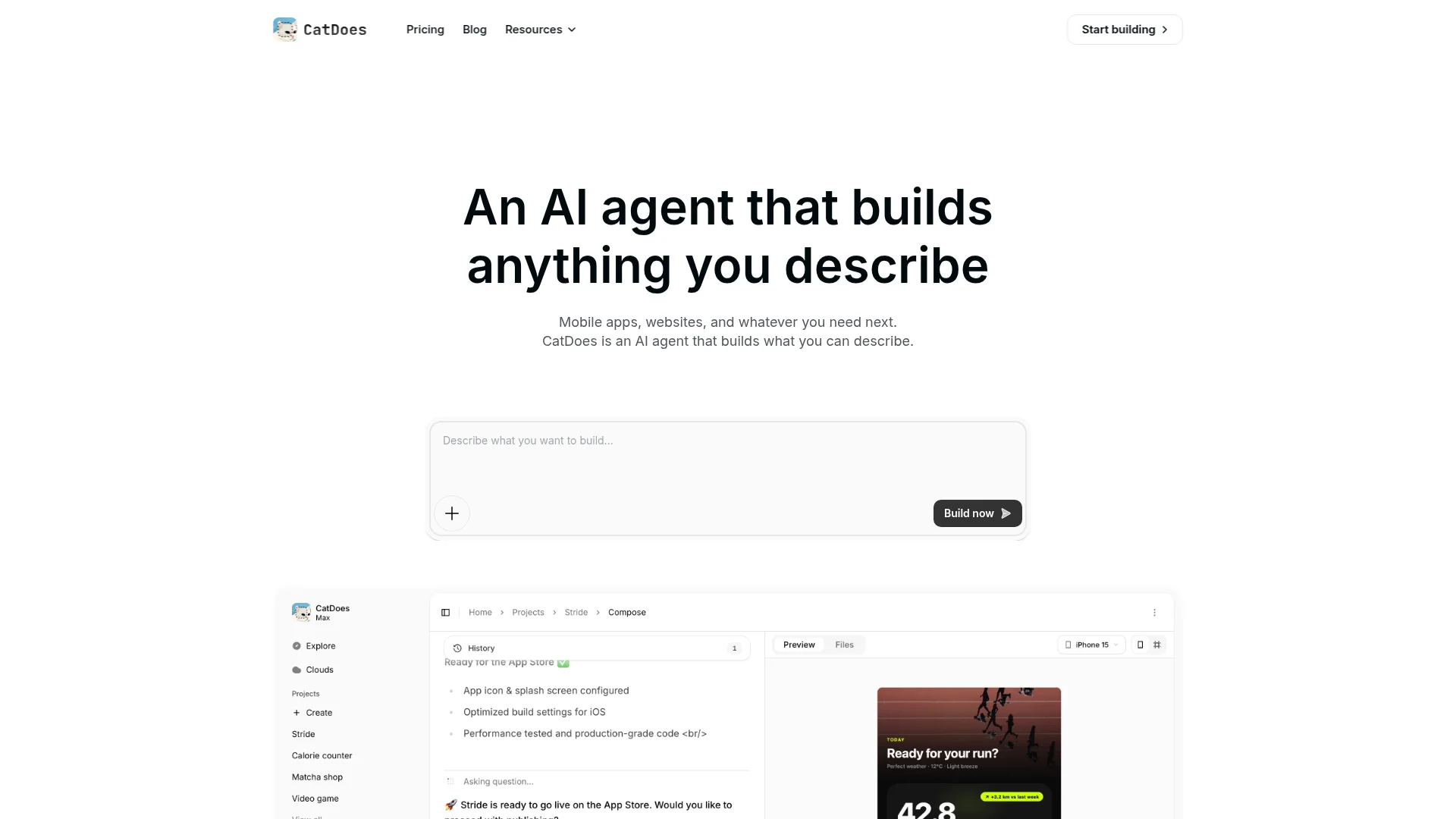
Open CatDoes and describe your website in normal language. Be specific about the pages you want. For example: "Build a real estate website for a Denver agent. Include a homepage with a hero and featured listings, a listings page with search and filters for price and bedrooms, a page for each property, an about page, and a contact form that emails me new leads."

The more detail you give, the closer the first version lands. Mention your color scheme, your city, and the vibe (luxury, family-friendly, modern) so the design matches your brand from the start.
Step 2: Let the agent build the pages and backend
CatDoes gets to work and builds the actual pages, not a mockup. It sets up the listings so each property is a real database entry, wires the search filters, and connects the contact form. This is the part that would normally take a developer days. You watch it happen in a few minutes.
Step 3: Add your real listings
Swap the placeholder properties for your own. Upload your photos, set the prices, and fill in the details for each home. Because listings are stored as structured data, adding a new property later is as simple as filling in a form. The listing page, search results, and homepage all update automatically.
Step 4: Refine the design by asking
Do not like the hero image? Want the search bar bigger? Just ask. Type "make the featured listings section a 3-column grid" or "change the accent color to deep green" and the agent adjusts it. You keep refining in plain English until it looks right, no CSS required.
Step 5: Set up lead capture
This is the step most agents rush, and it costs them clients. Make sure every listing page has a clear "Request a showing" or "Ask about this home" button, and confirm the contact form actually delivers to your inbox. Test it by submitting the form yourself. A lead that never reaches you is a lost commission.
Step 6: Publish to your domain
When it looks right, hit publish. CatDoes deploys the site and connects your custom domain. You can buy a new one or point an existing one at the site. Within minutes your real estate website is live and searchable. For a deeper walkthrough of going live, see our guide on how to publish a website.
Must-Have Features for a Real Estate Website
Whether you build with CatDoes or another tool, these are the features that separate a site that generates leads from one that just sits there. Do not launch without them.
Property search and filters. Buyers filter by price, location, bedrooms, and property type. Without this, they leave.
High-quality photo galleries. Homes sell on images. Each listing needs multiple large, fast-loading photos.
Individual listing pages. Every property gets its own URL you can text or share on social media.
Lead capture forms. Short forms on every listing. Name, email, phone. That is enough.
Map view. Buyers care about location above almost everything. Show listings on a map.
Mobile-first design. Over 60% of property searches happen on phones. If your site is slow or clunky on mobile, you lose those visitors.
An about page. People hire agents, not websites. A real headshot and your local story build trust.
If you want a broader checklist that applies to any business site, our post on what your small business website must have covers the fundamentals of trust, speed, and conversion.
How Much Does a Real Estate Website Cost?
Cost depends entirely on how you build it. Here is a realistic range for each path in 2026.
Hiring a developer: $3,000 to $10,000+ upfront, plus ongoing maintenance fees. Best if you need something highly custom and have the budget.
Template platforms (Wix, Squarespace, template IDX providers): $20 to $100+ per month. Fast to start, but you are locked into their design and structure.
AI website builders like CatDoes: You can start building for free and move to a paid plan when you are ready to publish to a custom domain. You get a custom design without the developer price tag.
The other cost is your domain, usually $10 to $20 per year, plus hosting, which is included with most builders. For most agents starting out, an AI builder hits the sweet spot of custom look and low cost.
Should You Turn It Into an App?
A website should be your first move, but a mobile app can be a strong follow-up for an established agent or brokerage. An app puts your listings on a buyer's home screen and lets you send push notifications when a new property matches their search, a powerful re-engagement tool a website cannot match.
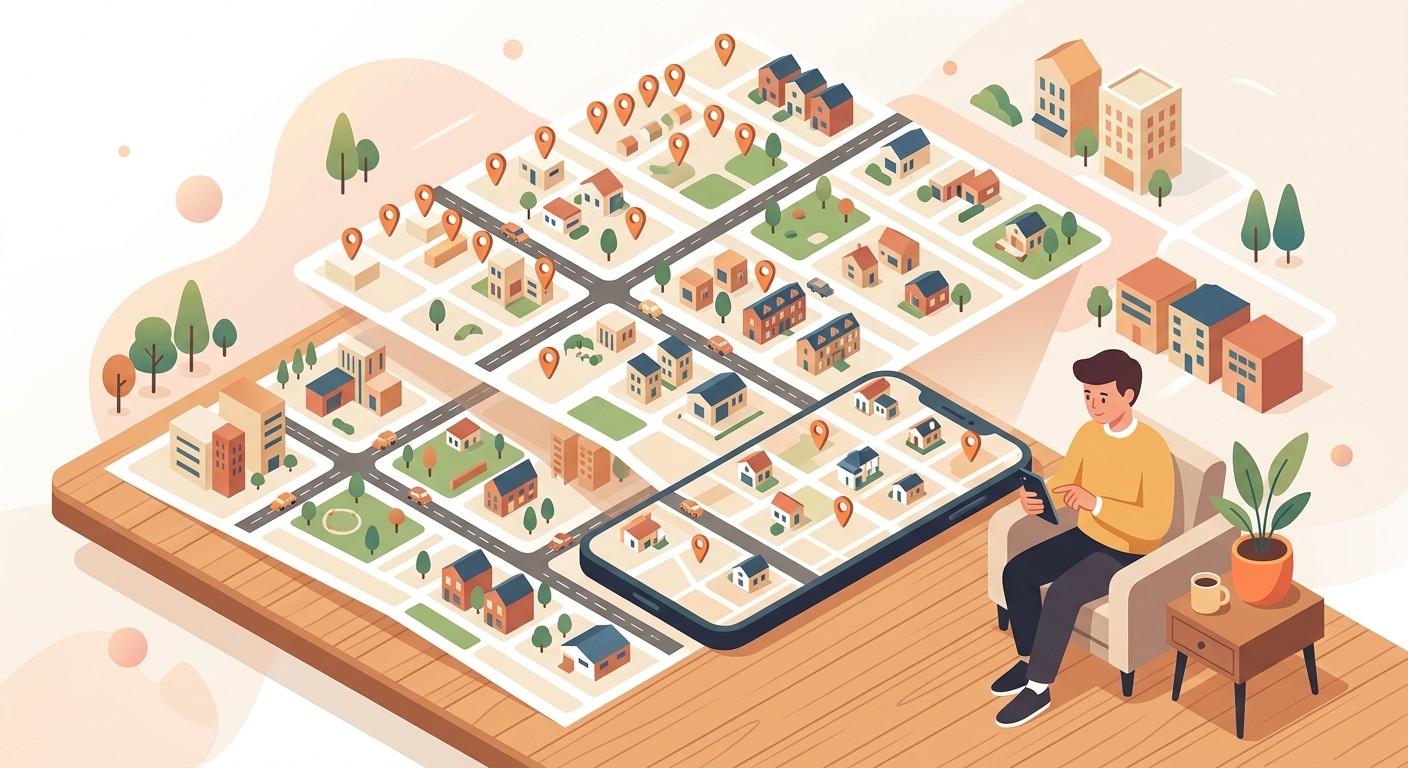
You do not have to rebuild anything. With CatDoes you can turn your existing website into an app for the App Store and Google Play. For most solo agents, though, a fast website with strong lead capture is more than enough to start.
Common Mistakes to Avoid
These are the errors that quietly cost agents leads. Avoiding them puts you ahead of most competitor sites.
Slow-loading photos. Huge, uncompressed images kill your load time. Google's Core Web Vitals research shows bounce rates climb sharply as a page gets slower. Use optimized images.
Hiding your contact info. Your phone and email should be visible on every page, not buried on a contact tab.
Stale listings. Nothing erodes trust like clicking a "for sale" home that sold three months ago. Keep listings current.
No mobile optimization. Testing only on your laptop is a trap. Always preview on a phone.
Forgetting your license number. Most states require it displayed. Check your local rules before you publish.
Frequently Asked Questions
Do I need coding skills to build a real estate website?
No. With an AI website builder like CatDoes you describe what you want in plain English and the agent builds the pages, the listings database, and the contact forms for you. You refine the design by asking, not by writing code.
How long does it take to build a real estate website?
A first working version can be ready in under an hour with an AI builder. Adding your real listings, refining the design, and connecting your domain typically takes an afternoon. Hiring a developer, by contrast, usually takes several weeks.
Can I connect MLS or IDX listings?
Many agents start with manually added listings, which is fine for a personal site. If you need a live MLS feed, you will need an IDX provider that supplies the data for your region. You can build the site first and add an IDX integration later as your business grows.
Can I use my own domain name?
Yes. You can buy a new domain during setup or connect one you already own. A custom domain like yournamerealty.com looks far more professional than a free subdomain and builds trust with buyers.
Is a website or a mobile app better for real estate?
Start with a website. It is faster to build, easier to find on Google, and works for every visitor. A mobile app is a strong second step for established agents who want push notifications and a home-screen presence. You can turn your website into an app later without starting over.
Build Your Real Estate Website Today
A great real estate website is not about flashy design. It is about showing your listings clearly, making them easy to search, and capturing leads before they bounce. You now have the full playbook: the features that matter, the six steps to build it, and the mistakes to avoid.
The fastest way to get there is to describe your site and let an AI agent build it. Start building your real estate website with CatDoes. Describe it in plain English, add your listings, and publish to your own domain today.
Nafis Amiri
Co-Founder of CatDoes


