Blog
Tutorials
How to Convert a Website to a Mobile App (2026)
Turn any website into an iOS and Android app. This 2026 guide covers website-to-app conversion methods, tools, costs, and shipping to the App Store.

Nafis Amiri
Co-Founder of CatDoes

TL;DR: To convert a website to a mobile app in 2026 you have three real paths: a Progressive Web App (fastest, free, but no App Store listing), a WebView wrapper (a day of work, but Apple often rejects thin ones), or a true native rebuild with an AI app builder (real iOS and Android apps you can ship to both stores). Budget for a $99/year Apple developer account and a one-time $25 Google Play fee no matter which route you take. If you want a store-ready app without code, an AI builder that reads your site and generates native apps is the shortest path.
You already have a website that works. Now people keep asking for "the app," and you are staring at agency quotes with five zeros in them. That is the trap: you assume converting a website to a mobile app means rebuilding everything from scratch with a development team. It does not. Depending on what you actually need, the job ranges from an afternoon of setup to a few hours with an AI agent. This guide breaks down the three ways to convert a website to a mobile app, what each one costs in 2026, which tools do the work, and the one App Store rule that quietly rejects most shortcuts.
Table of Contents
What "Convert a Website to a Mobile App" Really Means
Which Conversion Method Should You Choose?
What It Costs to Convert a Website to an App
Website-to-App Tools Compared for 2026
How to Convert Your Website Without Code
Already Built on Lovable, Base44, or Another Website Builder?
Will the App Store Actually Approve It?
Frequently Asked Questions
What "Convert a Website to a Mobile App" Really Means
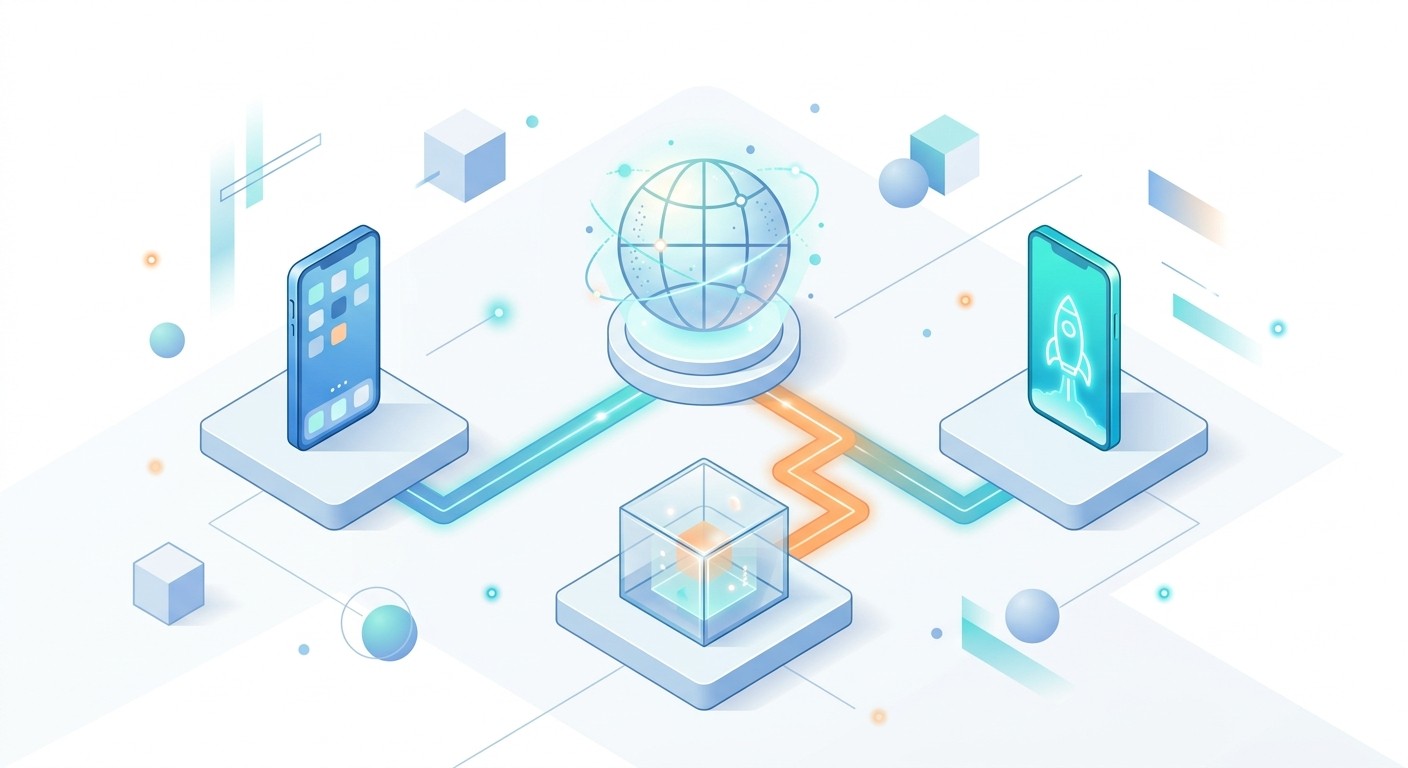
"Convert" is a loose word, and it hides three very different projects. Picking the wrong one is why people overspend or get rejected from the App Store. Here is what each path actually produces.
A Progressive Web App (PWA) is your existing site with an app-like shell: it installs to the home screen, works offline, and can send push notifications. There is no separate codebase and no App Store listing on iOS. It is the same website, dressed up to feel native.
A WebView wrapper takes your live URL and loads it inside a thin native container. The result is a real installable app file, but the content is still your website rendered in a hidden browser. It is quick to build and quick to break the rules, which we cover below.
A native rebuild recreates your site as a genuine mobile app using platform code (or a cross-platform framework like React Native). It runs offline, uses the camera and GPS, feels fast, and passes store review. This used to mean hiring developers. In 2026, an AI app builder can generate it for you.
Which Conversion Method Should You Choose?
The right method depends on three things: whether you need to be in the App Store, whether you need native hardware features, and your budget. Use the table below as a shortcut, then read the tie-breakers underneath.
Method | Time to ship | App Store listing | Native features | Typical cost |
|---|---|---|---|---|
Progressive Web App | An afternoon | Android only (not iOS) | Limited | Free tooling |
WebView wrapper | About a day | Both, if it passes review | Minimal | $0-$50/month |
Native rebuild (AI builder) | Hours | Both | Full | Subscription |
Native rebuild (agency) | 2-6 months | Both | Full | $10,000+ |
Choose a PWA if you only care about Android and a fast home-screen install, or if you want to test app demand before investing. Choose a wrapper only if your app is genuinely interactive and does more than display pages. Choose a native rebuild if you need to be in the Apple App Store, want push notifications and offline mode that actually work, or plan to add hardware features like the camera. For a deeper look at the install-to-homescreen route, see our PWA vs native app guide.
What It Costs to Convert a Website to an App
Two costs are fixed no matter which method you pick, so budget for them first. Everything else scales with how much building you outsource.
The unavoidable store fees: an Apple Developer Program membership costs $99 per year, and a Google Play developer account is a one-time $25 fee. That is the price of a listing on each store, and it is the same whether your app took an hour or a year to build.
The build cost is where the paths split apart:
PWA: essentially free. The tooling (service workers, a web app manifest) is built into the modern web platform, so you only pay in setup time.
WebView wrapper service: roughly $0 to $50 per month, depending on the platform and whether you want push notifications and analytics bundled in.
Freelancer rebuild: $1,000 to $5,000 for a straightforward app, more if you need custom backends or integrations.
Agency rebuild: $10,000 to $150,000. A 2026 development agency typically bills $50 to $150 per hour, and a full native app runs into hundreds of hours.
AI app builder: a monthly subscription, usually a fraction of a single freelancer invoice, that generates native iOS and Android apps from your description or existing site.
The gap is stark: the same "convert my website to an app" request can cost $99 in fees plus an afternoon, or six figures and six months. The deciding factor is not quality, it is how much of the work you hand to software versus people.
Website-to-App Tools Compared for 2026
Tools cluster around the three methods. Here is how the main categories stack up, so you can match a tool to the outcome you want rather than the other way around.
Tool type | What it produces | Best for | Coding required |
|---|---|---|---|
PWA builders (web platform, PWABuilder) | Installable web app | Android reach, quick tests | Some |
Wrapper services (Median, GoNative-style) | WebView app file | Simple content apps | None |
Cross-platform frameworks (React Native, Flutter) | True native app | Developers and teams | Yes |
AI app builders (CatDoes) | Native iOS + Android app | Store-ready apps without code | None |
If you have a development team, a cross-platform framework gives you the most control. If you do not, the choice is between a wrapper (fast but limited) and an AI builder (native output, still no code). The AI route is the one that has changed most since 2024: instead of manually rebuilding screens, you describe the app or point the tool at your site and it writes the native code for you.
How to Convert Your Website Without Code
The no-code path used to mean a wrapper. Now an AI app builder like CatDoes can read your website, understand its structure, and generate genuine native apps. Here is the workflow, step by step.
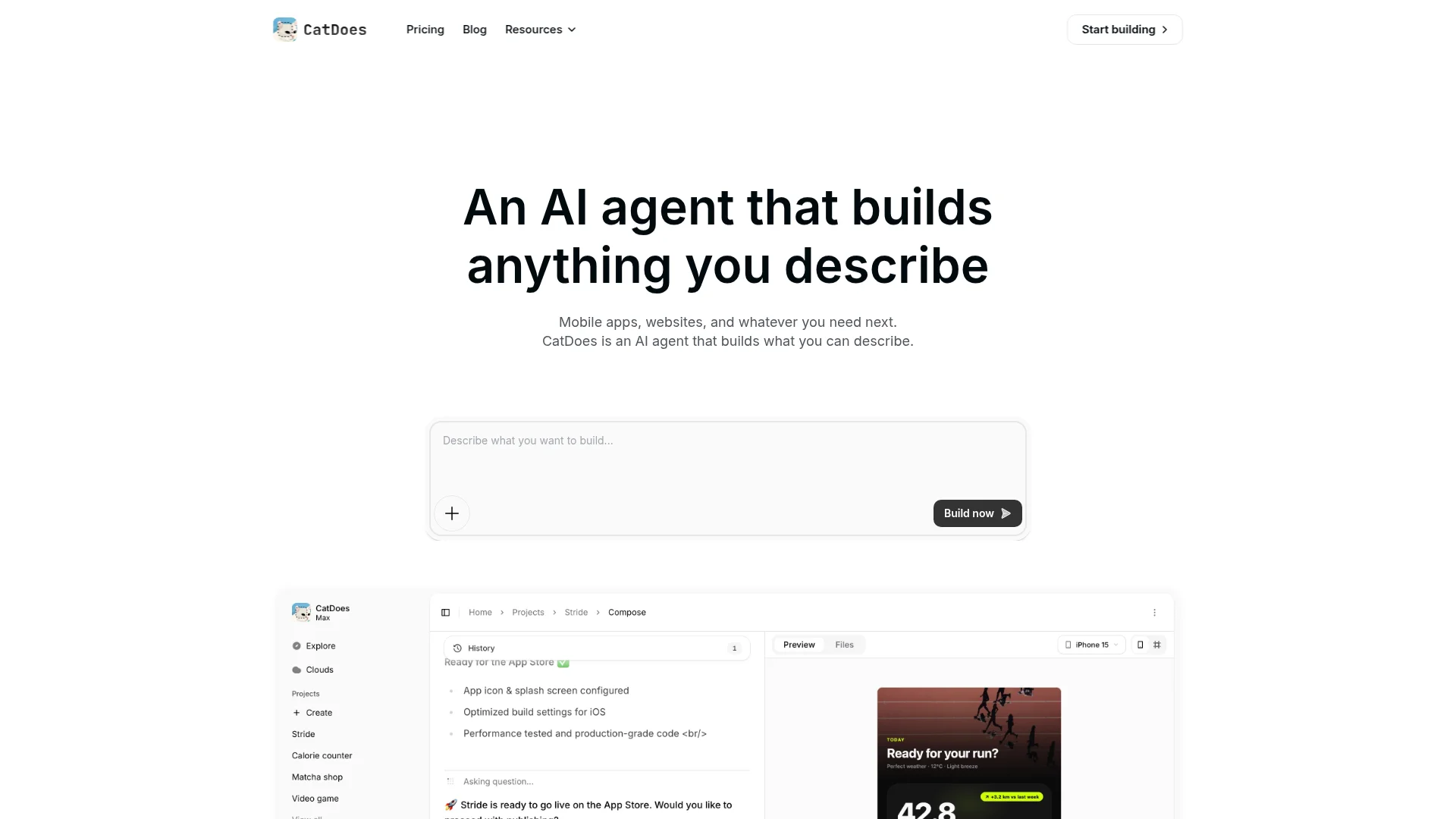
Point the agent at your website. Give it your live URL or connect a GitHub repo. The agent reads your pages, content, and layout as the starting blueprint.
Describe the app in plain language. Say which pages become screens, what the navigation should feel like, and which mobile features you want (login, push notifications, offline access).
Let it generate native iOS and Android. The agent produces real cross-platform code, not a WebView shell, so the app runs offline and uses device hardware.
Add native touches. Wire up push notifications, a camera screen, or a database. A hosted backend for auth, storage, and data is included, so you are not stitching together separate services.
Preview and test. Run the app on a simulator or your own phone, click through every flow, and fix anything that feels off before you submit.
Ship to both stores. Export the build and submit it, or let the agent handle the App Store and Google Play deployment for you.
The whole loop can take hours instead of months, and because the output is native code, it clears the store rule that kills most shortcuts.
Already Built on Lovable, Base44, or Another Website Builder?
If your site already lives on a builder like Lovable, Base44, Bolt, Replit, Framer, Webflow, or WordPress, you do not have to start over to get a mobile app. Those tools are great at shipping a web experience fast, but none of them hand you a real native iOS or Android app you can list in the App Store. Closing that gap is exactly what converting a website to an app is for.
The reason is structural. AI web builders and no-code site tools generate a web app: HTML, CSS, and JavaScript that runs in a browser. Getting that into the App Store means either wrapping it in a WebView, which Apple frequently rejects, or rebuilding it as native code. An AI app builder does the rebuild for you, so your existing project becomes the blueprint instead of throwaway work.
The steps mirror the workflow above. Point CatDoes at your live URL, or connect the GitHub repo your builder exports to, then describe how the screens and navigation should behave on a phone. It reads your existing pages and generates native iOS and Android apps with push notifications, offline mode, and device features a browser cannot reach:
A Lovable, Bolt, or v0 prototype: you moved fast on the web and now need the same product as a store-ready app on both platforms.
A Base44 internal tool: a dashboard or workflow your team would rather open as a real app than a browser tab.
A Framer, Webflow, or WordPress site: a marketing or content site that needs an App Store presence for reach, notifications, and retention.
Because the result is native code rather than a wrapped web page, it also clears the App Store rule that rejects most shortcuts, which is next.
Will the App Store Actually Approve It?
This is where the cheap route trips people up. Apple's App Store Review Guidelines, specifically Guideline 4.2 on "minimum functionality," reject apps that are "simply a repackaged website" or that offer nothing beyond what a browser already does. A bare WebView wrapper is the textbook example of what gets bounced.
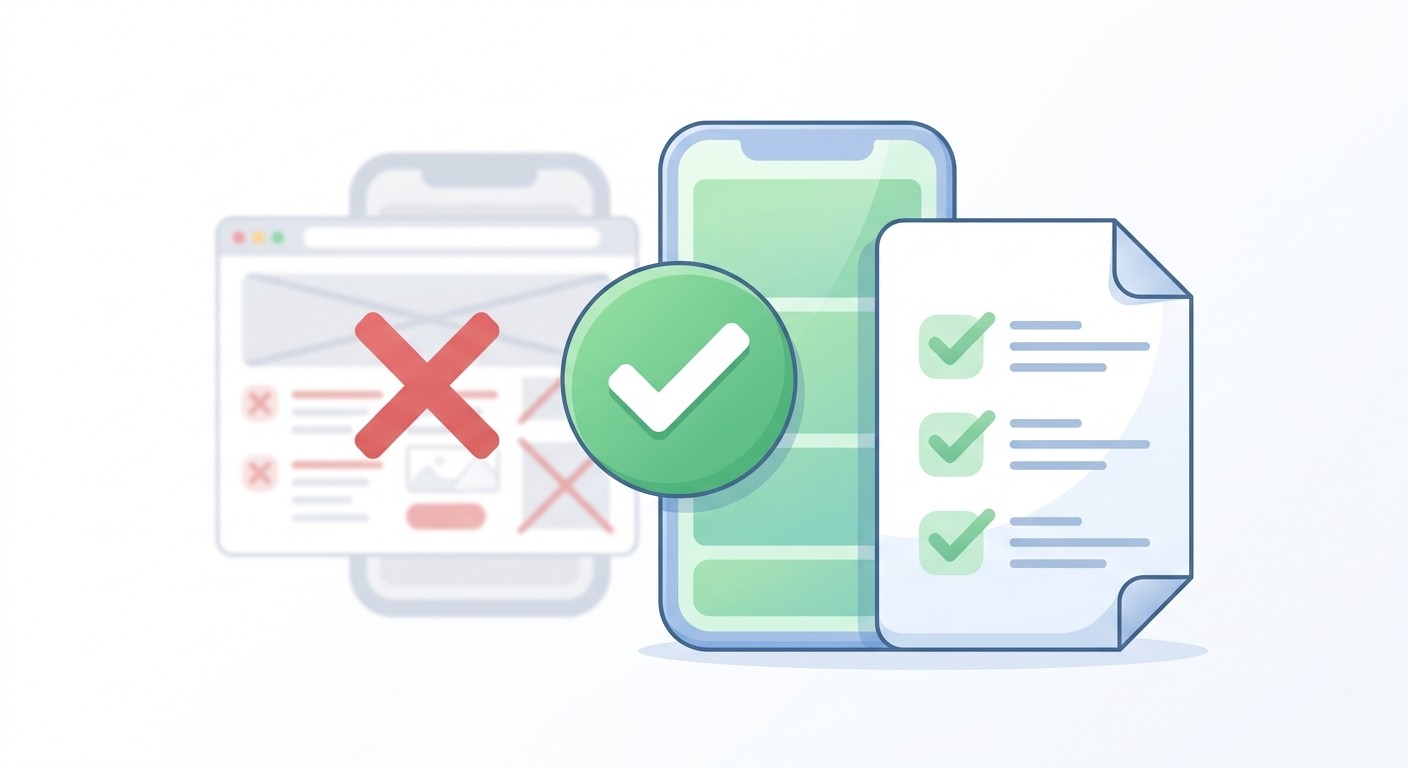
Google Play is more lenient, but it also warns against low-value webview-only apps. So the pattern is clear: the thinner your conversion, the higher your rejection risk on iOS.
To pass review, an app needs native behavior a browser cannot replicate: push notifications, offline functionality, home-screen widgets, or real device features. That is exactly why a native rebuild clears review while a plain wrapper struggles. Before you submit, walk through our checklist on how to pass App Store review so a preventable rejection does not cost you a week. When you are ready to go live, our guide to publishing an app to the App Store and Google Play covers the submission steps for both platforms.
Frequently Asked Questions
How much does it cost to convert a website to a mobile app?
Expect a fixed $99 per year for Apple and a one-time $25 for Google Play. Beyond that, a PWA is basically free, a wrapper service runs $0 to $50 per month, a freelancer charges $1,000 to $5,000, and an agency rebuild starts around $10,000. An AI app builder sits in the middle as a monthly subscription that generates native apps for both stores.
Can I turn my website into an app without coding?
Yes. Wrapper services and AI app builders both require zero code. The difference is the output: a wrapper loads your website inside a container, while an AI builder generates real native iOS and Android apps that can pass App Store review and use device features.
Will my converted app work on both iOS and Android?
A wrapper or native rebuild works on both. A Progressive Web App installs cleanly on Android but is limited on iOS, where Apple does not allow PWAs in the App Store and restricts some features. For guaranteed presence on both stores, choose a wrapper (if it passes review) or a native rebuild.
Is a converted app as fast as a website?
A native rebuild is usually faster, because it caches data on the device and does not reload pages over the network. A WebView wrapper is only as fast as your website, since it is your site running inside the app. A PWA falls in between and gets quicker after the first visit thanks to offline caching.
From Website to App, the Short Way
Converting a website to a mobile app is really a single decision: how native does it need to be? If you only want an Android home-screen install, a PWA is free and fast. If you need a real app in both stores that survives review, skip the wrapper shortcut and generate a native build. In 2026 you can do that without code, without an agency invoice, and in an afternoon rather than a quarter. Point an AI app builder at your site, describe what you want, and ship. Try CatDoes free and turn your website into a real iOS and Android app.
Nafis Amiri
Co-Founder of CatDoes


