Blog
Insights
9 Best Claude Code Alternatives for 2026
Looking for a Claude Code alternative? Compare 9 top AI coding tools by price, features, and best use, from Cursor to CatDoes. Find your fit for 2026.

Nafis Amiri
Co-Founder of CatDoes

TL;DR: The best Claude Code alternative depends on what you actually want back. If you want a coding assistant that lives in your editor or terminal, Cursor, GitHub Copilot, and OpenAI Codex are the closest swaps. If you want free and open-source, look at Aider and Cline. And if you want a finished, deployed app instead of code you still have to ship yourself, CatDoes builds and launches mobile apps and websites from plain English. This guide compares nine options by price, delivery, and best-fit use case.
Table of Contents
Why Look for a Claude Code Alternative?
Claude Code Alternatives Compared at a Glance
1. CatDoes
2. Cursor
3. GitHub Copilot
4. OpenAI Codex
5. Gemini CLI
6. Aider
7. Cline
8. Windsurf
9. Warp
How to Choose the Right Claude Code Alternative
Frequently Asked Questions
The Bottom Line
Claude Code is excellent, but it is not the right fit for everyone. Maybe you have hit its usage limits mid-project. Maybe you would rather work inside a full editor than a terminal. Or maybe you do not write code at all and you just want the finished app. Whatever the reason, you are looking for a Claude Code alternative that matches how you actually build.
This post breaks down nine of them. You will see what each tool is, how it is delivered, what it costs in 2026, and who it is best for. Prices and limits in this space change almost monthly, so treat the numbers here as a starting point and confirm on each vendor's page before you commit.
Why Look for a Claude Code Alternative?
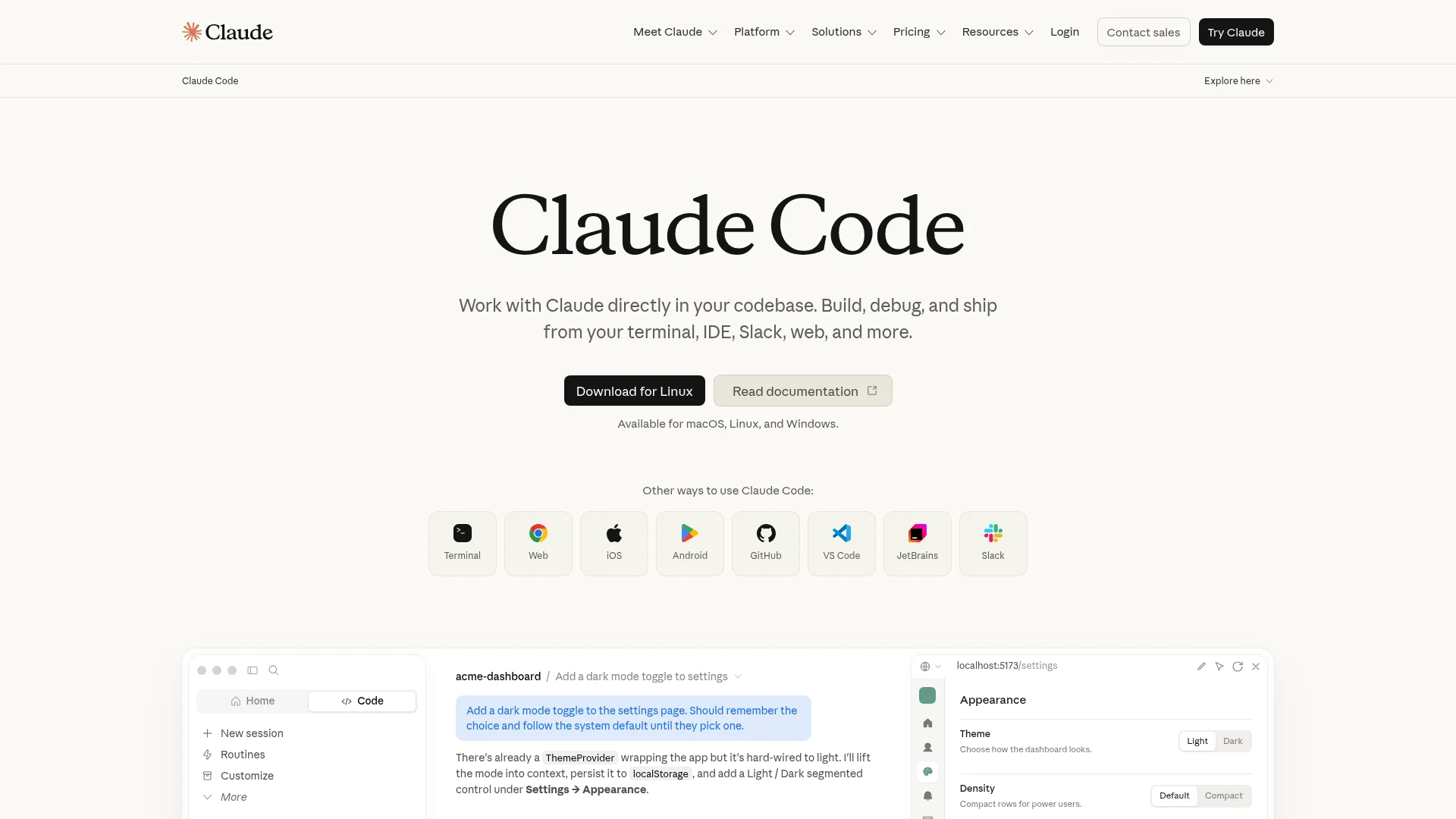
Claude Code is Anthropic's agentic coding tool. It runs in your terminal, reads your whole codebase, and executes multi-file tasks from natural language. It also posts some of the highest scores on SWE-bench Verified, the benchmark for real-world coding tasks. It is one of the best tools in its category.
So why switch? A few common reasons come up again and again:
Usage limits. Heavy sessions can hit Claude Code's caps, and the higher tiers get expensive.
Terminal-only workflow. Some people want AI woven into a full editor with autocomplete, not a command line.
Model choice. Open-source tools let you swap in GPT, Gemini, or a local model instead of being locked to one provider.
You are not a developer. Claude Code hands you code. If you want a shipped, running product instead, you need a different category of tool entirely.
That last point matters most, so it helps to know the three categories these tools fall into. CLI coding agents (Claude Code, Codex, Aider, Warp) live in the terminal and edit your repo. AI editors (Cursor, Copilot, Cline, Windsurf) weave AI into a code editor. App-shipping agents (CatDoes, Replit, Bolt) hand you a deployed product, not a diff. Pick the category first, then the tool. We compare two of those categories head to head in Claude Code vs Cursor, and the models behind them keep moving, as with Claude Opus 4.6 landing in CatDoes.
Claude Code Alternatives Compared at a Glance
Here is the short version before we go deep. Starting prices reflect the entry paid tier; most tools also have a free plan or a free open-source option.
Tool | Type | Best for | Starting price |
|---|---|---|---|
CatDoes | App-shipping agent | Shipping full apps without coding | Free; paid from $20/mo |
Cursor | AI code editor | Developers who want an AI IDE | Free; Pro $20/mo |
GitHub Copilot | AI editor + CLI | Teams already on GitHub | Free; Pro $10/mo |
OpenAI Codex | CLI + cloud agent | ChatGPT subscribers | With ChatGPT Plus, $20/mo |
Gemini CLI | CLI coding agent | Google and GCP users | Paid API key or Code Assist |
Aider | CLI pair programmer | Terminal purists, any model | Free (bring your own key) |
Cline | VS Code agent | Open, controllable agent | Free (bring your own key) |
Windsurf | AI code editor | Agent-first IDE fans | Free; Pro $20/mo |
Warp | Agentic terminal | Terminal-first developers | Free; Build $20/mo |
1. CatDoes
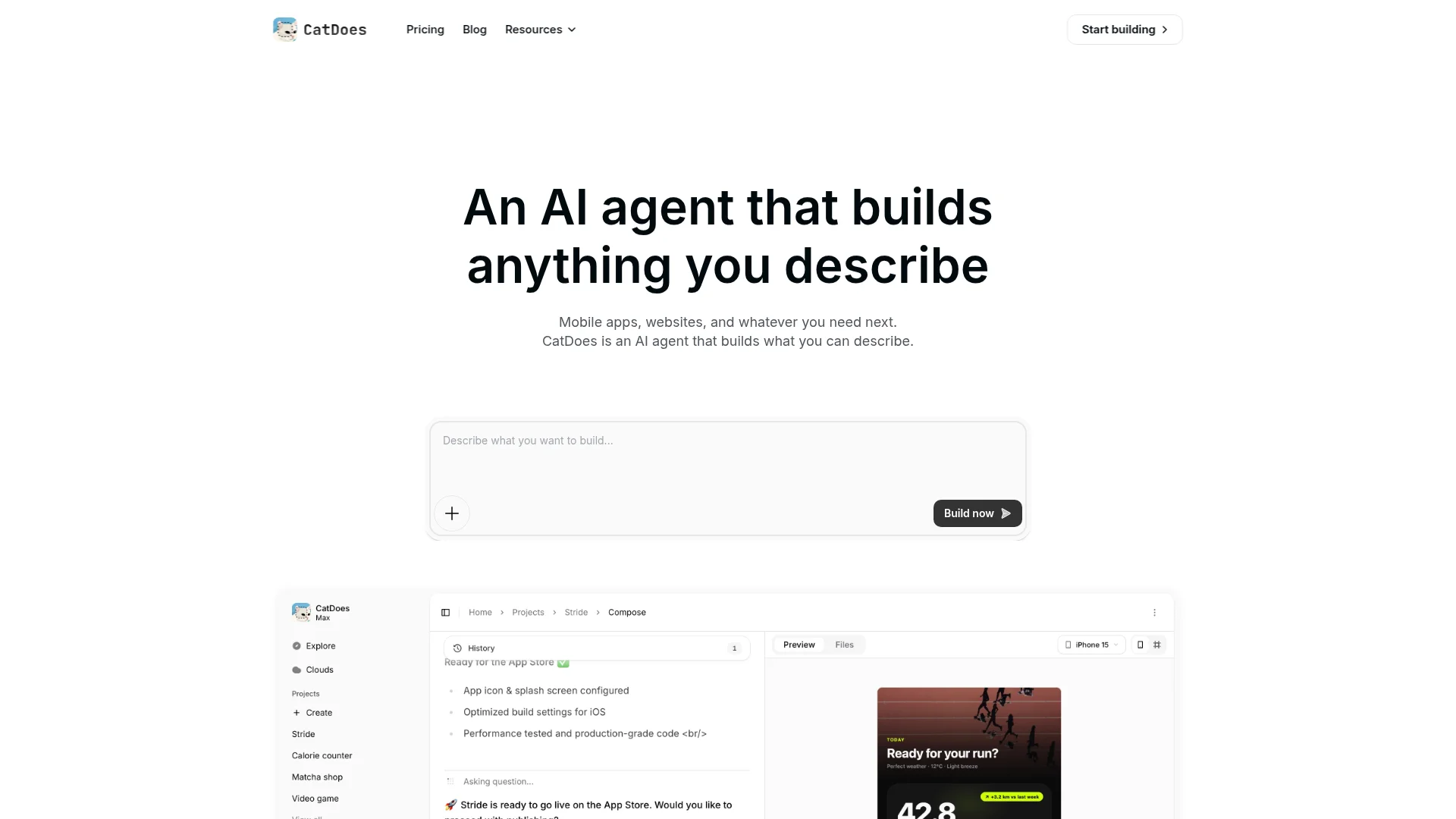
CatDoes is the right Claude Code alternative if you want a finished app rather than code you still have to build and deploy yourself. You describe what you want in plain English, and the agent handles the whole stack: UI, frontend, backend, database, authentication, storage, and deployment.
The difference from Claude Code is the output. Claude Code edits files in a repo you maintain. CatDoes ships a real product. It builds native React Native apps and websites, then deploys them to the App Store, Google Play, and the web with custom domains. Every plan includes CatDoes Cloud, a managed backend, so you never wire up Supabase or Firebase by hand.
Developers are not shut out either. CatDoes supports GitHub import with two-way sync and code export on higher plans, so you can drop into the code when you want to. We break down the head-to-head in our CatDoes vs Claude Code comparison.
Pricing: Free plan to start; paid plans from $20/mo (Core) up to $399/mo (Max). Best for: founders, small businesses, and builders who want a live app, not a coding session. Weakness: it is not a terminal pair programmer, so hands-on engineers who just want to edit files will prefer the tools below.
2. Cursor
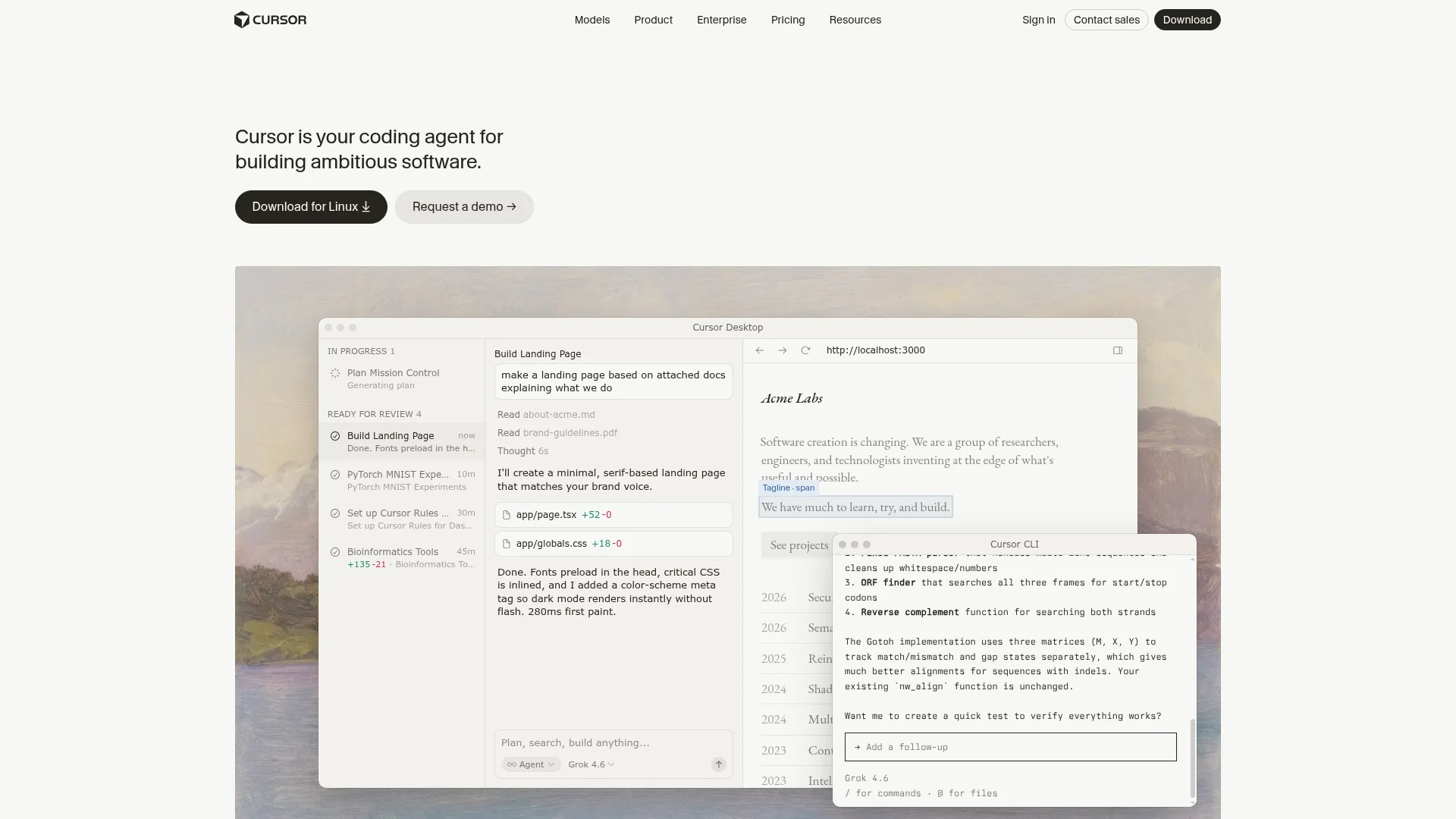
Cursor is the most popular AI code editor and the closest swap for developers who would rather work in an IDE than a terminal. It is a fork of VS Code with an agent, best-in-class tab autocomplete, and a Max Mode for long, complex tasks.
Because Cursor lets you pick from frontier Claude, GPT, and Gemini models, you get a lot of the same power as Claude Code inside a familiar editor. The trade-off is billing: Cursor runs on a usage pool, and a heavy refactor can burn through a month's allowance in an afternoon.
Pricing: Free Hobby tier; Pro at $20/mo, with Pro+ and Ultra tiers above it. Best for: developers who want an AI-native editor. Weakness: usage-based costs are hard to predict.
3. GitHub Copilot
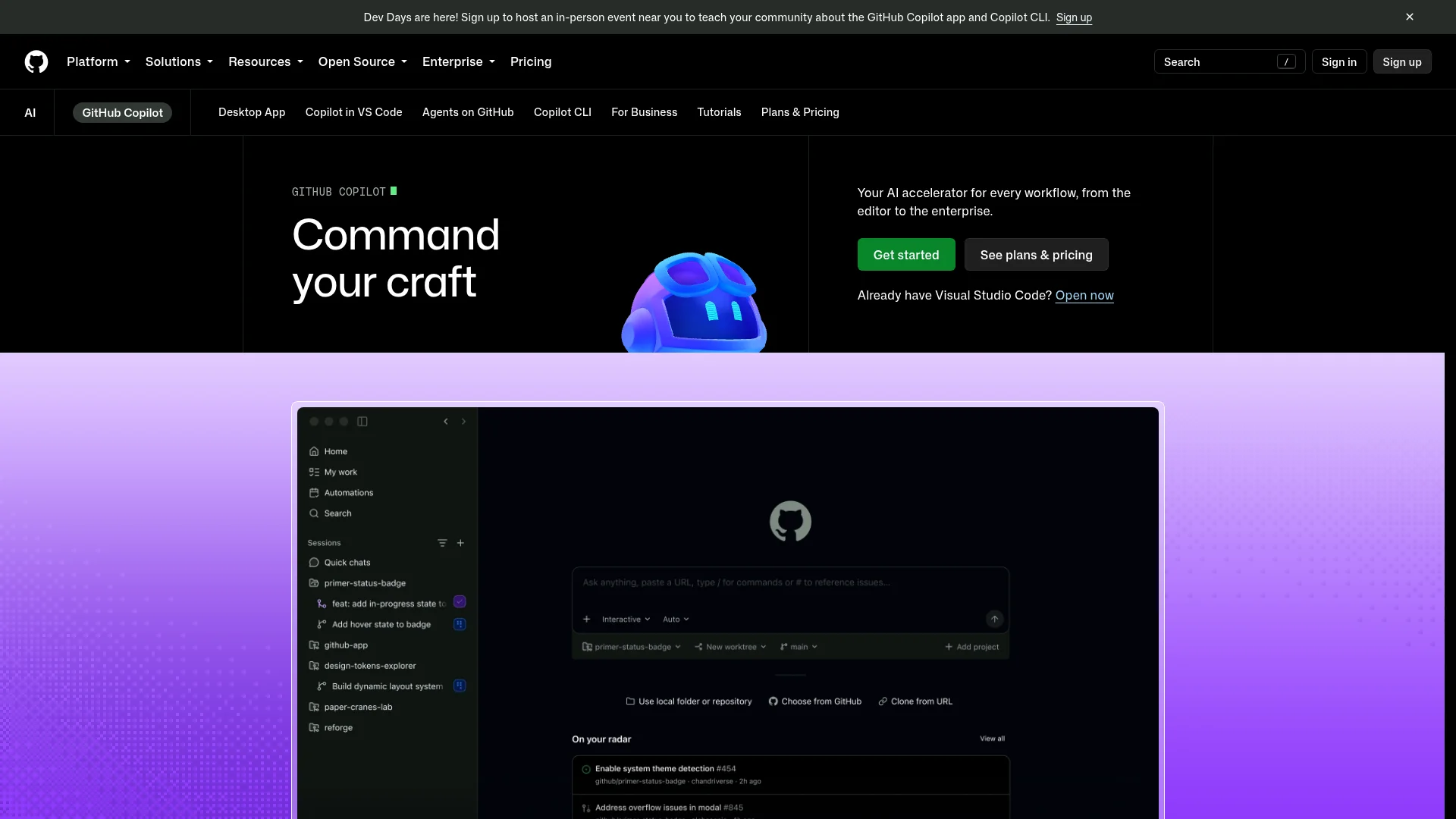
GitHub Copilot is the incumbent, and it is the cheapest way to get a capable AI assistant. It plugs into VS Code, JetBrains, Neovim, the CLI, and now runs a cloud coding agent that can pick up assigned issues and open pull requests on its own.
Copilot's edge is native GitHub integration and price. It supports Claude, GPT, and Gemini models, so you are not locked into one lab. It is less autonomous than a pure agent like Claude Code, but for most day-to-day coding inside an existing GitHub workflow, that gap rarely matters.
Pricing: Free tier; Copilot Pro at $10/mo, with Pro+, Business, and Enterprise above it. Best for: teams already living in GitHub. Weakness: less hands-off than dedicated agents.
4. OpenAI Codex
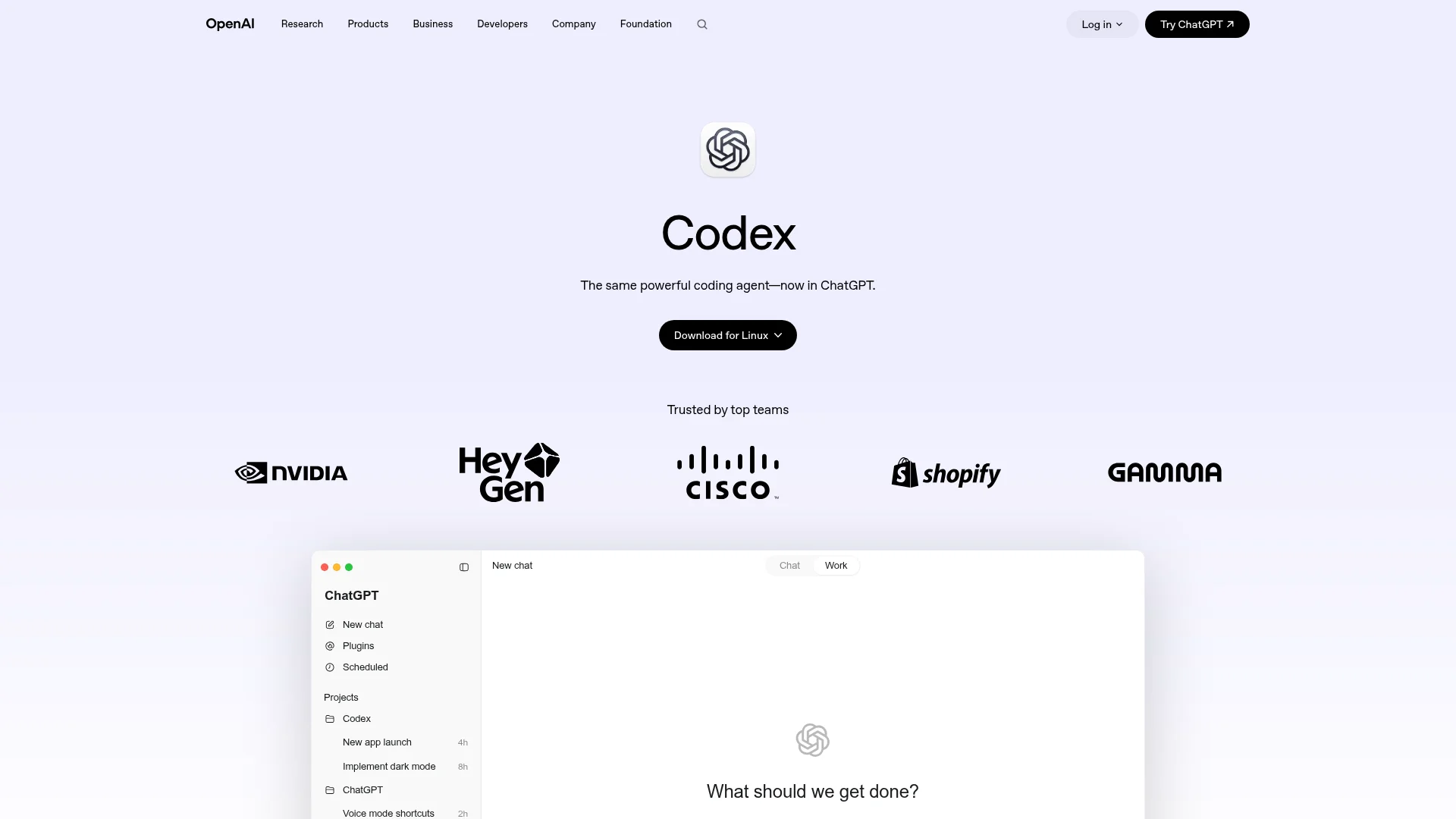
OpenAI Codex is the most direct rival to Claude Code. It ships as an open-source CLI plus an IDE extension and a cloud agent that runs tasks in parallel sandboxes, so you can hand off long jobs and keep working.
Codex is bundled into ChatGPT plans, which makes it an easy pick if you already pay for ChatGPT. It uses OpenAI's latest GPT coding models and handles the local-to-cloud handoff smoothly. If you are torn between the two, we put them side by side in our Claude Code vs Codex comparison.
Pricing: Included with ChatGPT Plus ($20/mo) and Pro ($200/mo) with higher limits, or via API. Best for: existing ChatGPT subscribers. Weakness: usage is shared across your ChatGPT plan, and model names change fast.
5. Gemini CLI
Gemini CLI is Google's open-source terminal agent that connects Gemini models to your local codebase, with a huge context window for reasoning across large projects. It was a favorite for one big reason: it used to be free with a personal Google account.
That changed. In June 2026, Google discontinued free Gemini CLI access for individual accounts and began steering users toward its newer Antigravity CLI. Today, access requires a paid Gemini API key or a Gemini Code Assist Standard or Enterprise license. It is still a strong option, especially inside Google Cloud, but it is no longer the free pick it once was.
Pricing: Paid Gemini API key or Code Assist license (free personal tier ended June 2026). Best for: Google Cloud and enterprise Gemini users. Weakness: the generous free access is gone and the successor tool is closed-source.
6. Aider
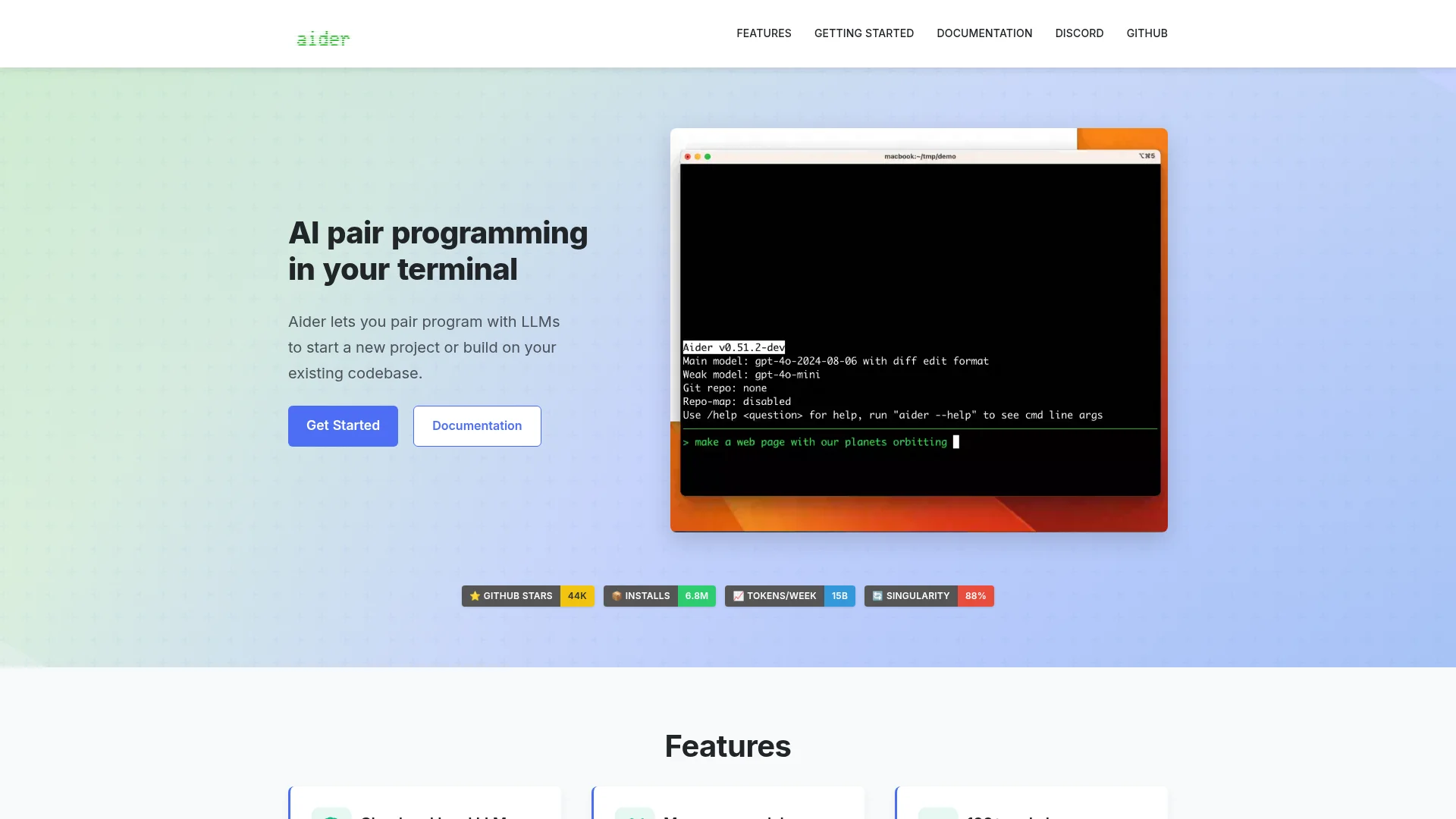
Aider is the go-to free and open-source Claude Code alternative. It is a terminal AI pair programmer that edits code directly in your Git repo and even writes sensible commit messages as it goes.
Its best feature is total model freedom. You bring your own API key and point Aider at Claude, GPT, Gemini, DeepSeek, or a local model through Ollama, which also makes it a solid choice for offline or air-gapped work. There is no GUI and you manage your own costs, but for terminal-first developers who want control, that is the appeal.
Pricing: Free and open-source; you pay your model provider per token. Best for: terminal purists and local-model users. Weakness: no graphical interface, and you handle keys and billing yourself.
7. Cline
Cline is an open-source autonomous coding agent that runs as a VS Code extension, which makes it a natural fit if you want agent power without leaving your editor. It is free, and you bring your own API key.
What sets Cline apart is control. Its Plan and Act modes let you review each step before it runs, and built-in checkpoints let you undo changes cleanly. It supports Claude, GPT, Gemini, and many other providers through OpenRouter and Bedrock. As with Aider, you manage inference costs, so heavy use adds up.
Pricing: Free and open-source (bring your own key); optional at-cost hosted credits. Best for: developers who want an open, reviewable agent inside VS Code. Weakness: you pay for and manage your own model usage.
8. Windsurf
Windsurf is an AI-native code editor built around an agent, originally from the Codeium team. It was acquired by Cognition, the company behind the Devin agent, and is being folded into that lineup, so expect the branding to keep shifting.
The product itself is strong. Its Cascade agent chains multi-step tasks across your codebase, and features like Codemaps help you navigate large projects. It mixes its own fast proprietary models with third-party Claude, GPT, and Gemini options, similar to Cursor.
Pricing: Free tier; Pro at $20/mo, with a Max tier above it. Best for: developers who want an agent-first IDE. Weakness: heavy rebranding churn after the acquisition.
9. Warp
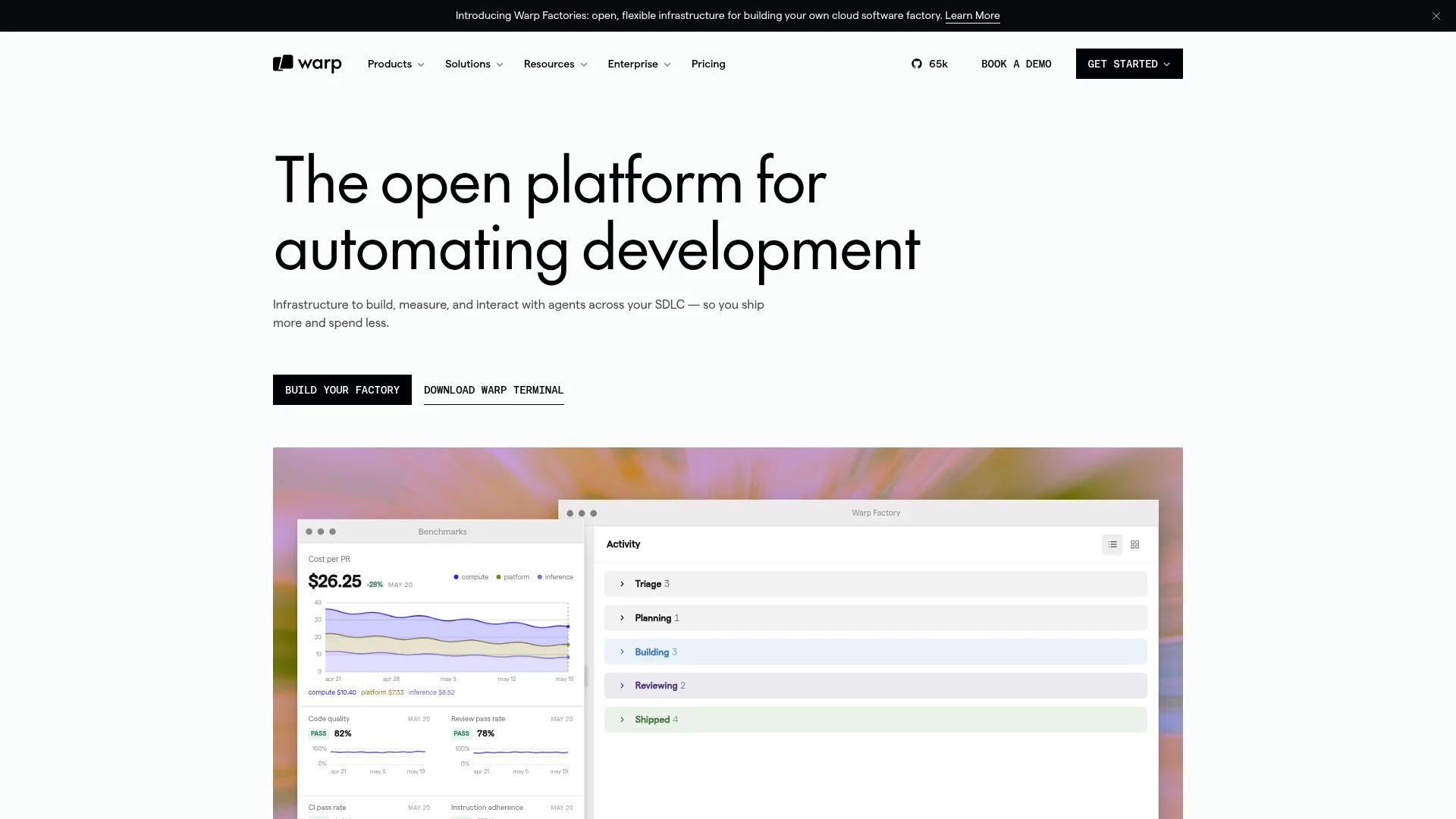
Warp reimagines the terminal itself as an agentic development environment. If you love working in the shell but want AI baked in, Warp is the most polished option, and it can even orchestrate other agents like Claude Code and Codex from one place.
It runs frontier models from OpenAI, Anthropic, and Google, supports bring-your-own-key, and coordinates multiple agents on parallel tasks. The main constraint is the credit allowance on lower tiers, which runs thin if you keep an agent working continuously.
Pricing: Free tier (~75 credits/mo); Build at $20/mo, with Max and Business tiers above it. Best for: terminal-first developers who want AI in the shell. Weakness: credit limits can feel tight under constant agent use.
How to Choose the Right Claude Code Alternative

Start with the output you want, not the feature list. That single question narrows the field fast.
Want an AI editor? Choose Cursor or Windsurf. Add GitHub Copilot if your team lives on GitHub.
Want a terminal agent like Claude Code? Choose OpenAI Codex or Warp, or Gemini CLI if you are in Google Cloud.
Want free and open-source? Choose Aider for the terminal or Cline for VS Code, and bring your own API key.
Want a finished, deployed app without writing code? Choose CatDoes. Replit and Bolt also ship web apps, but CatDoes also ships native mobile apps to the App Store and Google Play.
One more tip: budget for usage, not just the sticker price. Most of these tools now bill on credits or tokens, so a $20 plan can cost more in practice under heavy load. Read the fine print on limits before you pick.
Start building your app free with CatDoes
No credit card required. Ship to the App Store, Google Play, and the web.
Frequently Asked Questions
What is the best free Claude Code alternative?
For developers, Aider and Cline are the best free options. Both are open-source and let you bring your own API key, so the tool itself costs nothing and you only pay your model provider. GitHub Copilot and Cursor also have free tiers if you want a hosted editor instead.
Is there a Claude Code alternative for people who cannot code?
Yes. CatDoes is built for non-developers. Instead of handing you code to maintain, it builds and deploys a complete app or website from a plain-English description, including the backend and hosting. Replit and Bolt are similar for web apps, while CatDoes also ships native mobile apps.
What is the closest alternative to Claude Code for developers?
OpenAI Codex is the closest like-for-like alternative. It is a terminal and cloud coding agent that reads your repo and runs multi-file tasks, much like Claude Code. Cursor is the closest option if you prefer a full editor over a terminal.
Are these Claude Code alternatives cheaper?
Some are. GitHub Copilot starts at $10/mo, and Aider and Cline are free apart from model costs. But most tools now bill on usage credits or tokens, so real cost depends on how heavily you use them. Compare usage limits, not just the headline price.
The Bottom Line
There is no single best Claude Code alternative. The right pick depends on the job in front of you. Developers who want an editor should try Cursor or Copilot. Terminal fans should look at Codex, Warp, or the free Aider and Cline. And if what you really want is a shipped app rather than more code to manage, that is a different tool entirely.
That is where CatDoes fits. It turns a plain-English description into a real, deployed app across mobile and web, with the backend handled for you. If you have an idea but do not want to babysit a codebase to launch it, it is worth a look.
Nafis Amiri
Co-Founder of CatDoes


