Blog
Tutorials
Bolt for Mobile Apps: Native iOS & Android
Bolt added React Native support but cannot run EAS builds or ship to the App Store. Convert your Bolt project to a native iOS and Android app in minutes.

Nafis Amiri
Co-Founder of CatDoes
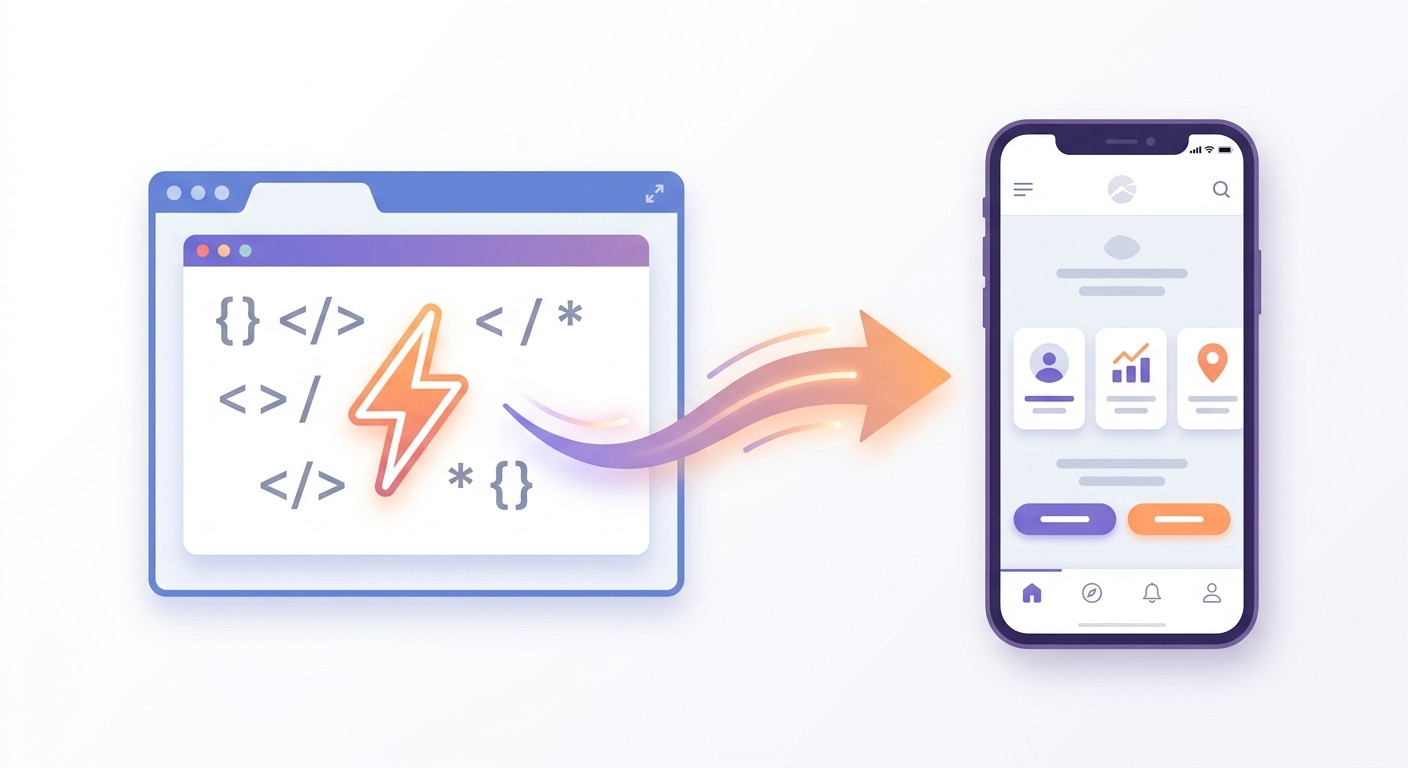
TL;DR: Bolt.new added Expo and React Native support in V2, so you can prompt a mobile app inside the Bolt editor. The catch: Bolt runs in WebContainers, browser-based virtual machines that cannot run Xcode, Android Studio, or the EAS build pipeline. You get React Native code, but no signed binary and no path to the App Store. CatDoes picks up where Bolt stops. Import your Bolt project by URL or GitHub, and CatDoes rebuilds the app, runs the EAS build, signs the binary, and submits to the App Store and Google Play. No coding, no certificates, no Mac required.
Table of Contents
What Bolt.new Actually Builds for Mobile
Why Bolt Cannot Ship Your Mobile App
Your Options for Getting a Bolt App on Phones
How to Convert Your Bolt Project with CatDoes
Bolt vs CatDoes for Mobile Apps
Frequently Asked Questions
You opened Bolt.new, picked the Expo starter, and watched the agent generate a React Native screen in seconds. The web preview looks good, the Expo Go QR code lets you test on your phone, and you assume the App Store is two clicks away. Then you check the build settings and realize Bolt does not produce a signed iOS binary. You cannot run EAS inside the browser. You need a Mac, you need certificates, and you need a developer account. The mobile build path that Bolt advertised quietly stops at the Expo dev preview.
This guide explains what Bolt.new generates for mobile, why the WebContainers architecture blocks the rest of the pipeline, and how to convert a Bolt project to a native iOS and Android app using CatDoes, without writing a line of code or touching Xcode.
What Bolt.new Actually Builds for Mobile
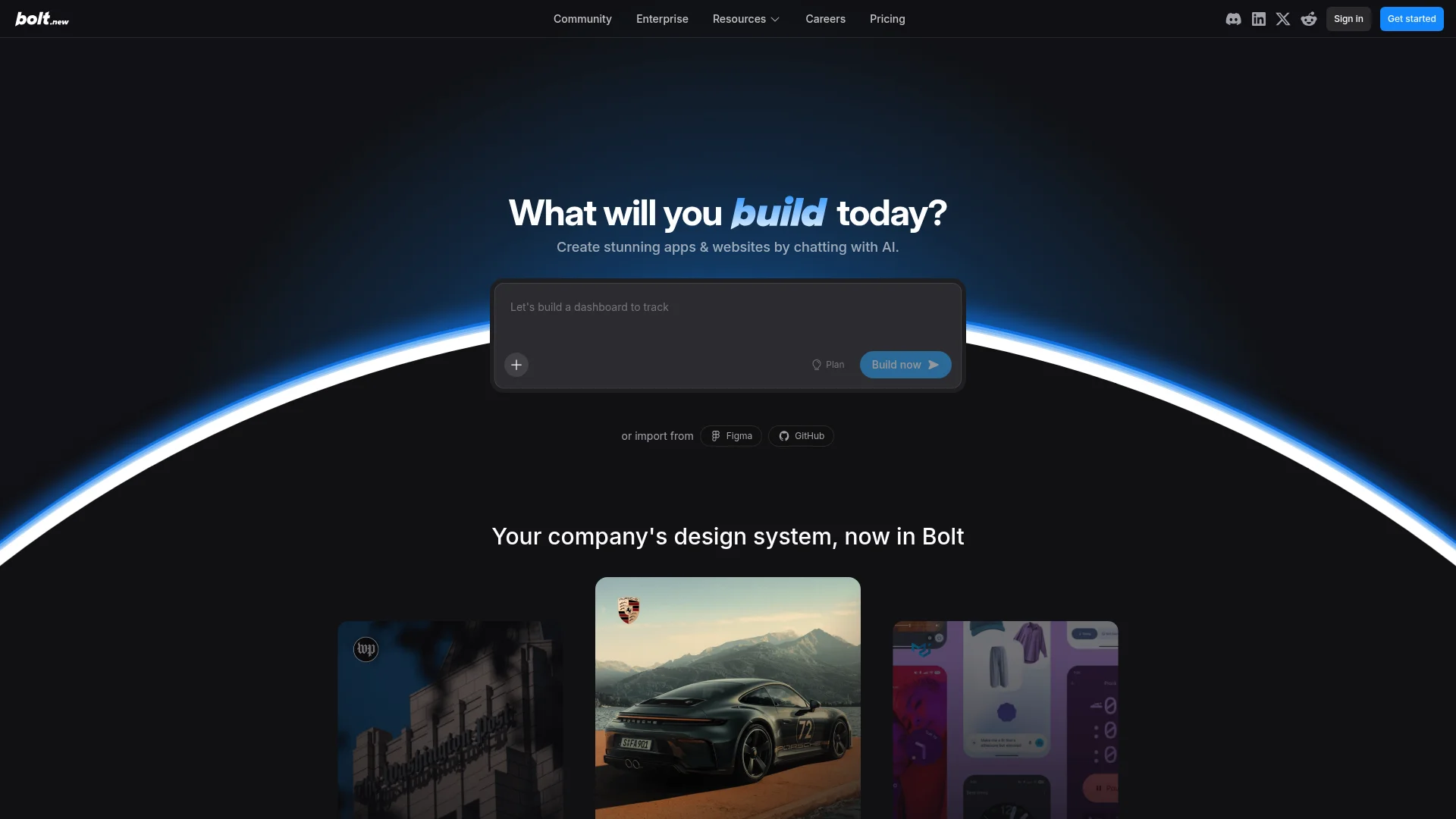
Bolt.new is StackBlitz's AI app generator, launched in 2024 as a web-first tool. In February 2025, Bolt V2 added an Expo starter template and React Native code generation. The official announcement on the Expo blog framed it as going from idea to App Store with a single prompt.
When you pick the Expo template, Bolt scaffolds a React Native project with Expo Router, NativeWind for styling, and a basic state setup. You prompt new screens, the agent writes JSX, and the in-browser preview renders your app. Scan the QR code with Expo Go and the same project opens on your phone for live testing.
The build artifact is React Native source code. It is real cross-platform mobile code, not a responsive website. So far, so good. The wall comes when you ask Bolt to ship it to the App Store.
Why Bolt Cannot Ship Your Mobile App
Bolt runs your project inside WebContainers, an in-browser implementation of Node.js that StackBlitz built for fast cloud IDEs. WebContainers boot a tiny virtual machine inside Chrome's sandbox. That sandbox is what makes Bolt fast and free of cold starts, and it is also what blocks every native build step.
A real iOS build needs Xcode. Xcode only runs on macOS, weighs around fifteen gigabytes, and signs binaries against certificates stored in macOS Keychain. None of that fits inside a browser tab. An Android build needs the Android SDK, Gradle, and a Java toolchain. Gigabytes more, also outside the browser sandbox.
Expo solves this with Expo Application Services, or EAS. EAS is a cloud build service that compiles your project on Expo's macOS and Linux fleet and returns a signed .ipa and .apk file. EAS works, but you trigger it from the EAS CLI on your laptop, you store credentials in your Expo account, and you handle App Store Connect and Google Play Console submission yourself. Bolt does not run EAS for you. The official Bolt documentation lists EAS as a separate tool you set up on your own machine.
So the gap is not about React Native code. Bolt writes good React Native. The gap is the entire native build pipeline that sits between code and a phone, and that is the work most people get stuck on. For a deeper breakdown of why this matters, see our guide to web app vs native app.
Your Options for Getting a Bolt App on Phones
You have four realistic paths from a working Bolt project to an installed app. They differ by cost, time, and how much of the deployment work you do yourself.
1. Run EAS Yourself
Set up an Expo account, install the EAS CLI, register an Apple Developer account ($99 per year) and a Google Play developer account ($25 one-time), generate iOS distribution certificates and provisioning profiles, configure app.json and eas.json, and trigger eas build for both platforms. Then submit the resulting binaries to App Store Connect and Google Play Console.
This is the official path. It works. The catch: every step assumes you know mobile build conventions. Certificate errors, push notification entitlements, version number conflicts, and review rejections are all on you. Most non-developers stall here. Bolt charges per token used, and complex apps burn $50 to $100 in tokens before they stabilize, so the iteration cost adds up while you debug.
2. WebView Wrapper
Skip React Native entirely, deploy your Bolt web project to Vercel or Netlify, and wrap the URL with Capacitor, Cordova, or Median. You get an .ipa and an .apk quickly. Apple rejects pure WebView wrappers under App Store Review Guideline 4.2 and Google Play flags low-content wrappers under their minimum functionality policy. This path is a dead end for a serious product.
3. Hire a Freelancer
A React Native contractor on Upwork or Toptal can take your Bolt code and ship it to both stores. Expect $2,000 to $5,000 and three to six weeks of back and forth. The freelancer often rewrites whatever Bolt produced that does not match production patterns, and you lose direct control of the codebase if you want to iterate later.
4. Convert with CatDoes
CatDoes is an AI agent built for the mobile build path. You give it your Bolt project as a deployed URL or a GitHub repo, and the agent rebuilds the app in clean React Native, runs the EAS build, signs the binary, and submits to the App Store and Google Play from one chat thread. No EAS CLI, no Xcode, no certificates to manage. The same flow that works for v0 and for Lovable works for Bolt.
How to Convert Your Bolt Project with CatDoes
Five short steps, no coding required. Same flow whether you used the Bolt Expo template or a Bolt web starter that you now want as an app.
Step 1: Export or Deploy Your Bolt Project
In Bolt, click Connect to GitHub and push the project to a new repo, or click Deploy to put a live preview on Netlify. Either output is enough for CatDoes to read the project. If you are still choosing between the two, we compare them directly in CatDoes vs Bolt.new.
Step 2: Connect to CatDoes
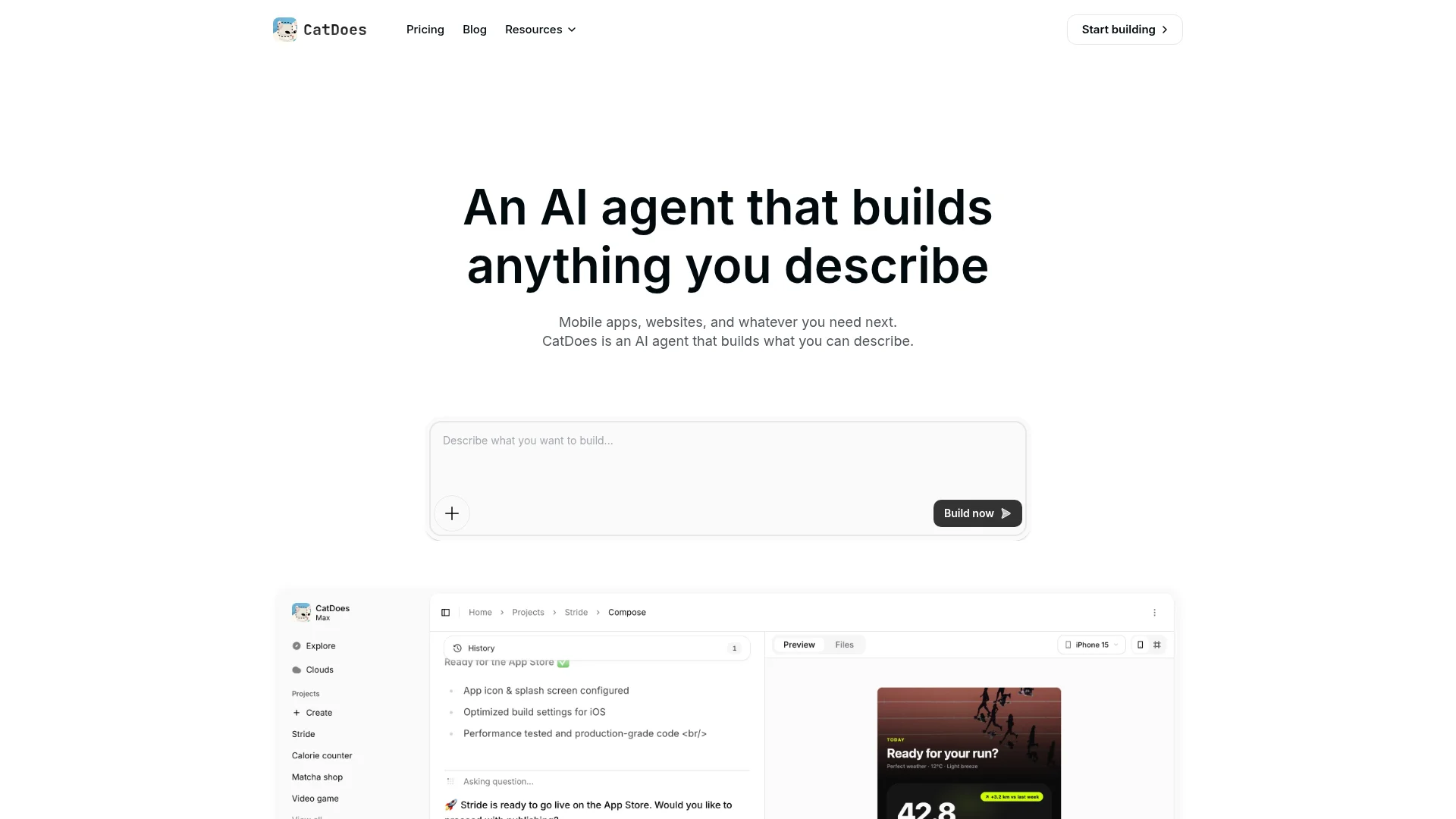
Open CatDoes, start a new project, and choose Import. Paste the GitHub repo URL or the deployed URL. The agent crawls the project, reads the screen tree, and identifies your data sources, auth flow, and any API calls.
GitHub import is the better choice for Bolt projects. It gives the agent direct access to your React Native source and Expo config, which preserves more of your structure than a URL crawl.
Step 3: Let the Agent Rebuild and Polish
CatDoes regenerates the app in production-grade React Native on the Medium agent tier, the default for new projects. It maps Bolt's NativeWind classes to clean styles, replaces Bolt-specific helpers with stable equivalents, and wires CatDoes Cloud for the database, auth, and storage layer. If your Bolt app already uses Supabase or another backend, the agent connects to that instead.
Step 4: Preview on Your Phone
Scan the QR code in the CatDoes editor with your iPhone or Android device. The preview runs the same React Native code that the production build will ship. Iterate by chatting with the agent, and every change reaches your phone in seconds.
Step 5: Deploy to App Store and Google Play
Click Deploy, pick the stores, and CatDoes handles the rest. The agent runs EAS, signs both binaries against credentials it manages on your behalf, fills in App Store Connect and Google Play Console metadata, and submits the build. You watch the review status from the CatDoes dashboard. No Mac required, no certificate downloads, no developer account juggling. For more detail on the submission step, see our guide to how to submit an app to the App Store.
Bolt vs CatDoes for Mobile Apps
Both tools can write React Native. The difference is everything that happens after the code is written.
Capability | Bolt.new | CatDoes |
|---|---|---|
React Native code generation | Yes | Yes |
Expo Go preview | Yes | Yes |
Live preview on a real device | Yes | Yes |
EAS build automation | No | Yes |
iOS code signing | Manual | Automated |
Android code signing | Manual | Automated |
App Store Connect submission | Manual | Automated |
Google Play Console submission | Manual | Automated |
Backend included | No | CatDoes Cloud |
Mac required | Yes (for some steps) | No |
Apple Developer account | Yes ($99/yr) | Yes ($99/yr) |
Imports from existing project | No | URL or GitHub |
Token cost per project | $50-$100+ | Included in plan |
CatDoes treats Bolt as a strong upstream. Bolt's React Native output is good, and importing it saves the rebuild step. Most Bolt users we see are not unhappy with the code Bolt wrote. They are stuck on the deployment pipeline that Bolt does not own.
Frequently Asked Questions
Does Bolt.new build truly native iOS apps?
Bolt.new generates React Native code via Expo, which renders with native UI components on iOS and Android. The code is mobile, not web. What Bolt does not do is compile that code into a signed App Store binary. The compile and submit steps happen outside Bolt. By default they happen in EAS, which you run from your own machine.
Can I use Bolt with Expo to publish an app?
Yes, with manual setup. You connect Bolt to GitHub, clone the repo locally, install the Expo CLI and EAS CLI, configure your Apple and Google developer accounts, generate certificates, and run EAS builds. CatDoes wraps that whole pipeline so you do not have to set up any of it yourself.
How much does it cost to publish a Bolt app?
Apple charges $99 per year for the Developer Program. Google charges $25 once for a Play Console account. Bolt itself can run $20 to $50 a month plus per-token usage on complex apps. EAS has a free tier and paid tiers if you exceed it. CatDoes plans start at $20 per month and include the build pipeline, EAS execution, and CatDoes Cloud.
Do I need a Mac to publish a Bolt mobile app?
For the official Bolt path, yes. Xcode for iOS device testing and certificate management runs only on macOS. With CatDoes, no Mac is required. The agent runs builds in the cloud and uses your Apple Developer credentials to sign binaries for you.
What happens to my Bolt backend when I convert?
If your Bolt project already uses Supabase, Firebase, or any other API, CatDoes wires the same backend into the converted app. If your Bolt app has no backend, the agent provisions a CatDoes Cloud instance with database, auth, and storage so the mobile app has a real data layer from day one.
Will this work for Lovable, v0, or Replit projects too?
Yes. The same import flow works for any AI web builder that gives you a deployed URL or a GitHub repo. CatDoes treats Bolt, v0, Lovable, and Replit as upstream sources of code or design that get rebuilt as a real native mobile app.
From Bolt Prompt to App Store
Bolt.new is one of the strongest AI tools for prompting React Native code into existence. It is also one of the most honest about its scope: a browser-based IDE that hands you source code and stops at the Expo dev preview. The work that turns that code into a real app, including EAS builds, code signing, certificate management, and store submission, sits outside Bolt by design.
CatDoes covers exactly that gap. Bring your Bolt project as a URL or a GitHub repo, and the agent does the rest. Convert your Bolt project to a native iOS and Android app on catdoes.com.
Nafis Amiri
Co-Founder of CatDoes