Blog
Tutorials
V0 for Mobile Apps: Can It Build Native Apps?
v0 builds Next.js web apps, not native iOS or Android. Here is how to convert your v0 project into a real mobile app with CatDoes in under 10 minutes.

Nafis Amiri
Co-Founder of CatDoes
TL;DR: v0 for mobile apps has one hard limit: v0 generates Next.js web code and ships to Vercel, so you never get a native iOS or Android binary out of it. You can still turn your v0 project into a real mobile app in about ten minutes by pasting the URL or connecting the GitHub repo to CatDoes, which rebuilds the screens in React Native and submits to the App Store and Google Play. The same flow works for Lovable, Bolt, Replit, and any other AI web builder.
Table of Contents
What V0 Actually Builds
Can V0 Build Native Mobile Apps?
Your Options for Turning a V0 App Into a Mobile App
Why WebView Wrappers Get Rejected by Apple
How to Convert Your V0 App to Mobile with CatDoes
V0 URL vs GitHub: Which Import Method Works Best
Native App vs WebView Wrapper Comparison
Frequently Asked Questions
You opened v0, typed a prompt, and watched it generate a clean dashboard or landing page in Next.js. The desktop preview looks sharp, the responsive view works on your phone browser, and the obvious next question is whether you can get it on the App Store and Google Play. That is where most people hit a wall: v0 for mobile apps is not a feature v0 actually ships.
This guide explains what v0 really outputs, why a WebView wrapper will get your app rejected, and the exact workflow for converting your v0 URL or GitHub repo into a real native iOS and Android app using CatDoes.
What V0 Actually Builds
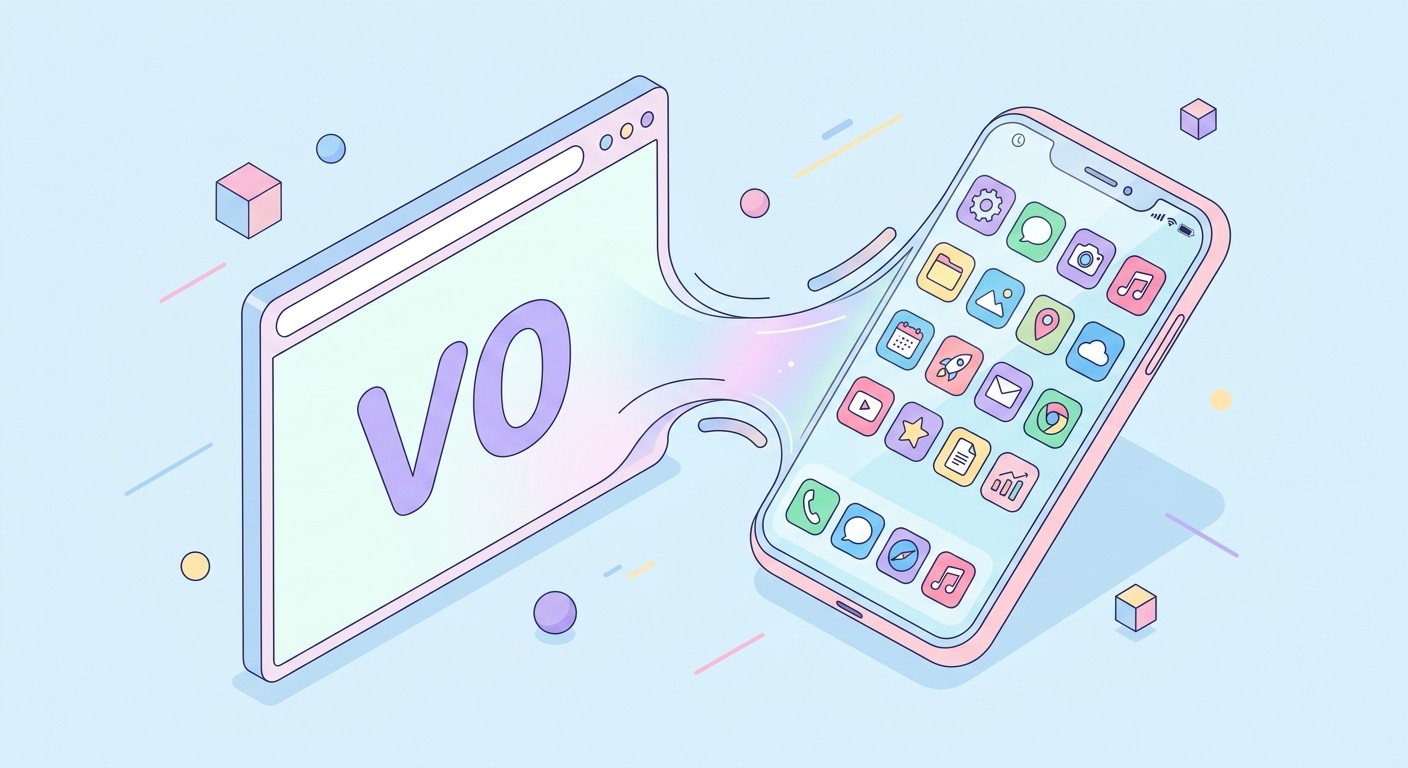
v0 is Vercel's AI app generator. You describe an interface, it writes React code, and you can publish the result to Vercel with one click. The output is a Next.js application styled with Tailwind CSS and shadcn/ui components, deployed as a website.
That website is responsive, so it adjusts to phone screen sizes when someone visits it in Safari or Chrome. It is not an installed application. There is no home screen icon, no push notification entitlement, no biometric prompt, and no App Store listing. A v0 project is a URL.
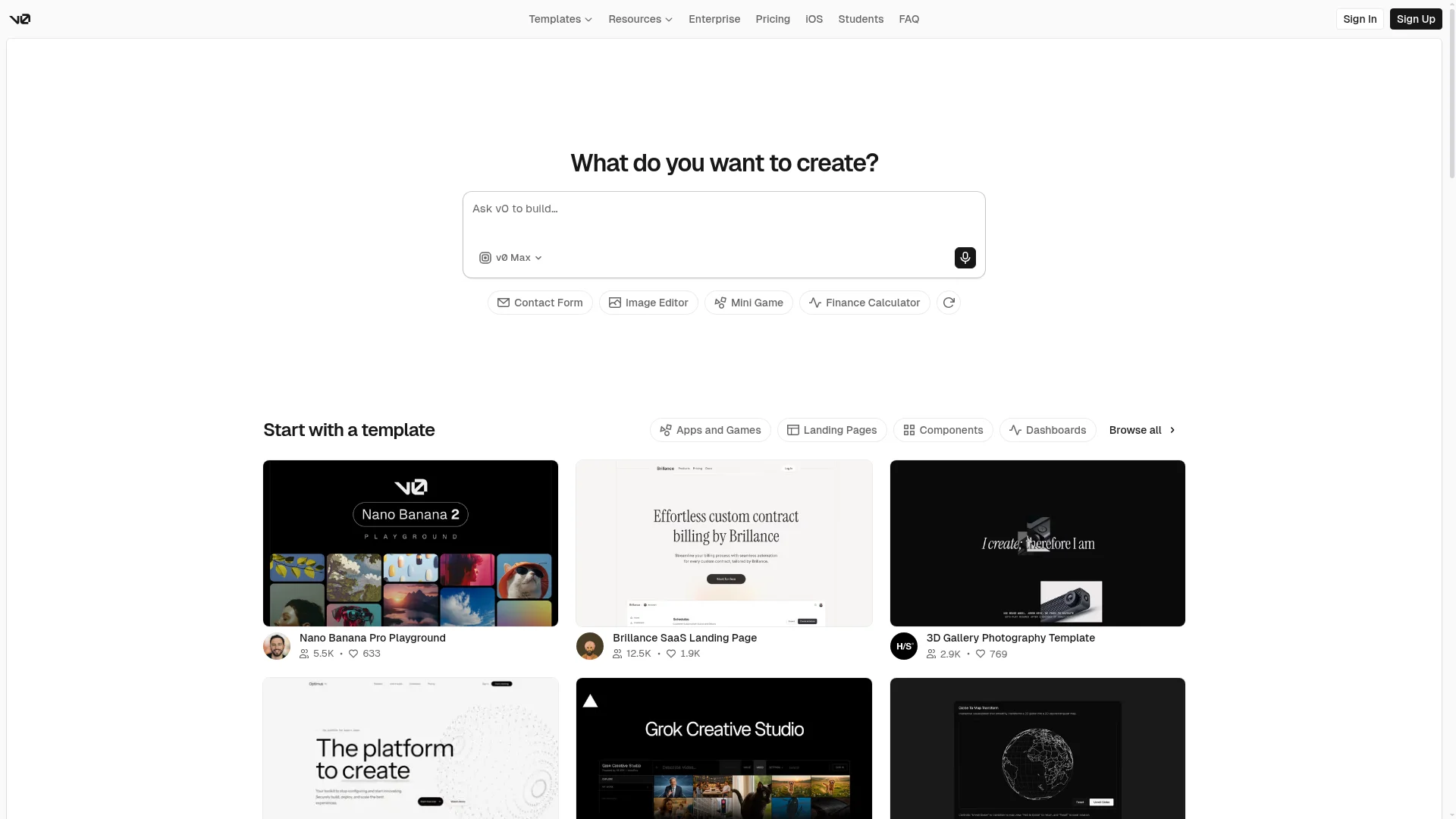
v0 also offers a few mobile adjacent features that can be confusing. You can sync generated code to a GitHub repo, preview your app on a phone browser, and even edit v0 projects from the Vercel iOS app. None of those produce a native app binary. The build artifact is always a web deployment.
Can V0 Build Native Mobile Apps?
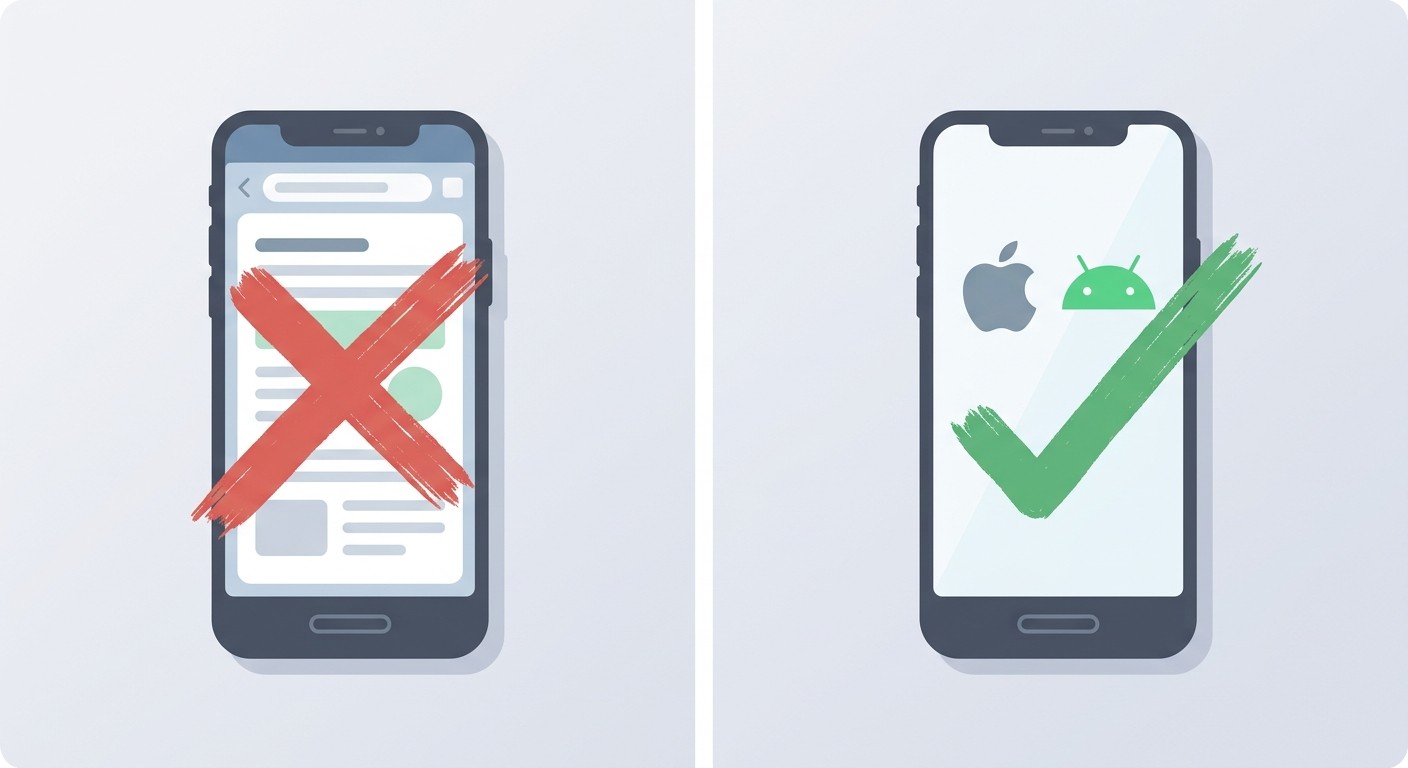
No. v0 does not generate React Native, Swift, Kotlin, or Flutter. Its output is Next.js, which targets the web. Anyone who tries to ship a v0 project to the App Store without further work ends up with a browser shortcut or a repackaged website, not a native application built against platform APIs.
This is not a v0 bug. It is by design. Vercel's business is web hosting and edge compute. Native app publishing sits outside that stack, so v0 leaves the mobile layer to downstream tools.
The gap matters. A native app gets a home screen icon, push notifications, biometric login, background tasks, tight system integration, and a proper App Store listing where customers look for apps. A responsive v0 site gets none of that. For a side by side breakdown of the differences, read our guide to web app vs native app.
Your Options for Turning a V0 App Into a Mobile App
You have four realistic paths from a working v0 site to an app someone can install on a phone. They differ by cost, time, and how much of the result actually qualifies as native.
1. Progressive Web App
Add a manifest.json and a service worker to your v0 project and users can tap Add to Home Screen to pin it. The icon lives on the home screen and opens in a chromeless browser window.
Cost is zero. The downside is that Apple does not accept PWAs in the App Store, PWAs are hard to discover outside of a direct link, and push notifications on iOS PWAs are still heavily limited in 2026.
2. WebView Wrapper
Tools like Capacitor, Cordova, and Median bundle a browser inside a native shell. You get an .ipa and an .apk and can upload both to the stores. The experience is a web page rendered inside an app frame.
Apple now rejects pure WebView wrappers under Review Guideline 4.2 on a regular basis. More on that in the next section.
3. Manual React Native Rebuild
Hire a mobile developer and rebuild the v0 screens in React Native, or go fully native with Swift and Kotlin. The result is a proper native app. The cost runs from $20,000 to $150,000 and the timeline is three to six months for a modest product.
4. AI Conversion to Native
Paste your v0 URL or connect your GitHub repo, and an AI agent rebuilds the screens as a React Native app targeting iOS, Android, and the web from a single codebase. The output is a real native app you can submit to the App Store and Google Play, with a preview build usually ready in under ten minutes.
Why WebView Wrappers Get Rejected by Apple
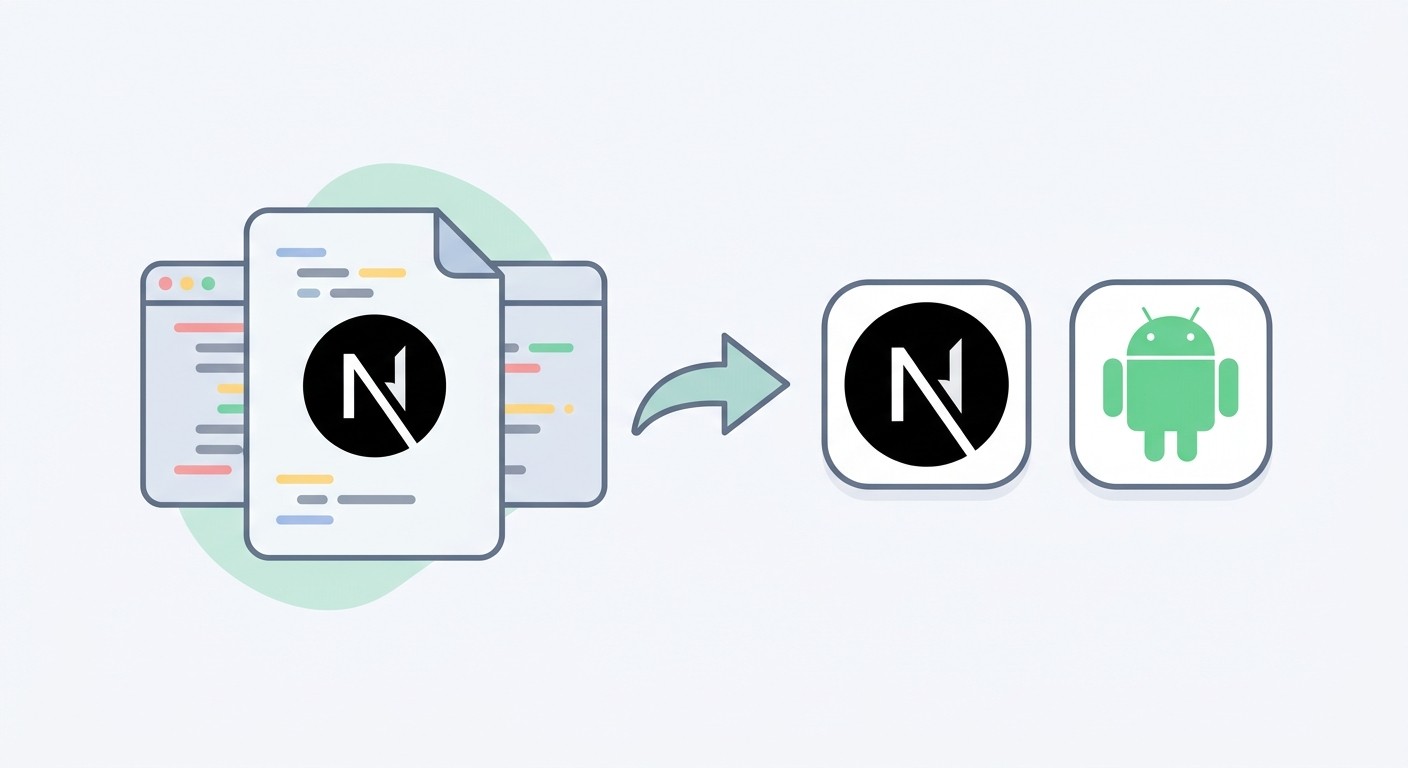
Guideline 4.2 of the App Store Review Guidelines says apps "should include features, content, and UI that elevate it beyond a repackaged website." Reviewers look for native navigation, platform gestures, and features a browser cannot provide on its own.
A v0 app shipped in a WebView fails that bar. The experience inside the wrapper is identical to opening the URL in Safari. Reviewers open the app, see a website, and reject with guideline 4.2.2 (web-based app) or 4.3 (spam) if many similar wrappers have been submitted at once.
Even when a wrapper slips through, the result feels wrong. Scrolling has subtle lag, gestures behave like a browser, and the OS never surfaces the integrations users expect. The same pattern holds for other AI web builders, which is why we cover it at length in our Lovable to mobile app guide.
How to Convert Your V0 App to Mobile with CatDoes
CatDoes treats your v0 project as a design source and rebuilds it as a native React Native application. The same feature that converts Lovable projects also accepts v0, Bolt, Replit, or any public URL or GitHub repo. Full documentation lives at docs.catdoes.com/features/lovable, and the condensed workflow is below.
Step 1: Publish Your V0 Project
In v0, click Publish to get a public URL for your app. The URL typically looks like your-project.vercel.app, or a custom domain you connected. If you plan to use URL import, make sure the site loads without a login wall so the agent can read every page.
Step 2: Paste the URL or Connect GitHub
Open the CatDoes converter page and paste the Vercel URL of your v0 project. Sign in with Google or GitHub in a few seconds and choose between a free public conversion and a private paid one. For apps with authenticated pages, click Import from GitHub instead and grant CatDoes read access to your v0 repository.
Step 3: Let the Agent Rebuild Your App
The CatDoes agent visits your v0 site, extracts colors, typography, component layouts, and page structure, then generates a React Native specification. A second agent writes the code, runs a cloud build, and starts a preview build you can install.
Total time for a standard v0 landing page or dashboard is five to ten minutes. Bigger projects with many routes usually finish within twenty.
Step 4: Preview on Your Phone
Scan the QR code in the CatDoes dashboard with Expo Go and see your v0 app running as a native preview on your device. Tap around, test navigation, try the forms. Everything you see is real React Native code, not a browser frame hiding inside an app shell.
Step 5: Refine and Deploy
If something needs tweaking, type a prompt in the chat panel. "Make the header sticky" or "add biometric login to the account screen" updates your native app in place. When you are happy, publish the web build on any plan. From the Starter plan up, the agent submits your iOS build to the App Store, and you download the Android build to upload to Google Play. For more conversion paths from web to mobile, see our guide on how to convert a website to iOS and Android.
V0 URL vs GitHub: Which Import Method Works Best
Both methods produce the same native output. The difference is what the agent can see during the build.
Use URL Import When
Your v0 app is a landing page, marketing site, or public dashboard.
All key content loads without authentication.
You want the fastest possible setup (two clicks and a paste).
You do not need pixel fidelity on authenticated flows.
Use GitHub Import When
Your app has a login screen and the main value is behind it.
You have custom business logic, API routes, or server actions the agent should preserve.
You want CatDoes to iterate directly on the v0 codebase you already own.
You plan to make manual code changes to the mobile app later.
If you are on the fence, GitHub is the safer default. It removes ambiguity about which screens to rebuild and gives the agent the full picture of your app.
Native App vs WebView Wrapper Comparison
Feature | Native via CatDoes | WebView Wrapper | PWA |
|---|---|---|---|
App Store approval | Typical | Often rejected | Not allowed |
Google Play approval | Typical | Mixed | Limited |
Push notifications | Full iOS and Android | Limited | Very limited on iOS |
Home screen icon | Yes | Yes | Yes |
Biometric login | Yes | Rare | No |
Offline support | Yes | Limited | Limited |
Performance | Native speed | Browser speed | Browser speed |
Setup time | About 10 minutes | 2 to 4 hours | 1 to 2 hours |
Ongoing cost | From $20 per month | Free tooling | Free |
The takeaway is simple. A native build costs roughly the same in setup time as a PWA, clears App Store review like a hand coded app, and unlocks the mobile features that actually matter to users.
Frequently Asked Questions
Does v0 have an iOS app?
Yes, but it's for building with v0, not for making iOS apps. The v0 iOS app lets you prompt, generate and iterate on projects from your phone, and what it builds is still a Next.js web app. To get your project onto the App Store, rebuild it as a native app, for example with CatDoes.
How do I get a v0 app into the App Store?
Rebuild it as a native app first, because Apple's guideline 4.2 asks for more than a repackaged website. With CatDoes, you import the v0 GitHub repo or paste its URL, test the app on your phone in Expo Go, then ask the agent to submit the build to App Store Connect. You need the Starter plan, an Expo account and an Apple Developer account ($99 a year).
Can I get an Android app from a v0 project?
Not from v0 itself, because v0 only outputs Next.js for the web. CatDoes can rebuild the project as a React Native app and give you an Android build to upload to Google Play on the Starter plan and up. Google Play charges a one-time $25 to register as a developer.
Can I wrap my v0 site in a WebView and publish it?
You can build one with tools like Capacitor or Median, but it's risky for the App Store. Apple's guideline 4.2 says an app should go beyond a repackaged website, and a wrapped v0 site behaves exactly like the site in Safari. A native rebuild avoids that problem.
Will my v0 design carry over to the mobile app?
Mostly. When you paste the URL, CatDoes reads the site's design elements, branding and content and rebuilds the screens in React Native. It can only see pages that load without a login, so import the GitHub repo if your app has pages behind sign-in. Expect a few prompts to adjust layouts, since a phone screen isn't a browser window.
What happens to my v0 backend when I convert it?
Your data stays where it is. If your v0 app uses a database like Supabase, tell the CatDoes agent to keep using it, or build the backend on CatDoes Cloud. Next.js API routes are normal web endpoints the app can keep calling. Server actions are different: Next.js ties them to your web pages through encrypted action IDs, so that logic needs to move to an API route or a CatDoes Cloud edge function.
How much does it cost to turn a v0 app into a mobile app?
On CatDoes, App Store and Google Play publishing starts on the Starter plan at $50 a month, or $42 billed yearly. Apple charges $99 a year and Google Play $25 once. Web publishing works on every plan, including the free one. For CatDoes and v0 pricing side by side, see our CatDoes vs v0 comparison.
Do I need to know React Native to convert a v0 app?
No. The CatDoes agent writes the React Native code, runs the build and sets up the Expo preview, and you work in the chat. Developers who want the source code can export it on the Plus plan and above.
Can CatDoes convert Lovable, Bolt or Replit apps too?
Yes. CatDoes uses the same two routes for other AI web builders: paste the live URL, or import the GitHub repo. The URL route works with any public website, and GitHub import suits apps with pages behind a login.
From V0 Prompt to App Store
v0 is excellent at the first mile of a product. It turns a prompt into a working web interface in minutes. It was never built to produce native mobile apps, and forcing a WebView wrapper around Next.js is a fast path to App Store rejection emails.
Treat v0 as the design and prototyping layer. Then hand the result to a tool that specializes in mobile. Paste the URL, or point CatDoes at the GitHub repo, and your v0 project shows up on your phone as a real React Native app before your coffee gets cold.
Convert your v0 project to a native mobile app and preview it on your phone in minutes.
Nafis Amiri
Co-Founder of CatDoes


