Blog
Tutorials
iOS App Builder: Build iPhone Apps with AI
Build iPhone apps without coding using AI app builders in 2026. Compare top iOS app builders, see the step-by-step workflow, and ship to the App Store faster.

Nafis Amiri
Co-Founder of CatDoes
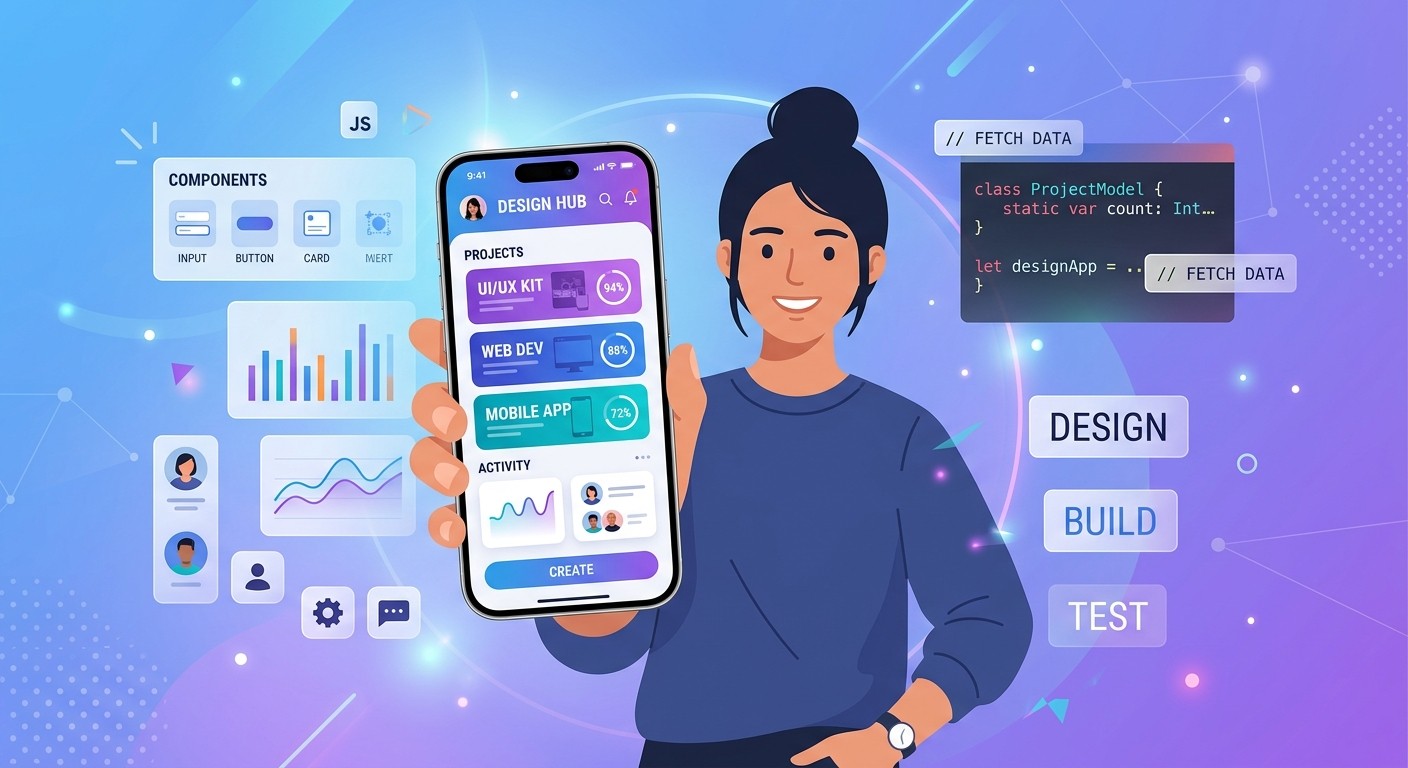
TL;DR: iOS app builders let you create iPhone apps without learning Swift or Xcode. In 2026, AI-powered builders like CatDoes go further: describe your app idea in plain English, and an AI agent writes the code, configures the backend, and prepares it for the App Store. This guide covers how they work, how they compare to no-code and traditional development, and which ones are worth your time.
Building an iPhone app used to mean months of learning Swift, wrestling with Xcode, and spending thousands on a developer. For most people with a great app idea, that was enough to stop them before they started.
That changed with no-code tools, and it changed again in 2026 with AI. Today, a new category of iOS app builders uses AI agents to turn a text description into a working iPhone app, complete with a backend and App Store-ready builds. No coding required. Just tell the AI what you want.
This guide breaks down what iOS app builders actually are, how AI builders compare to no-code platforms and traditional development, and which tools deliver real results in 2026.
Table of Contents
What Is an iOS App Builder?
AI vs No-Code vs Traditional: How They Compare
How to Build an iPhone App with AI
Best iOS App Builders in 2026
What Types of Apps Can You Build?
Do You Still Need a Mac?
How to Get Your App on the App Store
Frequently Asked Questions
What Is an iOS App Builder?
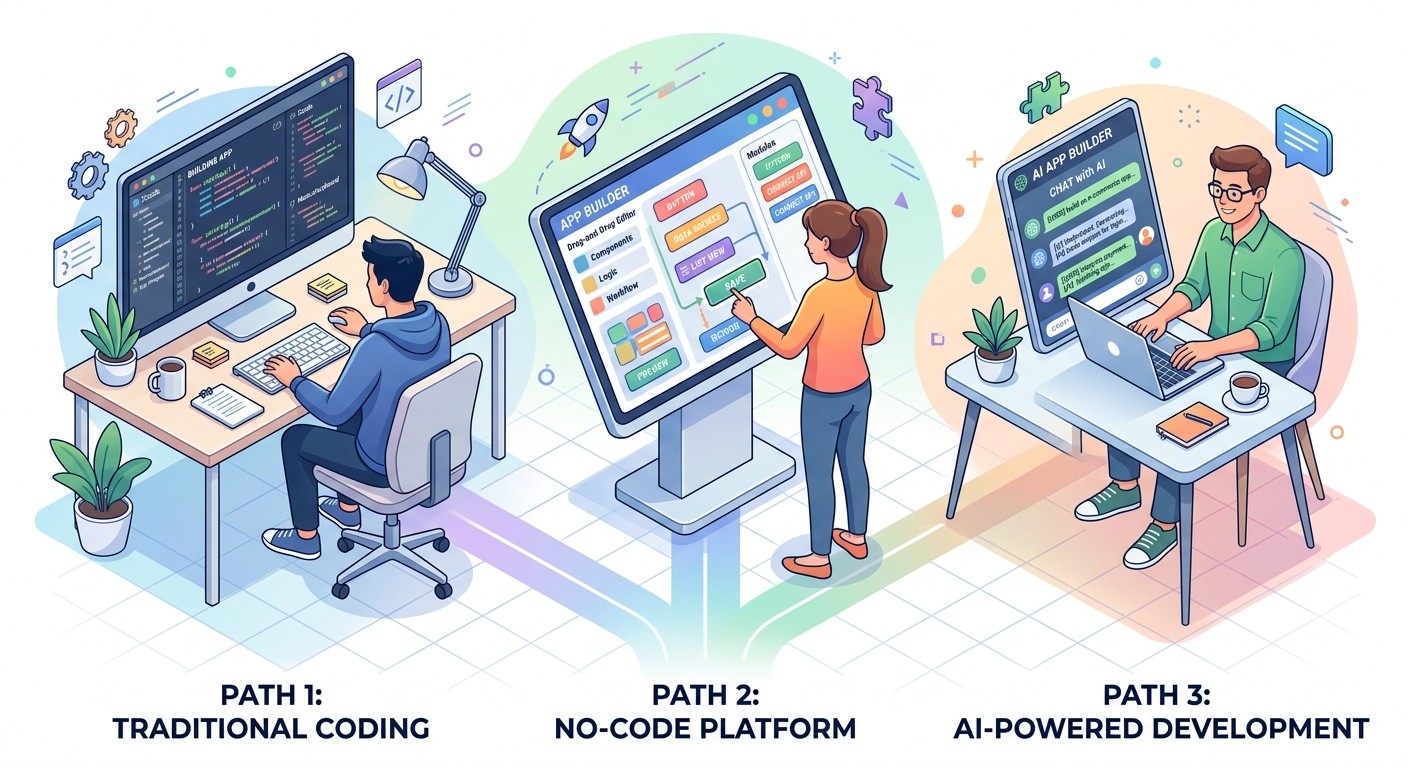
An iOS app builder is any tool that lets you create iPhone apps without writing code from scratch. The category has evolved through three distinct phases:
Template-based builders (2015-2019) gave you pre-made app shells where you could swap logos, colors, and content. Limited customization, cookie-cutter results.
No-code platforms introduced visual drag-and-drop editors where you could design screens and connect data sources. More flexible, but you still needed to understand app logic and spend hours in a visual editor.
AI app builders use large language models and AI agents to generate real code from natural language descriptions. You describe what you want. The AI builds it. This is the category that is growing fastest in 2026, because it removes both the coding barrier and the visual-editor learning curve.
AI vs No-Code vs Traditional: How They Compare
Each approach has real tradeoffs. Here is how they stack up across the factors that matter most:
Factor | AI App Builder | No-Code Platform | Traditional (Swift/Xcode) |
|---|---|---|---|
Time to first prototype | Minutes | Hours to days | Weeks to months |
Learning curve | Near zero | Moderate | Steep |
Cost (MVP) | $20-100/month | $30-200/month | $5,000-50,000+ |
Customization | High (generates real code) | Medium (visual constraints) | Unlimited |
Code ownership | Yes (exportable) | Varies (often locked in) | Yes |
Backend included | Often yes | Sometimes | No (build separately) |
Best for | MVPs, solo founders, speed, Complex, custom apps | Simple apps, internal tools | Complex, custom apps |
The biggest shift in 2026 is that AI builders now generate exportable source code. Earlier tools locked you into their platform. Tools like CatDoes give you a real React Native codebase that you can eject and maintain independently. That makes AI builders viable not just for prototypes, but for production apps.
How to Build an iPhone App with AI
The workflow with an AI app builder looks nothing like traditional development. Here is how it works with a tool like CatDoes:
Step 1: Describe your app. Write a plain-English description of what you want to build. "A fitness app that tracks workouts, shows progress charts, and sends daily reminders." The more specific you are, the better the result.
Step 2: The AI builds it. The AI agent generates your app's screens, navigation, backend logic, and database schema. On CatDoes, a multi-agent system handles this: one agent plans the architecture, another writes the code, another reviews it. You see the app take shape in real time.
Step 3: Review and refine. Preview your app in the browser or on your phone. Want to change the color scheme? Add a settings screen? Just type what you want changed in plain English. The AI updates the code.
Step 4: Simulate the App Store review. Before submitting, run your app through a review simulation. On CatDoes, the agent checks your project against Apple and Google Play guidelines and flags anything that would get rejected. Fix those issues now instead of waiting days for a rejection email.
Step 5: Deploy. When you are happy with the result, the builder handles the technical steps: compiling the app, generating the right certificates, and packaging it for the App Store. Some builders, including CatDoes, handle the entire submission pipeline through cloud builds.
Best iOS App Builders in 2026
Not all iOS app builders are equal. Here are the ones that actually deliver in 2026, ranked by how well they handle the full journey from idea to App Store.
CatDoes
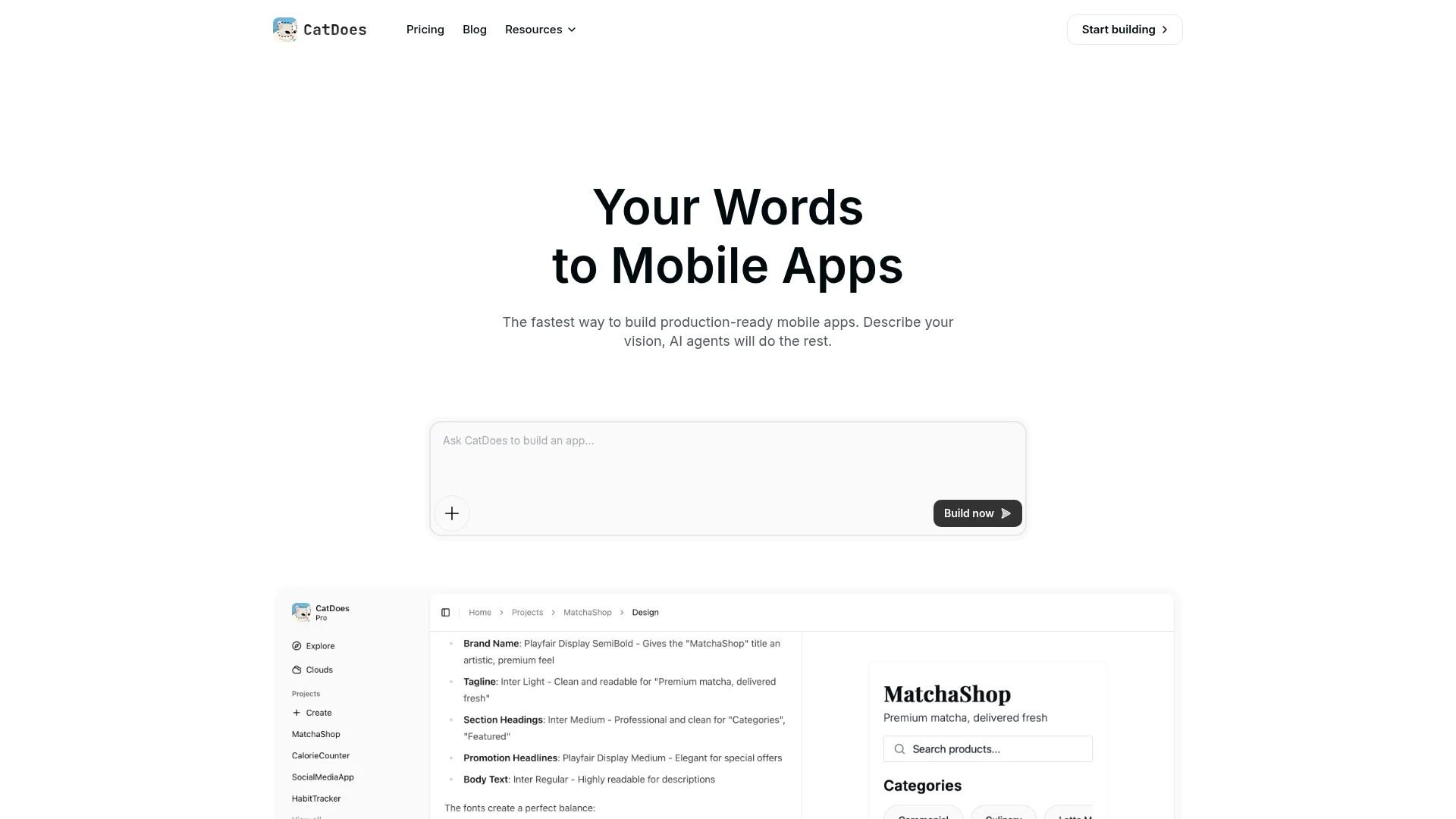
CatDoes is an AI agent that builds, deploys, and maintains mobile apps and websites from natural language. It runs a multi-agent system in the cloud (called Compose), where specialized agents handle different parts of the build. CatDoes Cloud provides the backend out of the box: database, authentication, storage, edge functions, and realtime. You get a real React Native codebase, GitHub integration, and direct deployment to App Store and Google Play.
It also includes an App Store review simulation that checks your app against Apple and Google Play guidelines before you submit, so you can fix issues before they become rejections. Plans start at $20/month. Code export and GitHub integration are available on Plus ($100/month) and above.
FlutterFlow
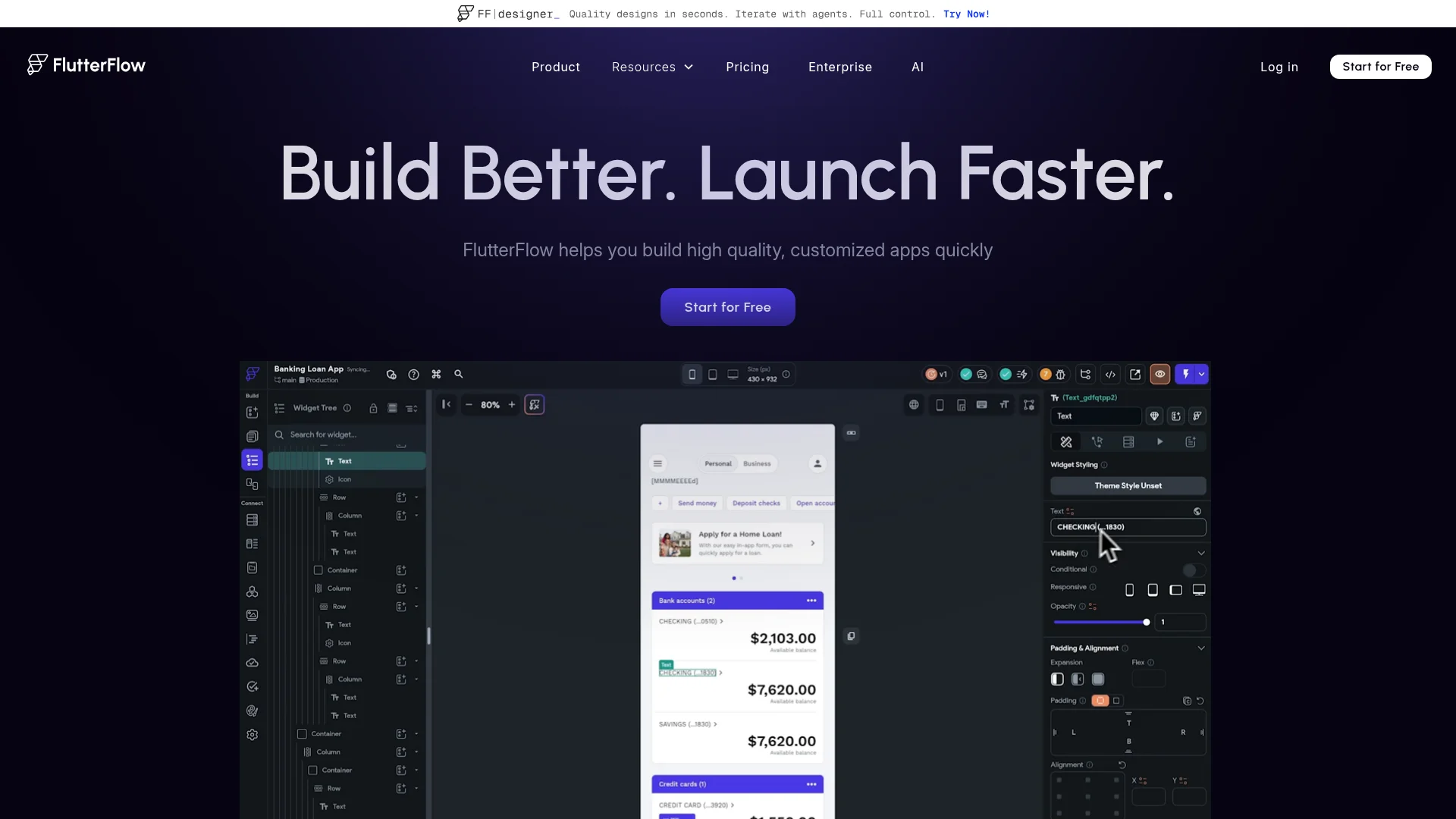
FlutterFlow is a visual builder that generates Flutter (Dart) code. It gives you a drag-and-drop interface with more control over layout than most no-code tools, and the generated code is exportable. It added AI features in 2025 for generating individual components, but the core workflow is still visual. Best for teams that want a visual editor with code output.
Thunkable
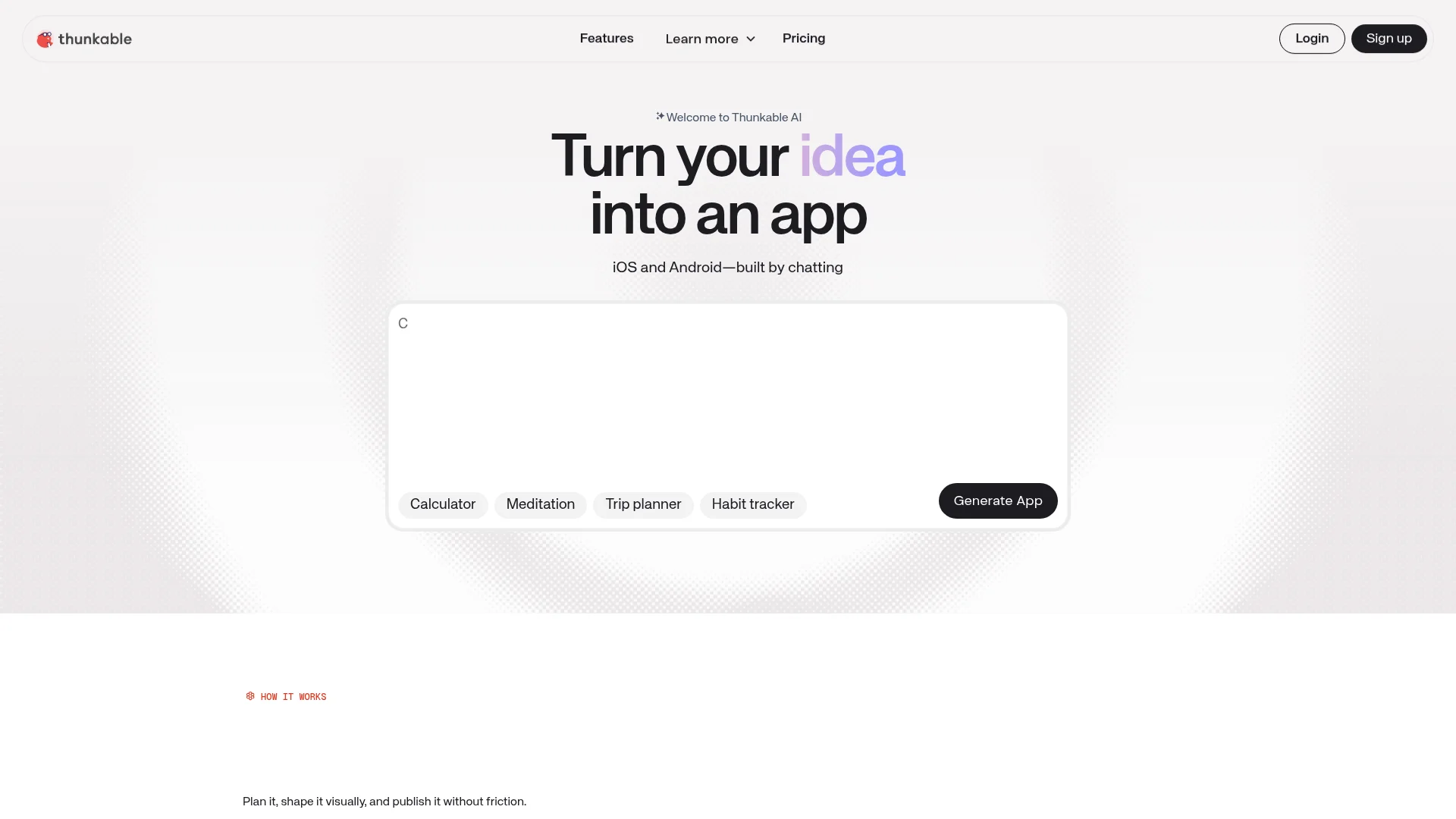
Thunkable focuses on cross-platform apps with a block-based logic editor (similar to Scratch). It is one of the more beginner-friendly options and supports both iOS and Android. The tradeoff is limited customization: complex apps hit the ceiling fast. Good for educational projects and simple utility apps.
Adalo
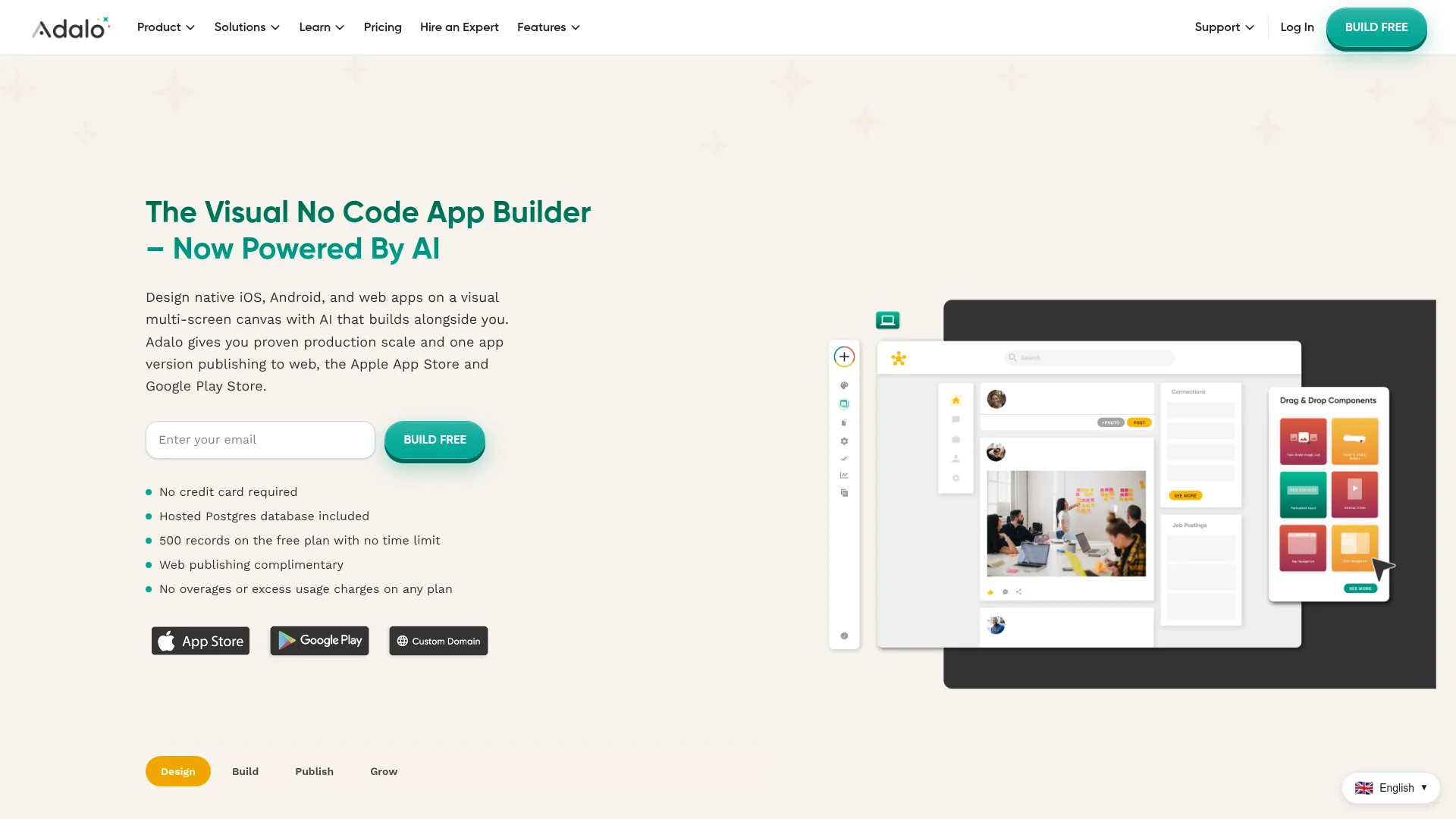
Adalo is a no-code platform with a visual editor focused on database-driven apps. It handles both the frontend and a built-in database, making it straightforward for apps like directories, booking systems, and inventory trackers. The main limitation is performance: Adalo apps run as web wrappers, not native code, which can feel sluggish on older devices.
Quick Comparison
Tool | Approach | Code Export | Backend | Review Simulation | Price |
|---|---|---|---|---|---|
CatDoes | AI agent (text-to-app) | Yes | Yes | Yes | $20/mo |
FlutterFlow | Visual + AI assist | Yes | No | No | $30/mo |
Thunkable | Visual + block logic | No | No | No | Free / $13/mo |
Adalo | No-code visual | No | Yes | No | $45/mo |
What Types of Apps Can You Build?
AI iOS app builders handle a wider range of apps than you might expect. The categories that work best:
Marketplace apps (buy/sell, booking platforms, service directories)
Social and community apps (feeds, messaging, user profiles)
Fitness and health trackers (workout logs, habit trackers, meal planners)
Business tools (CRM, invoicing, inventory management)
Content apps (news readers, recipe collections, educational platforms)
E-commerce (product catalogs, shopping carts, payment integration)
The apps that do not work well yet: anything requiring heavy custom animations, AR/VR features, real-time multiplayer gaming, or deep hardware integration (Bluetooth peripherals, custom camera pipelines). For those, you still need traditional iOS development.
Do You Still Need a Mac?
Short answer: not for building. Longer answer: it depends on your deployment path.
AI app builders and most no-code platforms run entirely in the browser. You can build, preview, and iterate on your iPhone app from a Windows PC or a Chromebook. The code is generated and compiled in the cloud.
For App Store submission, Apple requires apps to be compiled with Xcode, which only runs on macOS. But builders like CatDoes handle this through cloud builds, so you never need to touch Xcode yourself. The builder compiles your app on Apple-compatible servers and delivers the finished binary.
You will need an Apple Developer account ($99/year) to publish on the App Store. That is an Apple requirement, not a builder limitation.
How to Get Your App on the App Store
Getting approved by Apple is the step where most first-time app creators get stuck. Here is what you need:
Before you submit:
An Apple Developer account ($99/year)
App icons in the required sizes (1024x1024 for the store listing)
At least 3 screenshots for each supported device size
A privacy policy URL (required for all apps)
App description, keywords, and category selected
Common rejection reasons:
Crashes or bugs during review (test thoroughly before submitting)
Incomplete information or placeholder content
Apps that are too simple (Apple rejects apps that could be a website)
Missing privacy disclosures for data collection
Login-required apps without a demo account for reviewers
Apple's review process typically takes 24 to 48 hours. If your app gets rejected, you will receive specific feedback on what to fix. Most rejections are resolved in one or two resubmissions. But each rejection cycle costs you days of waiting, and many first-time developers go through three or four rounds before getting approved.
Simulate the Review Before You Submit
CatDoes has a built-in App Store Review Simulation. Before you submit anything to Apple or Google, the AI agent runs your project through the same checks that Apple and Google Play reviewers use. It tells you whether your app would be approved or rejected, and exactly what to fix. Missing privacy policy? Placeholder content still in the app? UI that does not meet Apple's Human Interface Guidelines? The simulation catches it.
This means you can fix rejection issues in minutes instead of waiting 48 hours for Apple to tell you the same thing. For most first-time app creators, this feature alone saves a week or more of back-and-forth.
Frequently Asked Questions
How much does it cost to build an iPhone app with an AI builder?
Most AI app builders charge $20 to $200 per month depending on the plan. You also need an Apple Developer account at $99/year. Compare that to hiring a developer, which typically costs $5,000 to $50,000+ for a basic app.
Can AI-built apps get approved on the App Store?
Yes. AI builders generate real, compilable code that meets Apple's technical requirements. The approval process is the same regardless of how the app was built. Apple reviews the final product, not the development method.
Do I own the code?
It depends on the builder. Platforms like CatDoes and FlutterFlow let you export the full source code. Others lock you into their platform. Always check code export policies before committing to a tool.
Can I build both iOS and Android apps at the same time?
Most modern AI builders generate cross-platform code (usually React Native or Flutter), so you get both iOS and Android from a single project. CatDoes, FlutterFlow, and Thunkable all support this.
What happens if I want to add custom features later?
If the builder supports code export, you can hand the codebase to a developer for custom work at any time. With AI builders like CatDoes, you can also keep iterating through the AI, describing new features in plain English as your app grows.
Start Building Your iPhone App
The barrier to building iPhone apps dropped from "learn to code" to "describe what you want." AI app builders in 2026 generate real, exportable code with backends included, and handle the entire path from idea to App Store.
If you have been sitting on an app idea, the tools are ready. Pick a builder, describe your app, and see what comes out. You might be surprised how close the first version is to what you imagined.
Nafis Amiri
Co-Founder of CatDoes