Blog
Insights
CatDoes vs Cursor: Which AI Development Tool Is Right for You in 2026?
CatDoes builds apps and websites from a prompt — no code needed. Cursor helps devs write code faster. Compare features, pricing, and use cases to find your fit.

Nafis Amiri
Co-Founder of CatDoes
TL;DR: CatDoes is a no-code AI platform that builds complete mobile apps and websites from a text prompt — and publishes them to the App Store, Google Play, or the web with custom domains. Cursor is an AI-powered code editor that helps developers write, refactor, and debug code faster. They solve different problems for different people. If you want a finished app or website without coding, pick CatDoes. If you already code and want to move faster, pick Cursor.
Table of Contents
What Is CatDoes?
What Is Cursor?
CatDoes vs Cursor: Feature Comparison
Can Cursor Build Mobile Apps?
Pricing Breakdown
Who Should Use CatDoes?
Who Should Use Cursor?
Can You Use Both Together?
Frequently Asked Questions
The Bottom Line
What Is CatDoes?
CatDoes is a no-code AI platform that builds mobile apps and websites from a text prompt. You describe what you want in plain English, and the Compose Agent handles the rest — designing the UI, writing production-level code, setting up a cloud backend, and deploying to the App Store, Google Play, or the web with a custom domain.
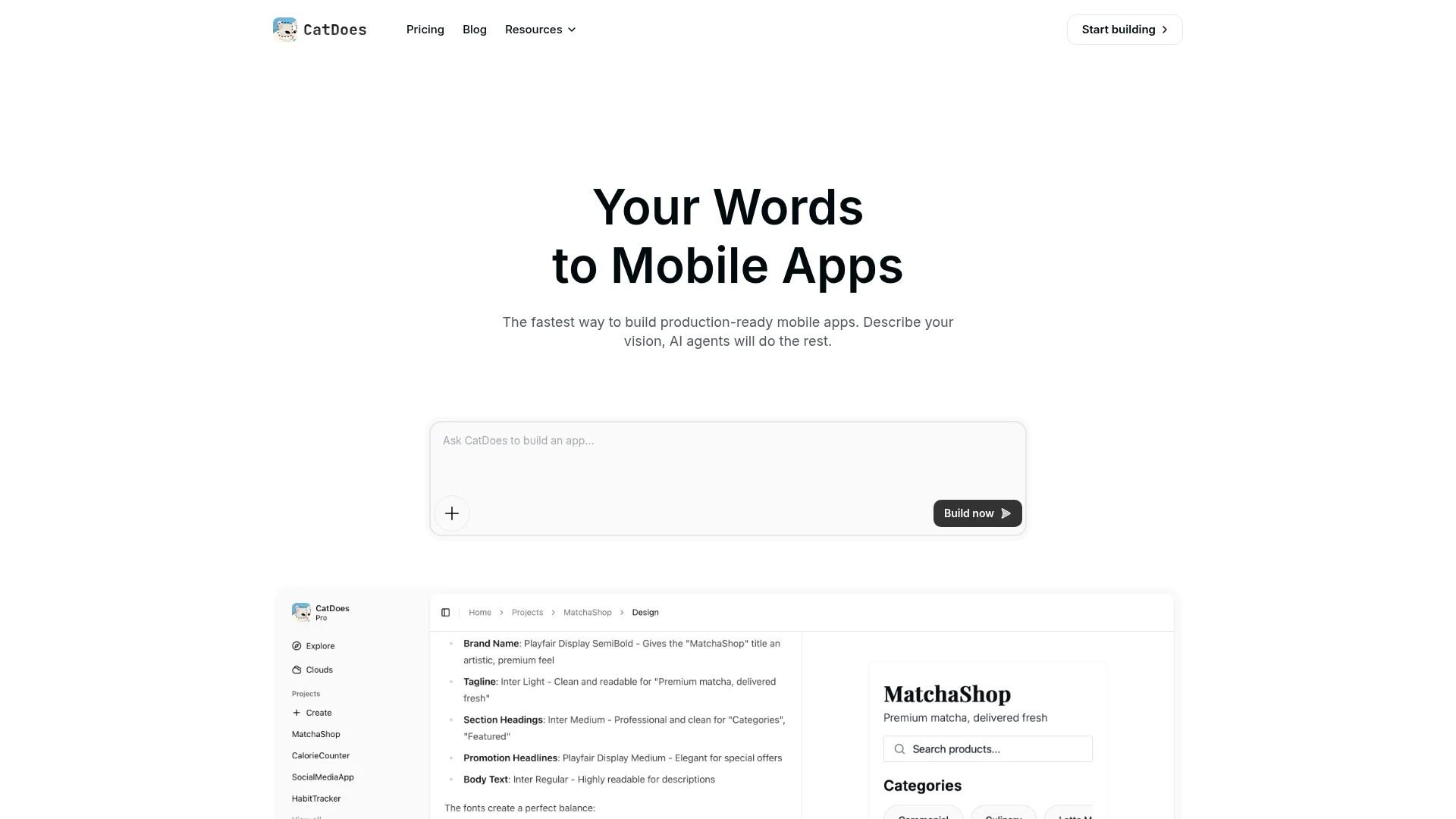
You never see or touch the code unless you want to. The entire process, from idea to live product, happens through conversation. Most users go from a text prompt to a working prototype in under 10 minutes. CatDoes targets founders, small business owners, designers, and anyone with an app or website idea who does not want to hire a development team or learn to code.
Key capabilities include:
AI-driven app and website generation from natural language prompts
Built-in cloud backend (CatDoes Cloud) with database, auth, storage, edge functions, and realtime, included on every plan
One-click deployment to the App Store, Google Play, or the web
Custom domains with support for up to 20 domains per project
GitHub import to bring in existing projects and keep building
Iterative editing through conversation, no manual code changes needed
Code export for developer handoff when you outgrow no-code
What Is Cursor?
Cursor is an AI-powered code editor built on top of Visual Studio Code.
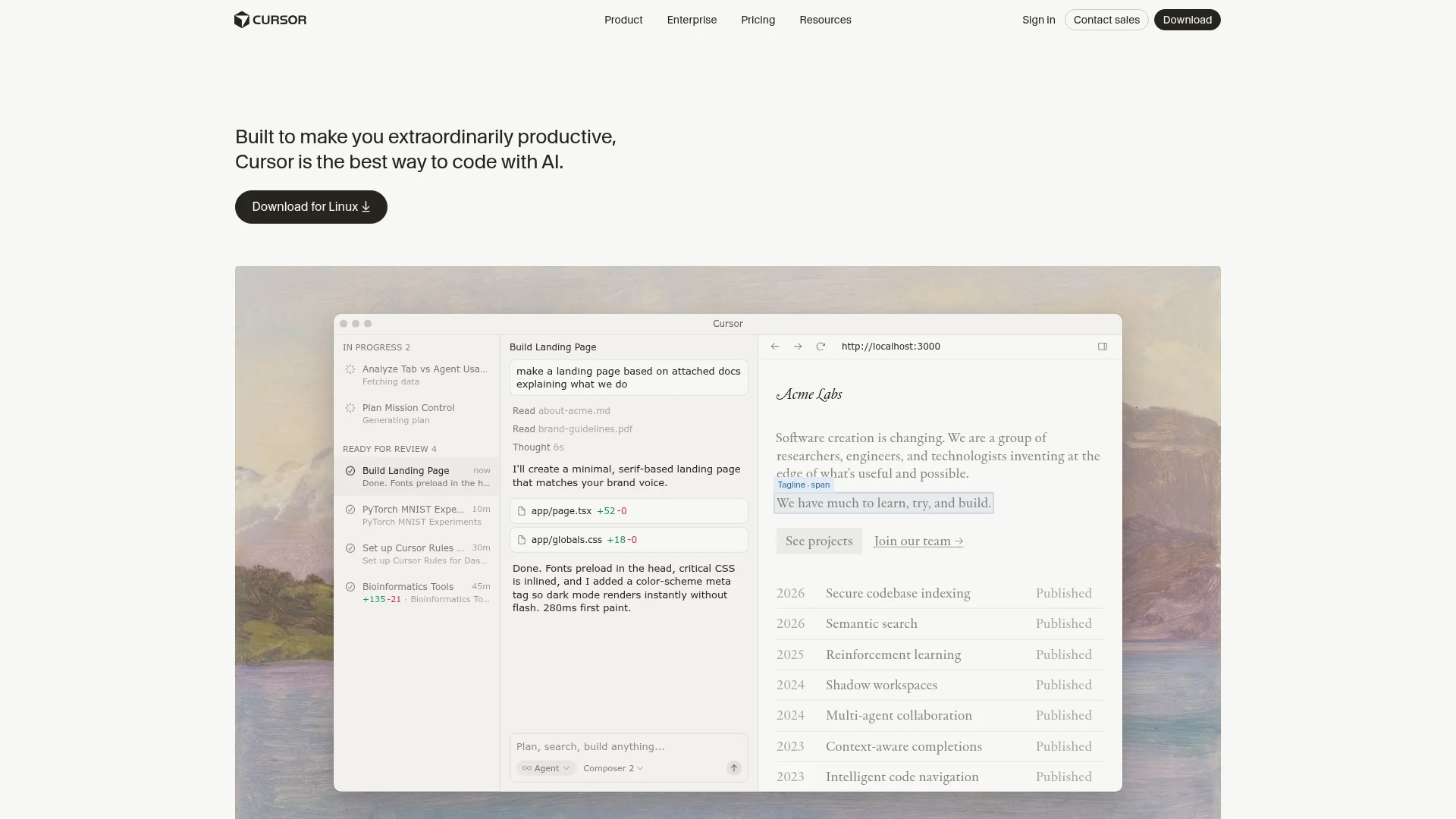
Cursor does not build apps for you. It makes you faster at building them yourself. It sits inside your existing development workflow and adds AI assistance at every step, from autocomplete to full-file rewrites. OpenAI reportedly tried to acquire Cursor but was turned down. They bought Windsurf instead for $3 billion, which says a lot about how valuable AI coding tools have become. Aider takes the same assistive approach from the terminal, and we compare the two in Aider vs Cursor.
Core features include:
Intelligent Tab completions that predict your next edit across the file
Agent mode for multi-file code generation from natural language instructions
Cloud Agents that run long tasks autonomously in isolated Ubuntu VMs, up to 8 in parallel
Automations triggered by Slack, GitHub, Linear, or webhooks with always-on agent sandboxes
JetBrains support via Agent Client Protocol for IntelliJ, PyCharm, and WebStorm
Composer 2, Cursor's proprietary frontier-level coding model trained via reinforcement learning
Cursor has shipped aggressively since its 2.0 redesign in October 2025. Version 2.5 introduced cloud agents in February 2026, and by March 2026 the editor supports automations, MCP apps, and self-hosted agent environments. It is a powerful tool, but it assumes you can read, understand, and manage the code it generates.
CatDoes vs Cursor: Feature Comparison
These tools occupy different layers of the software creation stack. CatDoes replaces the developer. Cursor empowers the developer. This table shows where they overlap and where they diverge.
Category | CatDoes | Cursor |
|---|---|---|
What it does | Builds complete mobile apps and websites from a text prompt | Helps developers write and edit code with AI assistance |
Coding required | None | Yes, programming knowledge needed |
Output | Fully functional mobile apps and websites, published to app stores or the web | Code files in your project |
How you interact | Describe features in plain English | Write code with AI suggestions and commands |
Deployment | Automated to App Store, Google Play, and custom domains | Manual, handled by the developer |
Backend included | Yes (CatDoes Cloud: database, auth, storage, edge functions, realtime) | No, developer provisions their own |
Design/UI | Auto-generated by the Compose Agent | Developer designs or uses a framework |
Platform focus | Mobile apps (iOS + Android) and websites with custom domains | Any codebase: web, mobile, backend, scripts, data science |
Target user | Non-technical founders, small businesses, designers, solo makers | Professional developers and engineering teams |
The fundamental difference: CatDoes is a product that builds software. Cursor is a tool that helps a human build software. Neither one replaces the other because they serve entirely different audiences.
Can Cursor Build Mobile Apps?
Technically, yes. Cursor can generate React Native, Flutter, or SwiftUI code for mobile apps. But generating code is only one piece of the puzzle. To actually ship a mobile app with Cursor, you still need to:
Set up your development environment — install Xcode (for iOS), Android Studio, Node.js, and configure simulators
Understand mobile frameworks — know React Native, Flutter, or native iOS/Android development
Provision a backend — set up a database, authentication, file storage, and API endpoints using services like Supabase, Firebase, or AWS
Handle deployment manually — manage Apple Developer certificates, provisioning profiles, Google Play signing keys, and app store submissions
Debug platform-specific issues — deal with iOS and Android differences, build errors, and device-specific bugs
For an experienced developer, Cursor dramatically speeds up each of these steps. But for someone without coding experience, the gap between "Cursor generated some code" and "my app is live in the App Store" is enormous.
This is exactly the gap CatDoes fills. CatDoes handles the entire stack automatically — from code generation to cloud setup to app store publishing — so you never need to open a terminal, configure Xcode, or manage deployment pipelines. The same applies to websites: CatDoes deploys them to the web with custom domains included, no hosting setup required. You describe what you want, and the Compose Agent handles the rest.
Who Should Use CatDoes?
CatDoes is the right choice if you want a finished mobile app or website and do not want to write code. Specifically:
Non-technical founders who have an app idea and want to validate it fast without hiring a developer
Small business owners who need a customer-facing mobile app or website but lack a technical team
Designers and product managers who want to turn mockups into working apps they can test with real users
Solo makers who want to build and ship apps without code on a tight budget
With CatDoes, you skip the entire technical stack: no IDE setup, no dependency management, no deployment pipelines, no hosting configuration. You describe features, review what the AI builds, request changes in plain language, and publish. The result is a production-ready app in the App Store or a live website with your own domain, not just a prototype.
Who Should Use Cursor?
Cursor is the right choice if you already write code and want to move significantly faster. Specifically:
Professional developers who spend hours writing boilerplate, refactoring, or debugging
Full-stack developers working across web, mobile, backend, and infrastructure code
Data scientists and ML engineers who want AI-assisted code generation in notebooks and scripts
Cursor sits inside the developer's existing workflow. It does not replace the need to understand code. It makes the process of writing it faster and less tedious, especially for repetitive patterns and large refactors. If you do not know what React Native, Node.js, or Git are, Cursor is not the tool for you.
Can You Use Both Together?
Yes. The two tools are not mutually exclusive. Here is a workflow we have seen work well for startups:
Phase 1 — Validate with CatDoes. Build your MVP from a text prompt, publish to the App Store or launch a website, and get your product in front of real users. Total cost: $20-$50/month.
Phase 2 — Export and extend with Cursor. Once the app gains traction and you need custom features beyond what CatDoes offers, export the codebase on the Plus plan and open it in Cursor.
Phase 3 — Scale with a dev team. Bring in developers who use Cursor to iterate on the exported codebase. You skip the expensive "build from scratch" phase entirely.
The Plus plan ($100/month) includes code export, so you can take the generated React Native or web project and open it in Cursor for further customization. This gives non-technical founders a path from zero-code MVP to developer-led iteration without starting over.
This approach means you validate the market before investing in custom development. It is a much cheaper path than hiring a developer from day one.
Frequently Asked Questions
Does CatDoes require any coding knowledge?
No. CatDoes is designed for people with zero programming experience. You describe what you want in plain English and the Compose Agent handles the design, code, backend, and deployment.
Can Cursor build a complete app from scratch?
Cursor can generate code, but it requires a developer to architect the project, manage dependencies, set up the backend, handle deployment, and review the output. It accelerates coding but does not replace the developer.
Which tool is cheaper for building a mobile app?
CatDoes Core at $20/month gives you everything needed to build a mobile app or website, including cloud hosting. With Cursor, you still need a developer (or be one yourself), plus pay for hosting, backend services, and Apple/Google developer accounts separately. For non-technical users, CatDoes is significantly cheaper than the alternative of hiring a freelance developer ($5,000-$50,000+).
Is Cursor free?
Cursor offers a free Hobby plan with 2,000 completions and 50 slow premium requests per month. It is enough to try the editor, but most active developers need the Pro plan at $20/month. CatDoes also has a free tier with 15 one-time credits that lets you build one project and deploy to the web.
Can I export code from CatDoes and edit it in Cursor?
Yes. The CatDoes Plus plan ($100/month) includes full code export. You can download the React Native or web project and open it in Cursor or any other editor for further development.
What can CatDoes build?
CatDoes builds native mobile apps for iOS and Android using React Native, and production websites with custom domains. Common examples include marketplace apps, social apps, fitness trackers, restaurant ordering apps, business tools, and landing pages. You can also import an existing GitHub project and keep building from there. See real no-code app examples for inspiration.
The Bottom Line
CatDoes and Cursor solve fundamentally different problems:
CatDoes turns an idea into a live mobile app or website without code. It replaces the need for a developer.
Cursor makes an existing developer dramatically faster. It enhances coding, not replaces it.
Both tools are part of the vibe coding movement — the shift toward describing what you want and letting AI handle the implementation. The difference is the starting point. CatDoes starts from zero and delivers a published app or website. Cursor starts from a codebase and makes the developer more productive.
If your goal is to get a mobile app or website into the hands of real users as quickly as possible and you do not code, CatDoes is the direct path. You skip the IDE, skip the terminal, skip the deployment pipeline, and go straight from idea to a live product.
Try CatDoes free and build your first app or website in minutes.
Nafis Amiri
Co-Founder of CatDoes


