Blog
Insights
Best Mobile App Development Software in 2026 (12 Tested)
Compare the 12 best mobile app development software tools for 2026: AI builders, cross-platform frameworks, native IDEs, and low-code platforms. Find your fit.

Nafis Amiri
Co-Founder of CatDoes
TL;DR: CatDoes is the top pick for building apps without code using AI. Flutter and React Native lead cross-platform development with single codebases. Xcode and Android Studio remain the standard for native iOS and Android. OutSystems and Mendix serve enterprise teams with compliance needs. FlutterFlow bridges no-code speed with real, exportable Flutter code.
Picking the wrong software for creating mobile apps can cost months of rework and thousands in wasted budget. The right choice comes down to three things: your coding experience, your budget, and whether you need iOS, Android, or both. If you are still learning the basics, start with our mobile app development for beginners guide before choosing a tool.
We evaluated over 20 tools and narrowed this list to the 12 that cover every skill level, budget, and use case. Each entry covers what the tool does, who it works best for, real apps built with it, and practical tradeoffs to help you decide.
Table of Contents
What Is Mobile App Development Software?
Types of App Development Software
1. CatDoes
2. Apple Xcode
3. Android Studio
4. Visual Studio + .NET MAUI
5. IntelliJ IDEA + Kotlin Multiplatform
6. Flutter
7. React Native
8. Unity
9. Unreal Engine
10. OutSystems
11. Mendix
12. FlutterFlow
All 12 Tools Compared
How to Choose the Right Tool
Frequently Asked Questions
What Is Mobile App Development Software?
Mobile app development software is any tool that helps you design, build, test, and ship apps for iOS and Android. It spans AI app builders that generate a working app from a prompt, cross-platform frameworks, native IDEs, and low-code platforms. You will also see it called app development software, app dev software, app creation software, or app programming software. These are all different names for the same category of software you use to make an app.
The best fit depends on who is building. Non-coders lean on AI builders and low-code tools, while engineering teams reach for frameworks or native IDEs. Mobile application development software also includes game engines like Unity and Unreal when you need 3D graphics or physics.
Types of App Development Software
App development software falls into five broad categories, and each one fits a different builder, budget, and timeline. Identifying your category narrows these 12 options down to two or three in minutes.
AI app builders: describe the app in plain English and get a working build (CatDoes)
Cross-platform frameworks: one codebase ships to iOS and Android (Flutter, React Native)
Native IDEs: full platform control with Apple and Google tooling (Xcode, Android Studio)
Low-code platforms: visual builders for enterprise workflows (OutSystems, Mendix, FlutterFlow)
Game engines: 3D, physics, and graphics-heavy apps (Unity, Unreal Engine)
1. CatDoes
Best for: Non-technical founders and small teams who need a working app fast. Pricing: Free tier available. Paid plans from $20/mo. Learning curve: None. First working app in minutes.
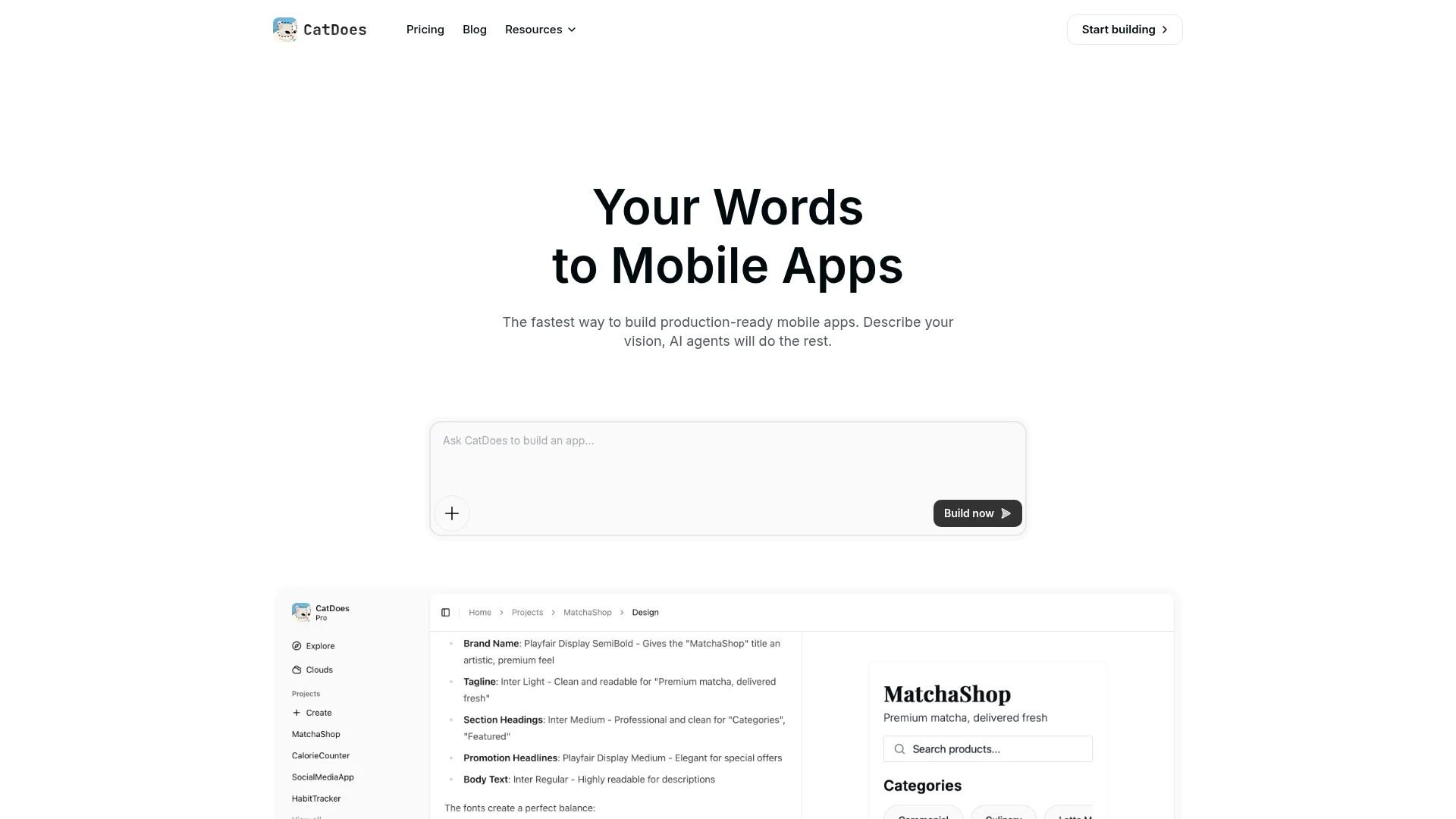
CatDoes takes a different approach from traditional app builders. Instead of dragging and dropping UI elements, you describe your app idea in plain language. A team of AI agents then generates the full application: React Native frontend, Supabase backend with database, authentication, and storage, plus deployment configuration.
In my testing, I described a habit tracker and had a working app with user accounts and persistent data in under 10 minutes. You can preview results in your browser or scan a QR code to test on your phone. When you're ready to ship, a build agent prepares your app for App Store and Google Play.
What CatDoes Generates
Full-stack apps from a text prompt, including database tables, user authentication, and server logic via Supabase
Multi-agent architecture where separate AI agents handle requirements, design, frontend, backend, and deployment
Live preview through browser or on-device QR code testing
App store submission with built-in release management for iOS and Android
Most AI builders only handle the frontend. CatDoes generates both frontend and backend, which cuts weeks of backend setup. It's less suited for apps with highly custom server architectures, but for MVPs and standard app patterns, it covers the full stack.
Builds everything from simple MVPs to complex, full-featured apps. Want to customize further? Export your full source code and keep building in your own editor.
2. Apple Xcode
Best for: Native iOS, iPadOS, and Apple platform development. Pricing: Free to download. $99/year Apple Developer Program to publish. Learning curve: Steep. Expect 2-3 months to build confidently with Swift.
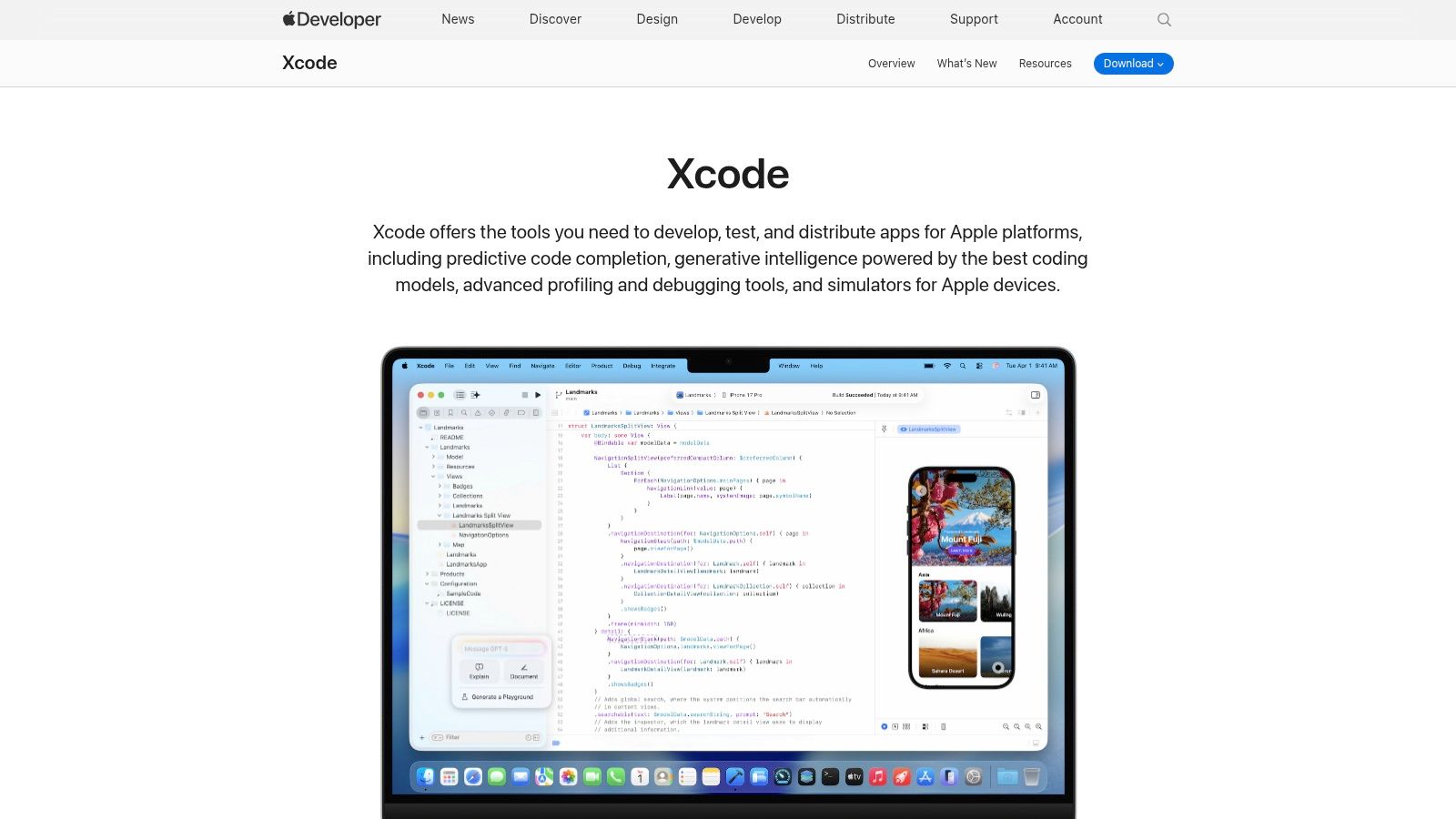
If you're building exclusively for Apple devices, Xcode is the only real option. It's Apple's official IDE with direct access to every first-party SDK, including Dynamic Island, ARKit, and HealthKit the day they launch. Apps like Signal, Things 3, and Halide are built entirely with Xcode and Swift.
Development centers on Swift and SwiftUI, Apple's declarative UI framework. You get live previews of your interface, a full simulator library covering every Apple device, and direct integration with TestFlight for beta distribution.
What Swift and SwiftUI Get You
Live preview for rapid UI development without recompiling
Instruments profiler for tracking memory, CPU, and energy usage down to the function level
Device simulators for every Apple product in the current lineup
TestFlight and App Store Connect integration for beta testing and distribution
Not ideal for: Anyone targeting Android, or developers on Windows or Linux. Xcode runs only on macOS. For anyone targeting only Apple platforms, nothing else gives you the same level of hardware and OS integration.
3. Android Studio
Best for: Native Android development. Pricing: Completely free. Learning curve: Moderate to steep. Kotlin is approachable, but the Android ecosystem has a lot of surface area.
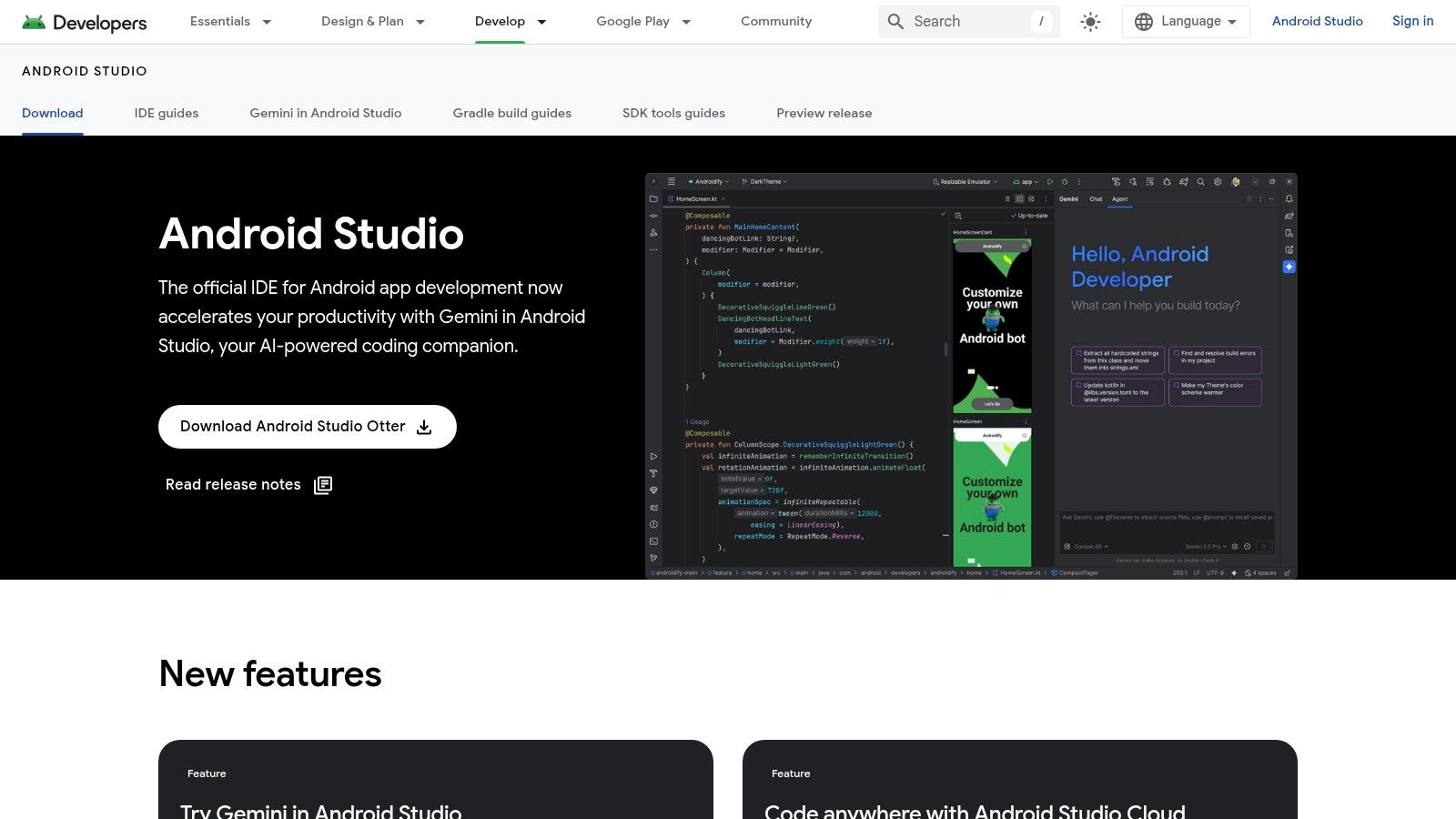
Google's official IDE for Android treats Kotlin as a first-class language and integrates with Jetpack Compose, the modern toolkit for building Android UIs with less boilerplate. Google's own apps, along with apps from Uber, Airbnb, and Spotify, are built with Android Studio.
The built-in emulator lets you test on thousands of virtual device configurations without owning the hardware. Profiling tools help track down CPU, memory, and network problems before your users find them.
Why Kotlin and Jetpack Compose
Smart code completion and refactoring built on the IntelliJ IDEA engine
Jetpack Compose for declarative, modern UI development with less code
Android Emulator with extensive device and OS version configurations
Gradle build system for flexible dependency and build management
Runs on Windows, macOS, and Linux with no licensing fees. It can be resource-hungry, so plan for at least 8 GB of RAM and an SSD.
Not ideal for: Non-technical users, or teams that need iOS support from the same codebase. For cross-platform needs, look at Flutter or React Native instead.
4. Visual Studio + .NET MAUI
Best for: Teams already using C# and .NET who need cross-platform apps. Pricing: Free Community edition. Paid Professional and Enterprise tiers. Learning curve: Low if you know C#. Moderate otherwise.
Visual Studio paired with .NET MAUI lets you write one C# codebase and deploy to Android, iOS, Windows, and macOS. The "single project" structure simplifies file management across platforms, and XAML Hot Reload shows UI changes instantly without recompiling. Microsoft's own apps use this stack internally.
This setup works well for enterprise teams that already have C# expertise and want to extend their .NET services to mobile without learning a new language. Teams without that in-house expertise usually outsource instead, and it helps to know what custom mobile app development services actually involve before you commit. On a tighter budget, our list of free mobile app makers covers what you can build without paying anything.
What .NET MAUI Offers
Single C#/XAML codebase targeting Android, iOS, Windows, and macOS from one project
XAML Hot Reload for instant UI changes without rebuilding
NuGet package ecosystem for third-party library integration
Azure DevOps integration for CI/CD pipeline automation
Not ideal for: Teams without C# experience, or projects where community resources and third-party libraries matter. MAUI's ecosystem is smaller than Flutter's or React Native's. The best experience is on Windows, and mobile development requires installing specific workloads, which adds setup time.
5. IntelliJ IDEA + Kotlin Multiplatform
Best for: Kotlin developers who want to share business logic between Android and iOS. Pricing: Free Community edition. Paid Ultimate edition. Learning curve: Low for Kotlin developers. Steep for everyone else.
Kotlin Multiplatform (KMP) lets you write shared business logic once in Kotlin and compile it for both Android and iOS. You still build each platform's UI with native tools (Jetpack Compose and SwiftUI), so the app looks and feels native on both. Netflix, Cash App, and VMware use KMP to share code across platforms.
JetBrains' IntelliJ IDEA provides the best Kotlin development experience available, with advanced refactoring, cross-language navigation, and static analysis that catches bugs before they reach production.
Why Teams Pick KMP
Share business logic (networking, data, validation) while keeping native UI on each platform
Compose Multiplatform for sharing UI code across platforms when native look isn't critical
Advanced code intelligence with refactoring, completion, and deep static analysis
Plugin marketplace with thousands of extensions for any workflow
Not ideal for: Teams that don't already know Kotlin, or projects that need rapid prototyping. KMP's iOS tooling is still evolving, and you'll need a Mac for iOS builds and testing.
6. Flutter
Best for: Cross-platform apps with polished UIs from a single Dart codebase. Pricing: Free, open source.
Learning curve: Moderate. Dart is easy to pick up, but Flutter's widget system takes a few weeks to feel natural.
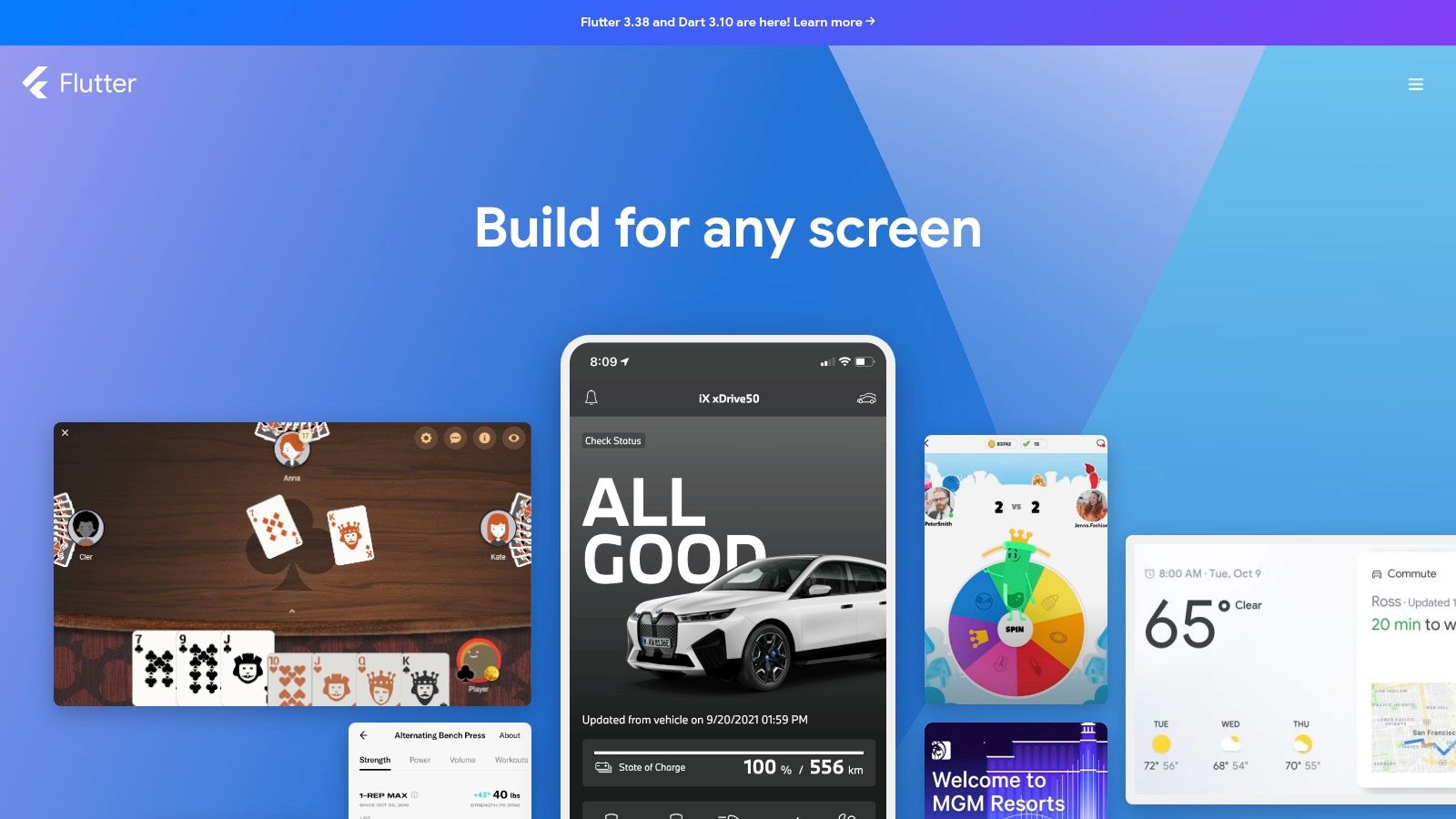
Write once in Dart, deploy to iOS, Android, web, and desktop. Flutter's Hot Reload lets you see code changes in the running app in under a second, which makes iteration dramatically faster than traditional compile-and-run cycles. Google Pay, BMW, eBay Motors, and Alibaba's Xianyu app are all built with Flutter.
What Makes Flutter Stand Out
Hot Reload for near-instant code-to-screen feedback during development
AOT-compiled Dart for near-native runtime performance on both platforms
Widget catalog covering Material Design and Cupertino (iOS) styles out of the box
IDE support in Android Studio and VS Code with official plugins
Completely free with no licensing fees. You'll still need a Mac and an Apple Developer Program membership ($99/year) to build and publish for iOS. App bundle sizes tend to run slightly larger than fully native builds.
Not ideal for: Teams that already know JavaScript well (React Native would be a faster ramp), or apps that need deep platform-specific API access on day one.
7. React Native
Best for: Teams with JavaScript or React experience who want native mobile apps. Pricing: Free, open source. Learning curve: Low if you know React. Moderate otherwise.
React Native, built by Meta, lets you create native iOS and Android apps using React components and JavaScript. Your components map to real native UI widgets, so the result performs like a native app rather than a web wrapper. Instagram, Shopify, Discord, and Coinbase all run on React Native, with teams typically sharing 70-90% of code between platforms.
Most teams pair React Native with Expo, a framework that simplifies builds, over-the-air updates, and device testing. You can learn more about testing apps with Expo to see how the workflow looks in practice.
Why JavaScript Teams Choose React Native
Native UI components (not web views) for a genuine platform look and feel
Expo integration for simplified builds, testing, and over-the-air updates without touching native code
The largest JavaScript ecosystem with thousands of open-source libraries and active community support
High code reuse between iOS and Android, typically 70-90% shared
Free and open source. You'll need a Mac for iOS builds. Complex apps sometimes need custom native modules in Swift or Kotlin, which adds development complexity.
Not ideal for: Non-technical users (you still need to write code), or apps with heavy animations or graphics where Flutter's rendering engine has an edge.
8. Unity
Best for: Mobile games, interactive 3D experiences, and AR applications. Pricing: Free Personal tier (revenue under $100K/year). Paid Pro at $2,040/year. Learning curve: Moderate. The editor is visual, but C# scripting takes time.
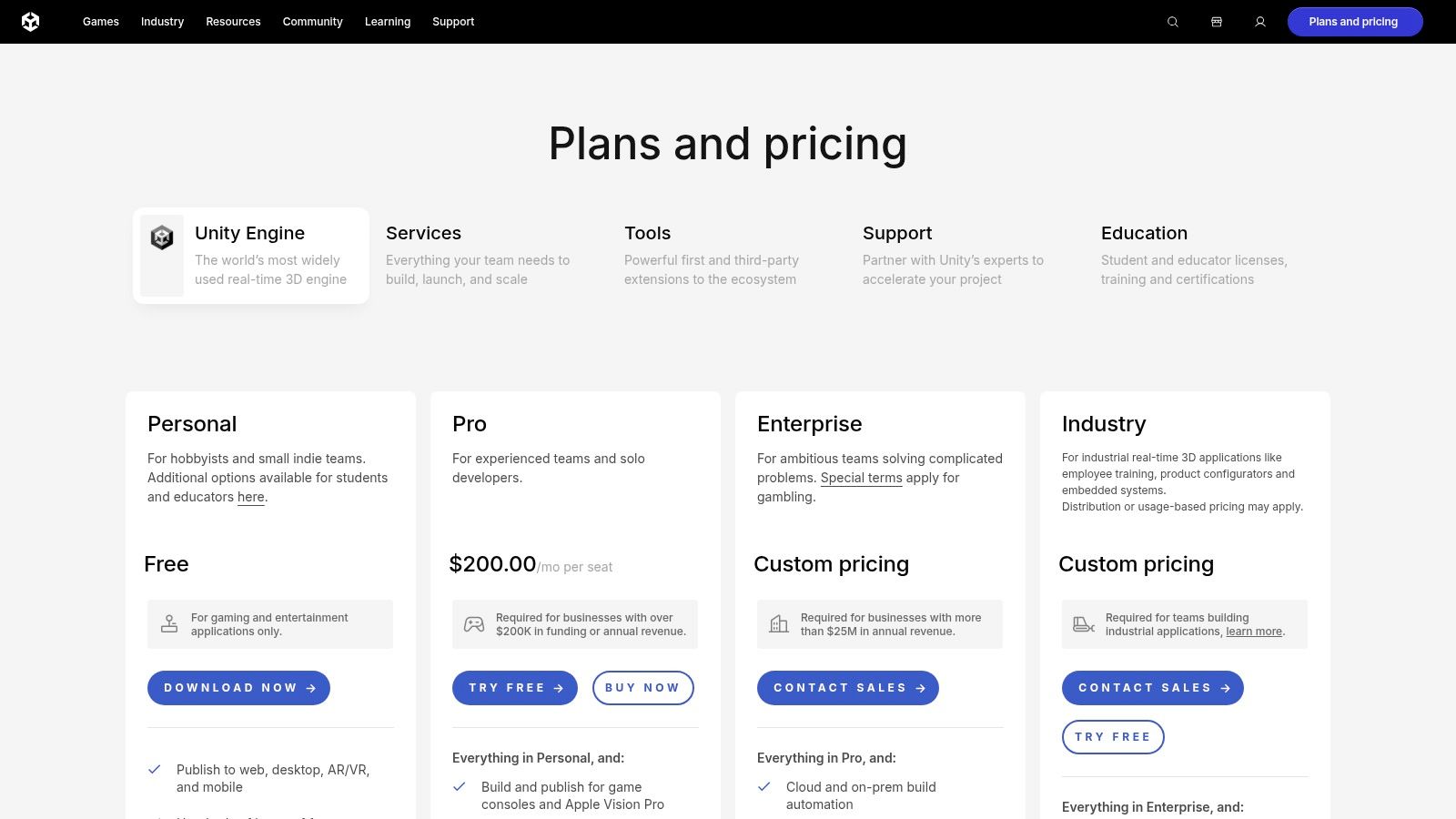
Unity powers some of the most successful mobile games ever made, including Pokemon GO, Monument Valley, and Genshin Impact. It combines a visual editor for building scenes with C# scripting for game logic. The Unity Asset Store offers thousands of pre-built models and plugins that can shave weeks off development.
What Unity Does Best
Visual scene editor with C# scripting for 2D and 3D projects
Asset Store with thousands of ready-made models, scripts, and plugins
AR Foundation framework for building augmented reality apps on both iOS and Android
Cross-platform builds for iOS, Android, consoles, and desktop from one project
Not ideal for: Standard business or utility apps. Unity's runtime adds overhead that makes it a poor fit for anything that isn't a game or interactive experience. For non-game apps, use any other tool on this list.
9. Unreal Engine
Best for: High-fidelity mobile games and visually demanding interactive apps. Pricing: Free to develop. 5% royalty after $1M lifetime revenue per product. Learning curve: Steep. The most complex tool on this list.
When visual quality is the top priority, Unreal Engine by Epic Games is hard to beat. It delivers the highest graphical fidelity available on mobile and offers two development paths: Blueprints (visual scripting for non-programmers) and full C++ access for fine-grained control. Fortnite and PUBG Mobile both run on Unreal.
When to Choose Unreal Over Unity
Blueprints visual scripting alongside full C++ source code access for maximum flexibility
Advanced rendering optimized for pushing mobile hardware to its visual limits
Profiling tools for diagnosing and fixing performance bottlenecks at the hardware level
Unreal Marketplace with ready-to-use 3D assets, animations, and tools
The $1M royalty-free threshold makes it accessible for indie developers and startups. The learning curve is steeper than Unity, and it's overkill for anything that isn't graphically demanding.
Not ideal for: 2D games, casual games, or any non-game app. If you don't need AAA-level graphics on mobile, Unity is the better engine.
10. OutSystems
Best for: Large enterprises building regulated, mission-critical applications. Pricing: Quote-based enterprise pricing. Learning curve: Low for the visual tools, but mastering the platform takes training.
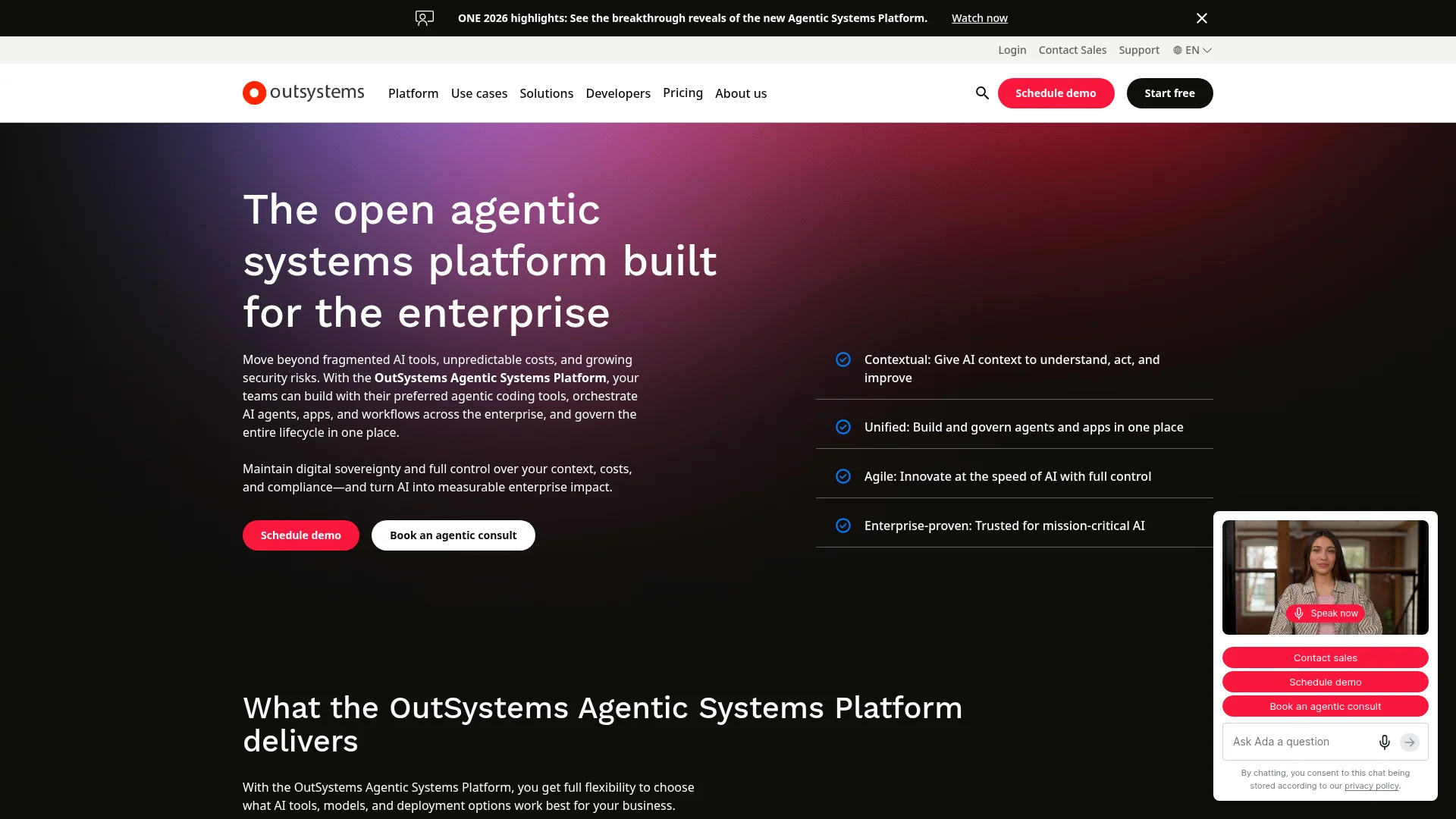
OutSystems is a low-code platform designed for organizations that need to ship complex applications while meeting strict security and compliance requirements. It combines visual app modeling with an AI assistant that checks your architecture, performance, and security patterns as you build. Companies like Toyota, Deloitte, and Humana use OutSystems for internal and customer-facing apps.
One-click deployment moves applications through development, staging, and production environments automatically, with built-in DevSecOps practices throughout.
Why Enterprises Pick OutSystems
Visual modeling with pre-built UI components, templates, and workflow tools
AI Mentor System for real-time architecture and security guidance as you build
Automated CI/CD with built-in DevSecOps and one-click deployment across environments
Enterprise governance for team management, access control, and regulatory compliance
Not ideal for: Small teams or solo founders. The pricing is geared toward enterprise budgets, and the platform's depth is unnecessary for simple apps or MVPs.
11. Mendix
Best for: Mid-size to enterprise teams that want transparent pricing with scalable low-code. Pricing: Free tier available. Paid tiers publicly listed starting at $50/user/month. Learning curve: Low to moderate. Visual building is intuitive, but advanced features take time.
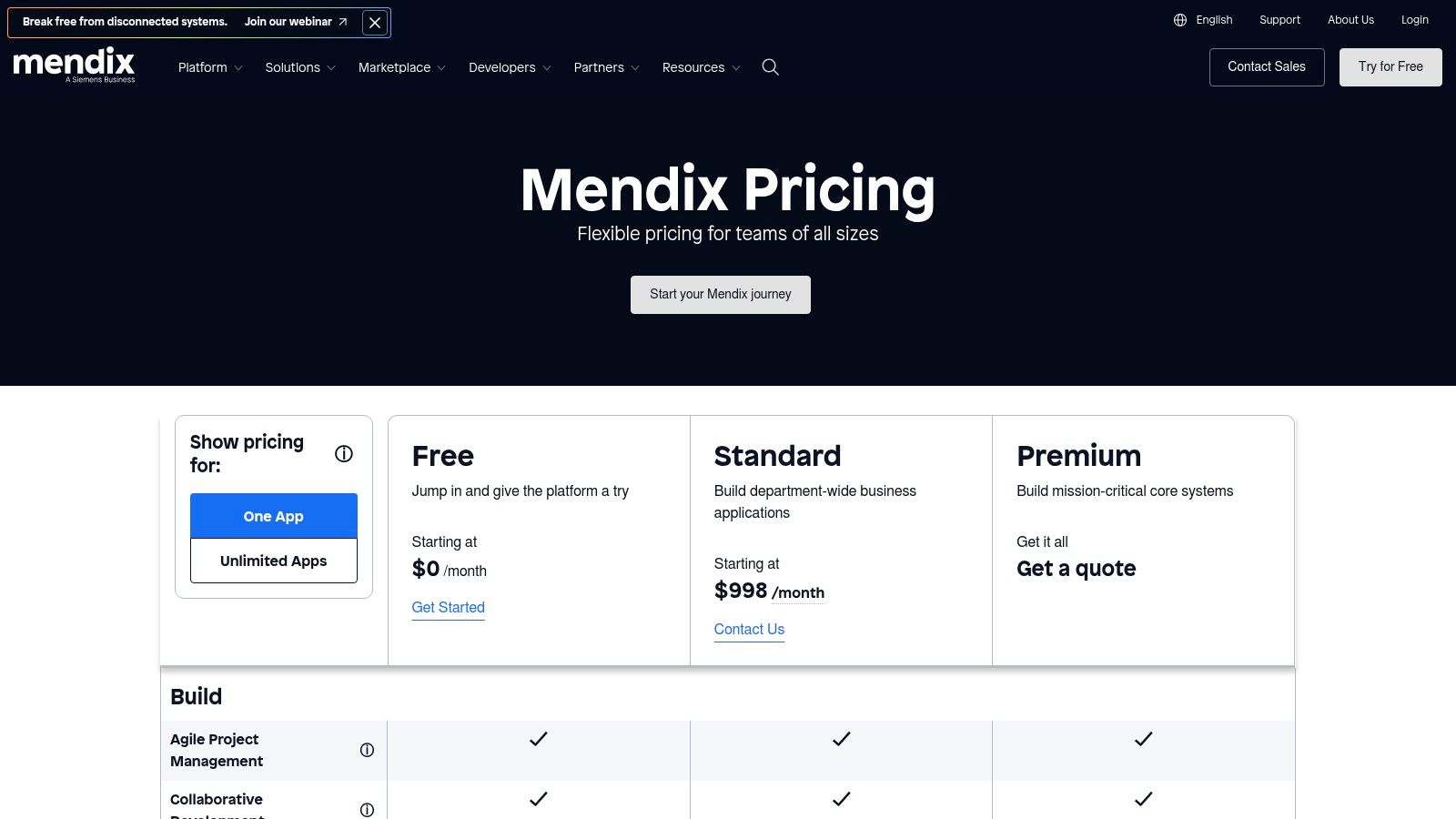
Unlike most enterprise low-code platforms, Mendix (backed by Siemens) publishes its pricing tiers publicly. This makes budget planning straightforward compared to competitors that require sales calls for quotes. Companies like KLM, Zurich Insurance, and Siemens build internal tools and customer apps on Mendix.
The visual development environment lets both developers and business users collaborate on the same project. A marketplace of pre-built components and connectors helps teams avoid building common functionality from scratch.
What Mendix Does Differently
Visual IDE with drag-and-drop building and collaborative modeling for mixed technical/business teams
Flexible deployment on Mendix Cloud or your own public/private infrastructure
Component marketplace with reusable modules, connectors, and templates
Clear upgrade path from free prototyping to production-scale deployment
Not ideal for: Solo founders building consumer apps or MVPs. The per-user pricing adds up fast, and the platform is designed for team workflows, not individual makers.
12. FlutterFlow
Best for: Building apps visually while keeping the option to export real Flutter code. Pricing: Free tier available. Paid plans from $30/month. Learning curve: Low. Drag-and-drop with optional code editing.
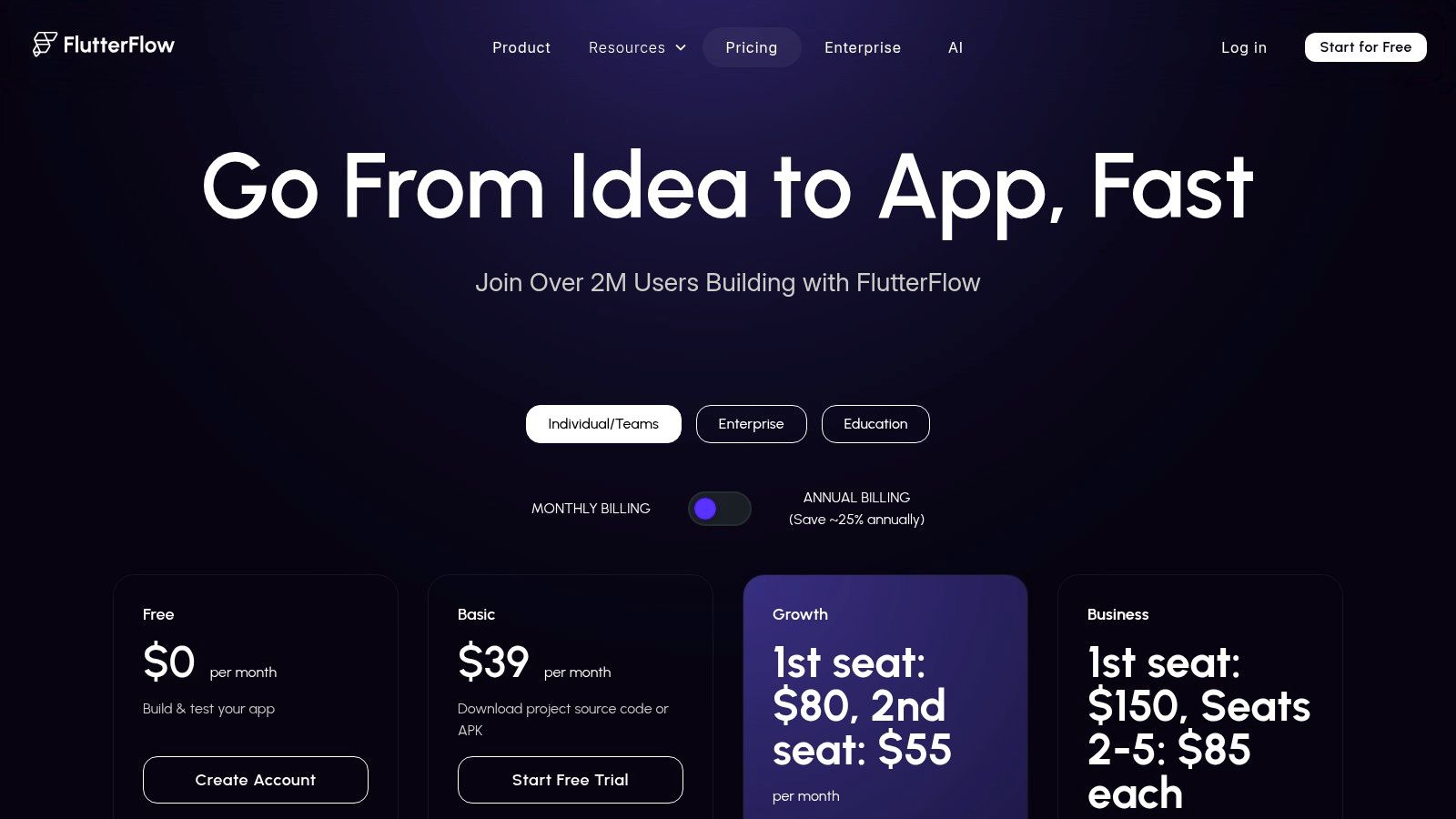
FlutterFlow lets you design your app visually with drag-and-drop, then exports the entire project as clean Flutter code. You can connect to Firebase or Supabase backends and integrate APIs without writing code. When you hit a limitation, export the codebase and continue in a standard code editor.
This eliminates vendor lock-in, which is one of the biggest concerns with no-code mobile app builders. You're never stuck on the platform permanently.
Why FlutterFlow Stands Apart from Other No-Code Tools
Generates real Flutter code you can read, edit, and own rather than proprietary markup
Firebase and Supabase backend integration out of the box
Full code export so you can leave the platform without starting over
One-click deployment for App Store and Google Play submission
Not ideal for: Complex apps that need custom backend logic or heavy native integrations. Code export and GitHub integration require paid plans. Also, the exported code can be harder to maintain than hand-written Flutter for experienced developers.
All 12 Tools Compared
Platform | Type | Coding Required | Learning Curve | iOS + Android | Mac Required | Pricing |
|---|---|---|---|---|---|---|
CatDoes | AI Builder | No | Beginner | Both | No | Free / $20 mo |
Apple Xcode | Native IDE | Yes (Swift) | Advanced | iOS only | Yes | Free + $99/yr |
Android Studio | Native IDE | Yes (Kotlin) | Advanced | Android only | No | Free |
VS + .NET MAUI | Cross-Platform | Yes (C#) | Intermediate | Both | No | Free Community |
IntelliJ + KMP | Cross-Platform | Yes (Kotlin) | Advanced | Both | For iOS builds | Free Community |
Flutter | Framework | Yes (Dart) | Intermediate | Both + Web | For iOS builds | Free |
React Native | Framework | Yes (JS/TS) | Intermediate | Both | For iOS builds | Free |
Unity | Game Engine | Yes (C#) | Intermediate | Both | For iOS builds | Free Personal |
Unreal Engine | Game Engine | Optional (C++) | Advanced | Both | For iOS builds | Free / 5% royalty |
OutSystems | Low-Code | Minimal | Intermediate | Both | No | Quote-based |
Mendix | Low-Code | Minimal | Intermediate | Both | No | Free / $50 user |
FlutterFlow | Visual Builder | No | Beginner | Both | No | Free / $30 mo |
How to Choose the Right Tool
The right software for creating mobile apps depends on where you are right now.
No coding skills: Start with CatDoes (AI-generated full-stack apps) or FlutterFlow (visual drag-and-drop with code export). Both have free tiers and can get you to a working app in a day.
Developer choosing a framework: Flutter and React Native are both the most-used cross-platform frameworks. Choose Flutter if you want pixel-perfect UI control. Choose React Native if your team already knows JavaScript. See our mobile app development frameworks guide for a deeper comparison.
Native-only: Xcode for iOS, Android Studio for Android. Nothing beats the native IDEs for platform-specific performance and API access.
Enterprise teams: OutSystems or Mendix if compliance and governance matter. .NET MAUI or KMP if you want a code-first approach with cross-platform reach.
Games: Unity for most mobile games. Unreal only if you need AAA-level graphics.
Most tools on this list have free tiers. Pick your top two, spend a day building something small with each, and let your hands-on experience guide the decision. That will tell you more than any comparison article.
Ready to build your app without writing code? Try CatDoes for free and go from idea to a working app in minutes.
Frequently Asked Questions
What is the easiest software for building a mobile app?
For non-technical users, CatDoes is the easiest option. You describe your app idea in plain language and the AI generates a working app with both frontend and backend. FlutterFlow is the next easiest with its visual drag-and-drop builder. Both have free tiers so you can try before committing.
Can I build a mobile app without coding?
Yes. CatDoes uses AI to generate full-stack apps from text descriptions. FlutterFlow uses visual drag-and-drop and exports real Flutter code. OutSystems and Mendix offer visual modeling for enterprise use cases. All four produce functional, deployable applications without writing code.
How much does mobile app development software cost?
Costs range from free to enterprise pricing. Xcode, Android Studio, Flutter, and React Native are completely free and open source. CatDoes starts at $20/month. FlutterFlow starts around $30/month. Unity's Personal tier is free under $100K annual revenue. OutSystems and Mendix use custom enterprise quotes.
Should I choose native or cross-platform development?
Choose native (Xcode for iOS, Android Studio for Android) when you need peak performance and full access to every platform-specific API. Choose cross-platform (Flutter or React Native) when you want to ship on both iOS and Android from one codebase with 70-90% code reuse. Most consumer and business apps don't need native-level optimization, making cross-platform the more practical choice.
What programming languages do I need for mobile development?
Swift for iOS (Xcode). Kotlin for Android (Android Studio). Dart for Flutter. JavaScript or TypeScript for React Native. C# for .NET MAUI and Unity. C++ for Unreal Engine. If you want to learn one language for the widest reach, JavaScript (React Native) or Dart (Flutter) let you build for both platforms.
Do I need a Mac to build mobile apps?
For iOS-only development with Xcode, yes. For cross-platform tools like Flutter, React Native, KMP, and Unity, you need a Mac specifically for iOS builds and testing. CatDoes, FlutterFlow, OutSystems, Mendix, and Android Studio work without a Mac. If you're on Windows or Linux and want to target both platforms, CatDoes or FlutterFlow handles iOS builds in the cloud.
Nafis Amiri
Co-Founder of CatDoes


