Blog
Tutorials
Best Mobile App Creators in 2026 (8 Tested)
Compare the 8 best mobile app creators of 2026, from AI agents to no-code builders. See features, pricing, and which one ships your app to the stores fastest.

Nafis Amiri
Co-Founder of CatDoes
TL;DR: The best mobile app creator is the one that matches how you want to build. For most people in 2026 that means describing an app in plain language and letting an AI agent build and ship it. CatDoes leads that category by turning a prompt into a real native app and deploying it to the App Store, Google Play, and the web. If you prefer dragging components on a canvas, FlutterFlow, Glide, Adalo, Bubble, Thunkable, Draftbit, and Lovable each win a specific use case. Below is how all eight compare on features, pricing, and who they fit.
Table of Contents
What Is a Mobile App Creator?
How We Picked the Best Mobile App Creators
The 8 Best Mobile App Creators in 2026
Mobile App Creator Comparison Table
How to Choose the Right Mobile App Creator
Frequently Asked Questions
The Bottom Line
Picking a mobile app creator used to mean choosing between two bad options: learn to code, or accept the limits of a drag-and-drop builder. In 2026 there is a third path. AI agents can now write the actual code, wire up a backend, and submit your app to the stores, all from a description you type in plain English.
That shift makes the question "what is the best mobile app creator?" worth asking again. This guide ranks eight tools we tested across real builds, covering AI-native agents and the no-code platforms most people compare. You will see what each one is best for, how much it costs, and where it falls short, so you can pick the right one on the first try instead of the third.
What Is a Mobile App Creator?
A mobile app creator is a platform that lets you build and publish a mobile app without writing every line of code yourself. Some are visual builders where you assemble screens from pre-made components. Others are AI agents that generate a working app from a text prompt.
The category splits into three rough tiers. Visual no-code builders give you a canvas and a component library. AI app builders generate code and UI from natural language. Hybrid tools mix both, letting you prompt for a first draft and then refine visually. The right tier depends on how much control you want and how comfortable you are leaving code to the machine.
The big change in 2026 is that AI-native tools no longer produce throwaway prototypes. They ship real native apps backed by a real database, which is why they now top lists like this one.
How We Picked the Best Mobile App Creators
We judged every tool on the things that actually determine whether you finish and launch an app, not just start one. Five criteria mattered most.
Time to a working app. How fast you get from idea to something you can tap on a phone.
Deployment. Whether the tool ships to the App Store and Google Play, or only exports a web app or wrapper.
Backend included. Database, auth, storage, and APIs out of the box versus a separate service you have to bolt on.
Flexibility. How far you can push custom logic and design before you hit a wall.
Pricing and ownership. What you pay, and whether you can export or own the underlying code.
Pricing below reflects publicly listed plans at the time of writing. Tools change their tiers often, so confirm current numbers before you commit.
The 8 Best Mobile App Creators in 2026
Here are the eight platforms worth your time this year, starting with our top pick and moving through the no-code builders that each own a niche.
1. CatDoes: Best AI Mobile App Creator Overall
Best for: Anyone who wants a real, shippable native app from a description, without learning to code or fighting a visual editor.
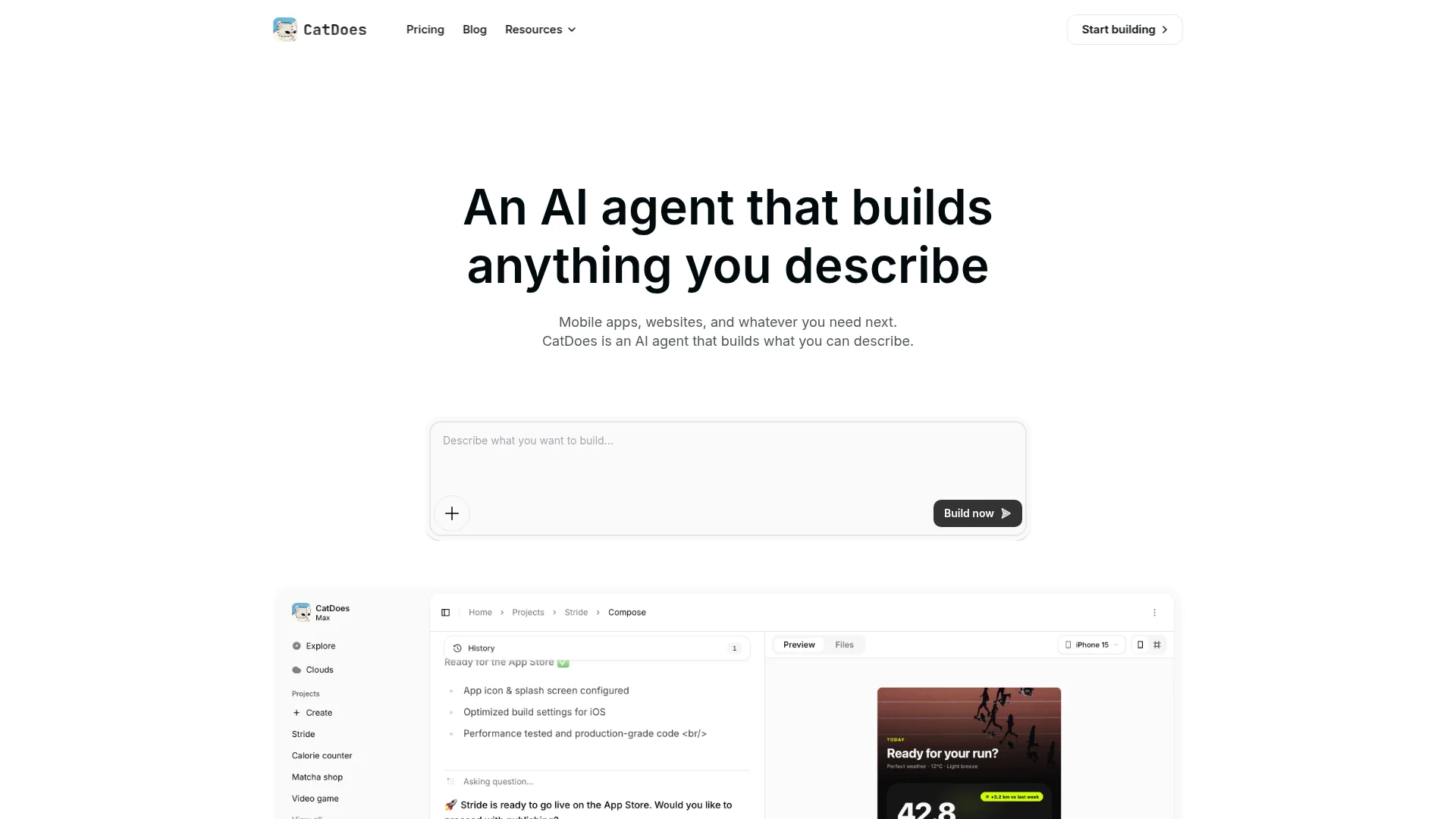
CatDoes is an AI agent that builds mobile apps and websites from natural language. You describe what you want, and the agent plans the app, writes the code, sets up the backend, and deploys it. It runs in the cloud, spins up subagents to handle different parts of the build in parallel, and ships to the App Store, Google Play, or the web with a custom domain.
What separates CatDoes from prompt-to-prototype tools is that it produces a genuine app you can launch, not a demo you have to rebuild later. CatDoes Cloud is included on every plan and covers the backend: database, authentication, storage, edge functions, and realtime. You can start from scratch or bring an existing GitHub repo, and the agent maintains the app as you keep asking for changes.
Key features:
Build from a plain-language prompt, with the agent handling code, backend, and deployment
Ships to the App Store, Google Play, and the web from one project
CatDoes Cloud backend (database, auth, storage, edge functions, realtime) on every plan
GitHub import, custom domains, and code export on higher tiers
App Store review simulation to catch rejection risks before you submit
Pricing: Free plan to try it (one-time starter credits). Paid plans start at $20/month for Core, with higher tiers adding more credits, projects, and full App Store and Google Play deployment.
Watch out for: If you want pixel-by-pixel manual control over every screen the way a visual canvas gives you, an AI-first workflow can feel different. You guide the build with prompts and refinements rather than dragging each element by hand.
2. FlutterFlow: Best Visual Builder for Flutter Apps
Best for: Builders who want a powerful visual canvas and the option to export clean Flutter code.
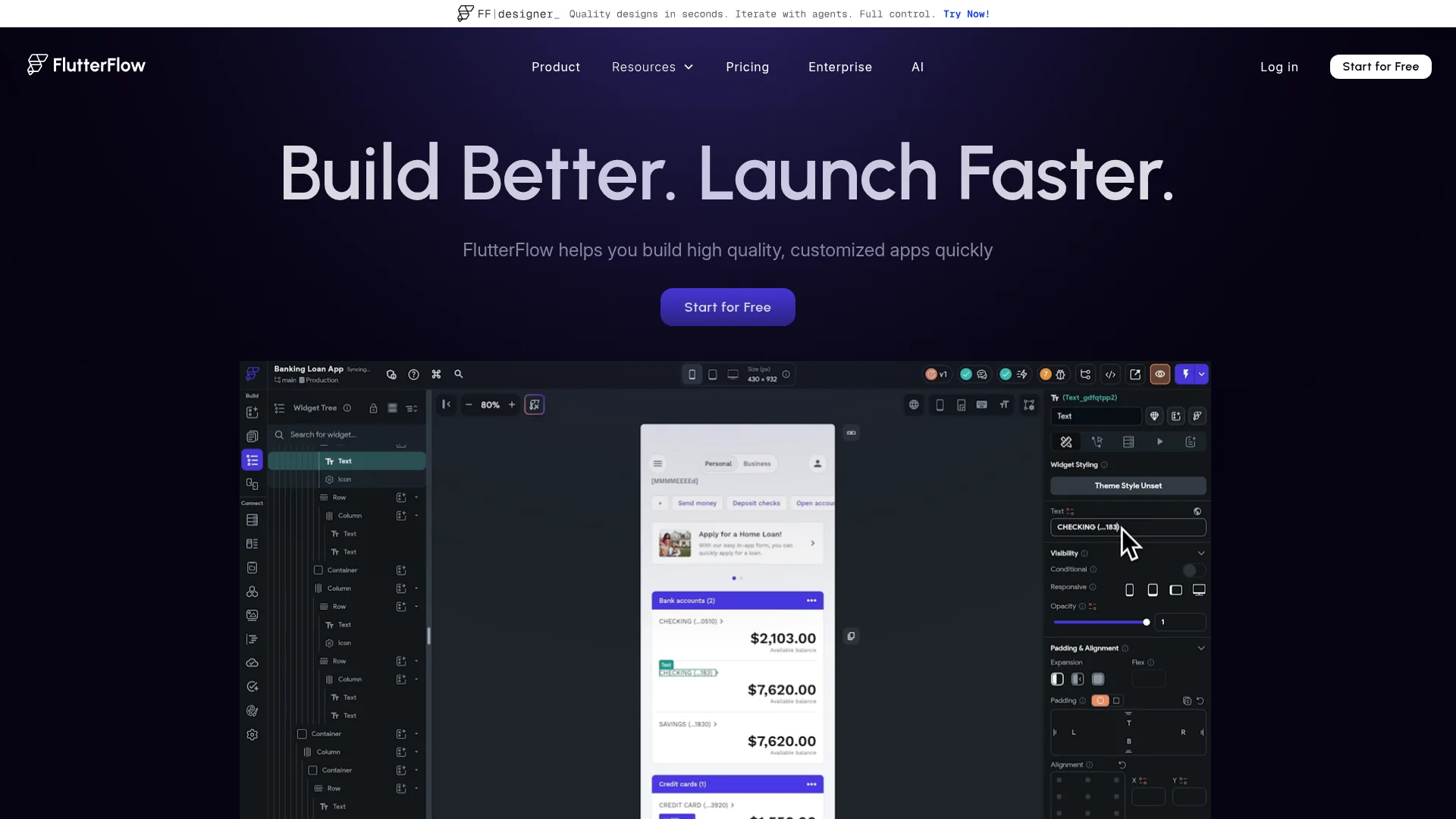
FlutterFlow is a visual development platform built on Google's Flutter framework. You design screens on a canvas, connect data, and add logic through a visual interface, then export real Dart code or publish directly. It hits a sweet spot between no-code speed and developer-grade output, which is why it has a large following among people who want to graduate to real code later.
Key features:
Drag-and-drop UI builder on top of Flutter
Pricing: Free tier available; paid plans start around $30/month, with higher tiers for code export and team features.
Watch out for: The canvas is deep and has a real learning curve. Expect to invest time before you are productive.
3. Glide: Best for Data-Driven Apps
Best for: Internal tools and simple apps built on top of a spreadsheet or database.
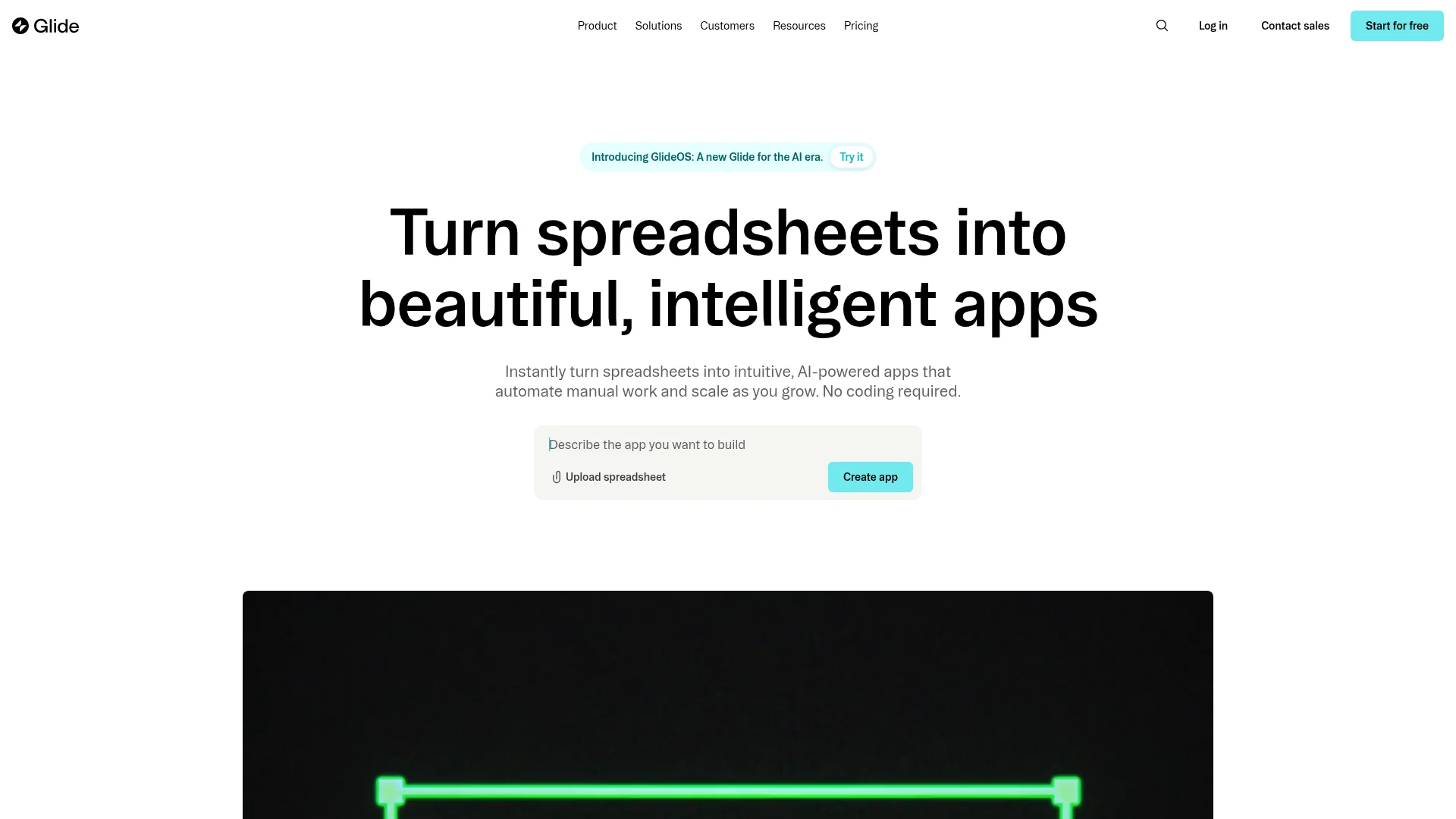
Glide turns a data source like Google Sheets or its own tables into a polished app in minutes. It is the fastest way to wrap structured data in a clean interface, which makes it a favorite for internal business tools, directories, and lightweight customer apps. You spend your time arranging data and screens, not building from a blank slate.
Key features:
Build apps directly from spreadsheets and databases
Pricing: Free tier for small projects; paid plans start around $25/month and scale by users and features.
Watch out for: Glide apps are progressive web apps by default. For a true native App Store presence you will hit limits compared to tools that compile native builds.
4. Adalo: Best for Simple Consumer Apps
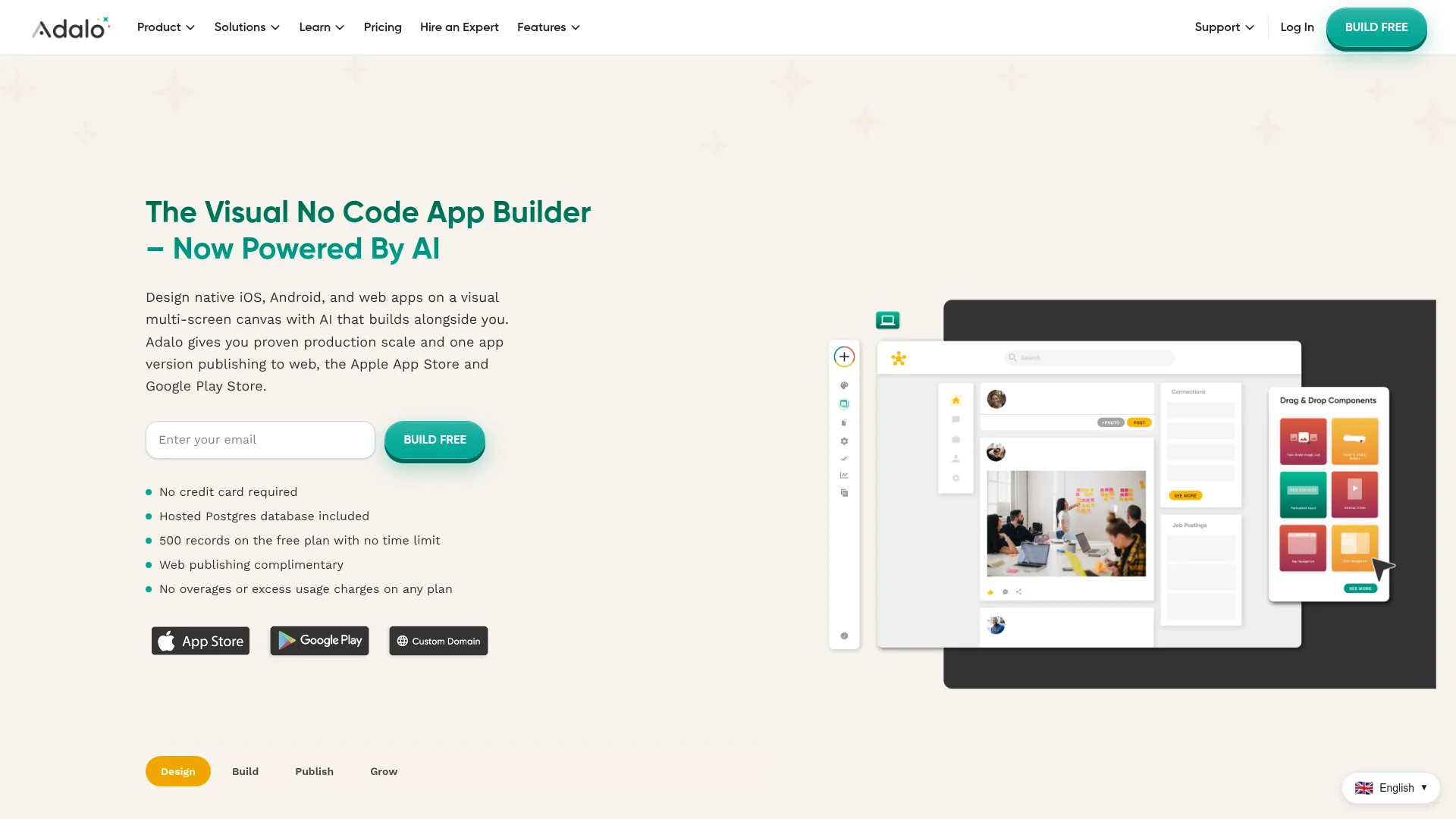
Best for: Beginners building straightforward consumer apps with native publishing.
Adalo is a no-code builder focused on making native mobile apps approachable. You assemble screens from components, connect a built-in database, and publish to the App Store and Google Play. Its appeal is simplicity: the interface is friendly, and you can get a functional app live without touching infrastructure.
Key features:
Visual builder with a component marketplace
Pricing: Free plan to build and test; paid plans start around $36/month for publishing and higher usage.
Watch out for: Performance can lag on complex, data-heavy apps. It is best kept to simpler use cases.
5. Bubble: Best for Complex Web Apps
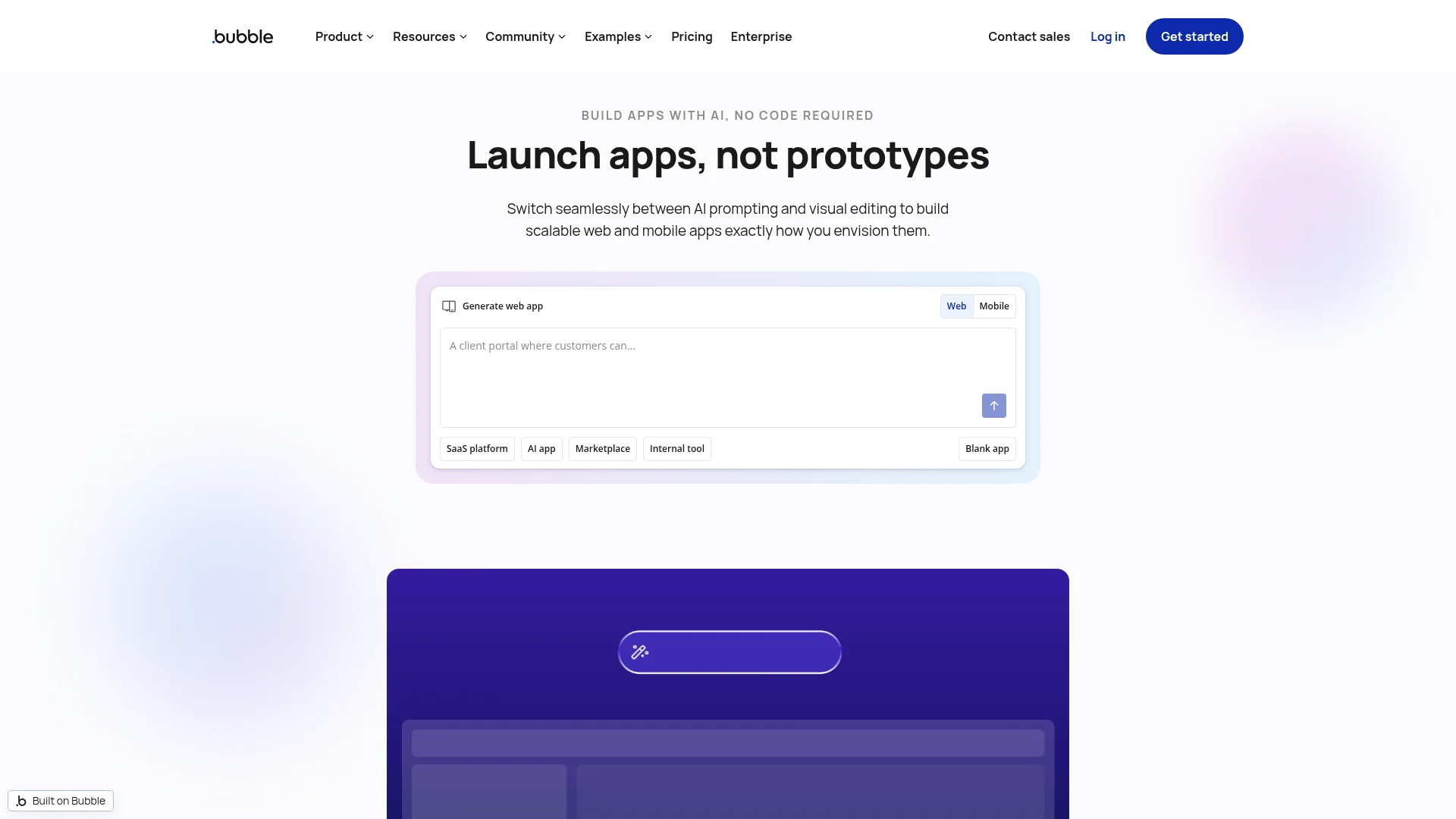
Best for: Founders building feature-rich web apps with heavy custom logic.
Bubble is the most powerful no-code platform for building web applications, with a visual workflow engine that handles genuinely complex logic. It powers full SaaS products and marketplaces. While Bubble is web-first, you can deliver a mobile experience through responsive design or native wrappers, making it a strong choice when the app is logic-heavy rather than mobile-first.
Key features:
Visual workflow engine for complex, custom logic
Pricing: Free plan to learn; paid plans start around $32/month and scale with workload.
Watch out for: Bubble is web-first. True native mobile apps require wrappers or workarounds, and the platform has its own steep learning curve.
6. Thunkable: Best for Cross-Platform Beginners
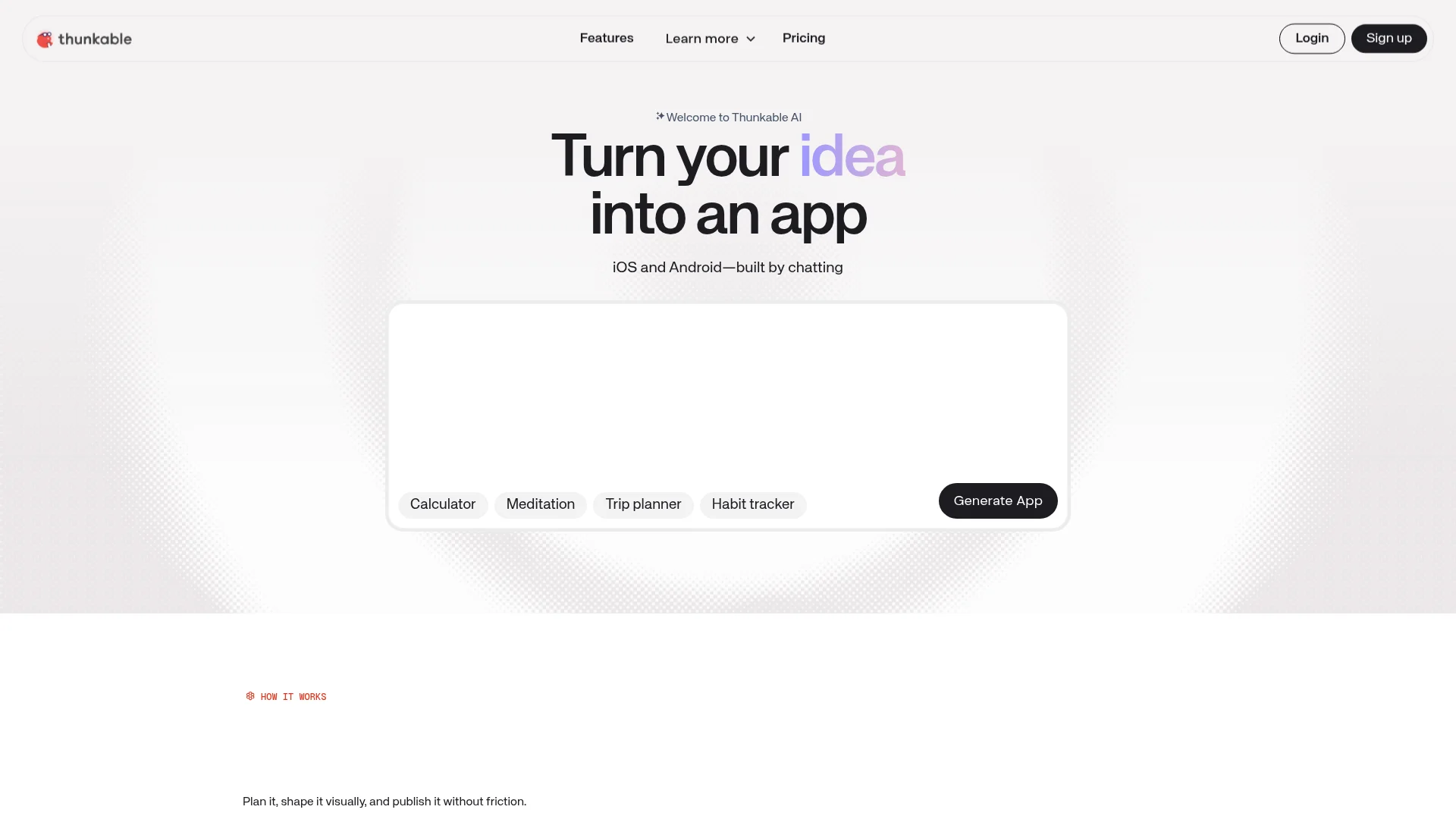
Best for: Beginners and educators who want one project to run on iOS, Android, and the web.
Thunkable uses a block-based, drag-and-drop interface that makes app logic visual and approachable. Build once and publish across iOS, Android, and web from a single project. Its low barrier to entry makes it popular in classrooms and with first-time builders who want to learn the shape of an app.
Key features:
Block-based visual logic, friendly for beginners
Pricing: Free tier to start; paid plans start around $13/month billed annually.
Watch out for: The block interface is great for learning but can get unwieldy as an app grows in complexity.
7. Draftbit: Best for React Native Code Export
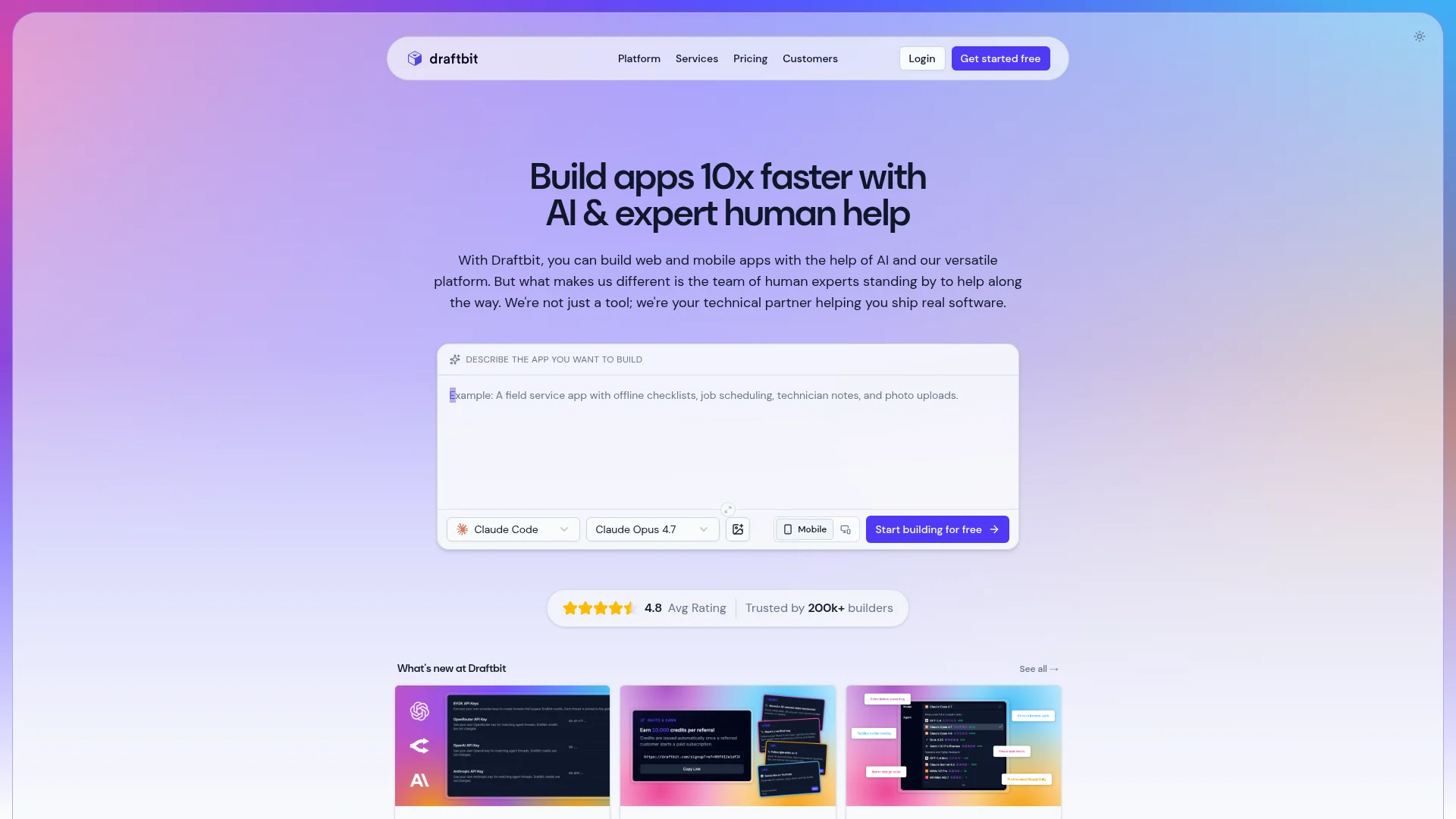
Best for: Developers who want a visual head start but full ownership of React Native code.
Draftbit is a visual builder that generates clean, readable React Native code you fully own. It is aimed at people who can read code and want to escape the lock-in of closed platforms. You design visually, then export and continue in your own editor, which makes it a bridge between no-code speed and a traditional dev workflow.
Key features:
Visual builder that outputs real React Native code
Pricing: Paid plans start around $19/month, with higher tiers for advanced exports.
Watch out for: To get the most out of Draftbit you need some comfort with code. Pure non-developers may find the handoff to an editor intimidating.
8. Lovable: Best for AI-Built Web Apps
Best for: Builders who want to generate a website or web app from a prompt.
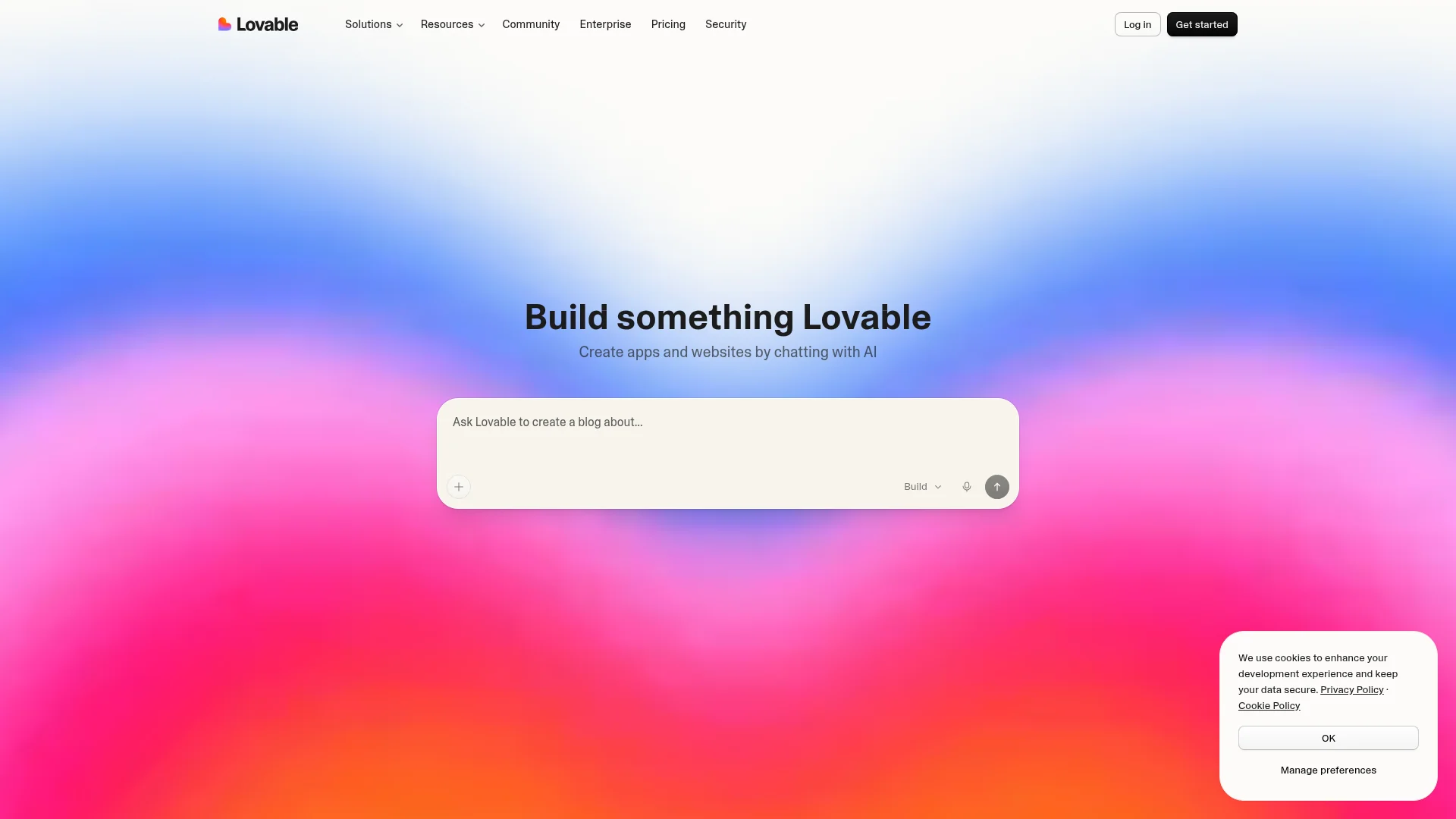
Lovable is an AI builder that turns a plain-language prompt into a working web app. You describe what you want and it generates the interface and front-end code, which makes it one of the fastest ways to get a polished website or web app live. It sits in the same AI-native camp as our top pick, with one important difference in what it ships.
Key features:
Generate websites and web apps from natural-language prompts
Pricing: Free tier to start; paid plans start around $25/month.
Watch out for: Lovable only builds websites and web apps, not native mobile apps. If you want your Lovable project on the App Store and Google Play, you can convert it into a real mobile app with CatDoes.
Mobile App Creator Comparison Table
Here is how the eight tools stack up at a glance on the factors that decide most builds.
Tool | Best For | Approach | Native Stores | Backend Included | Starting Price |
|---|---|---|---|---|---|
CatDoes | AI-built shippable apps | AI agent | Yes (iOS + Android) | Yes (CatDoes Cloud) | Free / $20 mo |
FlutterFlow | Flutter visual builds | Visual + code export | Yes | Via integrations | ~$30 mo |
Glide | Data-driven apps | Visual (data-first) | PWA-first | Yes (Glide tables) | ~$25 mo |
Adalo | Simple consumer apps | Visual | Yes | Yes (built-in) | ~$36 mo |
Bubble | Complex web apps | Visual (web-first) | Via wrappers | Yes (built-in) | ~$32 mo |
Thunkable | Cross-platform beginners | Block-based | Yes | Via integrations | ~$13 mo |
Draftbit | React Native export | Visual + code export | Yes | Via integrations | ~$19 mo |
Lovable | AI-built web apps | AI agent | No (web) | Via integrations | ~$25 mo |
How to Choose the Right Mobile App Creator
The best mobile app creator for you comes down to three questions. Answer them and the choice gets obvious.
Do you want to build with prompts or by hand? If you would rather describe your app and let an agent build it, an AI-native tool like CatDoes is the fastest route to a real app. If you enjoy arranging components yourself, a visual builder fits better.
Where does the app need to live? If you need a genuine presence on the App Store and Google Play, prioritize tools that compile native builds, such as CatDoes, FlutterFlow, Adalo, and Thunkable. If a web app or website is enough, Glide, Bubble, and Lovable are strong and quick.
How much custom logic and ownership do you need? For complex logic, Bubble and FlutterFlow give you depth. For full code ownership, FlutterFlow and Draftbit let you export. CatDoes covers both ends by generating real code with a backend included and code export on higher tiers.
If you are weighing the AI-native options specifically, our guide to the best AI app builders goes deeper on that category. If you are leaning fully no-code, see how to build an app without coding. And for a broader software roundup, our breakdown of the best software for creating mobile apps adds more context.
For most builders in 2026, the honest answer is to start with the tool that gets you to a working, launchable app the fastest, then refine. That is why an AI agent that writes real code and ships it tops this list.
Frequently Asked Questions
What is the best mobile app creator for beginners?
For beginners, the easiest path is an AI app creator like CatDoes, because you describe what you want in plain language instead of learning an interface. Among visual tools, Thunkable and Adalo are the most beginner-friendly, with Thunkable best for cross-platform learning and Adalo best for simple native apps.
Can I build a mobile app without any coding?
Yes. Every tool on this list lets you build a mobile app without writing code. AI agents like CatDoes generate the code for you from a prompt, while no-code builders let you assemble apps visually. You can publish a real app to the stores without ever opening a code editor.
Which mobile app creator publishes to the App Store and Google Play?
CatDoes, FlutterFlow, Adalo, Thunkable, and Draftbit all support publishing native apps to both the App Store and Google Play. Glide is progressive-web-app-first, Bubble relies on wrappers for native, and Lovable generates web apps rather than native ones. If you build with Lovable, you can still turn that project into a native app with CatDoes.
How much does a mobile app creator cost?
Most tools offer a free tier for building and testing. Paid plans typically run from around $13 to $50 per month for individuals, scaling up with usage, team size, and store publishing. CatDoes starts free with paid plans from $20 per month. Always confirm current pricing on each tool's site, since plans change.
Are AI app creators better than no-code builders?
It depends on how you like to work. AI app creators are faster for getting to a real, launchable app and require no interface to learn. No-code builders give you more hands-on visual control over each screen. In 2026, AI-native tools have closed the quality gap by generating production code and real backends, which is why they now lead category rankings.
The Bottom Line
There is no single best mobile app creator for everyone, but there is a best fit for how you want to build. If you want to type a description and get back a real app that ships to the App Store, Google Play, and the web, CatDoes is the clearest choice in 2026. If you prefer a visual canvas, FlutterFlow, Glide, Adalo, Bubble, Thunkable, Draftbit, and Lovable each own a specific job worth picking them for.
The fastest way to know which one is right is to try the workflow, not just read about it. Build your first app with CatDoes and see how far a single prompt gets you.
Nafis Amiri
Co-Founder of CatDoes


