Blog
Insights
12 Best Low-Code Platforms in 2026
The 12 best low-code platforms in 2026, compared side by side. Updated pricing, AI features, honest limitations, and what each tool does best. Find your match.

Nafis Amiri
Co-Founder of CatDoes
TL;DR: For the fastest path to a mobile app without coding, try CatDoes. Teams on Microsoft or Salesforce should stick with Power Apps or Salesforce Platform. Need a quick internal tool? Retool or AppSheet. For enterprise workflow automation, look at OutSystems, Mendix, Appian, or Pega. Scroll to the comparison table to find your match.
The low-code market is projected to reach $44.5 billion by 2026, growing at a 19% CAGR. Gartner predicts 75% of new applications will be built using low-code tools this year, up from 40% in 2021. The reason is simple: building from scratch takes months and costs a fortune, and most teams don't have that kind of time or budget.
This guide compares the 12 best low-code platforms in 2026. We tested each one, evaluated pricing, AI capabilities, ecosystem integrations, and deployment flexibility. For each platform, you get what it does, who it's for, pricing, pros, cons, and the latest 2026 updates.
Table of Contents
How We Evaluated These Platforms
AI Is Redefining Low-Code in 2026
1. CatDoes
2. Microsoft Power Apps
3. Salesforce Platform
4. OutSystems
5. Mendix
6. Appian
7. ServiceNow App Engine
8. Google AppSheet
9. Zoho Creator
10. Retool
11. Pega Platform
12. Oracle APEX
Low-Code Platform Comparison
Which Platform Fits Your Use Case?
Common Mistakes When Choosing a Platform
Frequently Asked Questions
How to Pick the Right Platform
How We Evaluated These Platforms
We evaluated each platform across five criteria, weighted by how much they matter for teams choosing a low-code tool in 2026:
1. Target audience fit. Who is this actually built for? A platform designed for enterprise IT teams won't work for a solo founder building an MVP. We matched each tool to the audience it serves best.
2. AI capabilities. Every platform now claims AI features. We looked at whether AI is core to the development workflow or just a marketing checkbox. Platforms that generate apps from prompts scored higher than those that only auto-complete form fields.
3. Pricing transparency. We checked whether pricing is publicly listed or hidden behind a sales call. Platforms with clear, predictable pricing ranked higher than "contact us" models. We also factored in per-user cost scaling and hidden add-ons.
4. Ecosystem and integrations. A low-code platform is only useful if it connects to your existing tools. We evaluated each tool's integration depth with databases, APIs, and enterprise ecosystems (Microsoft, Salesforce, Google, Oracle).
5. Deployment and portability. Can you export your code? Deploy to your own infrastructure? Or are you locked into the vendor's cloud? Platforms that generate standard code or support self-hosting scored higher on this criterion.
AI Is Redefining Low-Code in 2026
The biggest shift in low-code this year is AI. Every major platform now offers some form of AI-assisted development, but there's a growing gap between platforms that bolted AI onto existing architectures and platforms built around AI from the start.
OutSystems, Mendix, and Pega have all launched agentic AI features that can build, test, and iterate on applications autonomously. Salesforce is pushing Agentforce across its entire platform. Microsoft Power Apps uses Copilot for natural language app creation. Meanwhile, AI-native tools like CatDoes skip the visual builder entirely and generate complete apps from text descriptions.
For teams evaluating platforms today, AI capability is no longer optional. The question is whether the platform's AI actually speeds up your workflow or just adds a chatbot to the sidebar.
1. CatDoes
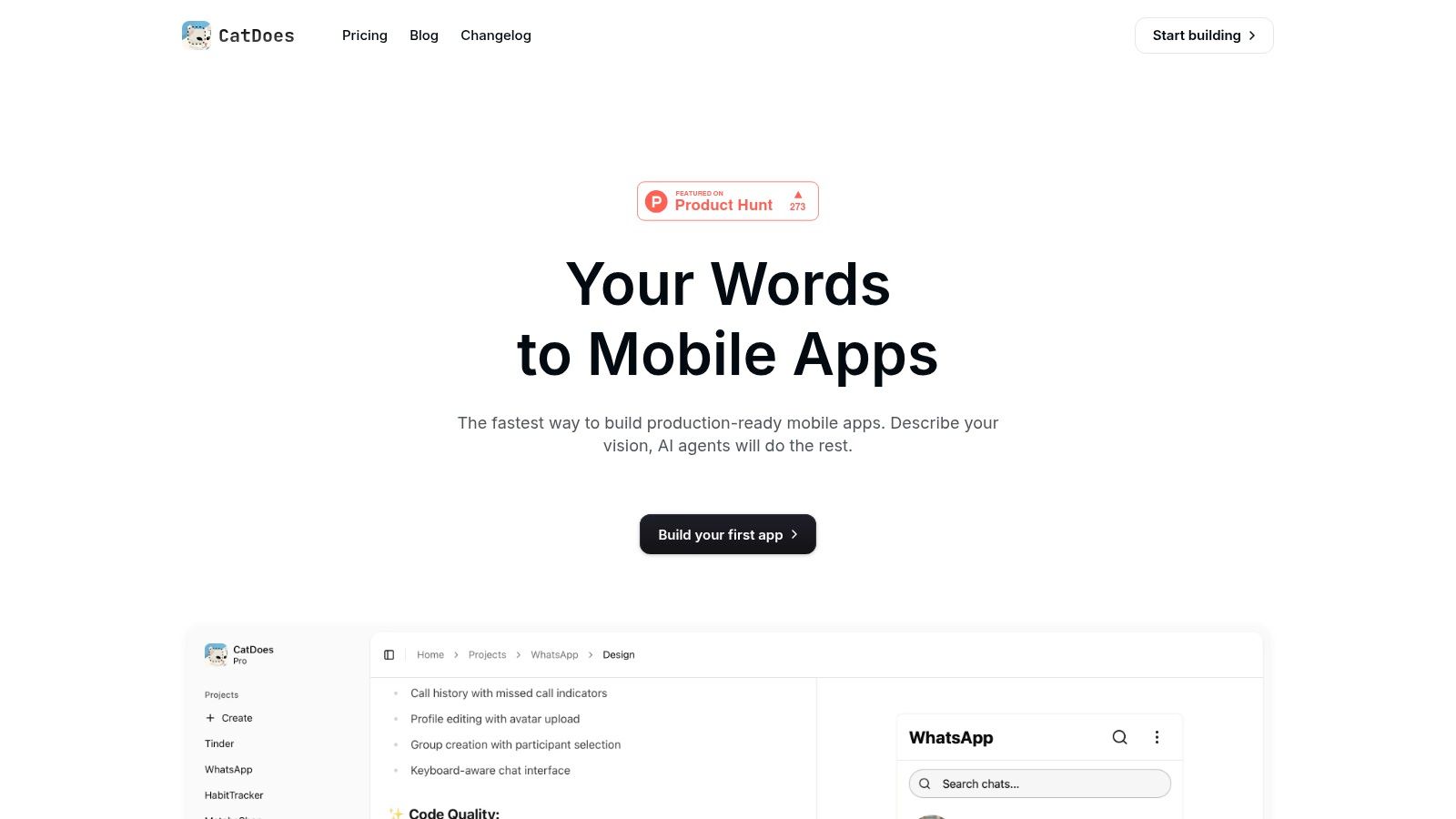
CatDoes is an AI-powered app builder that turns plain-text descriptions into working React Native mobile apps. You describe what you want, and a team of AI agents handles design, code, and deployment. Preview your app in a browser or on a real device within minutes by scanning a QR code.
Best for: Non-technical founders, designers, and small teams building mobile MVPs.
Standout feature: End-to-end AI workflow that generates real React Native code, with live device preview and automated app store builds.
Pros:
Generates complete apps from plain text in minutes
Outputs real React Native code, not proprietary markup
Live preview on real devices via QR code
Free plan available with no credit card required
Cons:
Mobile apps only. No web application builder.
Newer platform with a smaller community than established tools
AI output may need manual refinement for complex apps
Pricing: Free plan (1 app). Paid plans from $25/month with additional daily credits and multi-platform deployment.
Website: catdoes.com
2. Microsoft Power Apps
Power Apps is Microsoft's low-code tool for building business apps that connect directly to Microsoft 365, Dynamics 365, and Azure. It offers two modes: canvas apps (full UI control) and model-driven apps (auto-generated from your data structure). Copilot AI now helps build apps using natural language prompts.
2026 update: Microsoft discontinued the per-app plan ($5/user/app/month) in January 2026. The only remaining options are Power Apps Premium ($20/user/month) or Pay-As-You-Go metered billing. Dataverse MCP server support was added for AI agent integrations.
Best for: Organizations already running on Microsoft that need custom internal tools.
Standout feature: Native integration with SharePoint, Teams, Dataverse, and 1,000+ connectors.
Pros:
Deepest Microsoft 365 integration of any low-code tool
Copilot AI generates apps from natural language
Over 1,000 pre-built connectors for data sources and APIs
Enterprise-grade security and compliance built in
Cons:
Per-app plan discontinued. Entry price jumped from $5 to $20/user/month.
Steep learning curve for canvas apps with complex logic
Costs scale quickly with per-user pricing in large teams
Pricing: $20/user/month (Power Apps Premium) or Pay-As-You-Go. Often bundled with Microsoft 365 licenses.
Website: microsoft.com/power-apps
3. Salesforce Platform
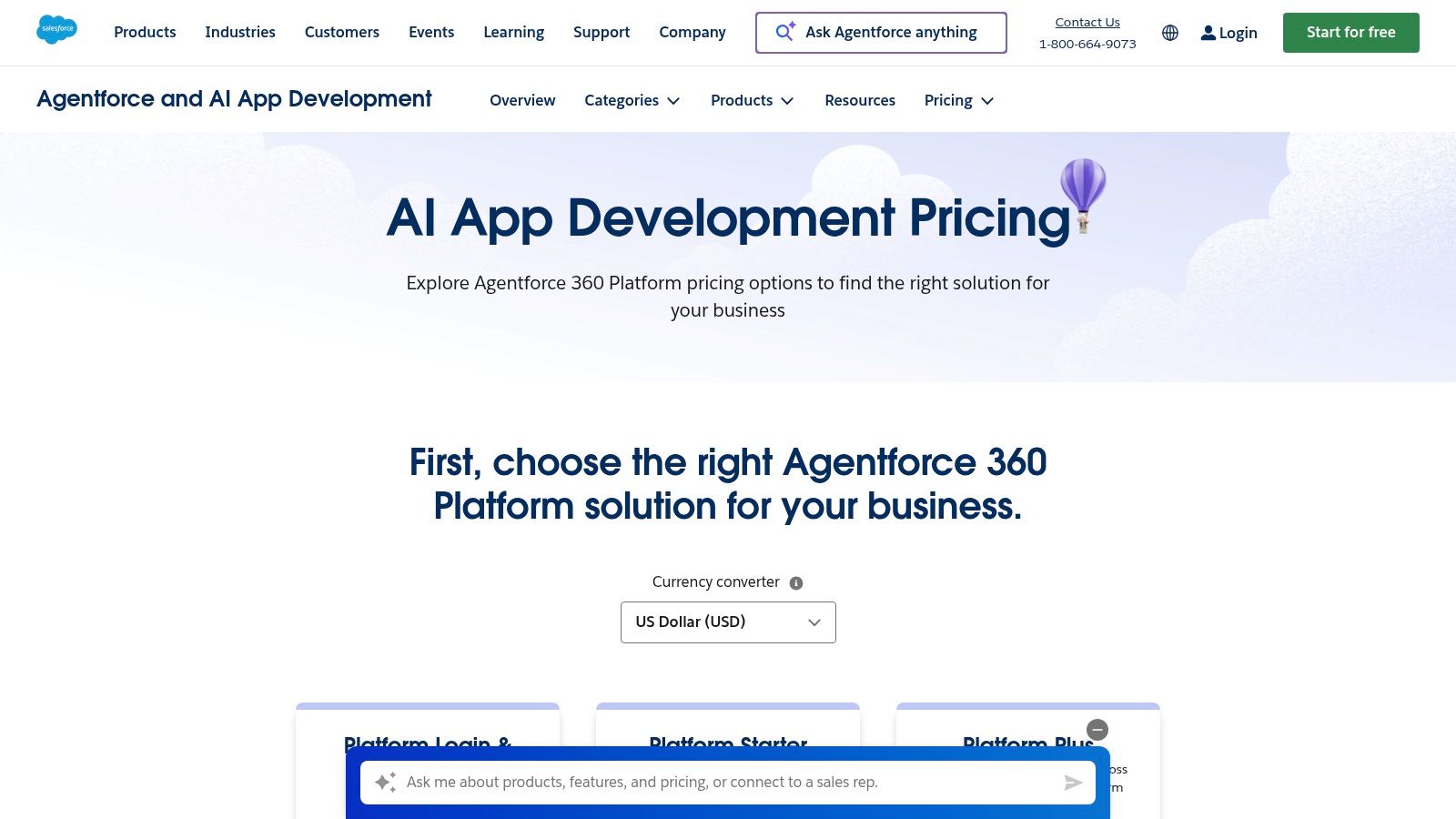
Salesforce's low-code tools (Lightning App Builder, Flow Builder) let you build custom apps on top of your CRM data. The AppExchange marketplace adds thousands of pre-built components. If your team already uses Salesforce, this is the fastest way to extend it with custom workflows, portals, and mobile apps.
2026 update: The Spring '26 release introduced Agentforce Builder for creating AI agents with low-code tools, Setup with Agentforce (beta) for natural language configuration, and the Agentforce DX MCP Server for building intelligent agents. It's a strong example of a backend as a service built into an existing ecosystem.
Best for: Sales, service, and marketing teams already on Salesforce.
Standout feature: Direct CRM data access with a massive third-party component marketplace and Agentforce AI.
Pros:
Direct access to CRM data without custom integrations
AppExchange has thousands of pre-built components and templates
Agentforce AI brings autonomous agent capabilities to the platform
Cons:
Per-user pricing ($25-$100/user/month) adds up fast for large teams
Completely locked into the Salesforce ecosystem
Complex for use cases outside CRM workflows
Pricing: Platform Starter at $25/user/month. Platform Plus at $100/user/month (billed annually).
Website: salesforce.com/platform
4. OutSystems
OutSystems is built for professional dev teams shipping full-stack web and mobile apps at enterprise scale. It includes visual development, one-click CI/CD, and built-in security pipelines. If you need governance, performance monitoring, and deployment automation from day one, this platform delivers.
2026 update: Launched an Agentic AI Specialization and a new Data Fabric Connector for cross-system data access. Achieved FedRAMP Authorization for government use. Ranked #1 on G2's 2026 Best Development Software list. It supports a rapid application development workflow from prototype to production.
Best for: Large development teams building mission-critical enterprise applications.
Standout feature: One-click deployment with built-in dependency checks, DevSecOps pipelines, and AI agent support.
Pros:
Full-stack web and mobile development from one platform
One-click CI/CD with built-in security and governance
FedRAMP authorized for government and regulated industries
#1 rated low-code platform on G2 in 2026
Cons:
Production pricing is quote-based and typically expensive
Overkill for simple apps or small teams
Significant vendor lock-in with proprietary architecture
Pricing: Free developer edition. Production pricing is quote-based.
Website: outsystems.com
5. Mendix
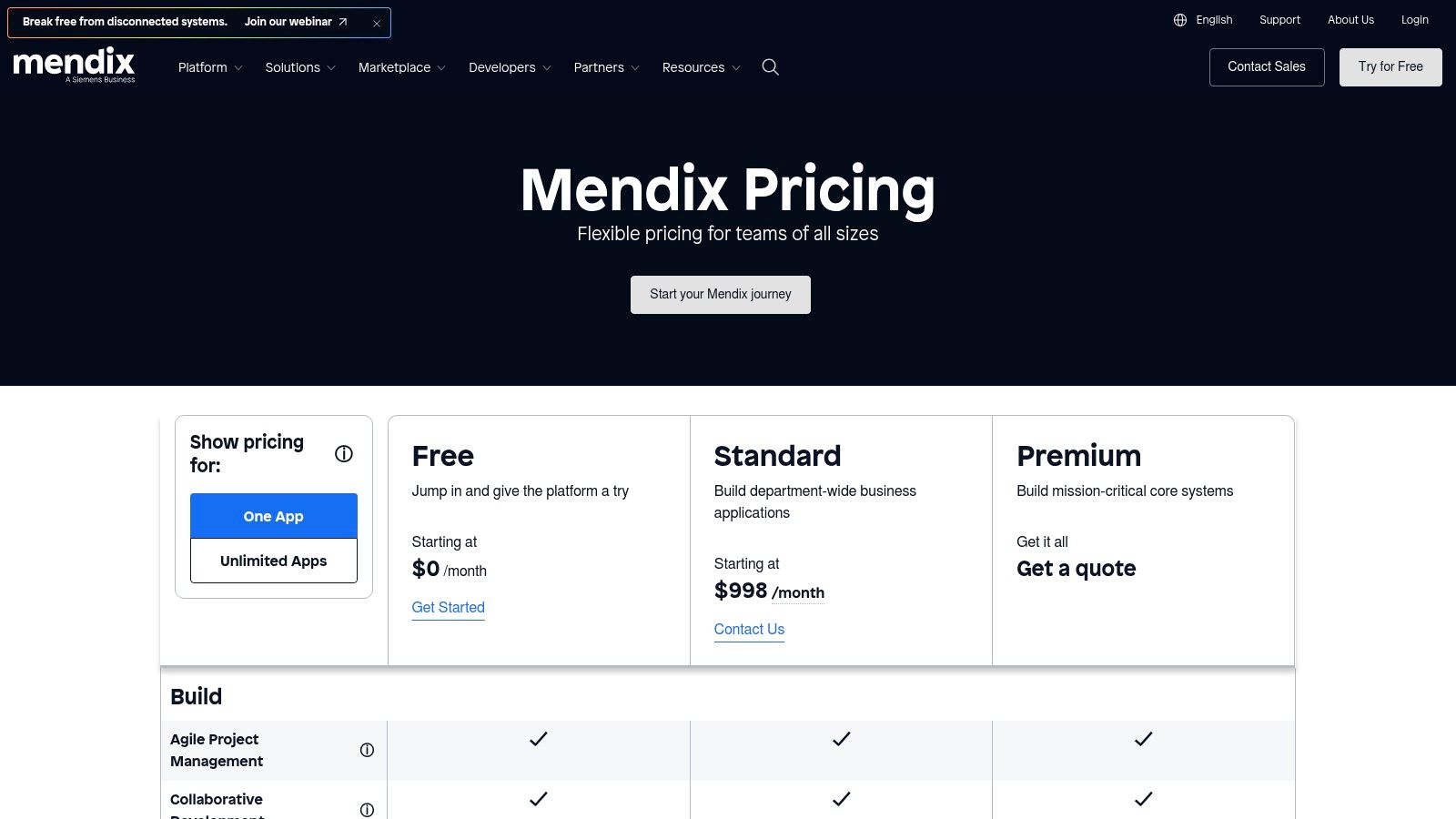
Mendix (owned by Siemens) gives you two separate development environments: one for business users and one for professional developers. This makes it a solid choice for teams where both technical and non-technical people need to build together. It supports cloud, on-premises, and hybrid deployments.
2026 update: Mendix 11 launched with the Maia AI assistant, which generates complete apps from text descriptions, images, or PDFs. Also added MCP support for building AI agents, zero-downtime deployments, and a React 19 upgrade across the platform.
Best for: Cross-functional teams scaling from small projects to enterprise apps.
Standout feature: Dual IDEs for citizen developers and pro developers, plus Maia AI for generating apps from any input format.
Pros:
Two development environments: one for business users, one for developers
Maia AI generates apps from text, images, or PDFs
Flexible deployment: cloud, on-premises, or hybrid
Zero-downtime deployments in Mendix 11
Cons:
Studio Pro has a steep learning curve for new users
Advanced features locked behind enterprise-tier pricing
Overkill for simple internal tools or MVPs
Pricing: Free tier available. Paid plans scale by users, apps, and features.
Website: mendix.com
6. Appian
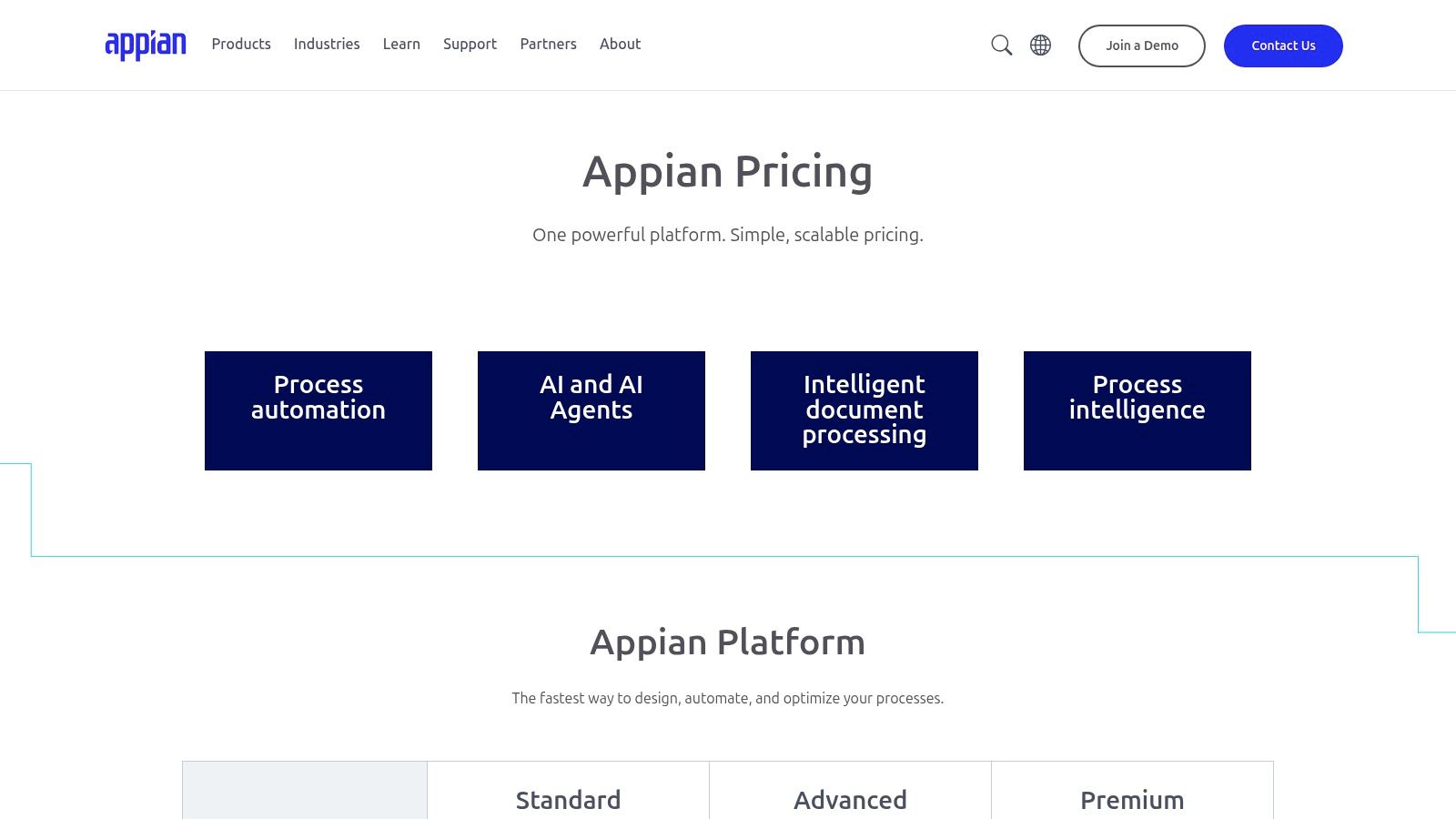
Appian specializes in process automation and case management for regulated industries. Its Data Fabric feature connects to data across enterprise systems without migrating anything, which speeds up development for data-heavy applications. Built for organizations in finance, government, and pharma where strict compliance is required.
2026 update: Moved to monthly releases (26.1, 26.2). Added an AI Copilot for reports that builds charts from natural language prompts, and Model Thinking output for full visibility into AI reasoning. Won a U.S. Army enterprise agreement for AI-powered transformation.
Best for: Regulated enterprises needing complex workflow automation and case management.
Standout feature: Data Fabric for real-time data unification across systems without migration, plus AI Copilot for report generation.
Pros:
Data Fabric unifies data across systems without migration
AI Copilot generates reports from natural language
Strong compliance and governance for regulated industries
Monthly release cycle keeps the platform current
Cons:
Starting at $90/user/month, one of the most expensive options
Not designed for customer-facing applications
Complex setup and configuration for first-time users
Pricing: Free Community Edition. Standard licensing from $90/user/month.
Website: appian.com
7. ServiceNow App Engine
ServiceNow's App Engine lets you build custom apps on the Now Platform, connecting directly with ITSM, CSM, and HRSD modules. App Engine Studio provides a guided interface for both citizen and professional developers. If your company already runs on ServiceNow, this is how you extend it with custom tools and workflows.
Best for: ServiceNow customers building custom apps on top of their existing platform.
Standout feature: Unified data model and workflow engine across all ServiceNow modules.
Pros:
Unified data model across ITSM, CSM, and HRSD
Guided development interface for citizen developers
AI-powered workflow automation built into the platform
Cons:
Only useful if you're already a ServiceNow customer
Quote-based pricing with no public cost information
Not a standalone low-code platform
Pricing: Quote-based, typically bundled with ServiceNow platform licenses.
Website: servicenow.com/app-engine
8. Google AppSheet
AppSheet turns Google Sheets (or Excel, Cloud SQL, Salesforce data) into working mobile and web apps. Connect a spreadsheet and it generates an app automatically. Offline sync makes it especially useful for field teams collecting data without internet access.
It sits naturally in the broader no-code app builder category, blurring the line between low-code and no-code.
Best for: Google Workspace teams building data-driven internal tools.
Standout feature: Instant app generation from spreadsheets with offline support.
Pros:
Generate working apps from spreadsheets in minutes
Offline sync for field teams without internet access
Free for up to 10 users
Tight integration with Google Workspace
Cons:
Limited customization for complex business logic
No custom code support for advanced features
Basic UI options compared to full low-code platforms
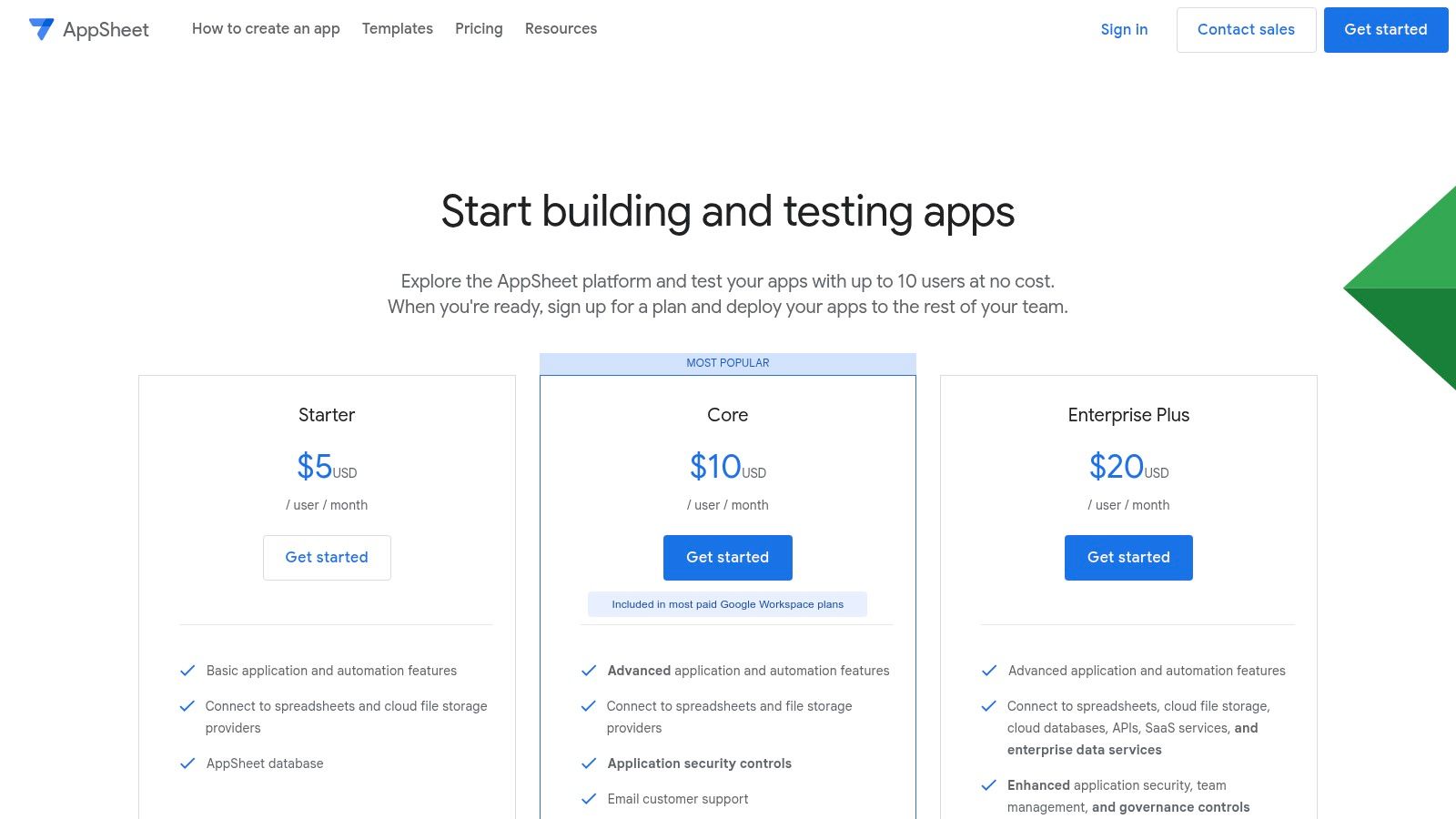
Pricing: Free for up to 10 users. Starter at $5/user/month, Core at $10/user/month.
Website: appsheet.com
9. Zoho Creator
Zoho Creator is a drag-and-drop app builder that fits well inside the Zoho ecosystem (CRM, Books, Desk). It's affordable, comes with a large template library, and automatically generates native iOS and Android apps from your web builds. GenAI capabilities now let you generate working applications from descriptions.
Best for: SMBs using Zoho tools that need custom apps on a budget.
Standout feature: Automatic native iOS and Android app generation from web builds at the lowest price point.
Pros:
One of the most affordable options at ~$8/user/month
Auto-generates native iOS and Android apps from web builds
Large template library for common business apps
GenAI can generate apps from natural language descriptions
Cons:
Weaker outside the Zoho ecosystem
Fewer third-party integrations than enterprise competitors
Less powerful for complex, data-heavy applications
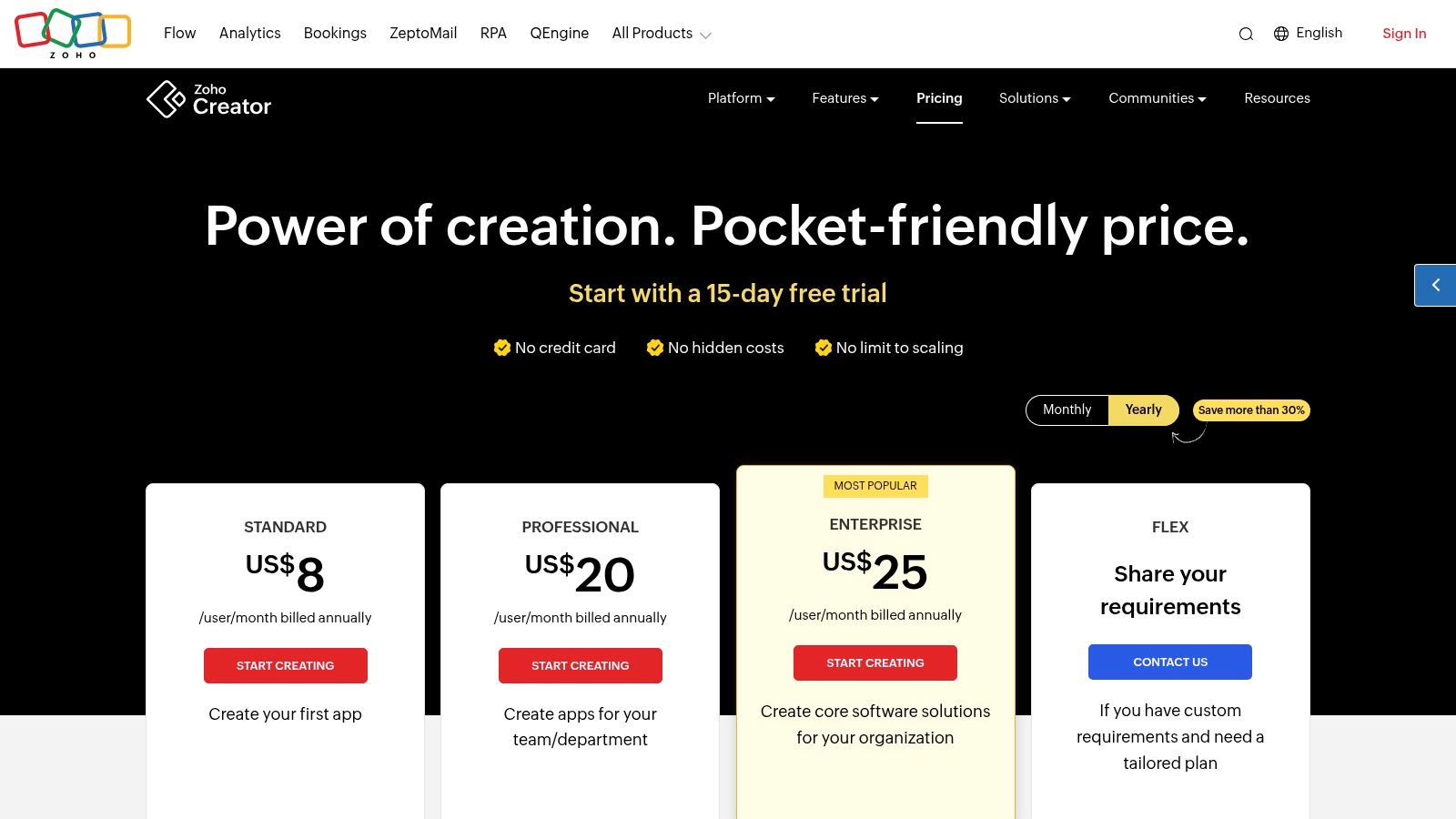
Pricing: Free for single users. Paid plans from ~$8/user/month (billed annually).
Website: zoho.com/creator
10. Retool
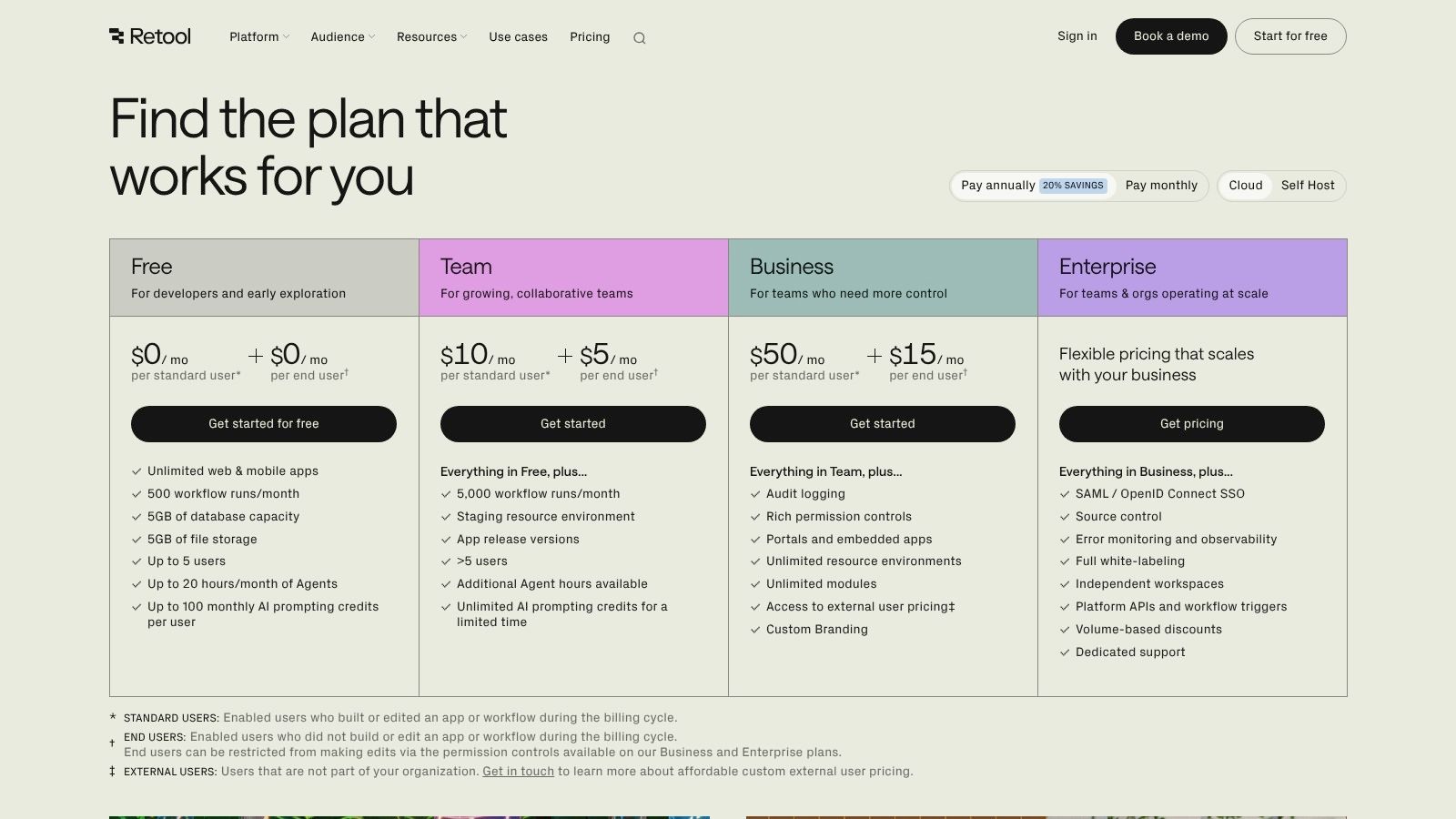
Retool is built for developers who need internal tools fast. Drag and drop UI components (tables, forms, charts), then write JavaScript or SQL for custom logic. It connects to most databases and APIs out of the box.
Best for: Developers building internal admin panels, dashboards, and CRUD tools.
Standout feature: Full JavaScript and SQL access inside a visual builder with connections to virtually any database.
Pros:
Full JavaScript and SQL access for custom logic
Connects to virtually any database or API out of the box
Fast to build admin panels, dashboards, and data tools
Self-hosted option available for sensitive data
Cons:
Internal tools only. Not designed for customer-facing apps.
Requires developer skills (JavaScript/SQL) for anything beyond basic CRUD
Per-user pricing adds up for larger teams
Pricing: Free tier available. Team plan at $12/standard user/month, $7/end user/month.
Website: retool.com
11. Pega Platform
Pega targets large organizations in finance, healthcare, and insurance that need process-driven apps with complex business rules. It offers a case management engine, real-time AI decisioning, and separate development environments (App Studio for business users, Dev Studio for developers).
2026 update: Launched Predictable AI agents combining AI power with workflow predictability. Blueprint now supports enterprise-ready "Vibe Coding" for rapid app design, letting teams go from idea to deployed workflow in minutes. Notes to Blueprint converts legacy Lotus Notes apps to cloud-native workflows. Achieved ISO 42001 certification for AI governance.
Best for: Large enterprises with complex case management, compliance, and workflow needs.
Standout feature: Mature case management engine with Predictable AI agents and enterprise vibe coding capabilities.
Pros:
Most mature case management engine in the low-code market
Predictable AI agents combine AI speed with workflow reliability
Blueprint vibe coding for rapid prototyping with governance
ISO 42001 certified for AI governance
Cons:
Steep learning curve, especially Dev Studio
Sales-led pricing only. No public pricing available.
Too complex and expensive for small teams or simple projects
Pricing: Not published. Sales-led pricing only. Free Community Edition for evaluation.
Website: pega.com
12. Oracle APEX
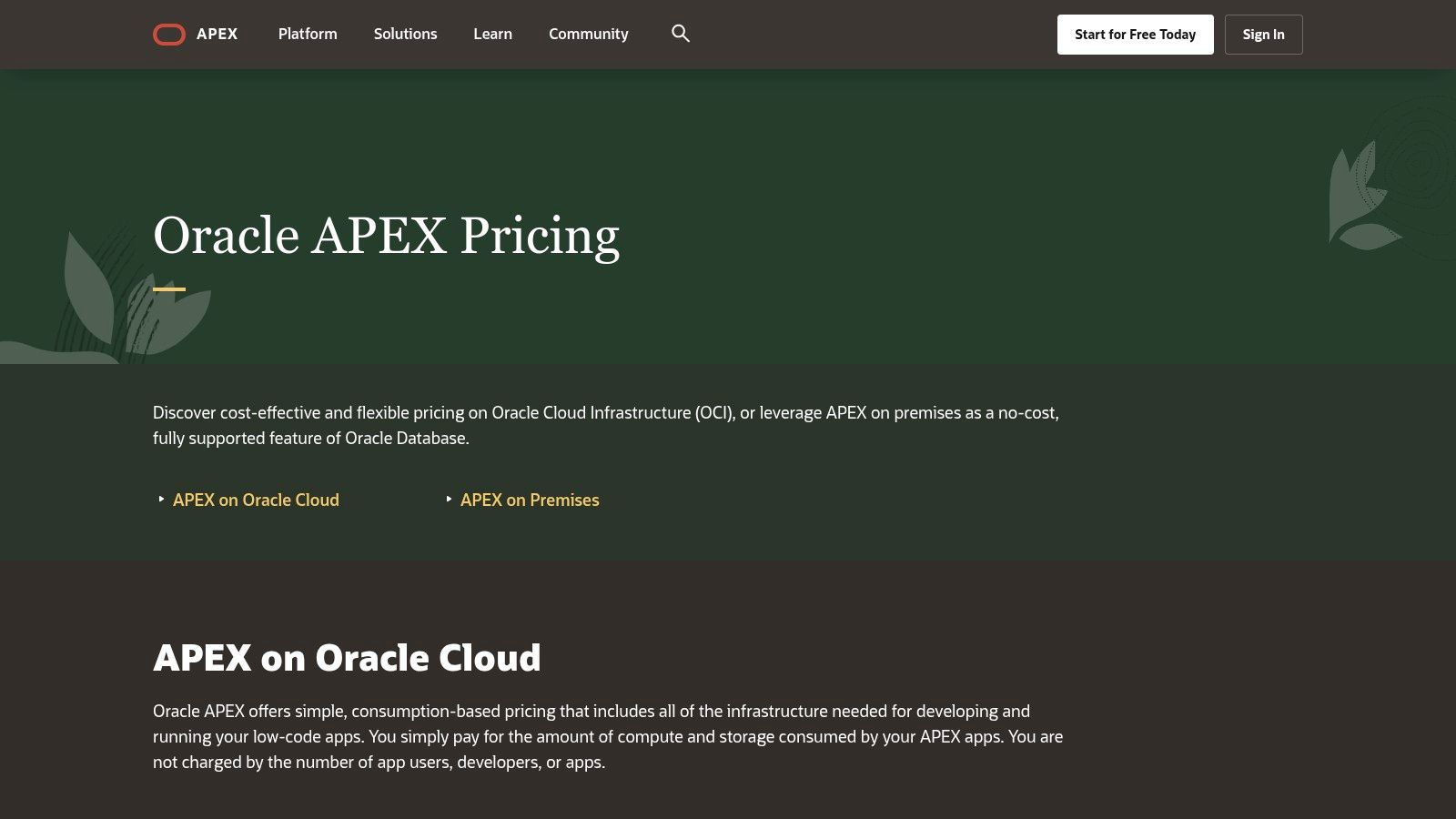
Oracle APEX comes free with the Oracle Database. It's a low-code tool for building data-heavy web applications (reports, dashboards, admin tools) that run directly on the database. No separate application server needed. If your team already works with Oracle, APEX is one of the most cost-effective low-code platforms available.
2026 update: APEX 26.1 is expected later this year with APEXlang, a new domain-specific language for defining entire apps in text files. Also coming: AI-powered Interactive Reports with natural language querying, a redesigned Universal Theme, and pattern pages for faster development.
Best for: Oracle Database teams building data-intensive web applications.
Standout feature: Runs directly on Oracle DB with zero infrastructure overhead, plus APEXlang for text-based app definition.
Pros:
Completely free with any Oracle Database license
Runs directly on the database with no app server needed
Strong for data-heavy reports, dashboards, and admin tools
APEXlang (coming in 26.1) enables text-based app development
Cons:
Requires Oracle Database. Not usable with other databases.
Limited native mobile support. Web-only output.
UI looks dated compared to modern low-code platforms
Pricing: Free with Oracle Database. On OCI, pay only for compute and storage (Always Free tier available).
Website: apex.oracle.com
Low-Code Platform Comparison
Platform | Best For | Starting Price | AI Features | Key Differentiator |
|---|---|---|---|---|
CatDoes | Non-technical founders | Free (1 app) | AI-native (full app generation) | Text-to-app with React Native output |
Microsoft Power Apps | Microsoft teams | $20/user/mo | Copilot AI | Deep Microsoft 365 integration |
Salesforce Platform | Salesforce CRM users | $25/user/mo | Agentforce AI | Native CRM data + AppExchange |
OutSystems | Enterprise dev teams | Free (dev only) | Agentic AI | Full-stack with DevSecOps built in |
Mendix | Cross-functional teams | Free tier | Maia AI assistant | Dual IDEs, flexible deployment |
Appian | Regulated enterprises | $90/user/mo | AI Copilot for reports | Data Fabric + compliance |
ServiceNow App Engine | ServiceNow customers | Quote-based | AI workflows | Unified Now Platform |
Google AppSheet | Google Workspace teams | Free (10 users) | Google AI tools | Instant apps from spreadsheets |
Zoho Creator | SMBs on Zoho | Free (1 user) | GenAI app generation | Auto mobile app generation |
Retool | Developers | $12/user/mo | AI query generation | JS/SQL in visual builder |
Pega Platform | Large enterprises | Quote-based | Predictable AI agents | Case management + vibe coding |
Oracle APEX | Oracle DB teams | Free with Oracle DB | AI reports (26.1) | Runs on database, zero app server |
Which Platform Fits Your Use Case?
Different projects need different tools. Use this table to match your situation to the right platform:
Your Situation | Recommended Platform | Why |
|---|---|---|
Building a mobile MVP without developers | CatDoes | AI generates complete React Native apps from text |
Internal dashboards and admin tools | Retool or AppSheet | Fastest for data-driven internal apps |
Microsoft 365 ecosystem | Power Apps | Native SharePoint, Teams, Dataverse integration |
Extending Salesforce CRM | Salesforce Platform | Direct CRM data access, no custom integrations |
Enterprise apps with governance | OutSystems or Mendix | Full-stack development with CI/CD and security |
Regulated industry (finance, gov, pharma) | Appian or Pega | Built-in compliance, case management, audit trails |
Google Workspace teams | AppSheet | Generate apps directly from Google Sheets |
Data-heavy Oracle projects | Oracle APEX | Free, runs directly on Oracle DB |
SMB on Zoho ecosystem | Zoho Creator | Affordable, auto-generates native mobile apps |
Extending ServiceNow ITSM | ServiceNow App Engine | Unified data model across all ServiceNow modules |
Common Mistakes When Choosing a Platform
After evaluating dozens of low-code platforms, these are the mistakes we see most often:
Choosing based on features instead of ecosystem fit. A platform with 500 features is useless if it doesn't connect to your existing tools. Start with what your team already uses (Microsoft, Google, Salesforce, Oracle), then narrow from there.
Ignoring per-user cost scaling. A $20/user/month tool seems cheap until you have 50 users and you're paying $12,000/year. Calculate your total cost at 10, 50, and 100 users before committing.
Not evaluating vendor lock-in. Ask: can you export your app's code and data? Can you run it on your own servers? Some platforms generate standard code (React Native, JavaScript). Others trap your logic in proprietary formats that can't be moved.
Picking enterprise tools for simple projects. OutSystems, Mendix, Appian, and Pega are powerful, but they're designed for large teams with complex requirements. If you're a 5-person startup building an MVP, these platforms add cost and complexity you don't need.
Skipping a pilot project. Most platforms offer free tiers or trials. Build a small test app before committing to a paid plan. You'll discover integration issues, learning curve problems, and performance limits that demos don't show.
Frequently Asked Questions
What is a low-code platform?
A low-code platform is a development tool that uses visual interfaces, drag-and-drop components, and pre-built templates to build software with minimal hand-coding. Most still allow custom code when you need it. The key difference from traditional development: you build by configuring components instead of writing every line from scratch.
What is the difference between low-code and no-code?
Low-code platforms allow custom code for advanced features on top of a visual builder. No-code platforms require zero coding. Many tools (like CatDoes and AppSheet) offer both approaches depending on the user's skill level. In practice, the line is blurring: most "no-code" platforms now support some scripting, and most "low-code" platforms have visual builders.
Which low-code platform is best for beginners?
CatDoes and Google AppSheet have the lowest learning curves. CatDoes builds apps from plain-text descriptions using AI, so there's nothing to learn beyond describing what you want. AppSheet generates apps directly from Google Sheets data, which is familiar to most office workers.
Are low-code platforms free?
Most offer free tiers or trials. CatDoes, Mendix, Google AppSheet, Zoho Creator, and Oracle APEX all have usable free plans. Enterprise platforms like OutSystems, Appian, and Pega offer free community editions for learning but charge for production use. For a broader look at free options, see our guide to the best free app builders.
Can low-code platforms build mobile apps?
Yes, but not all of them. CatDoes generates React Native mobile apps. Zoho Creator auto-generates native iOS and Android apps. Power Apps, Mendix, and OutSystems also support mobile development. AppSheet and Retool focus on web and internal tools. Always check mobile support before choosing a platform if mobile is a requirement.
How much do low-code platforms cost?
Prices range from free to over $100/user/month. Budget-friendly options include AppSheet ($5/user/month), Zoho Creator (~$8/user/month), and Retool ($12/user/month). Mid-range platforms like Power Apps cost $20/user/month. Enterprise tools like Salesforce ($25-$100/user/month) and Appian ($90/user/month) are significantly more expensive. Oracle APEX is free with any Oracle Database license.
What is the most popular low-code platform?
By user base, Microsoft Power Apps leads with tens of millions of users across Microsoft 365. By developer satisfaction, OutSystems ranked #1 on G2's 2026 Best Development Software list. For AI-native development, newer platforms like CatDoes are growing fastest. "Most popular" depends on whether you measure by enterprise adoption, developer ratings, or growth rate.
Is low-code good for startups?
Yes. Low-code platforms can reduce development time by up to 70% compared to traditional coding, according to Gartner. For startups, this means faster MVPs, lower initial costs, and the ability to test ideas without hiring a full development team. CatDoes and AppSheet are the most startup-friendly options on this list.
How to Pick the Right Platform
The right low-code platform depends on three things: what you're building, who's building it, and what tools your team already uses.
Step 1: Define your project. A mobile MVP needs a different tool than an enterprise workflow system. CatDoes is fastest for mobile apps. Retool or AppSheet work best for internal dashboards. OutSystems, Mendix, Appian, or Pega handle complex enterprise requirements.
Step 2: Check ecosystem fit. If you're on Microsoft, start with Power Apps. On Salesforce, use Salesforce Platform. On Google Workspace, try AppSheet. On Oracle, use APEX. Fighting your existing ecosystem adds cost and complexity.
Step 3: Calculate total cost. Monthly subscription fees are just the start. Factor in per-user charges, add-on costs, training time, and the cost of switching if you outgrow the platform. Platforms with public pricing (Power Apps, AppSheet, Retool, Zoho Creator) make this easier than quote-based options.
Step 4: Evaluate lock-in risk. Ask three questions: Can you export your code? Can you self-host? Does the platform generate standard code (like React Native or JavaScript) or proprietary markup? Platforms that generate standard code give you more portability if you ever need to migrate.
Step 5: Run a pilot. Use a free tier to build a small test app. Try connecting it to your actual data sources and deploying it to real users. You'll learn more in one afternoon of building than in a month of reading feature lists.
Ready to build your first app? Try CatDoes free and go from idea to working mobile app in minutes.
Nafis Amiri
Co-Founder of CatDoes


