Blog
Tutorials
10 Actionable App Store Optimization Tips for 2026
Discover 10 essential app store optimization tips for 2026. Boost your app's visibility, downloads, and revenue with these proven ASO strategies.

Nafis Amiri
Co-Founder of CatDoes
Jan 28, 2026
In the crowded digital marketplace of 2026, creating a great app is only half the battle. Getting it discovered by the right users is the other, more challenging half. This is where App Store Optimization (ASO) becomes your most powerful tool. ASO is the continuous process of improving an app's visibility within the app stores to increase organic downloads. It's not a one-time setup but a strategic cycle of research, implementation, and analysis. Think of it as SEO for your mobile app, directly influencing how easily users can find and download your creation.
This guide provides a comprehensive list of actionable app store optimization tips designed to elevate your app's presence and drive meaningful results. We will move beyond generic advice and dive into the specific tactics that make a real difference, from refining your app's metadata to mastering its visual and auditory presentation. Every element contributes to your app's discoverability and conversion rate. Beyond visual appeal, the auditory elements play a crucial role in user experience and brand identity, making it vital to learn how to craft a compelling sound effect for phone notifications and apps.
Here, we will break down the ten most critical, actionable strategies you need to master. We will cover foundational keyword research, compelling creative asset design, advanced A/B testing, and effective localization. These tips will provide a clear roadmap to help your app stand out, attract high-quality users, and achieve sustainable growth on both the Apple App Store and Google Play Store. Let's begin building your ASO strategy.
1. Keyword Research and Optimization
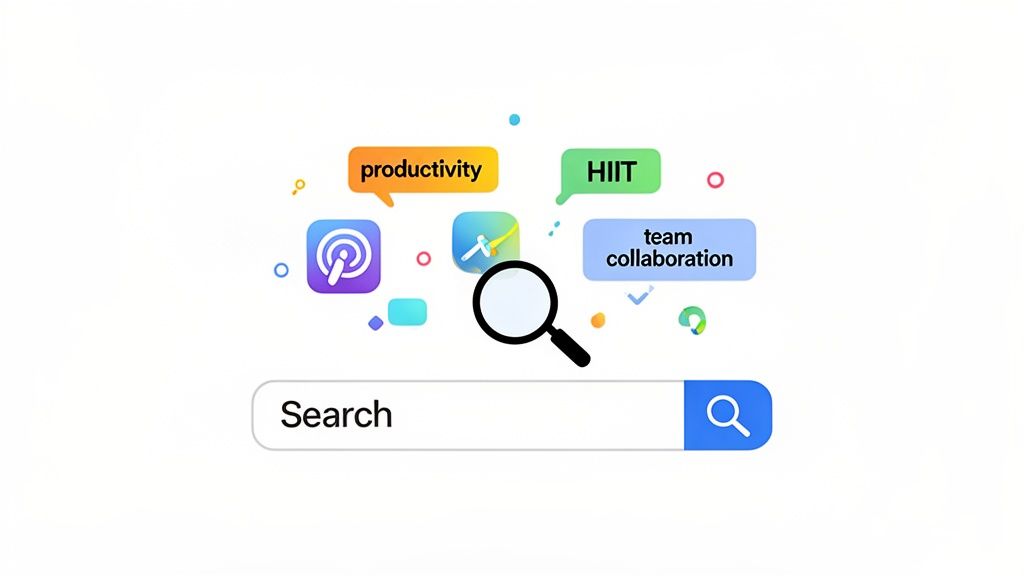
Keyword research is the cornerstone of any effective App Store Optimization (ASO) strategy. It is the process of identifying, analyzing, and selecting the search terms that potential users enter into an app store to find applications like yours. Proper keyword implementation directly impacts your app's visibility, discoverability, and ultimately, its download numbers. The goal is to connect with a high-intent audience actively searching for a solution you provide.

Strategically placing these keywords in your app’s metadata, such as the title, subtitle, and dedicated keyword field (on the Apple App Store), is critical. Search algorithms place significant weight on these fields, making them prime real estate for your most valuable terms. One of the most foundational app store optimization tips is to prioritize keywords that strike a balance between high search volume and lower competition.
Successful Implementation Examples
A task management app targeting the specific long-tail keyword "team collaboration tool" saw three times more downloads than when it used the generic term "productivity app."
Fitness apps focusing on niche workouts like "HIIT workouts for home" or "yoga for beginners" consistently outperform those targeting the broad and highly competitive keyword "fitness."
A travel app incorporated location-specific keywords like "Paris travel guide" into its subtitle, leading to higher rankings in regional searches and attracting a more targeted user base.
Actionable Tips for Keyword Optimization
To implement this effectively, focus on a structured approach. Start by brainstorming a broad list of terms related to your app's core function and target audience, then refine it using data-driven insights.
Utilize ASO Tools: Leverage platforms like Sensor Tower or AppTweak to discover keywords with high traffic and manageable difficulty. These tools also provide valuable insights into what keywords your competitors are ranking for.
Prioritize Metadata Fields: Place your most important keyword in your app title. Your secondary keywords should go into the subtitle. This maximizes their impact on search algorithms.
Continuously Monitor and Adapt: ASO is not a one-time task. Review your keyword performance monthly. If certain keywords are not driving traffic or conversions, replace them with new ones to test.
For users of platforms like CatDoes, this process can be streamlined. The built-in AI agents can generate keyword-optimized descriptions and metadata suggestions during the initial app specification phase, ensuring your app is built with discoverability in mind from the very beginning.
2. App Icon and Visual Design Excellence
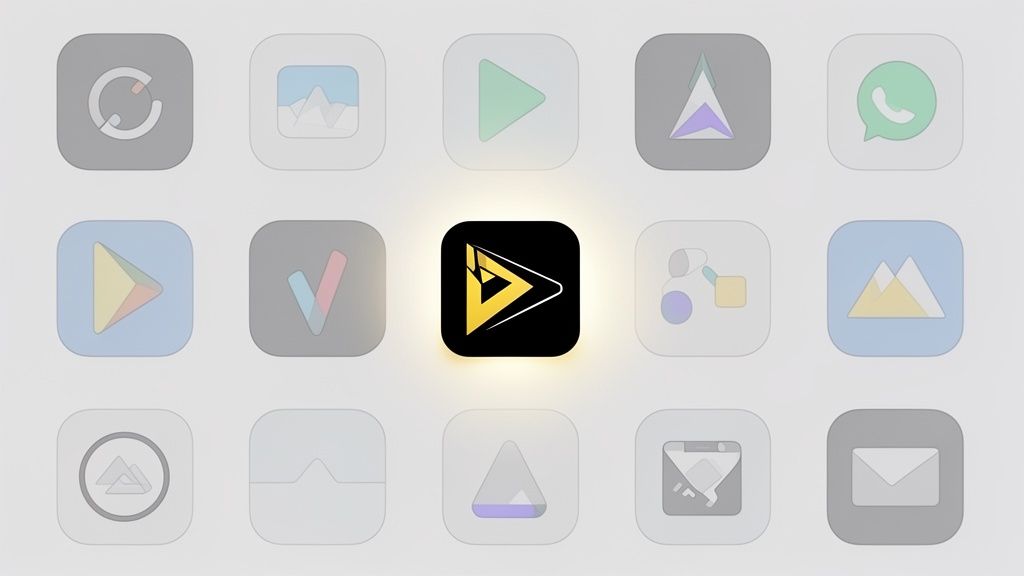
Your app icon is the first visual handshake with a potential user, directly influencing their decision to click, explore, and download. It is a powerful conversion tool that can increase tap-through rates from search results significantly. A compelling, memorable, and professionally designed icon signals quality and helps your app stand out in a crowded marketplace, making it a critical element of your overall ASO strategy.

The primary goal of the icon is to communicate your app's core value proposition instantly and visually. It must be recognizable at various sizes, from a large featured banner to a tiny notification badge. This is one of the most impactful app store optimization tips because a weak icon can render even the most sophisticated keyword strategy ineffective. It sets the user's initial expectation for your app's quality and user experience.
Successful Implementation Examples
Slack’s colorful, abstract icon is instantly recognizable and memorable, conveying a sense of collaboration and connection without relying on literal imagery.
Evernote’s green elephant logo has become synonymous with memory and organization, building powerful brand association that has endured for years.
Zoom’s simple blue icon, resembling a video camera, clearly communicates its primary function of video conferencing, making it easy for users to identify in a search.
Actionable Tips for Icon Optimization
To create an icon that converts, focus on clarity, distinctiveness, and brand alignment. A well-designed icon is not just an asset; it is a strategic advantage that drives user acquisition.
Embrace Simplicity: Your icon must be clear and recognizable even at the smallest sizes (e.g., 27x27 pixels). Avoid clutter, excessive detail, and text, which become illegible.
Test Against Competitors: Place your icon next to top competitors in a mock search results page. Does it stand out or blend in? Use A/B testing platforms to get real data on which design performs best.
Use a Unique Color Palette: Colors evoke emotion and can make your icon pop. Choose a palette that aligns with your brand identity and distinguishes you from others in your category. You can learn more by reviewing app design best practices.
For CatDoes users, the app creation process includes visual design tools that allow you to preview your icon in various App Store contexts. You can easily upload different versions and see how they appear on different devices and backgrounds, ensuring your final choice is optimized for maximum impact before you even submit to the stores.
3. Compelling App Description and Copy
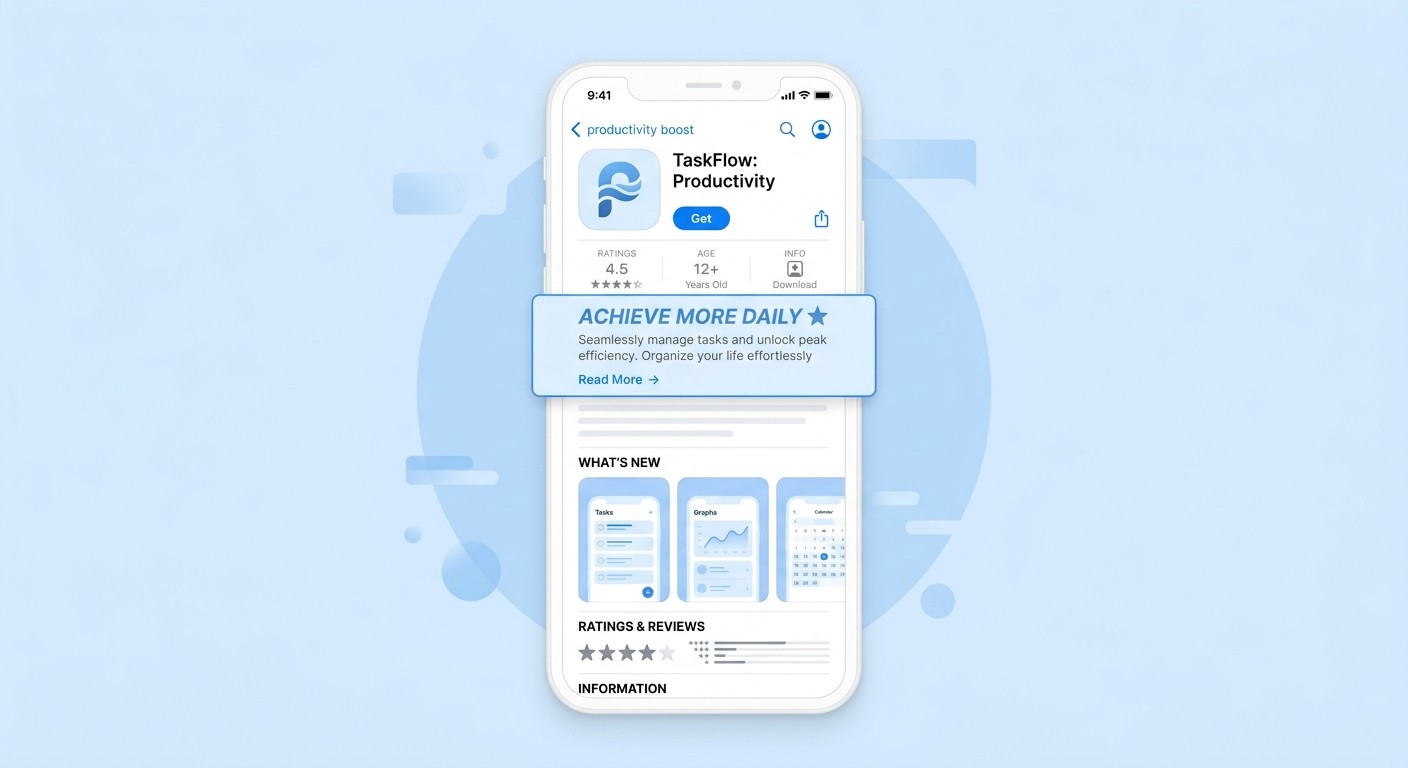
Your app description is critical sales copy that directly influences a user's decision to download your app. It's your primary space to communicate your value proposition, highlight key features, and explain the benefits in a persuasive manner. A well-crafted description answers the user's core question: "Why should I download this app?" The first few lines are the most important, as they appear before the "read more" button and must capture attention immediately.

This text is a powerful tool for conversion rate optimization. While keywords in the description have minimal impact on search rankings for Apple's App Store, they are indexed by Google Play. Regardless of the platform, the copy must be user-centric, focusing on solutions and outcomes. This is one of the most vital app store optimization tips because it bridges the gap between discovery and conversion, turning a curious visitor into an active user.
Successful Implementation Examples
Calm focuses on user outcomes, leading with "Sleep more. Stress less. Live better." This immediately communicates the app's benefits rather than just listing features like "meditation library."
Duolingo uses a conversational and benefit-driven hook: "Learn a new language with the world’s most-downloaded education app! ... learn a language in just 5 minutes a day." This makes the goal feel achievable.
Notion sells versatility and organization by stating it is "The connected workspace where better, faster work happens." This targets professionals looking for an all-in-one solution.
Actionable Tips for App Descriptions
To write compelling copy, shift your focus from what your app does to what your user can achieve with it. Your goal is to tell a story that resonates with their needs and aspirations.
Lead with the Primary Benefit: Open with a strong, benefit-oriented statement. Explain the "why" before the "what." What problem does your app solve?
Use Scannable Formatting: Employ short sentences, bullet points, and emojis to break up text. This makes the description easy to read on a small screen.
Address Potential Objections: Mention key trust-building features upfront, such as "ad-free," "works offline," or "no sign-up required" to remove friction.
Include a Clear Call-to-Action (CTA): End your description with an encouraging phrase like "Download now and start your journey!" or "Join our community today!"
With a platform like CatDoes, you can use the AI agent to generate multiple versions of your app description during the build process. This allows you to test different angles, from benefit-driven narratives to feature-focused lists, ensuring your final copy is optimized for maximum conversions before you even submit to the stores.
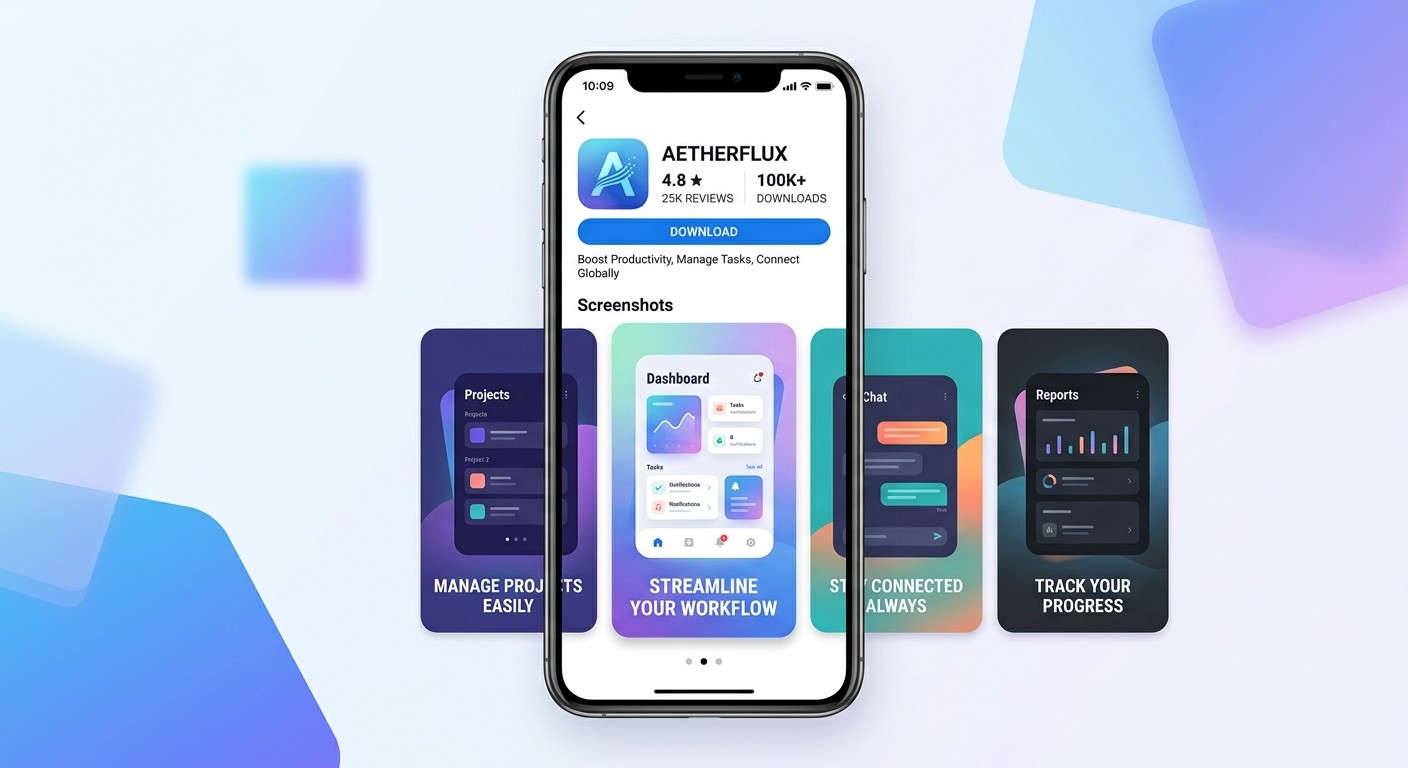
4. High-Quality App Screenshots and Preview Video
Your app screenshots and preview video are your digital storefront, serving as the most impactful visual pitch to potential users. They provide the first real glimpse into your app's functionality, user interface, and overall value proposition. High-quality, strategically designed creatives can significantly influence a user's decision to download, with data suggesting conversion rate increases of 20-40%. These visuals must quickly and clearly communicate what your app does and why it's worth a user's time.
A preview video takes this a step further, offering a dynamic demonstration of the user experience. By showing the app in action, you can convey its core journey and unique features more effectively than static images alone. This is one of the most powerful app store optimization tips for turning impressions into downloads, as it answers user questions visually and builds confidence in the app's quality and utility.
Successful Implementation Examples
Headspace uses its screenshots to show a narrative, illustrating the before-and-after benefits of meditation and sleep-focused features, which directly addresses user pain points.
DoorDash presents a clear, step-by-step journey in its screenshots, guiding the user from browsing restaurants and placing an order to tracking the delivery in real-time.
Instagram leverages user-generated content in its visuals to showcase the app's community and creative potential, highlighting key features like Stories and Reels.
Actionable Tips for Visual Optimization
To create compelling visuals, focus on storytelling and clarity. Your goal is to guide the user through your app’s best features in a way that is both informative and visually appealing.
Tell a Cohesive Story: Arrange your screenshots to depict a logical user journey. Highlight your most compelling feature or value proposition in the first two to three images.
Use Benefit-Oriented Captions: Place concise text captions on each screenshot. Lead with the benefit (e.g., "Track Progress Easily") and follow with the feature name.
Create a Short, Punchy Video: Your preview video should be 15 to 30 seconds long and demonstrate the core functionality of your app. Focus on action and avoid slow, generic introductions.
A/B Test Your Creatives: Continuously test different screenshot styles, caption copy, and video concepts to identify which combination yields the highest conversion rate.
For CatDoes users, generating and testing these assets is built into the workflow. You can automatically create device-framed screenshots and preview different creative sets directly within the platform before submitting them to the app stores, simplifying the optimization process.
5. Ratings, Reviews, and Reputation Management
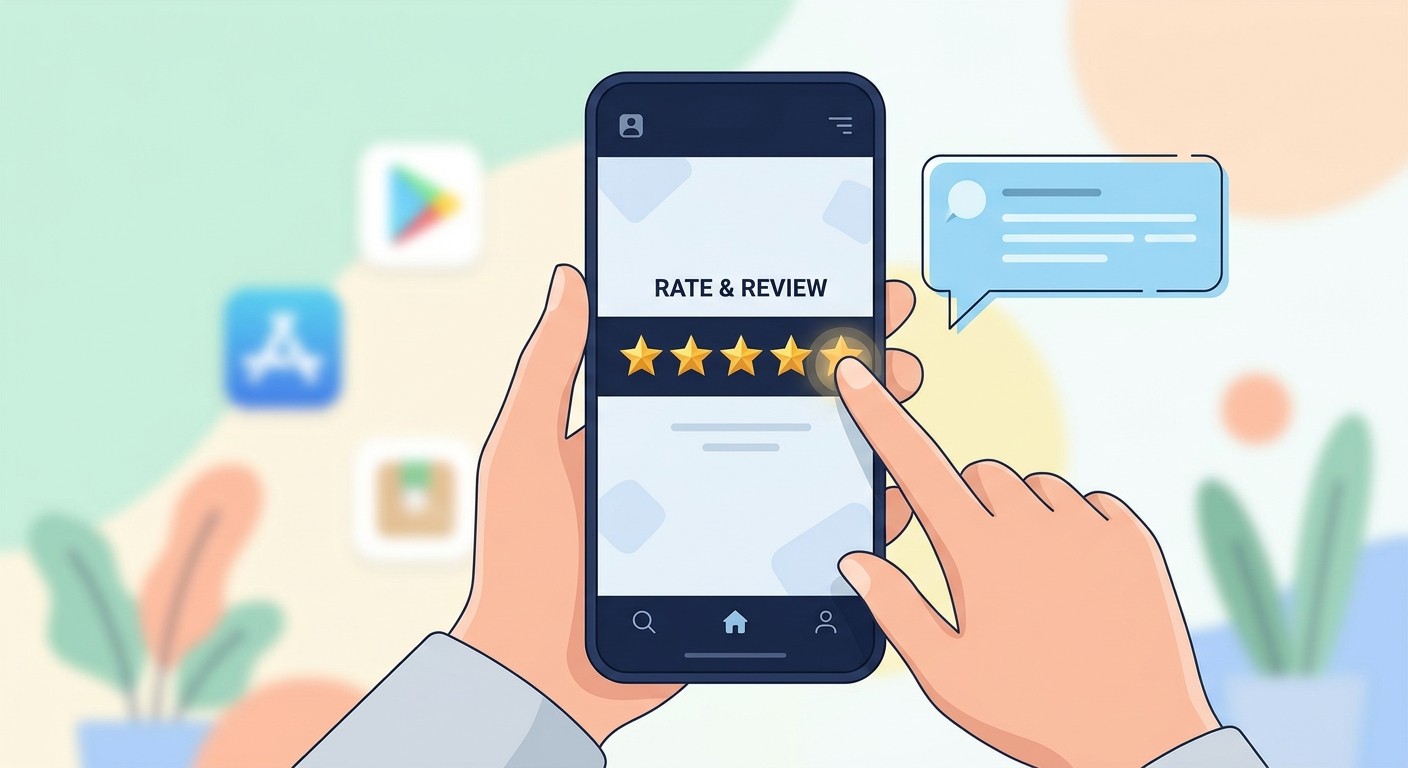
App ratings and reviews function as powerful social proof, directly influencing a potential user's decision to download. These user-generated testimonials are a critical component of your app’s credibility and conversion rate. Research consistently shows that applications maintaining a four-star rating or higher achieve significantly better download numbers. Actively managing your app's reputation by monitoring feedback and responding thoughtfully creates a positive loop of improved ratings and increased visibility.
The app stores' algorithms favor apps with higher average ratings and a steady stream of positive reviews, often featuring them more prominently in search results and category lists. One of the most impactful app store optimization tips is to treat user feedback not just as a support task but as a core marketing function. A proactive approach demonstrates that you value your user base, which in turn fosters loyalty and encourages organic advocacy.
Successful Implementation Examples
Meditation app Calm actively responds to user reviews, often addressing specific concerns within hours and thanking users for their positive feedback, which strengthens community trust.
Language-learning app Duolingo's highly engaging user experience organically generates a high volume of positive reviews, with users frequently praising its gamified approach to learning.
Apps that systematically ignore negative feedback often experience a downward spiral in ratings as new users see unaddressed complaints and add their own frustrations.
Actionable Tips for Reputation Management
To manage your app's reputation effectively, establish a systematic process for monitoring, responding, and learning from user feedback. This turns reviews into a valuable source of product improvement insights.
Monitor Reviews Daily: Use tools like Appfigures or the native App Store Connect and Google Play Console dashboards to stay on top of all new reviews. Timeliness is key.
Respond Promptly and Empathetically: Aim to respond to all reviews, especially negative ones, within 24 to 48 hours. Acknowledge the user's issue and offer a clear path to resolution. Exploring actionable negative review response examples can help refine your communication strategy.
Implement a Smart Rating Prompt: Ask for a review at an optimal moment, such as after a user successfully completes a key task or level. Avoid prompting on the very first launch.
For teams using CatDoes, integrating user feedback into the development cycle is streamlined. You can use insights gathered from reviews to define new features or fixes in your app specifications, then quickly build and deploy updates, demonstrating responsiveness to your user community.
6. Localization and Regional Optimization
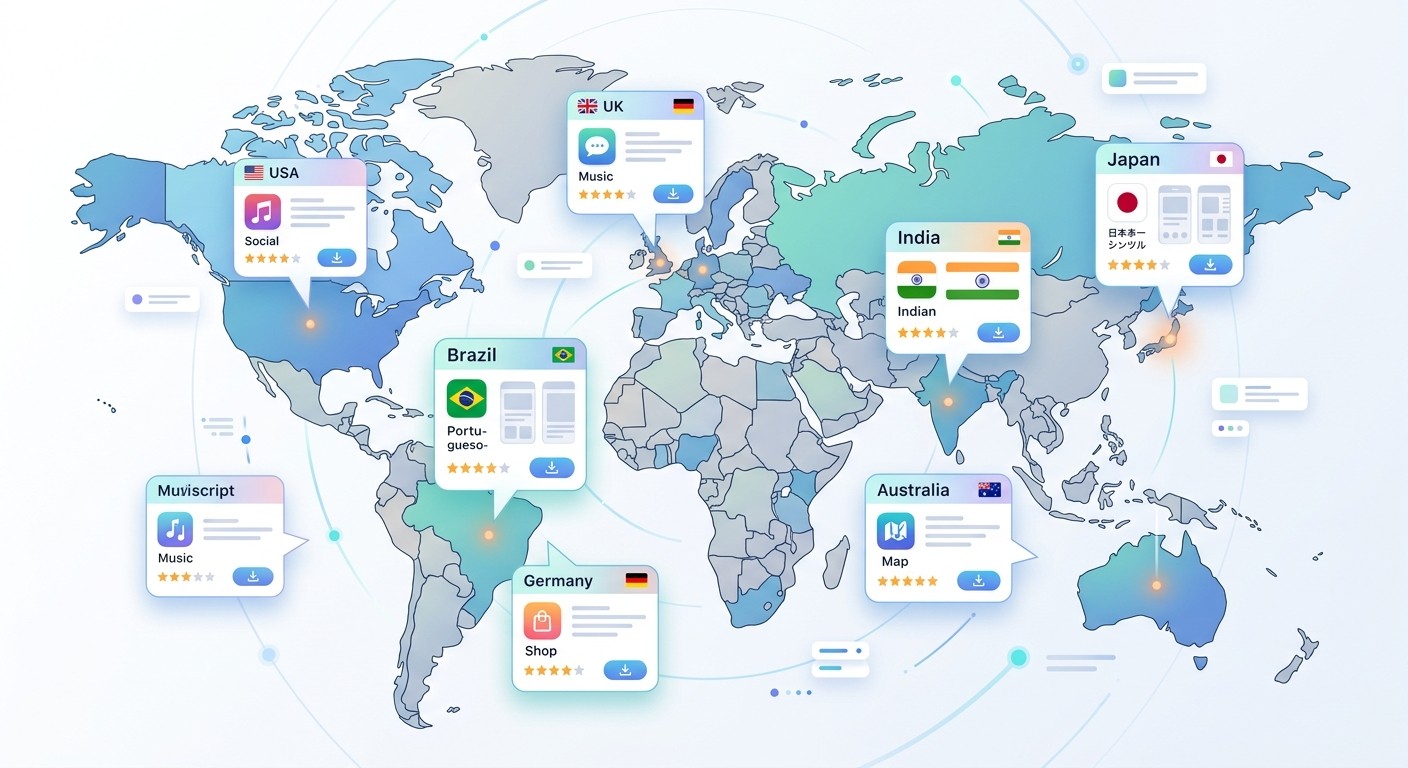
Expanding your app into multiple languages and regions is a powerful strategy to significantly increase your addressable market and download volume. Localization is more than just direct translation; it involves adapting your app's content, visuals, and functionality to fit the cultural and linguistic nuances of each target market. A well-executed localization strategy makes international users feel the app was built specifically for them, fostering trust and driving higher conversion rates.
This process directly impacts your visibility in regional app stores. By translating your metadata (title, keywords, description) into the local language, you enable your app to rank for search terms used by a non-English-speaking audience. One of the most impactful app store optimization tips for global growth is to treat each new region as a unique launch, complete with its own tailored metadata and marketing approach. Properly localized apps can see two to three times more downloads than single-language versions.
Successful Implementation Examples
WhatsApp supports over 60 languages, a key factor in its global dominance and adoption across diverse cultural landscapes.
TikTok's rapid international expansion was fueled by its deep commitment to localization, providing native language support and region-specific content algorithms from day one in each new market.
Spotify not only translates its interface but also offers region-specific playlists, podcast charts, and payment options, creating a highly relevant user experience.
Actionable Tips for Localization
To implement localization effectively, start with a phased approach. Focus on high-potential markets first and expand as you gather data and resources.
Prioritize High-Value Markets: Research and identify underserved markets with high smartphone penetration like Brazil, India, or Southeast Asian countries. Localizing for these regions can yield significant returns.
Use Professional Services: Avoid automated translation tools for your public-facing app store metadata. Hire professional translators or native speakers to ensure accuracy and cultural appropriateness.
Adapt Creatives, Not Just Text: Review your app icon, screenshots, and videos for cultural relevance. Imagery or symbols that work in one culture may be confusing or inappropriate in another.
Localize Metadata First: Before translating your entire application, start by localizing your app store listing. This is a lower-effort way to test a market's potential and start gaining visibility.
Monitor Regional Performance: Pay close attention to your ratings, reviews, and analytics segmented by country. This helps you quickly identify and address market-specific bugs or user experience issues.
Users on platforms like CatDoes can simplify this process significantly. You can manage different language versions of your app store metadata directly within the platform, making it easier to prepare and deploy localized listings for multiple regions simultaneously during the submission phase.
7. Release Notes and Version Update Strategy
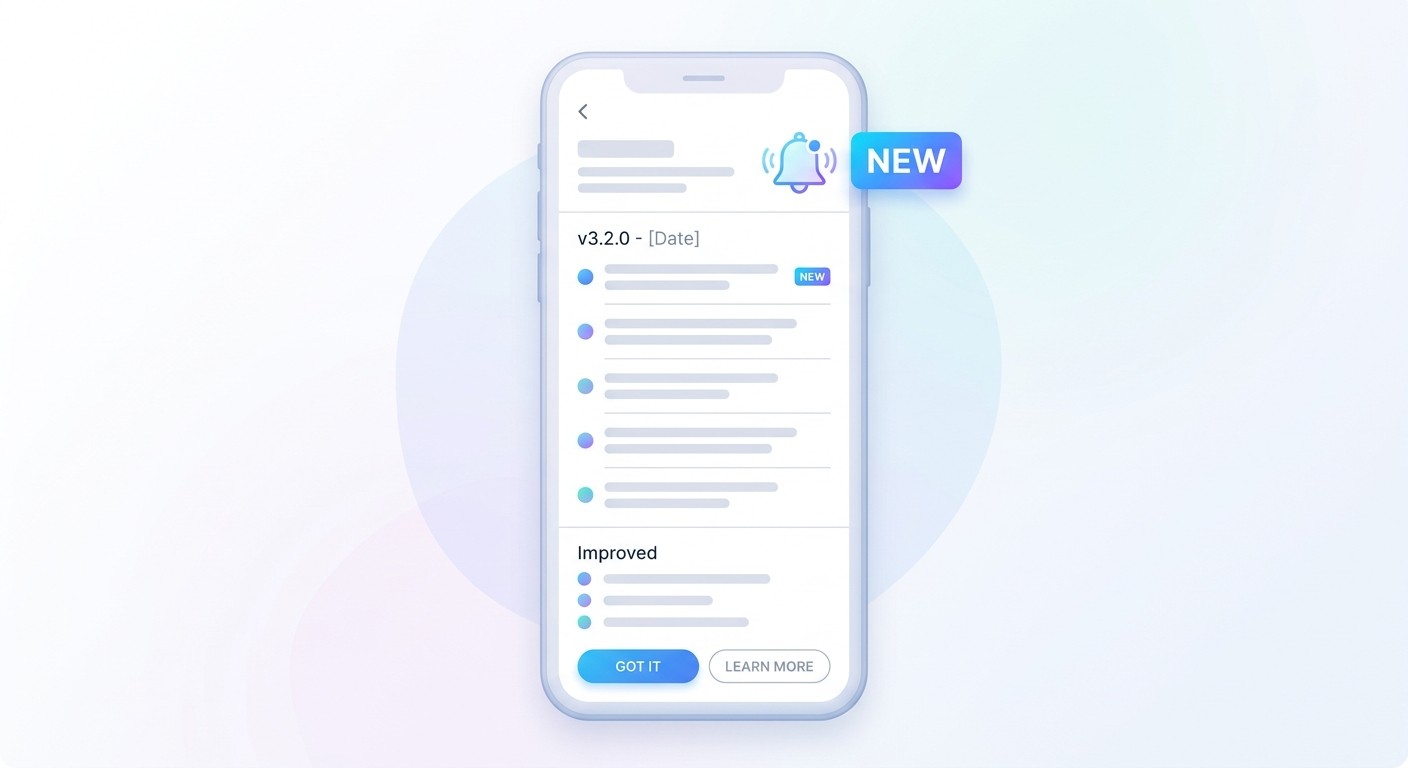
Your update strategy and the accompanying release notes are a powerful, often overlooked, aspect of App Store Optimization. This is your direct line of communication with existing users, serving to announce improvements, drive re-engagement, and encourage positive feedback. Strategic release notes that clearly communicate user benefits can significantly increase update adoption rates and signal to app store algorithms that your app is actively maintained and improving.
Well-crafted release notes go beyond listing bug fixes; they are a marketing tool. They build user loyalty and demonstrate a commitment to enhancing the user experience. A consistent update cadence is a key part of these app store optimization tips, as it positively influences app store rankings by showing the platform your app is a healthy, evolving product.
Successful Implementation Examples
Slack consistently uses a friendly, human tone in its release notes, often highlighting how a specific update solves a common user frustration, which builds a strong community connection.
Figma uses its release notes not just to inform but to build excitement and anticipation for new collaborative features, turning a simple update into a marketing event.
In contrast, apps that frequently push minor updates with generic notes like "bug fixes and performance improvements" often receive mixed ratings, as users perceive a lack of meaningful progress.
Actionable Tips for Release Notes and Updates
To implement this effectively, treat every update as a chance to reconnect with your audience. Frame your release notes around the value you are delivering to the user, not just the technical changes you made.
Focus on User Benefits: Frame your points around what the user can now do. Use language like "You can now..." instead of "We fixed..." to make the benefits clear and personal.
Maintain a Consistent Cadence: Aim for a regular release schedule, such as bi-weekly or monthly. This consistency builds user trust and is favored by app store algorithms.
Keep it Concise and Scannable: Use 3-5 bullet points to highlight the most important changes. Users are unlikely to read long paragraphs of technical jargon.
Include a Call to Action (CTA): Gently encourage users to leave a review or provide feedback on the new update. A simple "Enjoying the new features? Let us know with a review!" can be very effective.
For those using platforms like CatDoes, managing and communicating updates is streamlined. You can follow our development progress and see how we communicate our own updates by checking out the CatDoes changelog, which provides a great model for clear and effective release notes.
8. A/B Testing and Conversion Rate Optimization
Conversion Rate Optimization (CRO) is the scientific process of improving your app store page to convert a higher percentage of visitors into users. Instead of relying on guesswork, A/B testing allows you to run data-driven experiments on listing elements like your icon, screenshots, and description. This approach systematically reveals what messaging and visuals resonate most with your target audience, directly boosting download numbers without needing more traffic.
By presenting variations of your store listing to different segments of your audience and analyzing the results, you can make informed decisions that maximize your return on investment. Implementing these data-backed app store optimization tips ensures that every element of your page is working as hard as possible to attract and convert potential users. This methodical approach can lead to significant gains, with some tests increasing conversion rates by over 20%.
Successful Implementation Examples
The meditation app Headspace tested multiple icons and discovered that a simple, minimalist design significantly outperformed busier, more detailed variations in attracting downloads.
Productivity apps found that benefit-driven copy, such as "save 5 hours per week," converted more users than traditional descriptions that simply listed app features.
A mobile game developer tested a "fun-first" description that highlighted the user experience and saw higher engagement than a version that focused on a technical list of game mechanics.
Actionable Tips for A/B Testing
To implement this effectively, adopt a structured, hypothesis-driven approach. Start by identifying the elements that have the highest potential impact on a user's decision to download, then test one change at a time for clear, actionable results.
Prioritize High-Impact Elements: Begin your testing with the assets that users see first: your app icon, the first two screenshots, and your short description. Small changes here can yield the biggest results.
Isolate Variables: Test only one element at a time. If you change both the icon and the screenshots simultaneously, you will not know which change caused the shift in conversions.
Run Statistically Significant Tests: Run each test for at least two to four weeks to gather enough data and account for weekly traffic fluctuations. Use tools like SplitMetrics or Google Play Experiments to manage the process.
Formulate a Hypothesis: Before launching a test, create a clear hypothesis. For example: "We believe a screenshot showing the 'team collaboration' feature will increase conversions because our user research indicates this is a high-demand function."
For CatDoes users, A/B testing is simplified. You can easily generate and preview multiple variations of your store assets and metadata directly within the platform. Integrating with third-party testing tools is seamless, allowing you to push different build variants to experiment platforms and analyze the results without manual overhead.
9. App Store Algorithm and Ranking Factors
Understanding the app store algorithms is like learning the rules of the game before you play. Both the Apple App Store and Google Play use complex, evolving algorithms to rank and feature apps. These algorithms analyze dozens of signals, from user behavior to technical performance, to determine an app's quality and relevance. Mastering these factors is a crucial component of any list of app store optimization tips, as it directly influences search visibility and the likelihood of being featured.
The core purpose of these algorithms is to present the best possible apps to users. Therefore, they prioritize signals that indicate a positive user experience. Key factors include download velocity (the number of installs in a short period), user ratings and reviews, retention rates, session duration, and app stability (low crash rates). Consistently performing well across these metrics signals to the store that your app is valuable, leading to higher rankings and greater discoverability.
Successful Implementation Examples
A newly launched meditation app that focused on driving high-velocity downloads in its first week through a targeted social media campaign was featured on the App Store's "New Apps We Love" section.
Gaming apps that maintain an average user rating of 4.5 stars or higher consistently rank two to three positions higher for competitive keywords than those with ratings below 4.0 stars.
A productivity tool that releases an update every three weeks to introduce new features and fix bugs ranks higher for "task manager" than a competitor that only updates once a year, signaling active development to the algorithm.
Actionable Tips for Algorithm Optimization
To align your app with algorithmic preferences, you must focus on both technical quality and user engagement from day one. This requires a proactive, data-informed approach to app management.
Prioritize App Stability: Before anything else, ensure your app is free of major bugs. High crash rates are one of the strongest negative signals to app store algorithms.
Drive Initial Install Velocity: The first two weeks post-launch are critical. Use external marketing channels like social media, press releases, and influencers to drive a surge of initial downloads.
Implement Robust Analytics: Track key metrics like retention, session duration, and active users. High engagement is heavily weighted by algorithms, often more than pure download numbers.
Maintain a Consistent Update Cadence: Update your app at least monthly. This signals to the stores that your app is actively maintained and improving over time.
Monitor Keyword Rankings: Use ASO tools to track your app's rank for target keywords. If your rank drops, investigate potential causes like new competitors or negative reviews.
For users of platforms like CatDoes, managing these factors becomes more straightforward. The integrated analytics dashboard allows for easy monitoring of user engagement and retention metrics, while the streamlined build and deployment process facilitates a regular and consistent update schedule. This empowers you to focus on building a great user experience that the app stores will reward.
10. Category Selection, Pricing & Monetization, Pre-Launch Strategy and Beta Testing
A successful app launch is not an isolated event but the culmination of strategic decisions made well before your app goes live. This includes choosing the right category, setting a clear monetization model, and executing a robust pre-launch plan. Selecting the correct app store category directly influences your app's discoverability and the competitive landscape you face, while transparent pricing builds user trust. A well-orchestrated pre-launch and beta testing phase generates crucial early momentum, feedback, and initial reviews that signal quality to store algorithms.
Combining these elements is one of the most powerful app store optimization tips because it addresses visibility, conversion, and user satisfaction simultaneously. A flawed strategy in any of these areas can undermine an otherwise excellent app. For instance, choosing an overly broad category can make your app invisible, while an unclear monetization model can lead to a storm of negative reviews that are difficult to recover from.
Successful Implementation Examples
Candy Crush Saga chose the "Casual" games category instead of the more saturated "Puzzle" category, allowing it to dominate a less competitive space while still appealing to its core audience.
Spotify's transparent subscription pricing and clear free-tier limitations build user trust and loyalty, in contrast to competitors who may have hidden costs or confusing in-app purchase models.
Superhuman built a massive waitlist and significant pre-launch buzz by offering exclusive early access, turning its beta program into a powerful marketing engine.
Threads leveraged an exclusive pre-launch and early access strategy to drive an unprecedented 100 million signups within its first week, showcasing the power of building anticipation.
Actionable Tips for Launch Strategy
To implement this effectively, treat these three components as interconnected parts of a single launch plan. Start by researching categories and pricing models long before you finalize your app's features.
Optimize Category Selection: Use keyword research tools to identify less-saturated categories that are still highly relevant to your app. Choose the most specific and applicable category to avoid getting lost among giants.
Be Transparent with Monetization: Clearly state your monetization model in the app description. If you offer in-app purchases, label them clearly and ensure the free version of your app provides substantial value.
Build a Beta Testing Program: Recruit 500 to 1,000 beta testers four to six weeks before your planned launch. Use platforms like TestFlight (for iOS) or Google Play's internal testing tracks to distribute beta builds and gather feedback.
Plan Your Pre-Launch Campaign: Reach out to relevant influencers and press three to four weeks before launch. Consider a soft launch in a smaller, representative market to test performance and fix bugs before a global release.
With CatDoes, you can streamline the entire submission process, from generating store metadata to creating builds. This allows you to focus more on strategic planning, like your beta program and outreach. For a complete guide, you can learn more about how to submit your app to the app store and ensure all requirements are met.
App Store Optimization: 10-Point Comparison
Item | 🔄 Implementation Complexity | ⚡ Resource Requirements | 📊 Expected Outcomes (⭐) | 💡 Ideal Use Cases | Key Advantages |
|---|---|---|---|---|---|
Keyword Research and Optimization | 🔄 Medium: ongoing monitoring | ⚡ Low–Medium: ASO tools + analyst | 📊 Better organic discoverability; sustainable traffic ⭐⭐⭐⭐ | 💡 New launches, organic-growth focus, regional targeting | Cost-effective, identifies user intent and niche opportunities |
App Icon and Visual Design Excellence | 🔄 Medium–High: design iterations & testing | ⚡ High: professional designer/tools, A/B tests | 📊 Higher CTR and brand recall; immediate visual impact ⭐⭐⭐⭐ | 💡 Highly competitive categories, brand-led apps | Improves first-impression CTR; memorable branding |
Compelling App Description and Copy | 🔄 Low–Medium: copywriting + updates | ⚡ Low: copywriter or AI tools | 📊 Higher conversion rate; clarifies value prop ⭐⭐⭐⭐ | 💡 Apps needing clear messaging or feature differentiation | Converts interest to downloads; easy to iterate and test |
High-Quality App Screenshots and Preview Video | 🔄 High: production and design coordination | ⚡ High: designers, photographers, video editors | 📊 Significant conversion uplift (20–40%) ⭐⭐⭐⭐ | 💡 Feature-rich apps, UX-focused experiences | Demonstrates app in action; major influence on download decisions |
Ratings, Reviews, and Reputation Management | 🔄 Medium: continuous monitoring & responses | ⚡ Medium: support team + monitoring tools | 📊 Strong social proof; affects conversions and retention ⭐⭐⭐⭐ | 💡 Live apps with active users, apps needing trust-building | Direct user feedback loop; improves product and ranking |
Localization and Regional Optimization | 🔄 High: cultural adaptation and compliance | ⚡ High: translators, legal, regional integrations | 📊 Expanded market + higher regional conversions ⭐⭐⭐⭐ | 💡 International expansion, targeting specific countries | Multiplies addressable market; competitive advantage in local markets |
Release Notes and Version Update Strategy | 🔄 Low–Medium: messaging & cadence planning | ⚡ Low: product/marketing time | 📊 Better re-engagement and perceived maintenance ⭐⭐⭐ | 💡 Apps with regular feature updates or bug fixes | Encourages update adoption; signals active development |
A/B Testing and Conversion Rate Optimization | 🔄 High: test design and statistical rigor | ⚡ Medium–High: testing tools, traffic, analyst | 📊 Measurable conversion gains (20–50%) ⭐⭐⭐⭐ | 💡 Apps with sufficient traffic that want iterative gains | Data-driven improvement; reduces guesswork and maximizes ROI |
App Store Algorithm and Ranking Factors | 🔄 High: multifactor, opaque signals | ⚡ Medium: analytics + product improvements | 📊 Improved organic rankings and long-term growth ⭐⭐⭐⭐ | 💡 Apps aiming for organic scale and feature placement | Drives exponential organic downloads when optimized |
Category Selection, Pricing & Monetization, Pre-Launch Strategy and Beta Testing | 🔄 High: strategic planning & coordination | ⚡ High: marketing, dev, PR, beta recruitment | 📊 Strong launch traction and optimized revenue ⭐⭐⭐⭐ | 💡 New app launches, monetization strategy decisions | Maximizes day-one velocity, reduces launch risk and negative surprises |
From Strategy to Success: Your ASO Journey
We've explored the multifaceted world of App Store Optimization, dissecting ten critical pillars that support a successful mobile strategy. The journey from a great app idea to a high-ranking, frequently downloaded application is not accidental. It is the direct result of a methodical, continuous, and data-informed process. Mastering these app store optimization tips is less about finding a single magic bullet and more about building a powerful, sustainable engine for growth.
Think of each tip not as a one-time task but as a lever you can pull repeatedly. Your initial keyword research lays the foundation for visibility, but the app stores are dynamic ecosystems. What works today might be less effective tomorrow, requiring you to constantly revisit and refine your metadata. Similarly, your app icon and screenshots are not set in stone; they are your primary visual sales pitch and should be A/B tested and updated to reflect new features and evolving user expectations.
Synthesizing Your ASO Strategy
Let's distill the core principles from our comprehensive list into a unified strategy. The most impactful takeaway is the concept of the ASO flywheel. This is the virtuous cycle where each optimized element positively influences the next.
Visibility Attracts Users: Effective keyword optimization, a compelling icon, and a well-chosen category get your app seen by the right audience. More impressions are the first crucial step.
Conversion Creates Downloads: High-quality screenshots, a persuasive preview video, and a clear description convert those impressions into downloads. This is where your creative assets prove their worth.
Engagement Fuels Rankings: Once downloaded, positive user experiences lead to higher ratings and glowing reviews. These social proof signals are incredibly powerful, telling the app store algorithms that your app delivers on its promises.
Data Informs Improvement: More downloads and active users generate valuable data. This data, analyzed through platforms like CatDoes's integrated analytics, feeds back into your strategy, highlighting which keywords are driving traffic and which creative assets are converting best.
This cycle is the heart of modern ASO. It transforms optimization from a checklist of tasks into an agile, iterative process that builds momentum over time. Ignoring any part of this loop, whether it's neglecting negative reviews or failing to localize for new markets, weakens the entire system.
Your Actionable Next Steps
Feeling overwhelmed is natural, but progress starts with a single step. Don't try to overhaul everything at once. Instead, adopt a prioritized approach to implementing these app store optimization tips.
Start with a Quick Win: Begin with low-effort, high-impact tasks. Can you refine your app's subtitle to include a high-value secondary keyword? Could you add a new, feature-focused screenshot to your gallery?
Establish a Testing Cadence: Commit to running one A/B test per month. Start with your app icon, as it often has the most significant impact on tap-through rates from search results.
Schedule a Review Audit: Dedicate one hour each week to responding to new user reviews, both positive and negative. This simple act of engagement can turn detractors into fans and demonstrates to potential users that you are a responsive developer.
Ultimately, the goal is to weave ASO into the very fabric of your app's lifecycle. It should be a key consideration during initial development, a central part of every launch and update, and a constant focus post-launch. For creators using agile platforms, this integration is more achievable than ever. The ability to quickly build, test, and deploy changes means you can respond to market trends and user feedback in near real-time, giving you a distinct competitive advantage. Your ASO journey is a marathon, not a sprint, and consistent effort is what separates the chart-toppers from the forgotten apps.
Ready to turn these app store optimization tips from theory into reality? CatDoes provides the integrated tools you need to build your app, A/B test your creative assets, and seamlessly submit to the app stores, all from one powerful platform. Stop juggling separate services and start optimizing your entire workflow by visiting CatDoes to begin your free trial today.

Nafis Amiri
Co-Founder of CatDoes