Blog
Insights
App Security Basics: Keeping Your App Safe in 2026
App security basics for founders: protect API keys, encrypt data, lock down logins and APIs, and run a simple checklist to keep your app safe in 2026.

Nafis Amiri
Co-Founder of CatDoes

You built an app. Maybe you shipped it fast with an AI builder or a no-code tool, and it works. But a working app is not the same as a safe app, and the gap between the two is where founders lose customer data, rack up surprise bills, and get pulled from the app stores.
Here is the uncomfortable part: most app breaches don't come from clever hackers. They come from basic mistakes: an API key left in the code, a login with no rate limit, a database anyone can read. This guide covers app security basics in plain English, so you can protect your app without a security degree. We'll walk through the real risks, the handful of steps that matter most, and a checklist you can run through before your next launch.
Table of Contents
What App Security Actually Means
The Biggest App Security Risks in 2026
Protect Your Secrets and API Keys
Lock Down Logins and Access
Encrypt Data in Transit and at Rest
Secure Your APIs
Keep Your Dependencies Updated
Extra Steps for Mobile Apps
Don't Trust AI-Generated Code Blindly
Privacy and Compliance Basics
Your App Security Checklist
Frequently Asked Questions
What App Security Actually Means
App security is the set of practices that keep your app, its data, and your users safe from misuse. It covers three things: protecting the data your app stores and sends, controlling who can do what inside your app, and making sure the code and services you rely on can't be turned against you.
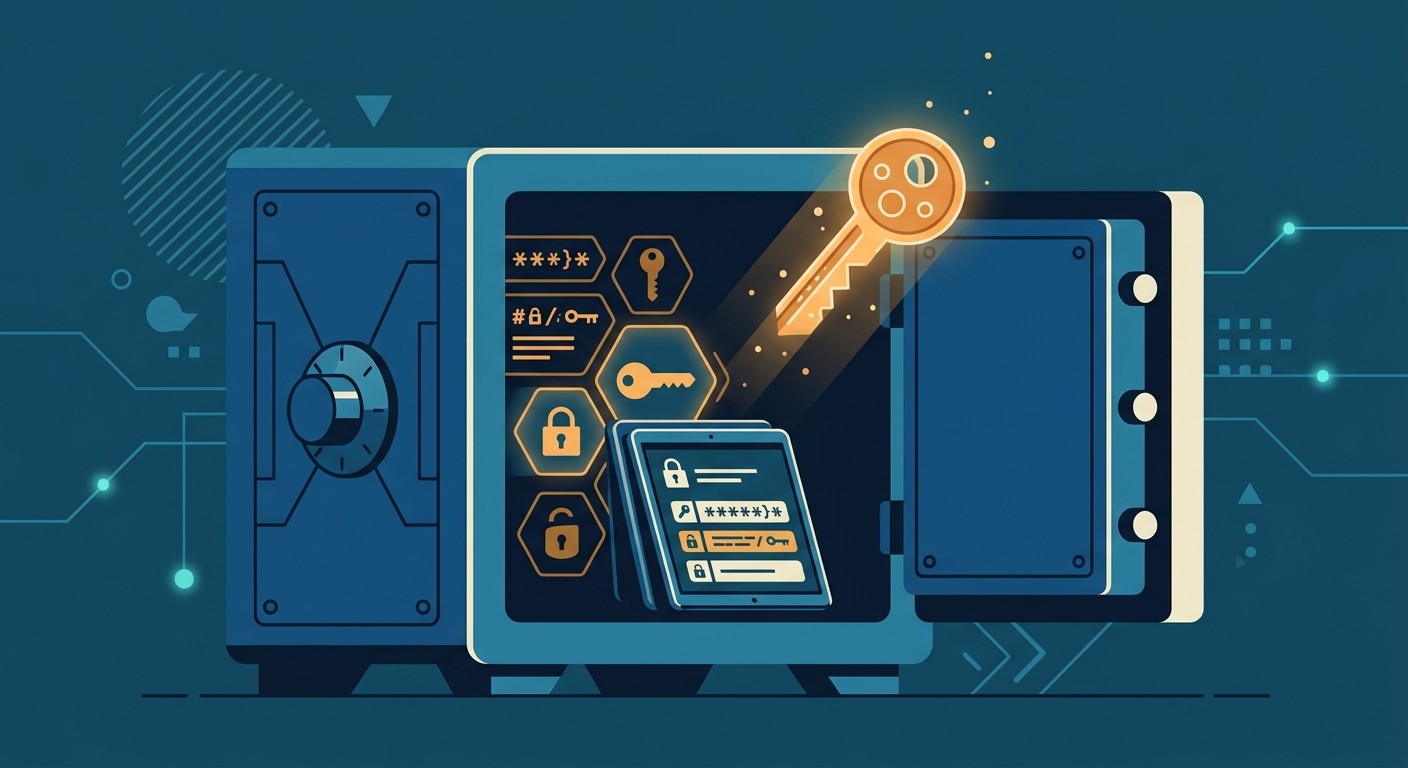
You don't need to be an expert to get the basics right. The goal is defense in depth: several simple layers, so that one mistake doesn't expose everything. A locked front door, a safe for valuables, and an alarm each do a different job. Skip any one and the others still help.
The mindset that ties it all together is one sentence: never trust external input. Anything that comes from a user, a form, a URL, or another company's API could be malicious until you check it. Almost every vulnerability below is a version of that rule being broken.
The Biggest App Security Risks in 2026
You don't have to guess which risks matter. The Open Worldwide Application Security Project (OWASP) publishes ranked lists built from real-world breach data, and they're the reference security teams actually use.
The OWASP Top 10:2025 for web apps, the first refresh since 2021, released in early 2026, ranks the most common categories:
Broken Access Control: users reaching data or actions they shouldn't (still #1).
Security Misconfiguration: default settings, open buckets, exposed admin panels.
Software Supply Chain Failures: a vulnerable or malicious third-party package. Survey respondents ranked this their #1 concern.
Cryptographic Failures: weak or missing encryption on sensitive data.
Injection: malicious input that your app runs, including SQL injection and cross-site scripting.
For mobile, the OWASP Mobile Top 10 (2024) made one telling change: Improper Credential Usage (hardcoded API keys and passwords baked into the app) jumped to the #1 spot. That's the single most common mistake in apps built quickly, so it's where we'll start.
Protect Your Secrets and API Keys
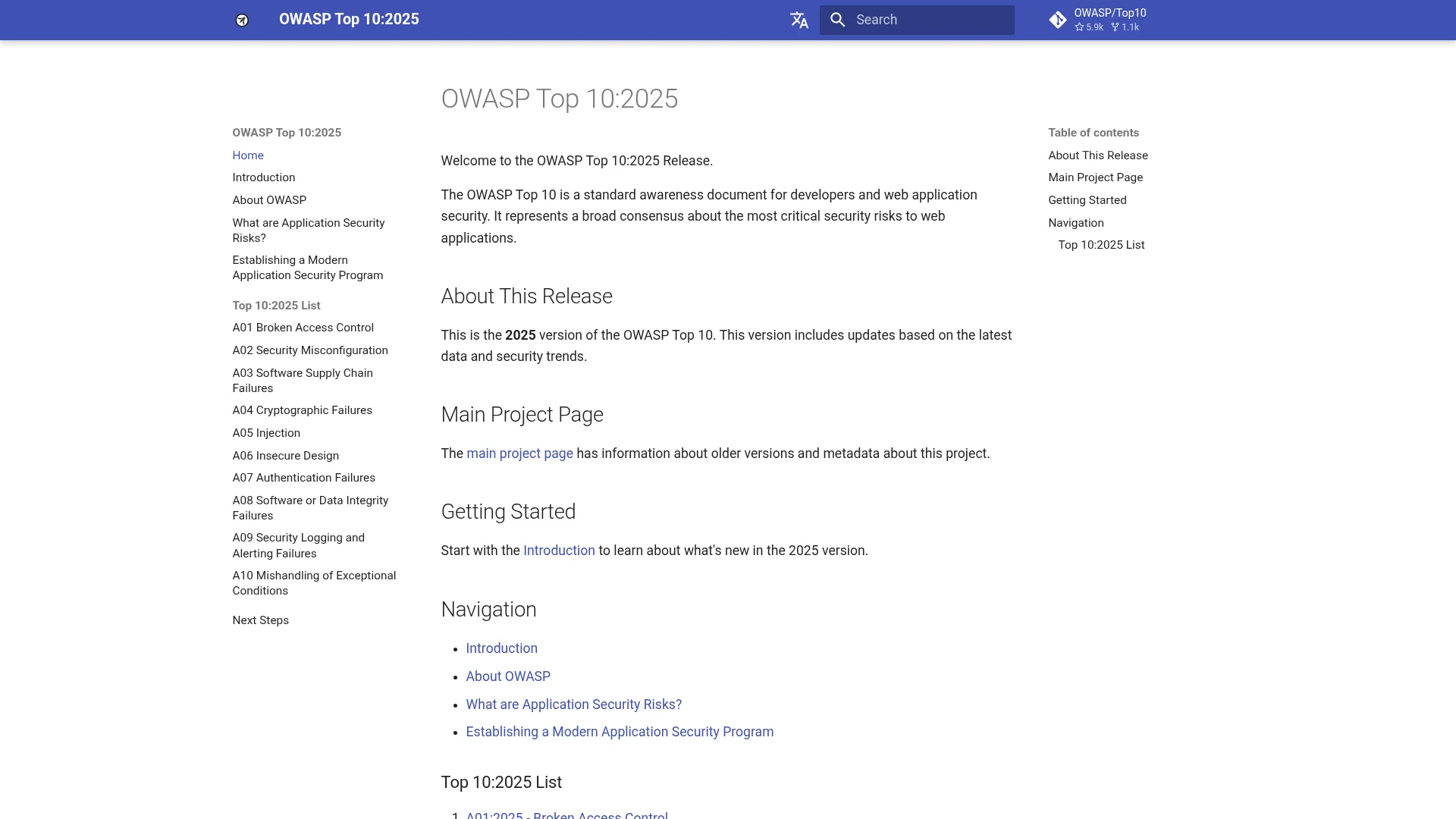
A secret is any credential your app uses: an API key, a database password, an access token. The golden rule is simple: any secret shipped inside a mobile app or front-end website is effectively public. Attackers can unpack an Android or iOS app in minutes and read every string inside it.
This isn't theoretical. A 2025 academic study ("Leaky Apps") scanned over 10,000 mobile apps and found 416 live credentials across 65 services, some granting access to thousands of private code repositories. Separately, security researchers found that roughly 72% of AI-themed Android apps they tested contained at least one hardcoded secret. In one case documented by CloudSEK, a leaked Google API key ran up $82,314 in AI charges in just 48 hours before anyone noticed.
Here's how to avoid becoming the next example:
Keep secrets on the server. Instead of calling a paid API directly from your app, route the call through your own backend that holds the key. Your app's backend is the right place for this.
Use environment variables, never commit them. Store keys in a
.envfile and add it to.gitignoreso it never lands in your code repository.Rotate any key that was ever exposed. If a key shipped in an app or got pushed to GitHub, treat it as compromised and regenerate it, even if you later deleted it.
Scope and restrict keys. Limit each key to the specific service, domain, and permissions it needs, so a leak does less damage.
Lock Down Logins and Access
Authentication is proving who a user is. Authorization is deciding what they're allowed to do. Getting both right is the backbone of app security, and it's where broken access control, the #1 web risk, lives.
For logins, don't roll your own if you can avoid it. Use a trusted identity provider or auth service, and make these choices:
Turn on multi-factor authentication (MFA). A password plus a second factor stops the majority of account takeovers.
Prefer passkeys or authenticator apps over SMS codes. Passkeys are phishing-resistant and now supported by roughly half of the top 100 websites, per the FIDO Alliance's 2026 report. SMS codes can be intercepted or stolen via SIM-swap attacks.
Use short-lived sessions. Issue access tokens that expire quickly and can be revoked, so a stolen token has a short shelf life.
Authorization is the part people forget. The classic bug is called IDOR (insecure direct object reference): a URL like /orders?id=123 that shows someone else's order when you change it to 124, because the app never checked whether you own that order. The fix is to verify permission on every request that touches user data, not just at login.
Encrypt Data in Transit and at Rest
Encryption scrambles data so that only the right party can read it. You need it in two places, and they're separate jobs.
In transit means data moving between your app and your server. This is what HTTPS gives you: the "S" is TLS encryption. Use HTTPS everywhere, aim for TLS 1.3, and never disable certificate checking to "make an error go away." Turning off verification is one of the most common self-inflicted holes in beginner apps.
At rest means data sitting in your database or on a device. Use strong encryption (AES-256 is the standard) for sensitive fields, and on mobile store tokens and passwords in the platform's secure vault (the iOS Keychain or Android Keystore) rather than plain files or local storage.
A perfectly encrypted database won't protect you if traffic is sent in the clear, and airtight HTTPS won't help if the database is wide open. You need both.
Secure Your APIs
APIs are the doors between your app and your data, and they're a favorite target. The OWASP API Security Top 10 puts broken object-level authorization at the top: the API version of the IDOR problem, where an endpoint hands back another user's record because it never checked ownership.
A few habits cover most of the risk:
Authorize every endpoint. Every request that returns or changes data should confirm the caller is allowed to touch that specific record.
Add rate limiting. Cap how many requests a user or IP can make. This blocks brute-force login attempts and stops one bad actor from running up your bill.
Validate all input. Reject malformed or oversized requests before they reach your logic, and use parameterized queries so user input can never be executed as a database command.
Don't blindly trust other APIs. Validate responses from third-party services too, since they can be compromised.
Keep Your Dependencies Updated
Modern apps are built on hundreds of open-source packages, and each one is a potential entry point. This is the supply chain risk, and it's getting worse: Sonatype counted more than 454,000 new malicious packages published in 2025 alone.
2025 saw real damage. The "Shai-Hulud" worm, the first self-replicating npm worm, compromised hundreds of packages and harvested developers' cloud credentials. Popular packages with billions of weekly downloads were briefly hijacked to steal crypto wallets. You inherit these risks the moment you install a package.
Protecting yourself is mostly automation:
Turn on Dependabot or Renovate. These open pull requests when a dependency has a known vulnerability or a new version. Set a "cooldown" so you don't auto-install a version that's only hours old.
Run
npm auditregularly. It flags packages with known security issues, though it can't catch brand-new attacks, so it's a floor, not a ceiling.Commit your lockfile and enable two-factor auth on your npm and GitHub accounts.
Install fewer packages. Every dependency you don't add is one you never have to patch.
Extra Steps for Mobile Apps
Mobile apps run on devices you don't control, which adds a few concerns beyond the web basics. Think of these as extra layers, not replacements for everything above.
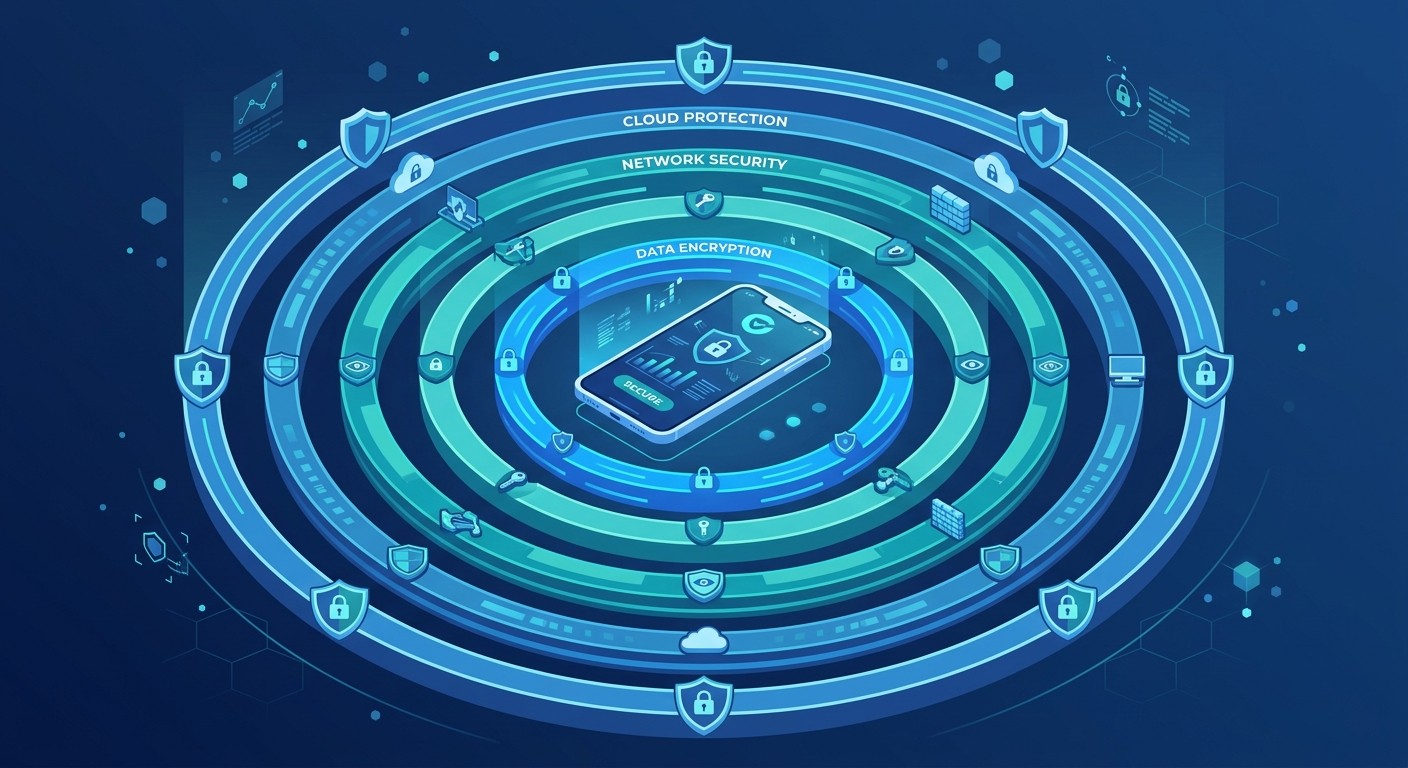
Store data securely on-device. Never leave tokens or personal data in plain local storage. Use the iOS Keychain or Android Keystore, which are hardware-backed and encrypted.
Request minimal permissions. Only ask for the camera, location, or contacts if you truly need them. Over-asking is both a privacy risk and a common app store rejection reason.
Consider certificate pinning and root/jailbreak detection for apps that handle money or sensitive data. These raise the bar for attackers, but they can be bypassed on modified devices, so treat them as one layer, not a guarantee.
If you're building on the app stores, security and review readiness overlap. Our guide on whether your app will pass App Store review covers the privacy and data rules reviewers check.
Don't Trust AI-Generated Code Blindly
If you're shipping apps with AI, this section matters most. AI coding tools are fast, but they don't reliably write secure code, and they'll happily generate a hardcoded key or a query wide open to injection unless you catch it.
The numbers are sobering. Veracode's 2025 GenAI Code Security Report tested more than 100 language models across 80 coding tasks and found they chose the insecure option about 45% of the time. For cross-site scripting specifically, the failure rate hit 86%. A separate analysis by Apiiro found that AI-assisted code introduced serious vulnerabilities roughly 2.5 times more often than human-written code.
This doesn't mean avoid AI. It means review its output. Before you ship AI-generated code, scan it for exposed secrets, run a security linter, and never assume "it works" means "it's safe." We put together a full vibe coding security checklist and a walkthrough on how to vibe code a mobile app without security holes if you want to go deeper.
Privacy and Compliance Basics
Security and privacy overlap: protecting user data is both a technical job and a legal one. This isn't legal advice, but here's the ground floor most app makers need to know.
GDPR (EU) requires clear consent to collect personal data and gives users rights to access and delete it. Fines can reach 4% of global revenue.
CCPA/CPRA (California) lets users opt out of data "sharing," which is defined broadly enough to catch most ad and analytics tools.
App store disclosures. Apple's Privacy Nutrition Labels and Google Play's Data Safety form are both required, and a rising cause of rejection is a mismatch between what you declare and what your app actually does. Keep them consistent with your privacy policy.
A safe default: if you serve users in both the EU and the US, follow the stricter GDPR standard and you'll cover most bases.
Your App Security Checklist
Here's the short version: the highest-leverage steps to run through before any launch. Get these right and you've closed the doors attackers use most.
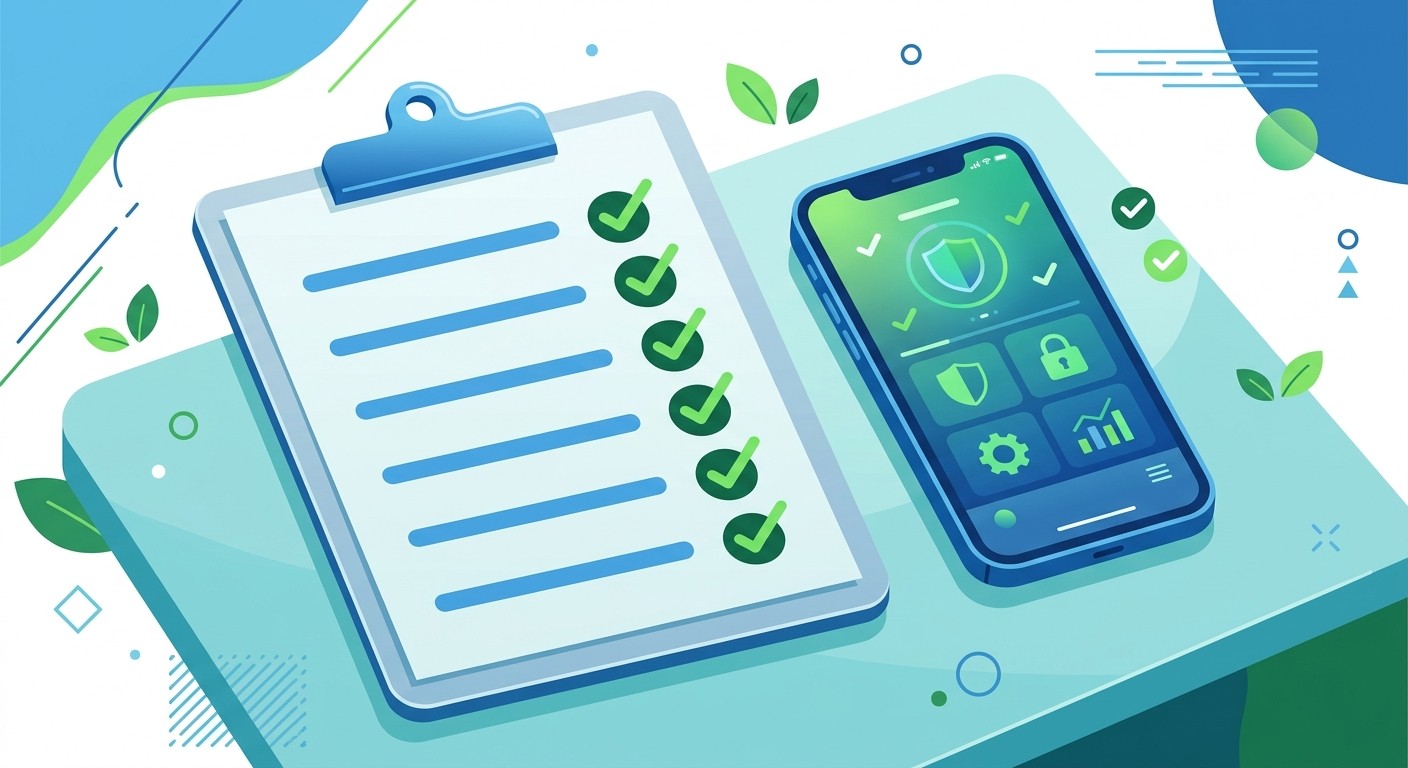
Keep API keys and secrets server-side; rotate any that ever shipped in an app.
Force HTTPS/TLS everywhere and never disable certificate verification.
Encrypt sensitive data at rest; use the Keychain or Keystore on mobile.
Enable MFA and prefer passkeys over SMS codes.
Check authorization on every request, not just at login.
Validate all input and use parameterized queries.
Add rate limiting to APIs and login endpoints.
Turn on Dependabot, run
npm audit, and commit your lockfile.Fill out App Store and Google Play privacy forms accurately.
Scan AI-generated code before shipping; don't assume it's secure.
Frequently Asked Questions
Do I really need security if my app is small?
Yes. Automated bots scan the entire internet for exposed keys and open databases, and they don't care how big you are. Most breaches hit small apps precisely because they skipped the basics. The checklist above takes an afternoon and prevents the most common disasters.
Is it safe to put an API key in my mobile app?
No. Any key inside a mobile or front-end app can be extracted by anyone who downloads it. Keep keys on your server and have your app call your server instead. If a key has already shipped in an app, rotate it immediately.
Are no-code and AI-built apps less secure?
Not inherently, but they make it easy to ship insecure defaults without noticing, like hardcoded secrets or missing authorization checks. Research shows AI tools choose insecure code roughly 45% of the time, so review and scan the output. A good platform handles encryption, auth, and secrets for you.
What's the single most important security step?
Never expose secrets in client-side code. Hardcoded credentials are now the #1 mobile security risk and the cause of most real-world leaks. Keep them server-side and everything else gets easier.
Keep Your App Safe From Day One
App security basics come down to a few habits: guard your secrets, encrypt your data, check who's allowed to do what, keep your dependencies fresh, and don't trust code, human or AI, until you've checked it. None of it requires a security team. It requires running the checklist before you ship.
The easier path is building on a platform that bakes these protections in. CatDoes handles encryption, authentication, and secret management for the apps it builds, so the basics are covered before you write a line of config. Start with the checklist above, and make security part of shipping, not something you bolt on after the first scare.
Nafis Amiri
Co-Founder of CatDoes


