Blog
Tutorials
App Development for Beginners (2026 Guide)
A complete guide to app development for beginners. Learn to design, build, and launch your first mobile app with AI tools. Step-by-step from idea to App Store.

Nafis Amiri
Co-Founder of CatDoes
TL;DR: App development for beginners no longer requires coding skills. This guide walks you through the full process: planning your idea, designing with AI, generating production-ready code, testing on your phone, and publishing to the App Store and Google Play. We use CatDoes and a hands-on "Local Event Finder" project to show every step.
This video walks through how to submit your finished app to the Apple App Store and Google Play Store using CatDoes, covering the build process, store listing setup, and what to expect during review.
Table of Contents
Your App Idea Is Closer Than You Think
Translating Your Idea Into an App Design With AI
Generating a Working App Without Writing Code
How to Test Your App on Your Own Phone
Preparing Your App for the App Stores
Common Questions About App Development for Beginners
Your App Idea Is Closer Than You Think
Got a killer app idea but zero coding experience? You're in exactly the right place.
Building an app is no longer reserved for software engineers. Thanks to AI and no-code tools, you can bring your vision to life without touching a line of code.
This guide walks you through the entire journey using an AI-native tool called CatDoes. We'll build a simple but functional "Local Event Finder" app as our hands-on project. You'll see exactly how to go from a rough concept to a polished product ready for the app stores.
Breaking It All Down
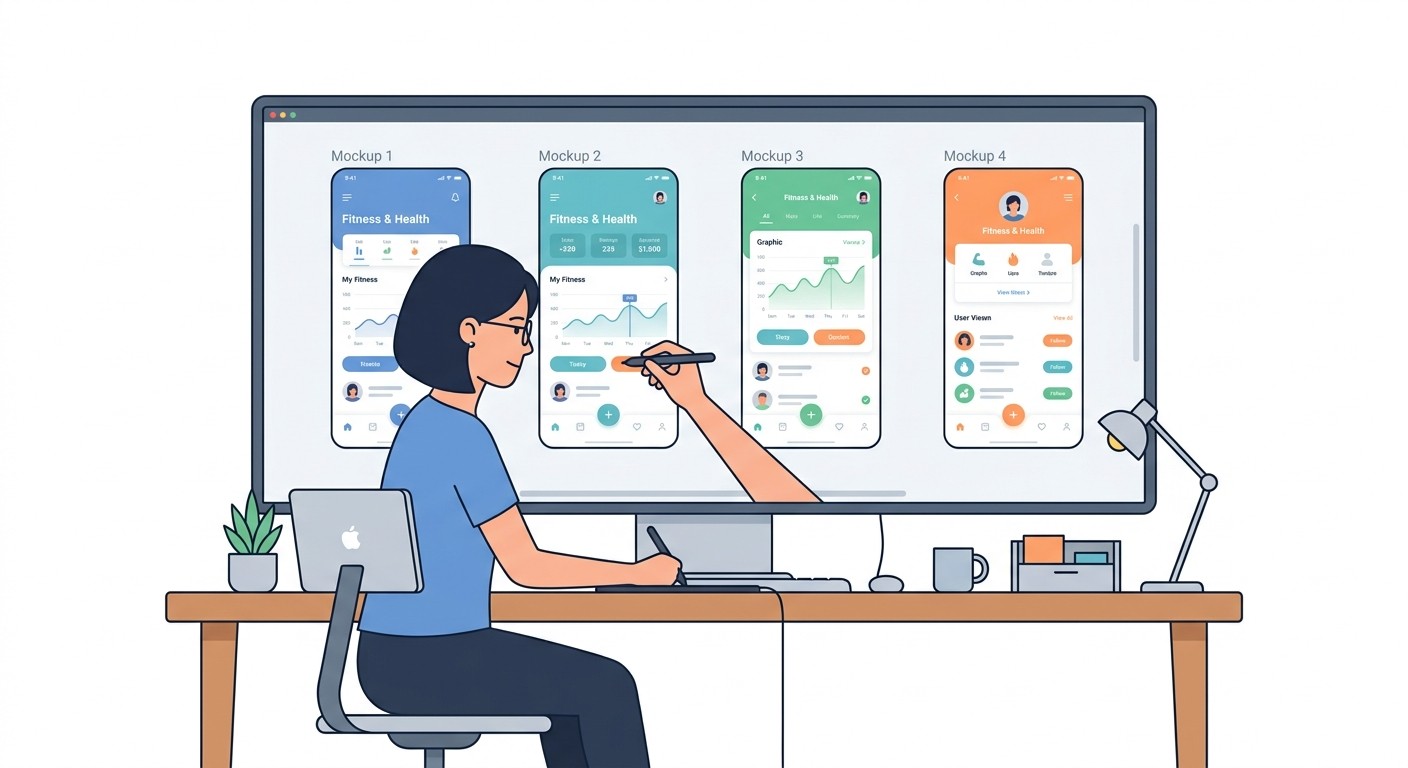
The secret to app development for beginners is breaking the process into small, manageable chunks. Instead of getting overwhelmed by the big picture, tackle one stage at a time. It all starts with a clear problem you want to solve.
Next, define a Minimum Viable Product (MVP). An MVP is the simplest version of your app that still solves the core problem for your users. This approach keeps you from getting lost in unnecessary features before you know if people want your core idea.
The goal is not to build everything at once. Build the right thing first, get it in front of real users, and improve based on their feedback. This agile mindset is your most powerful asset.
This new way of building reflects a massive market shift. The global app development market hit USD 264.96 billion in 2025 and is on track to reach USD 543.13 billion by 2030.
By 2025, 70% of all new applications are expected to be built using low-code or no-code technologies.
If you want to make sure your idea has legs before building, check out our guide on how to validate a business idea.
Core Stages of App Creation for Beginners
Here's a breakdown of the five core phases you'll go through, from the initial spark of an idea to a successful launch.
Phase | What It Involves | Beginner-Friendly Tool |
|---|---|---|
1. Idea and Planning | Defining the problem, identifying the target audience, and creating an MVP scope. | Lean Canvas, Miro |
2. Design and Prototyping | Sketching basic wireframes and designing a simple, intuitive user interface (UI). | Figma, Canva |
3. Development | Generating the frontend (what users see) and backend (data and logic) of the app. | CatDoes |
4. Testing and Iteration | Previewing the app on devices, gathering feedback, and making quick adjustments. | TestFlight, Expo Go |
5. Launch and Publish | Preparing and submitting the final app to the Apple App Store and Google Play Store. | App Store Connect, Google Play Console |
Each of these phases is a step forward. With the right tools, they're more straightforward than you might imagine.
Translating Your Idea Into an App Design With AI
This is where your app idea starts becoming real. Forget complicated design software and steep learning curves. With CatDoes, you just describe your vision in plain English, and the AI handles the design work.
This conversational approach is a game-changer for app development for beginners because it removes the design barrier that stops so many great ideas.
For our "Local Event Finder" app, the first step is to boil it down to its absolute essentials:
See a list of events: The home screen, the first thing users see.
View event details: Tapping an event shows the date, time, location, and description.
Search for something specific: A simple search bar for finding events quickly.
That's it. By keeping the focus this tight, you avoid getting overwhelmed and ensure the first version is clear and useful.
Crafting Your Design with a Prompt
Once you have that basic structure, tell the AI designer what you want. No code, no technical jargon. Just describe the vibe and style you're going for.
A great starting prompt for our event app might look like this:
"Generate a clean, modern design for a local event app. Use a vibrant and welcoming color scheme, with easy-to-read fonts. The main screen should be a scrollable list of event cards."
That simple instruction gives the AI everything it needs to create a theme, pick a color palette, and lay out the user interface. The trick is to be descriptive but not so rigid that you stifle the AI's ability to apply solid design principles.
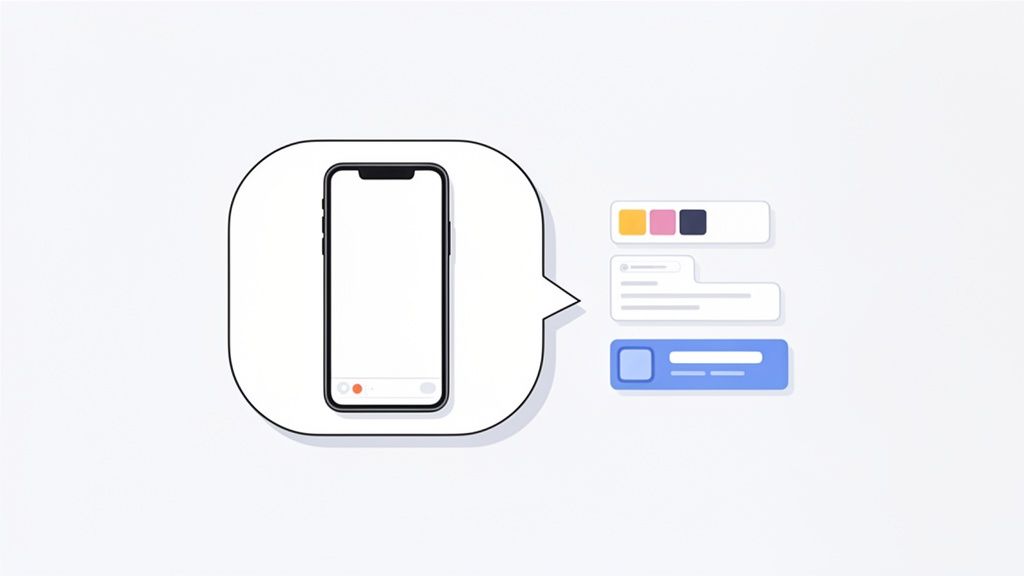
This screenshot shows that conversational process in action, turning a simple text prompt directly into a visual UI you can see and test.
Refining the AI-Generated Design
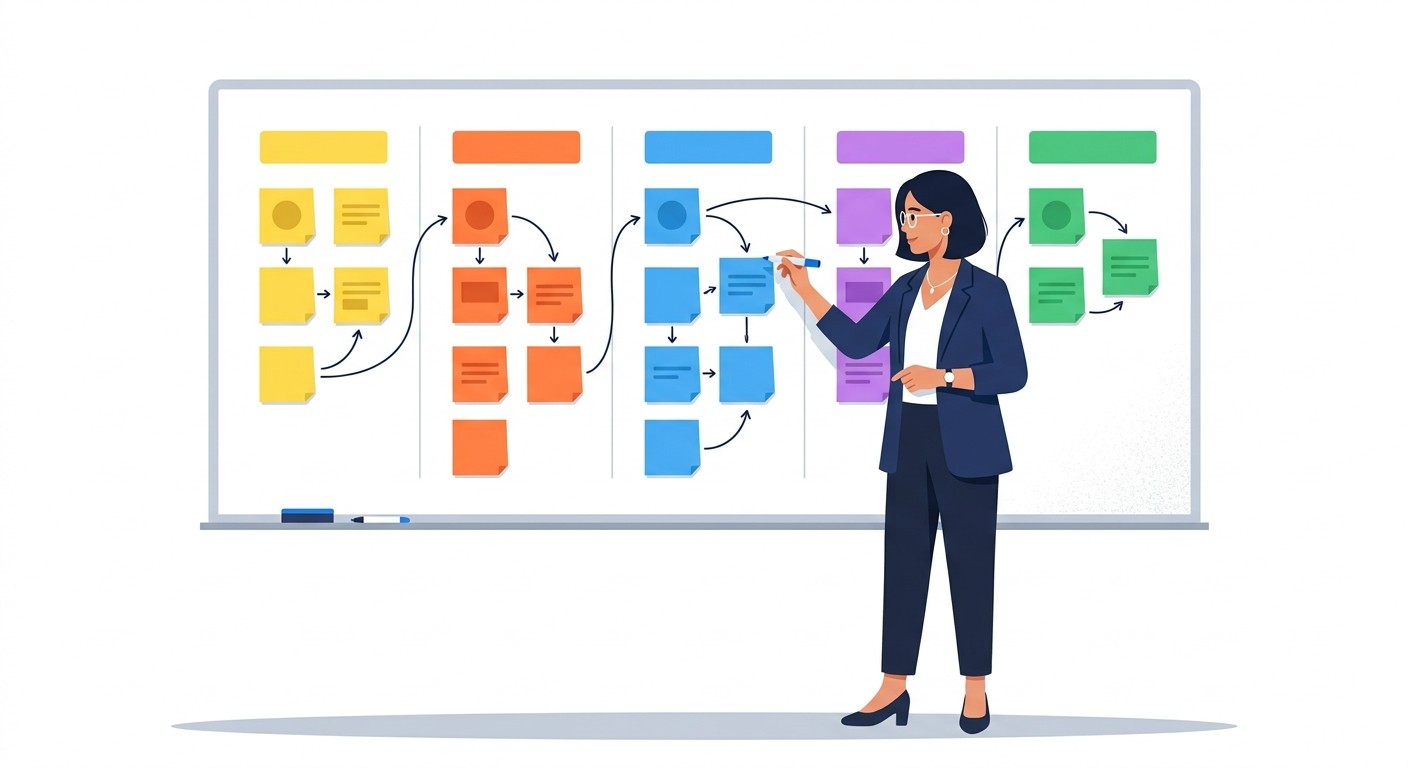
The first draft is rarely the final one. The real power here is how quickly you can iterate. Once the AI gives you initial mockups, you just provide feedback to tweak them.
This back-and-forth feels like collaborating with a human designer, except it happens in seconds, not days. You can ask for very specific changes until the design feels right.
For example, you could follow up with prompts like:
"Make the header on the event list screen a darker shade of blue."
"Increase the font size for the event titles to make them stand out more."
"Add a small map icon next to the location on the event details screen."
Each command triggers an immediate update, so you see your changes reflected instantly. This rapid feedback loop is what makes AI-powered design so effective for beginners.
Generating a Working App Without Writing Code
Your design is locked in. Now CatDoes' AI agents take your approved visuals and start building a real, functional application. This all happens behind the scenes, turning your creative vision into actual code without you writing a single line.
This automated step is a game-changer for app development for beginners. The AI writes production-ready React Native Expo code for your app's frontend. This is the same code that professional developers use, so your app will be fast, reliable, and ready to scale from day one.
Building Your App's Brain
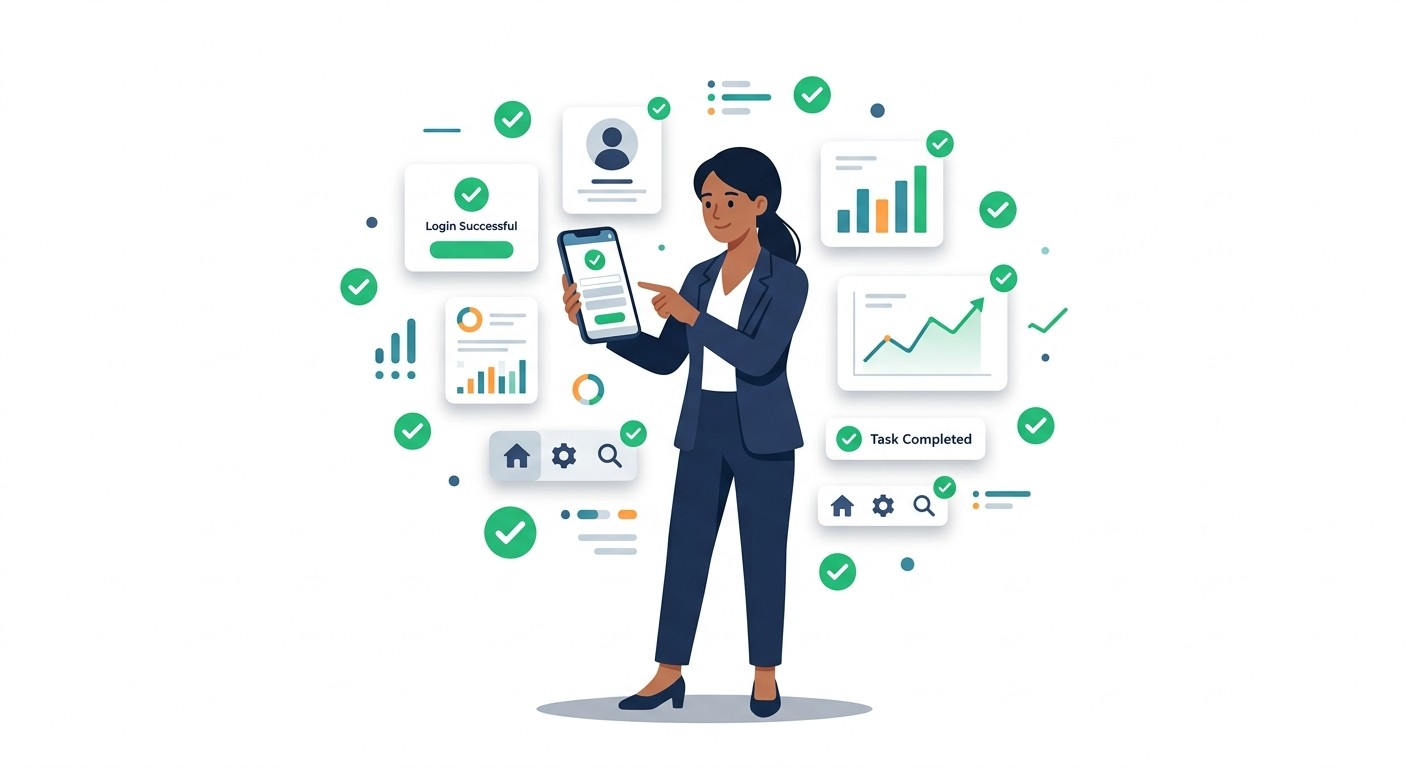
An app is more than what you see on the screen. To be truly useful, it needs a backend: the brain that stores and manages all the data. For our "Local Event Finder," we need a place to keep all the event listings.
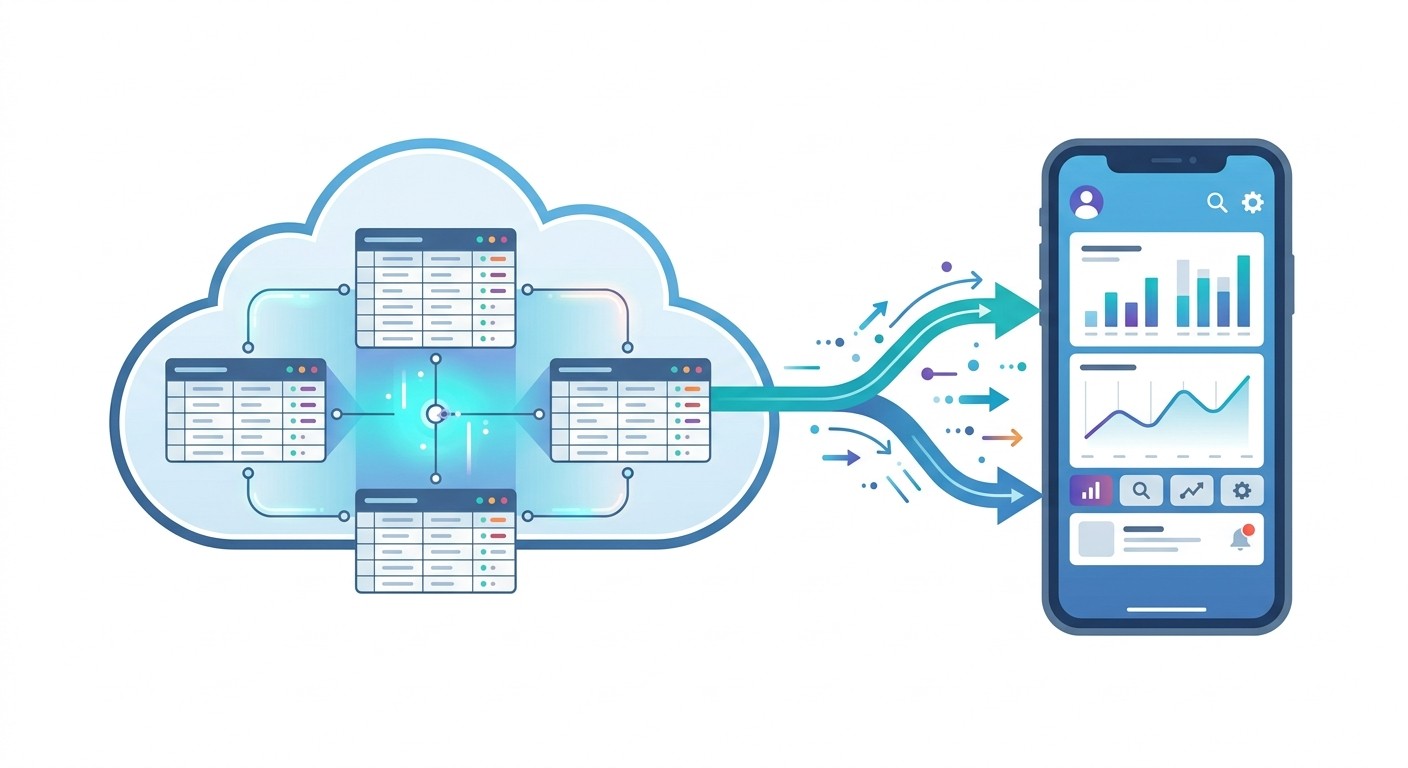
CatDoes can generate a backend using Supabase, a powerful open-source tool. You just tell the AI what you need in a clear prompt:
Create a database table to store event data.
Include columns for the event name, date, time, and location.
Set up basic user authentication so people can create accounts.
Setting up authentication now lays the groundwork for future features like saved favorites or personalized recommendations. The AI handles the entire setup, transforming your plain-text plan into a working application with both a user-facing interface and a data-handling backend.
This shift toward AI-driven development is reshaping the industry. The low-code development market is projected to grow from USD 10.3 billion in 2019 to USD 187 billion by 2030, driven by tools that tear down the old barriers to app creation.
The Benefits of Automated Code Generation
For someone new to app development, the advantages are massive. You bypass weeks or months of learning complex programming languages. Instead, you get a direct path from idea to working product.
Here are the key benefits:
Speed: Go from a design concept to a testable app in minutes, not months.
Quality: The AI generates clean, industry-standard code, cutting down on bugs and performance issues.
Focus: Concentrate on the user experience and features that matter most, rather than technical plumbing.
This method opens up app creation to anyone with a great idea. Explore your options with our list of the best software for creating mobile apps.
How to Test Your App on Your Own Phone
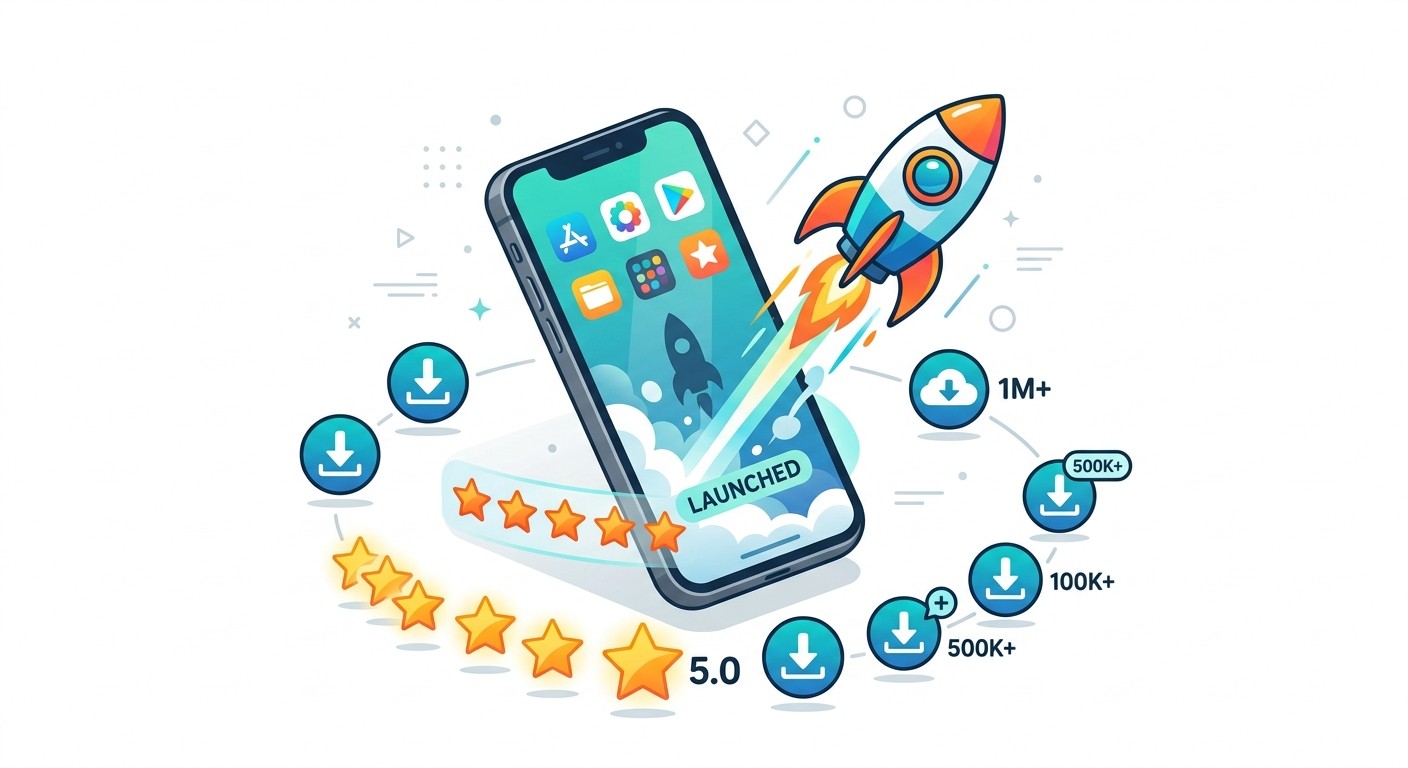
Seeing your app running on your own phone for the first time is a genuinely cool moment. This is not a simulator on a website. It's your actual app, running on a real device.
CatDoes makes getting the app on your phone simple. It generates a unique QR code for your project.
Open your phone's camera, point it at the code, and tap the link. It prompts you to install Expo Go (a free tool), then loads your project.
Your First Hands-On Test
The "Local Event Finder" is now running on your phone. Time to put on your user hat. Tap everything. Scroll. Try to break it.
Here's a quick checklist:
Smooth scrolling: Does the event list glide without lag? Performance on a real device can feel different than in a browser.
Tap targets: Are the event cards easy to tap with your thumb? Does tapping open the correct event?
Content display: Is all the text easy to read? Does the title, date, and location show up correctly?
Navigation: Is it obvious how to get back from the details page to the main list?
This hands-on test is where you spot the little things that get missed on a big computer screen, like awkward spacing or a button that's just a bit too small.
Making Changes on the Fly
Now for the best part: seeing how fast you can make improvements. As you test, you can give feedback to the AI in plain English and watch the updates appear on your phone almost instantly.
If you notice the event titles are not punchy enough, just tell CatDoes: "Make the event title font larger and bold." The AI regenerates the code, and your app refreshes on your phone to show the change.
This kind of rapid, conversational iteration is what makes modern app development so accessible. For a deeper dive, our guide on how to test an app on an iPhone has even more tips.
Preparing Your App for the App Stores
You've built a functional app and tested it on your device. The next move is getting it ready for the world. Your focus shifts from building to packaging: the marketing and administrative details required for listing on the Apple App Store and Google Play Store.
CatDoes has an automated build-and-release agent that packages your code into the final files the stores need, so you can concentrate on the parts that only you can do.
Crafting Your Store Listing
Think of your app's store page as its digital storefront. A great first impression is vital for getting downloads. Here are the key assets you need:
App icon: Simple, memorable, and sharp on any device background.
Screenshots: High-quality images of your app's most useful screens. These visuals need to instantly show people what your app does.
App description: A clear, compelling summary. Lead the first two sentences with the single biggest benefit your app offers.
Choosing the right name and keywords is a huge part of App Store Optimization (ASO), which is basically SEO for app stores. Put yourself in users' shoes: what terms would someone type to find an app like yours? Weave those words naturally into your title and description.
Navigating the Submission Process
Before you can hit "submit," you need developer accounts with both Apple and Google. The Apple Developer Program costs $99 per year, while the Google Play Developer account is a one-time $25 fee.
Once your accounts are active, use App Store Connect (Apple) and Google Play Console (Google) to upload the build files that CatDoes generated. This is also where you paste your app description, upload screenshots, and fill out listing details.
Both Apple and Google have review teams that check every app against quality and safety standards. This review can take anywhere from a few hours to a few days. If your app is rejected on the first try, they almost always provide specific feedback you can use to resubmit.
The demand for new apps has never been higher. In 2024, an estimated 136 billion apps were downloaded globally, with projections showing a jump to 255 billion in 2025. You can learn more about these trends in the latest mobile application market statistics from Itransition.
Common Questions About App Development for Beginners
Jumping into app development always raises questions. Here are straight answers to the most common ones.
How Much Does It Really Cost to Build an App Now?
The cost of app development has dropped dramatically. A few years ago, you could not get started without a five-figure budget. Today, with AI-native platforms like CatDoes, you can start for free.
Your main out-of-pocket costs are the developer account fees: $99 per year for Apple and a $25 one-time fee for Google. You might upgrade to a paid plan as your app grows, but the financial barrier that used to stop people is mostly gone.
Do I Need to Learn How to Code?
No. Learning to code is no longer a prerequisite for building a professional, high-quality app. Tools like CatDoes write clean, high-performance code based on plain-English descriptions you provide.
You get to concentrate on your idea, the user experience, and how your app helps people. The AI handles the complex technical execution.
How Long Will My First App Take to Build?
The timeline has compressed from months down to days or even hours. For a project like our "Local Event Finder," you can generate the initial design and a testable MVP in less than an hour. The whole process, from idea to app store readiness, can realistically be done in days.
Can I Build Any Kind of App with AI Tools?
AI development platforms are incredibly flexible. You can build social networks, e-commerce stores, internal business tools, and more. For the vast majority of ideas, these tools are more than powerful enough.
The exceptions: graphically intense 3D games or apps that require deep custom integration with phone hardware may still need custom mobile app development. But for most business and consumer apps, AI tools give you everything you need.
Ready to start building? With CatDoes, you can turn your app idea into reality today without writing a single line of code. Start building for free on CatDoes.com.
Nafis Amiri
Co-Founder of CatDoes


