Blog
Insights
7 Best AI Landing Page Builders (2026 Tested)
We tested 7 AI landing page builders on the same brief. Compare output quality, speed, and pricing, and see which ships a page you can launch today.

Nafis Amiri
Co-Founder of CatDoes

Every AI website tool now claims it can spin up a landing page from a single sentence. Most of them can. The part that actually matters is which one hands you a page worth publishing: one that loads fast, reads like a human wrote it, and doesn't box you in the moment you outgrow it.
So we gave seven AI landing page builders the same one-line brief and judged them on three things: how good the first draft looked, how fast it got there, and what it costs to put the page live on your own domain. Here's how they stacked up in 2026, and which one we'd actually ship with.
TL;DR
All seven builders produced a usable draft from one prompt. The gap is in quality, speed, and how much you truly own at the end.
CatDoes is our pick when you want a real, standards-based page you can host on any plan (including free) and later grow into a full app, not a page locked inside one platform.
Framer AI makes the best-looking, fastest-loading marketing pages. Unbounce wins if you run paid ads and want built-in conversion optimization.
Durable and Wix AI are the quickest path for a non-technical small business. Hostinger Horizons is the cheapest way in, and Leadpages is the simplest for lead capture.
Prices range from $6.99/mo (Hostinger) to $74/mo and up (Unbounce). Three tools have a genuinely free plan you can launch on.
Table of Contents
How We Tested These AI Landing Page Builders
The 7 Best AI Landing Page Builders at a Glance
1. CatDoes: Best for Owning Your Page
2. Framer AI: Best for Design-Led Pages
3. Unbounce: Best for Paid-Ad Conversion
4. Durable: Best for a Fast Small-Business Page
5. Hostinger Horizons: Best Budget Option
6. Wix AI: Best All-in-One for Beginners
7. Leadpages: Best for Simple Lead Capture
How to Pick the Right AI Landing Page Builder
How to Get a Better Page Out of Any AI Builder
Frequently Asked Questions
How We Tested These AI Landing Page Builders
We handed each tool the same brief: a waitlist landing page for a fictional focus-timer app called FocusFlow, with a headline, three benefit blocks, a screenshot slot, one email signup form, and a short FAQ. Same words, same goal, seven builders.
Then we scored each one on the three things that decide whether a page is actually launchable:
Output quality: Did the copy sound human? Was the layout balanced on mobile? Did the images and spacing look deliberate or auto-generated?
Speed to first draft: How long from prompt to a page we could look at and edit.
Price to launch: What it costs to publish on your own domain, with no watermark, ready for real traffic.
Page speed matters more than most of these tools admit. Google's Core Web Vitals feed directly into rankings and bounce rate, and a slow landing page quietly burns the ad budget you spent getting people there. So we also noted how each platform hosts and serves the finished page.
The 7 Best AI Landing Page Builders at a Glance
Here's the short version before we get into each one. Prices reflect the entry paid tier (annual billing where noted) as of 2026. Always confirm on the vendor's site, since these change often.
Builder | Best for | Free plan | Starts at | Own / export code |
|---|---|---|---|---|
CatDoes | Owning your page + growing into an app | Yes | $20/mo (Core) | Yes (export on higher tiers) |
Framer AI | Design-led marketing pages | Yes | $10/mo (Basic) | No (hosted) |
Unbounce | Paid-ad conversion | No (14-day trial) | $74/mo (Build) | No |
Durable | Fast small-business site | Yes | $22/mo (Launch) | No |
Hostinger Horizons | Cheapest way in | No (7-day trial) | $6.99/mo (Explorer) | Partial (hosted) |
Wix AI | All-in-one for beginners | Yes | $29/mo to sell | No |
Leadpages | Simple lead capture | No (14-day trial) | $37/mo (Standard) | No |
1. CatDoes: Best for Owning Your Page
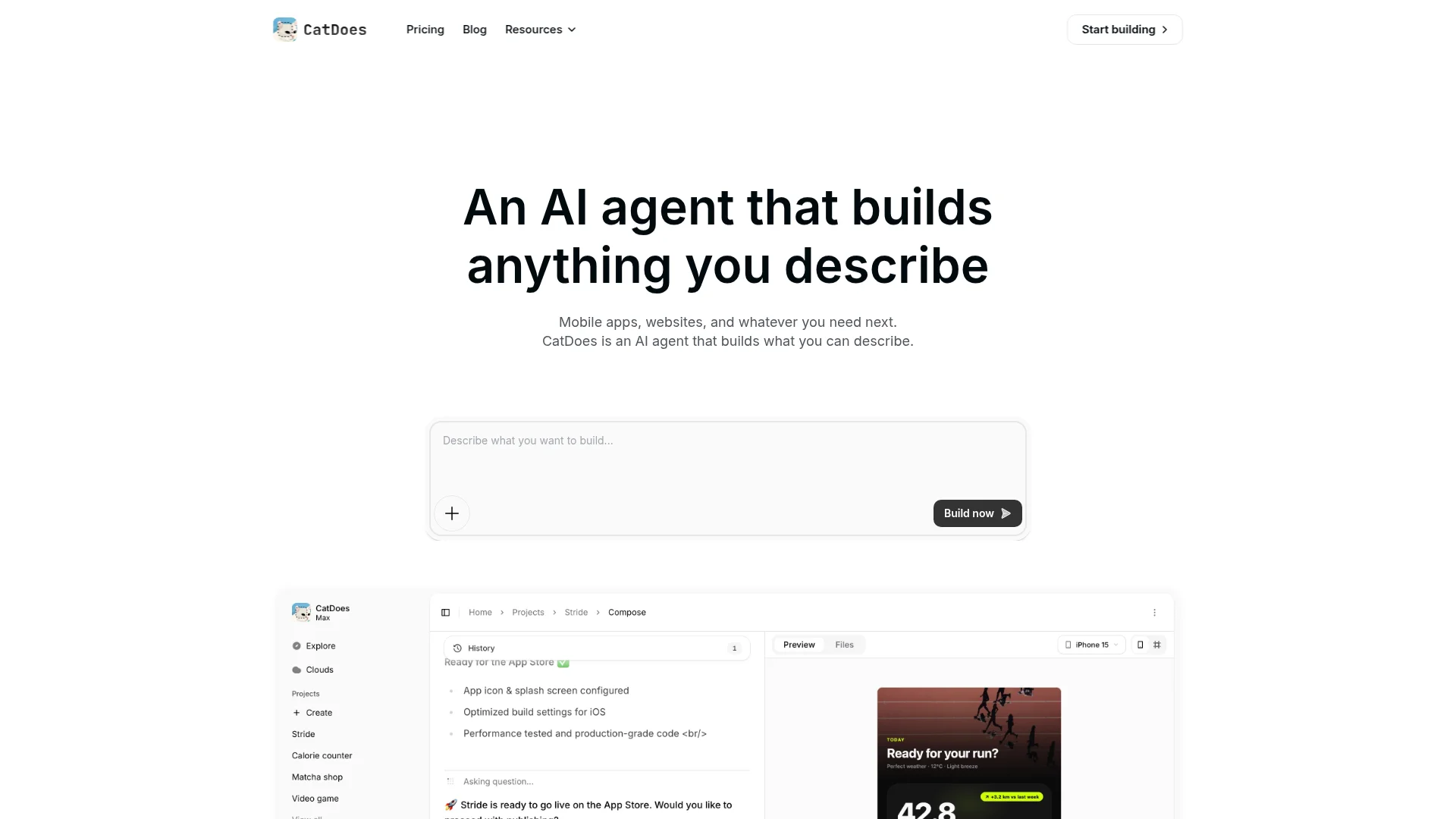
Most tools on this list generate a page that lives inside their platform forever. CatDoes takes a different path: you describe the page in plain language, and it builds a real, standards-based site with clean code and a custom domain, the kind you could hand to a developer later without starting over.
On the FocusFlow brief, the first draft took a few minutes rather than a few seconds, because the agent is writing actual front-end code instead of filling a template. The trade for that wait is a page that loads fast, passes Core Web Vitals cleanly, and isn't tied to a page-builder runtime. You can deploy the web version on any plan, including the free tier, so you can launch a landing page for $0 and only pay once you need more projects, code export, or the mobile app.
That last part is the real differentiator. A landing page is often step one. The next step is a signup flow, a dashboard, or a mobile app. Because CatDoes ships to the web, the App Store, and Google Play from the same prompt, the landing page you build today can become the product tomorrow. If you're weighing tools that cover both web and native, our guide to the best AI builders for web and native apps goes deeper.
Best for: Founders and small teams who want a page they truly own, fast hosting, and a path from landing page to full app.
Watch for: It's a build tool, not a drag-first canvas. You steer with prompts and edits, so it rewards a clear brief over pixel-nudging.
2. Framer AI: Best for Design-Led Pages
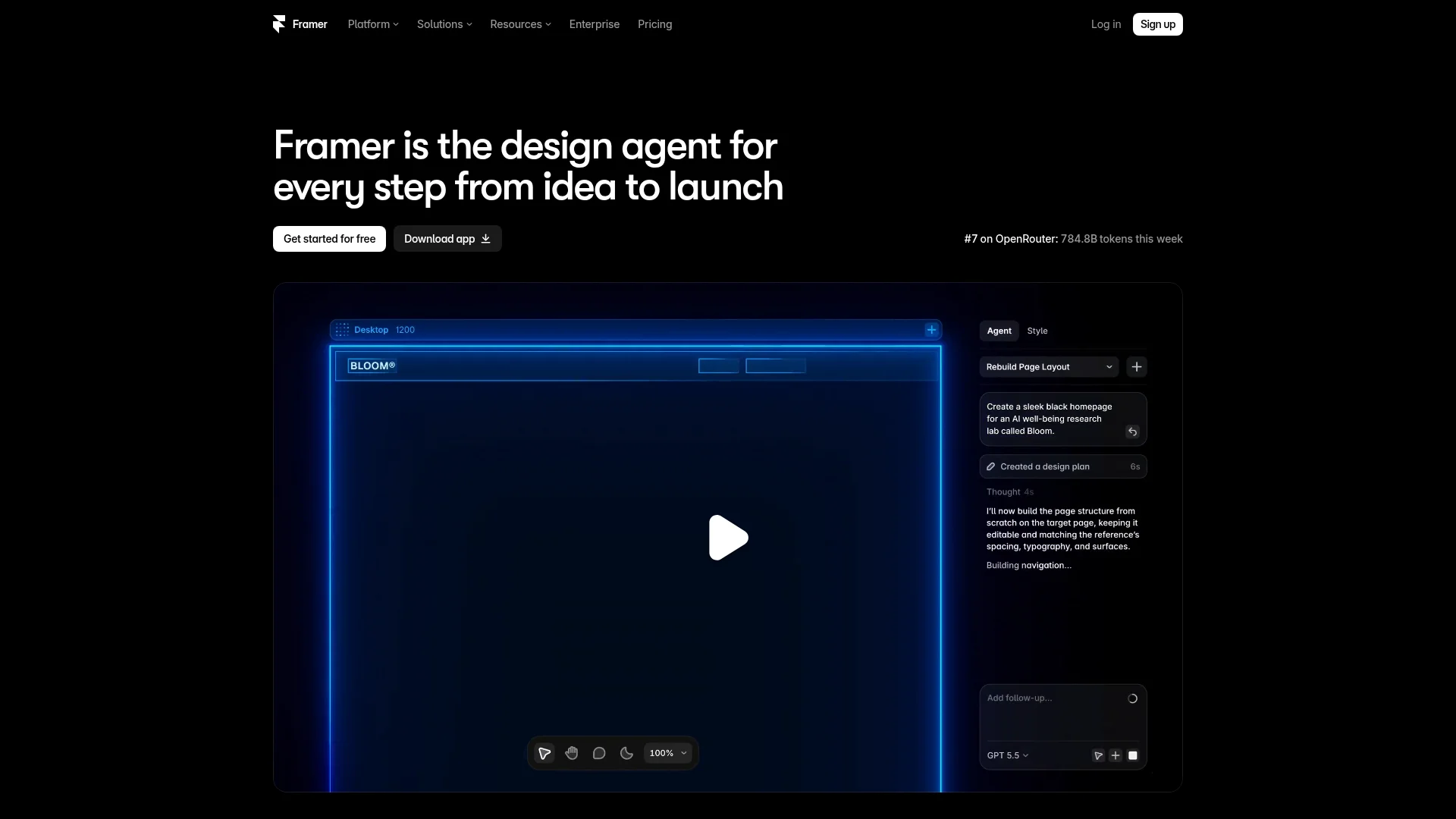
Framer is what you reach for when the page has to look expensive. Its AI (Wireframer) generates a responsive, ready-to-edit page from a description, and Framer's smart move is to build page by page rather than a whole site at once, which keeps the output accurate and on-brief.
The finished pages are the fastest-loading on this list. Framer serves static sites with automatic image optimization and edge caching, so Core Web Vitals scores tend to be excellent out of the box. On the FocusFlow test, the draft landed in about a minute and needed the least visual cleanup of any tool here.
Pricing starts free (with a Framer badge and subdomain). The Basic plan at $10/mo billed annually adds a custom domain, and AI runs on credits: 500/month on free, 1,000 on Basic, 3,000 on Pro. One catch for marketers: native A/B testing sits on the higher Scale tier, so conversion testing costs more than the entry price suggests.
Best for: Designers and brand-conscious teams who want the best-looking, fastest page.
Watch for: Credits and gated A/B testing; the free plan isn't meant for commercial use.
3. Unbounce: Best for Paid-Ad Conversion
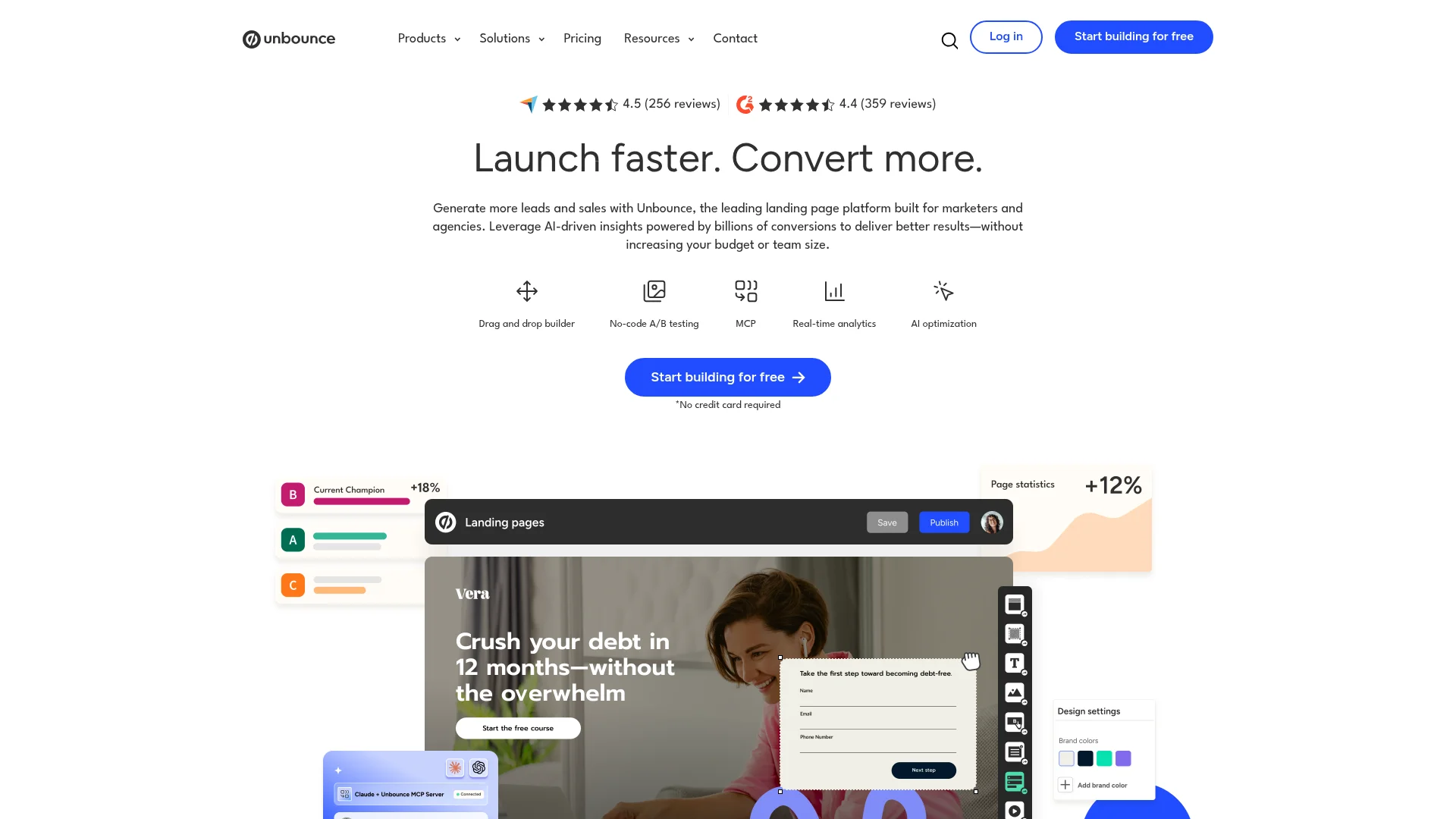
Unbounce doesn't try to be a website builder. It's a conversion machine for people spending money on ads. Its Smart Builder generates pages, Smart Copy writes headlines and CTAs, and Smart Traffic, the feature people actually pay for, routes each visitor to the page variant most likely to convert them. Unbounce reports an average 30% conversion lift from it.
On the test brief the draft was solid but businesslike, clearly tuned for a form-fill rather than a beautiful hero. That's the point. If your page exists to turn ad clicks into leads, Unbounce's built-in optimization does work you'd otherwise stitch together yourself.
The cost is the catch. There's no free plan; the Build plan starts at $74/mo billed annually ($99 monthly), and Smart Traffic lives on the Optimize tier at around $187/mo annually. It's the priciest tool here, and only worth it once you have enough traffic for the optimization to pay for itself.
Best for: Marketers running paid campaigns who want conversion optimization baked in.
Watch for: No free tier and a steep entry price; overkill for organic or low-traffic pages.
4. Durable: Best for a Fast Small-Business Page
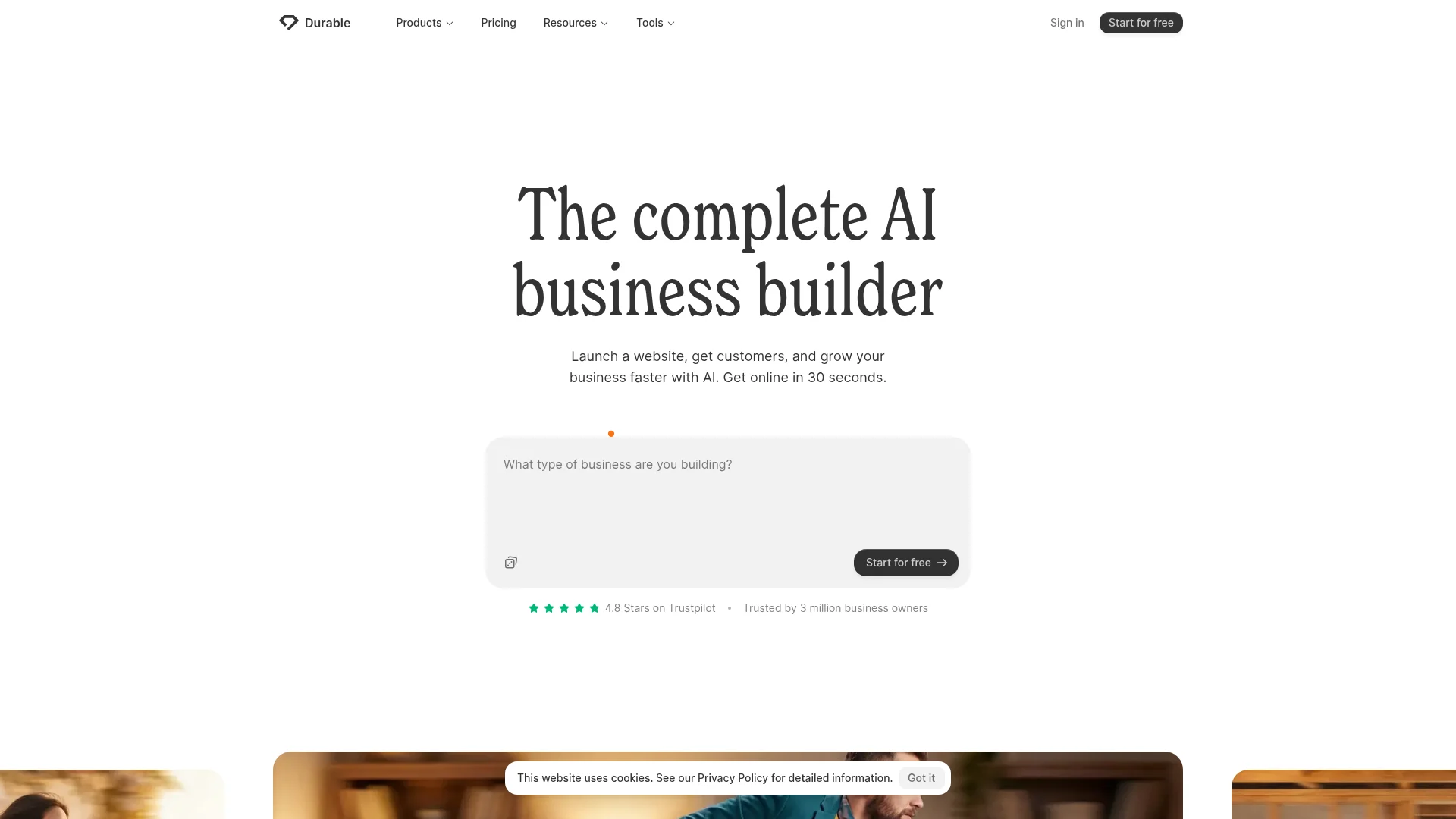
Durable is built for the plumber, the coach, and the local service business that needs a page live today. Type your business type, and it generates a full site (copy, images, and layout) in about 30 seconds, then bundles hosting, a simple CRM, invoicing, and bookings around it.
For the FocusFlow brief it produced a clean, conventional page quickly. The copy was generic and the design safe, but for a small business that just needs a credible presence and a contact form, "fast and fine" beats "slow and perfect." The all-in-one extras (CRM, invoicing) are a real bonus if you don't already have those tools.
There's a free plan to try it, then Launch at $22/mo billed annually ($25 monthly) adds a free custom domain, and Grow runs $85/mo annually. You won't get design flexibility or code ownership, but you will get from zero to published faster than almost anything else.
Best for: Local and service businesses that want a live site plus CRM in minutes.
Watch for: Generic output and limited customization; not for design-led or highly custom pages.
5. Hostinger Horizons: Best Budget Option
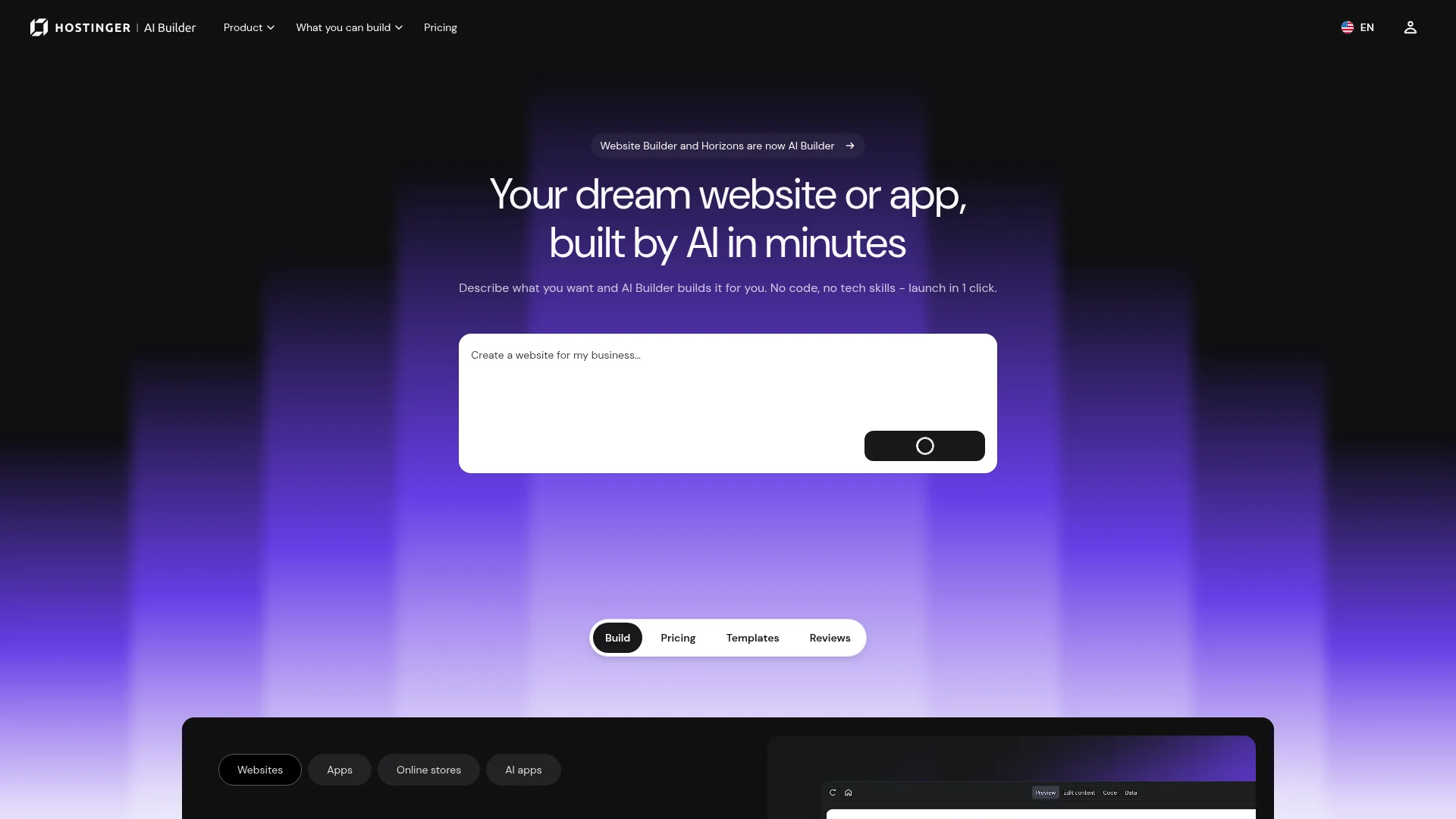
Hostinger Horizons turns text, voice, or image prompts into a live page with hosting, SSL, and email bundled in, for less than the price of a coffee run. At $6.99/mo on the Explorer plan (annual), it's the cheapest serious option on this list.
It handled the landing page brief well; front-end-heavy pages like this are its sweet spot. The thing to understand is the credit system: every prompt costs one credit, and plans include 30 to 400 credits a month. Building and revising a real page can eat 8 to 15 prompts, so the cheapest tier goes quickly if you iterate a lot. The 7-day trial gives you five prompts a day to test the water.
The 2026 version added a planning agent, a select-and-edit visual editor, one-click rollback, and integrations with Supabase and Stripe. There's no native database, so anything beyond a static page leans on third-party services.
Best for: Beginners and solopreneurs who want the cheapest path to a live page with hosting included.
Watch for: Credit limits on lower tiers; revisions add up fast.
6. Wix AI: Best All-in-One for Beginners
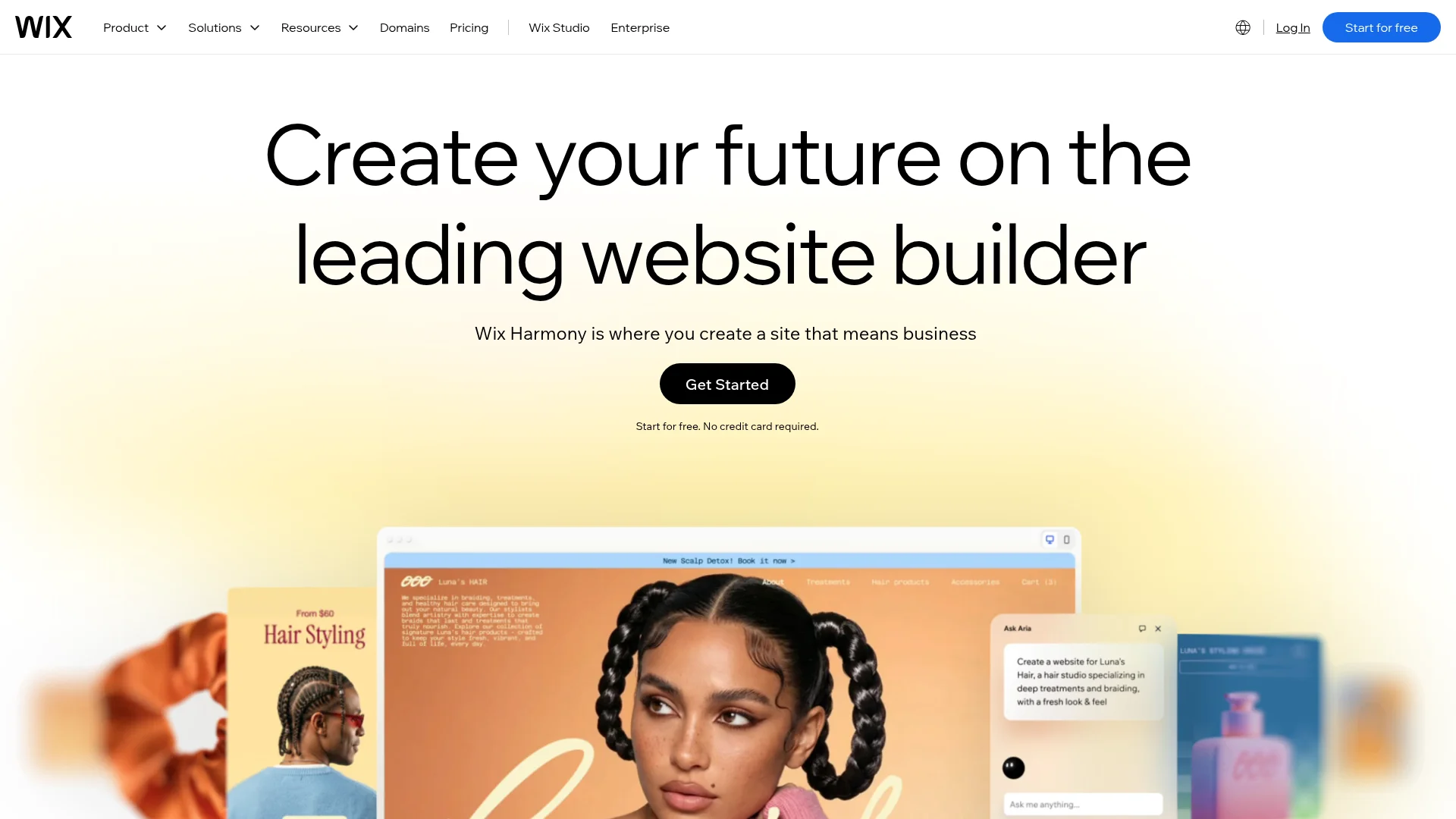
Wix's AI builder turns a short chat into a complete, editable site (pages, copy, images, navigation, and starter SEO) in roughly 60 seconds. The 2026 version, built around its Aria agent and Harmony editor, keeps the AI with you after the first build instead of generating a page and walking away.
On the FocusFlow test it was genuinely fast and beginner-friendly, and the huge app market means you can bolt on bookings, a store, or a blog without leaving the platform. The trade-offs are familiar Wix ones: generated SEO metadata needs manual cleanup, page speed trails lighter platforms like Framer, and there's no code export, so you're locked in once you commit. We put it through a full workflow in our Wix AI website builder review if you want the deep dive.
Pricing runs from a free plan (with Wix branding) up to $159/mo, and you'll need at least the $29/mo Core plan to sell online or drop the ads.
Best for: Non-technical users who want one platform for a page plus store, bookings, and blog.
Watch for: Lock-in and no code export; SEO and speed need manual attention.
7. Leadpages: Best for Simple Lead Capture
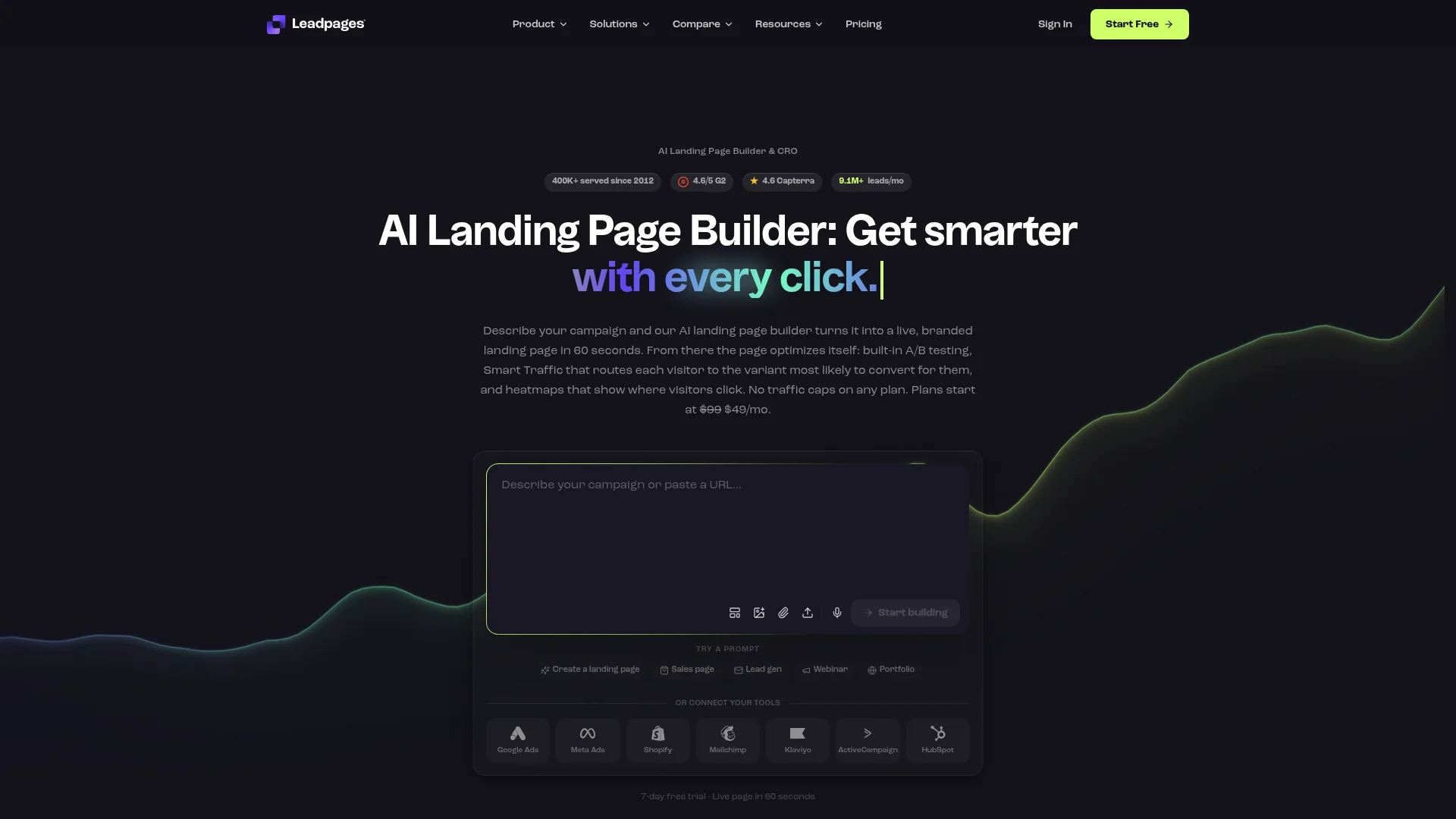
Leadpages has done one thing for years: turn traffic into leads with the least fuss. There's no learning curve: pick a template, swap the text, publish. Its AI Engine can draft a page for you, and unlike most rivals, every plan includes unlimited traffic and built-in A/B testing, so you're not punished for a page that takes off.
On the test it produced a straightforward, conversion-focused page fast. It's not the tool for a design showcase, but for a webinar signup, a lead magnet, or an email capture page, the simplicity is the feature. The removal of visitor caps also spares you the overage-fee anxiety that comes with Unbounce and Instapage.
Standard starts at $37/mo billed annually ($49 monthly) with up to five landing pages; Pro at $74/mo annually unlocks unlimited pages, A/B testing, and Stripe checkout. A 14-day trial runs on both.
Best for: Marketers and small businesses focused on lead capture and email lists.
Watch for: Limited design range and page caps on the Standard plan.
How to Pick the Right AI Landing Page Builder
There's no single winner. The right tool depends on what the page is for and where it's headed. A quick way to decide:
You want to own the page and maybe build more: CatDoes. Real code, custom domain, and a path from landing page to full app.
The page has to look premium and load instantly: Framer AI.
You're pouring money into paid ads: Unbounce, for Smart Traffic and conversion tooling.
You run a local or service business and need it live today: Durable or Wix AI.
You're on the tightest budget: Hostinger Horizons.
You just need clean lead capture: Leadpages.
One rule holds across all of them: never publish the first draft unchanged. AI gets you 80% of the way in a minute, but the last 20% (sharper copy, a real screenshot, a stronger CTA) is what converts. Even small wording changes move numbers, which is why A/B testing still beats trusting any single AI draft.
How to Get a Better Page Out of Any AI Builder
The quality gap between a mediocre AI page and a great one usually comes down to the prompt. A vague brief gets you generic filler; a specific one gets you something close to launchable. A few habits that help:
Name the audience and the one action. "A waitlist page for a focus-timer app aimed at students, with one email signup" beats "make me a landing page."
Give it your real value proposition. Paste your actual headline and three benefits instead of letting the AI invent them.
Specify structure. Ask for a hero, three benefit blocks, social proof, an FAQ, and a single CTA, in that order.
Iterate in small edits. Fix one section per prompt so you don't burn credits regenerating the whole page.
If you want a repeatable formula, our walkthrough on how to write a business website prompt breaks down exactly what to include.
Frequently Asked Questions
What is an AI landing page builder?
It's a tool that generates a complete landing page (layout, copy, images, and forms) from a short text prompt, instead of making you design it section by section. You describe the page, the AI drafts it, and you refine from there.
Can AI landing page builders make a page that actually converts?
They get you a strong first draft fast, but conversion still comes from human editing: a clear value proposition, a single focused CTA, real social proof, and A/B testing. Treat the AI output as a starting point, not the finished page.
Which AI landing page builder is free?
CatDoes, Framer, Durable, and Wix all have genuine free plans (Framer's is non-commercial, and Wix and CatDoes show branding on free). Unbounce, Leadpages, and Hostinger Horizons offer free trials rather than free tiers.
Do I own the page an AI builder creates?
It depends on the tool. Most hosted builders (Wix, Durable, Unbounce, Leadpages, Framer) keep the page inside their platform with no code export. CatDoes builds standards-based code you can export on higher tiers, so you're not locked in.
What's the fastest AI landing page builder?
Durable and Wix generate a full page in under a minute. Framer is close behind and needs the least cleanup. Code-writing tools like CatDoes take a few minutes longer but hand you a faster, more portable page.
The Bottom Line
Every one of these seven tools can turn a sentence into a landing page. The difference is what you're left holding. If you just need a lead-capture page live this afternoon, Durable, Wix, or Leadpages will do it. If you're spending on ads, Unbounce earns its price. If design is everything, Framer wins.
But if you want a page you actually own, one that loads fast, ranks well, and can grow into the real product behind it, that's where a prompt-to-code builder pulls ahead. Try CatDoes free and ship a landing page you can launch today, on your own domain, with the code to back it up.
Nafis Amiri
Co-Founder of CatDoes


