Blog
News
Convert a Replit Web App to a Mobile App 2026
Turn your Replit web app into a real native iOS and Android app with CatDoes. Paste your URL, import your repo, or just describe it. No rewrite needed.

Nafis Amiri
Co-Founder of CatDoes
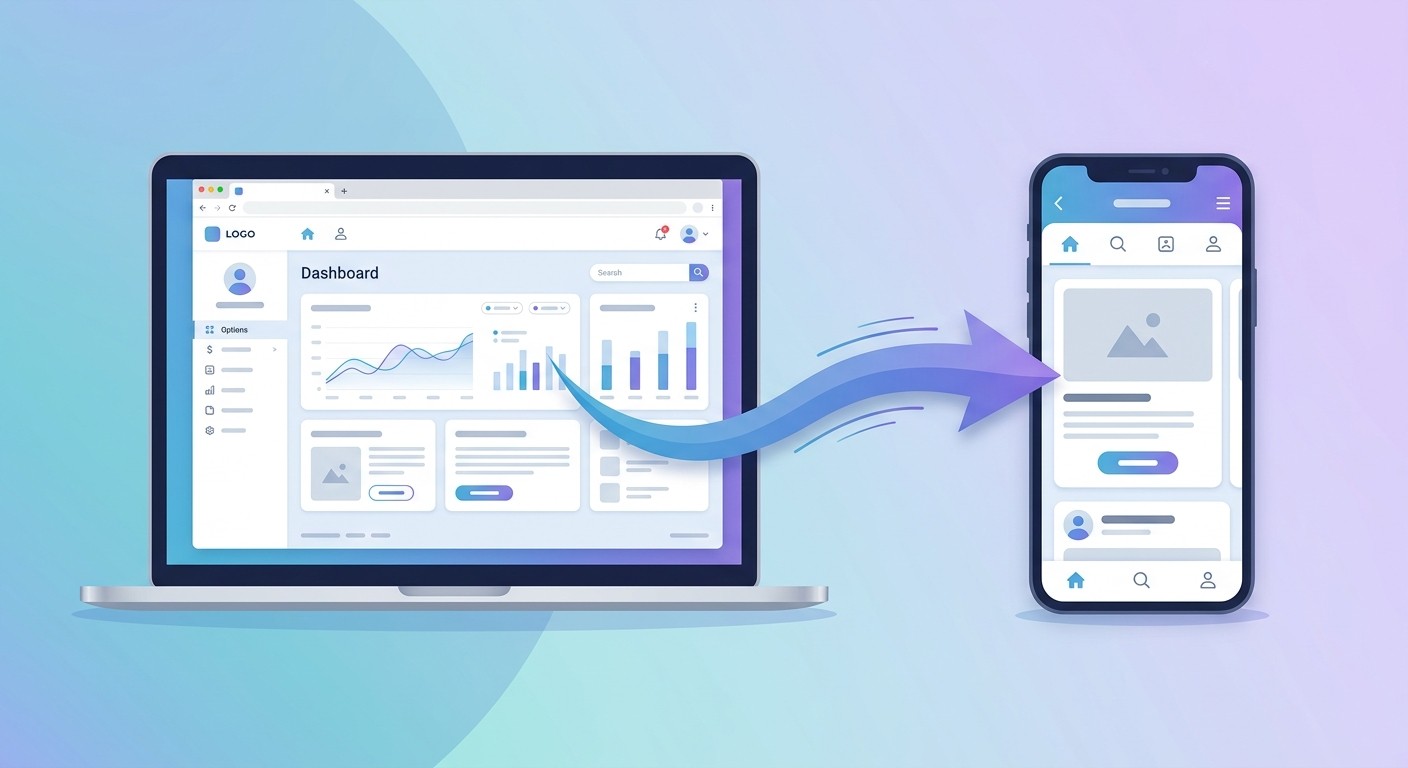
You built something great on Replit. It runs in the browser, it works, and people use it. Then the requests start: "Is there an app?" Your users want a home-screen icon, push notifications, and something that opens instantly instead of a bookmark in Safari. The problem is that a Replit project is almost always a website, not a native app, and getting it onto the App Store and Google Play has traditionally meant rewriting the whole thing.
This guide shows you how to convert a Replit web app into a genuine native iOS and Android app with CatDoes, an AI agent that does the rebuild for you. You can paste your live Replit URL, import your codebase from GitHub, or simply describe the app you want. No rewrite, no webview wrapper, and no agency invoice.
Table of Contents
Why Your Replit Project Is a Website, Not an App
The Three Ways People Try to Go Mobile (and Where They Break)
Why WebView Wrappers Get Rejected From the App Store
How CatDoes Converts Your Replit App Into a Native App
Three Ways to Bring Your Replit App Into CatDoes
Step-by-Step: Convert Your Replit App to Mobile
Native Features You Can Add After Converting
How Much Does It Cost?
Frequently Asked Questions
Why Your Replit Project Is a Website, Not an App
Replit is a cloud development platform where you build and deploy projects entirely from your browser. It is excellent for that. But here is the catch most people hit: in theory you can build mobile apps on Replit with React Native, and in practice almost everyone uses regular React or another web framework and ends up with a website.
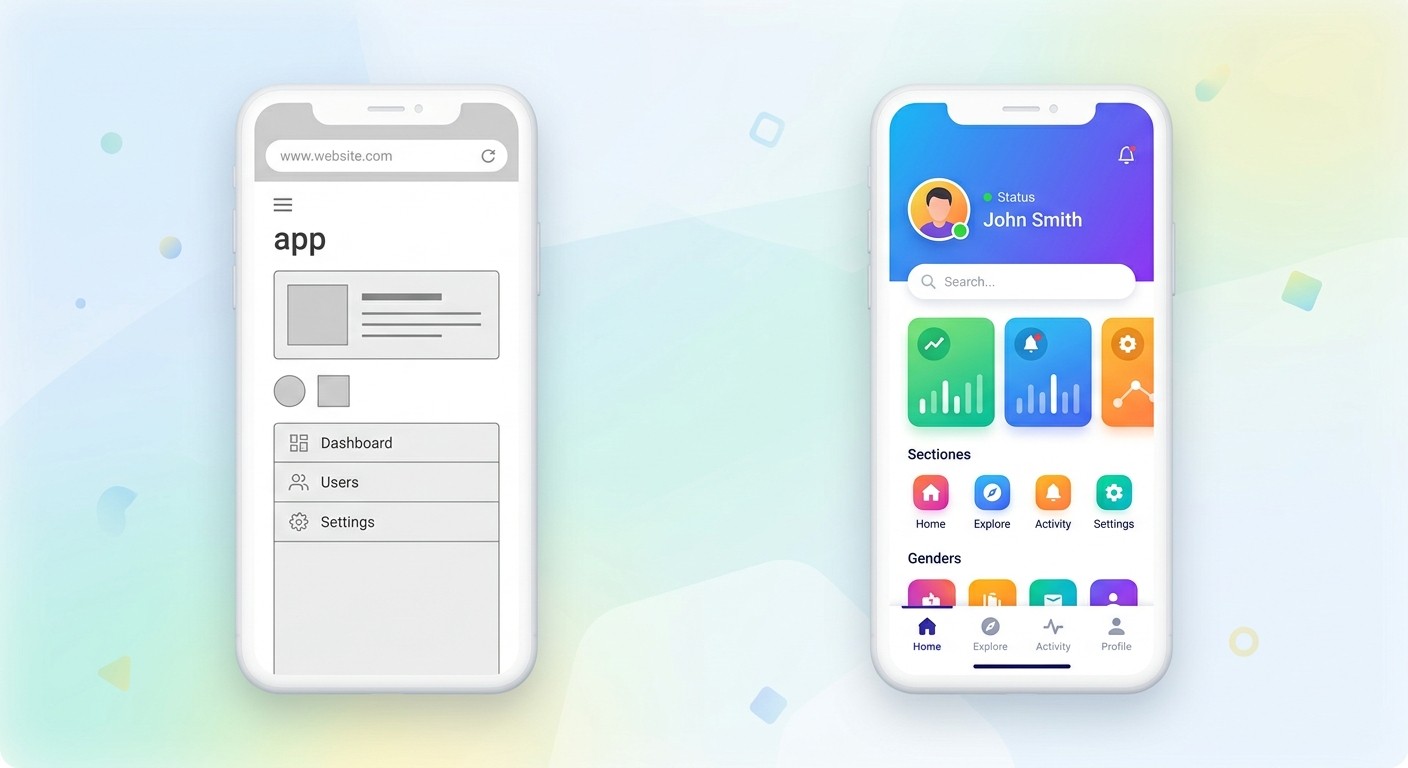
A website and a native app are different products. Your Replit project runs inside a browser. A native app is installed on the device, lives on the home screen, opens full screen without browser chrome, and can reach hardware like the camera, GPS, and push notifications. Converting from one to the other is the gap this guide closes.
The Three Ways People Try to Go Mobile (and Where They Break)
When you decide your Replit app needs to be a real mobile app, you generally have three options. Two of them have real downsides.
Rewrite it in React Native yourself. Replit's own native app path uses Expo and React Native. It works, but it means a brand-new codebase, new tooling, and new bugs. Every feature now has to be tested on web, iOS, and Android separately, which becomes a maintenance burden for a solo founder or small team.
Wrap your URL in a webview. Services that wrap your live site in a native shell are fast, but the result is your website running in a frame. Apple frequently rejects these, and users can tell.
Let an AI agent rebuild it natively. The agent reads your existing Replit app and recreates it as a true cross-platform native app. You keep your work, skip the rewrite, and pass App Store review on functionality. This is the CatDoes approach.
Factor | Rewrite in React Native | WebView Wrapper | CatDoes (AI Native) |
|---|---|---|---|
Build time | Weeks to months | Hours | Minutes to hours |
Keeps your existing work | No, full rewrite | Yes, as a frame | Yes, rebuilt natively |
App Store approval | Yes | Often rejected | Yes, built native |
Native feel & speed | Excellent | Poor | Excellent |
Coding required | A lot | Some | None |
Who maintains it | You | You | The same AI agent |
Why WebView Wrappers Get Rejected From the App Store
Apple's App Store Review Guideline 4.2 (Minimum Functionality) is the single most common reason wrapper apps get rejected. The guideline states plainly: "Your app should include features, content, and UI that elevate it beyond a repackaged website."
In practice, reviewers reject apps that open a single webview with no native UI, no tab bar, no offline support, and nothing Safari does not already do. If your app is just your Replit site in a frame, Apple sees no reason for it to exist on the store. Google Play applies similar scrutiny to low-functionality apps.
The fix is not a trick. It is genuinely making the experience native, which is exactly what an AI rebuild does and a wrapper cannot.
How CatDoes Converts Your Replit App Into a Native App
CatDoes is an AI agent that builds, deploys, and maintains mobile apps from natural language. Instead of wrapping your Replit site in a browser, it reads your app and rebuilds it as a real cross-platform native app, then ships it to the App Store, Google Play, and the web.
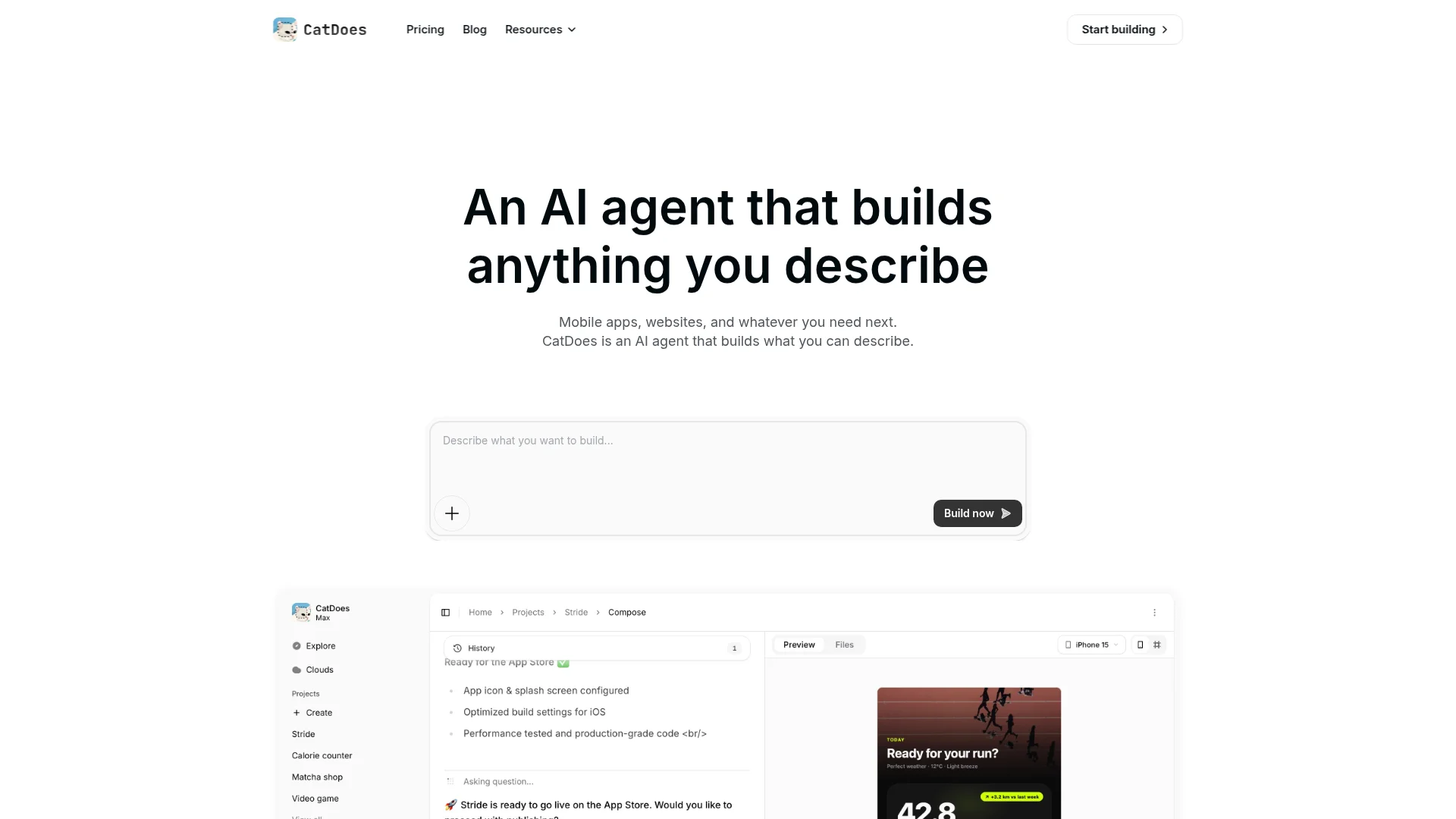
Here is what makes the CatDoes conversion different from the alternatives:
Real native output. The agent generates a genuine cross-platform app with native navigation and components, not a webview, so it passes App Store review on functionality.
Three ways in. Paste your Replit URL, import your codebase from GitHub, or describe the app in plain language. The agent rebuilds from any of them.
Backend included. CatDoes Cloud ships with database, authentication, storage, edge functions, and realtime, so your app has a backend from day one.
Full deployment. The agent handles building and shipping to the App Store and Google Play, plus the web with a custom domain.
It maintains the app too. Because the agent built it, you ask for changes in plain language later instead of hiring a developer for every update.
This is the same flow we use for any web app. If you came from a different builder, our guide on turning a Base44 web app into a mobile app walks through a related path.
Three Ways to Bring Your Replit App Into CatDoes
You do not have to hand over your Replit project in one specific way. CatDoes gives you three, and it rebuilds a native app from any of them. Use whichever you already have.
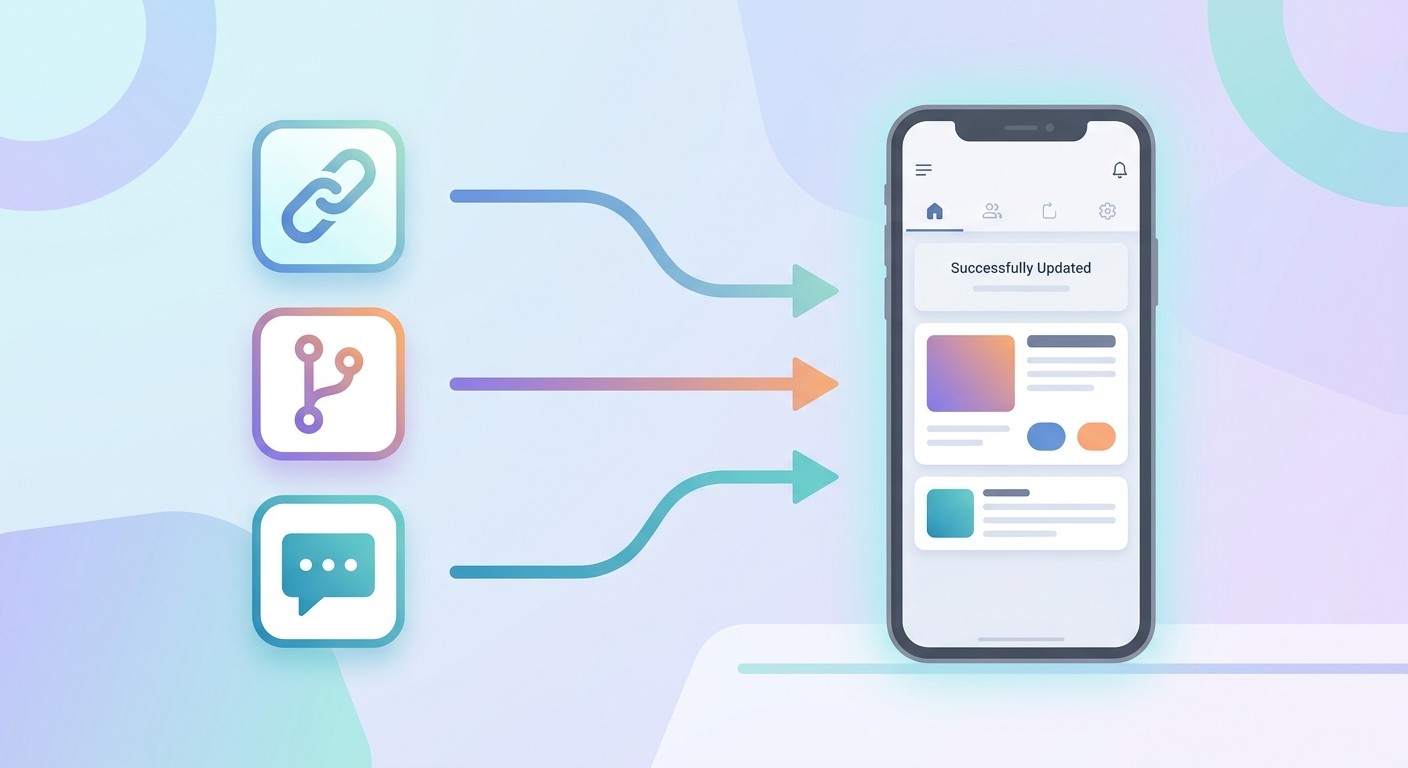
Paste your Replit URL. Drop in your deployed Replit link and CatDoes fetches everything, your pages, content, layout, and structure, then rebuilds it as a native app. Nothing to export and nothing to upload. Make sure your Repl is deployed to a public URL and is not asleep so the agent can read it.
Import your codebase. Push your Replit code to GitHub and connect the repository. The agent reads your existing code, understands how the app is built, and converts it into a real native app. See our guide on syncing with GitHub for how the repo connection works.
Just describe it. Do not want to connect anything? Tell the agent what your app does in plain language, for example "a habit tracker with streaks, reminders, and a stats screen," and CatDoes builds the native app from your description.
All three paths land in the same place: a genuine cross-platform native app, not a webview wrapper. Pick the input that is easiest for you and let the agent do the rebuild.
Step-by-Step: Convert Your Replit App to Mobile
Converting a Replit app to a native iOS and Android app with CatDoes takes a handful of steps, and you do not write any code.
Start a project and give the agent your app. Sign in to CatDoes, create a new project, then hand over your Replit app one of three ways: paste your deployed URL, connect your GitHub repository, or describe it.
Tell the agent what you want. For example, "Rebuild my Replit app as a native app with a bottom tab bar, push notifications, and offline support." Plain language is the only input required.
Let the agent build. CatDoes runs in the cloud, spins up subagents, and generates a real native app from your project. You watch it work and preview the result live.
Refine in plain language. Ask for changes: adjust the navigation, restyle a screen, add a login flow. The agent edits the app and re-renders.
Deploy to the stores. When you are happy, have the agent build and ship to the App Store and Google Play, plus the web with a custom domain.
If your Replit project is actually a website rather than an app, our walkthrough on converting a website to a mobile app covers the same conversion in more detail. Netlify projects follow the same route, covered in Netlify web app to mobile app.
Native Features You Can Add After Converting
The whole point of going native is to do things a Replit website cannot. Once your app is a CatDoes app, you can ask the agent to add capabilities that also satisfy Apple's minimum-functionality requirement.
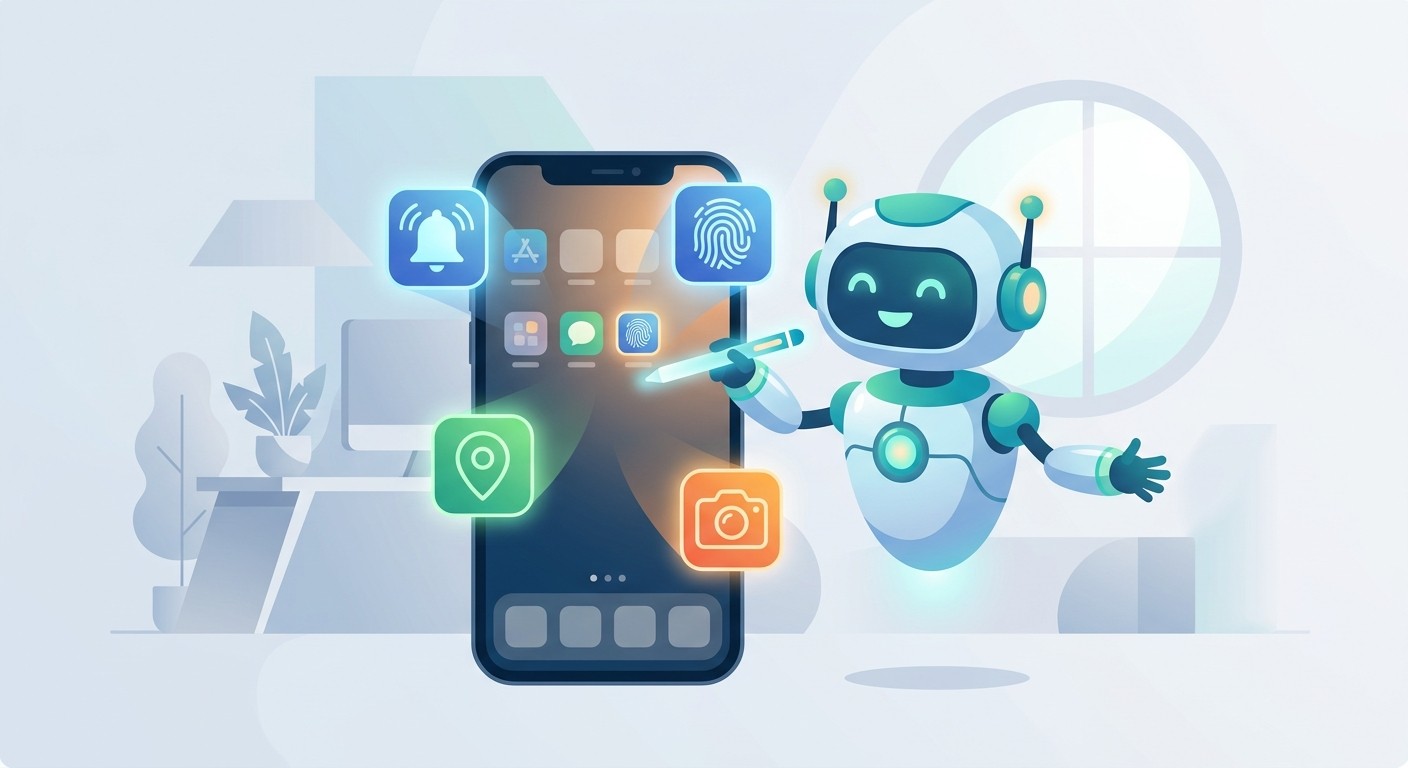
Push notifications. The number-one differentiator between a website and an app. Re-engage users directly on their device.
Biometric login. Face ID and fingerprint sign-in that a browser cannot offer.
Offline access. Cache content so the app keeps working without a connection, with no white screen when the network drops.
Native navigation. Bottom tab bars, swipe gestures, and smooth transitions that make the app feel like an app.
Device hardware. Camera, location, and other device features your Replit web app could not reach.
How Much Does It Cost?
Hiring an agency to build native iOS and Android apps typically costs $20,000 or more per platform and takes three to six months. Rewriting your Replit app in React Native yourself is cheaper in cash but expensive in time and ongoing maintenance. A webview wrapper is cheap but risks rejection and gives users a second-rate experience.
CatDoes replaces all three with a subscription. You get a real native app, deployment to both stores, and a backend included, without hiring engineers. Because the same AI agent maintains the app afterward, you also avoid paying a developer for every future change. You can start on a free plan and upgrade when you are ready to publish.
Frequently Asked Questions
Can I convert my Replit app to both iOS and Android at once?
Yes. CatDoes builds a cross-platform native app, so a single conversion produces apps for both the App Store and Google Play, plus a web version.
Do I have to rewrite my Replit project in React Native?
No. That is the manual path. CatDoes reads your existing app from a URL or a GitHub repo and rebuilds it natively for you, so you skip the rewrite.
Is the result a real native app or just a webview?
It is a real native app with native components and navigation, not a webview wrapper. That is what lets it pass App Store review on functionality.
What if I do not want to connect my code?
You do not have to. Paste your live Replit URL and CatDoes fetches everything, or just describe the app in plain language and the agent builds it from scratch.
Do I need to know how to code?
No. You describe what you want in plain language and the AI agent builds it. The same applies to future changes.
Turn Your Replit App Into a Real Mobile App Today
Going mobile no longer means rewriting your Replit project from scratch or settling for a wrapper that Apple rejects. With an AI agent doing the work, you get a genuine native iOS and Android app from the app you already built, deployed and maintained in plain language.
Try CatDoes and convert your Replit web app into a native mobile app.
Nafis Amiri
Co-Founder of CatDoes