Blog
Tutorials
Base44 to Mobile App: Convert to iOS & Android
Convert your Base44 web app to a native iOS and Android mobile app. No wrappers, no rejections. Go from Base44 to mobile app in under a day.

Nafis Amiri
Co-Founder of CatDoes
TL;DR: Base44 builds web apps, not native mobile apps. If you want to convert your Base44 app to a mobile app for iOS or Android, you need a tool that translates your web project into native code. CatDoes does exactly that. Import your Base44 project via URL or GitHub, and the AI agent generates a real React Native app. No WebView wrappers, no App Store rejections, no code required.
Table of Contents
What Base44 Actually Builds
Your Options for Going from Base44 to Mobile App
Why WebView Wrappers Fail for Base44 Apps
How to Convert Your Base44 App to iOS and Android
Native App vs WebView Wrapper Comparison
Common Questions About Base44 to Mobile App Conversion
Base44 is one of the fastest AI app builders for generating web apps from a text prompt. You describe what you want, and Base44 gives you a working web app with a database, authentication, and hosting included. But there is a gap: Base44 does not build native mobile apps.
If you have a Base44 project and want it on the App Store or Google Play, this guide walks you through every option. You will learn how to convert a Base44 app to a mobile app the right way, why most shortcuts fail, and how to get a real native iOS and Android app from your existing Base44 project.
What Base44 Actually Builds
Base44 generates full-stack web applications that run in browsers. Each Base44 project includes a frontend UI, a built-in database, user authentication, hosting, and one-click publishing. Under the hood, your Base44 app is a web application deployed to a Base44 subdomain or your own custom domain.
A native mobile app is fundamentally different. iOS apps render with SwiftUI or UIKit. Android apps render with Jetpack Compose or Android Views. React Native bridges this gap by compiling JavaScript to actual native components, but it uses a completely different component library than web browsers.
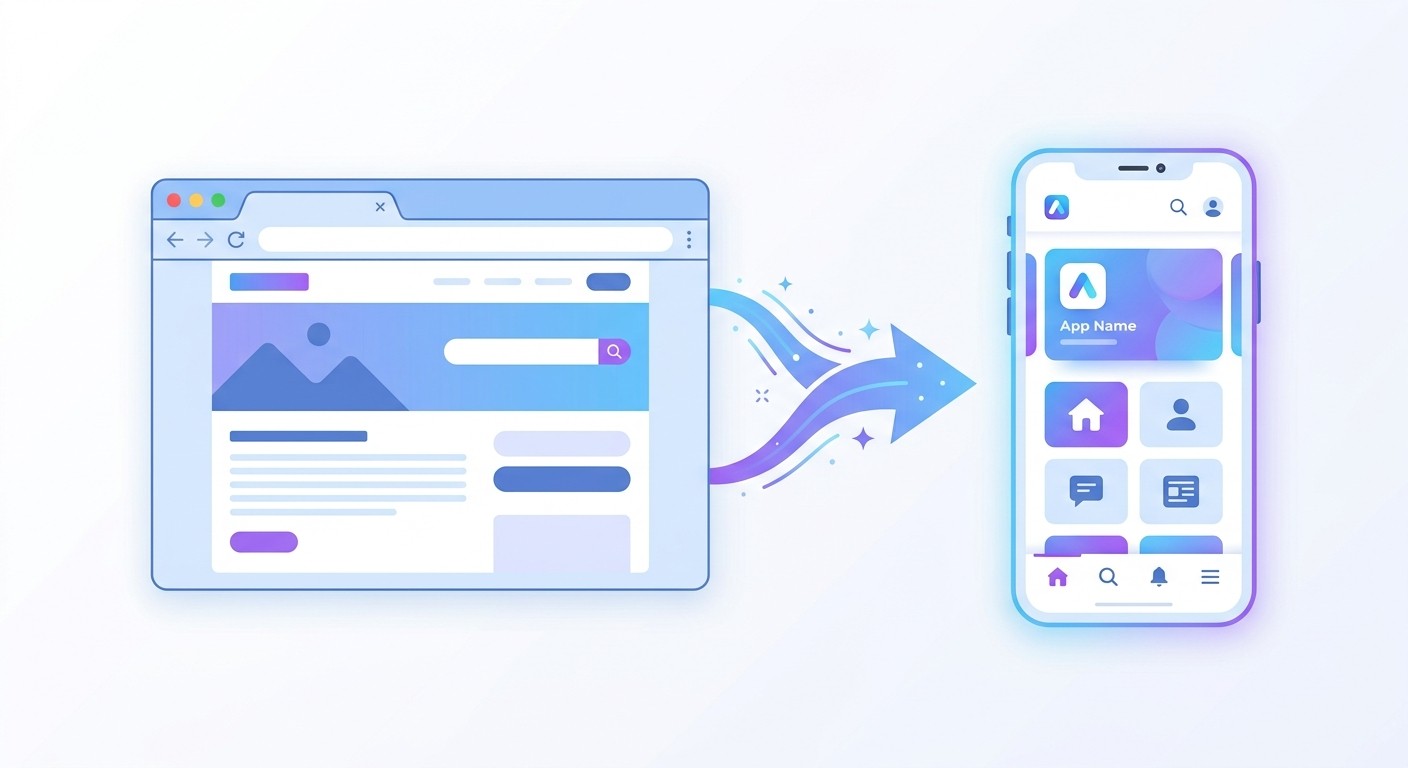
This is why you cannot simply take a Base44 project and run it as a native app on a phone. The web components Base44 generates do not exist on iOS or Android. To convert your Base44 app to a mobile app, those web elements need to be translated into their native equivalents. That translation is what separates a real Base44 to native app conversion from a wrapper that loads your website inside a browser shell.
Your Options for Going from Base44 to Mobile App
When you search for how to convert a Base44 app to a mobile app, you will find several approaches. Here is an honest comparison of each one.
WebView Wrappers: Capacitor, Cordova, and Median
Services like Capacitor, Cordova, and Median.co take your Base44 URL and package it inside a native shell. The app loads your website in a full-screen browser view. It is the fastest path from Base44 to mobile app, but comes with serious trade-offs. Apple frequently rejects wrapped apps under Guideline 4.2, performance feels sluggish compared to native, and you lose access to most device APIs beyond basic browser capabilities.
Progressive Web Apps
A Progressive Web App adds a home screen icon and some offline caching to your Base44 project, but it still runs in the browser engine. On iOS, PWAs cannot send push notifications reliably, cannot access Bluetooth or NFC, and do not appear in App Store search results. For products where discovery and retention matter, a PWA is not a substitute for a listed native app.
Native App Conversion with CatDoes
If you want to convert your Base44 app to iOS and Android, CatDoes takes a different approach. Instead of wrapping your web app in a browser shell, it analyzes your Base44 project and generates a real React Native plus Expo application. Your UI components are translated into native equivalents. Navigation becomes native stack and tab navigation. Animations run at 60fps on the device GPU instead of through a browser rendering engine.
You can import your Base44 project two ways: paste your deployed URL for a quick start, or connect your GitHub repository so the AI agent gets direct access to your source code. Base44 offers code export and GitHub integration on paid plans, making the GitHub import route available for most Base44 users.
The result is an app that Apple and Google treat as a first-class native application, because it is one. Your Base44 web app stays untouched and keeps running independently.
Why WebView Wrappers Fail for Base44 Apps
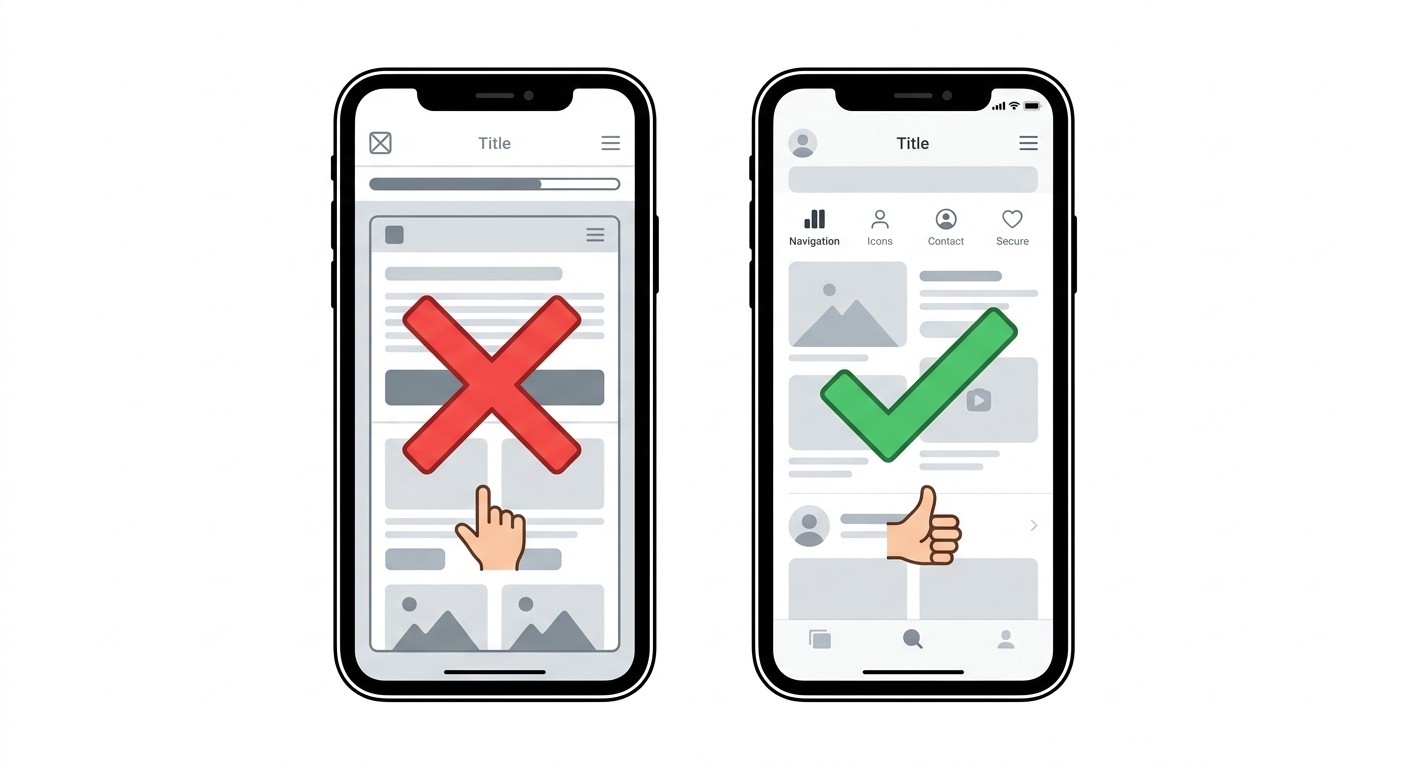
Apple Guideline 4.2 explicitly targets apps that are simply a website bundled in a native shell. If your Base44 app loads identically in Safari and inside your wrapper app, reviewers will reject it. This is the most common reason Base44 users fail when trying to convert a Base44 app to iOS through a wrapper. Guideline 4.2 applies to every wrapper, whatever built the site, which we cover in how to convert a website to a mobile app.
Beyond rejection risk, wrapped Base44 apps have measurable problems. WebView rendering is slower than native UI. Scrolling feels off. Transitions lack the fluid feel that iOS and Android users expect. WebView behavior also differs across OS versions and devices, creating maintenance headaches where you debug browser quirks instead of building your product.
Wrappers work for internal tools or quick MVPs where App Store approval is not critical. For anything you want real users to download and depend on, you need a real native app, not a wrapped Base44 web app.
How to Convert Your Base44 App to iOS and Android
CatDoes gives you two ways to import your Base44 project. Choose based on what your app needs.
Method 1: Import via URL (Quick Start)
Go to catdoes.com and enter the URL of your deployed Base44 site. This can be your Base44 subdomain or a custom domain. CatDoes works with any publicly accessible web app, whether built with Base44, Lovable, Bolt.new, v0, or any other tool.
The URL method is the fastest way to convert your Base44 app to a mobile app. CatDoes scans your live site, extracts your design, content, colors, fonts, and layout structure, then builds a native app from what it finds. This works well for public-facing Base44 apps where every page is accessible without logging in.
Method 2: Import via GitHub (Recommended for Complex Apps)
If your Base44 app has login-protected pages like dashboards, admin panels, or user settings, the GitHub import gives the AI agent direct access to your full codebase. Instead of scanning what is publicly visible, the agent reads your actual components, routes, and logic.
Base44 supports code export and GitHub integration on its paid plans. Export your Base44 project to GitHub, then in CatDoes, create a new app and select Import from GitHub. Authorize access, choose your repository and branch, and click Import. The agent now has full access to every component and page in your Base44 project, including the ones behind authentication.
The GitHub method produces better results for complex Base44 apps because the agent understands your actual code structure rather than inferring it from a visual scan of your deployed site.
What Happens After Import
Regardless of which method you choose, the CatDoes AI agent translates your Base44 app into equivalent React Native components. Authentication flows, data fetching, and backend integrations carry over to the native version automatically. The AI adapts your web layout for mobile patterns like tab bars, stack navigation, and pull-to-refresh.
Preview, Customize, and Deploy
Preview your converted Base44 mobile app on your phone using Expo Go or directly in the browser. Make adjustments using CatDoes AI chat by describing changes in plain language. When you are ready, publish to the App Store, Google Play, or both. The whole process to convert your Base44 app to iOS and Android typically takes less than a day.
Connecting Your Base44 Backend
Base44 includes a built-in backend with database, auth, and storage. When converting your Base44 app to a mobile app, your native app can connect to the same backend. Users sign in with the same credentials on both web and mobile. Data stays in sync across platforms automatically.
This means you can keep your Base44 web app running for desktop users while your native app serves mobile users, both reading and writing to the same database.
Native App vs WebView Wrapper Comparison
Here is what you actually get when you convert your Base44 app to native versus wrapping it in a WebView.
Feature | WebView Wrapper | Native App (CatDoes) |
|---|---|---|
Rendering | Browser engine (WebView) | Native iOS/Android components |
Performance | Slower, browser-limited | 60fps native animations |
App Store approval | High rejection risk (4.2) | Passes as native app |
Push notifications | Limited or no web push | Full native push (APNs + FCM) |
Offline support | Limited (service workers) | Full native offline |
Navigation | Browser-style back button | Native stack/tab navigation |
Gestures | Web touch events | Native gesture system |
Camera and sensors | Limited browser APIs | Full device access |
Code required | Minimal to none | None |
Year 1 cost (both platforms) | $2,270+ (Median.co) | From $504/year |
The cost difference is significant. Wrapper services like Median.co charge $790 upfront plus $490 per year per platform, totaling $2,270 for both Base44 iOS and Android apps in year one. CatDoes starts at $42 per month with deployment to both platforms included.
Common Questions About Base44 to Mobile App Conversion
Can I directly convert my Base44 project to a mobile app?
Not directly. Base44 outputs web code that runs in browsers. A native mobile app requires React Native components that render on the device itself. CatDoes handles this translation automatically by analyzing your Base44 project and generating equivalent native code.
Does Base44 build mobile apps?
No. Base44 builds responsive web applications. While a Base44 app looks good on a mobile browser, it is not a native iOS or Android app. To get your Base44 project on the App Store or Google Play, you need to convert it to a native mobile app using a tool like CatDoes.
Can I convert my Base44 app to iOS specifically?
Yes. When you convert your Base44 app to iOS, CatDoes also builds the Android version simultaneously. The output is a React Native app compiled into native binaries for both platforms. You can deploy to the App Store, Google Play, or both from the same project.
What about using Capacitor or Cordova to wrap my Base44 app?
Capacitor and Cordova embed your Base44 web app inside a native WebView. This technically creates an installable app, but Apple frequently rejects these under Guideline 4.2 for being websites in a native shell. Performance also suffers compared to a real native app.
Does my Base44 web app keep working?
Yes. CatDoes reads your Base44 site but does not modify it. Your Base44 project continues running independently after the conversion.
Can Apple tell it was built with AI?
No. The output is standard React Native code compiled into native binaries. Apple reviews the app like any other native submission.
Do I need an Apple Developer account?
Yes, for App Store publishing. Apple charges $99 per year. Google Play charges a one-time $25 fee.
Can I keep using the Base44 backend?
Yes. Your native app connects to the same Base44 backend your web app uses. Auth, database, and storage all work across both platforms.
What if I built with Lovable, Bolt.new, or Replit instead of Base44?
The same approach works. CatDoes converts any web app to a native mobile app regardless of which AI tool or framework built it. Check out our guide on converting Lovable to a mobile app for a similar walkthrough.
From Base44 Web App to App Store
Base44 builds impressive web apps fast, but it does not produce native mobile apps for iOS or Android. WebView wrappers get rejected by Apple. PWAs lack the features and discoverability users expect. The real path from Base44 to mobile app is converting to native code.
CatDoes bridges that gap. Paste your Base44 URL for a quick conversion, or connect your GitHub repo so the agent can read your full codebase. Deploy to both app stores without writing a line of code.
Convert your Base44 app to a native mobile app
Nafis Amiri
Co-Founder of CatDoes


