Blog
Insights
App Categories: App Store & Google Play 2026
App categories explained: the complete 2026 list of Apple App Store and Google Play categories, plus how to choose the right one so your app gets found.

Nafis Amiri
Co-Founder of CatDoes
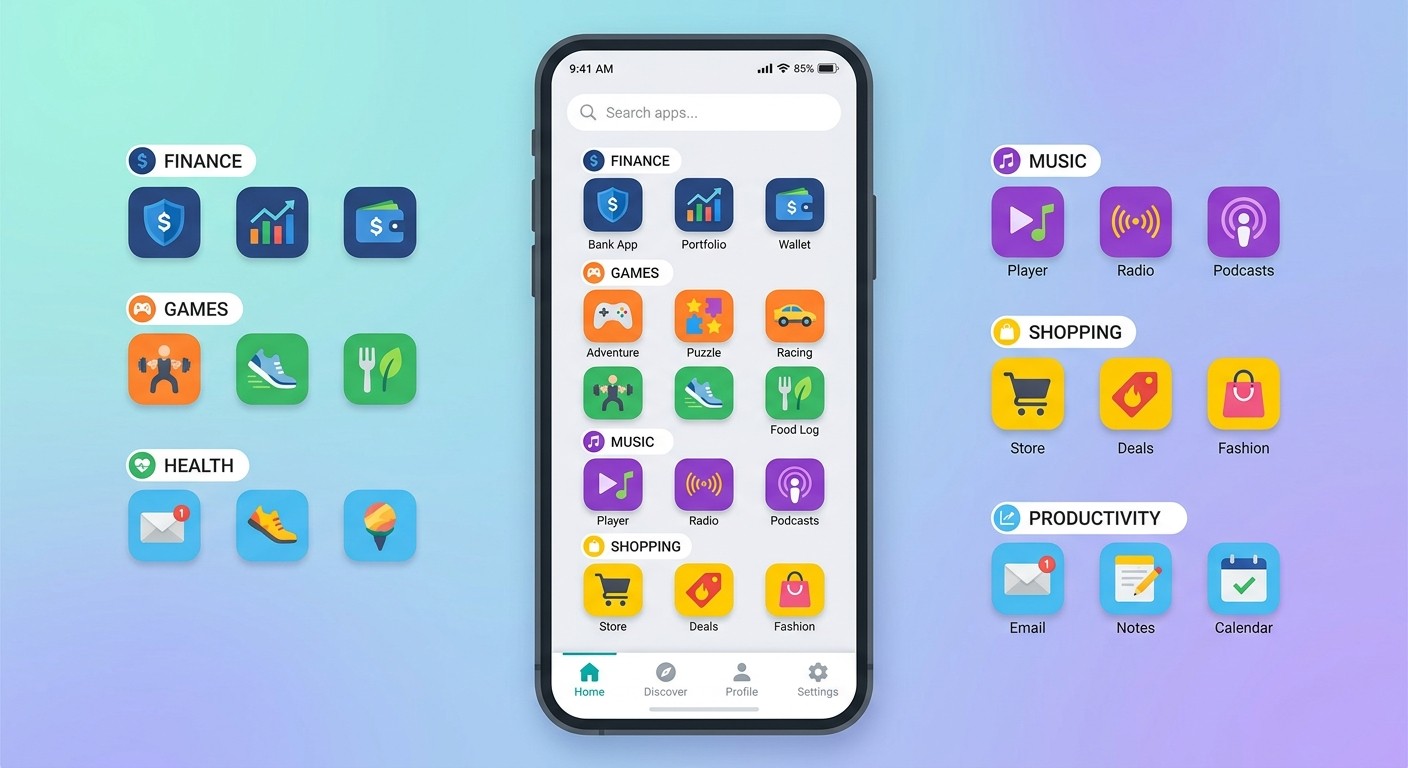
TL;DR: App categories are the official labels the Apple App Store and Google Play use to organize apps so people can browse and discover them. The App Store has 25 primary app categories plus 16 Games subcategories (you pick one primary and one secondary). Google Play has 32 app categories and 17 game categories (you pick one, plus up to 5 tags). Below is the complete 2026 list for both stores, how categories differ from app types and genres, and how to pick the category that gives your app its best shot at ranking.
Search "app categories" and two very different questions hide behind one phrase. Some people want to know the kinds of apps that exist. Others, founders and developers about to hit publish, need the exact category list each store offers, and which one to choose. This guide answers both.
You'll get the complete, current category list for the Apple App Store and Google Play, a plain-English explanation of how categories differ from app types and genres, and the part most lists skip: how to choose the right category so your app actually gets found.
Table of Contents
What Are App Categories?
App Categories vs. Types vs. Genres
Apple App Store Categories: The Complete List (2026)
Google Play Categories: The Complete List (2026)
App Store vs. Google Play Categories
The Most Popular App Categories
How to Choose the Right App Category (ASO)
Frequently Asked Questions
What Are App Categories?
App categories are the official labels app stores use to group apps by their main purpose, like Finance, Health & Fitness, or Games. Both the Apple App Store and Google Play require you to assign at least one category when you publish, and that choice controls where your app appears when people browse or filter the store.
Categories do three jobs: they help users find apps by topic, they power the store's category charts (the top apps ranked within each category), and they signal to the store's algorithm what your app is about. Get the category right and you compete in the correct pool. Get it wrong and you're invisible to the people looking for exactly what you built.
App Categories vs. Types vs. Genres
These three terms get used interchangeably, but they mean slightly different things:
App categories are the store's official taxonomy, the fixed list Apple and Google let you choose from.
App types describe an app by function or how it's built (native, web, or hybrid; social, e-commerce, or on-demand). Types are a conceptual grouping, not a store setting. For a functional breakdown, see our guide to the 12 types of mobile applications.
App genres is the term the stores mostly use for games: Action, Puzzle, Strategy. On Google Play, "genre" and "category" are effectively the same field.
In short: this guide covers the official store categories and genres. If you'd rather understand apps by what they do than by how the store files them, start with app types.
Apple App Store Categories: The Complete List (2026)
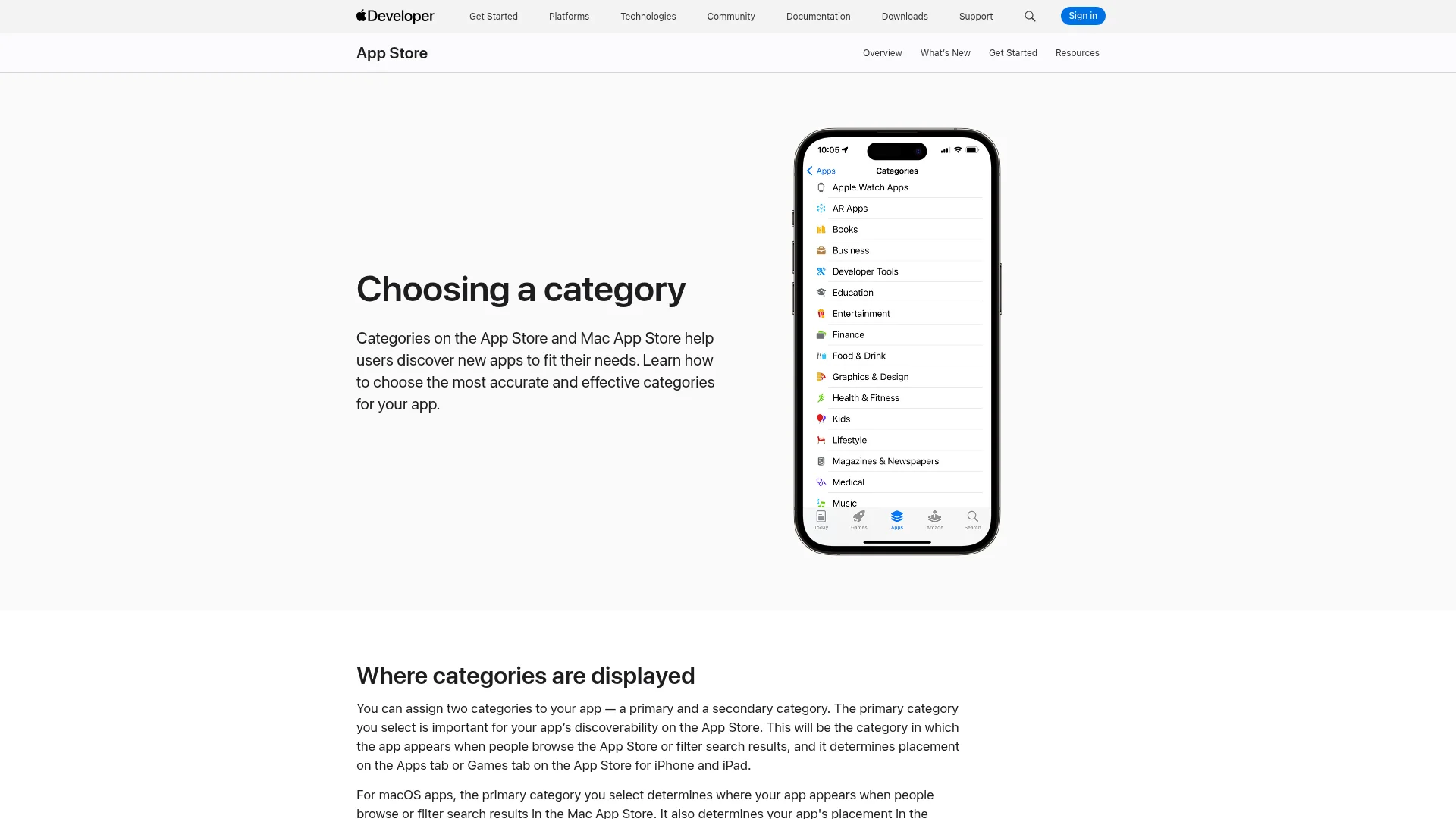
The Apple App Store organizes apps into 25 primary categories. In App Store Connect you choose one primary category and, optionally, one secondary category, so an app can appear in up to two categories. The primary category carries the most weight for discovery and category-chart ranking.
App Store Category | Example Apps |
|---|---|
Books | Kindle, Audible |
Business | Slack, Zoom |
Developer Tools | GitHub, Working Copy |
Education | Duolingo, Khan Academy |
Entertainment | Netflix, TikTok |
Finance | PayPal, Robinhood |
Food & Drink | Uber Eats, Yelp |
Games | Roblox, Candy Crush |
Graphics & Design | Canva, Procreate |
Health & Fitness | Strava, MyFitnessPal |
Lifestyle | Tinder, Pinterest |
Magazines & Newspapers | Apple News+, The Economist |
Medical | MyChart, Teladoc |
Music | Spotify, Shazam |
Navigation | Google Maps, Waze |
News | Google News, Flipboard |
Photo & Video | Instagram, CapCut |
Productivity | Notion, Todoist |
Reference | Wikipedia, Dictionary.com |
Shopping | Amazon, Shein |
Social Networking | WhatsApp, Snapchat |
Sports | ESPN, DAZN |
Travel | Booking.com, Expedia |
Utilities | Google Chrome, 1Password |
Weather | The Weather Channel, Carrot Weather |
Apple keeps the authoritative list on its official categories page. Note that choosing a category that doesn't fit your app breaks the App Review Guidelines and can get your app rejected or removed.
Apple Games Subcategories
If your app is a game, its category is automatically Games, and you choose up to two of Apple's 16 Games subcategories:
Action
Adventure
Board
Card
Casino
Casual
Family
Music
Puzzle
Racing
Role Playing
Simulation
Sports
Strategy
Trivia
Word
Special Apple Categories: Kids, Stickers, and Extensions
A few categories work differently from the standard 25:
Kids: For apps made for children 11 and under. You select "Made for Kids" and an age band (5 and under, 6–8, or 9–11), and the app faces extra review under Apple's Kids guidelines.
Stickers: iMessage sticker packs get their own category with sub-genres.
Safari Extensions: Browser extensions distributed through the App Store.
Google Play Categories: The Complete List (2026)
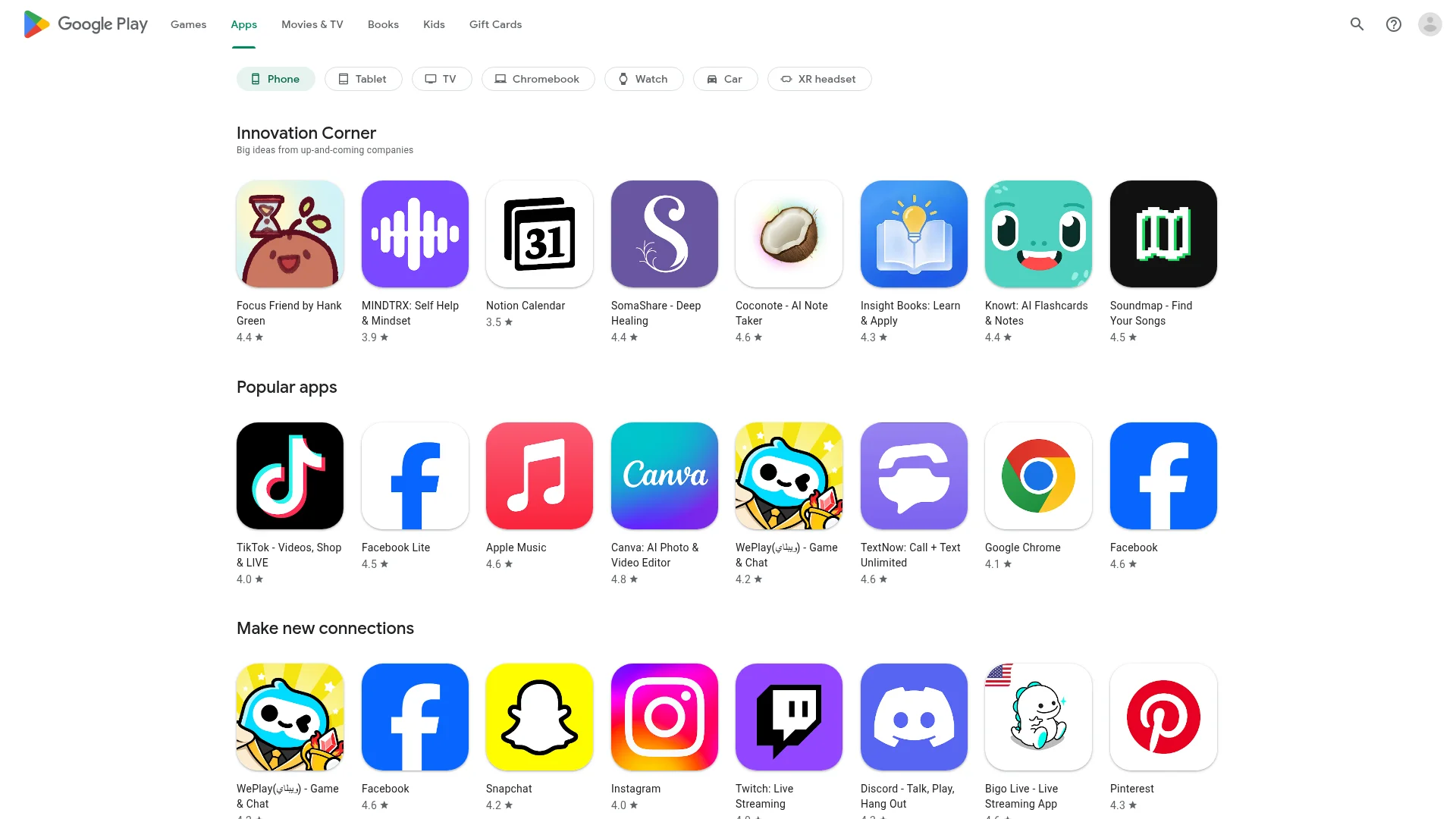
Google Play splits everything into Apps and Games. Apps get 32 categories; games get 17. In Play Console you pick one category, then add up to five tags to describe your app more precisely and improve where it surfaces.
Google Play App Category | Example Apps |
|---|---|
Art & Design | Canva, ibis Paint X |
Auto & Vehicles | AutoScout24, Fuelio |
Beauty | Sephora, YouCam Makeup |
Books & Reference | Wikipedia, Kindle |
Business | Zoom, Slack |
Comics | Webtoon, Tapas |
Communication | WhatsApp, Gmail |
Dating | Tinder, Bumble |
Education | Duolingo, Photomath |
Entertainment | Netflix, Disney+ |
Events | Eventbrite, Meetup |
Finance | PayPal, Revolut |
Food & Drink | Uber Eats, McDonald's |
Health & Fitness | Strava, Flo |
House & Home | Zillow, IKEA |
Libraries & Demo | Developer sample & demo apps |
Lifestyle | Airbnb, Pinterest |
Maps & Navigation | Google Maps, Waze |
Medical | MyChart, Teladoc |
Music & Audio | Spotify, Shazam |
News & Magazines | Google News, Flipboard |
Parenting | BabyCenter, Huckleberry |
Personalization | Zedge, Nova Launcher |
Photography | Google Photos, Snapseed |
Productivity | Google Drive, Notion |
Shopping | Amazon, Shein |
Social | Facebook, Instagram |
Sports | ESPN, OneFootball |
Tools | Google Chrome, Files by Google |
Travel & Local | Booking.com, Tripadvisor |
Video Players & Editors | YouTube, CapCut |
Weather | The Weather Channel, Windy |
Google documents the full list and tag rules in its category and tags help center.
Google Play Game Categories
Games on Google Play use their own set of 17 genre-based categories:
Action
Adventure
Arcade
Board
Card
Casino
Casual
Educational
Music
Puzzle
Racing
Role Playing
Simulation
Sports
Strategy
Trivia
Word
App Store vs. Google Play Categories
The two stores organize apps differently, and the category names don't map one-to-one. Here's how they compare:
Feature | Apple App Store | Google Play |
|---|---|---|
App categories | 25 | 32 |
Game categories | 16 subcategories | 17 categories |
Categories per app | 1 primary + 1 secondary | 1 category |
Extra descriptors | None | Up to 5 tags |
Kids handling | Kids category + age bands | Designed for Families program |
Where you set it | App Store Connect | Play Console |
Two takeaways. First, Apple gives you a second category slot for extra reach, while Google leans on tags for precision. Second, the buckets differ: Apple's "Photo & Video" splits into Google's "Photography" plus "Video Players & Editors," so a cross-platform app often lives under different names on each store. Map your category on each platform separately instead of assuming they match.
The Most Popular App Categories
Games is consistently the highest-grossing category on both stores, according to Business of Apps. Beyond games, Business, Education, Lifestyle, and Finance are among the most populated and competitive categories across the App Store and Google Play.
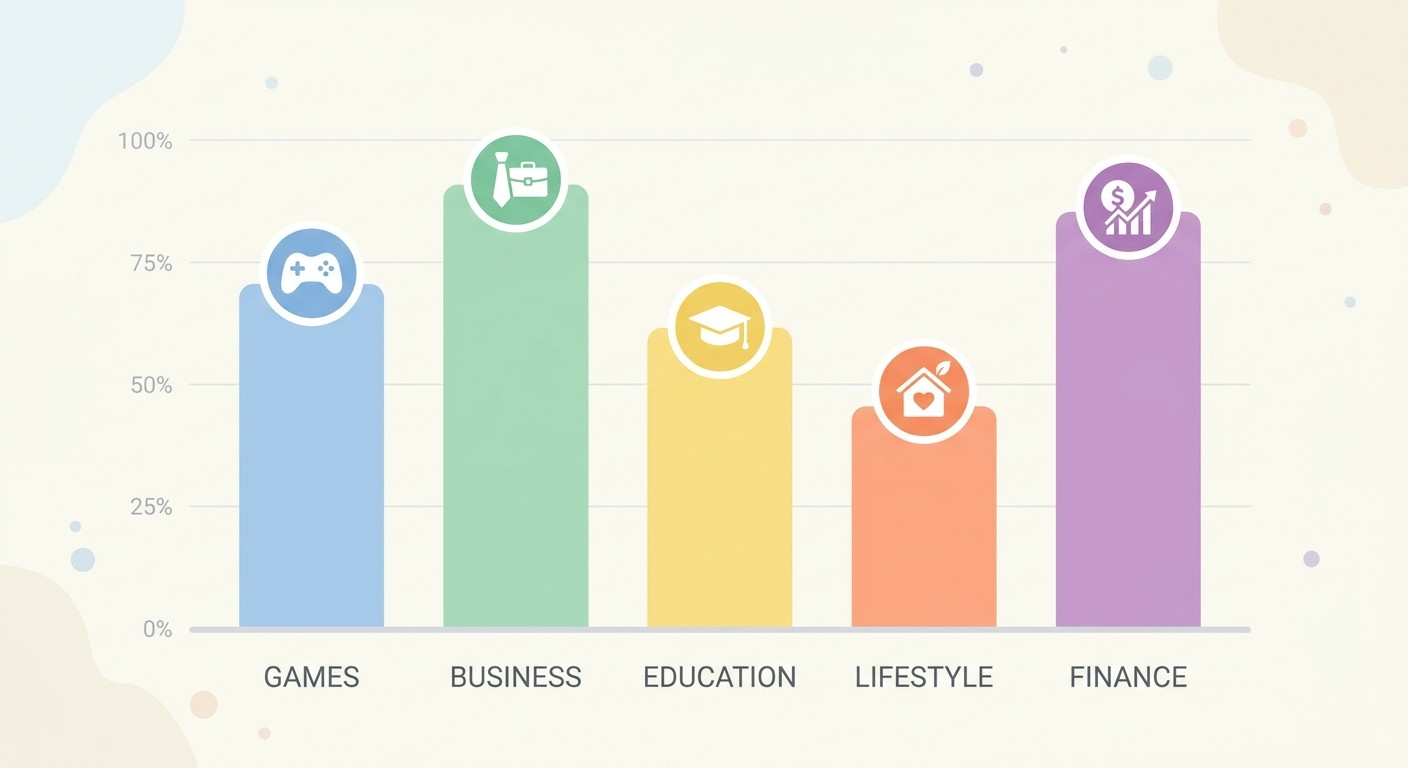
Popular doesn't mean easy. The biggest categories are also the most crowded, which makes charting harder for a new app. If you're still deciding what to build, our roundups of mobile app ideas worth building in 2026 and where to find the best app ideas weigh demand against competition so you can aim for a category you can actually win.
How to Choose the Right App Category (ASO)
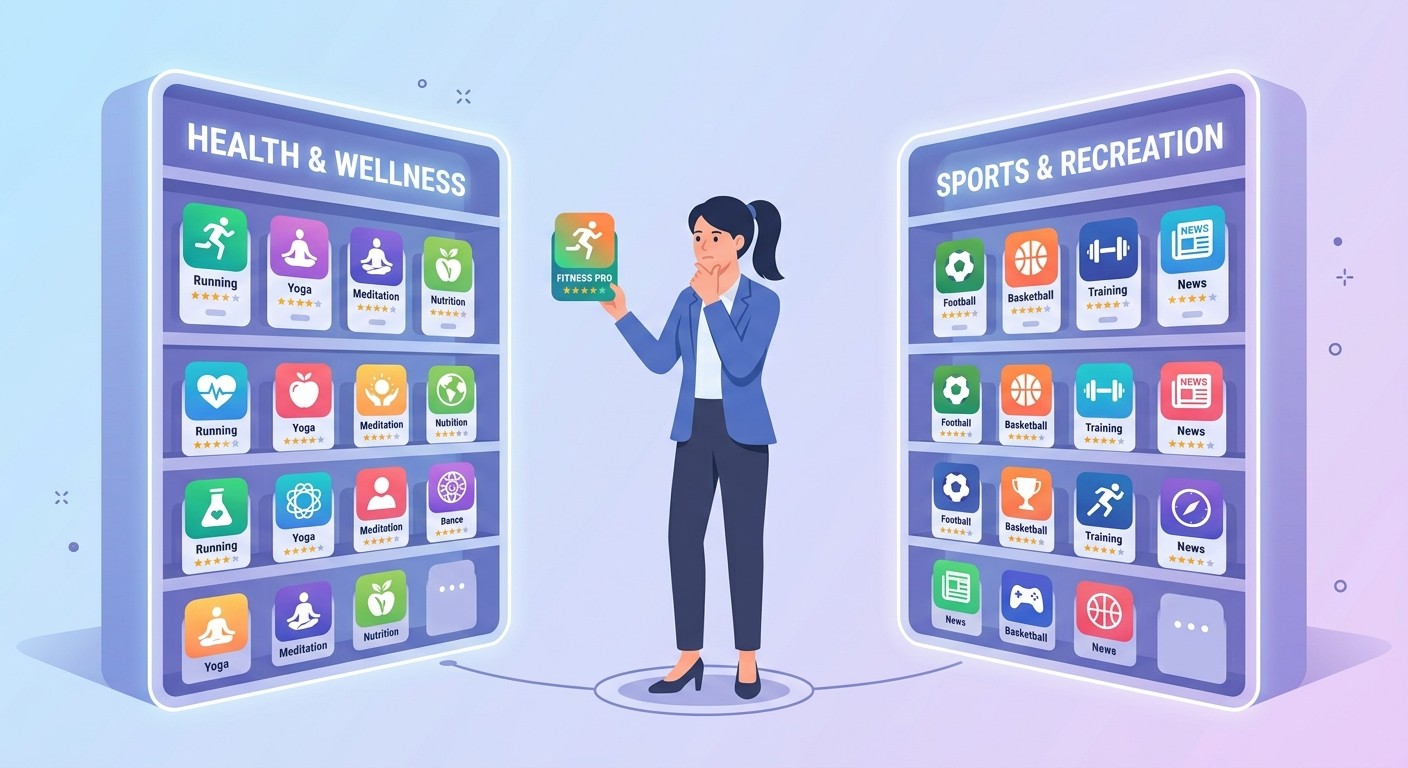
Your category is one of the highest-leverage App Store Optimization (ASO) decisions you'll make. It shapes which chart you compete in, who sees you when they browse, and how the store's algorithm classifies your app. Here's how to choose well.
Why Your Category Choice Affects Downloads
Category charts are their own rankings. Cracking the top 10 overall is nearly impossible for a new app, but ranking well inside a focused, relevant category is achievable, and it still feeds browse traffic and "top in category" placement. A smart category choice turns an invisible launch into a discoverable one.
A 5-Step Approach to Picking Your Category
Use this checklist before you submit:
Match your core purpose. Pick the category that describes what your app mainly does, not a category you wish you competed in.
Check where competitors sit. Look at 5–10 similar apps and note their primary categories. That's the pool users expect you in.
Weigh relevance against competition. If two categories fit, lean toward the one that's relevant but less saturated so you can chart faster.
Use every slot. On Apple, add a secondary category; on Google Play, add up to five tags to capture adjacent intent.
Never miscategorize. Gaming the system with an off-topic category violates both stores' guidelines and hurts conversion when users' expectations don't match.
Setting Your Category When You Publish
You choose your category during store submission, in App Store Connect for Apple and in Play Console for Google. Apple lets you change categories later by submitting an app update, so revisit the choice if your rankings stall. For a full walkthrough of the Google side, see our step-by-step guide on how to publish an app on Google Play.
Frequently Asked Questions
How many app categories are there?
The Apple App Store has 25 primary app categories plus 16 Games subcategories. Google Play has 32 app categories plus 17 game categories. The lists don't match one-to-one, so a cross-platform app is usually filed under different names on each store.
What is the difference between an app category and a genre?
"Category" is the general term for a store's classification; "genre" is the word both stores tend to use for games (Action, Puzzle, Strategy). On Google Play they're the same field, and on Apple, game genres are the subcategories under the Games category.
Can an app be in more than one category?
On the Apple App Store, yes. You can assign one primary and one secondary category. On Google Play, an app sits in a single category, but you can add up to five tags to describe it more precisely.
Which app category is the most popular?
Games is the largest category by downloads and revenue on both stores. Business, Education, Lifestyle, and Finance are also highly populated and highly competitive, which is why relevance-plus-lower-competition often beats chasing the biggest category.
Can I change my app's category after publishing?
Yes. On both stores you can update your category later, on Apple by submitting an app update in App Store Connect, and on Google Play by editing your store listing in Play Console. It's worth revisiting if your app isn't ranking where you expected.
Choose Your Category, Then Build the App
App categories are more than a store formality. They decide which chart you compete in and who discovers you. Learn the full list for both stores, then pick the most accurate, least-crowded category that still fits, use your secondary category or tags, and stay inside the guidelines.
Once you know where your app belongs, the next step is building it. CatDoes turns a plain-language description into a real mobile app or website you can publish to the App Store and Google Play. No code required. Describe the app you want, choose your category, and ship.
Nafis Amiri
Co-Founder of CatDoes