Blog
Insights
Top 12 Rapid App Development Tools for 2026
Compare the 12 best rapid app development tools for 2026. Real pricing, honest pros and cons, and a side-by-side comparison to find your perfect platform.

Nafis Amiri
Co-Founder of CatDoes
TL;DR: The best rapid app development tools in 2026 let you ship apps in days, not months. CatDoes is best for AI-powered mobile app creation. Power Apps and AppSheet work well if you're already using Microsoft or Google. Mendix and OutSystems handle big enterprise builds. Bubble and FlutterFlow are go-to picks for startups. Retool wins for internal tools. Scroll down for a side-by-side comparison table.
Building an app used to mean months of coding, hiring a dev team, and burning through your budget before launch. That's changed. A new wave of rapid app development tools gives founders, small teams, and even solo creators a way to build real, working apps using visual builders, drag-and-drop interfaces, and AI assistance.
But with dozens of platforms on the market, picking the right one matters. The wrong choice wastes weeks and leaves you stuck on a platform that can't grow with you.
This guide breaks down 12 tools worth your attention in 2026. For each one, you'll find honest pros and cons, pricing details, and the specific use case where it shines. Whether you're a non-technical founder testing an MVP or a dev team that needs to move faster, there's a match here.
Table of Contents
1. CatDoes
2. Microsoft Power Apps
3. Google AppSheet
4. Mendix
5. OutSystems
6. Appian
7. Retool
8. Bubble
9. FlutterFlow
10. Zoho Creator
11. Adalo
12. Oracle APEX
Quick Comparison Table
How to Pick the Right Tool
FAQ
1. CatDoes
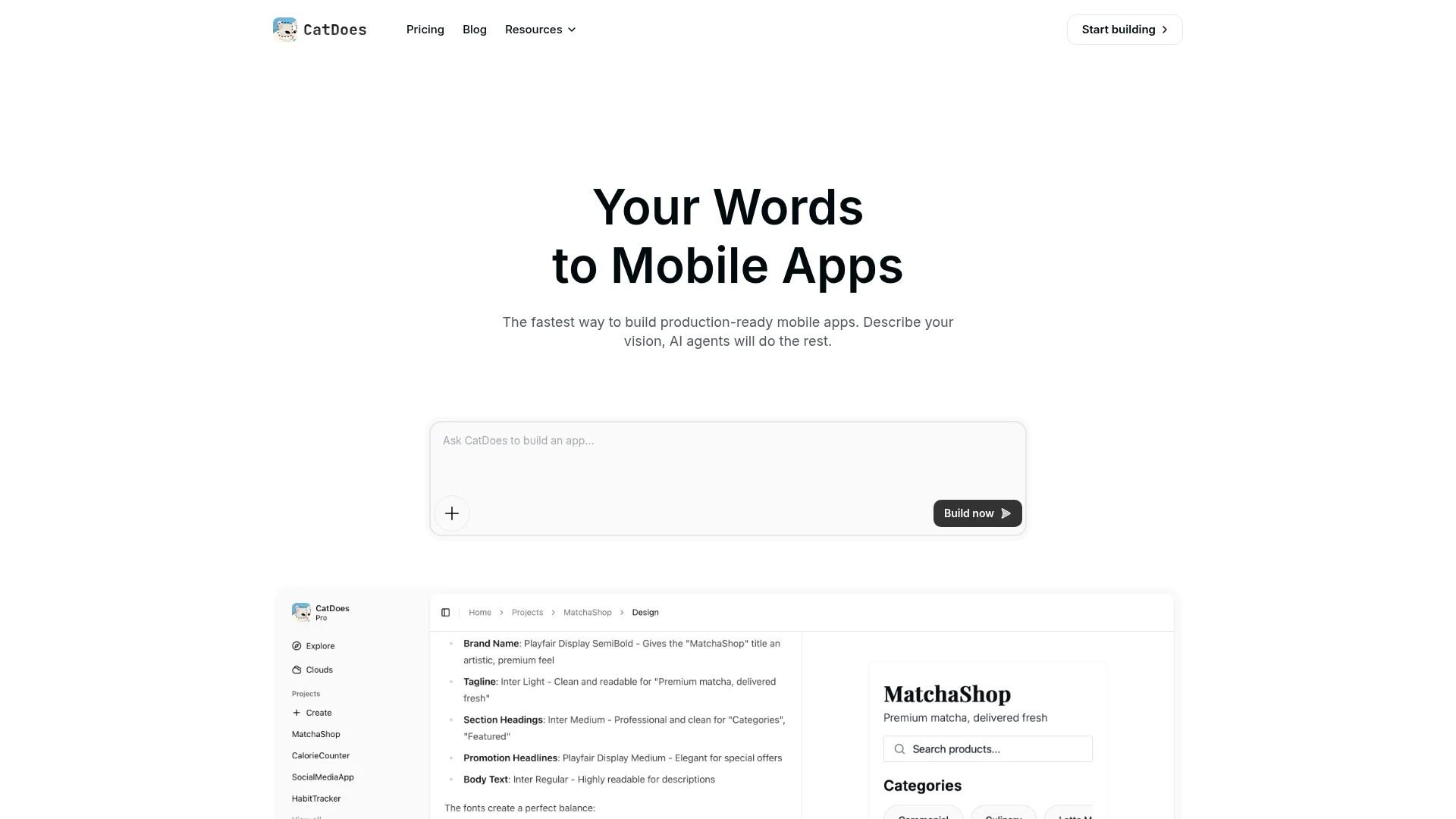
CatDoes turns a text prompt into a production-ready mobile app. You describe what you want, and a team of specialized AI agents handles the rest: gathering requirements, designing the UI, and writing React Native (Expo) code. The result is a real, cross-platform app you can test on your phone with a QR code.
What sets CatDoes apart is the end-to-end automation. Most AI tools generate a starting point you then have to fix. CatDoes agents work together like a dev team — a Requirements agent clarifies the scope, a Designer agent builds the visual theme, and Software agents write the code. It also connects to Supabase for backend infrastructure (database, auth, storage) and syncs to GitHub so developers can pick up the code later.
Best for
MVPs, prototypes, internal tools, and simple consumer apps. Great for non-technical founders who want a working app fast, and for dev teams that want to skip the boilerplate.
Pricing
Free plan (1 app). Paid plans start at $25/month with more projects, credits, and platform deployment options.
Pros: Fastest path from idea to working mobile app. Real React Native code you can export. QR code testing on device. Backend auto-setup with Supabase.
Cons: Not built for complex enterprise systems with custom architectures. Apps that need heavy native device features may need manual developer work.
Website: catdoes.com
2. Microsoft Power Apps
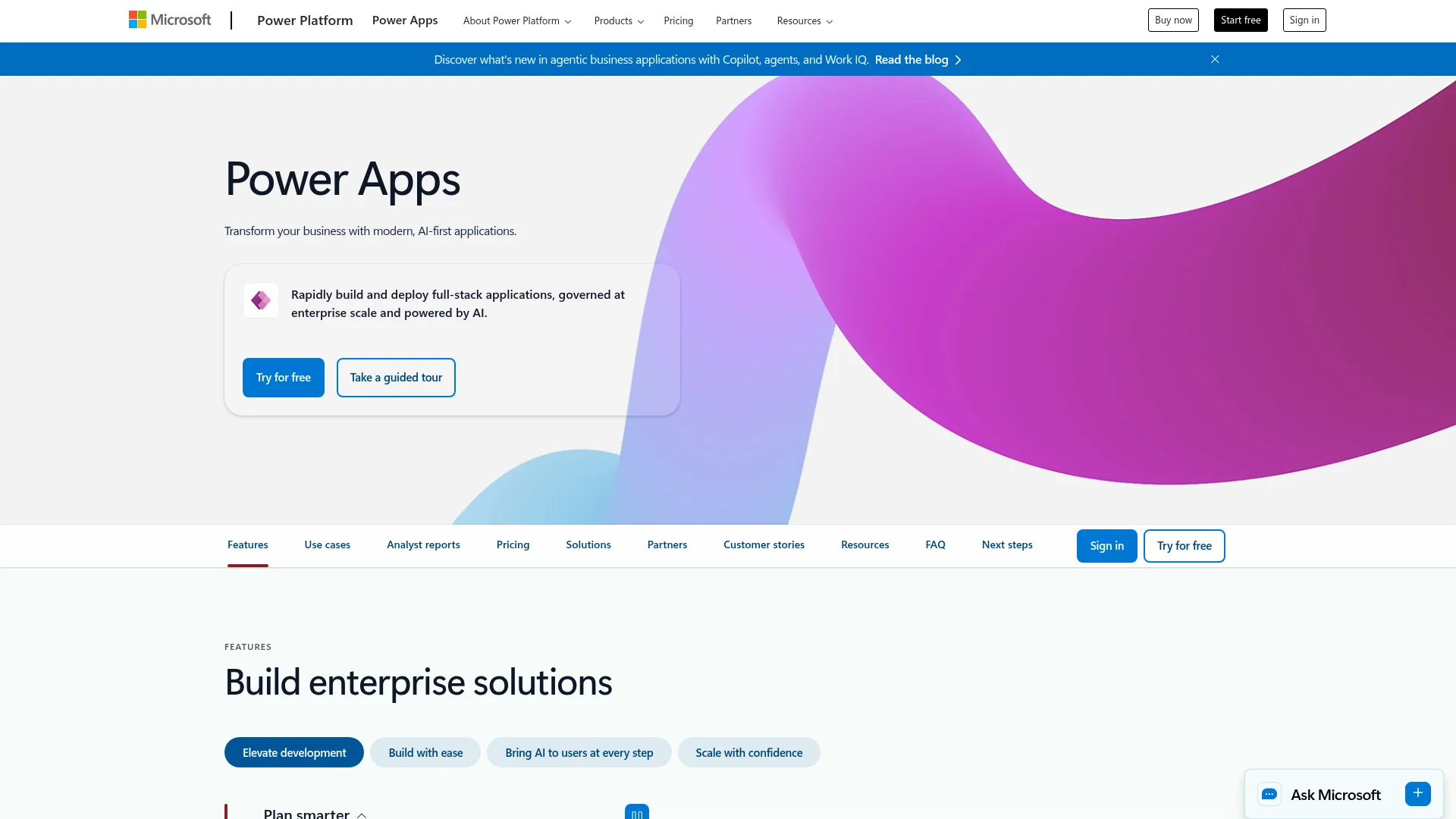
If your company runs on Microsoft 365, Power Apps is the natural choice for building internal tools. It plugs directly into SharePoint, Teams, Dynamics 365, and Azure with over 1,000 pre-built connectors. The visual builder plus Copilot AI assistant lets business users create basic apps, while IT teams handle governance and security through the Admin Center.
The biggest draw is the connector library. Need to pull data from Salesforce, SAP, or an on-premises SQL server? There's probably a connector for it. Start by building an app from a SharePoint list — you'll have a working prototype in minutes.
Where it falls short
Per-user licensing gets expensive as you scale. Complex logic requires learning Power Fx (a formula language similar to Excel), which trips up non-technical users. Learn more in our overview of low-code platforms.
Pros: Unmatched Microsoft 365 integration. Enterprise-grade security and governance. Huge connector library for data sources.
Cons: Per-user licensing adds up fast. Power Fx has a learning curve for business users.
Website: Microsoft Power Apps
3. Google AppSheet
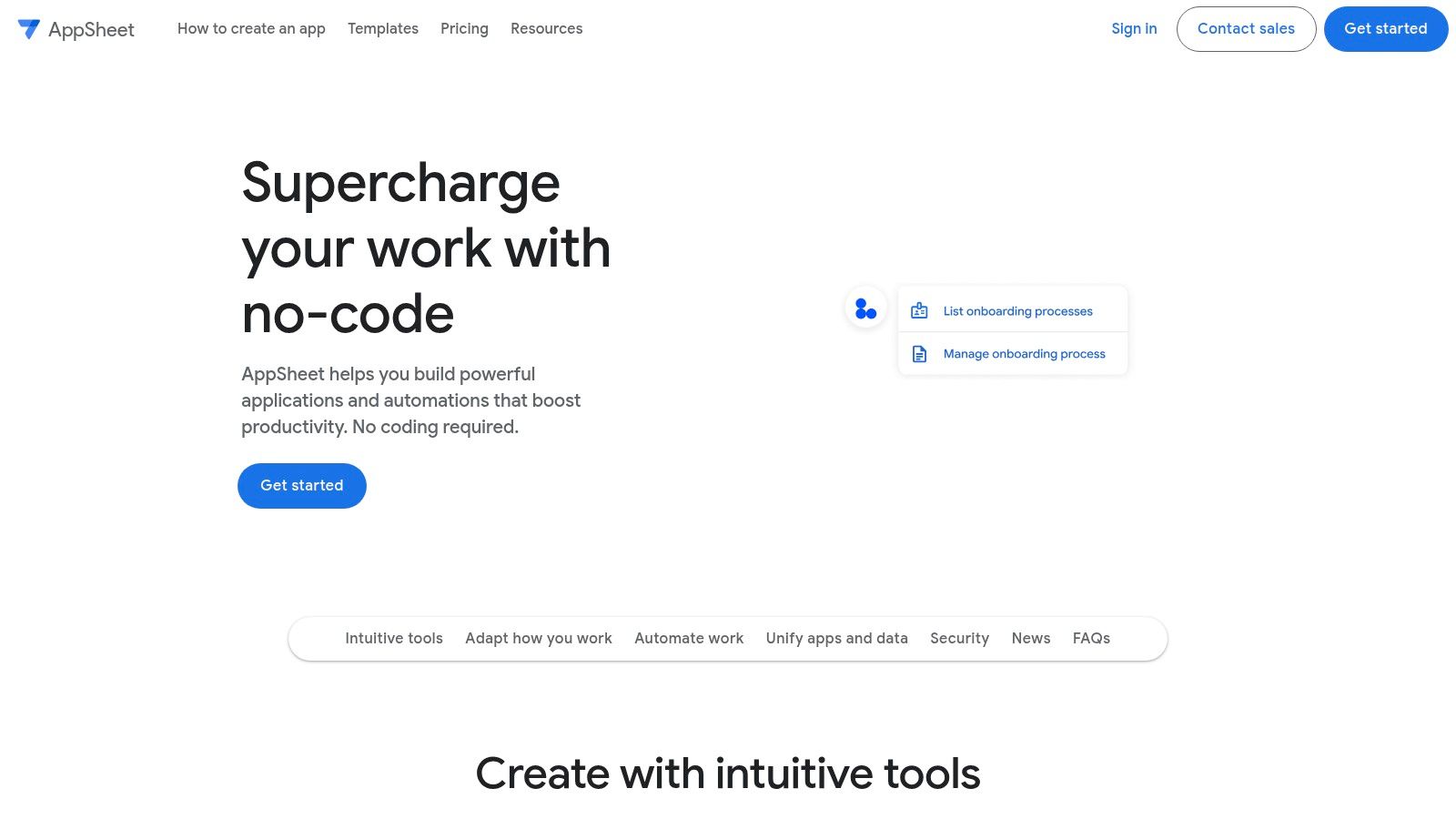
AppSheet takes your Google Sheets, Excel files, or SQL databases and turns them into mobile and web apps — no code needed. Point it at a spreadsheet with clear column headers, and AppSheet generates a functional app prototype in minutes. From there, you customize with a visual editor. Spreadsheet-driven tools are only one slice of what you can use for nothing, covered in our list of free mobile app development tools.
The killer feature is offline sync. Field workers can capture data without internet and sync later when they're back online. That makes AppSheet ideal for inventory tracking, field service reports, and safety compliance apps where connectivity is spotty.
Pricing and trade-offs
Free tier available for prototyping. Paid plans scale per user and integrate with Google Workspace billing. The downside: UI customization is limited compared to more flexible platforms, and complex app logic can get unwieldy in the no-code interface. Dedicated prototyping tools handle that stage better, and we compare them in our roundup of app prototyping tools.
Pros: Turns spreadsheets into apps fast. Best-in-class offline sync. Easy learning curve for Google Workspace users.
Cons: Limited UI customization. Complex logic is hard to manage without code.
Website: Google AppSheet
4. Mendix
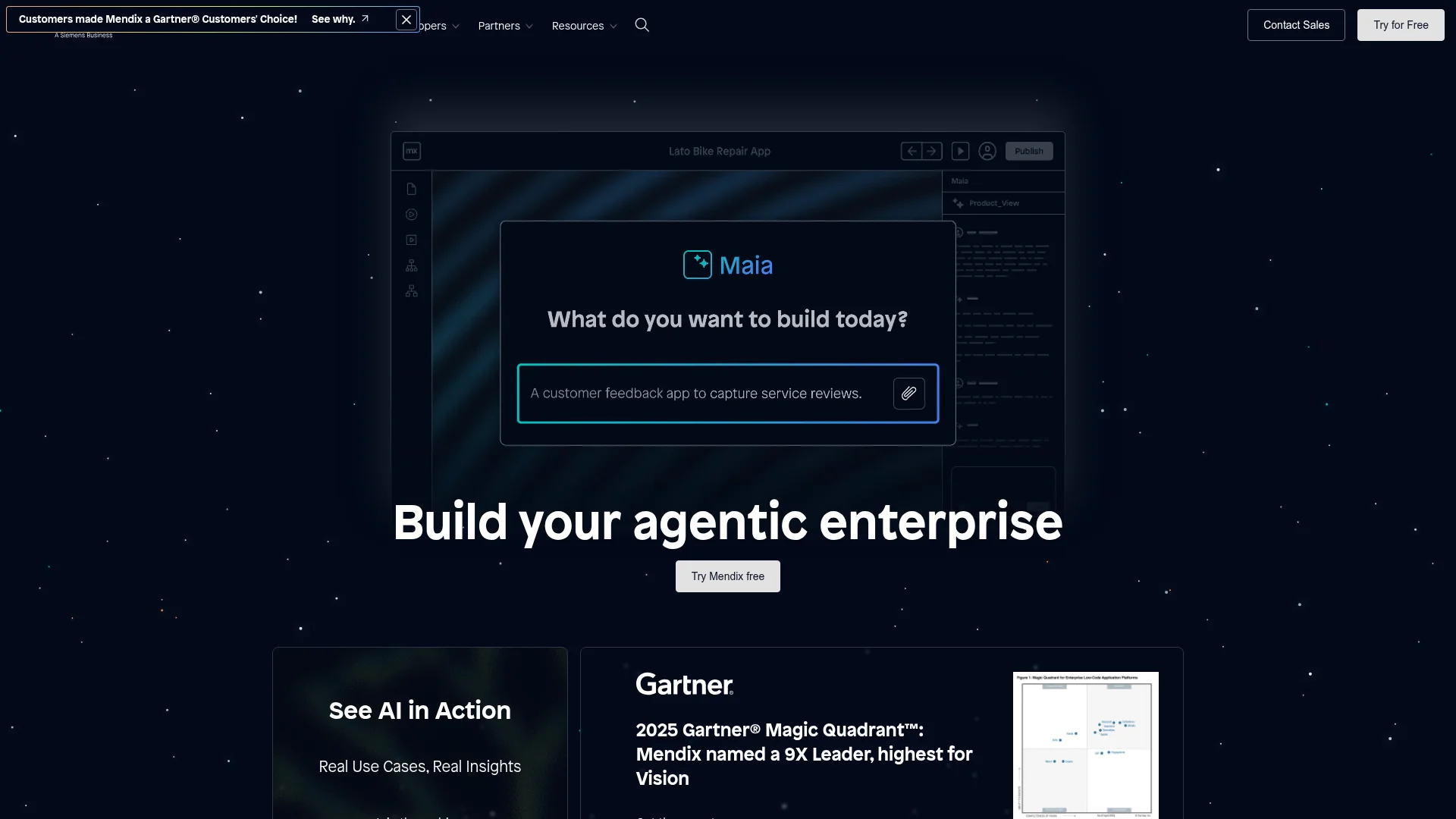
Mendix is built for large companies that need apps for regulated industries — think finance, insurance, and manufacturing. It uses a model-driven approach where business analysts and developers collaborate on the same app model. Business users work in Mendix Studio (visual), while developers use Studio Pro (full IDE).
The platform includes built-in Agile project management, version control, and deployment to any major cloud, private cloud, or on-premises server. The Mendix Marketplace has pre-built connectors and app templates that speed up common use cases like case management.
The catch
Pricing jumps once you need enterprise features, SLAs, and governance tools. And while the visual tools are accessible, Mendix works best with a dedicated IT team managing security and integration. It's not a quick-start tool for solo founders. See how it fits in the broader picture in our guide to rapid application development.
Pros: Handles complex, mission-critical apps. Great collaboration between business and IT. Deploy anywhere (cloud, on-prem, hybrid).
Cons: Enterprise pricing. Needs dedicated IT ownership to get full value.
Website: Mendix
5. OutSystems
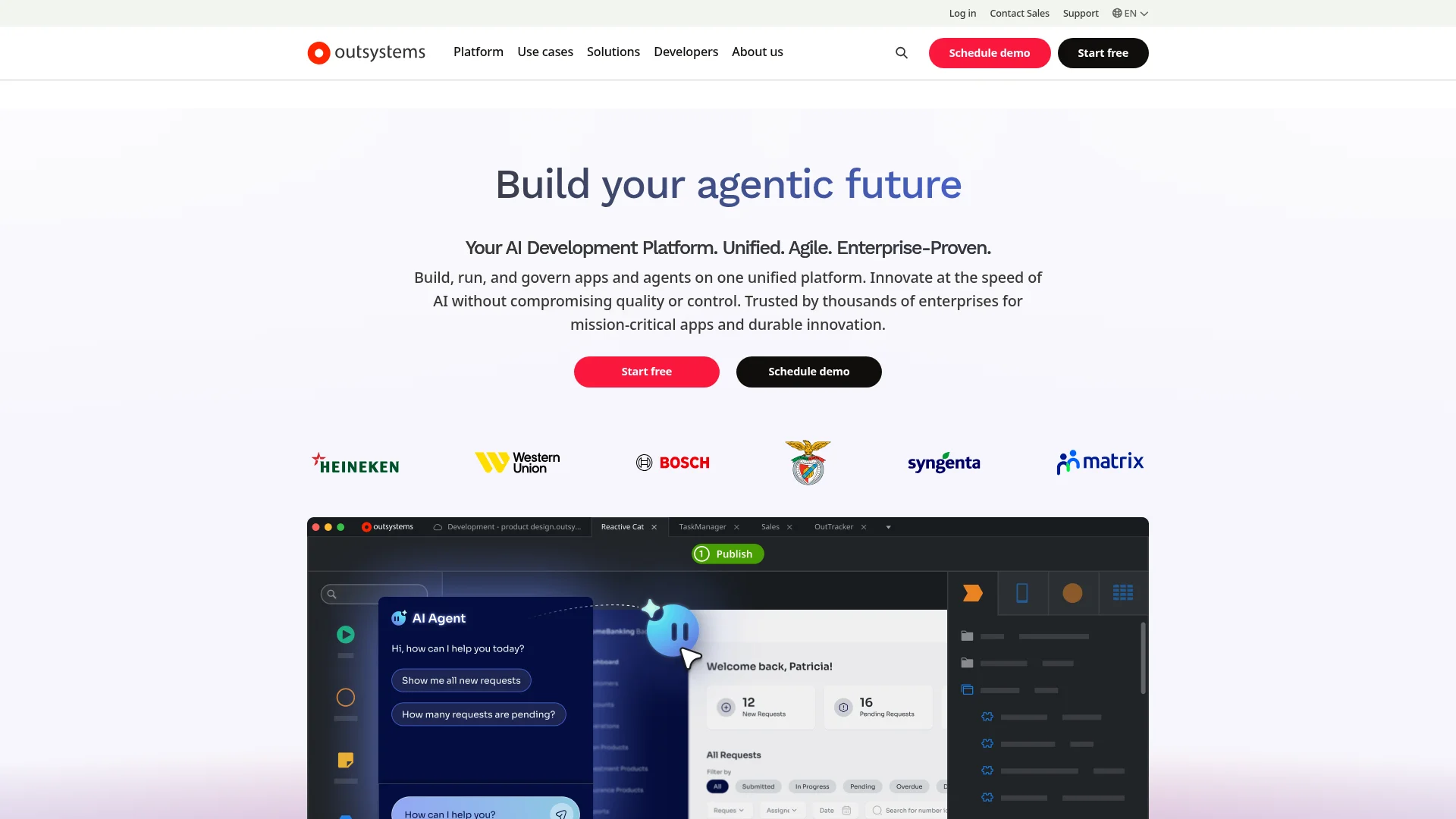
OutSystems targets large enterprises that need to modernize legacy systems or build mission-critical apps at scale. It covers the full application lifecycle: development, testing, deployment, and monitoring — all in one environment. Teams build with reusable modules and components, then deploy to OutSystems Cloud or a self-hosted setup.
The built-in CI/CD pipeline and monitoring tools are where OutSystems pulls ahead of other enterprise platforms. If you're managing a portfolio of 20+ business apps, the governance features justify the cost. The OutSystems Forge repository has pre-built modules that save weeks on common functionality.
Cost and complexity
This is a premium product. Most pricing requires a conversation with sales. The learning curve is steeper than simpler builders, and it's overkill for small projects or startups. If you don't need enterprise-grade compliance and monitoring, you'll pay for features you won't use.
Pros: Built for large, complex workloads. Integrated DevOps and monitoring. Strong security and compliance.
Cons: High cost. Too complex for small projects. Requires sales engagement for pricing.
Website: OutSystems
6. Appian
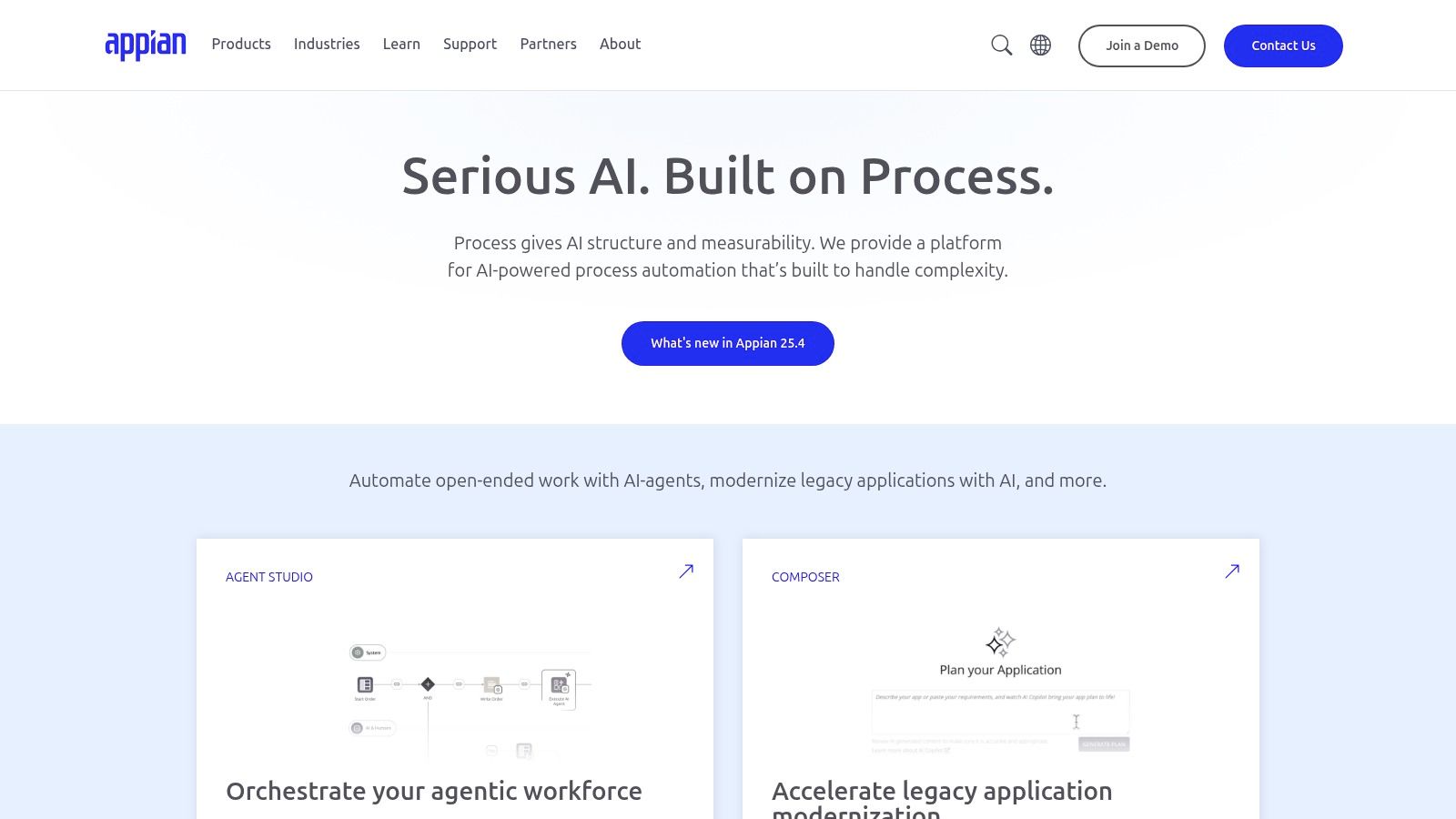
Appian lives at the intersection of app building and process automation. It bundles business process management (BPM), robotic process automation (RPA), and AI into one stack. If your app is really a complex workflow with approvals, case management, and data flowing between systems, Appian is purpose-built for that.
The visual process modeler is the core. You map out a business process — say, an insurance claims workflow — and Appian connects the data, user actions, and automated tasks. The Data Fabric feature pulls data from multiple enterprise systems without moving it, which solves a real headache for large orgs with scattered data.
Who should consider it
Large enterprises in finance, insurance, and government that need compliant, process-heavy applications. Pricing requires a custom quote from their sales team. The learning curve is steep for advanced process logic, and the cost puts it out of reach for startups and small businesses.
Pros: Best for workflow automation and case management. All-in-one automation stack (BPM + RPA + AI). Strong governance for regulated industries.
Cons: Enterprise-only pricing. Steep learning curve for complex process configuration.
Website: Appian
7. Retool
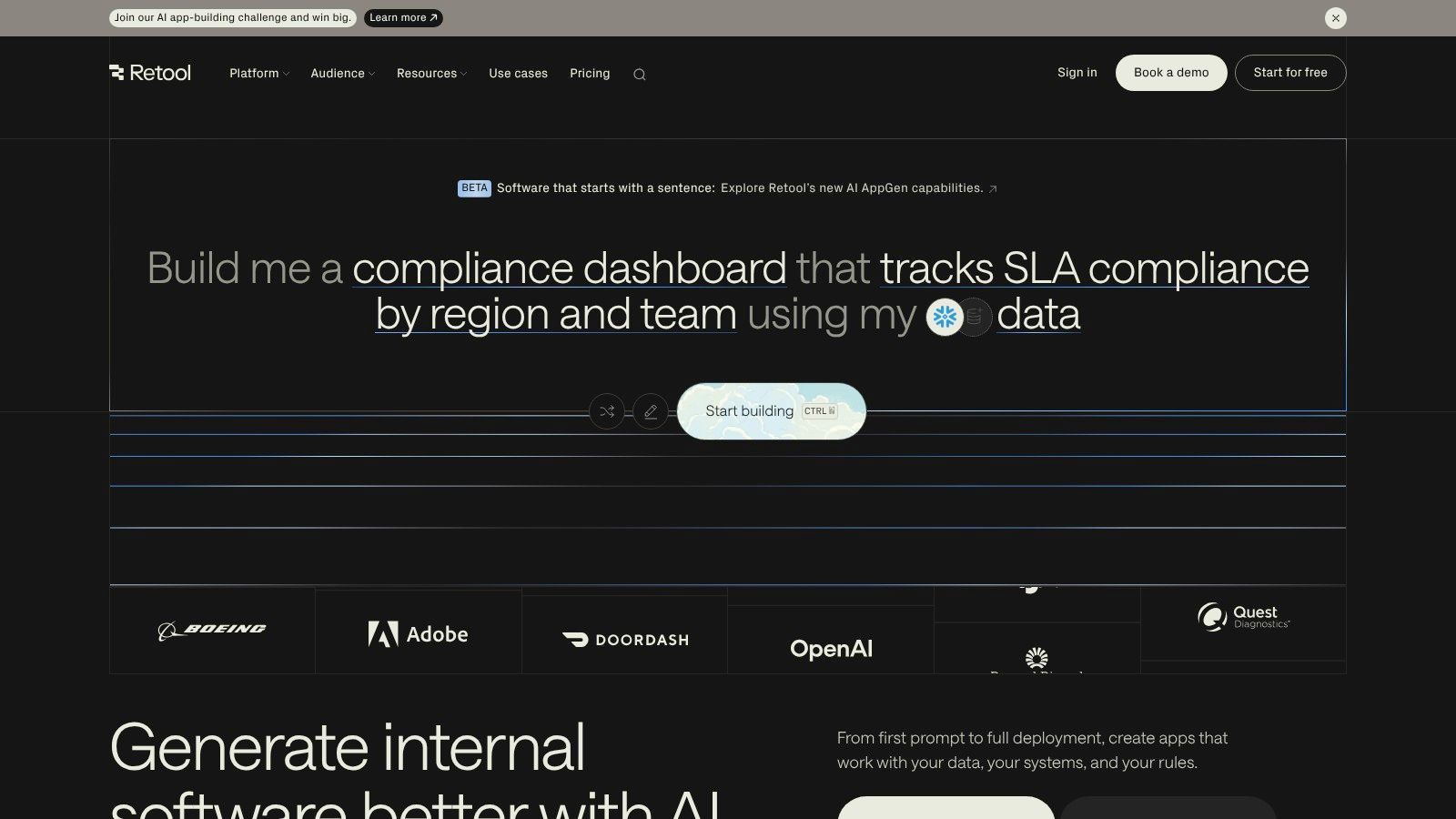
Retool is the fastest way to build internal tools. Connect a database or API, drag pre-built components (tables, charts, forms) onto a canvas, and wire them up with JavaScript. In 30 minutes, you can have a working admin panel, customer support dashboard, or inventory management system.
The secret sauce is that you can write JavaScript anywhere. Need a custom data transformation? A conditional workflow? Just write it inline. Retool also offers self-hosting, which matters a lot for companies with strict data residency rules.
What it won't do
Retool is not for public-facing consumer apps. It's optimized for authenticated internal tools where your team logs in and gets work done. Pricing is developer-friendly — you pay per builder, not per end-user viewer — but complex business logic still needs a developer who knows JavaScript and SQL.
Pros: Incredibly fast for internal tools. Cloud or self-hosted. Full JavaScript access for custom logic.
Cons: Not for consumer-facing apps. Complex workflows still need a real developer.
Website: Retool
8. Bubble
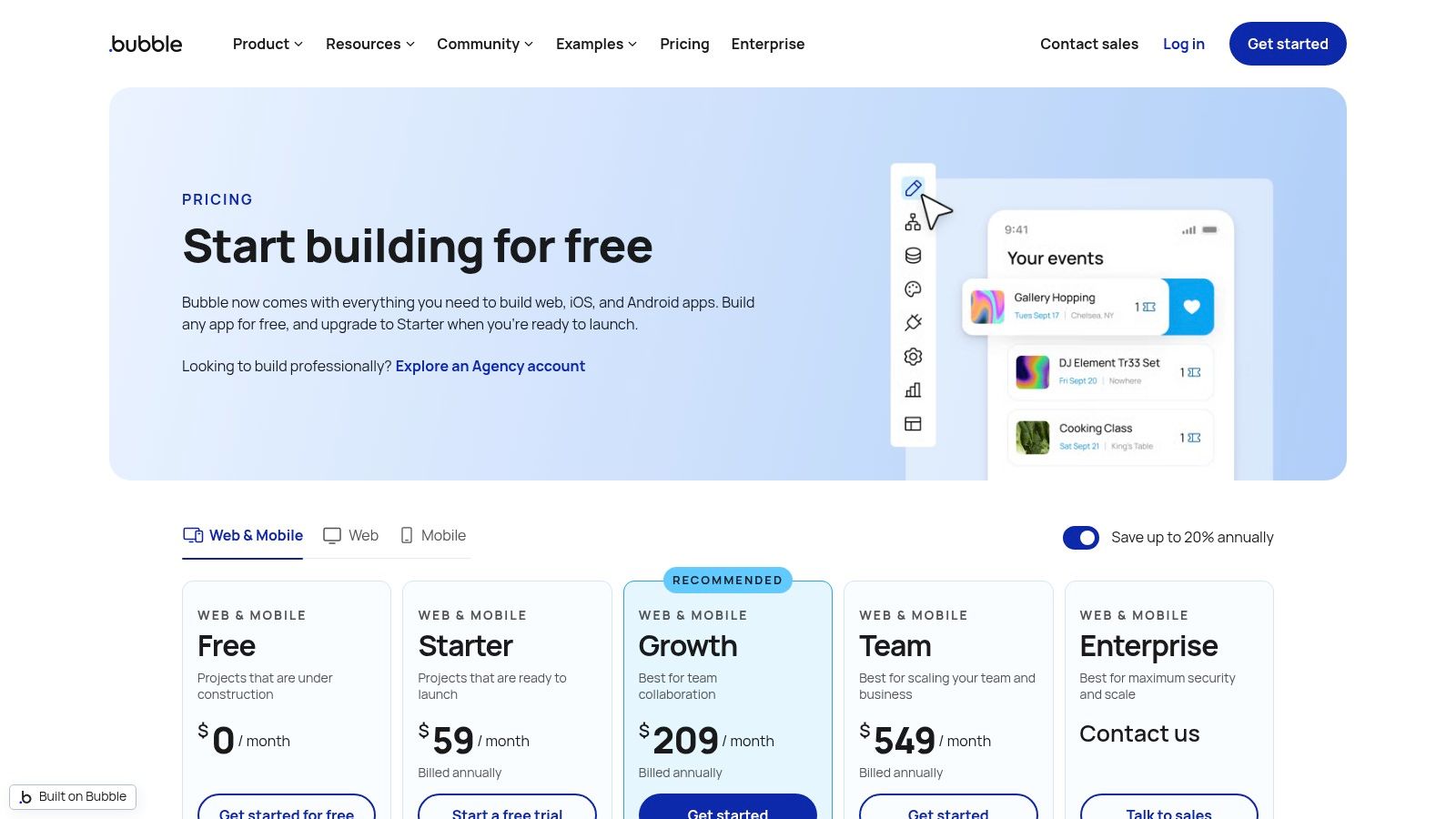
Bubble is the granddaddy of no-code web app builders. It gives you pixel-perfect design control, a visual workflow editor for backend logic, a built-in database, and API connectors — all without writing code. People have built SaaS platforms, marketplaces, and social networks on Bubble. Check out our guide to building an app without code for more context.
The plugin marketplace is massive. The community has been building on Bubble for years, so you'll find pre-made components for payments, auth, maps, and more. Start from a marketplace or SaaS template to save time.
The cost model
Bubble charges based on "workload units" — the server resources your app consumes. This works well for new apps but can surprise you as traffic grows. Optimization becomes important. The platform also has a real learning curve for building complex, high-performance apps.
Pros: Full design freedom. No backend management needed. Huge ecosystem of plugins, templates, and community help.
Cons: Costs scale with usage (workload units). Steep learning curve for complex apps.
Website: Bubble
9. FlutterFlow
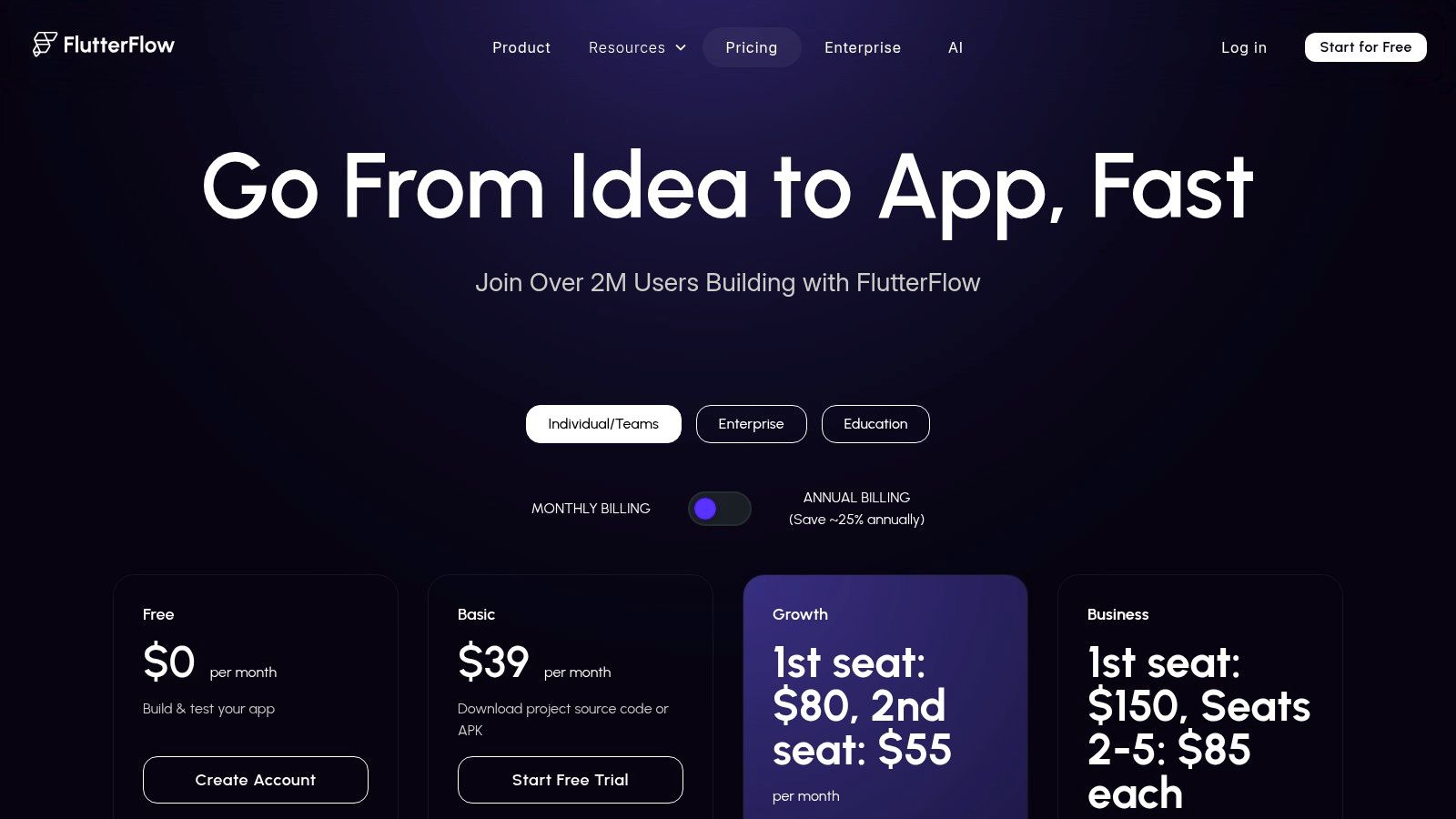
FlutterFlow sits between no-code and full-code. You build visually with drag-and-drop, but everything runs on Flutter — Google's framework for native iOS, Android, and web apps. The big differentiator: you can export the complete, readable Flutter source code at any time. No vendor lock-in.
This makes FlutterFlow a strong pick for teams that want to prototype fast but plan to hand off to developers later. Firebase integration is baked in — set up auth, databases, and storage directly in the builder. One-click deployment to app stores rounds out the workflow.
Limitations
The free tier is basic. Code export, GitHub integration, and app store deployment require paid plans. Some native device features and complex animations still need a developer to modify the exported code. Team collaboration features are locked behind the higher pricing tiers.
Pros: True native performance on iOS, Android, and web. Full code ownership via export. Strong Firebase and Supabase integration.
Cons: Advanced features need paid plans. Complex native functionality may require manual code changes.
Website: FlutterFlow
10. Zoho Creator
If your business already uses Zoho CRM, Zoho Books, or Zoho Mail, Creator is the obvious choice for custom apps. It plugs into the entire Zoho ecosystem natively. Build an app that pulls CRM data, triggers invoicing in Books, and sends notifications through Mail — all from one platform.
The visual builder handles basic apps well. For anything more advanced, you'll use Deluge, Zoho's scripting language. It's simpler than JavaScript but still a proprietary language you'll need to learn. The pre-built app gallery covers about 80% of common use cases, so start there.
Pricing and fit
Per-user pricing is competitive, especially compared to enterprise platforms. But the pricing structure gets complex with add-ons and edition differences. The UI feels dated next to newer platforms. Best suited for SMBs already committed to the Zoho stack.
Pros: Deep Zoho ecosystem integration. Affordable per-user pricing. Good for SMB workflows.
Cons: Interface feels dated. Advanced features require learning Deluge scripting.
Website: Zoho Creator
11. Adalo
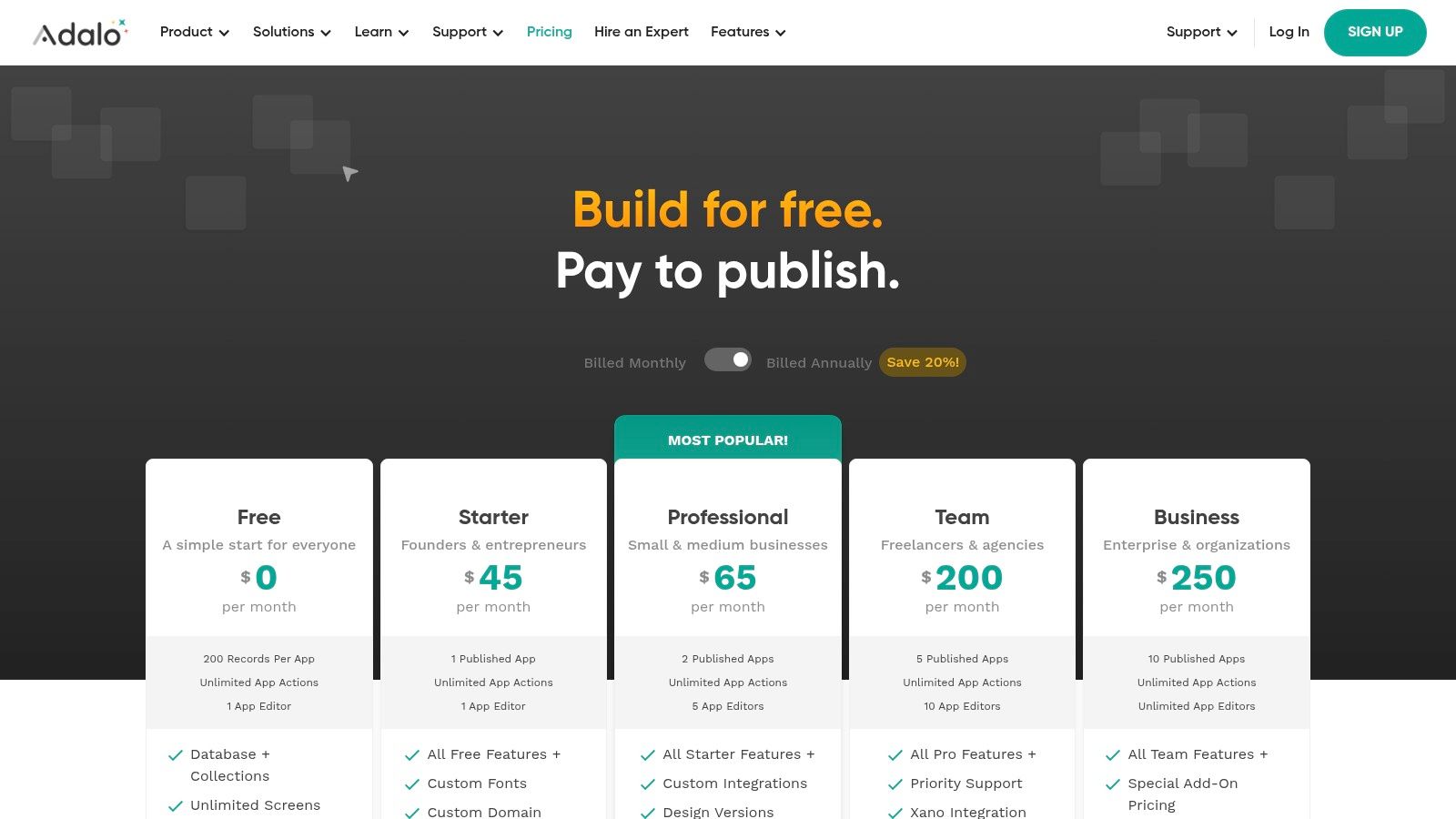
Adalo is purpose-built for one thing: getting a mobile app onto the App Store and Google Play as fast as possible. The drag-and-drop builder includes user auth, data lists, forms, and push notifications out of the box. The one-click publishing to both app stores removes a barrier that stops many non-technical founders.
The learning curve is gentle. If you can use Canva, you can use Adalo. The component marketplace and App Academy tutorials get you up to speed quickly. It's not the most powerful platform on this list, but for a straightforward MVP, it delivers.
Where it gets tricky
Paid plans have hard limits on app actions and database records. Custom logic and complex database relationships require workarounds or external backends like Xano. Performance and design flexibility lag behind native code or more mature platforms like FlutterFlow.
Pros: Easiest path to a published mobile app. Gentle learning curve. Active community and component marketplace.
Cons: Strict tier limits on actions and data. Less flexible than native or code-export platforms.
Website: Adalo
12. Oracle APEX
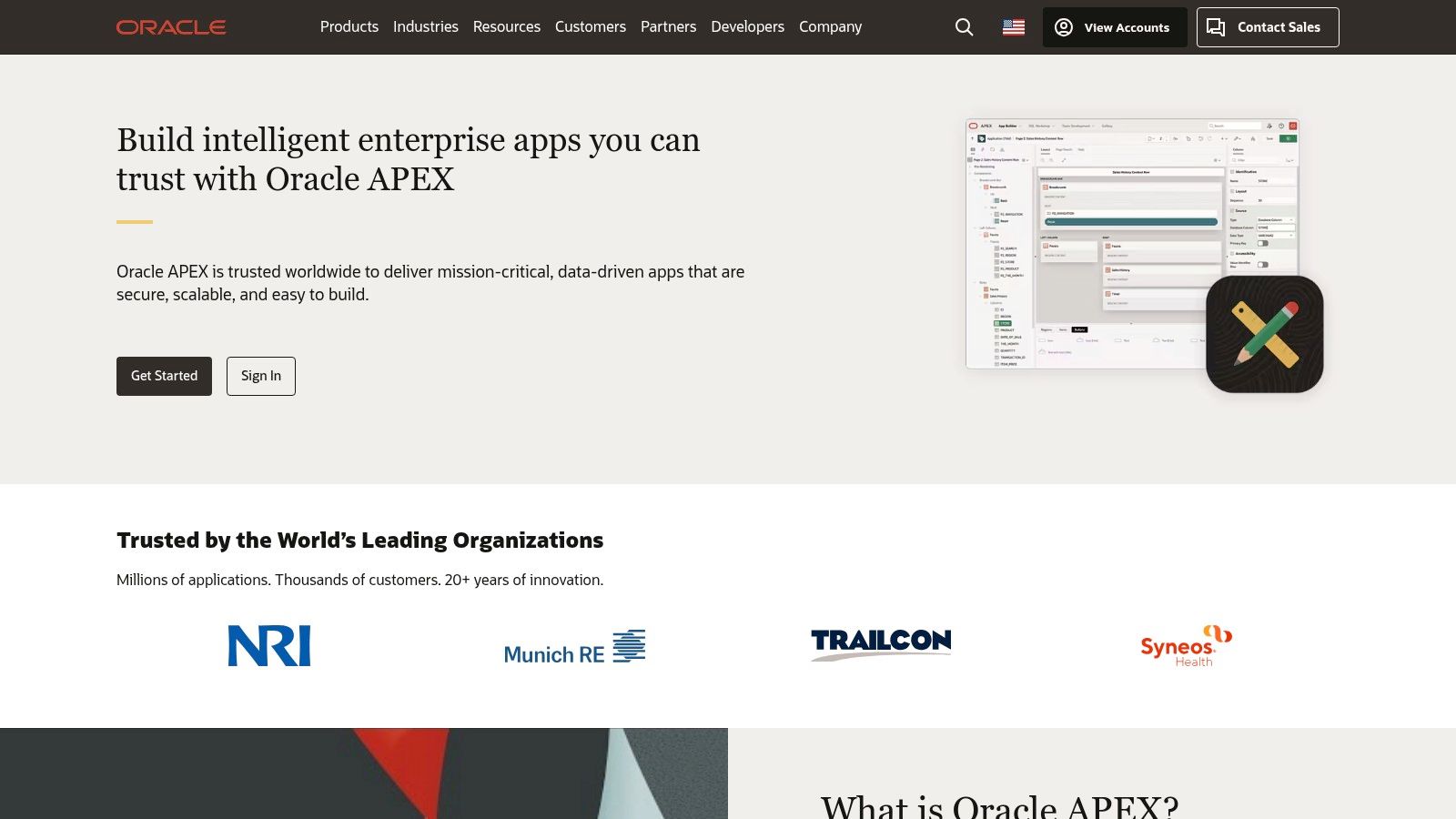
Oracle APEX is a hidden gem for teams that live in the Oracle Database world. It's a low-code platform built directly on top of Oracle Database, which makes it exceptionally fast for data-heavy, transactional apps. Upload a CSV and APEX generates a working app with forms and reports.
The pricing model is unique: APEX itself is free. You only pay for the underlying Oracle Database compute and storage. No per-user or per-app fees. That makes it extremely cost-effective at scale. It runs as a managed service on Oracle Cloud Infrastructure (OCI), which includes an "Always Free" tier.
Not for everyone
APEX is SQL-first. If your team doesn't know SQL, this isn't the tool for you. Custom front-end work requires JavaScript and CSS knowledge. And it's really only practical for organizations already using Oracle — outside that ecosystem, there's no reason to adopt it.
Pros: No per-user pricing — free with Oracle DB. Ideal for high-performance data apps. Enterprise security built in. Always Free tier on OCI.
Cons: Requires SQL skills. Tied to Oracle ecosystem. Front-end customization needs web dev knowledge.
Website: Oracle APEX
Quick Comparison Table
Tool | Best for | Code needed? | Pricing model | Mobile apps? |
|---|---|---|---|---|
CatDoes | AI-powered mobile MVPs | No | Free + $25/mo+ | Yes (native) |
Power Apps | Microsoft 365 internal tools | Power Fx | Per-user license | Yes |
AppSheet | Spreadsheet-to-app, offline use | No | Per-user tiers | Yes |
Mendix | Enterprise, regulated industries | Optional | Free to enterprise | Yes |
OutSystems | Legacy modernization at scale | Optional | Enterprise (sales) | Yes |
Appian | Process automation, BPM | Optional | Enterprise (sales) | Yes |
Retool | Internal tools, admin panels | JavaScript | Per-builder | No |
Bubble | Web apps, SaaS, marketplaces | No | Workload units | Web only |
FlutterFlow | Native apps + code ownership | Optional | Free + paid tiers | Yes (native) |
Zoho Creator | Zoho ecosystem SMBs | Deluge | Per-user | Yes |
Adalo | Fast mobile MVP publishing | No | Free + tiers | Yes (native) |
Oracle APEX | Data-heavy Oracle apps | SQL | Free (DB cost only) | Web only |
How to Pick the Right Tool
There's no single best platform. The right choice depends on four things:
What are you building? Internal tool → Retool or Power Apps. Consumer mobile app → CatDoes, FlutterFlow, or Adalo. Complex web app → Bubble or Mendix. Process automation → Appian.
What's your team's skill level? No coding experience → AppSheet, Adalo, or CatDoes. Some technical ability → Bubble, FlutterFlow, or Zoho Creator. Developer team → Retool, OutSystems, or Oracle APEX.
What's your budget? Free or cheap → CatDoes, AppSheet, Adalo, Oracle APEX. Mid-range → Bubble, FlutterFlow, Zoho Creator. Enterprise budget → Mendix, OutSystems, Appian, Power Apps.
What ecosystem are you already in? Microsoft → Power Apps. Google → AppSheet. Zoho → Creator. Oracle → APEX. No ecosystem → CatDoes, Bubble, or FlutterFlow give you the most freedom.
Start with the free tier of your top 2-3 picks. Build the same simple app on each. You'll know which one fits within an hour.
FAQ
What is rapid app development?
Rapid app development (RAD) is an approach that prioritizes speed over long planning cycles. Instead of spending months on specs and waterfall development, RAD tools let you prototype, test, and iterate in days or weeks. Most modern RAD tools use visual builders, pre-built components, and AI assistance to skip repetitive coding work.
Which rapid app development tool is best for beginners?
For mobile apps, Adalo and CatDoes have the gentlest learning curves. Adalo uses drag-and-drop components, while CatDoes lets you describe your app in plain text and builds it with AI. For web apps, AppSheet is easiest if you're comfortable with spreadsheets. Bubble is more powerful but takes longer to learn.
Can I build a real app without coding?
Yes. Platforms like Bubble, Adalo, AppSheet, and CatDoes require zero coding knowledge. You can build, deploy, and publish apps to the App Store and Google Play without writing a single line of code. More complex features may eventually need a developer, but many successful businesses run entirely on no-code platforms.
Are no-code apps scalable?
It depends on the platform. Enterprise tools like Mendix and OutSystems are designed to scale to thousands of users. Bubble and FlutterFlow can handle significant traffic with proper optimization. For CatDoes, the exported React Native code runs natively, so performance scales like any other mobile app. The main risk with no-code is hitting platform limits as your app grows — that's why code export options (FlutterFlow, CatDoes) provide an escape hatch.
How much do rapid app development tools cost?
Costs range from free to thousands per month. CatDoes, AppSheet, Adalo, Bubble, and FlutterFlow all offer free tiers. Mid-range plans run $25-$100/month. Enterprise platforms like Mendix, OutSystems, and Appian require custom quotes that can run into five figures annually. Oracle APEX is free if you're already paying for an Oracle Database license.
Nafis Amiri
Co-Founder of CatDoes


