Blog
Tutorials
No-Code Apps: Build Your App From Idea to Launch 2026
Learn how to build no-code apps from idea to launch. This guide covers how no-code works, who it is for, and the 5 steps to ship your first app in 2026.

Nafis Amiri
Co-Founder of CatDoes

What if you could take an app idea from a rough sketch to a working product by the end of the week, without writing a single line of code? That used to sound impossible. Today it is just a Tuesday.
This is the world of no-code apps: a fast-growing way to build real, functional software using visual editors and drag-and-drop tools. This guide walks through how the technology actually works, who is already using it, and how you can build your first app from idea to launch.
Table of Contents
Welcome to the Future of App Creation
So, What Exactly Are No-Code Apps?
Who Benefits From No-Code App Development?
No-Code vs. Low-Code vs. Custom Development
How to Build Your First No-Code App, Step by Step
How to Choose the Right No-Code Platform
Your Top Questions About No-Code Apps, Answered
Welcome to the Future of App Creation
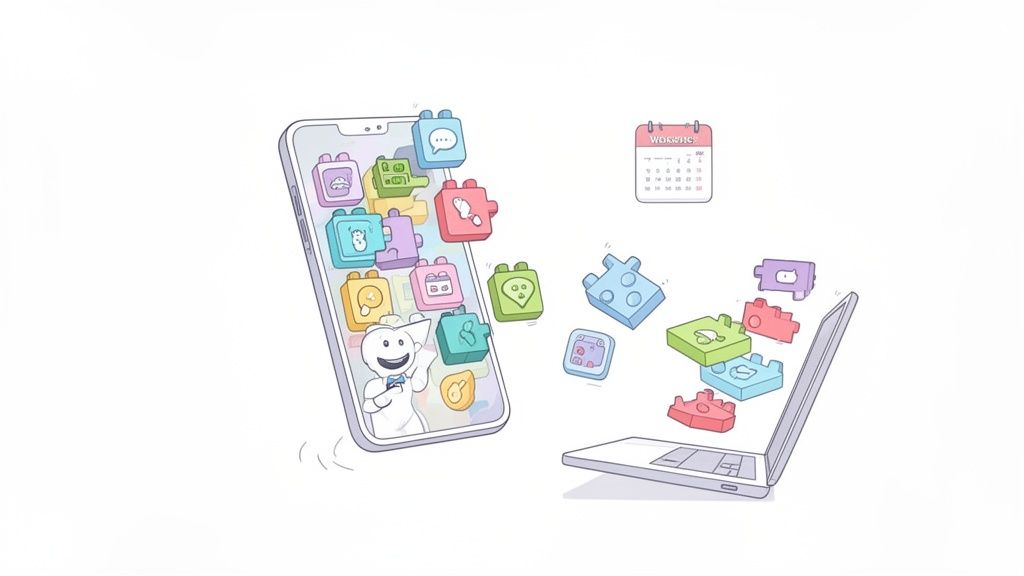
For decades, the ability to build software sat behind the wall of programming languages. Turning a concept into a working app meant specialized skills, a lot of time, and real money. Plenty of good ideas never made it past a notebook because of that.
That wall is coming down. No-code development platforms have changed who gets to build software, opening the door to founders, business owners, and creators who were shut out before.
The Democratization of App Development
Building a no-code app is a bit like assembling prefabricated furniture. You don't need to be a carpenter who can cut wood and forge hinges. You get a kit of finished pieces and clear instructions, and you arrange them into something useful.
No-code platforms work the same way. They hand you a library of pre-built components, such as user logins, payment forms, and data displays, and you combine those visual blocks into an application while the platform writes the underlying code for you.
The idea is straightforward: if you can build a slide deck or a spreadsheet, you can build an app. That puts software creation within reach of people regardless of their technical background.
A Movement Backed by Real Growth
This is not a hobbyist niche. The category has gone mainstream, and the numbers back it up. Gartner forecasts that the low-code and no-code development technologies market will reach roughly $44.5 billion in 2026, growing about 19% a year.
Adoption is climbing just as fast. Gartner expects low-code tools to account for 75% of new application development by 2026, up from 40% in 2021. And more of those builders are coming from outside traditional IT teams.
The rest of this guide covers the whole journey, from your first idea to launch day, and shows how founders, creators, and established companies are shipping faster than they could before.
So, What Exactly Are No-Code Apps?
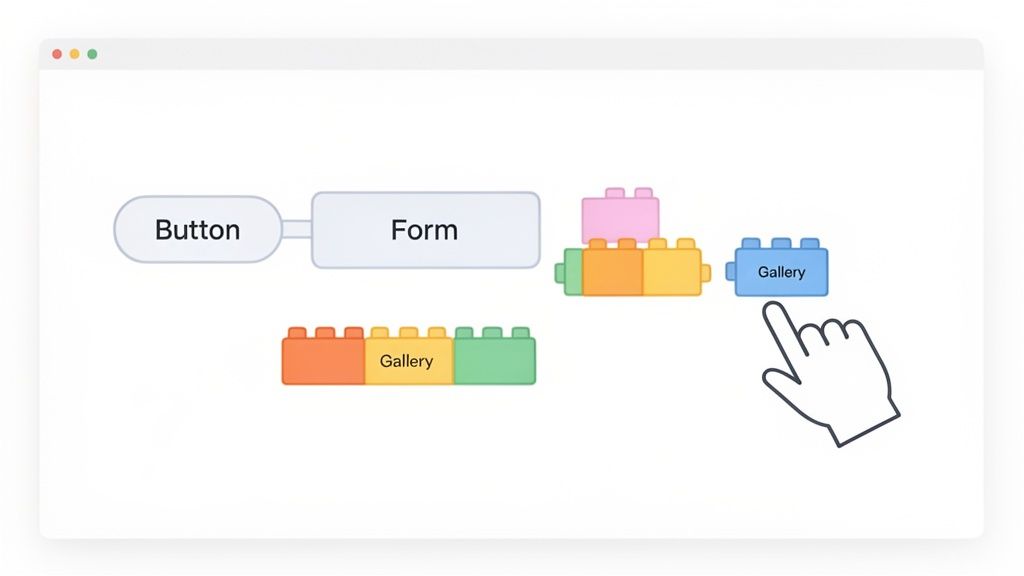
A no-code app is software built without writing traditional programming code. Instead of typing out Python, JavaScript, or Swift, you use a visual interface to design, build, and launch your application. That single change reshapes who can create software and how quickly they can do it.
Picture building with digital LEGO bricks. Traditional coding is like having to mold each brick from raw plastic before you can start. With no-code platforms, you open a box of finished, specialized pieces: user profiles, buttons, image galleries, payment forms. Your job is to pick the right ones and snap them together on a canvas, while the platform generates the code that makes it all run.
The Visual Development Experience
Most of the appeal comes from how visual the process is. You work in a graphical editor and watch your app take shape in real time, which removes the steep learning curve that comes with programming syntax.
If you have used a modern website builder, you already understand the basic idea. It is closely related to the WYSIWYG editor, which pioneered creating visually without touching the code underneath. No-code applies that same approach to full applications.
Most no-code platforms are built around three components that work together:
Front-end builder: Your visual canvas. This is where you design the user interface, drag and drop elements, arrange layouts, and style components to match your brand.
Workflow editor: Where you define the app's logic with visual "if this, then that" rules. For example: when a user taps Sign Up, create an account and send a welcome email.
Database management: A spreadsheet-like interface for storing information such as user accounts and product lists, no database administrator required.
How the Abstraction Layer Works
So if you are not writing code, how does the app run? No-code platforms rely on abstraction. They put a layer over the underlying code and give you simple visual controls instead.
When you drop a button onto the screen and wire up a workflow, the platform translates those actions into working code behind the scenes. Enabling user logins with one click might generate hundreds of lines that handle security, sessions, and database calls, none of which you ever have to see.
That abstraction is the point. You focus on what the app should do and how it should look, and the platform handles the technical implementation.
You get something close to a custom-coded application without the years of training. As of 2026, many platforms also fold in AI, so you can describe a feature in plain English and have it built for you, which makes turning an idea into a working product quicker than ever.
Who Benefits From No-Code App Development?
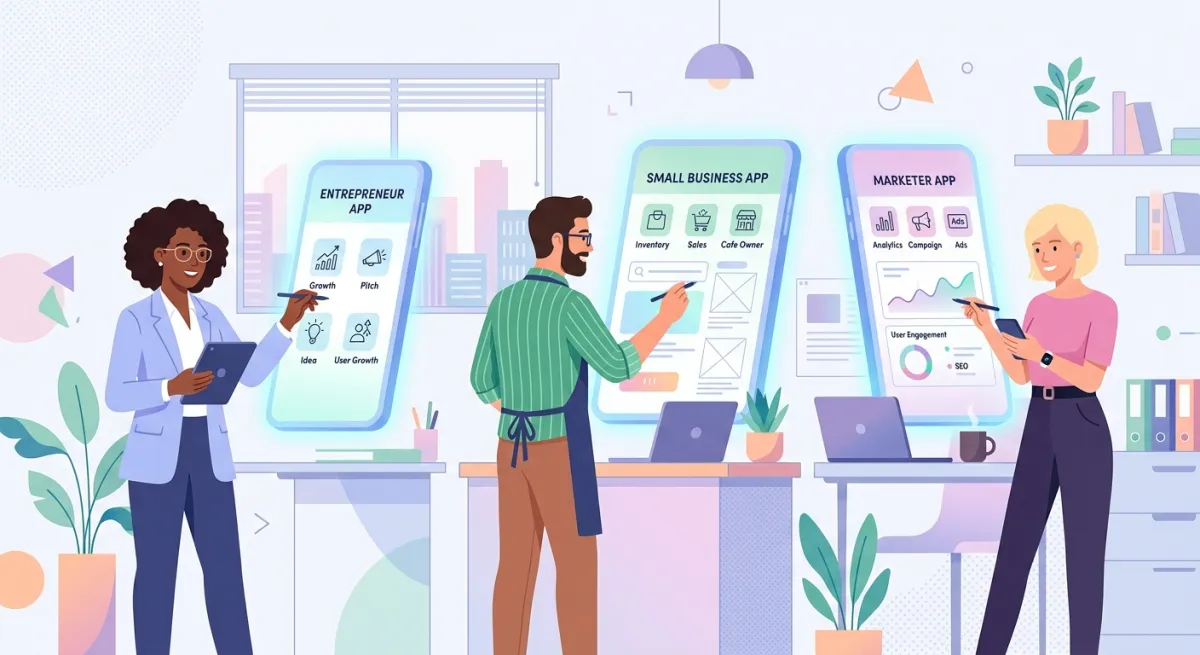
Building software is no longer limited to professional developers. No-code has opened the field to a much wider group, and the benefits reach anyone with a problem to solve or an idea to ship, not just one type of person.
From founders testing a new concept to established companies fixing clunky internal workflows, the effect shows up everywhere. No-code platforms remove the usual roadblocks of time, money, and coding skill.
Entrepreneurs and Startup Founders
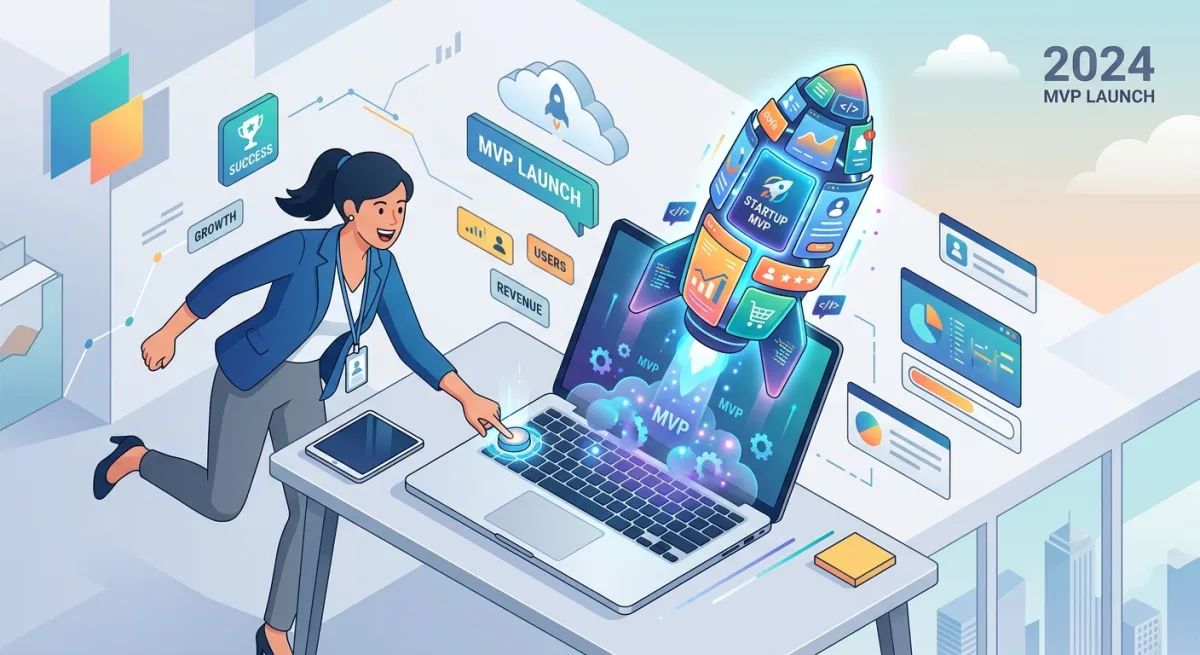
For a founder, speed matters. Getting a minimum viable product (MVP) in front of users is how you test demand, gather feedback, and show investors there is something here. No-code makes that happen in days or weeks rather than months.
Take a founder with an idea for a delivery service. The old path meant a six-figure budget and half a year of waiting for a custom build. Now they can build a working prototype themselves, complete with sign-ups, order forms, and basic tracking, and test the business model with real customers right away. That first working version deserves its own plan, which we lay out in how to build a prototype of an app.
That lowers the risk considerably. Founders can try ideas, adjust based on what users tell them, and search for product-market fit without spending their entire budget first.
Small and Medium-Sized Businesses
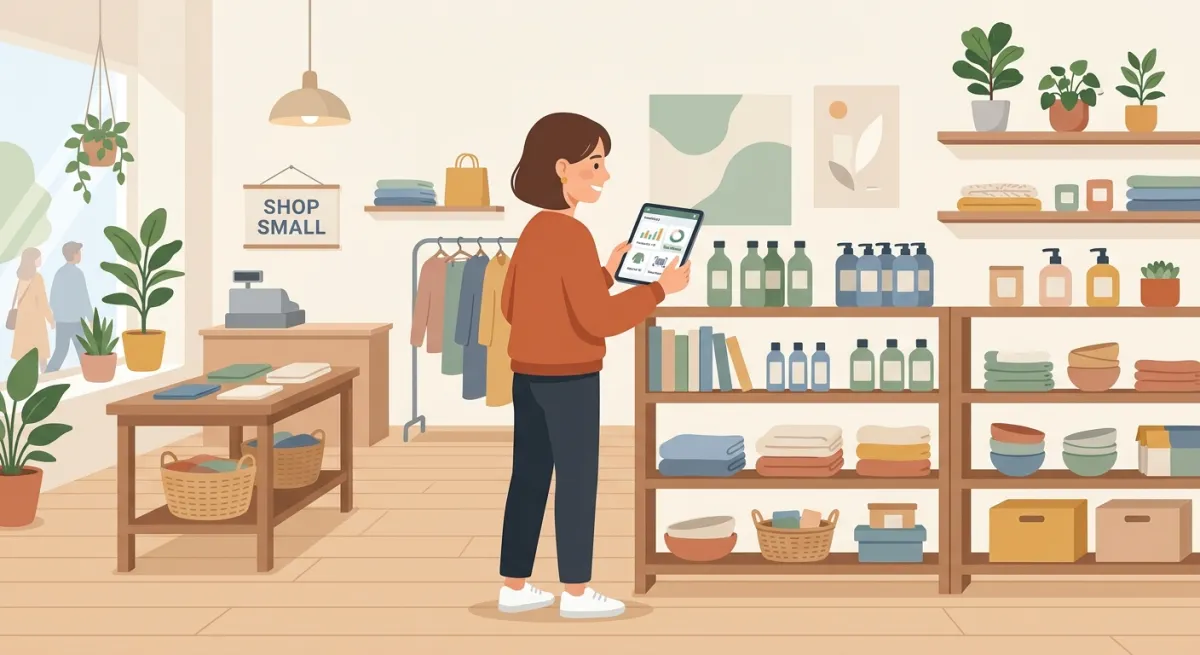
Smaller businesses often run on tight budgets with no dedicated IT team, yet they have specific operational headaches that off-the-shelf software cannot solve. A no-code app is a practical way to close that gap.
A local retail shop could build its own inventory app to track stock in real time and stop relying on manual spreadsheets. A service company could create an app for scheduling appointments and dispatching field technicians. These are targeted tools that save hours and have a direct effect on the bottom line.
The economics explain the pull. Gartner expects most new low-code and no-code users to come from outside formal IT departments, which is exactly where small businesses sit.
Marketers and Creative Professionals
Marketing teams move on tight deadlines and often need custom digital tools: interactive landing pages, contest forms, event apps. Waiting on a busy development team can mean missing the campaign window entirely. No-code tools let marketers build those pieces themselves and hit their dates.
A marketing manager could spin up a product-launch microsite with built-in lead forms. A designer could turn a static portfolio into an interactive web app. The result is not just faster delivery; the people who understand the strategy are the ones building the tools to execute it.
Designers: UI/UX designers can move past flat mockups and build high-fidelity, interactive prototypes, which leads to better user testing and clearer stakeholder feedback.
Non-technical creators: Anyone with an idea can build an app. A fitness coach can create a workout tracker for clients. A teacher can build an educational game for the classroom.
No-Code vs. Low-Code vs. Custom Development
Choosing how to build your app is one of the bigger decisions you will make. It shapes your timeline, your budget, and what is ultimately possible. To choose well, it helps to see where no-code sits next to low-code and traditional custom development.
Each option balances speed, control, and required skill differently. No-code is the fastest on-ramp, low-code is a flexible middle ground, and custom coding gives you the most freedom at the highest cost. Understanding those trade-offs is the first step to matching your approach to your goals.
The Three Paths of App Creation
Think of it like building a house.
No-code is a high-end prefabricated modular home. You pick from pre-built sections, arrange them, and move in quickly. No construction experience needed.
Low-code is a major renovation. You start with a solid structure and a kit of materials, but you can move walls, add custom windows, and wire up unique lighting. It asks for some hands-on skill and gives you more control in return.
Finally, custom mobile app development is hiring an architect and a full crew to build from scratch. Every detail is yours, from the foundation to the doorknobs. That means total freedom, but it also requires expert builders, plenty of time, and a real budget.
The diagram below shows how the three approaches relate.
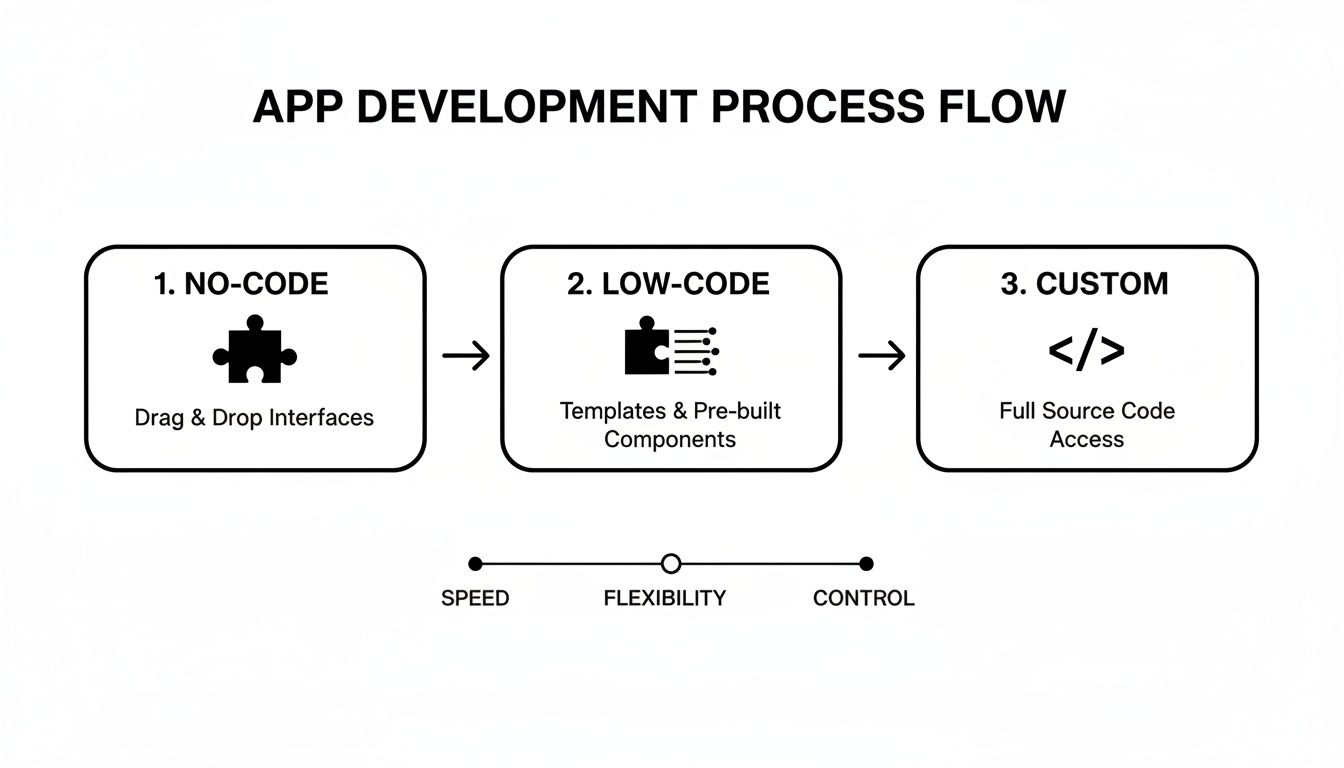
As you move from no-code toward custom, you trade speed and simplicity for more power and finer control.
Development Approach Comparison at a Glance
Here is how the three methods stack up on the factors that matter most: skill, speed, cost, and flexibility. The right choice is not the "best" one in the abstract, but the best fit for your project, your team, and where you want to go next.
Factor | No-Code Development | Low-Code Development | Custom Code Development |
|---|---|---|---|
Technical Skill | None required. A fit for business users, designers, and founders. | Basic to moderate coding knowledge helps with real customization. | Requires a professional team of experienced developers. |
Development Speed | Fastest. Build and launch a functional app in hours or days. | Fast. Quicker than custom code, a bit slower than pure no-code. | Slowest. Projects often take months, sometimes more than a year. |
Cost | Lowest. Usually a predictable monthly subscription. | Moderate. Subscription fees plus possible developer costs. | Highest. Major investment in salaries, infrastructure, and time. |
Flexibility | Limited. Bound by the platform's available components. | Good. Custom code can extend features and add integrations. | Unlimited. Anything is possible, with full control over every detail. |
There is no single best method. The right choice solves your immediate problem while leaving room to grow, whether that means staying on a no-code platform or moving to a more custom setup later.
How to Build Your First No-Code App, Step by Step
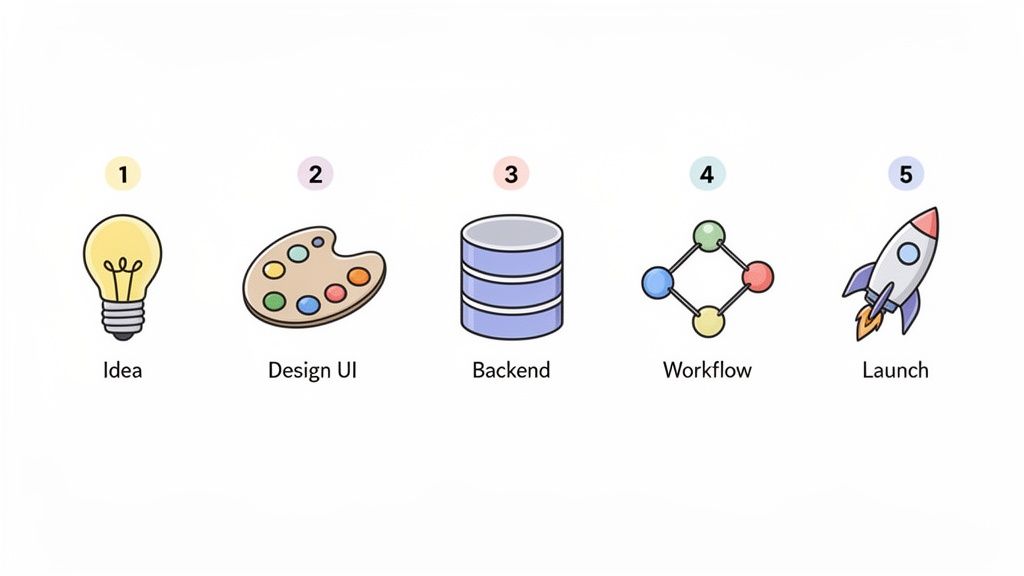
Moving from theory to practice is where it gets interesting. Building your first app can feel like a lot, but the no-code process is more intuitive than you might expect. It comes down to a handful of logical steps that carry your idea from concept to working product.
Modern no-code platforms are designed to guide you through this, often using AI for the harder parts. Think of it as a creative assembly line, where each stage moves you closer to a finished app. Here are the five stages.
Stage 1: Define Your App's Purpose and Features
Before you drag a single element onto the screen, you need a plan. A good app starts with a sharp focus on two things: the problem it solves and who it solves it for. Jumping straight into building is tempting, but skipping this step is how you end up with a bloated, confusing app.
Start by writing one simple sentence that captures why your app exists. For example: "A mobile app for our local book club to track what we're reading and schedule meetups." That sentence guides every decision that follows.
With an AI-native platform like CatDoes, that single sentence doubles as your first prompt. You describe the app in plain language, and the agent generates a working starting point you can react to and refine, which makes the planning stage feel a lot less abstract.
Then brainstorm the minimum features needed to deliver on it. Skip the nice-to-haves. What is essential for day one?
User registration: A way for members to create accounts.
Book logging: A feature to add books, mark them as reading, and add a rating.
Event scheduling: A shared calendar to post and RSVP to meetups.
Basic profiles: A simple page showing a member's name and current read.
That stripped-down feature set is your minimum viable product (MVP): the leanest version that still delivers value. Focusing on an MVP is the key principle when you want to build a prototype quickly and get feedback before investing too much.
Stage 2: Design the User Interface
With your plan in hand, it is time for the visual part: the user interface (UI). This is where no-code tools shine, turning design into a hands-on activity. You work on a digital canvas, arranging pre-built components into your app's screens.
The goal is an experience that feels effortless for your users. I usually recommend starting with pen and paper. Sketching the main screens and how they connect helps you think through the user's journey before you touch a computer.
Once you have a rough flow, jump into the no-code editor. Most platforms give you a library of building blocks:
Buttons and input fields
Image galleries and carousels
Navigation menus and icons
Data tables and lists
Many platforms, including CatDoes, use AI to speed this up. Describe the screen you need, such as "a profile screen with a photo, name, and a list of favorite books," and the AI generates a working layout for you.
Stage 3: Set Up the Backend Database
Every useful app needs a place to store and manage data, and that is the backend. The word "database" can sound intimidating, but no-code platforms make it feel like organizing a smart spreadsheet.
Your database holds "tables" for different kinds of information. For the book club app, you would need three:
Table Name | Key Information Stored |
|---|---|
Users |
|
Books |
|
Events |
|
Creating these tables is usually a matter of adding columns and choosing the data type for each one (text, number, date, or image). You will also need user authentication for sign-ups and logins, which most no-code tools include as a built-in feature you can switch on.
Some platforms bundle the entire backend so you never have to leave the builder or stitch together separate services. CatDoes, for example, includes CatDoes Cloud on every plan: a managed database, user authentication, file storage, and serverless functions, all wired up for you. For the book club app, that means your Users, Books, and Events tables plus the login flow live in one place, with no separate database to provision or secure yourself.
Stage 4: Build the Core Logic With Workflows
This is where your app comes to life. Workflows are the "if this, then that" rules that drive its behavior. Instead of writing code, you connect logical blocks in a visual editor to tell the app what to do.
For example, you could build a workflow that says: when a user taps the Add Book button, then show the New Book Form screen.
Or something more involved: when a user submits the New Book Form, then create a new record in the Books table from the form data and return the user to their profile screen.
Handling logic visually lets you build surprisingly capable features, like processing payments or sending automated emails, just by linking simple cause-and-effect rules together.
AI-native tools take this a step further. With CatDoes, you can describe a rule in plain English, such as "when someone RSVPs to an event, send them a confirmation email," and the agent assembles the underlying workflow for you. You stay in control to adjust the logic, but you skip the tedious wiring.
Stage 5: Test and Launch Your App
Before you share your app with the world, test it. One advantage of no-code is the ability to preview and test in real time. With platforms like CatDoes, you can see changes live in a browser or scan a QR code to run a native version on your phone.
Ask friends, family, or potential users to try it. Watch where they get stuck and listen to their feedback. That is how you find the bugs and rough spots you missed.
Once you are confident the app is stable and easy to use, it is launch time. No-code platforms automate deployment. With a few clicks, you can publish a progressive web app (PWA) that anyone can open with a URL, or generate the build files to submit to the Apple App Store and Google Play.
How to Choose the Right No-Code Platform
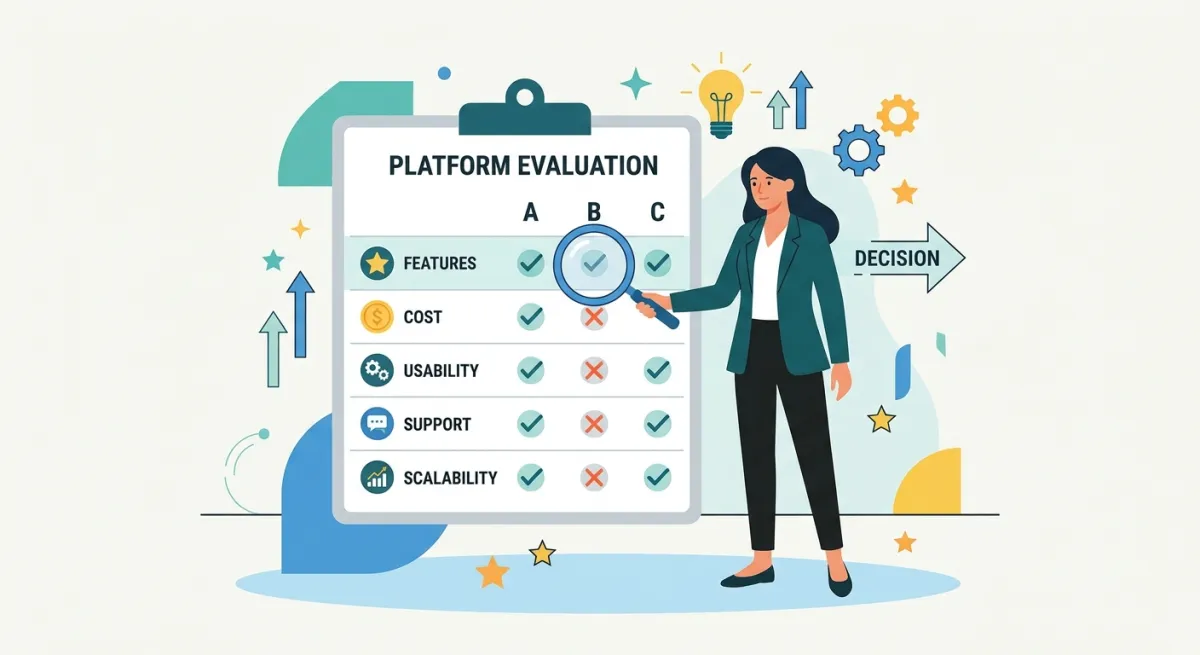
With so many no-code tools available, picking one can feel overwhelming. But the platform you choose is more than a builder; it is the foundation your product runs on. Getting this decision right early has a big effect on whether your project succeeds.
That means looking past the marketing and digging into what matters for building, launching, and scaling. A good platform feels intuitive on day one without trading away the power you will need later.
Evaluate the Core Platform Capabilities
A friendly interface is nice, but the technology underneath determines what your app can actually do.
First, think about growth. Will the platform keep up as you go from a handful of beta testers to thousands of active users? Look for tools built on reliable cloud infrastructure with a clear path to scale, which keeps your app responsive under load.
Next, look at the backend features. A capable no-code tool gives you solid ways to handle data, manage users, and connect to other services.
Database functionality: How easy is it to set up and manage your data? A flexible, spreadsheet-like database is essential for everything from user profiles to inventory.
Integrations and APIs: Your app will not exist in a vacuum. Check for pre-built connections to the tools you already use, or at least a clear way to connect to external APIs.
Deployment options: Where will people use your app? Some tools focus on web apps, while others, like CatDoes, are built to create native mobile apps for iOS and Android.
Choosing a platform is like choosing a business partner. You want one that is reliable, able to grow with you, and backed by strong support when problems come up.
Consider Support, Community, and Cost
Technical specs are only half the picture. The ecosystem around the platform matters just as much for long-term success. An active community and a responsive support team help when you hit a wall or need inspiration.
Look for platforms with active user forums, detailed documentation, and video tutorials. An engaged community is a good sign of a healthy, evolving tool. For more on picking the right one, see our guide to the best free app maker options.
Finally, study the pricing. Free tiers are great for starting out, but understand their limits and what scaling will cost. A predictable pricing model that matches your growth plans saves you from surprises later.
Your Top Questions About No-Code Apps, Answered
Getting started with no-code is exciting, and it is normal to have questions. This is a new way to build real software, so concerns about power, ownership, and growth come up often. Here are the ones we hear most.
Can I Build a Truly Complex App Without Code?
Yes. Modern no-code platforms have moved well beyond the simple websites and forms of the past. As of 2026, these tools can build genuinely sophisticated applications.
That includes apps with user databases, payment processing, API integrations with other software, and complex "if this, then that" logic. For example, you could build:
A two-sided marketplace connecting buyers and sellers.
An internal tool to manage company-wide projects.
A social networking app for a niche community.
Custom code will always offer more flexibility for highly specialized functions, but the range of what no-code can handle keeps expanding.
Do I Actually Own the App I Build?
This is an important question, and the short answer is yes. You own the intellectual property that makes your app unique: your business logic, the user data you collect, and the design and content you create. Ownership questions come up constantly for business owners, which we address in how to make an app for my business.
Think of it like building a store on Shopify. You own your brand, your products, and your customer list, but you do not own the underlying Shopify software. You are renting the infrastructure.
The takeaway: always read the terms of service for any platform you are considering. Pay close attention to their policies on ownership and data portability so you know where you stand.
Are No-Code Apps Scalable Enough for a Real Business?
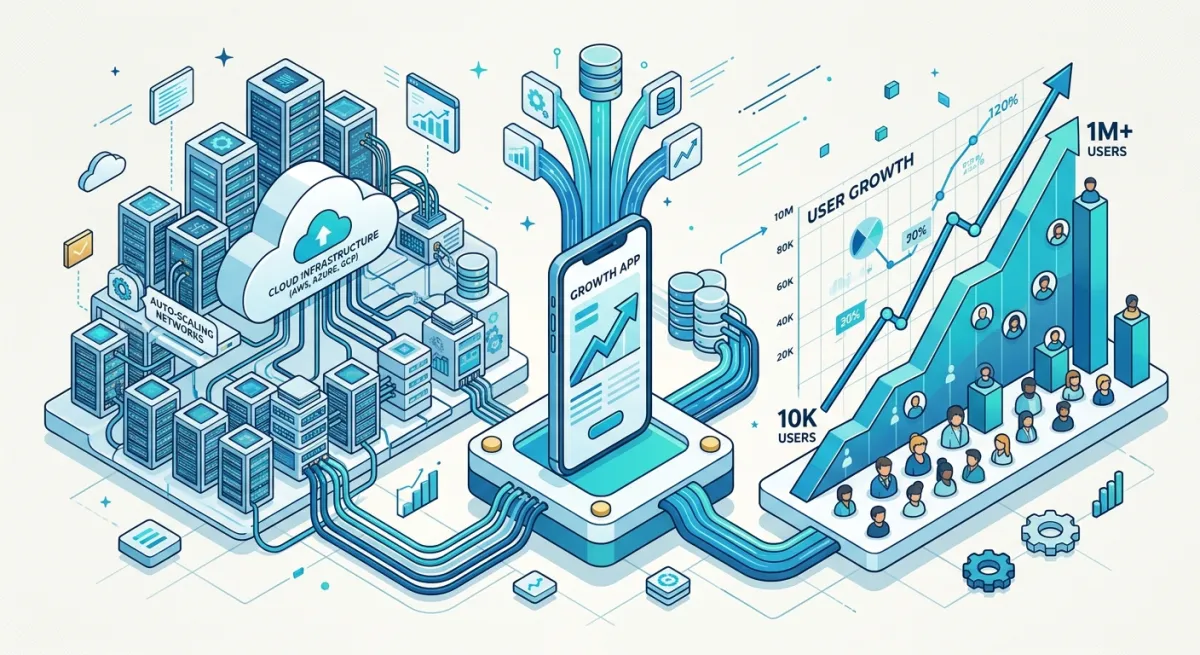
Scalability is a fair concern, but most leading no-code platforms are built for growth from day one. Many run on the same cloud infrastructure that powers large tech companies, such as Amazon Web Services or Google Cloud.
That means your app can handle a surge in traffic and grow from ten users to tens of thousands. When you evaluate a platform, look for case studies of high-traffic apps it hosts and check the pricing tiers. A good platform offers a clear path to support your growth.
Ready to stop wondering and start building? With CatDoes, our AI-native platform turns your ideas into production-ready mobile apps using plain language. Our agents handle everything from design to deployment, so you can launch your app faster. Start building for free on CatDoes today.
Nafis Amiri
Co-Founder of CatDoes


