Blog
Tutorials
No Code AI App Builder: Create Apps Without Coding
Learn what a no code AI app builder is, how it works, and how to go from idea to app store. Features, use cases, and a step-by-step build guide inside.

Nafis Amiri
Co-Founder of CatDoes
TL;DR: A no code AI app builder lets you create mobile apps and websites using visual tools and plain English instead of programming languages. These platforms handle design, backend infrastructure, and app store submission automatically. This guide covers how they work, what to look for in a platform, real use cases, and a step-by-step walkthrough of building your first app.
You have an app idea. Maybe it's a tool for your team, maybe it's a product you want to sell. But you don't code, and hiring developers costs $50,000+ for even a basic MVP. So the idea sits in a notes app, collecting dust.
That gap between "idea" and "working product" has blocked non-technical founders for decades. No code AI app builders close it. These platforms let you describe what you want in plain English, drag components onto a canvas, and ship a real app to the App Store or Google Play, without writing a single line of code.
This guide covers how these builders actually work, what features separate the good ones from the rest, and how to build your first app step by step.
Table of Contents
What is a no code AI app builder?
Features that matter in a modern platform
Why use a no code AI app builder
Real use cases
Build your first app: a step-by-step walkthrough
Common questions about no code AI app builders
What is a no code AI app builder?

A no code AI app builder is a platform where you build working applications without writing code. Instead of programming in Python or JavaScript, you use a visual interface: drag pre-built components like buttons, forms, and image galleries onto a canvas, then connect them to define how your app behaves.
Think of it like assembling furniture from a kit versus milling the wood yourself. The pieces are pre-built and tested. You decide how they fit together.
How visual development works
Traditional development requires you to write code that tells the app what to do when a user taps a button. No-code platforms turn this into a flowchart. You connect visual blocks: "When a user clicks 'Sign Up,' create a new record in the database, then send a welcome email." Each step is a block, and you link them with arrows.
This visual logic layer is what makes no-code accessible. You're not learning a programming language. You're drawing a diagram of how your app should behave, and the platform turns that diagram into working software.
This approach means the person who understands the problem best (the marketer, the business owner, the operations lead) can build the solution themselves, without translating their requirements through a development team.
Where AI fits in
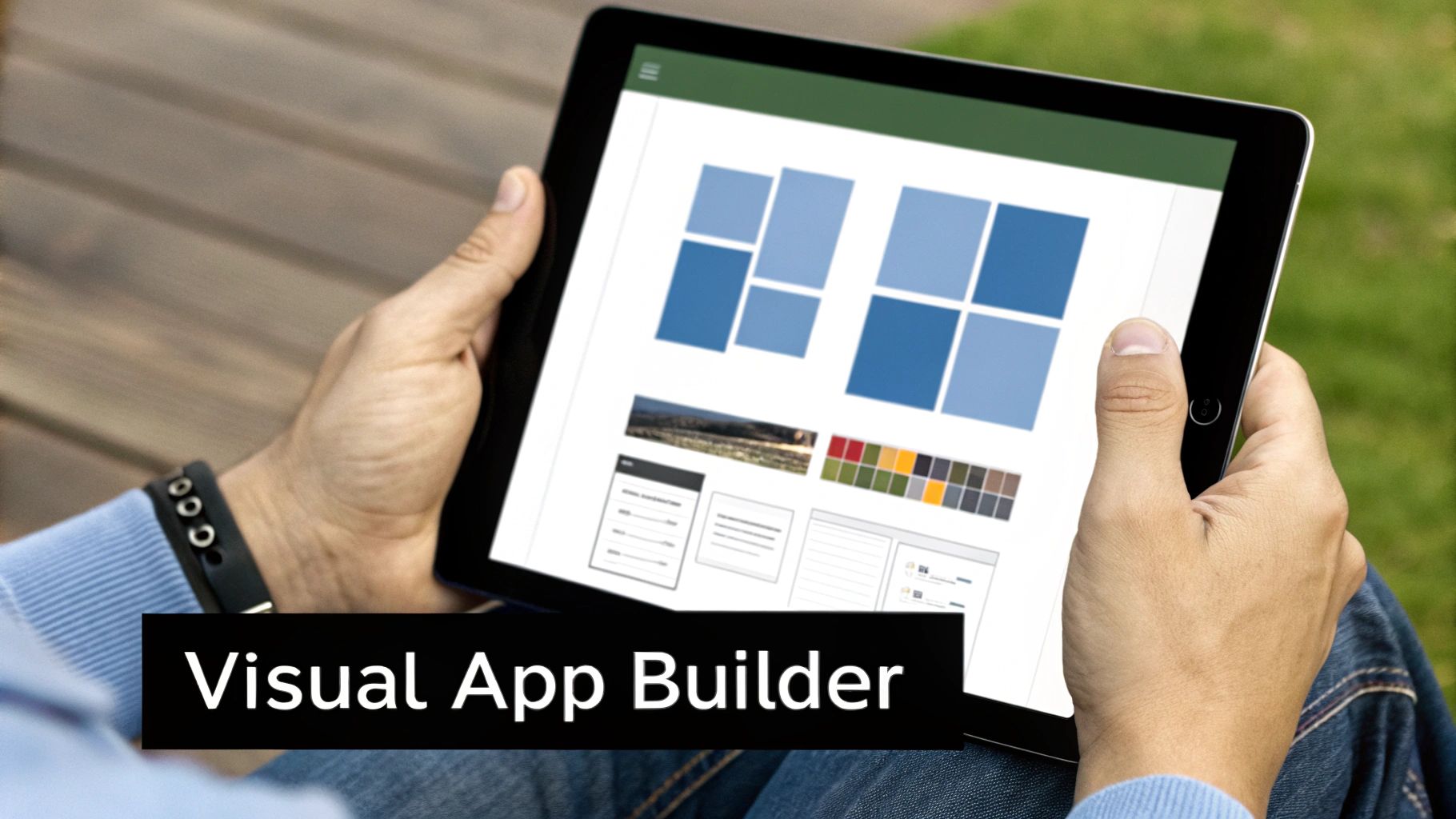
The "AI" part goes beyond the visual builder. These platforms let you plug pre-trained AI modules directly into your app's workflow with the same drag-and-drop approach. You don't need to understand machine learning to use them.
For example, you could add:
A chatbot that handles customer questions 24/7
Image recognition that auto-tags photos users upload
Personalized recommendations based on user behavior
Say you want an app that suggests recipes based on a photo of your ingredients. Instead of coding an image-processing algorithm, you drag in an "Image Recognition" block and connect it to a "Database Search" block. The platform handles the complexity behind the scenes.
The key difference from older tools: these AI features aren't just basic automation. They use the same large language models and computer vision systems that power products from Google and OpenAI, packaged into components you can add without touching an API.
Features that matter in a modern platform

Not all no-code platforms offer the same capabilities. The best ones have moved well beyond simple page builders. Here's what separates a modern platform from older tools.
Multi-agent workflows
Modern platforms run complex builds using specialized AI agents that collaborate like a development team. One agent handles UI design, another builds the database, a third writes the business logic.
On CatDoes, for example, you describe your app in plain English. A Requirements Agent interprets your description, briefs a Designer Agent to create the UI, then passes it to a Software Agent to generate the code. What used to take a team of developers weeks happens in hours.
Design-to-code
This feature eliminates the handoff gap between designers and developers. You upload a design from Figma, and the AI analyzes it, identifies components, and generates the front-end code automatically.
The result: what you design is what you get in the final app. No more spending weeks recreating mockups in code, and no more visual bugs from imperfect translation.
Automatic backend generation
An app needs more than a pretty interface. It needs a database, user authentication, and server-side logic. Setting this up manually requires specialized knowledge in database architecture and server configuration.
A good platform handles all of this automatically based on your requirements:
Database tables and structures for your app's data
Secure sign-up, login, and password management
Server-side processes and API endpoints
This saves time and ensures your backend is built on a secure, scalable foundation. For a deeper look at why this matters, read about the role of backend services in AI no-code apps.
Preview and release
With real-time previews, you can see how your changes look on mobile and web instantly, often by scanning a QR code with your phone. No waiting for builds to compile.
When you're ready to ship, a build-and-release agent automates the packaging process: code signing, preparing submission files, and getting your app ready for the Apple App Store and Google Play Store. That final technical barrier disappears.
How modern platforms compare to traditional development
Task | No-code AI platform | Traditional development |
|---|---|---|
UI development | AI generates front-end code from a Figma design | Front-end developer writes HTML, CSS, and JavaScript manually |
Backend setup | Platform auto-creates database and auth | Backend developer designs schemas, configures servers, writes APIs |
Workflow logic | AI agents build features from English prompts | PMs coordinate between designers, developers, and testers |
Prototyping | Live interactive previews available instantly | Developers create separate builds for testing (takes hours) |
App store submission | Release agent automates packaging and submission | Developer manually handles App Store and Play Store guidelines |
Why use a no code AI app builder
The adoption numbers tell the story. The no-code/low-code market grew from roughly $5 billion in 2024 to an estimated $6.56 billion in 2025, and analysts project it could reach $75 billion by the early 2030s. Gartner predicts that over 70% of new business applications will use no-code or low-code tools by 2027.
Here's why.
Ship faster, spend less
A traditional MVP takes 3-6 months and $50,000-$150,000 in development costs. With a no-code AI platform, you can go from idea to working MVP in days. Some estimates show a cost reduction of up to 70% compared to traditional development.
That speed matters beyond cost savings. If a feature is clunky or users want something different, you can update the app in hours instead of weeks. Faster iteration means a better product.
For startups, this changes the economics of experimentation. You can test three different app concepts in the time it would take to build one the traditional way. If the first idea doesn't get traction, pivot without burning through your budget.
Let the right people build
The best app ideas often come from people on the front lines: the sales manager who knows exactly what lead-tracking tool her team needs, the operations lead who sees the workflow bottleneck every day. These people have deep domain knowledge but no coding background.
No-code builders let them create the tools they need directly. No more submitting tickets to IT and waiting months. The person closest to the problem builds the solution, and the result is usually more practical because of it. For a look at what's available, see our guide to the best AI app builder platforms.
Skip the infrastructure work
Building an app involves more than writing code. You need to manage servers, configure databases, set up security, and handle app store submissions. Each of these requires specialized skills.
A modern platform takes care of all of it:
Server maintenance and uptime monitoring
Auto-scaling infrastructure as your user base grows
Data encryption, access controls, and compliance (including GDPR)
You focus on the product. The platform handles the plumbing.
Real use cases

Launching an MVP
The first challenge for any founder is proving their idea works. Traditionally, that means spending months and tens of thousands of dollars building a first version. No-code platforms compress that timeline to days.
You build a working version, put it in front of real users, collect feedback, and iterate, all before committing serious resources. It's a good idea to first validate your business idea before building anything.
The speed advantage compounds over time. Once your MVP is live and collecting user data, you can ship updates weekly instead of quarterly. That feedback loop is what separates products that find market fit from those that guess at it.
Custom internal tools
Every company has workflows that off-the-shelf software doesn't quite fit. No-code platforms let teams create their own solutions without waiting for IT. Getting started takes less than you would think, as we show in our guide to creating an app without coding.
A few examples: a project dashboard built around your team's specific process instead of forcing everyone into Jira. An inventory tracking app designed for your warehouse's layout and product categories. An automated reporting system that pulls data from Slack, Stripe, and Google Analytics into one morning summary.
When the people who deal with a problem every day can build the fix themselves, the tools tend to be more practical. They solve the actual pain point rather than a generic version of it.
Interactive prototypes
Static mockups can't show investors or stakeholders what using your app actually feels like. With a no-code builder, you can create fully interactive prototypes where people tap through real screens and test real workflows.
This changes stakeholder conversations. Instead of asking someone to imagine what a feature would feel like, you hand them a phone and say "try it." That's a different level of buy-in, whether you're pitching investors or getting sign-off from a VP.
Build your first app: a step-by-step walkthrough
Here's what the process looks like in practice, from idea to a live app.
Step 1: define your idea
Start by writing down what your app does and who it's for. Keep it simple. If you're building an event management app, your core features might be: user registration, a form for creating events, and a dashboard showing all upcoming events.
Don't overcomplicate this step. You can always add features later. Focus on the minimum set of functionality that solves the core problem. Most successful apps launch with 3-5 core features, not 30.
Step 2: design the interface
On CatDoes, you describe the look and feel you want in a text prompt. The Designer agent generates a complete theme and layout for your app. You can also use the visual editor to drag pre-built components (buttons, forms, galleries) onto each screen and arrange them.
The goal is an intuitive flow. Think about the three or four screens your user will interact with most, and make those dead simple.
Step 3: set up logic and data
This is where you teach your app how to respond to user actions. Using visual workflows, you connect triggers to actions. For example: "When a user clicks 'Save Event,' create a new record in the database using the form data."
On CatDoes, AI agents collaborate to build this logic from your English descriptions. You describe the behavior you want, and the agents generate the code, set up the database tables, and wire everything together.
Step 4: add AI features
Want to add a chatbot for user support? Or image recognition for uploaded photos? On most modern platforms, this is as straightforward as adding any other component: drag the AI block into your workflow and connect it to the relevant data.
Start with one AI feature that adds clear value. A chatbot that answers FAQs, a recommendation engine that suggests content, or a smart search that understands natural language queries. You can add more later, but one well-implemented AI feature beats five half-baked ones.
Step 5: test and launch
On CatDoes, you can generate a QR code to test your app on a real phone instantly. Tap through every screen, test edge cases, and make adjustments in real time.
Once you're satisfied, the build-and-release agent packages your app for submission to the Apple App Store and Google Play Store. It handles code signing, metadata, and submission files. You go from "works on my phone" to "live in the app store" without touching a terminal.
Common questions about no code AI app builders
Can these apps handle real traffic?
Yes. Modern no-code platforms run on the same cloud infrastructure that powers large-scale applications. They support complex backend logic, database management, and API integrations. For most business tools, consumer apps, and social platforms, they have more than enough capacity to scale with your user base.
The exception: if you're building something with extreme performance requirements (high-frequency trading, real-time physics simulations), you'll still want custom code. For everything else, these platforms handle it.
What about vendor lock-in?
This is a fair concern. The best platforms address it by offering full code export. You can download your entire codebase and host it yourself, hand it to a development team, or migrate to another provider. Your data stays yours too.
Before committing to any platform, check their policy on code and data export. That one check protects your intellectual property and gives you an exit strategy if you ever need one.
How secure are no-code apps?
The security on a well-built platform is often stronger than what a small team could implement on its own. These companies have dedicated security teams managing server security, patching vulnerabilities, and handling encryption.
When evaluating a platform, look for:
GDPR compliance and data protection standards
Encryption in transit (SSL) and at rest
Role-based access controls for team projects
Ready to build? With CatDoes, you describe your app in plain English and AI agents handle the design, backend, and deployment. Start building your app for free.
Nafis Amiri
Co-Founder of CatDoes