Blog
Tutorials
How to Start Vibe Coding: 6 Steps for Beginners
How to start vibe coding in 6 steps: pick the right AI tool, scope a tiny first project, plan before you build, fix errors and ship it to the web or App Store.

Nafis Amiri
Co-Founder of CatDoes
To start vibe coding, pick an AI tool that fits what you want to build, choose a tiny first project and describe it in plain English. Ask the AI for a plan before it writes any code. Then build one small piece at a time, test each piece and put the result online so other people can use it.
Vibe coding means building software by describing what you want while an AI writes the code. You don't need to know how to code to start. Andrej Karpathy coined the term in February 2025, and Collins Dictionary made it its Word of the Year for 2025.
This guide is for complete beginners and for developers who haven't built with an AI agent yet. It covers which tool to pick, a first project, the prompts to use, what to do when the AI gets stuck and how to get your project live. We build CatDoes, an AI agent for apps and websites, so we point out where it fits and where another tool is the better choice.
How to start vibe coding in 6 steps:
Decide what you want to build
Pick a vibe coding tool that fits
Choose a tiny first project
Ask for a plan before any code
Build in small steps and test each one
Ship it where people can use it
Table of Contents
1. Decide What You Want to Build
2. Pick a Vibe Coding Tool That Fits
3. Choose a Tiny First Project
4. Ask for a Plan Before Any Code
5. Build in Small Steps and Test Each One
6. Ship It Where People Can Use It
What Vibe Coding Costs When You're Starting
How to Learn Vibe Coding Faster
How to Start Vibe Coding With CatDoes
Vibe Coding for Beginners: Common Questions
Start Small, Then Ship
1. Decide What You Want to Build
What you want to make decides which tool you need, so settle this first. Most beginner projects fall into one of four groups:
A website: a portfolio, a landing page or a site for a local business. Visitors read and click, but nothing personal gets saved.
A web app: a tool that runs in the browser and saves data, such as a habit tracker, a booking form or a small dashboard.
A mobile app: something people install from the App Store or Google Play, often because it needs the camera, notifications or offline use.
A script or game: a quick calculator, a browser game or a small automation for your own use.
If you've never shipped anything, a website or web app is the easiest first win. It opens in any browser, and you share it with a link. Beginners on r/vibecoding say the same: mobile adds "extra friction", like store review and testing on real devices.
If your idea only makes sense on a phone, start with a mobile app anyway. Just pick a tool that handles the store steps for you.
2. Pick a Vibe Coding Tool That Fits
Vibe coding tools come in three kinds. The right one depends on how much of the code you want to see.
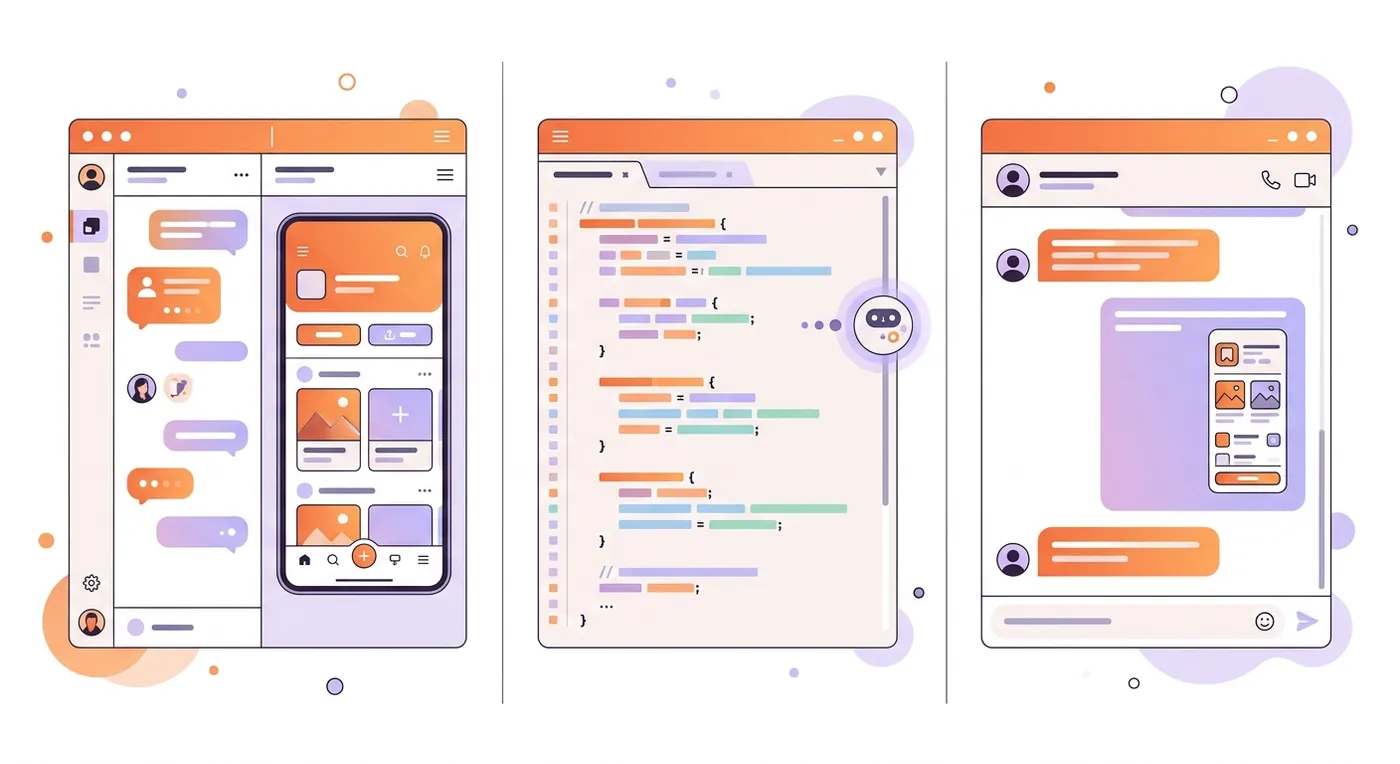
AI app builders handle the code, the preview, the database and hosting in one place. You chat, and the app appears next to the chat. If you don't code, this is the easiest place to start.
AI code editors and coding agents work inside a real project, on your computer or in the cloud. Cursor, Claude Code and OpenAI's Codex sit here. You see every file, which helps you learn, but you set up hosting yourself.
Chat assistants like ChatGPT and Claude can write a small app right in the chat. They're good for a first experiment, and less suited to an app you keep building for months.
The table shows what each tool gives you for free and where paid plans start. Every number comes from the tool's own pricing page in October 2026. These plans change often, so check before you sign up.
Tool | Kind | What it builds | Free plan | Paid from |
|---|---|---|---|---|
CatDoes | AI app builder | Websites, web apps, iOS and Android apps | 15 credits once, 1 project, web deploy | $20/mo |
Lovable | AI app builder | Web apps | 5 credits a day, up to 30 a month | $25/mo |
Bolt | AI app builder | Web apps, plus mobile app code you publish yourself | 1M tokens a month, up to 300K a day | $18/mo, billed yearly |
Replit | AI app builder | Web and mobile apps | Daily Agent credits, 1 published app for 30 days | $20/mo |
Base44 | AI app builder | Web apps | 25 message credits a month | $16/mo, billed yearly |
Google AI Studio | AI app builder | Web apps | Free, with a modest usage limit | Pay for usage with an API key |
Cursor | AI code editor | Anything you can code | Limited agent requests on Cursor's own models | $8/mo |
Claude | Chat assistant and coding agent | Small apps in chat, full projects with Claude Code | Artifacts in chat. Claude Code isn't included | $20/mo (Pro) |
ChatGPT | Chat assistant and coding agent | Small apps in chat, full projects with Codex | Codex, with usage limits | $8/mo (Go), $20/mo (Plus) |
Cursor's plans changed on October 12, 2026. Its $8 Plus plan uses Grok models only, and Claude, GPT or Gemini models need Premium at $30 a month.
How to choose:
You've never coded and want a working app: start with an app builder. Pick CatDoes if you want a phone app in the stores, or a website and an app in one project. Lovable, Bolt, Replit and Base44 are strong for web apps.
You want to learn to code along the way: use Cursor, Claude Code or Codex, and ask the AI to explain each change.
You want to try vibe coding today, for free: build something small in Claude, ChatGPT or Google AI Studio first.
Whatever you pick, stay with one tool for your first project. Switching halfway means explaining everything again to a new AI.
3. Choose a Tiny First Project
Your first project should be small enough to finish in a day or two. Write it as one sentence: "[Who] can [do what] so that [result]." For example: "I can log my daily habits so that I can see my streak."
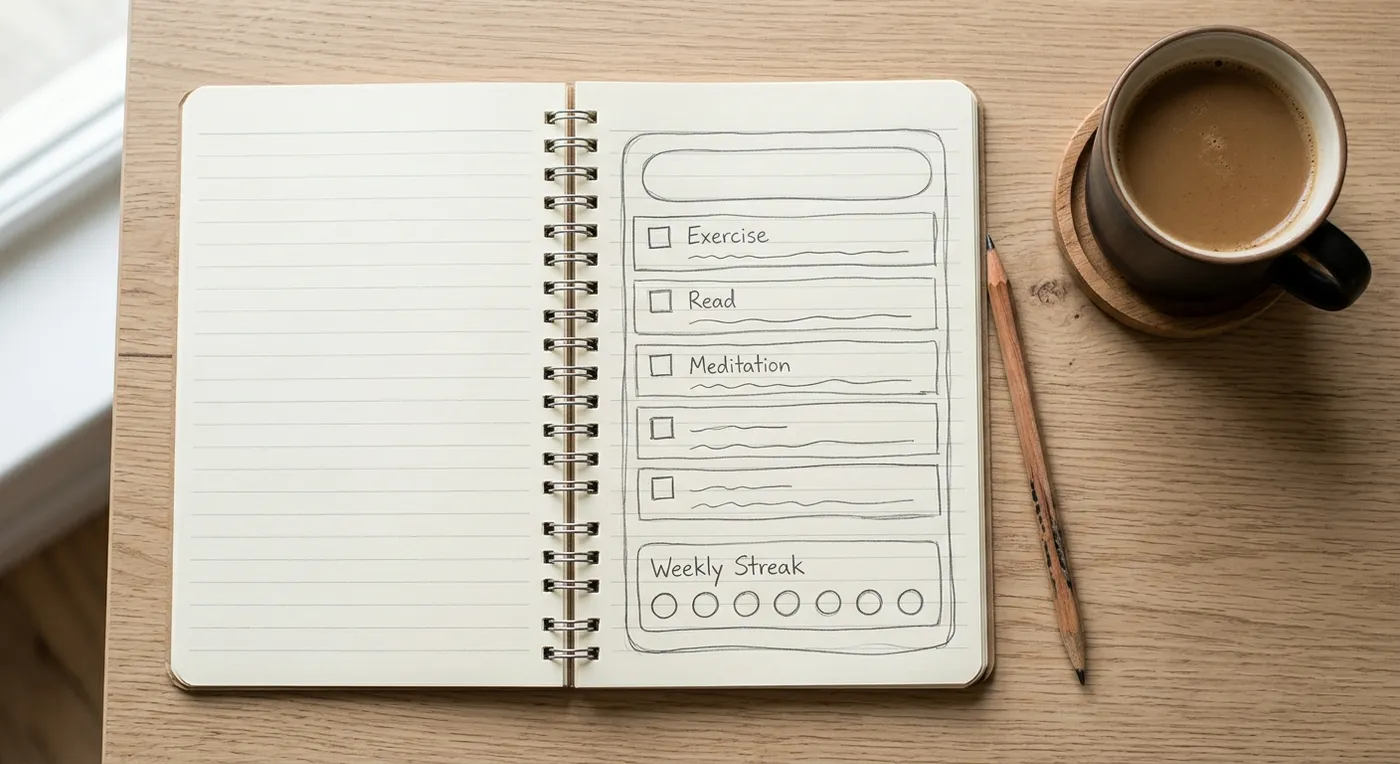
Then cut the feature list to three things at most. A habit tracker needs to add a habit, check it off each day and show a 7-day streak. Reminders, charts and sharing can wait for version two.
Good first projects for beginners:
A habit tracker or reading list that saves your entries
A one-page website for a friend's business
A tip or budget calculator
A quiz or a simple browser game
A sign-up form that collects emails into a list
Leave these for later: payments, chat between users, marketplaces and anything that stores health or financial data. They can be vibe coded, but they need security checks that are hard to judge on day one.
4. Ask for a Plan Before Any Code
Your first prompt shouldn't say "build". It should ask the AI for a plan: the screens, the data the app saves and the order to build things in. A plan is cheap to change, and code isn't.
The key phrase is "Don't build anything yet." Here's a first prompt you can copy and adapt:
I want to build a habit tracker web app for myself. Don't build anything yet. First, write a plan: the screens, the data it needs to save, and what you'll build first. Version 1 should do three things only: add a habit, check it off each day, and show a 7-day streak. Ask me up to three questions if anything is unclear.
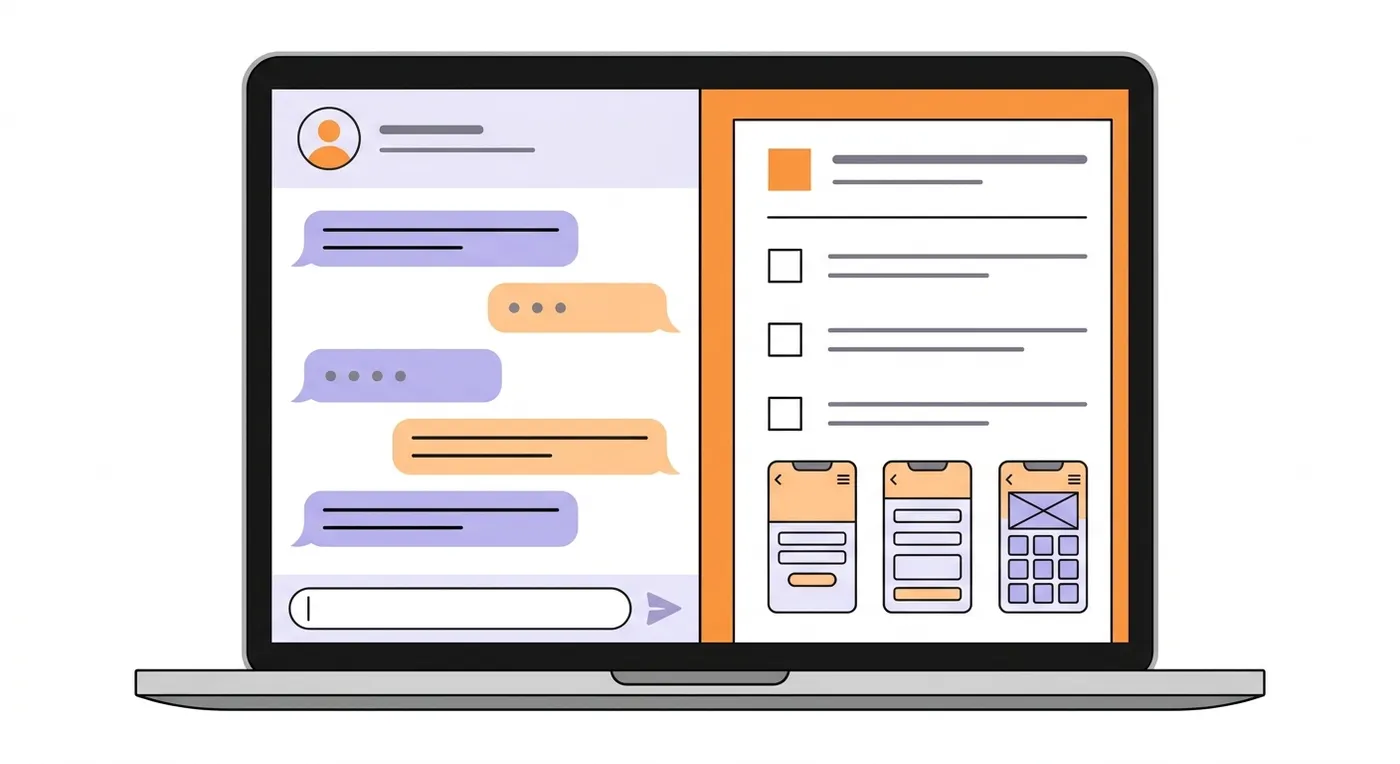
Read the plan before you approve it. If it adds features you didn't ask for, or suggests three screens where you wanted one, fix that now. Then reply "Looks good, build step 1."
A few habits make any prompt better. Describe what you want to see rather than the code: "a list of habits with a checkbox next to each" gets you further than "a React component". Add a few words on colors and style, or a screenshot of a site you like, and you'll skip several rounds of changes.
On later prompts, name the screen you're changing so the AI leaves the others alone.
If your tool lets you choose a model, use the strongest one for the plan and a cheaper one for routine work. For 12 copy-ready prompts in the order you'd use them, see our vibe coding prompts.
5. Build in Small Steps and Test Each One
Ask for one change per prompt, then test it before you ask for the next. Click every button, refresh the page to check your data is still there, and open it on your phone. Small steps make it obvious which change broke something.
When something looks wrong, describe what you see and what you expected: "When I tick a habit and refresh, the tick disappears. It should stay ticked."
If there's an error message, paste it in exactly as it appears. If the AI keeps rewriting parts that worked, tell it which part it's allowed to change.
Save Points: How to Undo When the AI Breaks Something
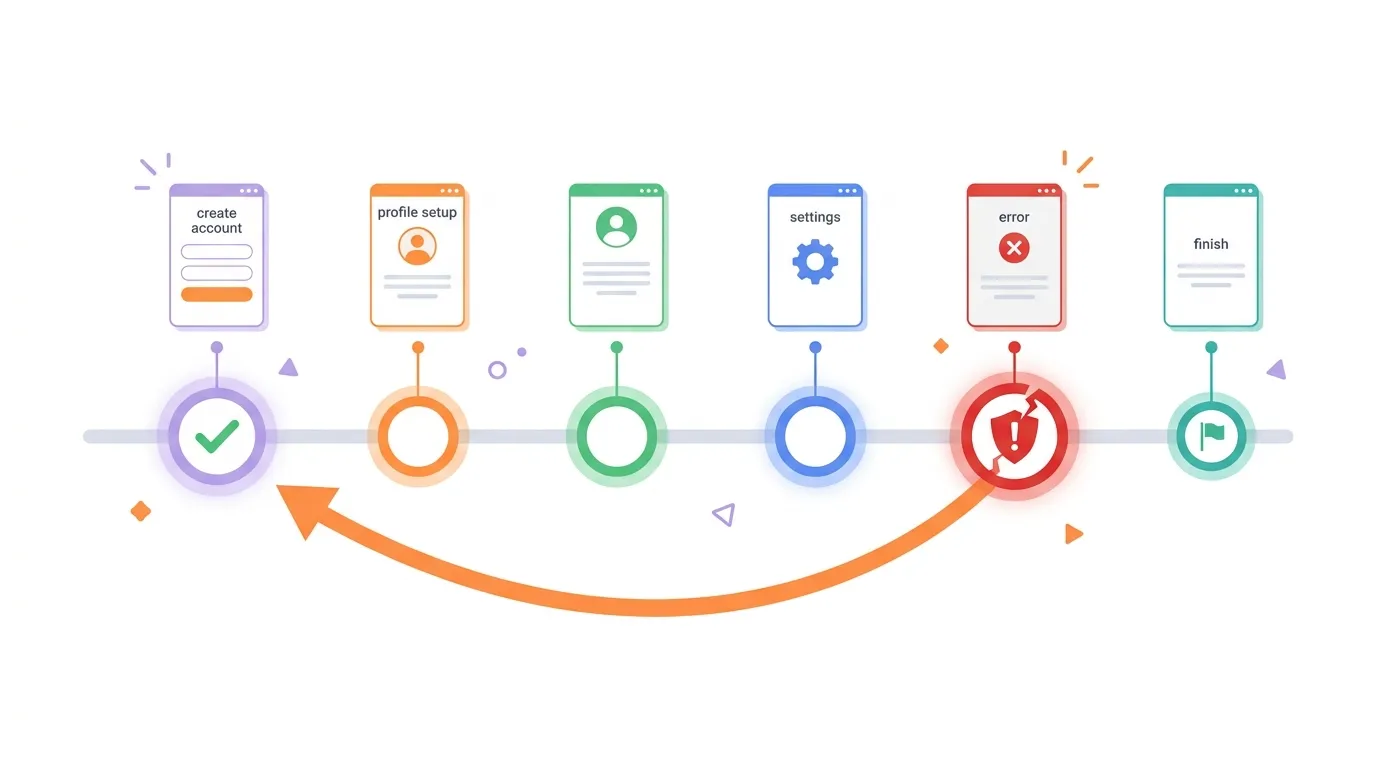
Sooner or later the AI will break something that worked, and save points let you go back. App builders save versions for you.
CatDoes, for example, saves a checkpoint before every message, so you can rewind to any of them. In a code editor, your save point is Git: commit every time something works.
Going back is often faster than fixing. If the AI went in the wrong direction, roll back, rewrite your prompt with more detail and send it again.
How to Get Unstuck When a Fix Keeps Failing
Every vibe coder hits a loop where the AI "fixes" a bug and the bug stays. When two or three tries in a row fail, stop asking it to try again. Do this instead:
Roll back to the last version that worked.
Ask for logs. Have the AI add logging around the broken part, repeat the action, and paste the output back in.
Shrink the problem. Ask about one bug at a time.
Start a fresh chat once a conversation gets long. The AI loses track of early details, and a clean start with a short summary works better.
Adding Sign-In and a Database
Add a database when your app needs to remember things between visits. Add sign-in when each person should see only their own data. Ask for both in plain words: "Save every habit to the database and add email sign-in so each person only sees their own habits."
Most app builders include a backend for this. CatDoes Cloud, Lovable Cloud and Bolt Cloud each come with a database and sign-in. In a code editor, you connect a service such as Supabase or Firebase yourself.
6. Ship It Where People Can Use It
A project on your own screen isn't finished. Shipping means anyone with the link, or anyone with a phone, can use it. None of the six top-ranking vibe coding guides we read in October 2026 walks through this step, and it's where beginners on Reddit say they get stuck.
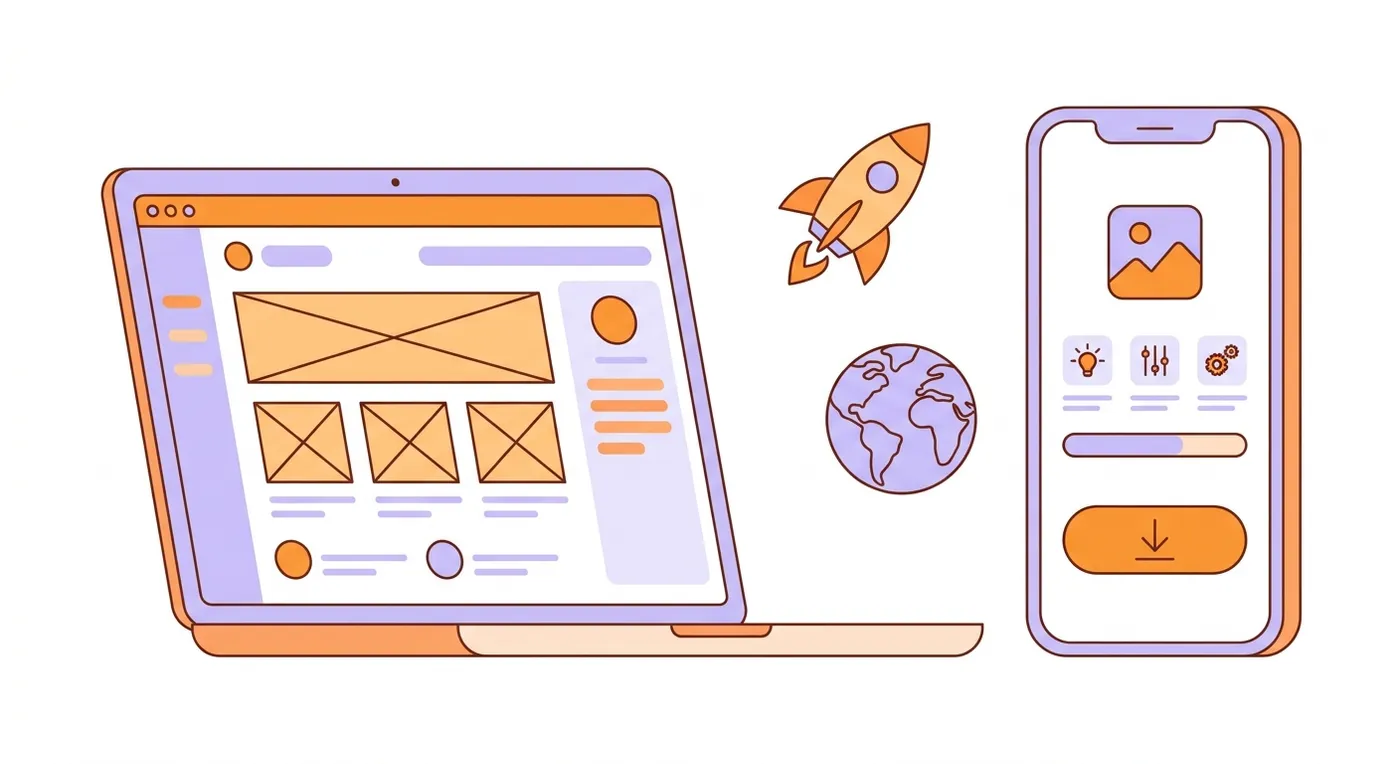
Put a Website or Web App Online
App builders deploy in one step. In CatDoes you say "Deploy it to the web," pick a short name, and the project goes live at that name plus .catdoes.app, on every plan including Free. The live site only changes when you deploy again, so you can keep experimenting without breaking what people see.
Lovable, Bolt and Replit have their own publish buttons, and Replit's free plan keeps one published app online for 30 days. If you built in a code editor, connect the project to a host such as Vercel or Netlify, usually through GitHub.
Publish a Mobile App to the App Store and Google Play
Store apps take more steps. You need an Apple Developer account ($99 a year) for the App Store and a Google Play developer account ($25 once). Each app goes through review before it appears.
Pick a tool that builds a real app, not a website in a wrapper. CatDoes builds iOS and Android apps with React Native and Expo, submits iOS builds to the App Store for you and gives you the Android build to upload to Google Play. Store releases need the Starter plan or above.
For a mobile-specific workflow, read how to vibe code a mobile app without security holes.
Check These Four Things Before Real People Use It
Working code can still leak data. In Veracode's 2025 test of over 100 AI models, 45% of code samples failed security tests and introduced a known OWASP Top 10 flaw. Before you share your project, check these:
No secret keys in the app's code. API keys belong in your tool's settings or environment variables, never in the chat or the front end.
Database rules are on. Each user should only be able to read and change their own data. Ask the AI: "Show me the access rules for every table."
Private pages need sign-in. Try opening them in a private browser window while logged out.
Back up before big changes. Rolling back your code doesn't roll back the data in your database.
Our vibe coding security checklist has the full list to run before launch.
What Vibe Coding Costs When You're Starting
You can start vibe coding for $0. Every tool in the table above has a free way in, and a first project often fits inside it. You start paying once you build more or publish to the stores.
Most of the money goes on AI usage: credits, tokens or message limits. Paid entry plans on the app builders above run $16 to $25 a month, and Claude Pro and ChatGPT Plus cost $20 a month.
Publishing adds a few fixed costs. A custom domain is a yearly fee from a registrar, and some builders only allow one on paid plans (CatDoes from Starter). Store accounts cost $99 a year for Apple and $25 once for Google.
Free database tiers cover small apps, and you pay more once you have lots of users or files. The cheapest habit is planning: a clear plan and one change per prompt use fewer credits than ten rounds of "no, not like that".
How to Learn Vibe Coding Faster
The fastest way to learn how to vibe code is to build three small projects, not to watch ten hours of video. The first one teaches you to prompt, the second to debug and the third to ship.
Free courses help if you like structure:
Microsoft Learn, Introduction to vibe coding: a free beginner module in 9 units, built around GitHub Copilot.
DeepLearning.AI, Vibe Coding 101 with Replit: about 1.5 hours, free for a limited time while the platform is in beta.
YouTube full courses: search "vibe coding for beginners" for long walkthroughs from creators such as Tech With Tim and Riley Brown.
Learn to read a little code, too. Ask the AI to explain what it just built in plain English, one file at a time.
Simon Willison, who writes about AI tools, draws a useful line: if you review and test the code the AI wrote and can explain how it works, "that's not vibe coding, it's software development." That's the direction to grow in as your projects get bigger.
A 7-Day Plan to Start Vibe Coding
Day 1: Pick one tool and sign up for its free plan.
Day 2: Write your one-sentence project and ask for a plan.
Day 3: Build the first feature and test it.
Day 4: Add the second and third features, one prompt each.
Day 5: Break something on purpose and roll it back, so you know how.
Day 6: Deploy it and send the link to three people.
Day 7: Fix what confused them, then start project two.
How to Start Vibe Coding With CatDoes
CatDoes is an AI agent that builds websites, web apps and native iOS and Android apps from a chat. This is what the six steps look like in it.
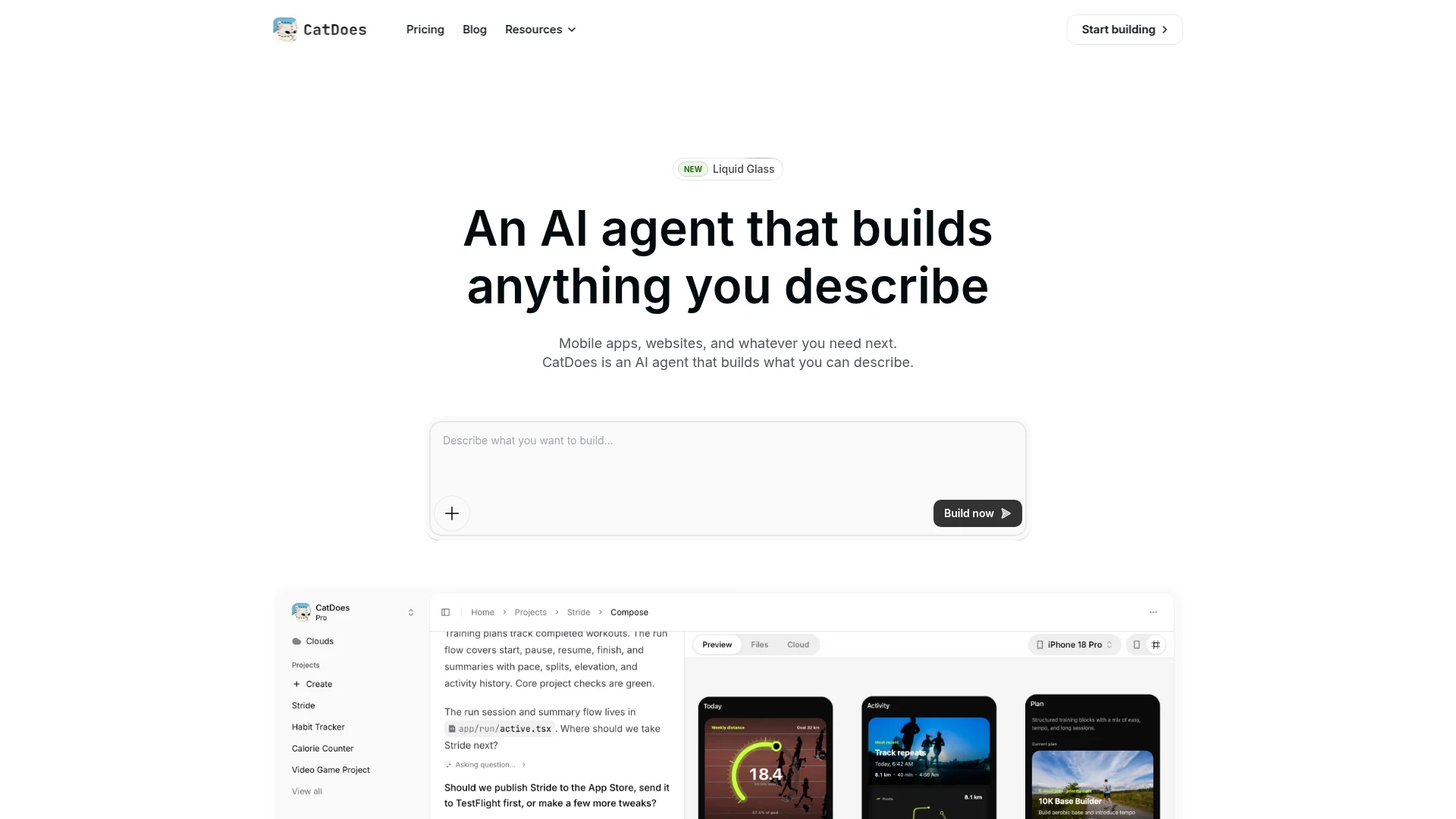
Sign up for free. You get 15 credits, and you don't need a card.
Describe your idea in a sentence. The agent asks follow-up questions to fill the gaps.
Plan first. Say "Don't build anything yet" and the agent writes a plan, then waits for your go-ahead. New projects start on the Medium tier. The High and Max tiers are best for planning, but they need a credit balance above 100 and 230.
Preview as it builds. Watch the app update in your browser, or scan a QR code to try it on your phone.
Undo freely. Every message gets a checkpoint, and "Rewind to here" takes the project back to before that change.
Ship it. Ask to deploy to the web for a free catdoes.app link. On Starter and above, ask for an App Store or Google Play release and the agent walks you through it.
Websites use React, Vite and Tailwind CSS, and mobile apps use React Native with Expo. That's standard code a developer can take over, and you can export it on the Plus plan. Sites on the Free and Core plans show a small "Made with CatDoes" badge.
Vibe Coding for Beginners: Common Questions
Do You Need to Know How to Code to Vibe Code?
No. With an AI app builder, you describe what you want in plain English and the AI writes and runs the code. Knowing a little helps as projects grow, because you can spot when the AI heads the wrong way, and you can pick that up by asking the AI to explain its changes.
Should I Learn to Code Before Vibe Coding?
You don't have to. Start building and learn the basics as questions come up. If you want a career as a developer, learn the fundamentals too: HTML, CSS and JavaScript for the web, plus how databases and APIs work.
Can ChatGPT Vibe Code?
Yes. ChatGPT can write small apps in the chat, and OpenAI's pricing page lists its Codex coding agent on every plan, including Free, where usage is limited. For an app that saves data and goes live, you'll still need an app builder or a host.
Can I Vibe Code With Claude for Free?
Partly. Claude's free plan lets you build and share small apps as Artifacts inside the chat. Claude Code, Anthropic's coding agent for full projects, isn't on the free plan: it comes with the paid plans, starting with Pro at $20 a month on Claude's pricing page.
Is Vibe Coding Hard?
Getting a first version on screen is easy in most tools. The hard part comes after: saving data correctly, sign-in, edge cases and getting it live. Steps 4 to 6 above are there for that part.
What Does "Vibe Coder" Mean?
A vibe coder is someone who builds software mostly by prompting an AI instead of writing code by hand. The term comes from Andrej Karpathy's February 2025 post, where he described a new kind of coding in which you "fully give in to the vibes, embrace exponentials, and forget that the code even exists."
Start Small, Then Ship
To start vibe coding, pick one tool and one project small enough to describe in a sentence. Ask for a plan, build in small tested steps, keep save points and put it online before you add more. Then pick project two from the list in step 3.
If you want to try the steps on a real project, describe your first app or website to CatDoes and you'll get a live preview, free to start.
Nafis Amiri
Co-Founder of CatDoes


