
Blog
Tutorials
How to Create Your Own App in 2026 (Step-by-Step)
Learn how to create your own app, step by step: validate the idea, design screens, build with AI, test with users, and publish to the App Store and Google Play.

Nafis Amiri
Co-Founder of CatDoes
That first spark of an app idea is exciting. But the work that actually leads to a successful app starts before you write a single line of code. Learning how to create your own app is less about tools and more about doing the groundwork first: confirming your idea solves a real problem for real people.
This guide walks through the full journey, from validating the idea to launching on the App Store and Google Play. It is the same process I use when figuring out how to create own app projects that people actually download and keep using.
TL;DR: To create your own app, validate the idea with real users, blueprint your features and screens, then choose a build path (traditional code, no-code, or AI-native). Build and test with real users, then publish to the App Store and Google Play. With AI-native tools like CatDoes, you can go from idea to a working app in days instead of months.
Table of Contents
Validate Your App Idea Before You Build
Blueprint Your App's Features and User Flow
How to Create Your Own App: Choosing a Development Path
Building and Testing Your Mobile App
Launching on the App Store and Google Play
Frequently Asked Questions
Validate Your App Idea Before You Build

Every app you use daily started as a simple idea. The ones that made it were built on research. Skipping this step is the most common mistake I see, and it usually leads to a polished app that nobody needs.
So before you open Figma or Xcode, your first job is to learn the truth about your market, your users, and the other players in the space. This turns gut feelings into facts and gives you a clear roadmap for the rest of the project.
Pinpoint Your Target Audience
You can't build an app for everyone. The most successful apps serve a well-defined niche. Start by writing a user persona, a fictional character who represents your ideal customer. Give them a name, an age, a job, and, most importantly, their daily frustrations and goals.
Ask a few sharp questions to bring this person to life:
What are their biggest pain points that your app could fix?
How comfortable are they with technology: power users, or people who need something simple?
Where do they spend time online? This shapes your marketing later.
An app for busy working parents will feel completely different from one for college students managing study schedules. The more specific you are, the easier every later decision becomes.
Conduct Practical Market Research
Once you know who you're building for, get to know the world they operate in. Market research doesn't have to be expensive. You can gather strong signals with simple methods.
Start with short online surveys using free tools like Google Forms or SurveyMonkey. Share them in communities where your audience already gathers, like relevant subreddits, Slack groups, or niche forums. Ask about their problems, not your solution.
The goal isn't to ask, "Would you use my app?" It's to measure how painful the problem really is. A validated, painful problem is the best sign of a viable app idea.
Then run a few one-on-one interviews. A 15-minute conversation with a potential user reveals more than a hundred survey clicks. These steps are part of a wider validation process; see our guide on how to validate a business idea for the full playbook.
Analyze Competitors to Find Your Niche
Your app won't exist in a vacuum. Studying competitors isn't about copying them; it's about spotting their weak points and the gaps they leave open. Look at the top apps in your category on the App Store and Google Play.
I track what I find in a simple spreadsheet:
Core features: What do they do well? What's their main hook?
User reviews: What do people complain about? One- and two-star reviews are full of feature ideas.
Pricing model: Free with ads, subscription, or one-off purchase?
Value proposition: How do they position and sell themselves?
This shows you where your app can be different. Maybe competitors have clunky interfaces, are missing an obvious feature, or are simply too expensive. That gap is where you win.
Blueprint Your App's Features and User Flow
With a validated concept, it's time to turn the vision into a concrete plan: exactly what your app does and how people move through it. Building without this step is like starting a house with no drawings, which leads to confusion, wasted effort, and a product that doesn't quite work. The goal is to get everyone aligned before a line of code is written.
Define What Your App Does with User Stories
Instead of a dry feature list, think from your user's point of view. A user story frames each feature around what the user wants to accomplish, in one plain sentence: "As a [type of user], I want [an action], so that [a benefit]."
For a fitness tracking app, the stories might look like this:
As a new user, I want to sign up with my social account so I can start quickly.
As a runner, I want to log my runs with distance and time so I can track my progress.
As a returning user, I want a dashboard of my weekly activity so I stay motivated.
Writing this way ties every feature back to real user value. It's the best defense against adding clever-sounding features that only complicate the experience.
Prioritize Features for a Lean Launch
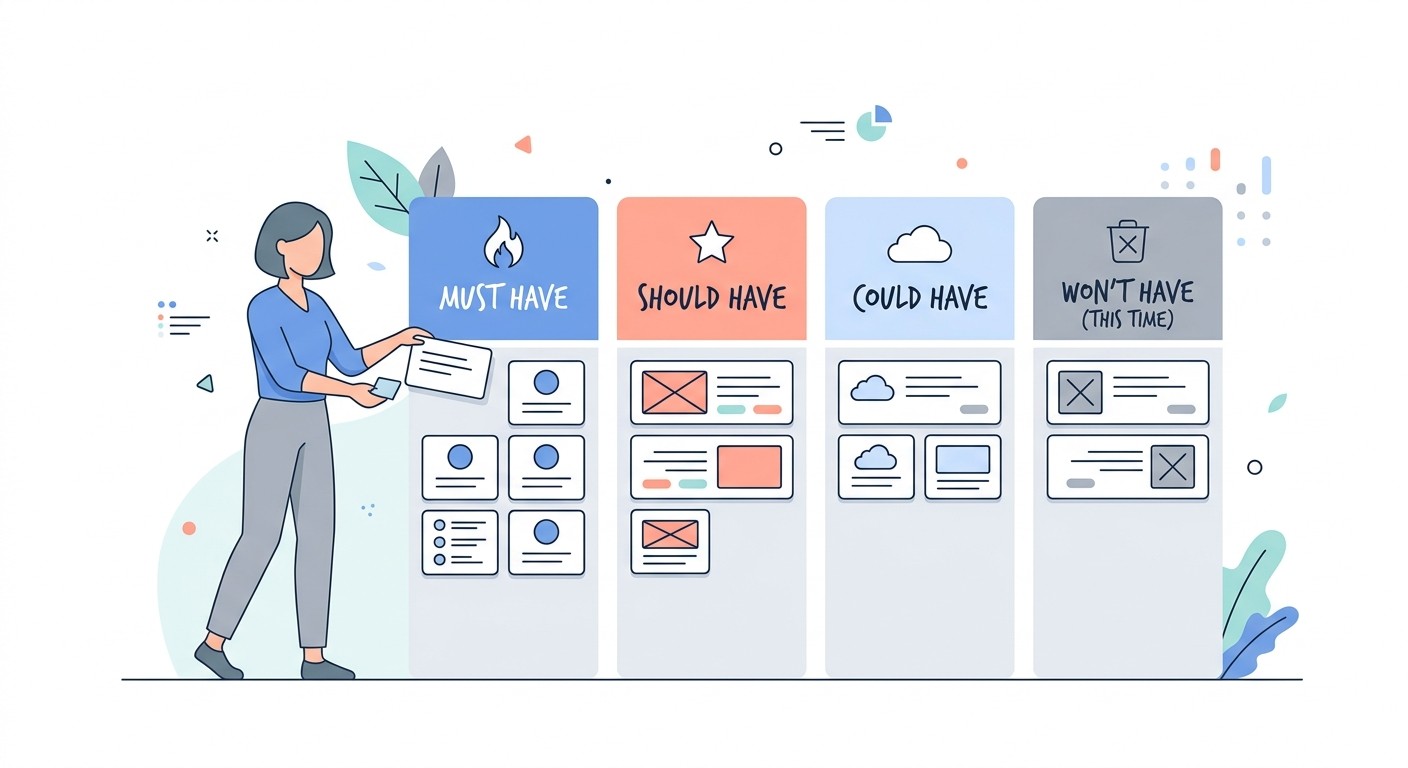
You'll end up with a long list of good ideas, but you can't build them all at once. Get ruthless and define a Minimum Viable Product (MVP), the simplest version that still solves the core problem for your first users.
The MoSCoW method is a simple way to sort every feature into four buckets:
Must-have: Non-negotiable. The app can't deliver its core value without it (for example, logging a run).
Should-have: Important but not critical for launch (for example, sharing a run).
Could-have: Nice-to-haves if time allows (for example, a dark mode theme).
Won't-have (this time): Explicitly out of scope for the first release. This keeps you focused.
Focusing on the must-haves gets your app to market faster, so you can start gathering real feedback. For more, see our guide on what a minimum viable product is and how it speeds up your launch.
Map the User Journey with Wireframes

Once you know what you're building, map how users will move through it. A wireframe is a low-fidelity, black-and-white sketch of each screen: where buttons, text, and images sit, without colors or fonts getting in the way.
At the same time, draw a user flow diagram: a simple chart of every step a user takes to complete a task, like signing up or logging a workout. This helps you spot dead ends and confirm the navigation feels natural.
How to Create Your Own App: Choosing a Development Path
You've blueprinted your features. Now comes the biggest decision: how to actually build the app. The path you pick defines your budget, timeline, and what your app can do, so it's a strategic choice, not just a technical one.
There are three main routes today. Getting this right early saves you from costly restarts down the line.
The Traditional Coding Route
The classic approach is hiring a freelance developer or an agency to build your app from scratch. This gives you complete control and limitless flexibility. If your app has very complex features, needs unusual hardware integration, or requires a fully bespoke design, custom code is often the only way to get it done.
That power comes at a cost. Custom development is slow and expensive: a first version can run from tens of thousands to hundreds of thousands of dollars. You'll also need someone technical, like a project manager or CTO, to translate your vision into specs for the developers.
This route makes sense for:
Highly complex or unique apps: sophisticated games, specialized AI, or anything needing direct hardware control.
Well-funded startups: teams with capital that need a fully custom solution from day one.
Enterprise tools: large internal software with strict security and integration needs.
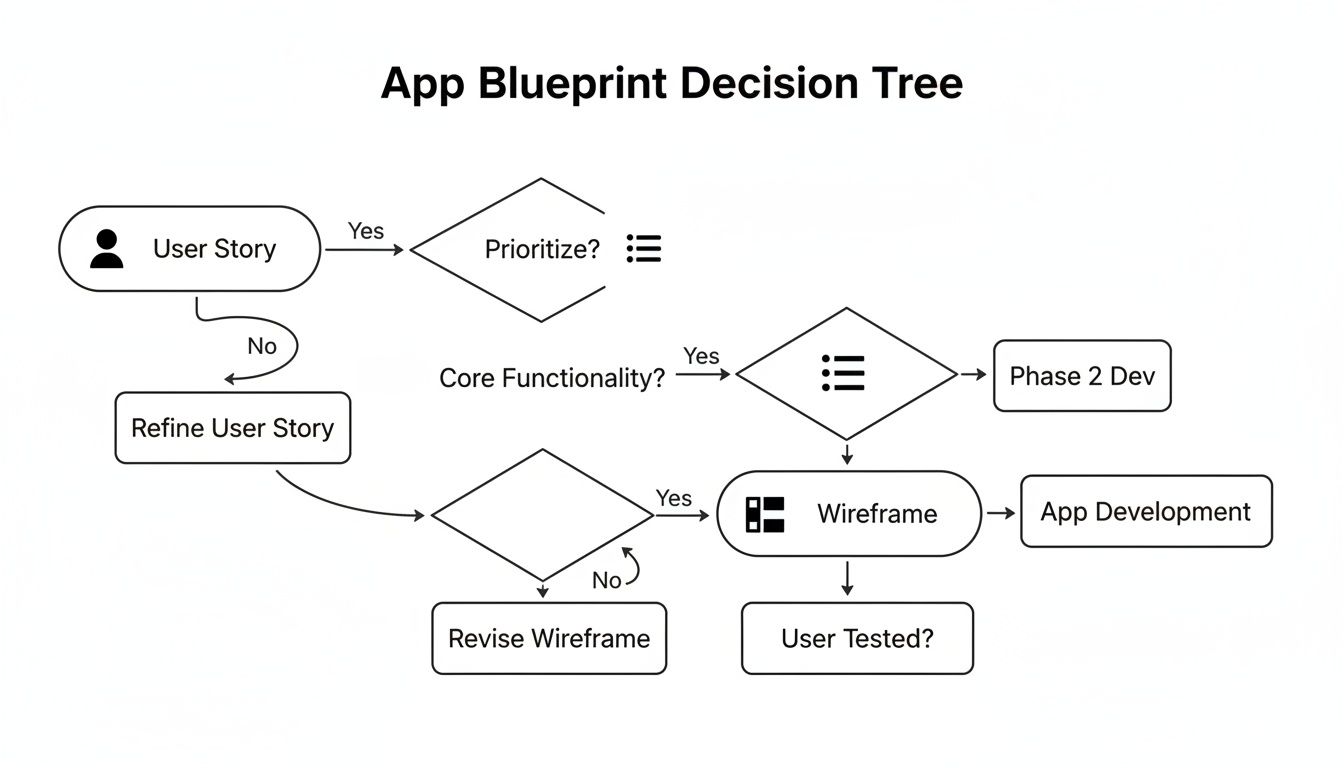
Locking down your user stories and features before you choose a path is critical. It keeps you building only what you need for a successful launch.
Low-Code and No-Code Platforms
Low-code and no-code platforms changed the game. They offer a visual, drag-and-drop way to assemble an app from pre-built components, so non-technical founders can ship without writing code.
This has lowered the barrier to entry dramatically. The low-code development platform market is expanding at more than 20% a year as more people build this way, according to Grand View Research.
These tools are ideal for standard business apps, internal tools, and straightforward consumer apps, with no code required.
The trade-off is customization. You gain speed and save money, but you work within the platform's limits. A truly novel feature may not be possible. Learn more in our guide to no-code application development.
AI-Native App Development
The newest path is AI-native development. Platforms like CatDoes flip the model: instead of dragging components or writing code, you describe your app in plain English and an AI agent generates the interface, the backend logic, and the database connections for you.
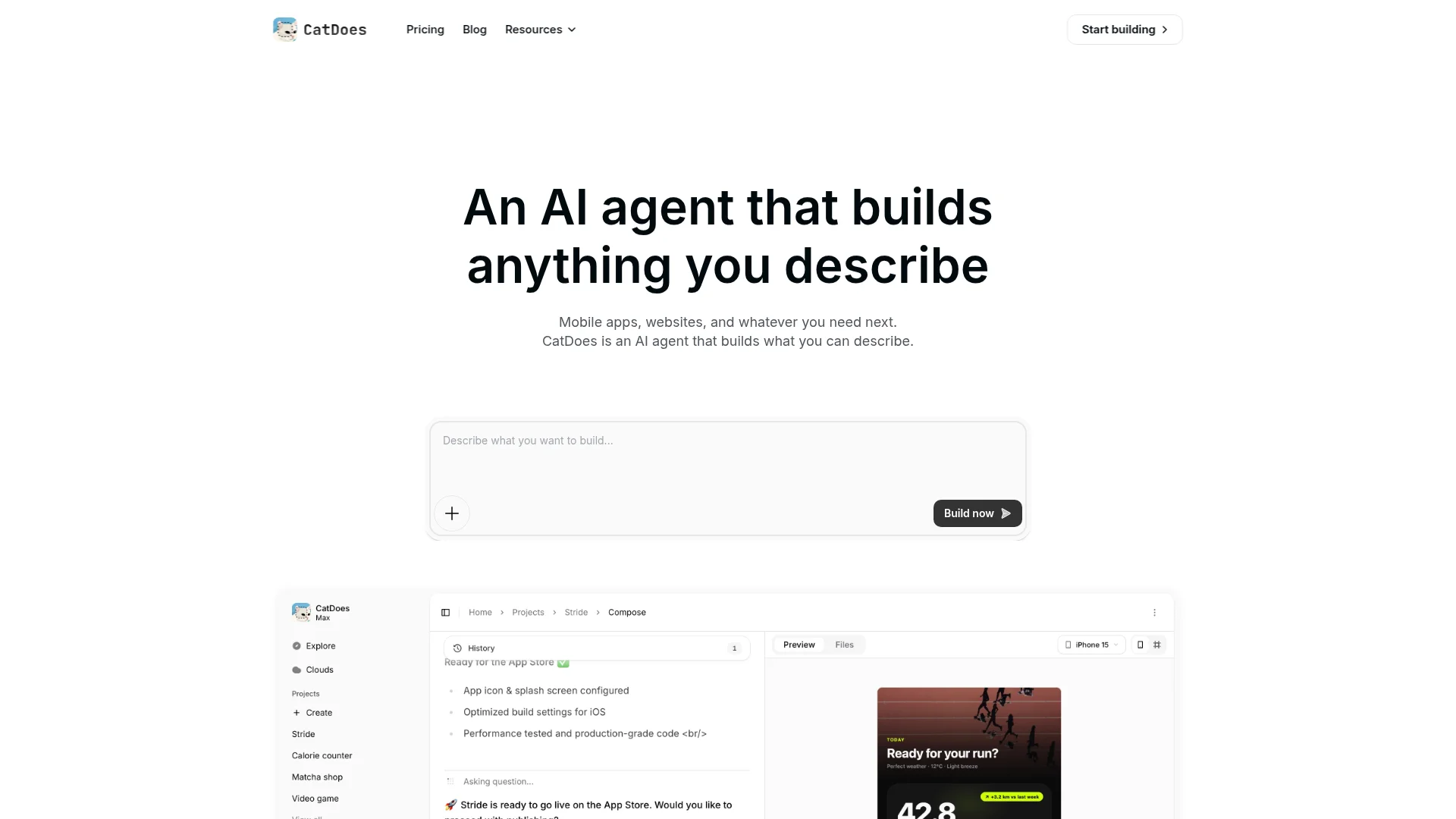
It blends the speed of no-code with a level of customization that used to require traditional coding. For example, you might say, "Create a user profile screen with a photo, name, and bio, plus an edit button." The AI builds the visual components and the code behind them. You iterate in natural language, which keeps development fast and intuitive.
This is the best fit for:
Startup MVPs: build and test a working product in days to see if the idea has legs.
Small businesses: professional apps for customers or internal teams without a big budget.
Non-technical founders: turn a clear vision into a production-ready app without learning to code.
Comparing App Development Methods
Each path has clear trade-offs between cost, speed, and the technical skill required. Here's how they compare side by side.
Method | Average Cost (MVP) | Time to Market | Technical Skill | Ideal For |
|---|---|---|---|---|
Traditional Coding | $50,000 - $250,000+ | 6-12+ months | Expert | Highly complex, bespoke apps with significant funding. |
Low-Code/No-Code | Low monthly subscription | Weeks to months | Low to None | Standard business apps, internal tools, simple consumer apps. |
AI-Native Development | Low monthly subscription | Days to weeks | None | MVPs, small business apps, and non-technical founders. |
Choosing your path is strategic. Weigh your app's complexity against your budget and timeline, and pick the method that gives your idea the best shot at becoming a successful reality.
Building and Testing Your Mobile App
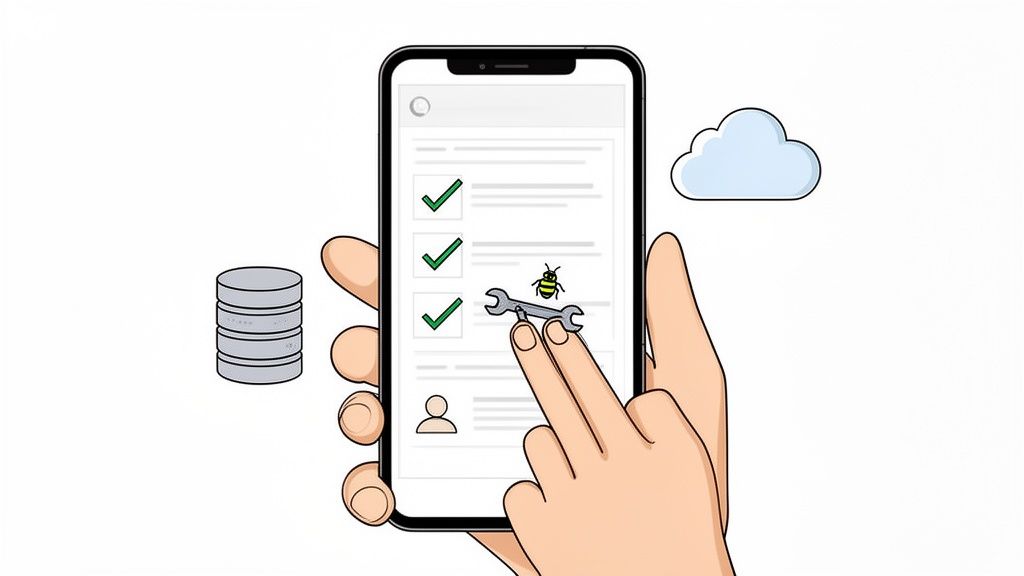
With your blueprint ready and a path chosen, the build begins. This is where your wireframes become a working app: no longer what it will do, but making it do it. Expect a loop of creating, refining, and validating, one screen at a time.
From Prompt to Product with AI Development
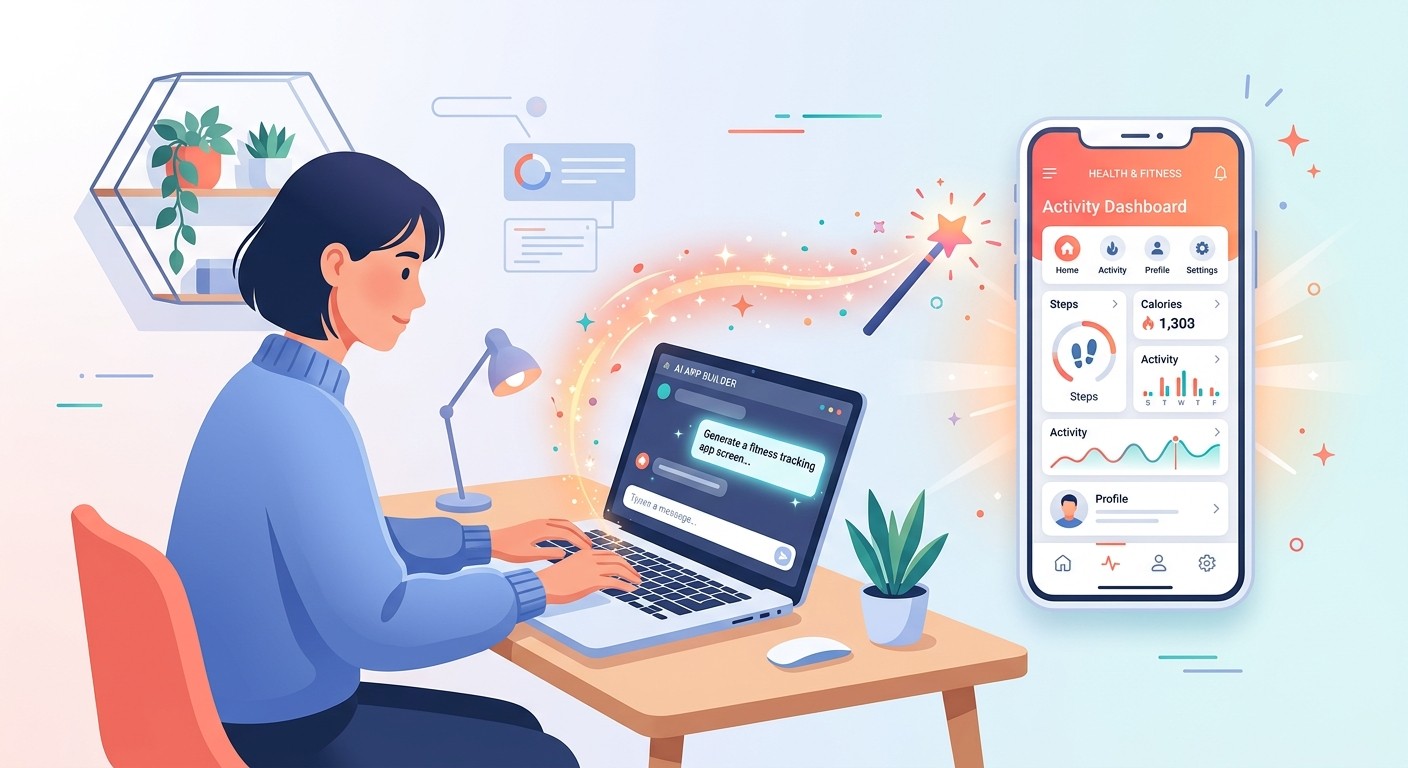
On an AI-native platform, your most valuable skill isn't coding, it's clear communication. The way you describe your app shapes the result. Want a login system? Tell the AI: "Create a user authentication flow. Users can sign up with email and password or log in with Google." It generates the screens, backend logic, and database tables to match.
The same approach applies to every part of your app, whether it's a dashboard, a settings page, or a photo gallery. It shrinks the initial build from weeks to hours and turns concepts into interactive prototypes fast.
Integrating Backend Services
Every modern app needs a place to store data, manage users, and handle behind-the-scenes logic. This is the backend, and for many first-time creators, setting up a server is the most intimidating part of building an app.
Modern tools like Supabase make this simple: a ready-to-use backend in a box. With an AI-native tool that integrates it, you just state what you need: "I need a table to store workout entries with date, exercise type, duration, and calories." The AI sets up the database and wires it to your interface. Integration like this typically gives you:
User authentication: sign-ups, logins, and profiles out of the box.
Databases: store and retrieve data without writing complex SQL.
Storage: let users upload files like profile photos or documents.
This removes a major technical roadblock and keeps you focused on what users actually see and do.
The Non-Negotiable Step of Testing
Building is only half the job. No app is perfect on the first try, so testing is essential, not just to find crashes, but to make sure the app feels intuitive and delivers on its promise.
The most important part is User Acceptance Testing (UAT): getting your app into the hands of real people from your target audience and watching them use it. Their feedback is invaluable. They'll find confusing navigation, surface bugs you missed, and suggest improvements you'd never think of.
Testing reveals the gap between how you think your app works and how users actually experience it. Closing that gap is what turns a functional app into a great one.
Previewing on Real Devices
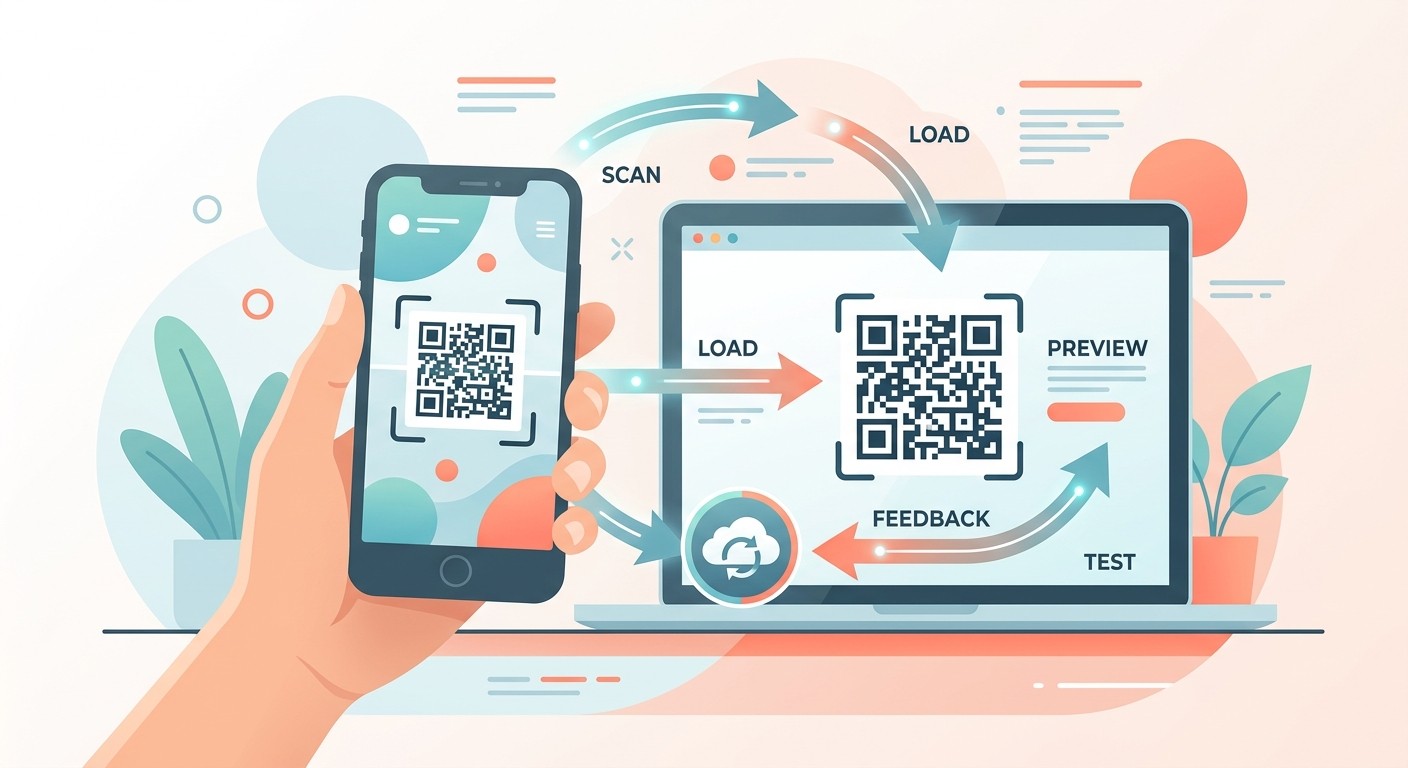
Testing in a simulator is useful, but nothing beats your app running on an actual phone. Many platforms, including CatDoes, let you scan a QR code with your phone's camera to load a live preview instantly, on iPhone or Android.
This creates a tight feedback loop: tweak something in the builder, scan the code, and see the result on your phone seconds later. This cycle of build, preview, test, and refine is the core engine of app development, made up of small, continuous improvements that add up to a polished product.
Launching on the App Store and Google Play
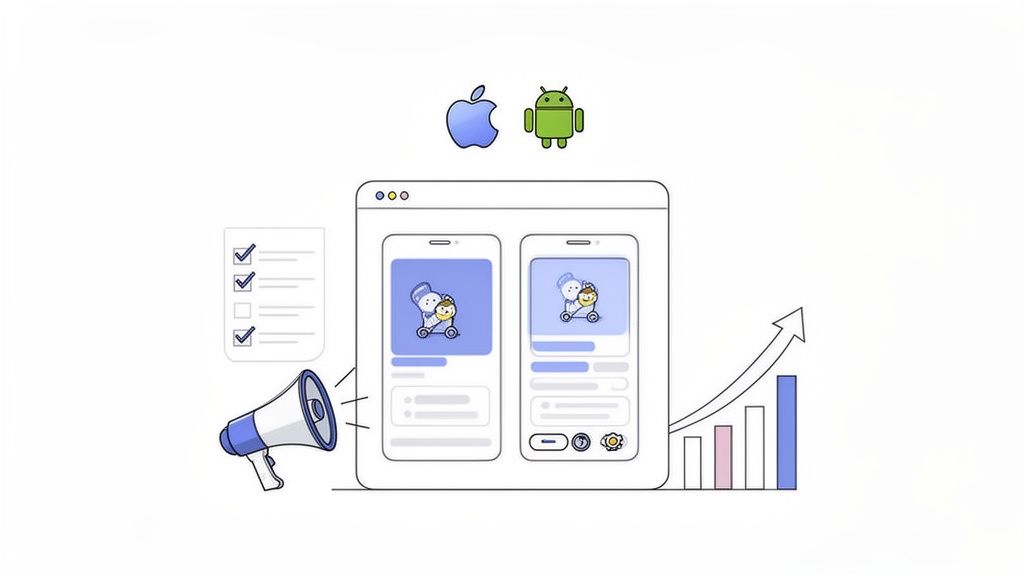
Your app is built, tested, and looking sharp. Now for the last hurdle: the app stores. This isn't a simple upload; it's a mix of technical prep and marketing that shapes your first impression. A strong launch is the difference between getting discovered and getting lost in the noise.
Crafting Your Digital Storefront
Before submitting, assemble the assets that represent your app. Your store listing is part marketing, part information, like the packaging on a physical product. It has to be compelling.
A good app store page does more than list features. It tells a story, solves a problem, and sets expectations, turning a browser into a user before they open the app.
Here's a checklist of the must-have assets for both platforms:
App name and icon: memorable, unique, and clear on any background.
Screenshots and previews: your strongest visual selling tools, so build a visual story around your key benefits.
Description: lead with your main value proposition, then dive into the features.
Privacy policy: both stores require a link, especially if your app collects any user data.
App Store Optimization (ASO) Basics
App Store Optimization (ASO) is SEO for mobile apps: the ongoing work of making your app more visible in the stores so it ranks higher in search and gets featured.
Good ASO starts with keyword research. Find the exact terms your customers type into the search bar, then weave them naturally into your title, subtitle (on iOS), and description. For a meal planning app, you'd target terms like "healthy recipes," "meal planner," or "grocery list." Done well, this drives a steady stream of organic downloads.
Avoiding Common Rejection Reasons
Both Apple and Google have strict guidelines to keep their platforms high-quality and secure. A rejection email after a week of waiting stings, but most are avoidable. The usual culprits:
Crashes and bugs: an unstable app gets rejected. Test on different devices and OS versions.
Incomplete information: provide clear, accurate metadata, a detailed description, and real contact info.
Privacy violations: be transparent about what data you collect and why. A missing or vague privacy policy gets flagged.
Poor interface: Apple in particular sets a high bar. An unfinished or confusing UI won't be approved.
Modern tools take much of the technical sting out of submission. CatDoes, for example, includes an automated build-and-release agent that packages the required files to each store's exact specs, cutting the risk of a technical error on submission day.
Frequently Asked Questions
Building an app raises a lot of questions about budget, timeline, and tools. Here are quick, straight answers to the ones we hear most.
How much does it cost to create an app?
It depends entirely on how you build it, anywhere from a monthly subscription to a six-figure investment. Typical costs for a first version (MVP):
Traditional coding: the most expensive route. A straightforward MVP with a freelancer or agency often runs $50,000 to $250,000, and more for anything complex.
Low-code/no-code: usually a monthly subscription, roughly $25 to $500 depending on the features you need.
AI-native development: platforms like CatDoes also work on a subscription, so building an app becomes a predictable monthly cost with no large upfront investment.
The takeaway: you no longer need venture funding to launch a fully functional app.
What is the best platform for a beginner?
The best tool is the one that gets out of your way so you can focus on your idea, not on learning to code. For that reason, beginners should skip traditional development.
Your best bet as a non-technical creator is an AI-native platform. These tools handle the technical details. Instead of wiring up databases, you describe what you want in plain English. It's the most direct path from an idea in your head to a real app you can test, get feedback on, and change on the fly.
How can I legally protect my app idea?
You can't patent an idea, but you can protect the specific way you bring it to life. The main options:
Copyright: automatically protects your original code, text, graphics, and UI design. Registering it gives you stronger legal footing.
Trademarks: protect your app's name, logo, and slogans so others can't use a confusingly similar brand.
Patents: can protect a genuinely novel, non-obvious process, the most complex and expensive option, usually reserved for breakthrough technology.
NDAs: before sharing your app with partners, developers, or investors, have them sign one to keep your information private.
For most first-time builders, copyrights and trademarks provide solid protection without heavy legal fees. The U.S. Patent and Trademark Office is a good starting point, and it's worth talking to a tech attorney as you grow.
Start Building Your App Today
Creating your own app comes down to five stages: validate the idea, blueprint the features, choose a build path, build and test with real users, and launch on the app stores. Nail the groundwork and the build gets far easier, especially with AI-native tools that turn plain English into a working product.
Ready to stop planning and start building? With CatDoes, you describe your app idea in plain English and watch AI agents build a production-ready app for you. Start building with CatDoes and turn your vision into reality today.
Nafis Amiri
Co-Founder of CatDoes


