Blog
Tutorials
No-Code App Development: A Practical Guide 2026
A practical guide to no-code application development: the benefits, real examples, how to choose a platform, and a 5-step blueprint to build your first app.

Nafis Amiri
Co-Founder of CatDoes

Imagine building a working app by describing what you want it to do, like snapping LEGO blocks together instead of melting the plastic and molding each piece yourself. That is the idea behind no-code application development: an approach that swaps complex programming languages for drag-and-drop tools and visual interfaces, so the people closest to a problem can build the software to solve it.
The short version: No-code lets non-developers build real web and mobile apps using visual editors instead of writing code. It cuts build time from months to weeks, lowers cost, and lets teams ship and iterate fast. Modern platforms scale on the same cloud infrastructure as hand-coded apps, and AI-native tools like CatDoes now generate full apps from a plain-English description. This guide covers the benefits, real examples, how to pick a platform, a five-step build blueprint, and answers to the most common questions.
Table of Contents
The Shift to Building Apps Without Code
Why No-Code Is a Business Advantage
Real-World Examples of No-Code Applications
How to Choose the Right No-Code Platform
A Simple Blueprint for Your First No-Code App
Meet CatDoes: AI-Native App Development
Common Questions About No-Code Development
The Shift to Building Apps Without Code

This is more than a small tweak in how software gets made. No-code shifts the focus from writing perfect syntax to solving real business problems, and it lets far more people build working applications far faster than the traditional cycle allowed.
It has created a new kind of builder, often called the "citizen developer." These are the project managers, marketers, and operations leads who know their business inside and out but have no formal coding background. With no-code tools, they turn that expertise straight into digital solutions. The mindset overlaps closely with our guide on what is rapid application development.
The Rise of Visual Development
The engine behind no-code is the visual development environment. Instead of typing line after line of code, you build an app by connecting pre-built components and setting rules through menus and flowcharts. That visual approach lowers the barrier that used to keep good ideas stuck on a whiteboard, and it has grown from a niche convenience into a genuine movement in how businesses build.
A Mainstream Enterprise Strategy
What began as a way to spin up simple websites and internal forms is now a core part of enterprise technology strategy. Adoption keeps accelerating because companies are under constant pressure to ship faster without expanding their engineering headcount.
The scale of that shift is well documented. Gartner projected that by 2025, roughly 70% of new applications built by enterprises would use low-code or no-code technologies, up from less than 25% in 2020. Whatever the exact figure today, the direction is clear: visual development has moved from the margins to the mainstream, and the business benefits are what keep pulling it there.
Why No-Code Is a Business Advantage
Moving to no-code is a shift in how a company dreams up, builds, and launches software, and it lands directly on the bottom line. Removing the wall of complex code unlocks speed and flexibility that traditional development struggles to match. Here are the core benefits that make it such a powerful move.
Accelerate Your Speed to Market

In business, being first often means winning. Traditional development is a long road that can take months or years, and by the time you launch, the opportunity you were chasing may have already passed.
No-code flips that timeline. Because you assemble apps from ready-made components instead of writing everything from scratch, a project that once ate up half a year can often ship in a few weeks. You can put a minimum viable product in front of real users and start refining it on their feedback while competitors are still in planning meetings. That kind of speed is how you capture a market, not just compete in it.
Cut Development Costs and Reinvest in Growth
Hiring and retaining skilled software engineers is expensive, and for many companies it is the single biggest line item in the budget for building their own tools.
No-code lowers that barrier. It lets the people you already employ build the applications they need, reducing your reliance on specialized, high-cost talent and freeing engineering time for the work that genuinely requires it. The money you save can go back into what grows the business: marketing the product, expanding sales, or improving support. It also levels the field, letting smaller teams and startups go head-to-head with much larger, better-funded competitors.
Empower Your Whole Team to Build

The best ideas rarely come only from the IT department. A marketing manager has the perfect vision for a campaign tracker. An operations lead knows exactly how to automate a clunky internal process. In the old model, those ideas died in the backlog, waiting for developer time that never came.
No-code puts the ability to build into the hands of the people who understand the problem. When creation is shared across a team, you get a culture of innovation rather than a queue:
Marketing teams can launch custom landing pages and automated email campaigns without waiting on a developer.
Operations departments can build internal dashboards and inventory tools that fit how they actually work.
HR professionals can design onboarding portals and feedback apps that improve the employee experience.
Beyond solving problems faster, this gives people ownership of the tools they rely on, which tends to raise both quality and engagement.
Gain Real Business Agility
Customer tastes change, markets pivot, and new opportunities appear overnight. The companies that thrive are the ones that can move quickly. To see how the two approaches compare, here is a side-by-side breakdown.
Traditional Development Versus No-Code Development
Metric | Traditional Development | No-Code Development |
|---|---|---|
Time to Market | 6-12+ months | Weeks to a few months |
Initial Cost | High (developer salaries, infrastructure) | Low (SaaS subscriptions) |
Required Skills | Specialized coding languages (e.g. Swift, Java) | Visual logic, domain expertise |
Maintenance | Requires ongoing developer support | Managed by the platform, simple updates |
Iteration Speed | Slow, requires coding and redeployment | Fast, changes made in a visual editor |
Because you make changes through a visual interface, updating an app is quick. You can add a feature based on customer feedback, tweak a workflow, or wire in a new service in a fraction of the time a coded change would take. That steady, rapid cycle keeps your software in step with what users and the business actually need.
Real-World Examples of No-Code Applications
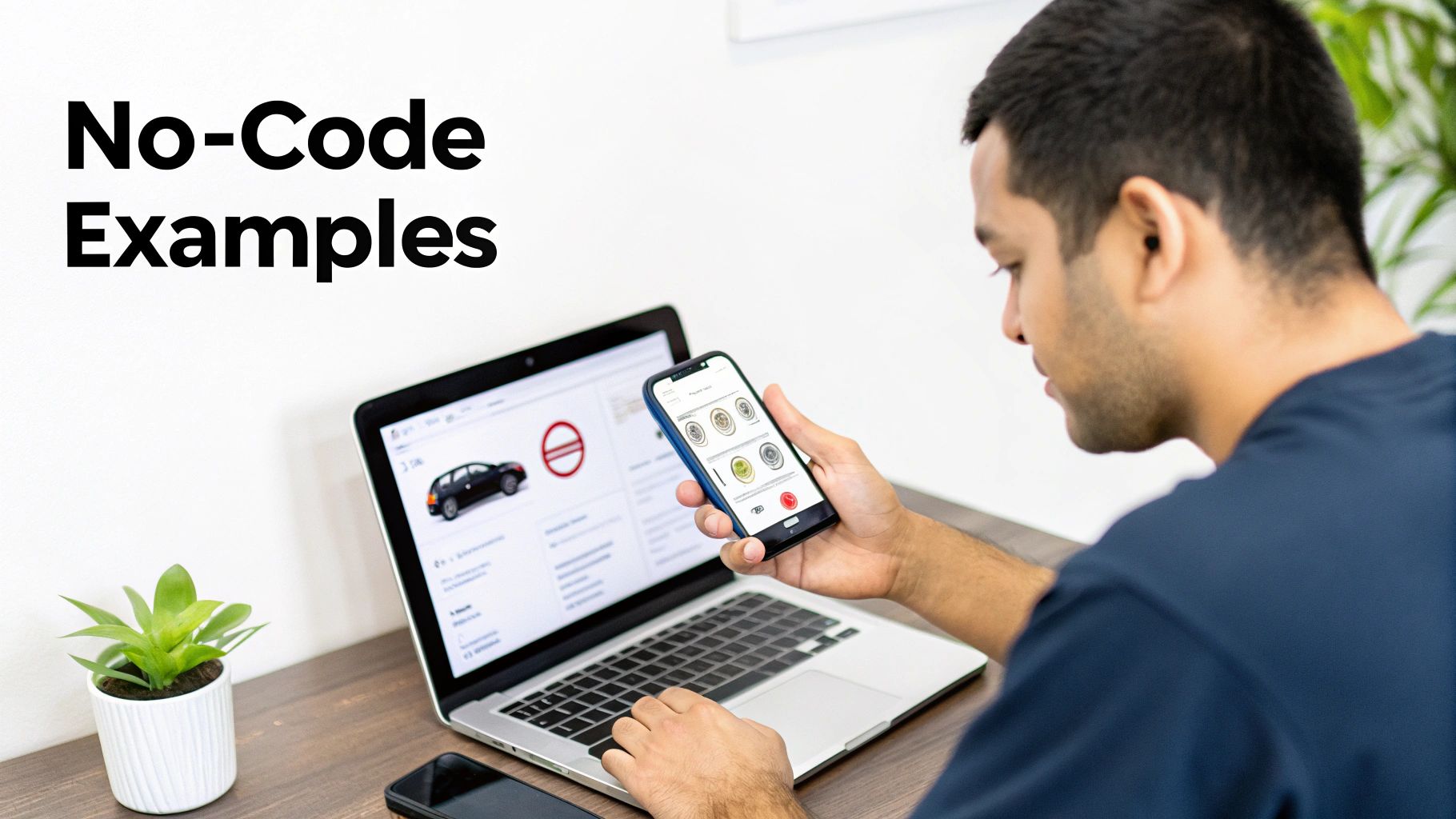
The theory clicks once you see it in practice. Across the business world, people are building custom solutions that would have been out of reach a few years ago, from untangling internal workflows to launching brand-new products. Here are the most common ways teams put these tools to work.
Streamlining Operations With Internal Tools
Some of a company's biggest headaches are internal: clunky spreadsheets, manual data entry, and siloed communication that slows everyone down. No-code lets teams fix these themselves instead of waiting in an IT ticket queue. Operations, HR, and project management teams now build their own apps to automate the workflows only they fully understand, like a single dashboard that pulls from several sources to track project status in real time.
Common internal tools people build include:
Project management dashboards that give everyone one source of truth for progress, budgets, and deadlines.
Inventory tracking systems for a warehouse or shop, so staff update stock levels right from their phones.
Employee onboarding portals that guide new hires through training, paperwork, and first tasks.
Sales CRM add-ons that automate lead assignment and follow-up reminders for a specific sales motion.
Tools like these drive real efficiency. By building something that fits exactly how a team works, companies drop the awkward workarounds that off-the-shelf software forces on them.
Launching Customer-Facing Mobile Apps
For entrepreneurs and small businesses, the cost and wait of traditional app development used to be a dealbreaker. With modern platforms, a good idea can reach customers as a real mobile app in a fraction of the time. A local yoga studio, for example, can build its own booking app instead of handing a cut of revenue to a generic third-party service.
Popular customer-facing builds include:
E-commerce storefronts that give a niche brand a native mobile shopping experience.
Service booking apps for consultants, trainers, or home-service pros to manage appointments and payments.
Community hubs where members connect, share content, and join events.
Event apps that give attendees schedules, speaker bios, and interactive maps.
Each of these opens a direct line between a business and its customers, creating new revenue and building loyalty. It lets founders launch products that make money or drive engagement without first having to find a technical co-founder.
Validating Ideas With Minimum Viable Products
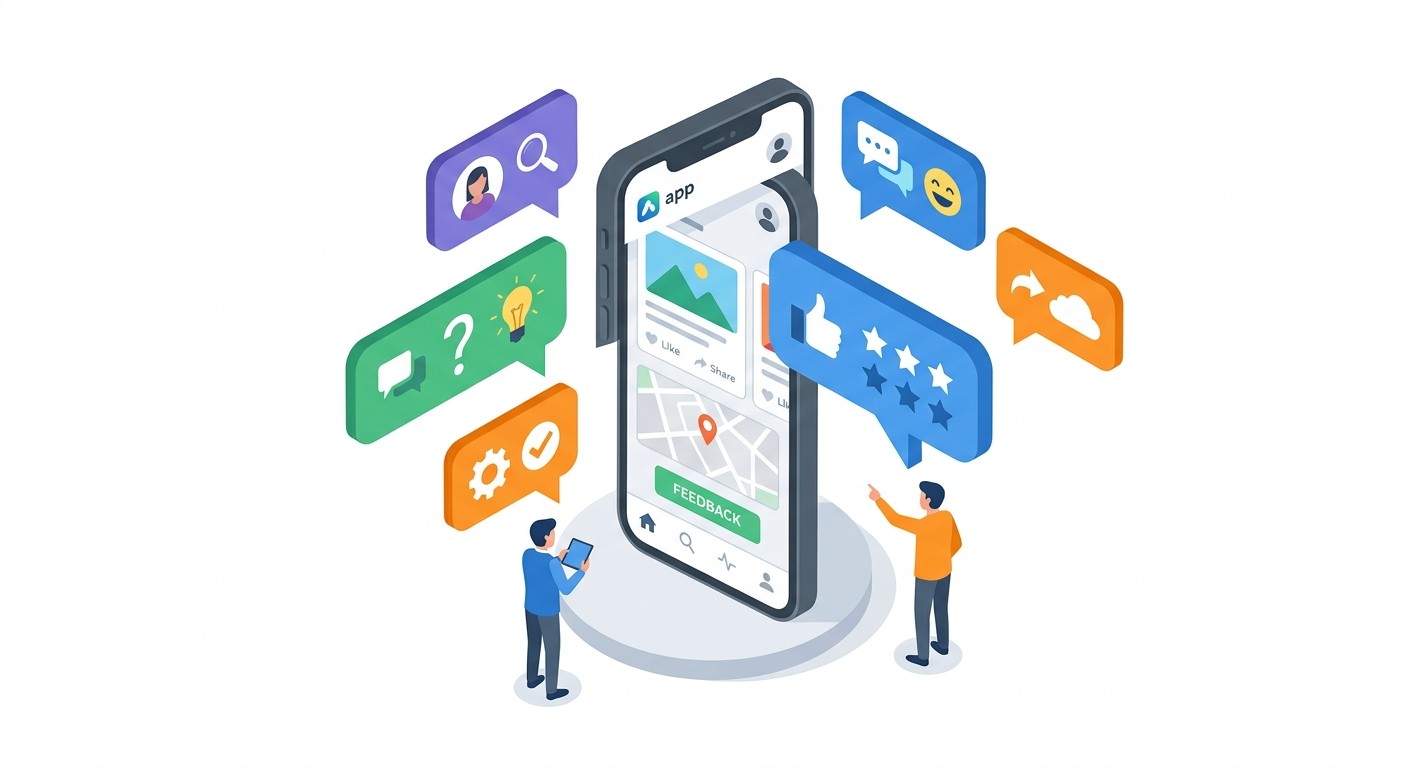
The biggest risk for any startup is building something nobody wants. The answer is a minimum viable product (MVP): a stripped-down version of an app that tests the core idea with real users before you invest heavily.
No-code is well suited to MVPs. Founders can stand up a working prototype in weeks, for a small fraction of the usual cost, and get crucial feedback at the moment it matters most, right at the start. Instead of spending a seed round on a development team, you can build the MVP yourself, show that people want it, and walk into investor conversations with real data. That fast, low-cost validation loop is a core strategy in modern no-code application development.
How to Choose the Right No-Code Platform
Picking the right tool is the most important decision you will make. The platform shapes how fast you can build, what your app can do, and whether it can scale later. The market is crowded, so you need a clear way to weigh your options. It is less about the "best" platform and more about the one that fits your needs, your comfort with technology, the complexity of your idea, and where you want the project to go.
First, Define What You Actually Need
Before looking at feature lists, be honest about what your app must do. A simple internal inventory tracker and a customer mobile app with accounts and payments are very different projects, and answering this early filters out options that are too simple or too heavy for the job. Start by writing down the essentials:
Application type: a web app, a native iOS and Android app, or an internal dashboard?
Key features: the non-negotiables, such as user logins, data collection through forms, or payments.
Integrations: the other software your app must talk to, like payment gateways, your CRM, or an external database.
Evaluate the Big-Picture Platform Characteristics
With a requirements list in hand, size up platforms against a consistent set of criteria so the choice stays grounded in your needs rather than marketing. Every platform makes tradeoffs, and knowing them is the point: a tool that is very easy to learn may offer less room for custom tweaks later, while a more powerful one may take longer to master. Think through these aspects:
Ease of use and learning curve: How intuitive is the interface? A conversational or drag-and-drop builder like CatDoes lowers the barrier sharply, so you can start almost immediately. Skim the tutorials and docs to gauge the real learning commitment.
Scalability and performance: Will it grow with you? Look for a tool built on solid infrastructure that holds up as your users and data increase. Platforms that integrate with scalable backends like Supabase are designed for that growth.
Integration and code ownership: A good app rarely lives in a silo, so confirm the platform connects to the services you already use. Look especially for GitHub integration, which gives you version control and a way to export your code so you are never locked into one vendor.
Community and support: When you get stuck, an active forum, good documentation, and responsive support are worth a lot, and they tend to signal a healthy, well-maintained platform.
The no-code market has grown into a multi-billion-dollar category, and AI is now a major driver of that growth. More and more platforms bake AI directly into the builder to handle things like automated workflows and intelligent data mapping, which puts genuinely sophisticated apps within reach of non-technical creators.
Consider AI-Native Platforms for Mobile Development
If you are building a mobile app, a newer breed of AI-native platforms offers a real edge. Tools like CatDoes use a conversational interface, so you describe your app's features in plain English and AI agents do the heavy lifting, generating the user interface and even setting up the backend for you.
That approach compresses the traditional timeline, turning an idea into a testable app you can preview on your own phone in minutes. If a mobile presence is the goal, exploring a specialized no-code app builder is worth it, because that focus means the tool is tuned for the specific demands of mobile, from design through deployment.
A Simple Blueprint for Your First No-Code App
Starting your first no-code application development project is exciting, and a little intimidating. The good news is that most platforms follow the same path from idea to finished product. This blueprint breaks that path into clear steps, less about technical wizardry and more about clear thinking.
Step 1: Define Your Core Purpose
Before you drag a single element onto the canvas, get clear on what your app does and who it is for. A great app solves a real problem for a specific audience, and that is the foundation everything else sits on. Answer these:
What problem does my app solve? Be specific. "Helping small businesses" is too vague. "Helping local bakeries track daily ingredient inventory to cut waste" is a problem you can actually solve.
Who is my target user? Picture your ideal customer and their daily headaches. What would genuinely make their life easier?
What is the one most important feature? If the app could do only one thing perfectly, what would it be? This keeps you focused on a strong core instead of bells and whistles.
Platforms like CatDoes can sharpen this stage for you. Describe your goals in a conversation and its Requirements agent helps refine the idea, pinpoint key features, and structure the app's purpose before you start building.
Step 2: Design the User Experience
With a clear purpose set, map out how people will interact with your app. That covers the user interface, how it looks, and the user experience, how it feels to use. The aim is a flow so intuitive it feels effortless.
You do not need to be a professional designer. Grab pen and paper or a simple digital tool and sketch each screen, thinking through the journey: what happens when a user taps a button, and where do they go next? AI-native tools shorten this step too. The Designer agent in CatDoes can take your feature list and generate a consistent UI theme and screen layouts, turning a rough plan into a tangible design in minutes.
Step 3: Build the Core Logic and Workflows
This is where the app comes to life. Using the visual editor, you build the logic that makes everything work, setting up workflows that trigger actions based on what a user does, such as what happens when someone taps "Submit."
A workflow is just a sequence of steps, like a recipe: when a user adds an item to their cart (the trigger), the app updates the order total and shows a confirmation (the actions). You connect UI elements to these backend processes with visual tools, and you can wire in services like automatic Airtable record creation so new customer data is captured instantly.
Step 4: Connect Your Data Sources
Almost every app needs somewhere to store and retrieve information, whether that is user profiles, product catalogs, or project tasks. In this step you set up your database and connect it to the front end. Choosing the right kind of storage matters more than you might expect; our guide on a database or a spreadsheet offers useful context. The diagram below shows a simple framework for picking a platform based on ease of use, scalability, and integration.

It comes down to balancing what gets you started quickly against what you will need as you grow.
Step 5: Test and Deploy Your Application
You are almost there. Before sharing your app with the world, test it thoroughly. Click through every workflow on different devices to catch bugs, and get a small group of trusted friends or colleagues to try it, because real user feedback is priceless. Once you are confident, deploy. Depending on the platform, that might mean publishing to a live website or submitting to the Apple App Store and Google Play. This is the step that turns your project from a concept into a tool people can actually use.
Meet CatDoes: AI-Native App Development
Most no-code tools still ask you to assemble an app by hand, dragging components onto a canvas and wiring up the logic yourself. CatDoes takes a different path. It is an AI-native no-code platform for app development: you describe the app you want in plain English, and a team of AI agents designs, builds, and deploys it for you, turning a conversation into a working mobile app or website.
Because the heavy lifting happens through AI agents instead of manual configuration, CatDoes collapses the usual learning curve. You do not need to master a new visual editor or figure out how to structure a database. You explain what you want, review what the agents produce, and refine it in the same conversation.
Here is what sets it apart for no-code app development:
Conversational building: Describe features in plain language and AI agents generate the interface, logic, and backend, so you go from idea to a testable app in minutes.
Real deployment: Publish to the web with a custom domain, or ship to the Apple App Store and Google Play, not just a throwaway prototype link.
Built-in backend: CatDoes Cloud gives every project a database, authentication, storage, and edge functions, so your app has the infrastructure to grow from day one.
True code ownership: Connect GitHub and export clean source code built on React Native and Expo, so you are never locked into one vendor.
Preview on your phone: Watch your app run on your own device as you build, so you catch issues early and ship with confidence.
If your goal is a real, production-ready mobile app rather than an internal tool, this AI-native approach removes the steepest parts of the no-code learning curve while still giving you full ownership of the result. Start building with CatDoes for free and see your idea running on your phone today.
Common Questions About No-Code Development
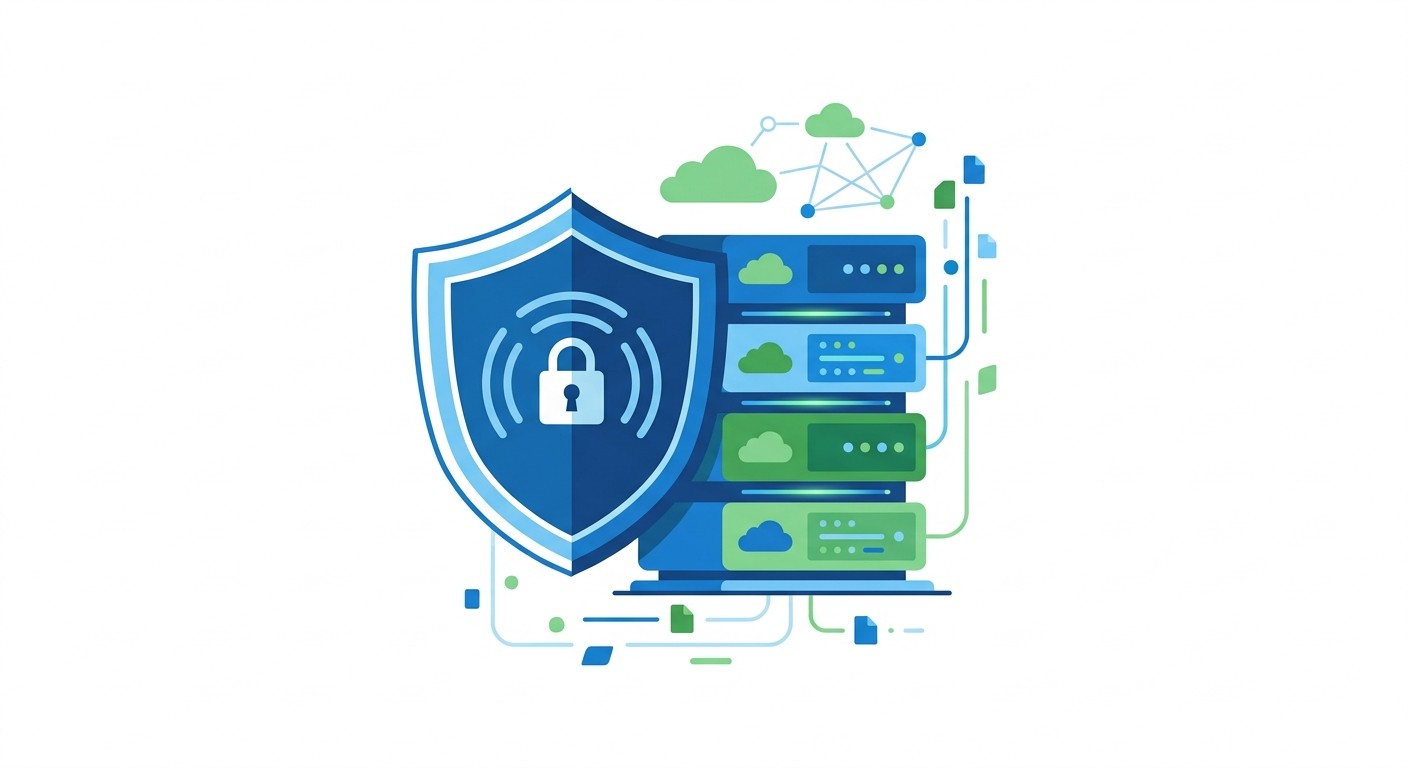
Any powerful technology raises fair questions, and no-code is no exception. Concerns about performance, security, and long-term ownership are valid, and clear answers are what let you build with confidence. Here are the ones that come up most.
Can No-Code Apps Truly Scale for a Large User Base?
Yes. Modern no-code platforms are built to scale, and the "no-code" label describes how you build the app, not the power of the engine running it. Many leading platforms run on the same cloud infrastructure as traditionally coded applications, often on providers like Amazon Web Services or Google Cloud, which gives your app enterprise-grade resources for significant user and data growth.
Scalability depends far more on the platform's underlying architecture than on the visual editor you build in. A well-engineered tool is designed for growth from day one. Platforms that integrate with robust backends like Supabase provide the database power and server capacity to keep an app fast as it grows from a hundred users to a hundred thousand.
How Secure Are Applications Built With No-Code Platforms?
Reputable no-code platforms take security seriously, and the managed foundation is often more secure than what a small team could build and maintain alone. Because the provider runs the core infrastructure, they handle the industry-standard protections you would otherwise manage yourself:
Data encryption: protecting data both when stored and when transmitted.
Secure authentication: reliable, tested login systems that guard against unauthorized access.
Regular security patches: ongoing updates to the underlying software against new threats.
Platforms like CatDoes that integrate with services such as Supabase also inherit their security features, adding another layer of defense. Before committing, review a platform's security documentation and compliance certifications so you know you are building on a trustworthy foundation.
What If I Want to Move My App Off a No-Code Platform?
This gets at vendor lock-in: the worry that you will build your business on a platform and then be stuck there. The answer depends on the platform's philosophy. Some older, closed systems make it hard to export your app, effectively holding your work hostage. Modern, developer-friendly platforms treat that as a problem to solve.
The best platforms give you a clear exit. CatDoes, for instance, generates clean, standard source code, and through GitHub integration you can export the entire codebase, often built on common frameworks like React Native and Expo. That gives you two things that matter: true ownership of the code that runs your app, and the freedom to keep developing it independently, with your own team or another agency, if you ever decide to leave. Always check a platform's export policy before you start building.
Are No-Code Platforms Only for Simple Applications?
That may have been true in the early days, but the technology has moved on. Today's platforms can build sophisticated applications that run an entire business, and they are no longer limited to simple websites or internal forms. A modern no-code tool can:
Manage complex business logic and conditional workflows.
Connect to hundreds of external APIs to pull in data and functionality from other tools.
Handle large, relational databases with millions of records.
AI-native platforms push this further. By generating both frontend UI and backend components from natural-language prompts, they make full-featured mobile apps possible, and the idea that no-code is only for prototypes no longer holds.
Ready to turn your idea into a real mobile app without writing a single line of code? CatDoes uses AI agents to design, build, and deploy production-ready apps from simple conversations. Start building for free and launch your app in a fraction of the time.
Nafis Amiri
Co-Founder of CatDoes